
TL;DR
UpLead is a solid B2B contact database, but credit limits, separate outreach tools, and limited website visitor identification can make it less suitable for growing sales teams. This guide compares 16 UpLead Alternatives, including Apollo.io, Cognism, Lusha, Clay, RB2B, Warmly, and Kwin. Kwin stands out for identifying, scoring, and engaging website visitors across 175+ countries, helping teams turn existing website traffic into qualified leads and booked meetings.
Your next customer could already be on your website. But do you know who they are?
UpLead makes it easy to find B2B emails, phone numbers, and company data. But finding a contact is only the first step. Sales teams also need to know who is interested, when they are ready to buy, and how to reach them.
That’s where UpLead can start to feel limited. Credit limits, separate outreach tools, limited intent data, and anonymous website visitors can make it harder to turn prospects into qualified opportunities.
That’s why businesses are exploring UpLead Alternatives that go beyond traditional contact databases.
In this guide, we compare 16 UpLead competitors and alternatives in 2026, covering features, pricing, pros, cons, and best use cases, so you can choose the right tool for your sales motion.
What Is UpLead?
UpLead is a self-serve B2B contact database that helps sales and marketing teams find verified business emails and phone numbers. Its search covers firmographics, technographics, job titles, seniority, location, and company size. Its key selling point is data accuracy. UpLead verifies emails in real time and offers a 95% accuracy guarantee.
UpLead Key Features
- Prospector search for targeted B2B contacts and companies
- Real-time email verification to reduce invalid records
- Technographics and enrichment for deeper company data
- Buyer intent data through Bombora on higher plans
- Chrome extension for finding contacts while browsing
- CRM integrations with Salesforce, HubSpot, Zoho, Pipedrive, and Microsoft Dynamics 365
7 Reasons Teams Switch to UpLead Alternatives
You can have thousands of contacts in your database and still watch your pipeline stay empty. For growing teams, that gap is where UpLead starts to feel limiting.
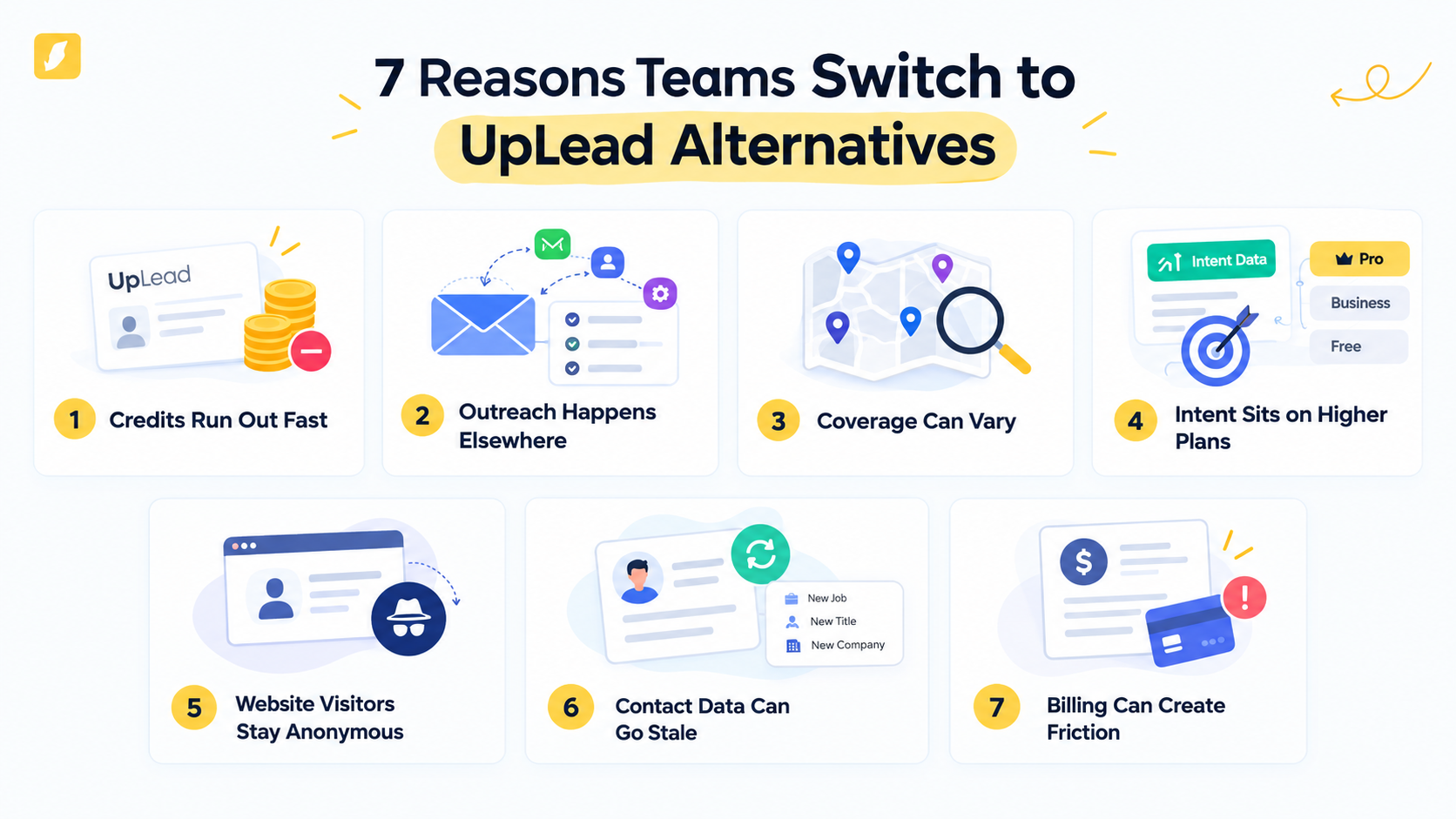
1. Credits Run Out Fast
Large prospecting lists can burn through UpLead credits quickly. UpLead's G2 reviews frequently mention credit limits as teams scale their outbound activity.
2. Outreach Happens Elsewhere
UpLead gives you the contact, but not the complete follow-up workflow. Teams still need separate tools for sequencing, email warm-up, and ongoing prospect engagement.
3. Coverage Can Vary
Regional and smaller-company coverage can be difficult to judge before buying. Teams targeting niche markets should test their ICP data carefully before relying on UpLead at scale.
4. Intent Sits on Higher Plans
UpLead's Bombora-powered intent data is available on higher plans and focuses on account-level activity. It does not identify the individual researching your solution.
5. Website Visitors Stay Anonymous
A buyer can visit your pricing page, compare your product, and leave without filling out a form. UpLead does not identify those high-intent website visitors for you.
6. Contact Data Can Go Stale
People change jobs, titles, and companies, making previously verified records outdated. G2 and Capterra reviews mention occasional stale contact information.
7. Billing Can Create Friction
Some Trustpilot reviewers report unexpected renewals and cancellation difficulties. Flexible billing matters when your team is still evaluating a platform.
Also Read: ZoomInfo Alternatives: Top 10 Tools for Person-Level Visitor Identification
UpLead Alternatives at a Glance: Comparison Table
Here is how all 16 UpLead alternatives compare as sales intelligence tools and pipeline engines. Kwin sits in row one because it covers identification, scoring, outreach, and handoff as one AI Employee.
Let's look at each tool in detail.
1. Kwin by Vison AI (Best Overall UpLead Alternative)
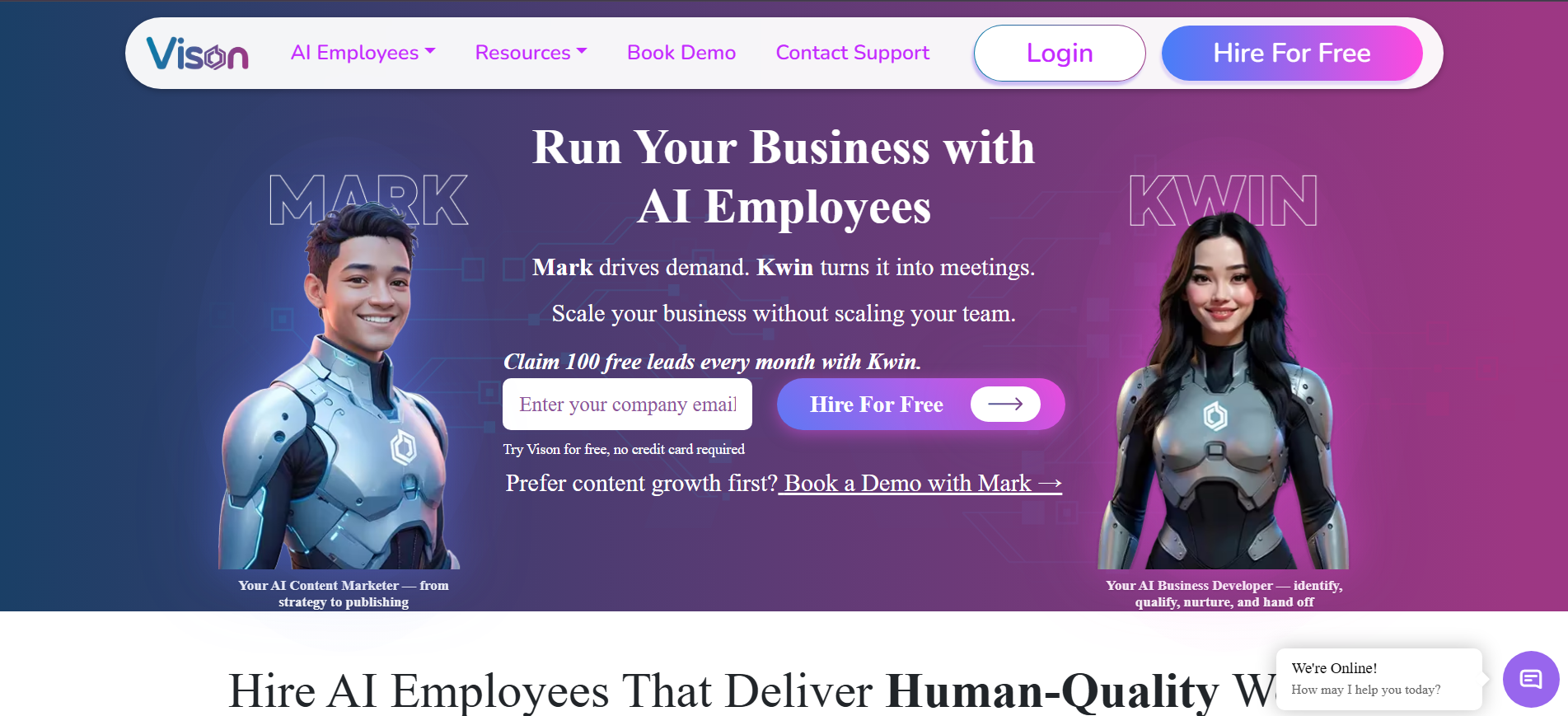
Most sales tools start with a contact search. Kwin starts with the buyers already visiting your website.
Kwin identifies 60% to 70% of website visitors at the person and company level across 175+ countries, giving you names, emails, phone numbers, LinkedIn profiles, and company details.
It then scores visitors by ICP Fit and Purchase Intent, so your team can focus on the people most likely to become customers.
When a visitor meets your criteria, Kwin can automatically send a personalized email from your domain and route positive replies to your inbox, Slack, or CRM. Infiniticube generated 2.5x more qualified leads in 45 days with Kwin.
Setup takes just a few minutes through your website pixel or Google Tag Manager. You can start free with 100 leads per month, with no credit card required.
If you already have website traffic but don't know who is behind it, Kwin is a strong UpLead alternative to consider.
Key Features:
- User Activity: See pages viewed and engagement from identified visitors.
- Kwin Signals: Surface activity from G2, Capterra, Crunchbase, LinkedIn, job boards, news, and technology changes.
- ICP scoring: Rank visitors against your ideal customer profile.
- Purchase Intent scoring: Separate active buyers from casual researchers.
- Automated nurture: Create personalized follow-ups based on your website and knowledge base.
Pros
- Identifies visitors at both person and company level
- Combines visitor data, intent signals, and automated engagement
- Free Lead Watcher plan with 100 leads/month
- Supports filtering by country, pages, data, and exclusions
Cons
- Works best for teams with existing B2B website traffic
- Not designed for traditional cold-list prospecting
- LinkedIn outreach is still in development
- User Activity does not replace GA4 for deeper analytics
Pricing: Start free with Lead Watcher and get up to 100 identified leads every month, with no credit card needed. Win+ plans begin at $75/month for 300 leads and include a 7-day free trial. You can also choose Pay-As-You-Go at $0.50 per identified lead.
Best for: B2B SaaS, professional services, and revenue teams that want to capture demand already reaching their website.
Hire Kwin and turn website visitors into qualified leads. Start free with 100 leads per month, no credit card required.
2. Apollo.io
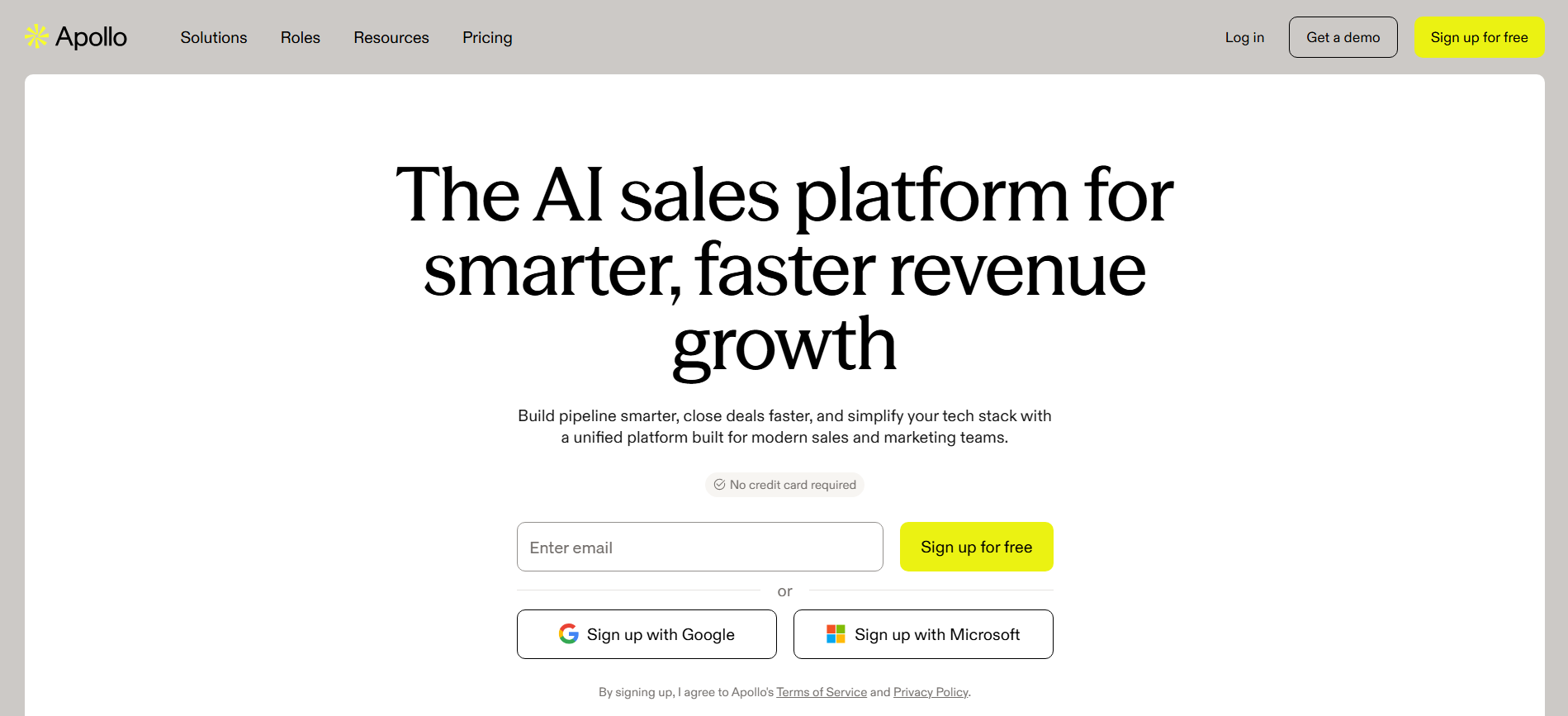
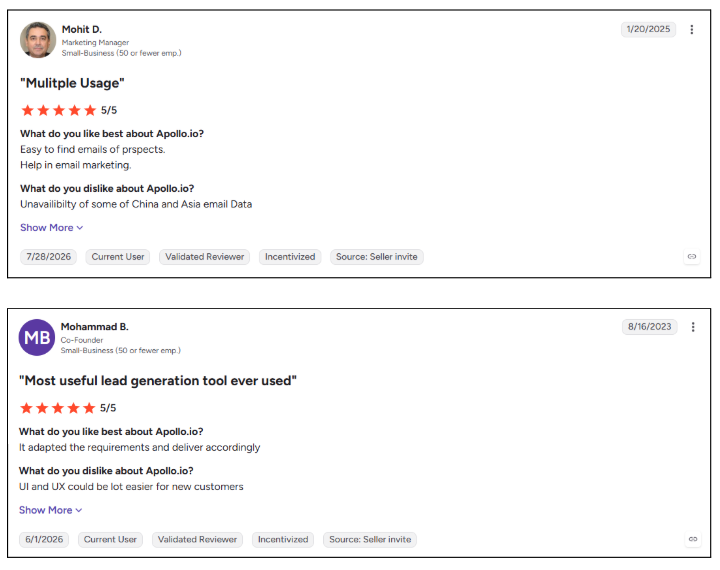
Apollo.io combines a large B2B contact database with sales engagement, letting reps find prospects, build sequences, and make calls from one platform. It fills UpLead’s outreach gap with multichannel prospecting, while its intent and job-change signals help teams prioritize accounts showing potential buying activity.
Key Features:
- Multichannel sequences: Run email, call, and LinkedIn steps with AI-assisted messaging.
- Built-in dialer: Make and record calls without leaving the platform.
- Intent and job-change signals: Find accounts showing buying activity and contacts who recently changed roles.
Pros
- Data, sequencing, and calling in one workspace
- Usable free plan for individual reps
- Transparent self-serve paid tiers
- Strong native CRM integrations
Cons
- Credits are consumed across multiple actions
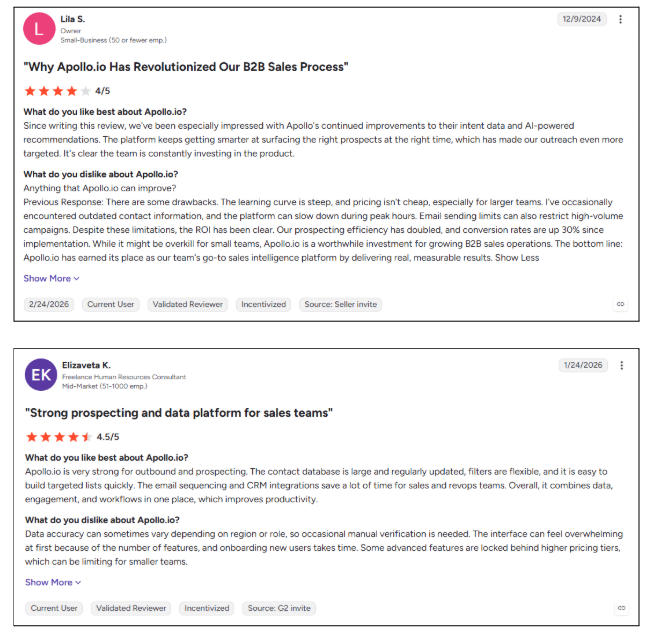
- Data quality can vary outside North America and Europe
- Per-seat costs increase as teams grow
- G2 reviewers report dialer glitches and uneven Salesforce sync
Best For: SDR-led startups and SMBs that want prospecting and outreach under one platform.
For a direct comparison, see Kwin vs Apollo.io. You can also explore more Apollo.io alternatives.
3. Cognism
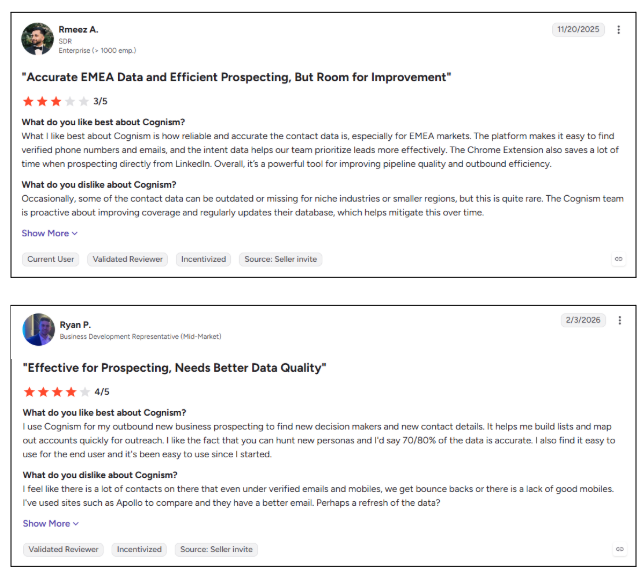
Cognism is a European-first sales intelligence platform known for phone-verified mobile numbers, making it a strong choice for teams selling into EMEA. Its Diamond Data and compliance screening help reps reach European prospects with greater confidence, particularly across the UK, DACH, and Nordics.
Key Features:
- Diamond Data: Phone-verified mobile numbers designed to improve connection rates.
- Compliance screening: Checks records against do-not-call lists and supports GDPR and CCPA requirements.
- Bombora intent: Adds account-level buying signals to help prioritize active prospects.
Pros
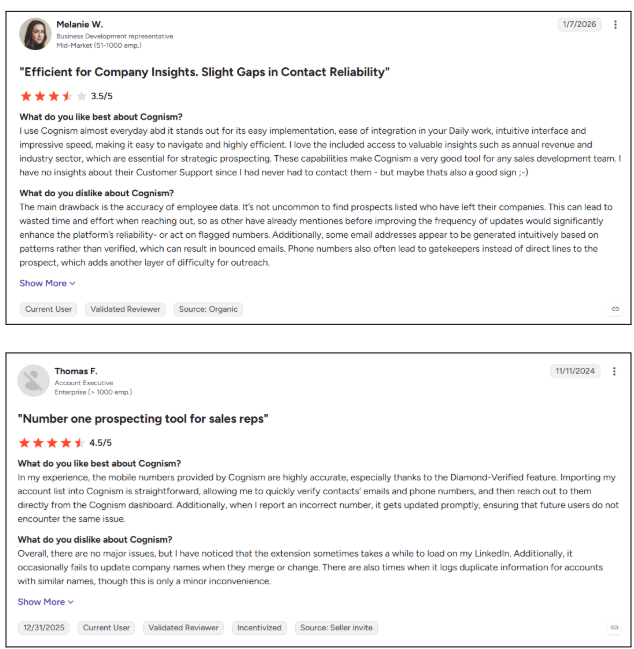
- Excellent European mobile coverage
- Strong DNC and compliance screening
- Major CRM and sales engagement integrations
- Useful enrichment and data delivery options
Cons
- No public pricing or self-serve plan
- Annual contracts reduce flexibility
- No native outreach sequences
- G2 comparisons highlight thinner US coverage and limited pricing transparency
Best For: Outbound teams targeting the UK and Western Europe that depend on reliable phone data.
4. Lusha
Lusha is built for fast contact discovery, letting reps reveal emails and direct dials directly from LinkedIn, Sales Navigator, or company websites. Its browser-first workflow makes prospecting quick for individual reps who want contact data without leaving the page they are researching.
Key Features:
- One-click reveals: Find contact details directly while browsing LinkedIn and company websites.
- AI recommendations: Discover similar prospects based on your target profile.
- Buying signals: Track events such as job changes, hiring, and funding activity.
Pros
- Very fast LinkedIn prospecting workflow
- Simple interface with a short learning curve
- Usable free plan for testing
- Strong privacy and compliance focus
Cons
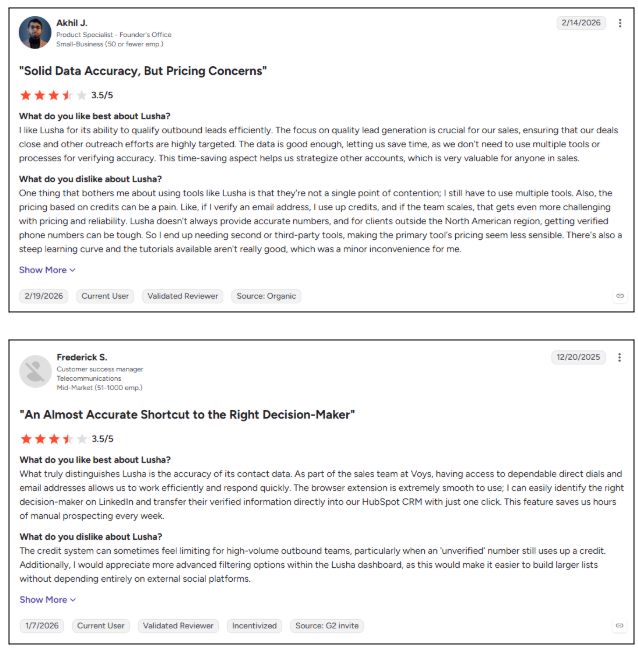
- Phone lookups consume more credits
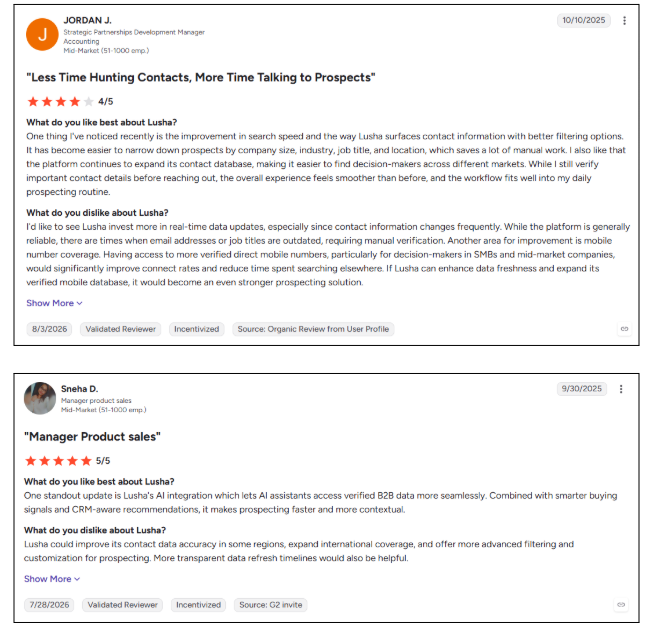
- Coverage varies across international markets
- Outreach capabilities remain basic
- G2 reviewers cite credit limits as a concern for high-volume prospecting
Best For: SDRs and recruiters who prospect primarily through LinkedIn.
Explore more options in these Lusha alternatives.
5. RocketReach
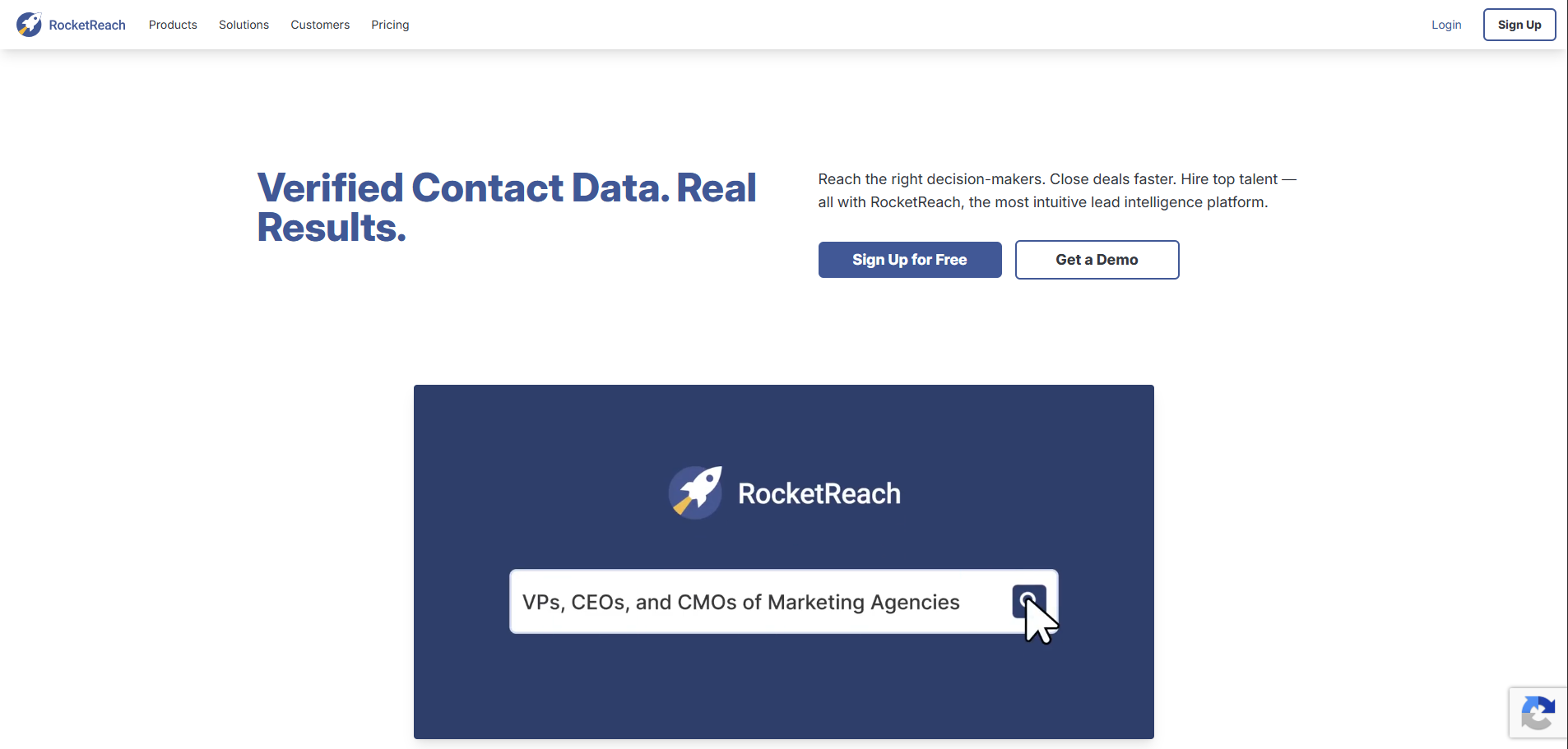
RocketReach focuses on broad professional profile coverage, with work and personal emails available across a large contact database. Its Autopilot feature keeps saved prospect lists refreshed, making it useful when teams need recurring access to changing contact data.
Key Features:
- Broad profile search: Search by name, company, domain, title, or location.
- Autopilot lists: Automatically refresh saved prospect lists on a set schedule.
- API and browser extension: Find or enrich contacts across websites and LinkedIn.
Pros
- Broad professional profile coverage
- Work and personal email availability
- Automated list refreshing
- Healthcare data API for specialized teams

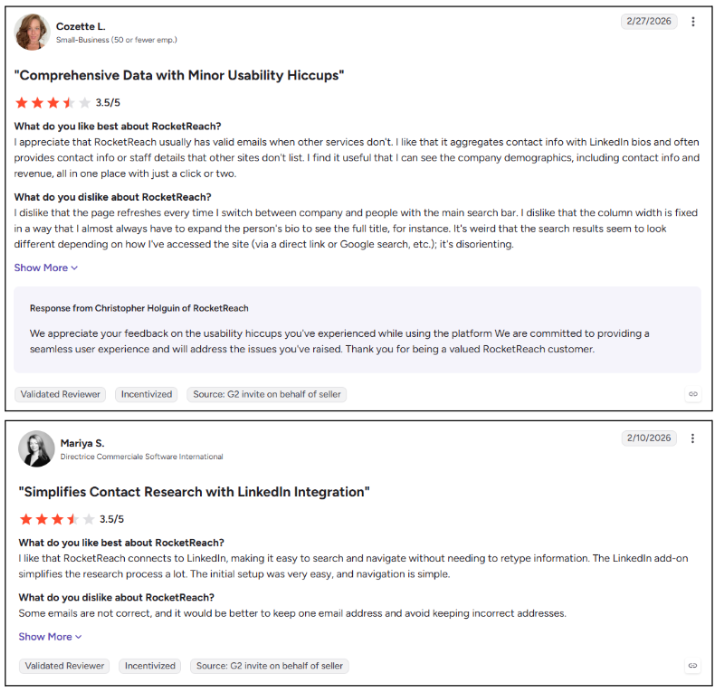
Cons
- Direct dials can be missing or outdated
- Heavy prospecting can consume credits quickly
- Intent data is limited to higher-tier access
- G2 reviewers mention inaccurate or outdated contacts
Best For: Sales and recruiting teams that prioritize broad, flexible contact lookups.
Explore more options in our RocketReach alternatives guide.
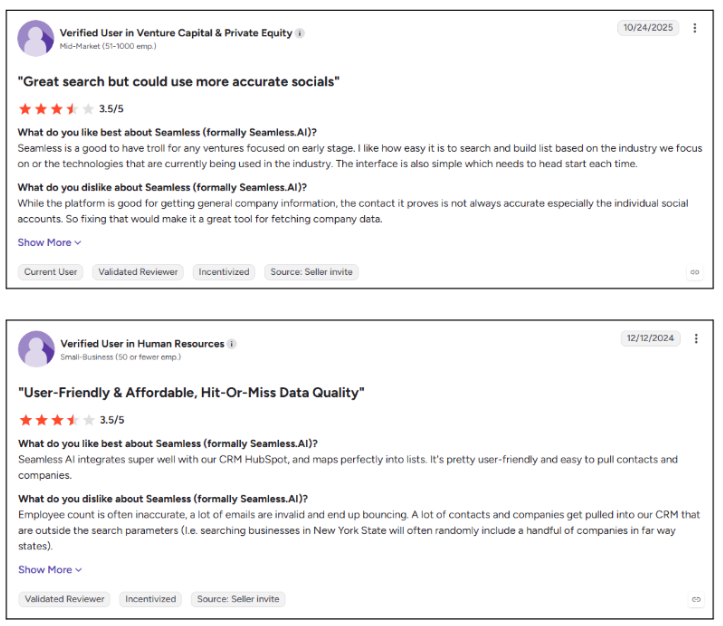
6. Seamless.AI
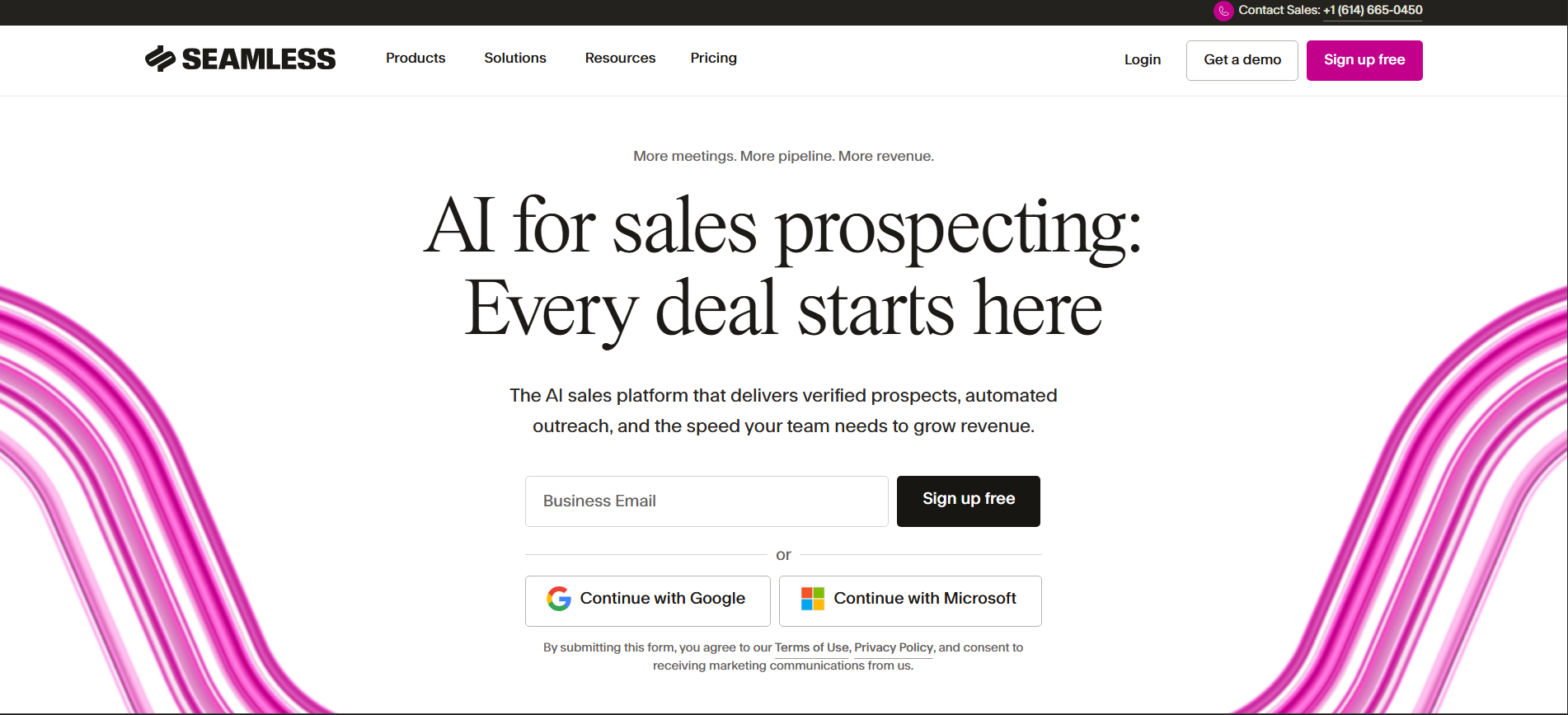
Seamless.AI takes a real-time approach to contact discovery, searching for contact data when you need it instead of relying only on a static database. That makes it appealing for high-volume prospecting teams looking for fresh contact records and automated list-building tools.
Key Features:
- Real-time search: Find email addresses and phone numbers on demand.
- Autopilot and AI agents: Build prospect lists automatically around your ICP.
- Intent and job-change signals: Identify potential buying activity and newly changed roles.
Pros
- Live search can uncover hard-to-find contacts
- Strong Chrome extension for LinkedIn prospecting
- Free tier available for testing
- Built-in engagement capabilities
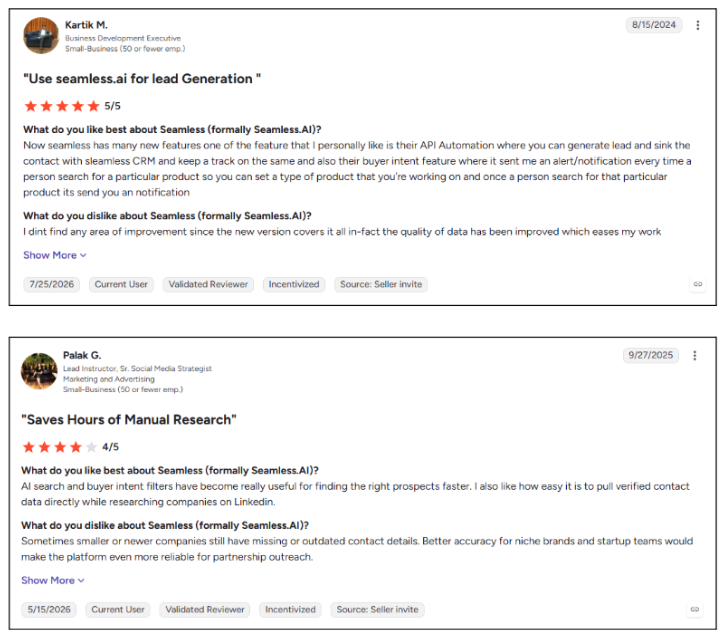
Cons
- Paid pricing is not publicly listed
- Cancellation requires contacting support
- Teams may use additional verification before outreach
- G2 reviewers report inconsistent accuracy on some lists
Best For: High-volume outbound teams that need real-time contact discovery.
For more options, see these Seamless.AI alternatives.
7. Lead411
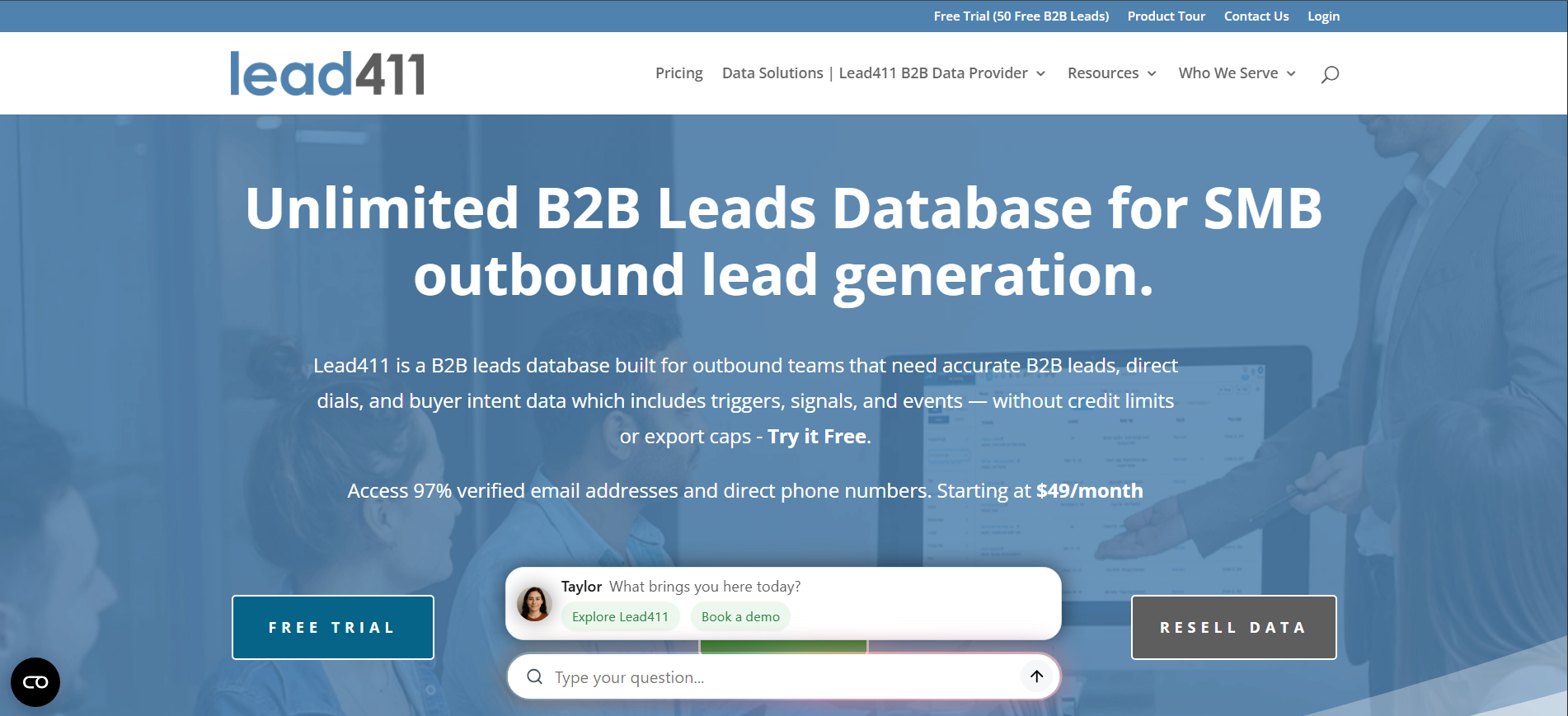
Lead411 combines verified contact data with growth triggers such as funding, hiring surges, and executive moves. These signals help sales teams time outreach around moments when an account may be entering a buying window.
Key Features:
- Triple-verified data: Re-checks emails and phone numbers through multiple verification steps.
- Growth triggers: Tracks funding, hiring, and leadership changes.
- Reach engagement: Supports email and SMS outreach from the platform.
Pros
- Strong coverage of growth triggers
- Built-in email and SMS outreach
- Wide CRM integration library
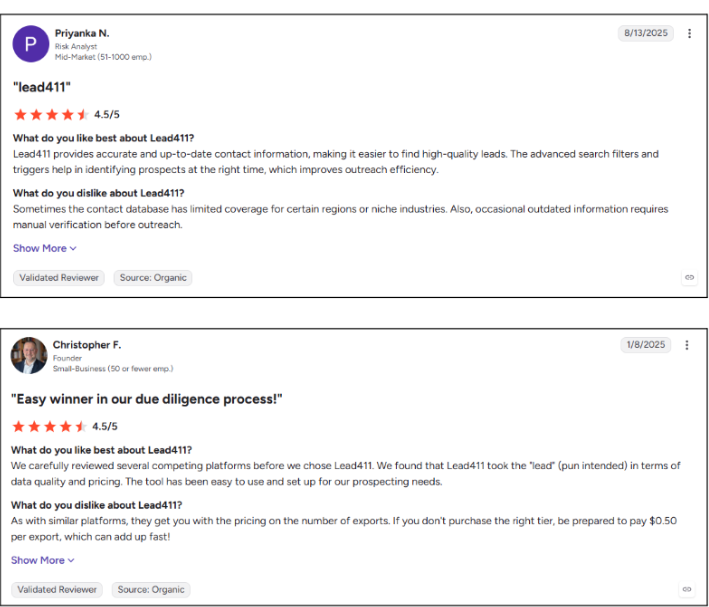
- Accessible entry tier for SMBs
Cons
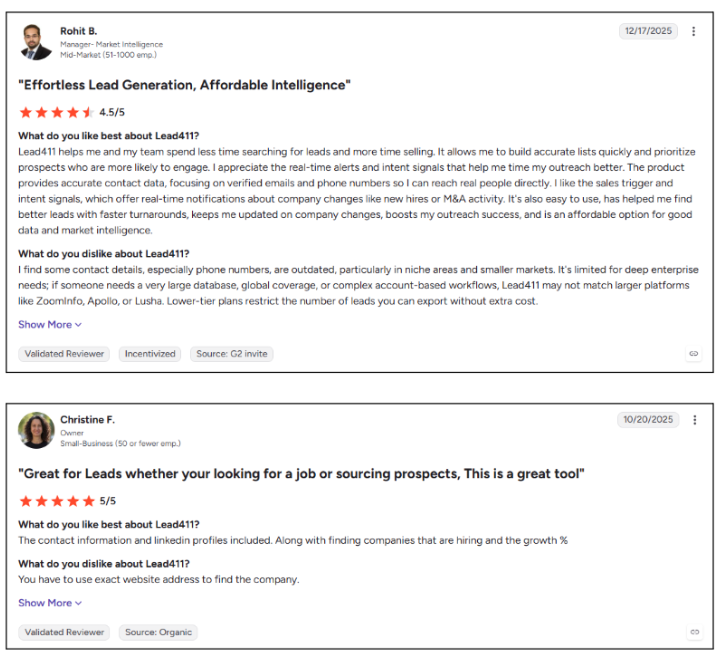
- Intent data requires an annual plan
- Phone coverage can be weaker in niche markets
- Interface feels dated to some users
- G2 reviewers mention stale records and credit-based exports
Best For: SMB and mid-market outbound teams that time prospecting around company events.
8. Hunter.io
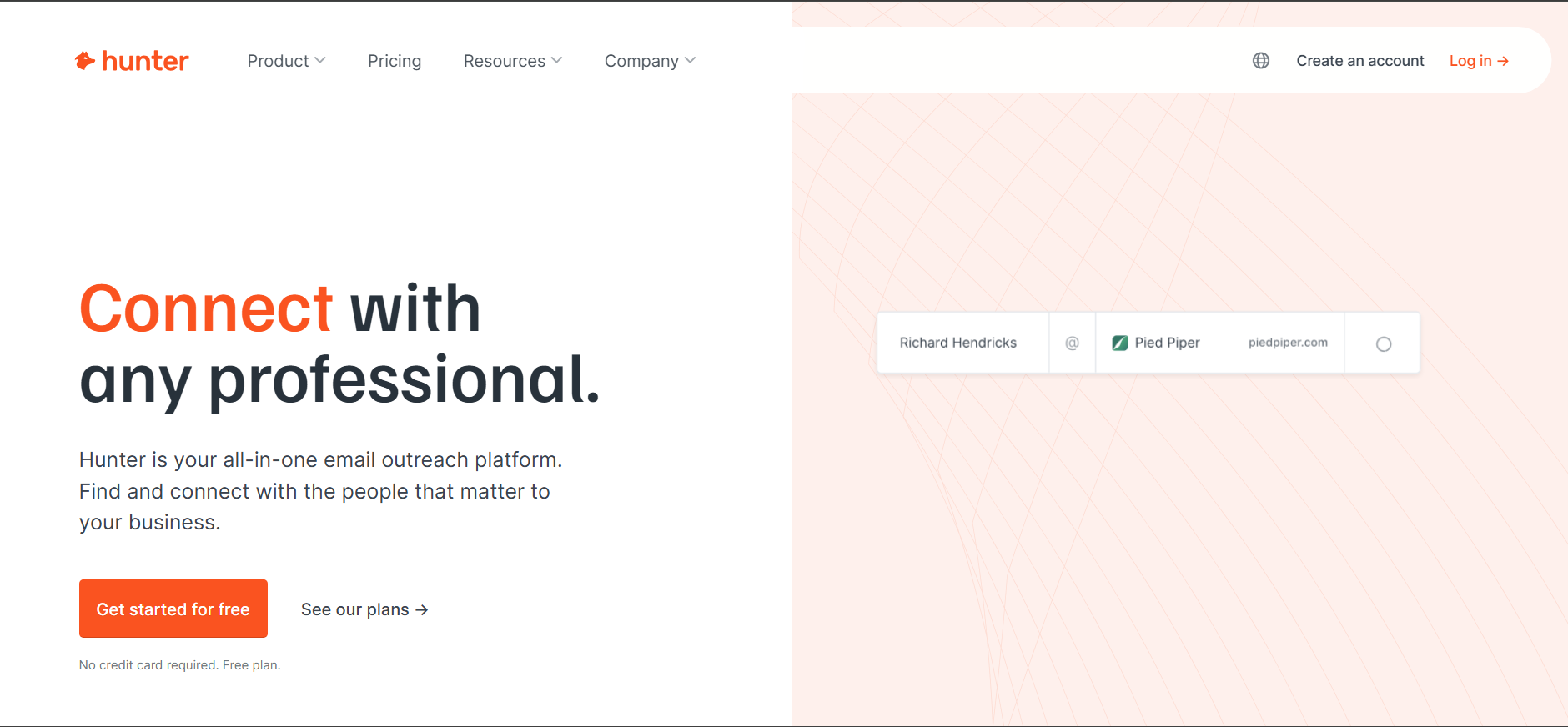
Hunter.io focuses on professional email discovery. Enter a company domain to find associated email addresses, verify deliverability, and identify common email patterns before starting outreach. Compared to UpLead, Hunter is lighter and more focused, with no phone data or firmographic depth.
Key Features:
- Domain Search: Finds professional emails and common patterns by company domain.
- Email Finder and Verifier: Locates individual addresses and checks deliverability.
- Campaigns: Runs simple cold email sequences with tracking.
Pros
- Fast and simple to use
- Strong email verification
- Free plan for light usage
- Unlimited team members on paid plans
Cons
- No phone numbers or direct dials
- No intent or buying signals
- Limited audience filtering
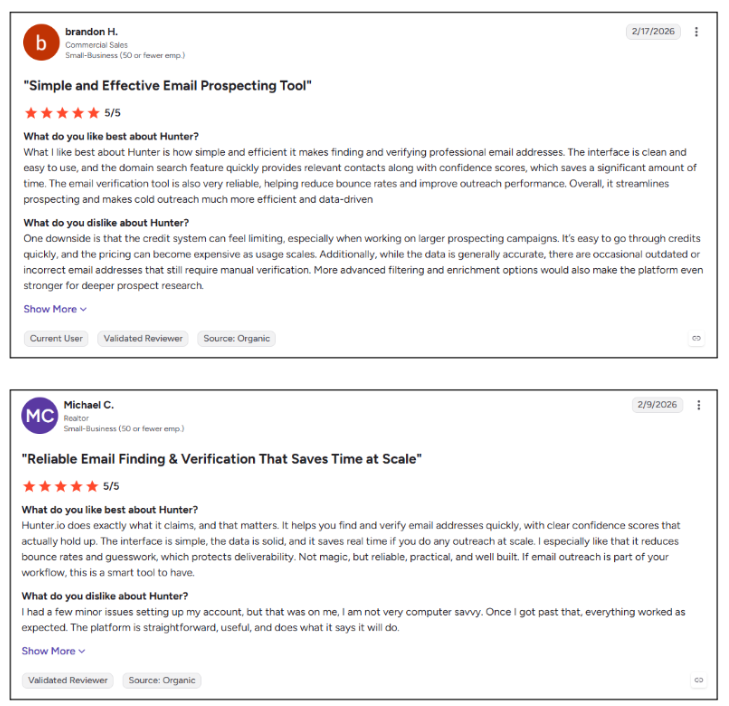
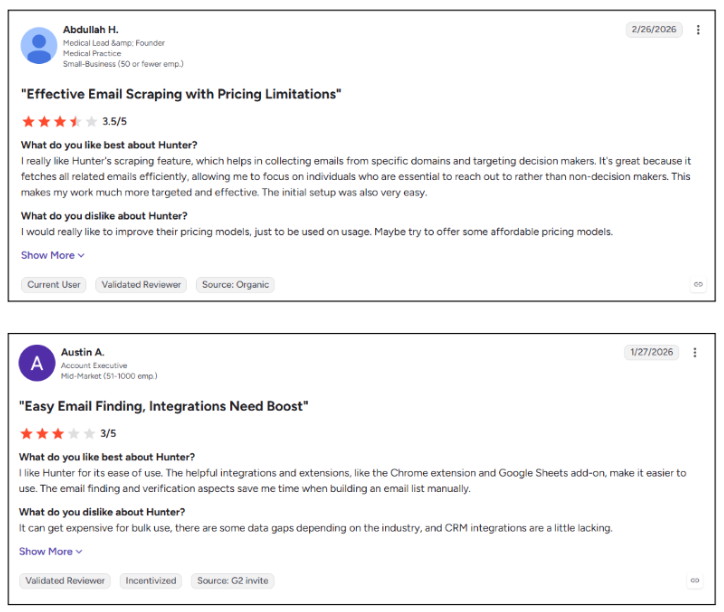
- G2 reviewers praise accuracy but say credits can run out quickly
Best For: Founders and small teams running email-first outbound to known accounts.
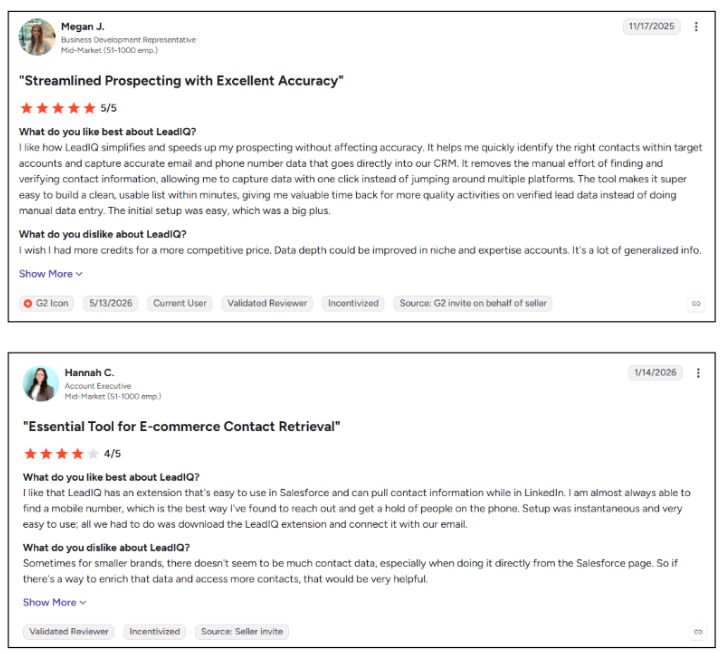
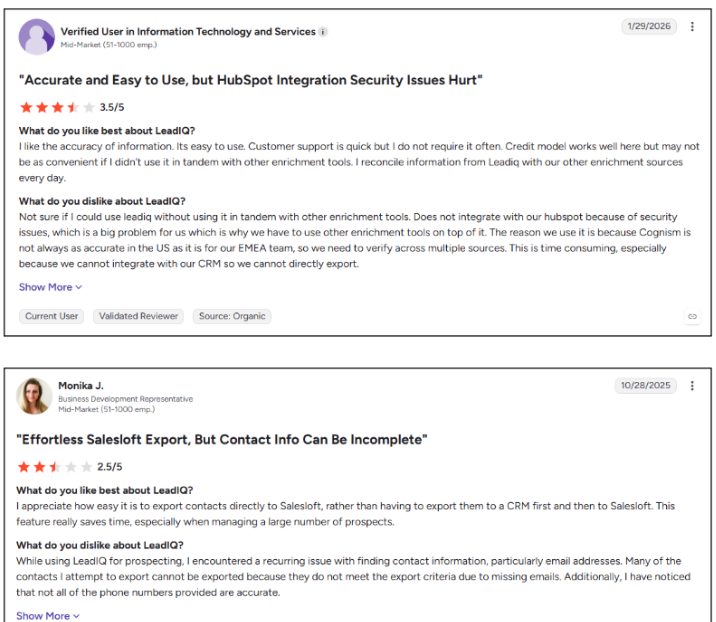
9. LeadIQ
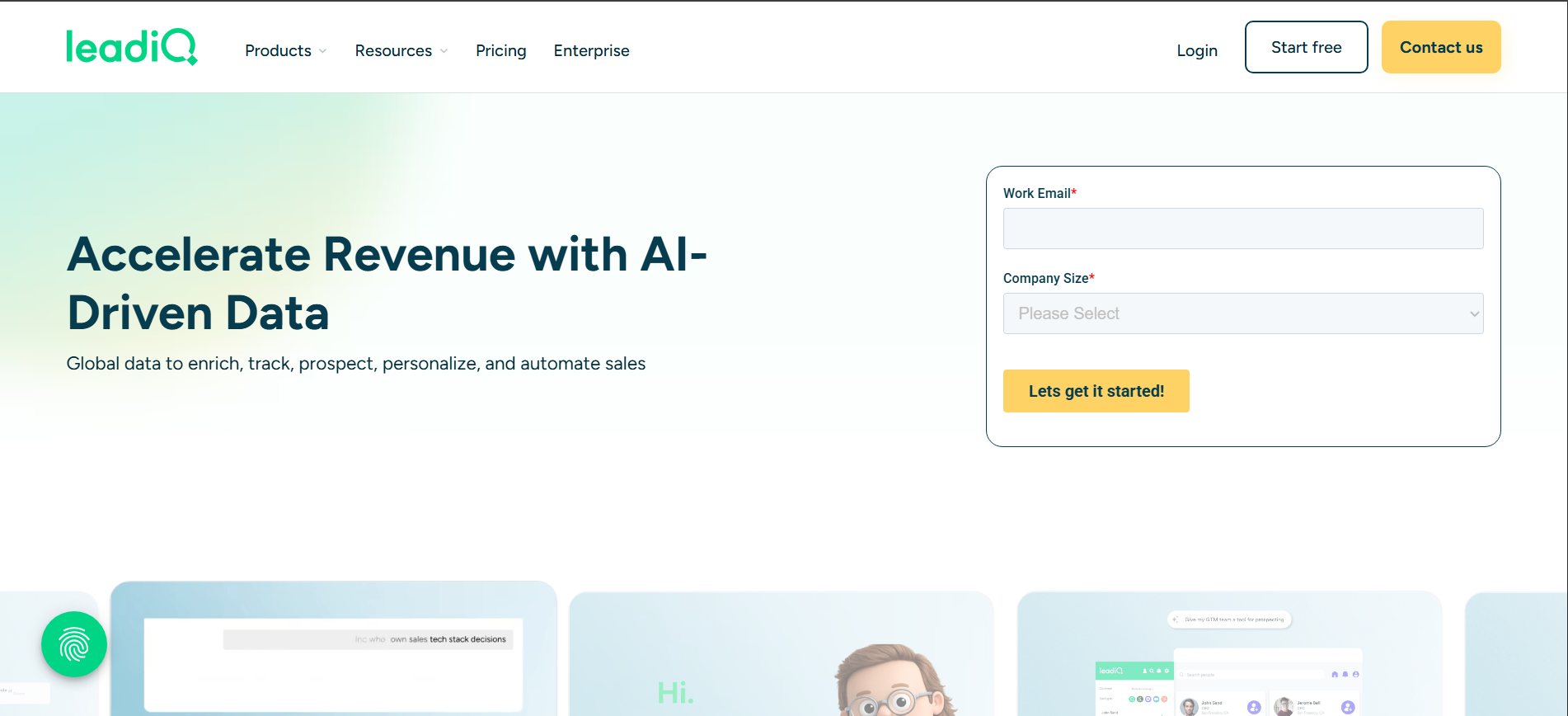
LeadIQ turns LinkedIn prospecting into a direct CRM workflow. Reps can capture contacts, verify data, and send prospects into Salesforce, HubSpot, Outreach, or Salesloft without manual copy-pasting. Where UpLead focuses on building lists, LeadIQ focuses on the handoff into your sales stack. Kwin automates handoff too, but her leads come from buyers who have already visited you.
Key Features:
- One-click capture: Saves and verifies contacts while browsing LinkedIn.
- Scribe AI: Creates personalized email openers from prospect data.
- Job-change tracking: Alerts teams when contacts move to new companies.
Pros
- Clean LinkedIn-to-CRM workflow
- Strong sales engagement integrations
- Useful champion tracking
- Quick setup for new reps
Cons
- Not designed for bulk list building
- Phone reveals consume more credits
- Larger packages require a sales conversation
- G2 reviewers praise ease of use but flag inconsistent phone accuracy
Best For: Salesforce-heavy SDR teams that prospect mainly through LinkedIn.
10. SalesIntel
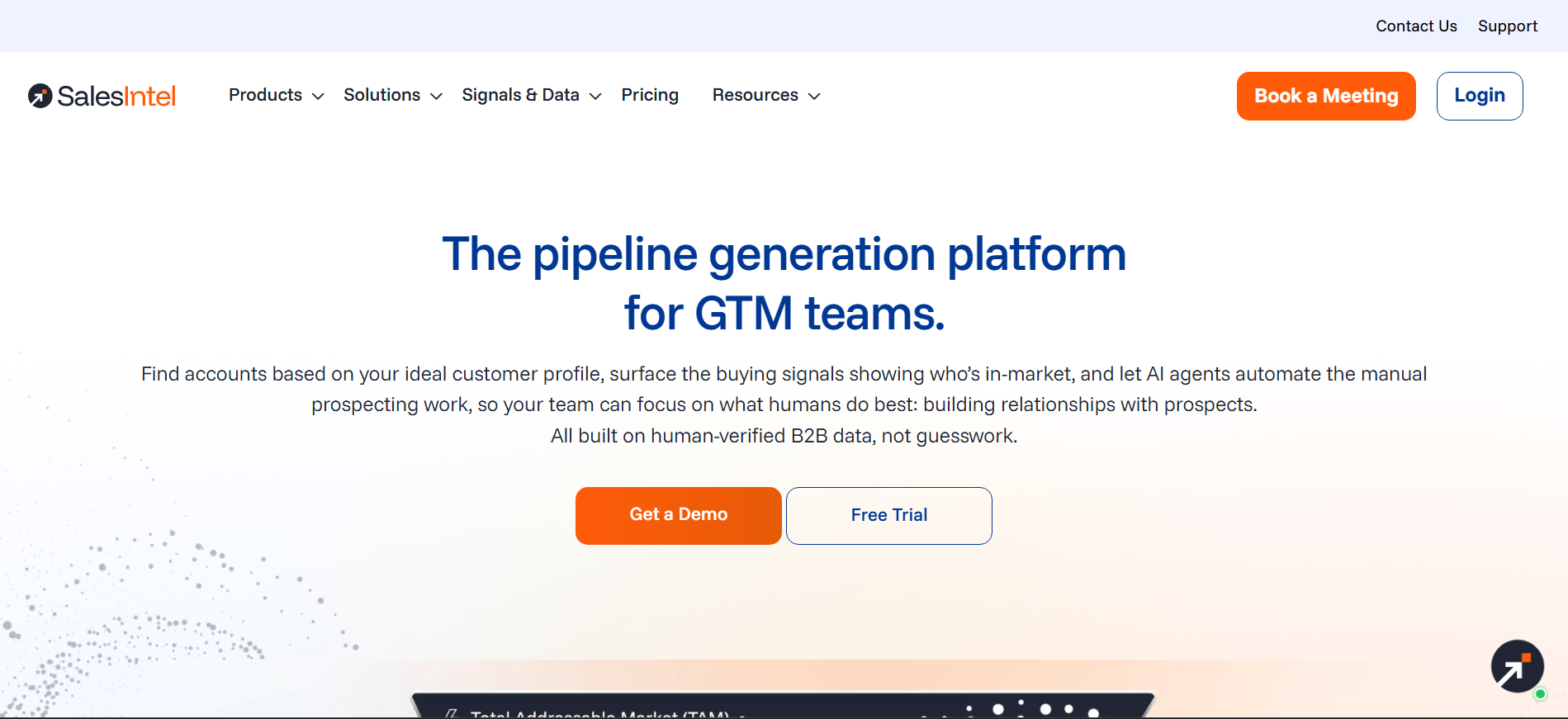
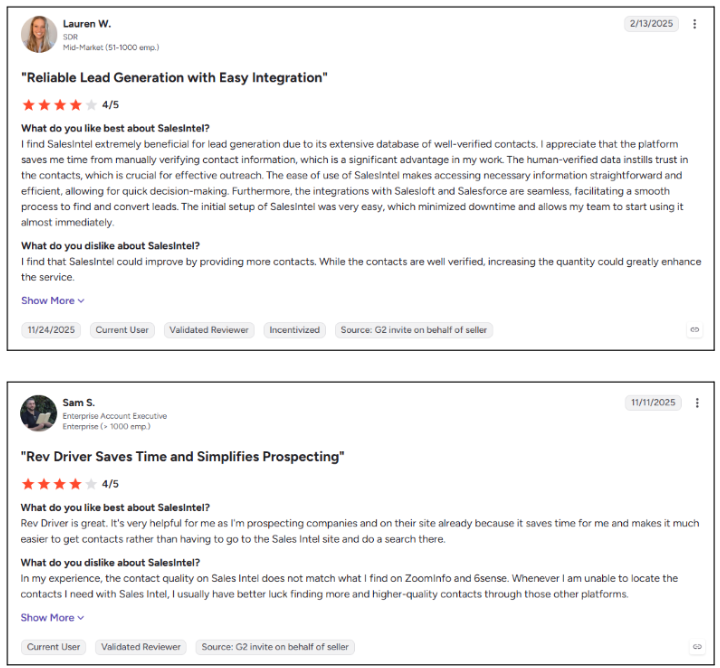
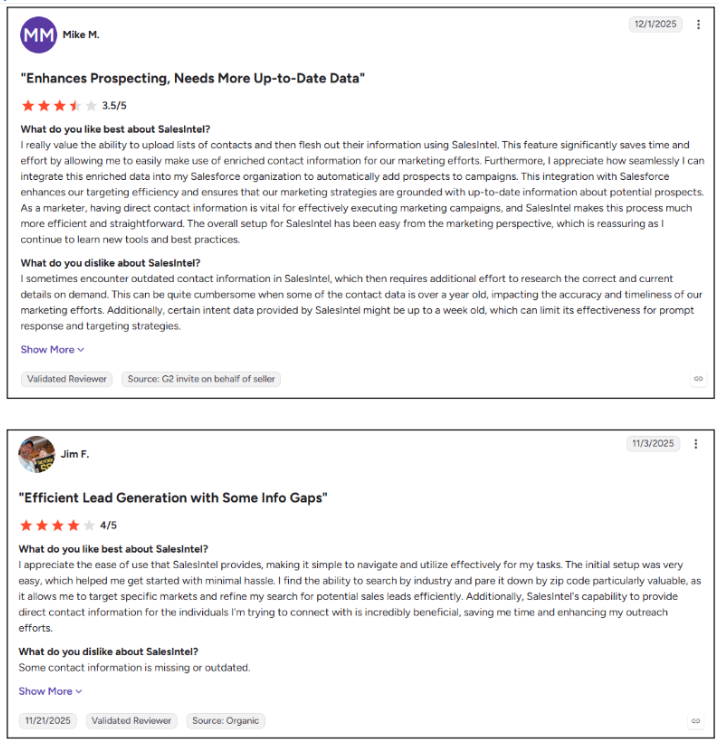
SalesIntel adds human verification to automated sales data. Its researchers regularly re-check contact records, while Research on Demand lets teams request fresh information when a target account is missing from the database.
Key Features:
- Human-verified records: Researchers regularly re-check emails and mobile numbers.
- Research on Demand: Requests custom data for uncovered accounts.
- Intent and alerts: Surfaces in-market accounts and buying triggers.
Pros
- Strong accuracy from human verification
- Research on Demand fills coverage gaps
- Intent signals included
- Responsive customer support
Cons
- Coverage is heavily US-focused
- Visitor identification remains company-level
- Pricing requires a sales quote
- G2 reviewers praise accuracy but mention outdated smaller-company data
Best For: US sales and RevOps teams that prioritize verified contact data and account-level intent.
11. Snov.io
Snov.io combines email finding, verification, multichannel campaigns, and CRM tools in one platform. It gives smaller teams a practical way to manage prospecting and outreach without stitching together several tools.
Key Features:
- Email finder and verifier: Finds and validates professional email addresses.
- Email and LinkedIn campaigns: Automates multistep outreach across both channels.
- Built-in CRM: Tracks prospects, deals, and conversations in one place.
Pros
- Accessible entry point for outbound
- Prospecting and outreach in one platform
- Usable free plan for testing
- Helpful customer support
Cons
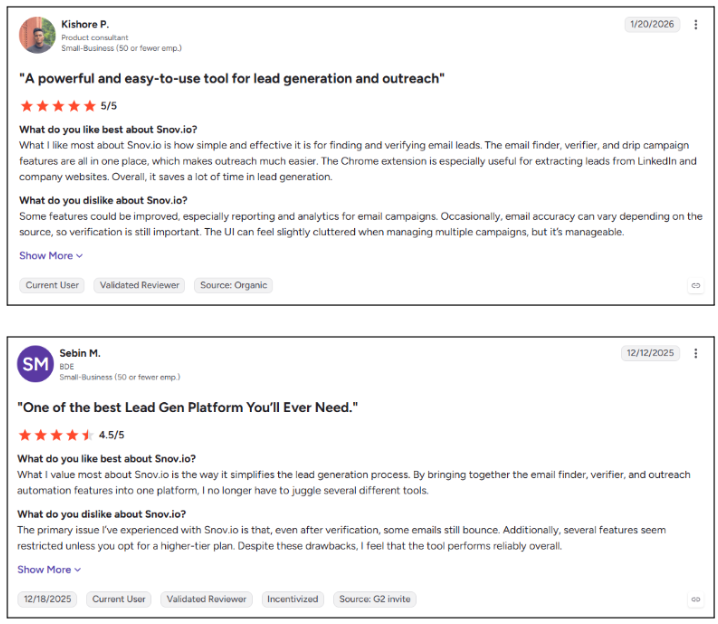
- Data depth trails specialist databases
- Limited phone number coverage
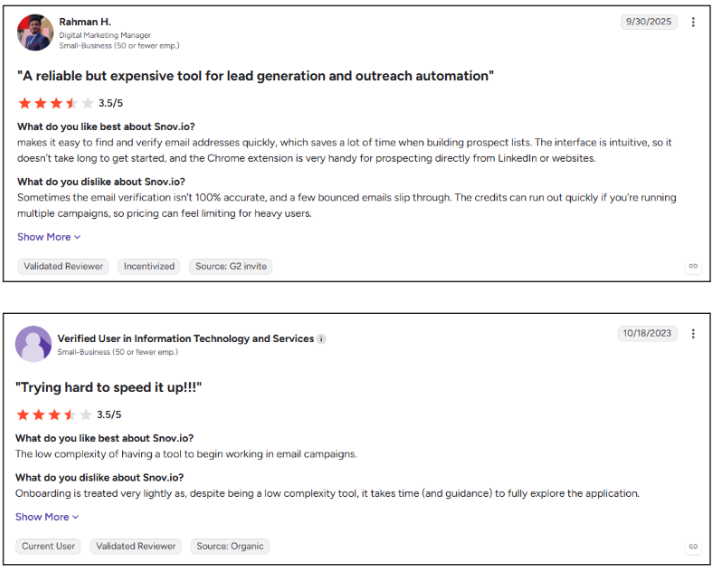
- Credits and recipient limits tighten at higher volume
- G2 reviewers like the all-in-one setup but find campaign management cluttered
Best For: Founders, freelancers, and small teams starting email and LinkedIn outreach.
12. Kaspr
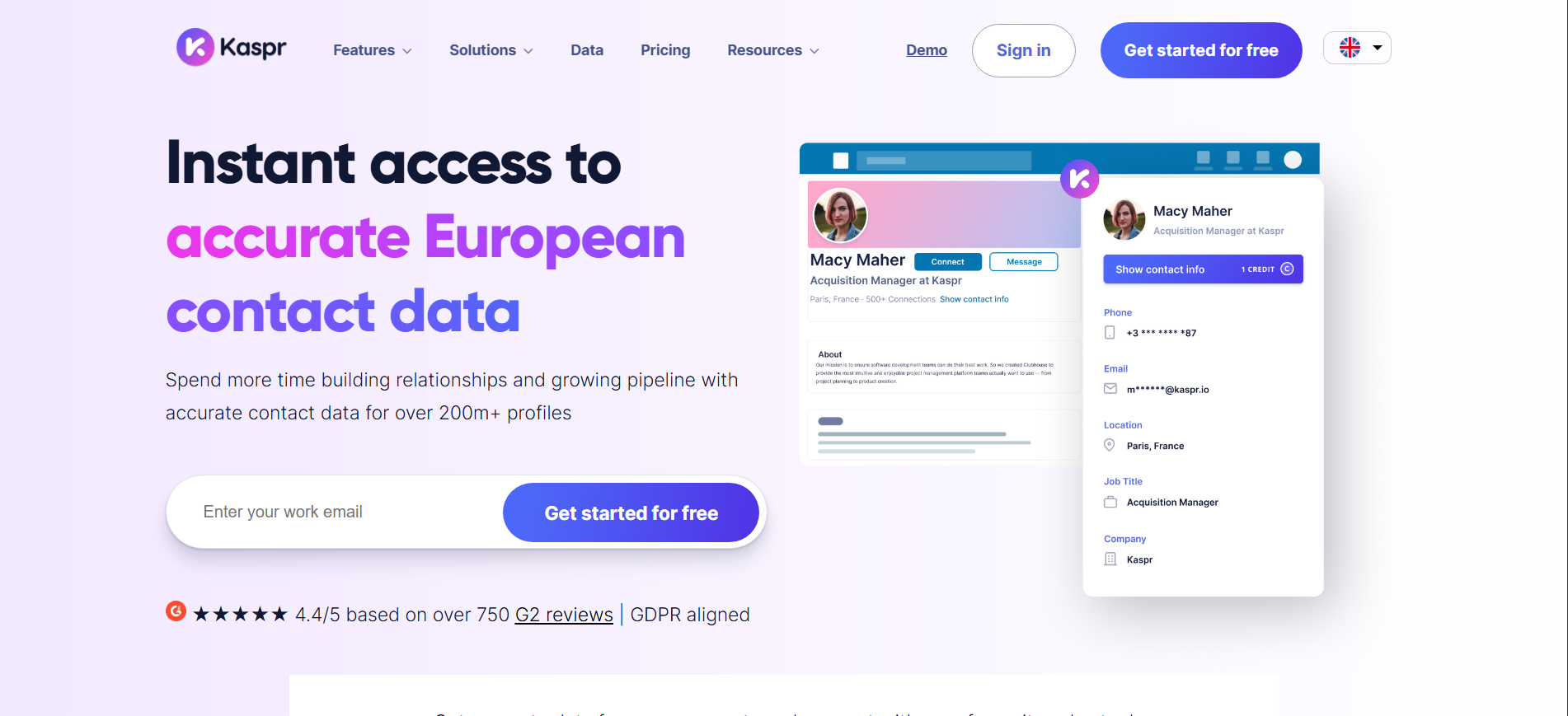
Kaspr is a LinkedIn-first prospecting tool built for fast contact discovery, with particularly strong European phone coverage. Its Chrome extension reveals emails and phone numbers directly from LinkedIn, Sales Navigator, and Recruiter Lite.
Key Features:
- LinkedIn extension: Reveals contact data from profiles, groups, and events.
- European data: Strong EMEA coverage backed by Cognism.
- Lead dashboard: Organizes prospects with notes, tags, tasks, and CRM sync.
Pros
- Strong European phone coverage
- Easy setup and onboarding
- Unlimited B2B emails on paid plans
- GDPR and CCPA-aligned data
Cons
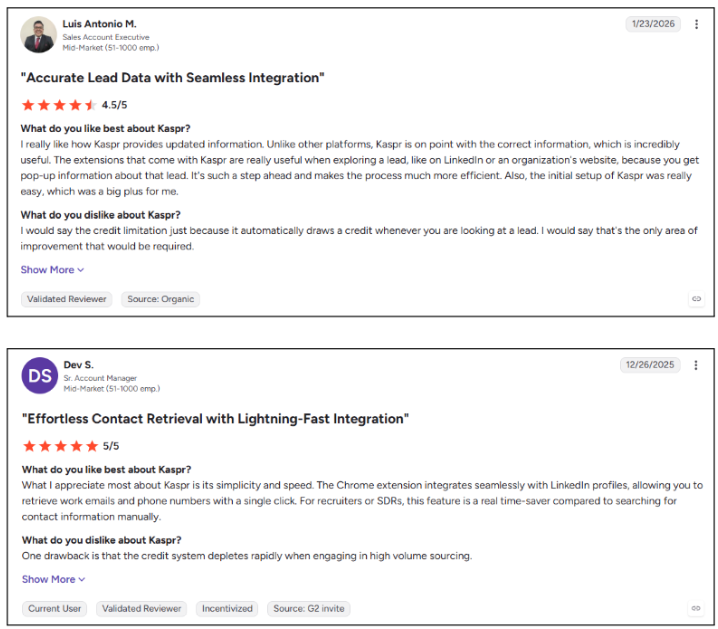
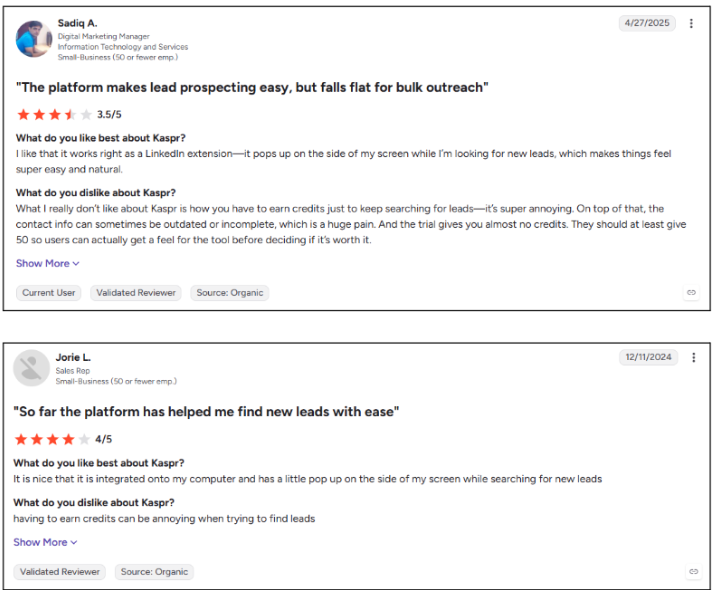
- Phone credits can run out quickly
- Per-seat pricing adds up for larger teams
- Coverage weakens outside core European markets
- G2 reviewers praise the extension but find credit limits restrictive at high volume
Best For: SDRs and small teams prospecting European accounts through LinkedIn.
13. ContactOut
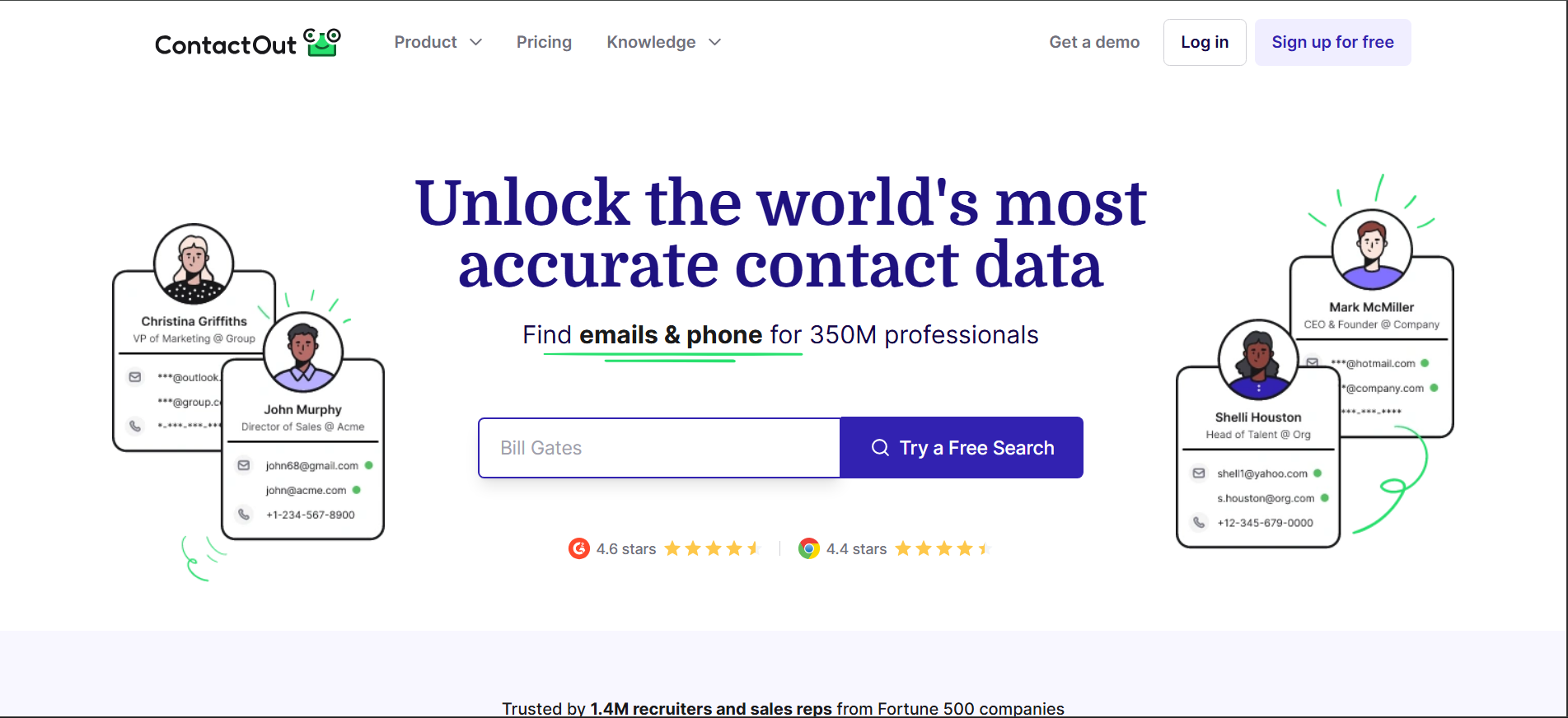
ContactOut combines work emails, personal emails, and phone numbers in a LinkedIn-first prospecting workflow. While popular with recruiters, its search and enrichment tools also support sales teams that need multiple contact channels.
Key Features:
- Chrome extension: Reveals emails and phone numbers on LinkedIn and company sites.
- Search portal: Filters prospects by title, location, revenue, company size, and technology.
- Enrichment API: Adds contact data to CRMs and ATS platforms.
Pros
- Strong personal email coverage
- Phone numbers included with emails
- Fast LinkedIn prospecting workflow
- CRM and ATS integrations
Cons
- Export limits can restrict volume
- More recruiter-focused than sales-focused
- No intent or buying signal data
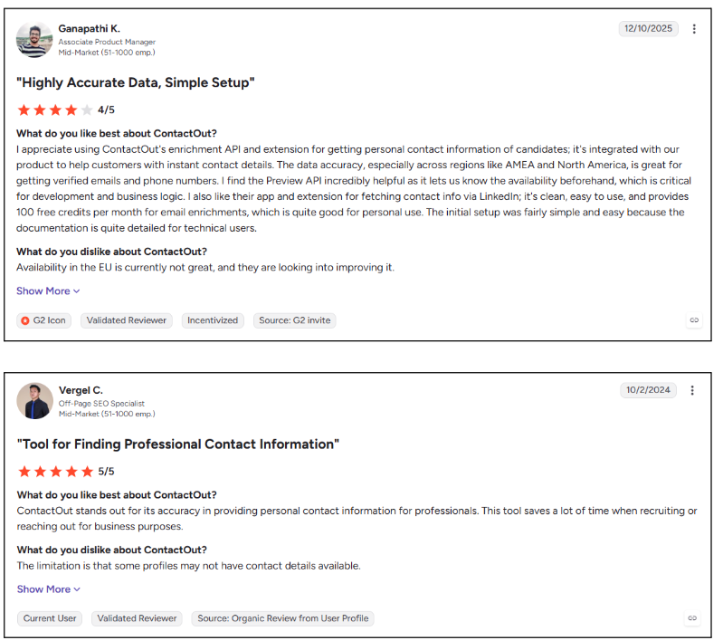
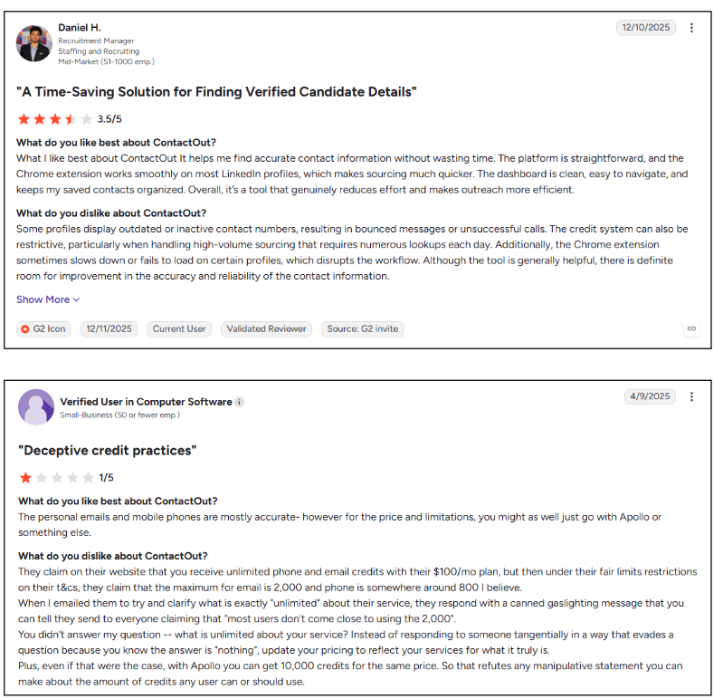
- G2 reviewers mention outdated numbers and restrictive high-volume credits
Best For: Recruiters, talent teams, and sales reps needing personal and work contact channels.
14. Clay
Clay works like a data workspace for building custom enrichment workflows. Its waterfall approach chains multiple providers together, helping teams fill missing contact data instead of relying on a single database. It lets RevOps teams combine many providers. Kwin fits neatly beside Clay by supplying first-party visitor data that is worth enriching further.
Key Features:
- Waterfall enrichment: Runs multiple providers until valid data is found.
- Claygent: Uses an AI research agent to gather custom company information.
- Signal tracking: Monitors events such as job changes, funding, and hiring.
Pros
- Highly flexible enrichment workflows
- Higher fill rates through multiple sources
- Unlimited seats on paid plans
- Strong fit for complex RevOps workflows
Cons
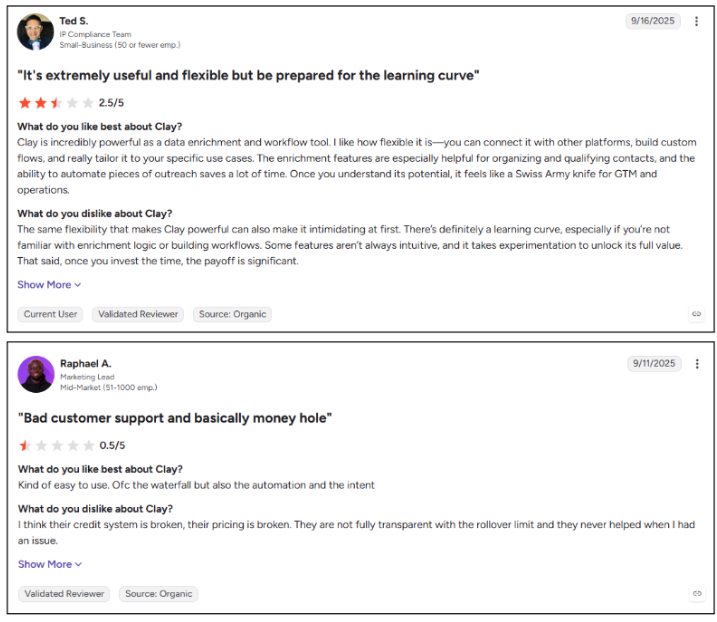
- Steep learning curve for new users
- Credit usage can be difficult to forecast
- Outreach requires connected tools
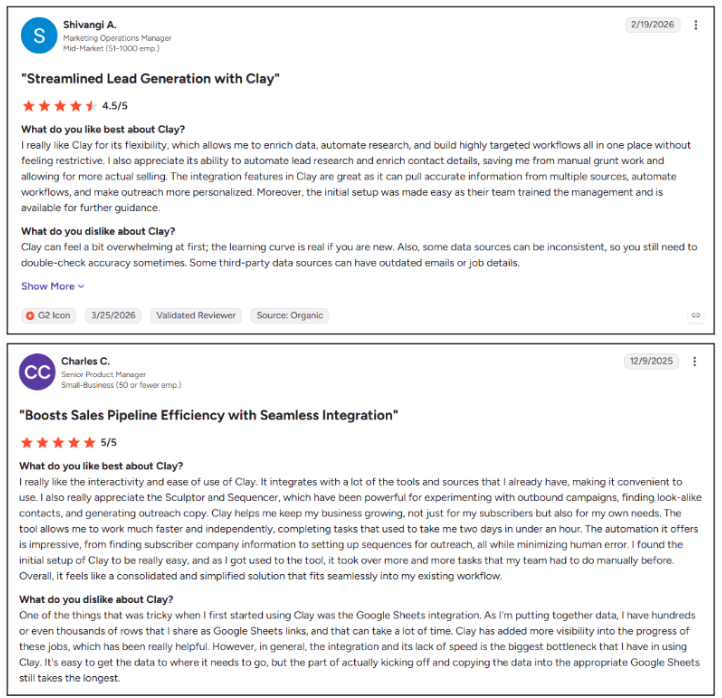
- G2 reviewers value the enrichment power but note the initial learning curve
Best For: RevOps teams and GTM engineers building custom data and enrichment workflows.
15. RB2B
RB2B identifies US website visitors and matches them to individual LinkedIn profiles, then sends real-time alerts to Slack. This lets sales reps act while visitor interest is still fresh. The Kwin vs RB2B breakdown explains how the two approaches differ, including Kwin’s broader international coverage and automated nurturing.
Key Features:
- US person-level identification: Matches US visitors to names and LinkedIn profiles.
- Slack alerts: Sends identified visitor notifications in real time.
- CRM sync: Pushes visitor data into HubSpot and other systems.
Pros
- Person-level identification for US traffic
- Fast Slack alert workflow
- Easy setup for small teams
- Free entry tier for testing
Cons
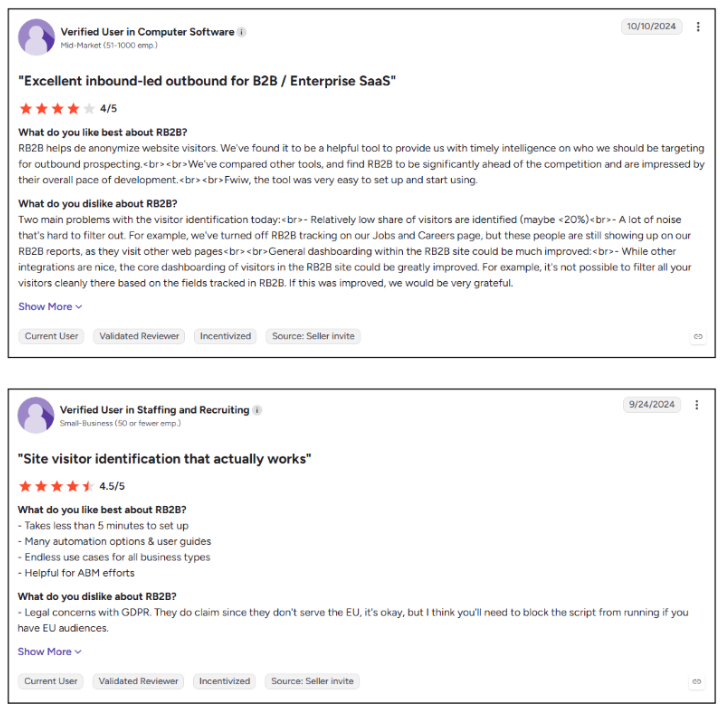
- Person-level matching is US-only
- No native outreach or lead scoring
- Follow-up remains manual
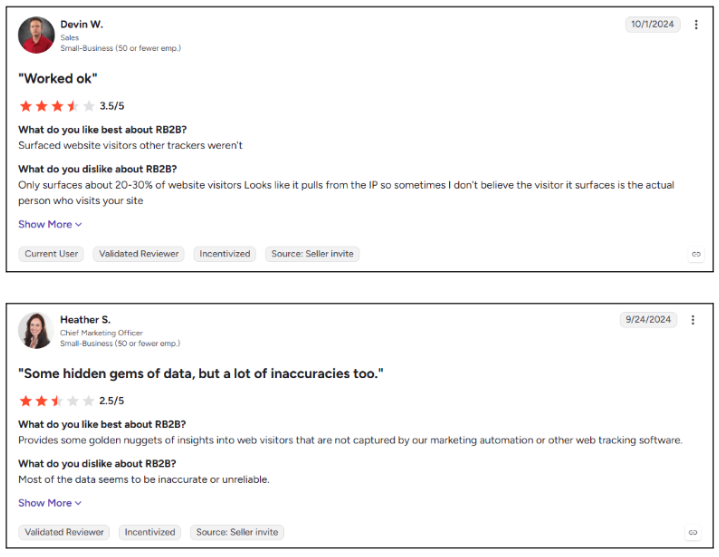
- G2 reviewers mention mismatched profiles and incomplete visitor records
Best For: US-focused B2B SaaS teams with steady inbound traffic and fast-moving sales reps.
16. Warmly
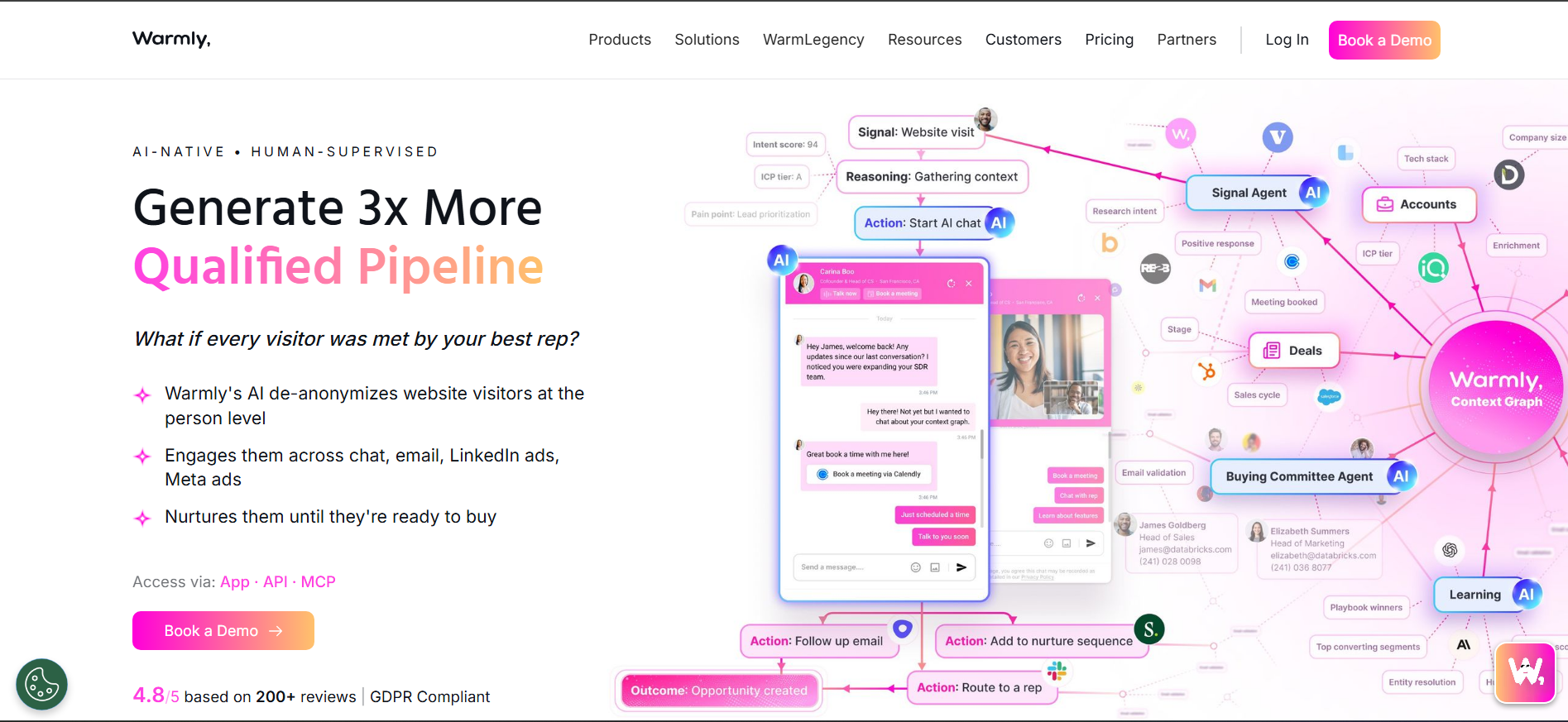
Warmly combines website visitor identification with AI chat, email sequences, and sales routing. It also connects website activity with broader intent signals, giving inbound teams a way to engage prospects while they are active.
Key Features:
- Visitor identification: Reveals companies and contacts browsing your website.
- AI chat: Starts contextual conversations with visitors on site.
- Inbound and outbound agents: Routes hot visitors and supports target-account outreach.
Pros
- Real-time engagement while visitors are active
- Identification, chat, and routing in one platform
- Strong Slack and HubSpot integrations
- Dedicated account manager support
Cons
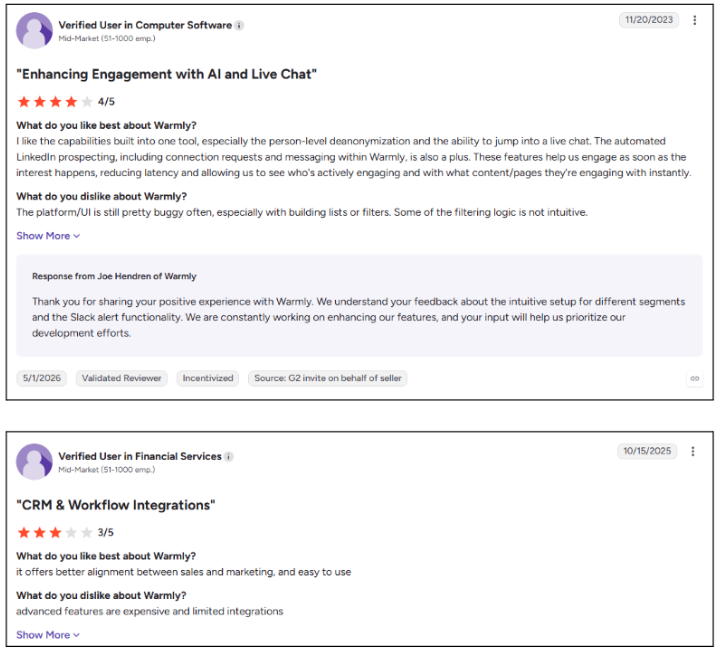
- Quote-based pricing targets larger budgets
- Chat flows require setup and testing
- Advanced features can cost extra
- G2 reviewers note that identification accuracy varies for smaller companies

Best For: Mid-market inbound teams that want visitor identification combined with live on-site engagement.
Now that you have seen how each tool performs, let's take a look at which UpLead alternative fits your specific job.
Best UpLead Alternative for Every Use Case
The right choice among UpLead Alternatives depends on what you need beyond contact data. Use this quick guide to match your sales motion with the tool that fits it best.
Also Read: Kwin vs Warmly: Best AI Business Developer for SMB Lead Gen
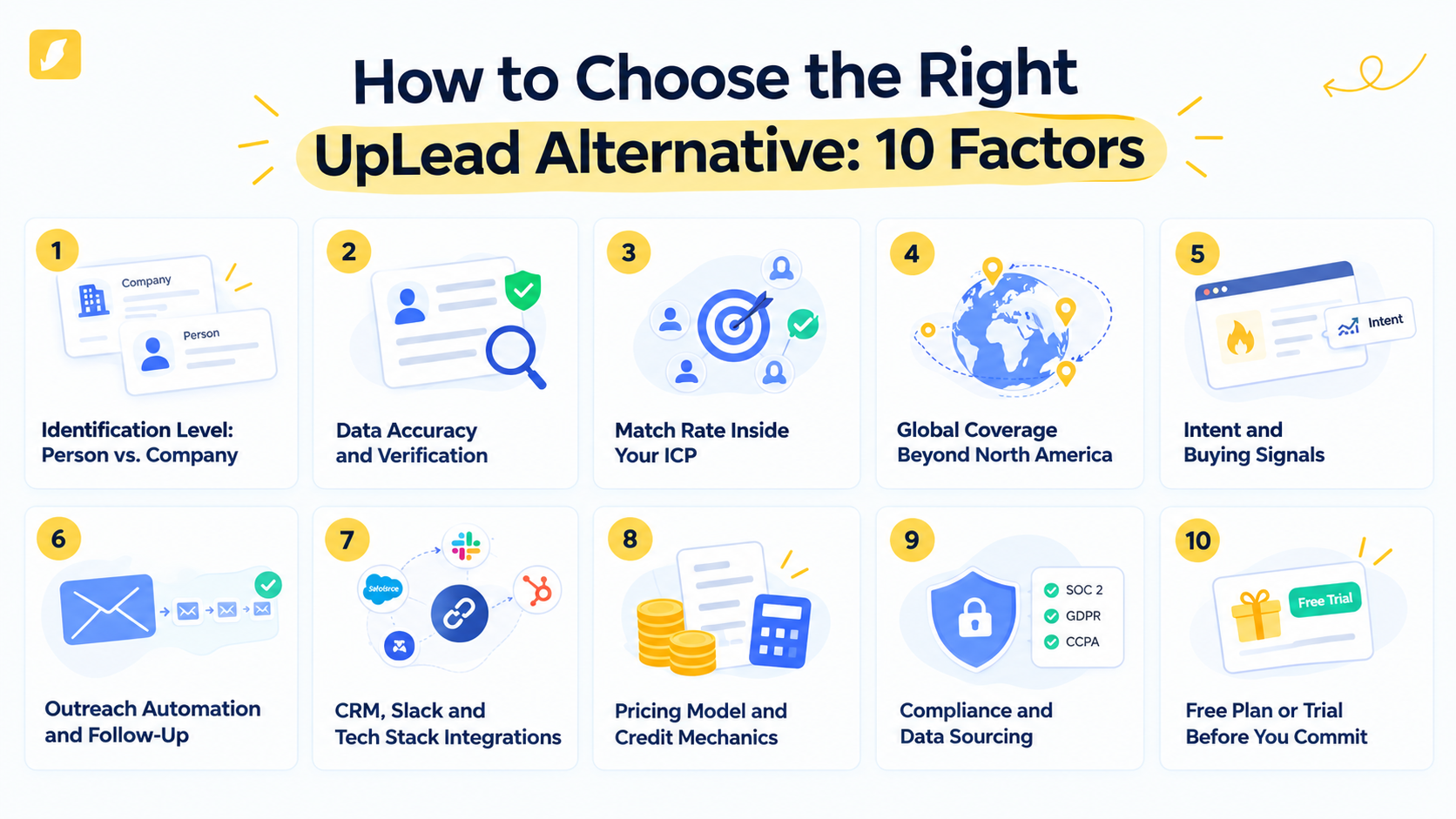
How to Choose the Right UpLead Alternative: 10 Factors
Choosing the wrong tool can leave your reps with more contacts but fewer real opportunities. Before picking from the UpLead Alternatives, check these 10 factors to make sure the data, intent, automation, and pricing actually fit your sales motion.
1. Identification Level: Person vs. Company
Company-level data tells you which account visited; person-level data tells you who was there. If you sell to buying committees, prioritize names, titles, and verified contact details.
2. Data Accuracy and Verification
A large database means little if the records are wrong or outdated. Check the verification method, refresh cycle, and match accuracy using a sample from your actual ICP.
3. Match Rate Inside Your ICP
Your tool should find the right people, companies, roles, and regions, not just a huge number of records. Test your real ICP before trusting a vendor's database size claims.
4. Global Coverage Beyond North America
Strong US coverage does not mean strong international coverage. If you sell globally, check country-level depth across Europe, APAC, and Latin America; Kwin covers 175+ countries.
5. Intent and Buying Signals
Buyers often research without contacting sales, and 61% of B2B buyers prefer a rep-free buying experience. Look for first-party website signals alongside broader intent data to spot active interest.
6. Outreach Automation and Follow-Up
Finding a lead is only half the job. Choose a platform that supports relevant sequences, reply handling, and lead routing, especially since 73% of B2B buyers actively avoid suppliers who send irrelevant outreach.
7. CRM, Slack and Tech Stack Integrations
Lead data should move directly into your existing workflow. Check integrations with your CRM, Slack, sequencer, and other core sales tools to avoid duplicate records and manual cleanup.
8. Pricing Model and Credit Mechanics
Do not stop at the advertised monthly price. Check credits, seat limits, phone multipliers, rollover rules, and annual commitments to understand the real cost per usable lead.
9. Compliance and Data Sourcing
Know where your data comes from and how it is handled. Look for clear sourcing practices and standards such as SOC 2 Type II, GDPR, and CCPA, especially for visitor identification; see our guide to GDPR compliant visitor identification tools.
10. Free Plan or Trial Before You Commit
A real test beats a polished sales demo. Prioritize tools with a free plan or meaningful trial, such as Kwin's Lead Watcher plan with 100 free leads per month.
Now that you know what to look for, let's take a look at how to leave UpLead without losing pipeline.
How to Switch From UpLead in 5 Steps
Switching platforms does not have to disrupt your pipeline. The smart move is simple: audit what worked, test the replacement, measure real results, then cancel.
Step 1: Audit the UpLead Lists That Produced Pipeline
Start with results, not vendor claims. Match your recent UpLead exports against meetings booked and deals created in your CRM.
Identify the industries, titles, and regions that actually converted. Also check your renewal date and cancellation window before starting the switch.
Step 2: Export and Clean Your Contact Data
Export the contacts and accounts you have already paid for and keep a CSV backup. Remove duplicates, bounced emails, and contacts who have left their companies.
Keep closed-won customers separate. Their industries, company sizes, regions, and job titles will help define your ICP for the new platform.
Step 3: Define Your ICP and Intent Thresholds
Turn your best customers into clear ICP rules covering industry, company size, location, and job title. Then define what meaningful buying intent looks like, such as repeated pricing or integration-page visits.
With Kwin, you can set minimum ICP Fit and Purchase Intent scores and exclude countries or traffic you do not want to target.
Step 4: Test the New Tool Alongside UpLead
Do not cancel UpLead before the replacement proves itself. Run both platforms in parallel and compare coverage, accuracy, replies, and qualified leads using the same ICP.
For Kwin, add the site pixel through your header or Google Tag Manager in about five minutes. Connect your CRM, Slack, and email inbox, then start identifying and scoring visitors on the free Lead Watcher plan.
Step 5: Measure Meetings, Not Database Size
The biggest database is not automatically the better platform. Compare meetings booked, reply rate, cost per qualified lead, speed-to-lead, and hours saved per rep.
Once the winner is clear, cancel UpLead within its notice window and move fully to the replacement. If Kwin wins, Win+ unlocks the full workflow with a 7-day free trial.
Also Read: Apollo vs ZoomInfo: Which Is Better for B2B Lead Generation?
Why Kwin Is the Better Choice for B2B Lead Enrichment
Most UpLead Alternatives help you find contacts. Kwin helps you find the buyer, understand their intent, and start the conversation while they are still on your website.
Here is what makes Kwin different:
- Identify the buyer: Recognize 60% to 70% of website visitors across 175+ countries with emails, phone numbers, LinkedIn profiles, and firmographics.
- Know who matters: ICP Fit and Purchase Intent scores show which visitors are worth your team's attention.
- See buying signals: Kwin Signals combines activity from LinkedIn, G2, Capterra, Crunchbase, job boards, news, and technology changes.
- Understand behavior: See the pages visitors viewed and their website activity before reaching out.
- Automate follow-up: Kwin sends personalized outreach when visitors meet your qualification thresholds.
- Hand off hot leads: Positive replies reach your inbox with the full conversation and summary, then move to Slack or your CRM.
- Filter the noise: Use country, page, data, and exclusion filters to remove irrelevant traffic.
- Built for trust: Kwin maintains SOC 2 Type II, GDPR, CCPA, ISO 9001:2015, and ISO 27001:2022 standards.
- Proven results: Infiniticube generated 2.5x more qualified leads in 45 days, with 35%+ of meetings coming from visitors who never filled out a form.
Hire Kwin For Free and turn your website traffic into qualified conversations with 100 leads per month and no credit card required.
Conclusion
UpLead is useful for finding verified contacts, but credit limits, separate outreach tools, and anonymous website traffic can hold teams back.
The best UpLead Alternatives depend on your sales motion. Apollo.io and Snov.io combine data with outreach, Cognism and Kaspr stand out in Europe, and Clay offers flexible enrichment.
We hope this guide helped you understand the best UpLead Alternatives for your pipeline. If anonymous website traffic is your biggest gap, Kwin can identify, score, and engage the buyers already visiting your site.
Ready to see how Kwin fits your funnel? Connect with our experts to turn anonymous traffic into booked meetings.