
TL;DR
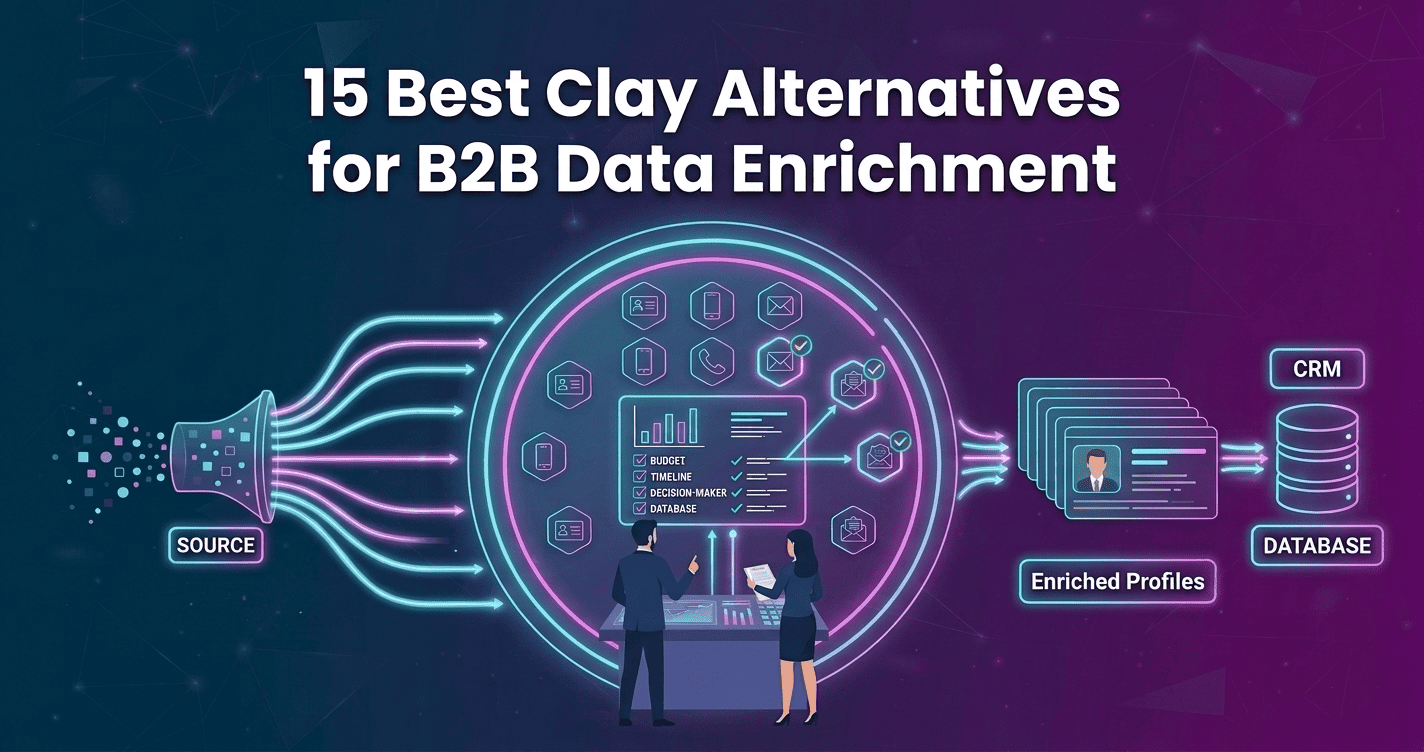
Clay alternatives for B2B data enrichment help teams find better leads without the complexity of traditional enrichment workflows. This guide compares 15 top tools, with Kwin standing out for person-level visitor identification, intent scoring, and automated outreach across 175+ countries. Its free plan includes 100 leads/month with no credit card.
You built the perfect prospect list. Verified emails, phone numbers, company data, intent signals everything looks ready. Then you launch the campaign and barely get a response.
Then you launch another campaign and barely get any replies.
That is why teams are exploring Clay alternatives for B2B data enrichment. Good data helps you find prospects, but it does not always tell you who is ready to buy.
Clay is powerful for enrichment, research, and workflows. But it can also require complex setup, ongoing management, and additional tools to turn data into meetings.
Meanwhile, some of your best prospects may already be visiting your website. They check your pricing page, read a case study, or explore a product page, then leave without filling out a form.
In this guide, you'll learn:
- What Clay does well and where it falls short
- Why teams consider Clay alternatives
- The 15 best tools, with their key features, strengths, limitations, and best use cases
- How to compare Clay alternatives and choose the right one
By the end of this guide, you’ll know which tool fits your sales workflow, whether you need a Clay replacement, and what to check before you make the switch.
What Clay Is and Where It Genuinely Wins
Clay is a data orchestration platform built for enrichment. You can import a list, add enrichment columns, and pull data from multiple providers.
Its waterfall enrichment is one of its biggest strengths. If one provider cannot find the data, Clay checks another. You can also use AI research and custom rules to build highly targeted lists.
For GTM teams doing deep research, Clay can save hours of manual work. It is especially useful for finding specific companies, roles, technologies, or buying signals.
So Clay is not the problem for every team. If you need flexible enrichment and research workflows, it can be a strong choice. If you need more than enrichment, Clay Alternatives for B2B Data Enrichment may fit better.
Why B2B Revenue Teams Are Looking for Clay Alternatives
Across comparisons of Clay alternatives, the same problems come up again and again. They are not small usability issues. They can affect cost, workflow management, and pipeline.
1. Credit Costs Can Be Hard to Predict
Campaigns can burn credits on failed lookups or data refreshes. That makes it harder to estimate the real cost before a campaign runs.
2. The Learning Curve Is Steep
Clay is built for teams comfortable with tables, logic, providers, and prompts. For lean SDR teams, that can make setup and daily use harder. G2 reviewers also point to the learning curve.
3. Enrichment Does Not Equal Execution
Clay helps prepare the data, but your team still needs to prioritize accounts, write outreach, and follow up. That leaves another layer of work after enrichment.
4. Important Integrations May Cost More
CRM sync, webhooks, and HTTP requests can depend on your plan. Teams may end up paying more for integrations they expected to have from the start.
5. Waterfall Data Depends on Multiple Providers
Waterfall enrichment relies on several data sources. Data quality and sourcing can vary between providers, which can create accuracy and compliance concerns.
6. Workflows Need Ongoing Maintenance
Providers change, endpoints break, and enrichment logic can stop working as expected. What starts as automation can become another workflow your team needs to maintain.
7. Enriched Data Still Needs Buying Signals
A verified email tells you how to contact someone. It does not tell you whether they are ready to buy. Without timing or intent signals, your list can remain cold.
8. Website Visitors Can Stay Invisible
Clay mainly works with records you already have. That means prospects researching your website without filling out a form can remain unknown to your sales team.
These gaps explain why teams consider Clay Alternatives for B2B Data Enrichment. The right option depends on whether your biggest need is better data, prospecting, intent, visitor identification, or automated outreach.
How B2B Data Enrichment Actually Works: Step-by-Step
Most clay alternatives use a similar enrichment process. The difference is how well they match records, source data, verify results, and turn that data into useful sales actions.
1. Match the Starting Record
The process starts with an identifier such as a work email, LinkedIn URL, company domain, or website visit. The platform matches it to the right person or company before adding more data. A wrong match can affect everything that follows.
2. Enrich Data From Multiple Sources
The platform checks different data providers for missing information. With waterfall enrichment, it moves to another provider when the first source cannot return a result. This improves coverage, but provider quality and lookup costs still matter.
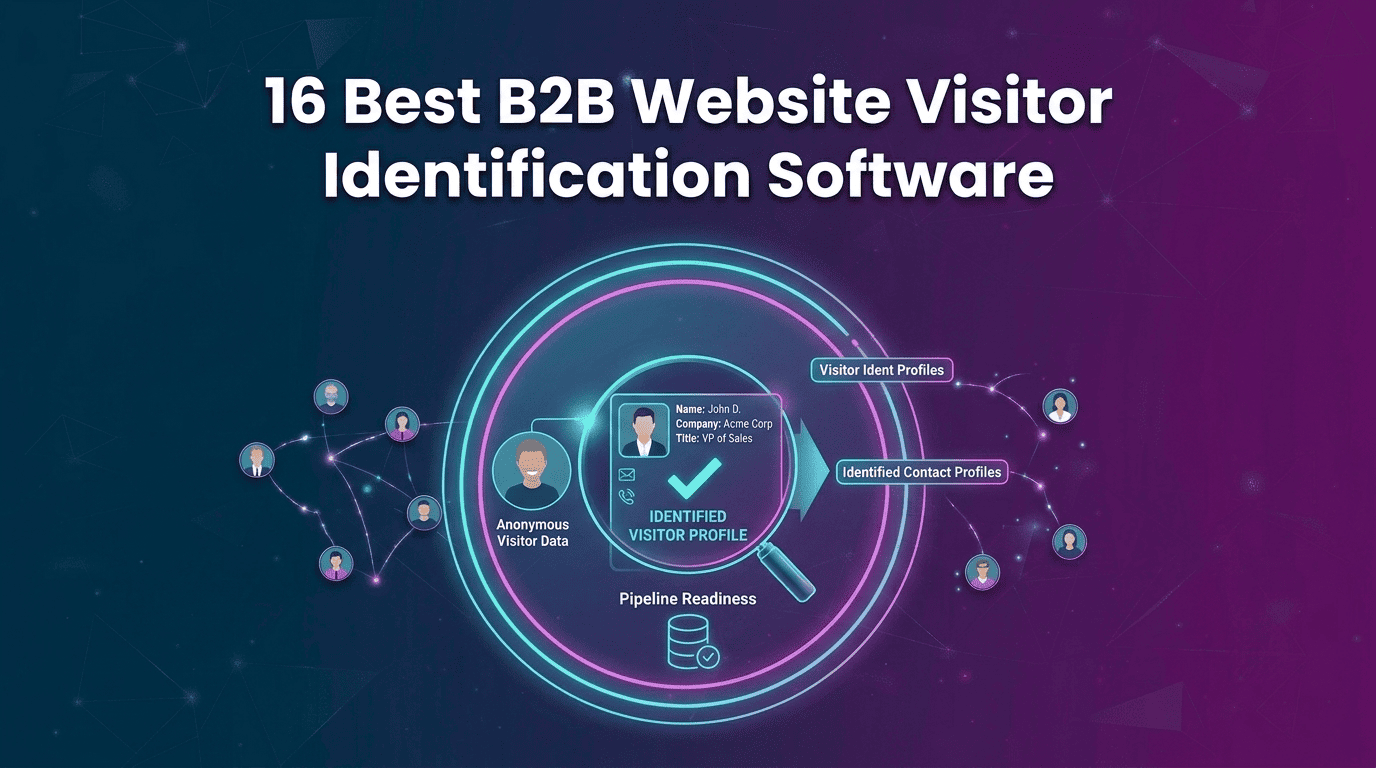
3. Identify the Visiting Company
For website visitors, platforms can use IP intelligence and company data to identify the organization behind a visit. The result can include details such as industry, company size, revenue, and location. Residential and mobile traffic can make identification harder.
4. Resolve the Person Behind the Visit
Company-level identification tells you which business visited. Person-level identification attempts to connect that visit to an individual. Stronger platforms use multiple data points and confidence scoring to determine how reliable the match is.
5. Verify Emails and Phone Numbers
Finding contact information is only the first step. Email and phone verification helps confirm that the details are usable before outreach. This can reduce bounced emails, protect sender reputation, and improve contact quality.
6. Add Intent and Behavior Signals
Enrichment tells you who the prospect is. Intent signals help show whether they may be ready to buy. Pricing page visits, repeat sessions, hiring activity, funding, technology changes, and other signals can help sales teams prioritize active prospects.
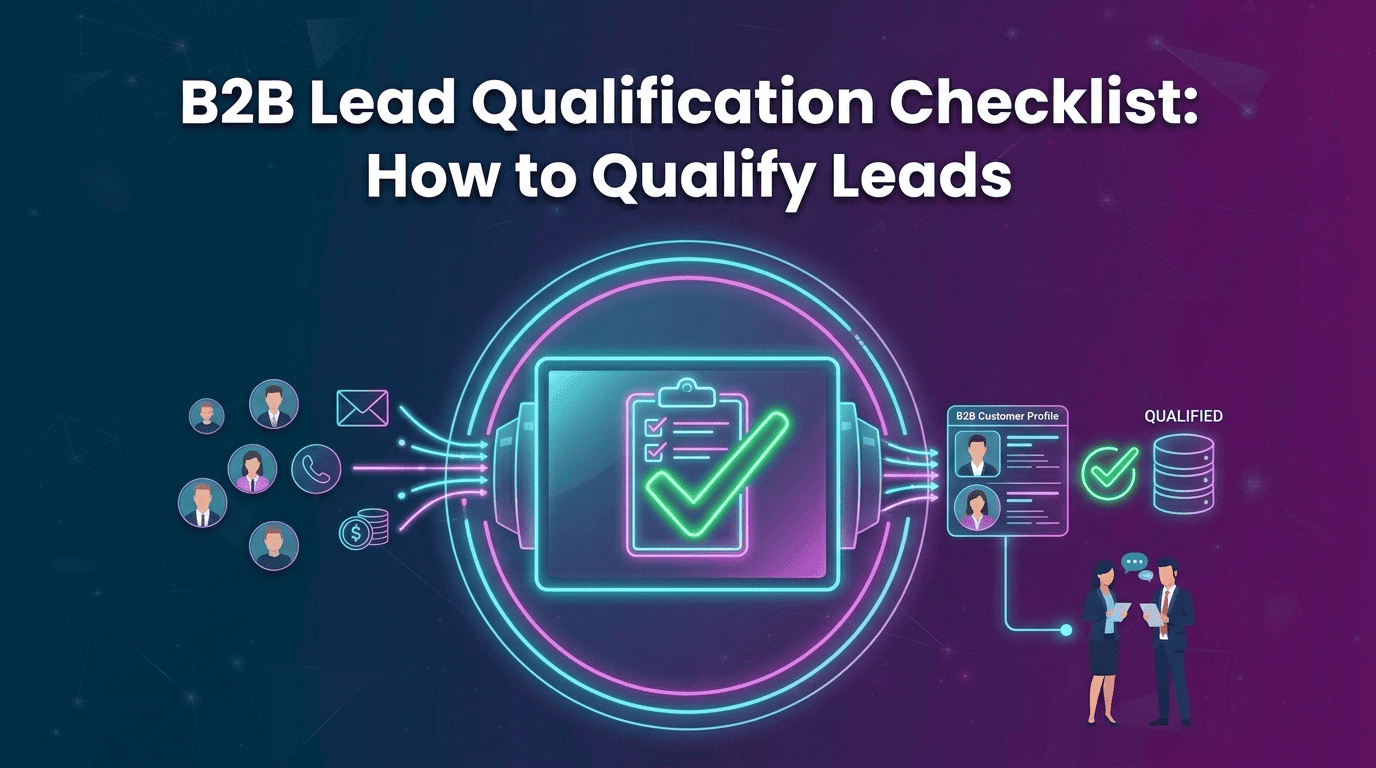
7. Qualify and Route the Lead
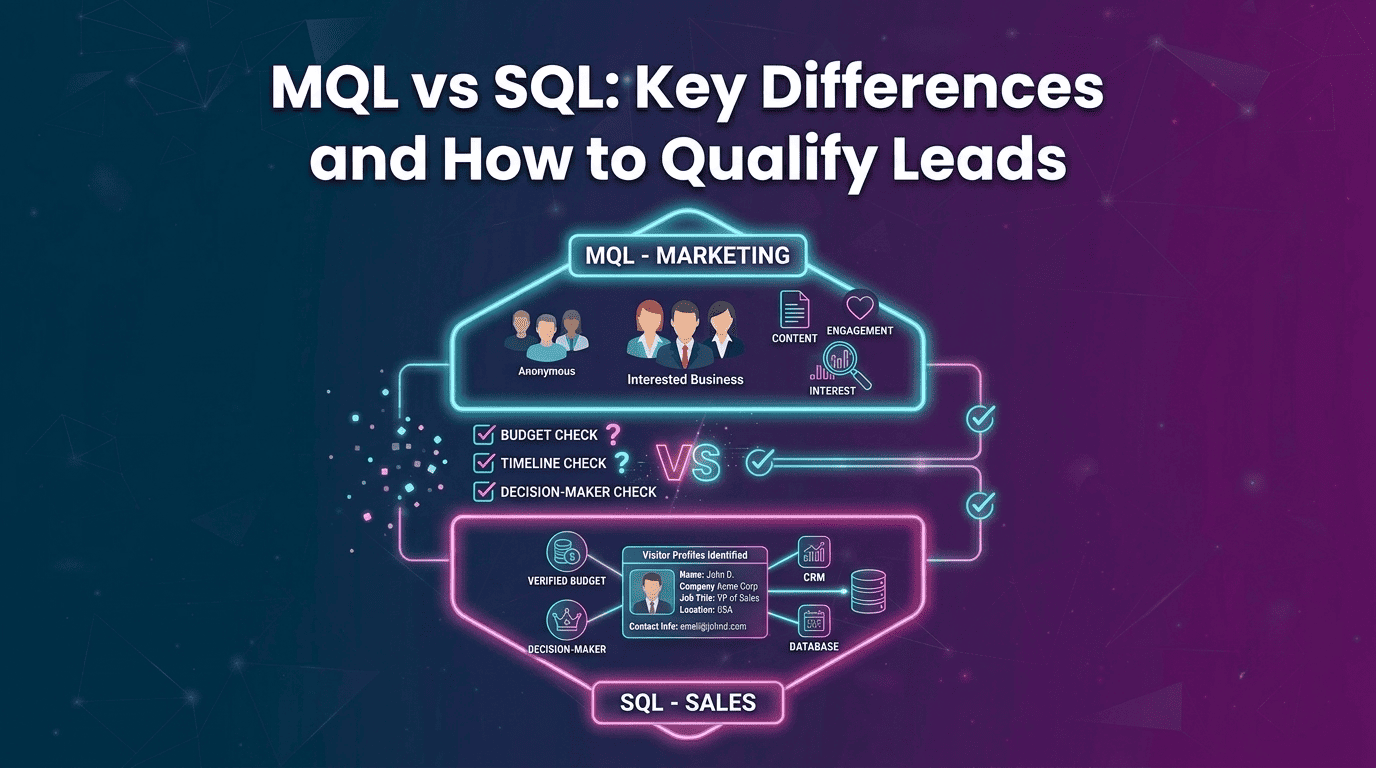
The final step is turning data into action. Platforms can score prospects based on ICP Fit and purchase intent, then send qualified leads to a CRM, Slack, sales sequence, or account owner. This is where enriched data becomes something a revenue team can actually use.
Also Read: Who Is Visiting My Website? How To Turn Anonymous Traffic Into Leads
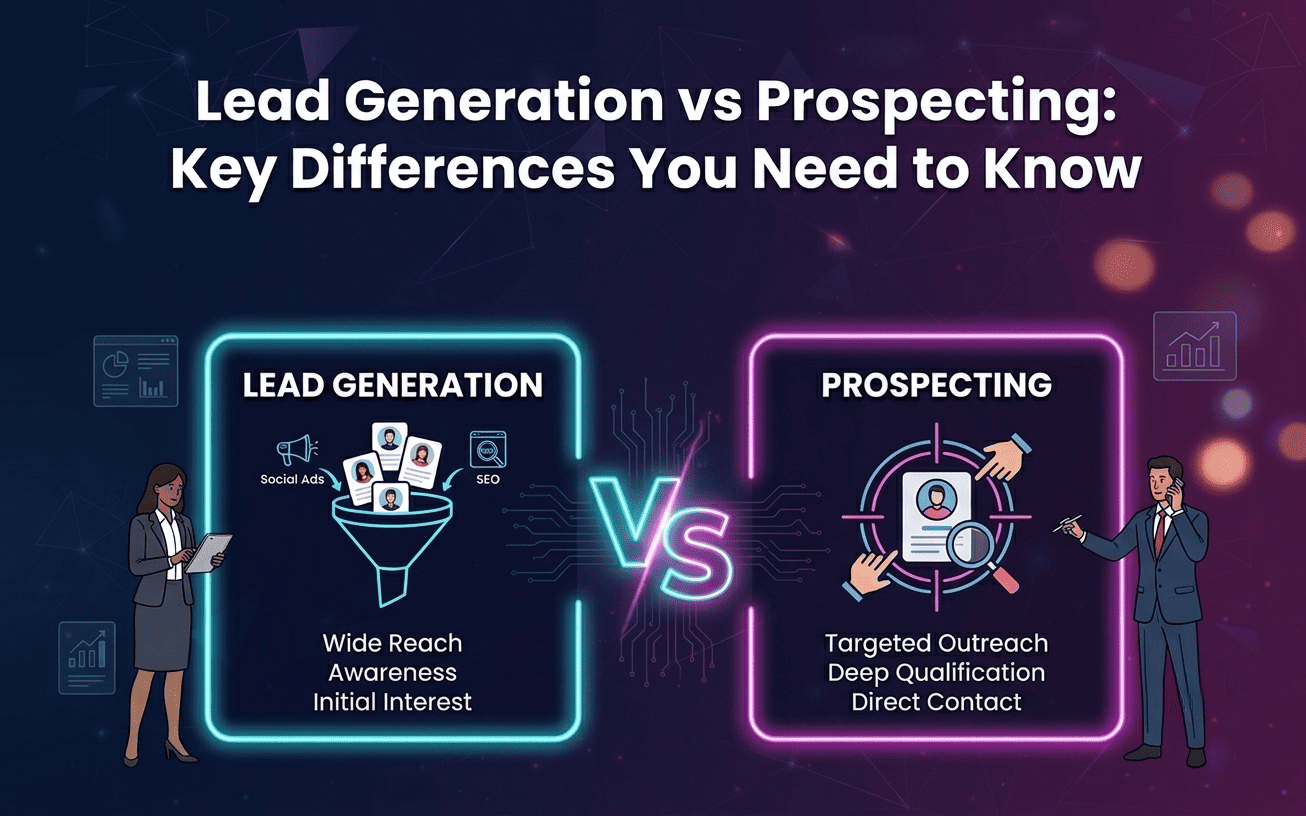
Outbound Enrichment vs Inbound Identification
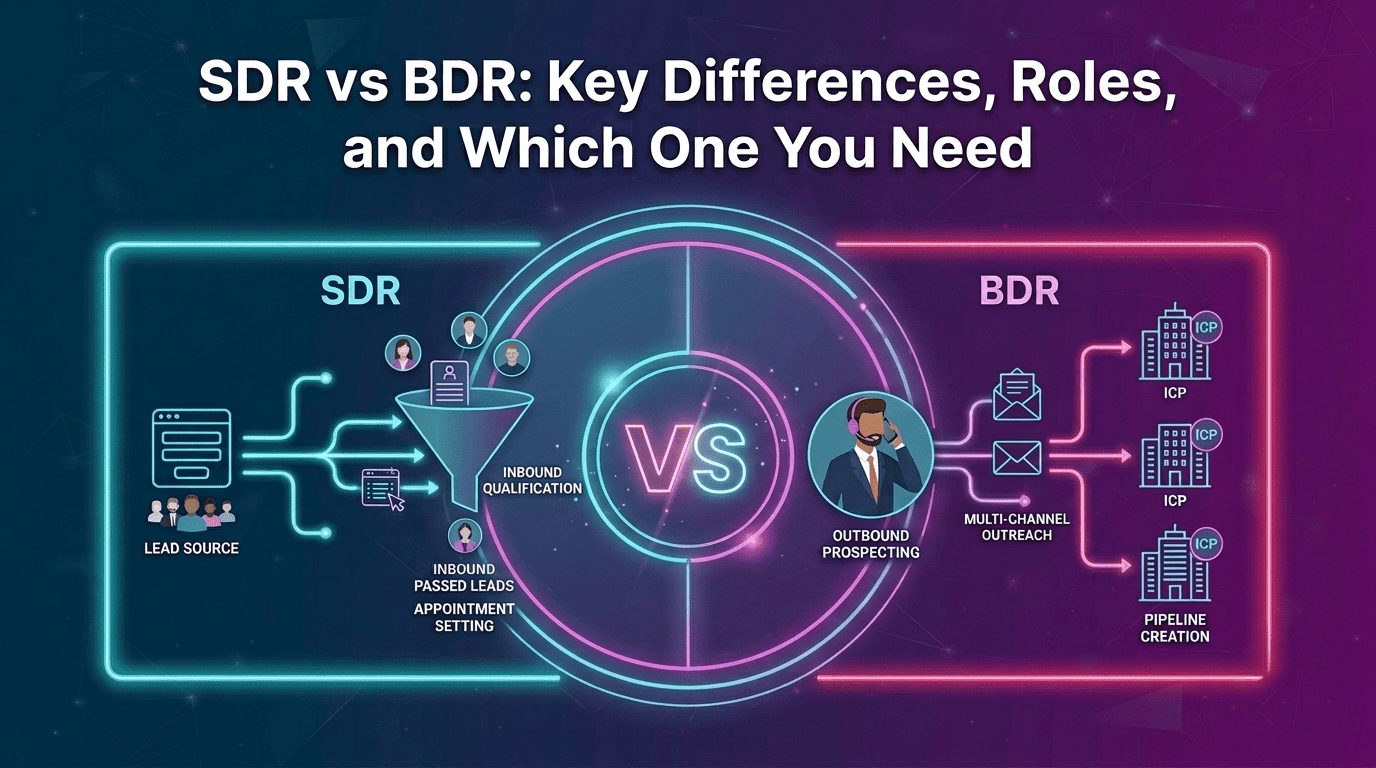
Most Clay Alternatives for B2B Data Enrichment start with a list you already have. You choose the accounts, then enrich their data.
Inbound identification starts with buyers who already found you. They visit your pricing page, read a case study, or explore your product without filling out a form.
That difference matters. Outbound finds potential buyers. Inbound helps you recognize buyers who are already showing interest.
The strongest Clay Alternatives for B2B Data Enrichment should help you address both sides of the pipeline, not just enrich another list.
How We Evaluated These Clay Alternatives
We compared each tool against the factors that matter most when choosing Clay Alternatives for B2B Data Enrichment:
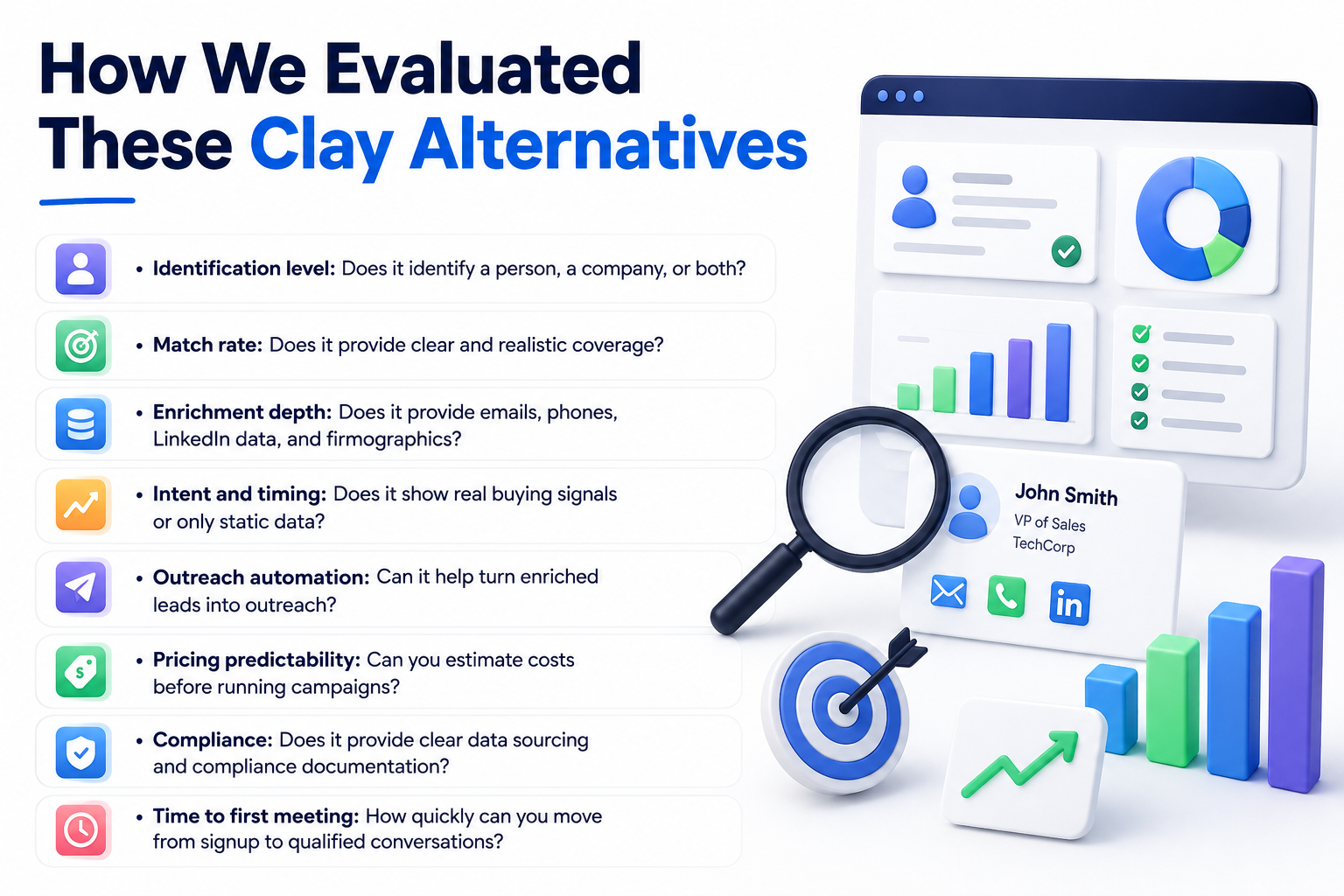
- Identification level: Does it identify a person, a company, or both?
- Match rate: Does it provide clear and realistic coverage?
- Enrichment depth: Does it provide emails, phones, LinkedIn data, and firmographics?
- Intent and timing: Does it show real buying signals or only static data?
- Outreach automation: Can it help turn enriched leads into outreach?
- Pricing predictability: Can you estimate costs before running campaigns?
- Compliance: Does it provide clear data sourcing and compliance documentation?
- Time to first meeting: How quickly can you move from signup to qualified conversations?
Pricing is described by model and plan structure rather than fixed numbers, since pricing can change frequently.
15 Best Clay Alternatives Compared
Here’s how the leading Clay Alternatives for B2B Data Enrichment compare on their core use case, identification, outreach, pricing, and key difference from Clay. Kwin stands out for combining visitor identification, enrichment, and automated outreach in one platform.
Let's look at each tool in detail.
1. Kwin by Vison AI: Best Clay Alternative for B2B Data Enrichment
Kwin works as an AI Business Developer that identifies high-intent website visitors, qualifies them, and helps turn them into sales opportunities.
Unlike tools focused only on company identification, Kwin identifies companies and people across 175+ countries with details such as name, work email, LinkedIn profile, job title, industry, and revenue.
Kwin scores visitors using ICP Fit and Purchase Intent. When a visitor meets your criteria, Kwin can send personalized emails, handle positive replies, and route qualified leads to your CRM or Slack.
Kwin also supports Kwin Signals for finding buying activity beyond your website. Its privacy and compliance stack includes SOC 2 Type II, GDPR, CCPA, ISO 27001:2022, and ISO 9001:2015. The free plan includes 100 leads per month with no credit card required.
Key Features:
- Person and company identification: Identify visitors across 175+ countries with contact and company data.
- Behavior analysis: See what identified visitors did on your website through the User Activity tab.
- AI scoring: Combine ICP Fit and Purchase Intent to prioritize the right prospects.
- Automated outreach: Send personalized emails and handle positive replies.
- Kwin Signals: Track buying signals from sources beyond your website.
- Smart filters: Filter visitors by country, page, industry, company size, and lead type.
- Instant handoff: Send qualified leads to Slack and your CRM.
Best For: Global B2B teams that want person-level identification, qualification, and automated outreach in one platform.
Pricing: The free Lead Watcher plan includes 100 identified leads per month with no credit card required. Win+ starts at $75/month for up to 300 leads with a 7-day free trial. Pay-As-You-Go costs $0.50 per identified lead.
Hire Kwin For Free and start turning anonymous traffic into booked meetings.
2. Apollo.io
Apollo.io combines a large B2B database with prospecting and outreach in one workspace. Teams can filter contacts by title, industry, company size, and technology, then move them directly into sales sequences.
Key Features:
- B2B database: Search contacts and companies using firmographic and technographic filters.
- Sales sequences: Build and manage email outreach and calling from one workspace.
- CRM sync: Connect with Salesforce, HubSpot, and Pipedrive.
- Lead filtering: Find prospects by title, industry, headcount, technology, and other criteria.
Best For: Lean sales teams that want prospecting, enrichment, and outreach in one workspace.
Learn more in our full breakdown of Apollo.io alternatives.
3. ZoomInfo
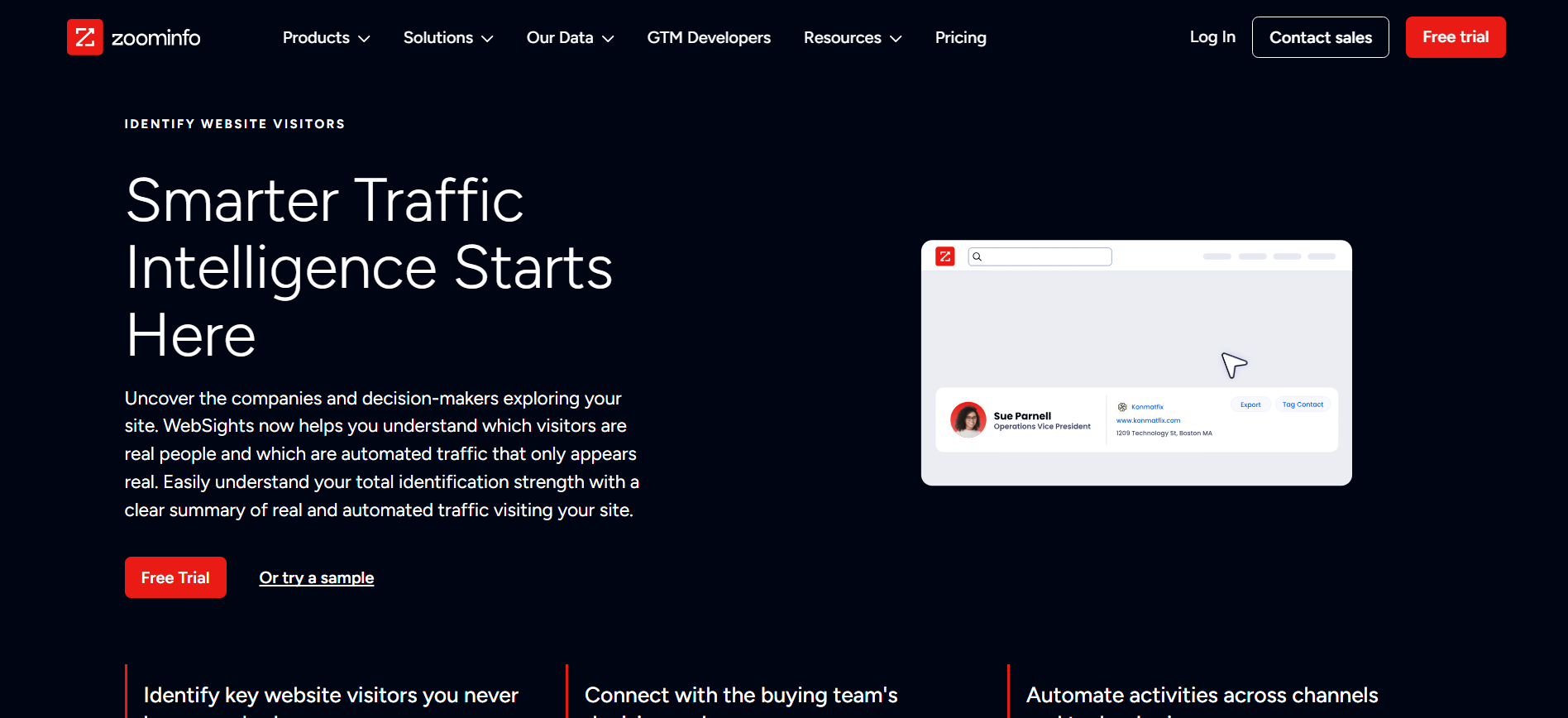
ZoomInfo is an enterprise sales intelligence platform known for deep contact data, company profiles, org charts, technology data, and intent signals. It is a strong fit for larger teams managing complex buying committees and needing mature integrations and admin controls.
Key Features:
- Deep account data: Build detailed accounts and buy committee views with org charts.
- Intent data: Track topic-level buyer intent alongside contact information.
- Enterprise integrations: Connect with Salesforce, HubSpot, Outreach, and marketing platforms.
- Admin controls: Manage permissions, routing, and governance across larger teams.
Best For: Enterprise sales and RevOps teams that need deep account intelligence, org charts, intent data, and governance.
Compare the two directly in our guide to ZoomInfo alternatives.
4. Cognism
Cognism is a sales intelligence platform known for human-verified phone numbers and strong EMEA coverage. It is especially useful for teams that rely on calling and need clearer data sourcing and compliance documentation.
Key Features:
- Verified mobile numbers: Human-verified phone data for phone-first sales teams.
- EMEA coverage: Strong data coverage across European markets.
- DNC screening: Screens numbers against do-not-call registries.
- Compliance documentation: Supports procurement and data governance requirements.
Best For: Sales teams that depend on phone outreach and need verified contact data, especially across EMEA.
Our Cognism alternatives guide covers the full landscape.
5. Clearbit (Breeze Intelligence)
Clearbit now operates as Breeze Intelligence inside HubSpot and focuses on automatic CRM and form enrichment. It adds company and contact data to existing records, helping teams shorten forms while still capturing useful firmographic information.
Key Features:
- Automatic enrichment: Enrich CRM records when new data enters the system.
- Form shortening: Capture fewer fields while adding company information automatically.
- HubSpot integration: Works directly within the HubSpot ecosystem.
- Firmographic data: Add details such as company size, industry, and location.
Best For: HubSpot teams that want automatic enrichment and shorter forms without adding another prospecting workflow.
6. Lusha
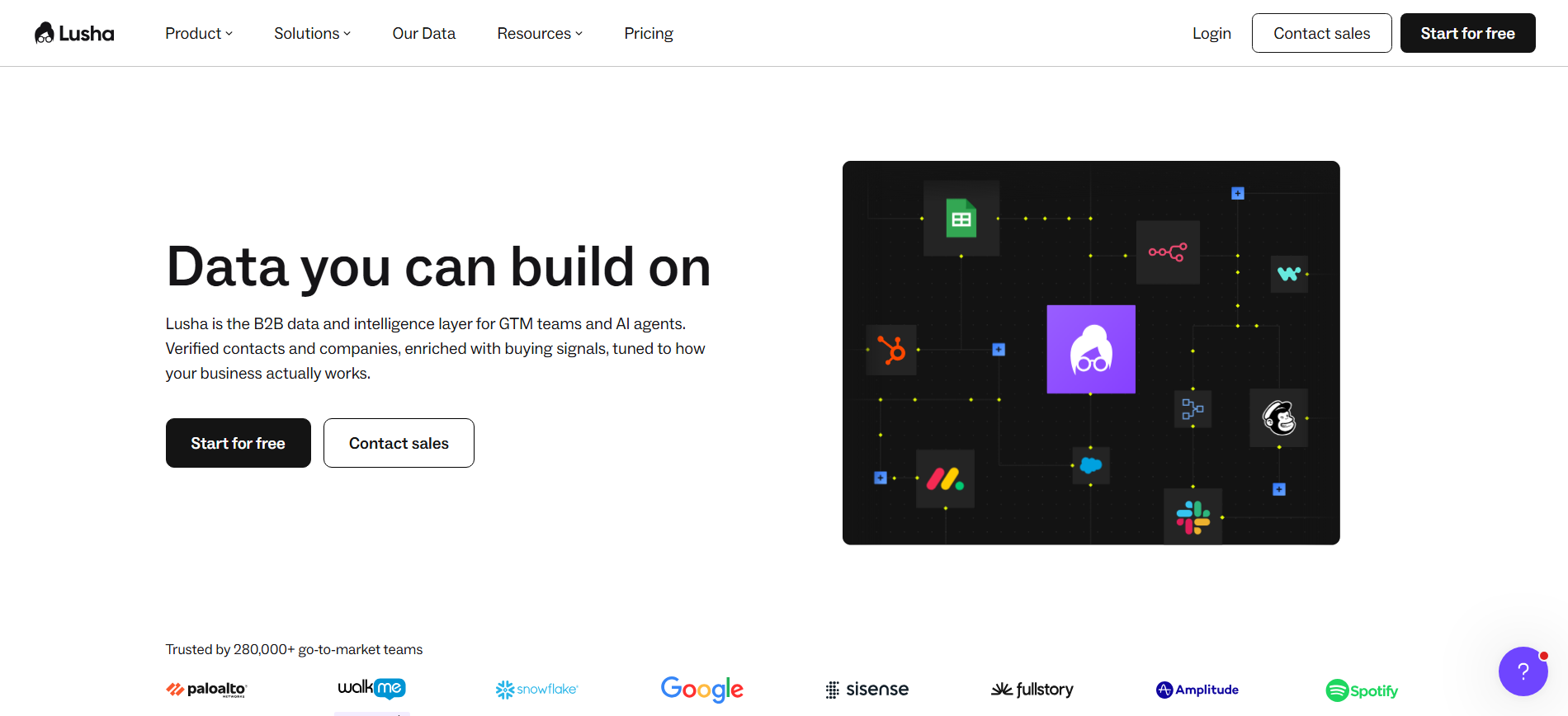
Lusha focuses on fast contact lookup rather than complex workflow building. Its browser extension lets sales reps find contact details from LinkedIn profiles quickly, while its web platform supports list building and basic buying signals.
Key Features:
- Instant contact lookup: Find email and phone details directly from supported profiles.
- Browser extension: Research prospects without leaving the workflow.
- CRM integrations: Connect with Salesforce, HubSpot, and Outreach.
- Buying signals: Track job changes and other sales opportunities.
Best For: Sales reps and account executives who need quick contact lookups for targeted prospecting.
See how the category compares in our Lusha alternatives roundup.
7. Seamless.AI
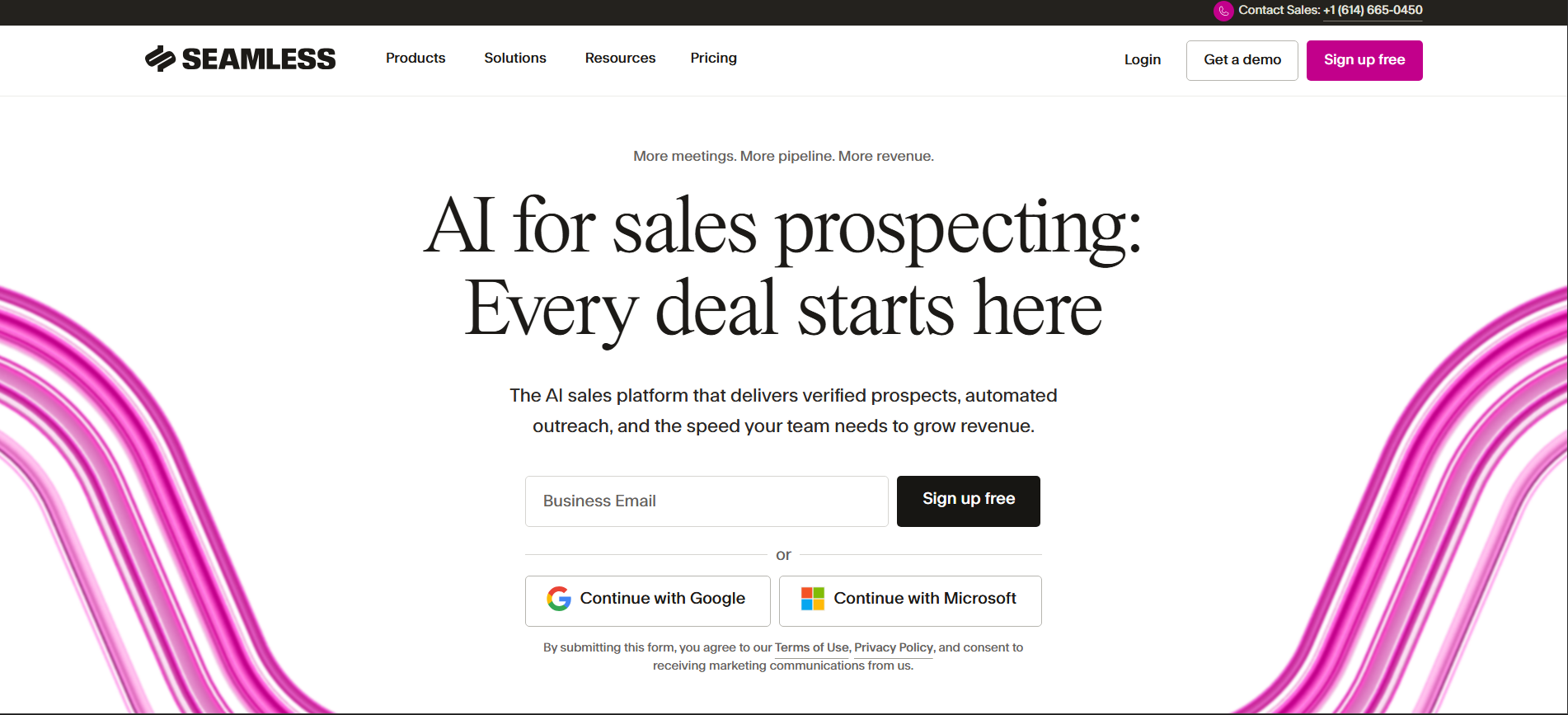
Seamless.AI focuses on real-time contact discovery instead of relying only on a static database. It searches the web when you run a query and validates the information it finds. This can provide fresher data for mid-market technology companies. Coverage and accuracy can vary more for smaller or niche businesses.
Key Features:
- Live search: Research contact data when you run a query instead of relying only on a fixed database.
- Browser extension: Find contacts across LinkedIn, company websites, and other supported pages.
- Engagement tools: Manage outreach and automation within the platform.
- Free entry point: Test contact coverage before moving to paid plans.
Best For: Sales teams that want real-time contact discovery with prospecting and outreach in one platform.
Read our detailed Seamless AI alternatives comparison for more.
8. Persana AI
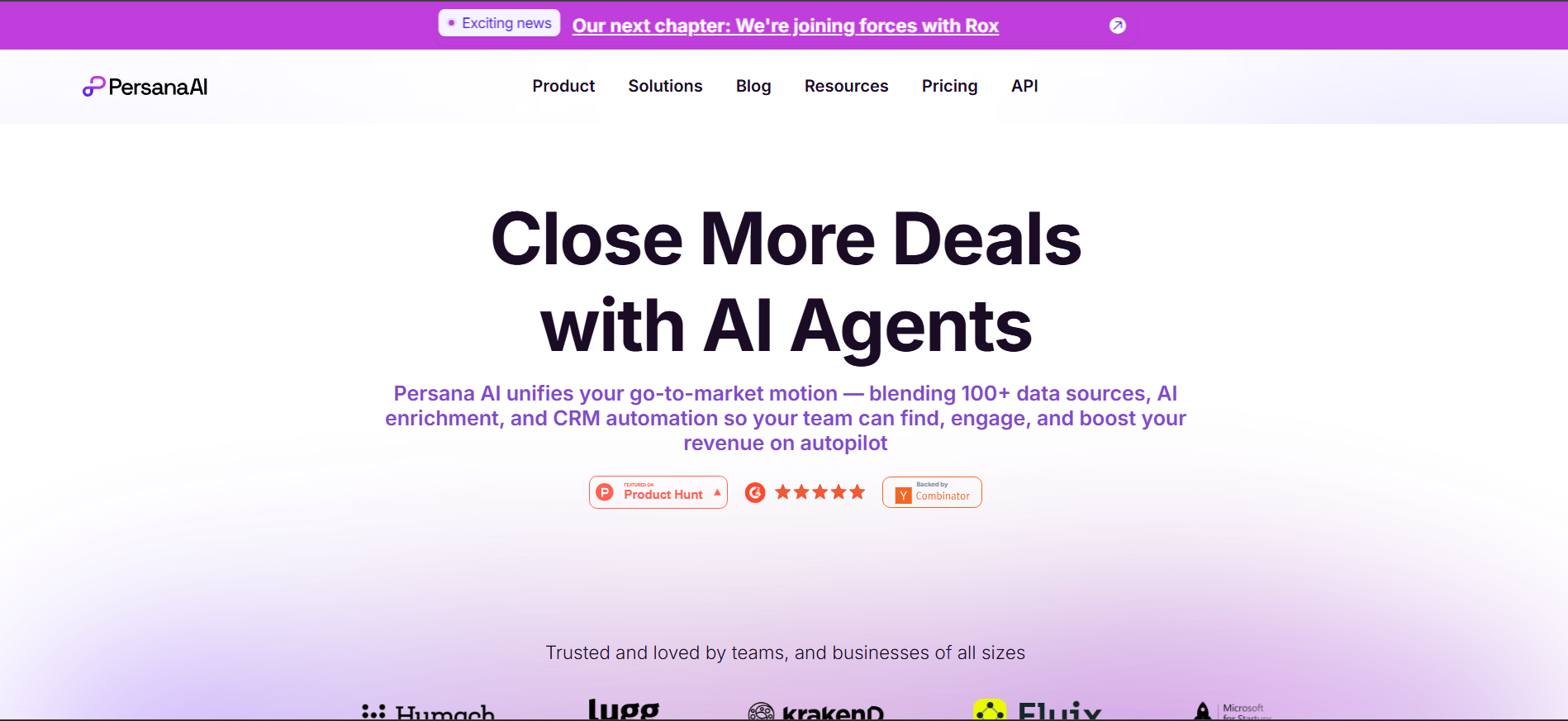
Persana AI combines data enrichment, buying signals, and AI-assisted outbound in one platform. It pulls data from multiple providers and uses research signals to help teams prioritize accounts and create outreach.
Key Features:
- Multi-source enrichment: Pull data from a broad provider network.
- Buying signals: Track funding, hiring, technology, review activity, and website signals.
- AI outreach: Generate personalized messages using account research.
- Native sequencing: Send and manage outreach without exporting leads elsewhere.
Best For: GTM teams that want enrichment, buying signals, research, and AI-assisted outbound in one workflow.
9. FullEnrich
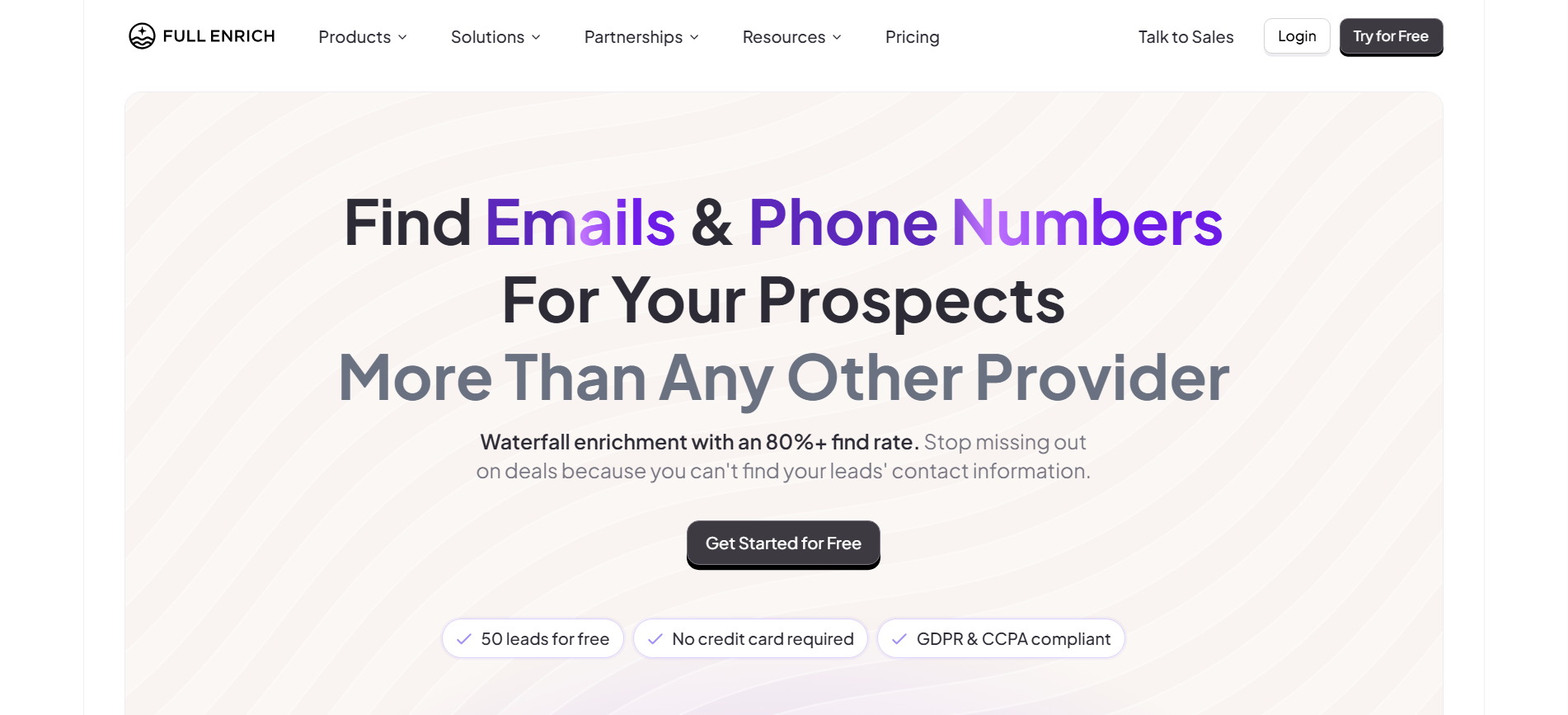
FullEnrich focuses on one core job: waterfall enrichment. It checks multiple providers until it finds verified work emails, personal emails, or phone numbers for the contacts you already have. Its success-based credit model is a key advantage because you pay when verified data is found. However, it does not include prospecting, scoring, signals, or outreach.
Key Features:
- Waterfall enrichment: Check multiple providers to improve contact coverage.
- Success-based credits: Credits are focused on successful data retrieval.
- Phone enrichment: Find mobile numbers alongside email data.
- Regional provider selection: Choose sources based on geography when needed.
Best For: Teams that already have prospect lists and need a dedicated waterfall enrichment layer.
10. LeadIQ
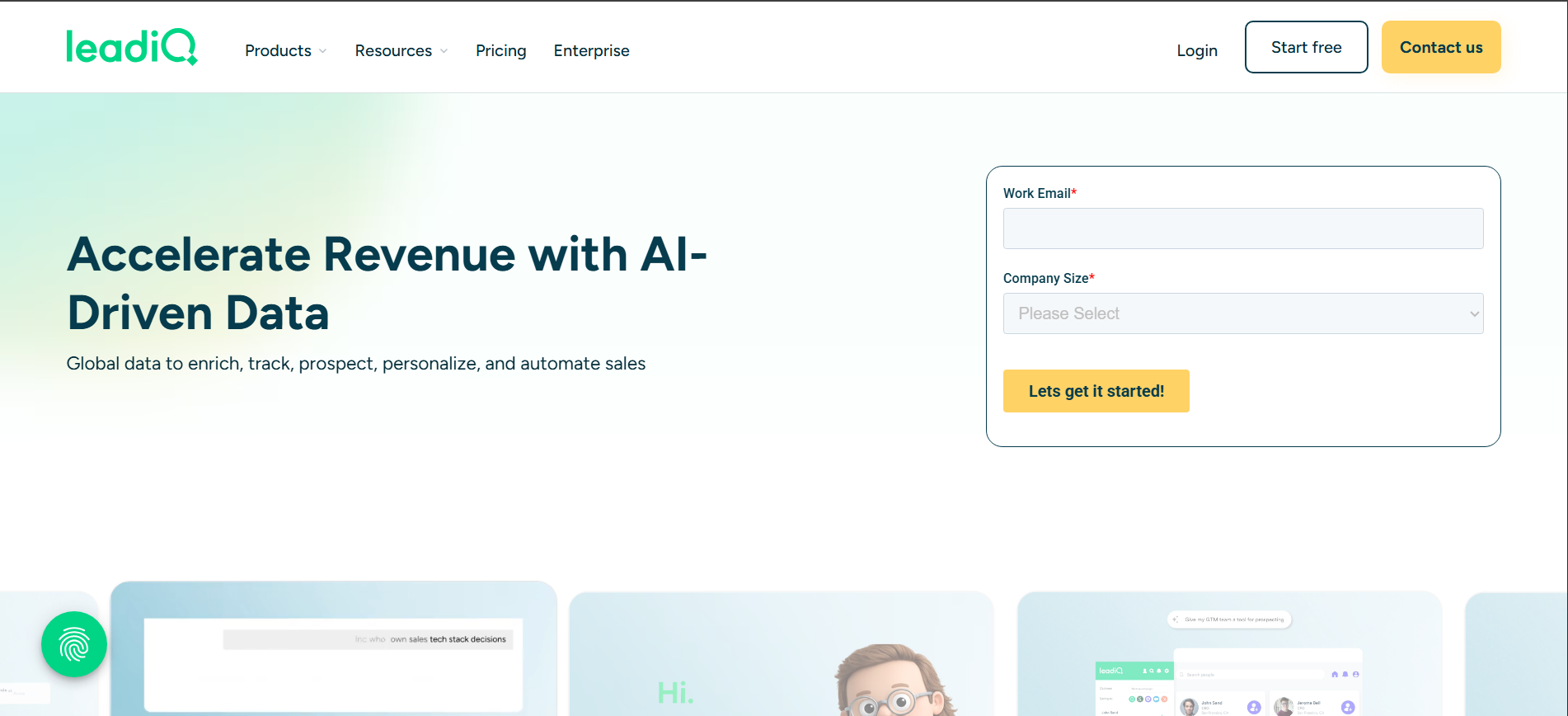
LeadIQ is built around the SDR prospecting workflow. Reps can capture contacts from LinkedIn, enrich their details, and push records directly into sales and CRM tools. Its job-change tracking is particularly useful for reconnecting with former champions when they move to new companies. It is less suited to complex enrichment workflows or custom provider chains.
Key Features:
- Browser prospecting: Capture contact data directly while browsing LinkedIn.
- Job-change alerts: Find opportunities to reconnect with former contacts.
- CRM sync: Send records to Salesforce, Outreach, and Salesloft.
- Contact enrichment: Capture and enrich prospect information during research.
Best For: SDR teams that prospect on LinkedIn and want fast contact capture with CRM and sales tool integrations.
11. Kaspr
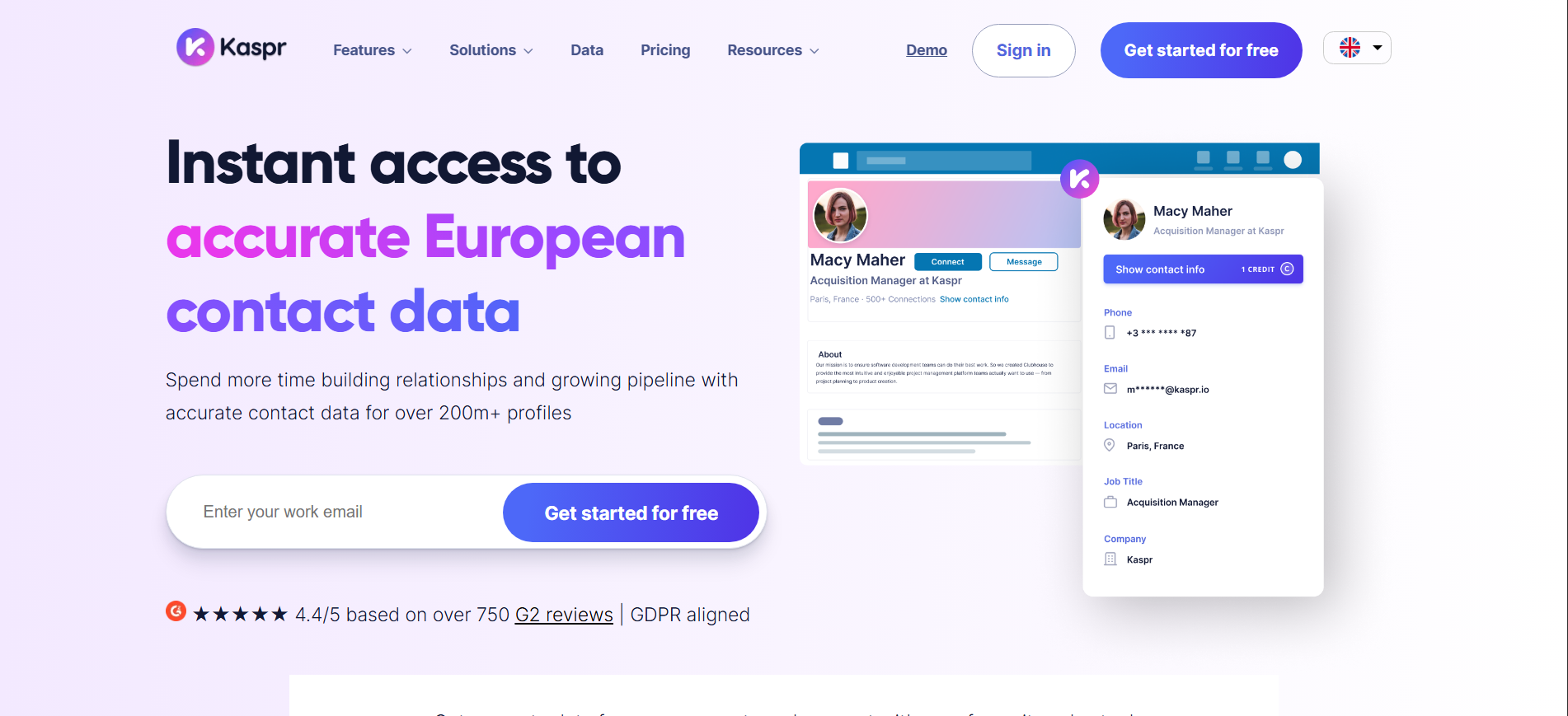
Kaspr is a LinkedIn-first contact enrichment tool that helps sales reps find emails and phone numbers while browsing LinkedIn or Sales Navigator. Its browser-based workflow keeps prospecting quick and simple.
Key Features:
- LinkedIn enrichment: Find contact details directly from LinkedIn profiles.
- Sales Navigator support: Enrich prospects while working inside Sales Navigator.
- Bulk enrichment: Upload lists and enrich multiple contacts at once.
- CRM sync: Move enriched contacts into your existing sales workflow.
Best For: European sales teams that rely on LinkedIn and need quick contact enrichment.
12. UpLead
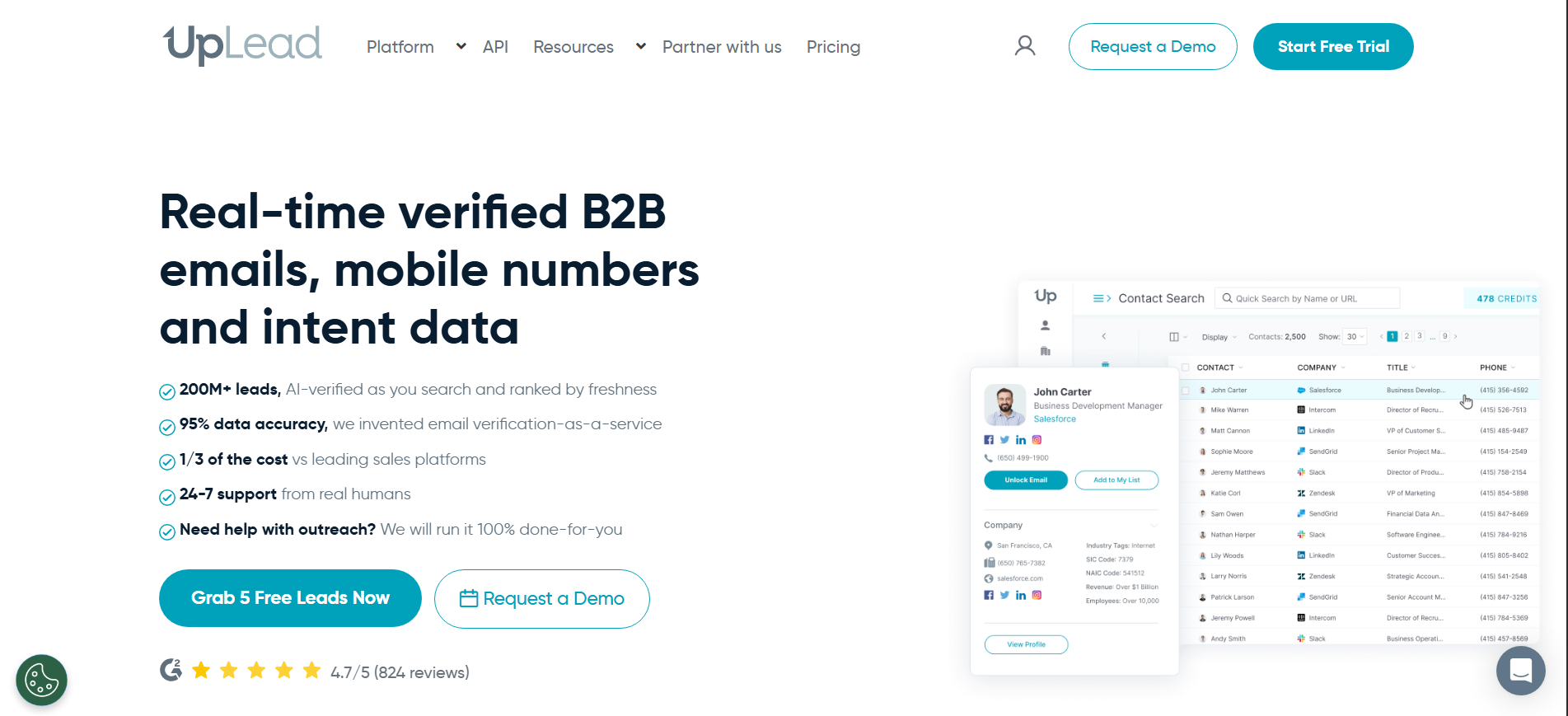
UpLead focuses on verified contacts and predictable credits. Each contact is verified before download, and bad records can qualify for credit refunds. This makes costs easier to forecast than many waterfall models. Its database is smaller than larger providers, so coverage can vary across niche industries.
Key Features:
- Real-time verification: Verify email addresses before downloading contacts.
- Credit refunds: Get credits back for invalid records.
- Advanced filters: Search using firmographic and technographic criteria.
- Flexible plans: Use month-to-month plans without long contracts.
Best For: Teams that prioritize verified contact data and predictable credit usage over database size.
13. Lead411
Lead411 combines contact data with buyer intent and trigger signals. Higher-tier plans offer unlimited searches, while alerts can highlight funding, hiring, and executive changes. Its data and support are strong points, although the interface feels less modern than newer sales intelligence platforms.
Key Features:
- Unlimited searches: Higher plans remove traditional search limits.
- Buyer intent: Identify accounts researching relevant categories.
- Trigger alerts: Track hiring, funding, and executive changes.
- Contact database: Search and build targeted prospect lists.
Best For: Sales teams that want unlimited prospect searches combined with buyer intent and trigger alerts.
14. Hunter.io
Hunter.io focuses on email discovery and verification. Enter a company domain to find known addresses and identify common email patterns, then verify addresses before outreach. It is simple and effective when you already know the target company. However, it does not provide phone numbers, broad firmographics, intent data, or lead scoring.
Key Features:
- Domain search: Find company email addresses and common email patterns.
- Email verification: Check email deliverability before sending.
- Email finder: Discover professional addresses using names and domains.
- API: Connect email discovery and verification with existing systems.
Best For: Teams that mainly need accurate email discovery and verification for known prospects.
15. Factors AI
Factors AI focuses on account-level intent and marketing activation. It combines website activity with intent signals and sends that data into CRM, advertising, and sales workflows. Its strength is connecting intent to action. However, account-level identification means sales teams may still need to find the specific person behind an engaged company.
Key Features:
- Intent signals: Combine website activity with external buying signals.
- Ad activation: Push audiences and intent data into LinkedIn and Google campaigns.
- CRM alerts: Send account activity into sales workflows.
- Attribution: Track multi-touch engagement across marketing campaigns.
Best For: Marketing and RevOps teams that want to connect account intent with advertising, CRM, and sales alerts.
Read our full comparison of Factors AI alternatives for a deeper look at that category.
Also Read: Global Visitor Identification Across 175+ Countries.
Now that you have seen how all 15 tools stack up, let us look at the one comparison most readers came here for.
Clay vs Kwin: Enrichment Workbench vs Autonomous AI Business Developer
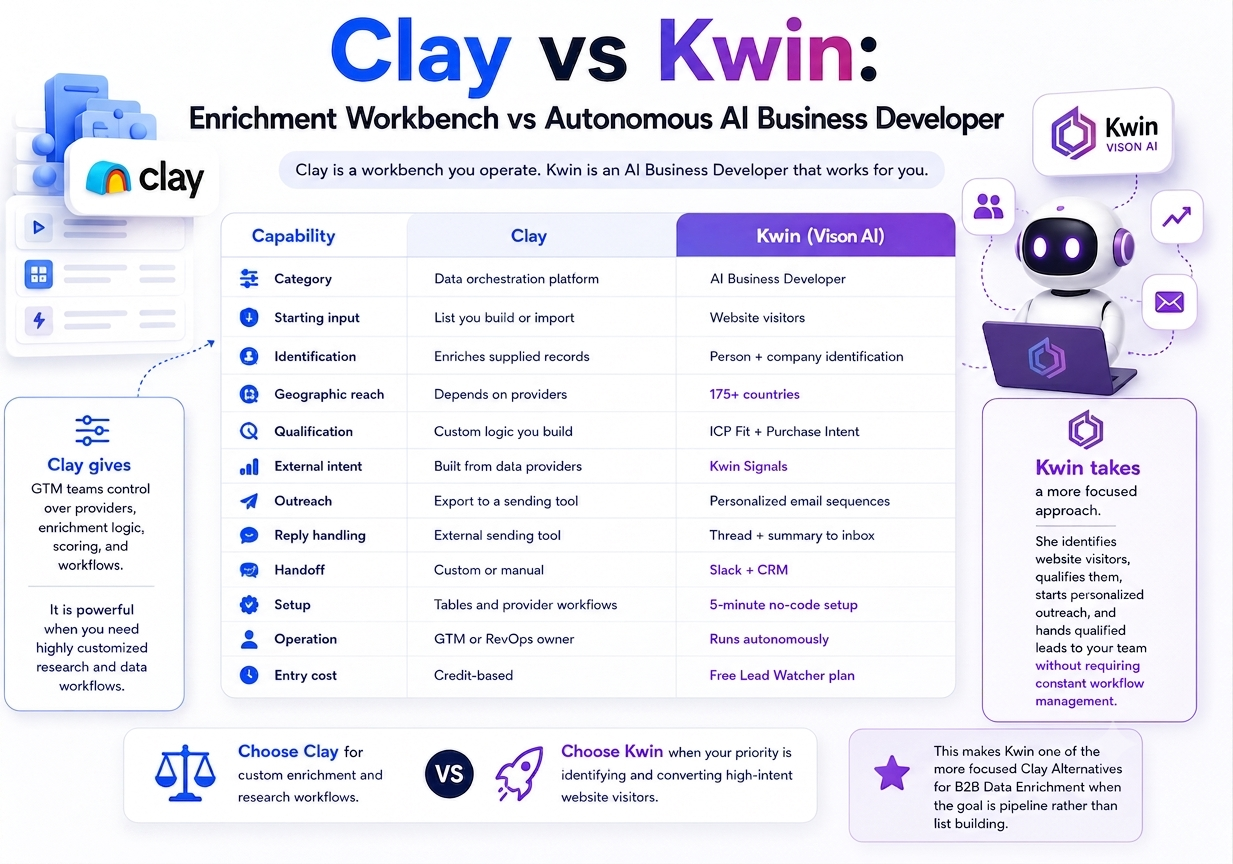
Clay and Kwin solve different parts of the same revenue problem. Clay is a workbench you operate. Kwin is an AI Business Developer that works for you.
Clay gives GTM teams control over providers, enrichment logic, scoring, and workflows. It is powerful when you need highly customized research and data workflows.
Kwin takes a more focused approach. She identifies website visitors, qualifies them, starts personalized outreach, and hands qualified leads to your team without requiring constant workflow management.
The choice comes down to your bottleneck. Choose Clay for custom enrichment and research workflows. Choose Kwin when your priority is identifying and converting high-intent website visitors.
This makes Kwin one of the more focused Clay Alternatives for B2B Data Enrichment when the goal is pipeline rather than list building.
How to Choose the Right Clay Alternative for Your Team
Choosing Clay Alternatives for B2B Data Enrichment is not about finding the tool with the longest feature list. Start with the problem you need to solve, then test the tools against these eight checks.
1. Find Your Bottleneck First
Know where your process breaks. Bad data, weak intent, no outreach, and missing inbound visibility need different solutions. Identify the gap before comparing tools.
2. Test Match Rate on Your ICP
Ignore huge database numbers. Give each vendor around 200 real accounts from your ICP and measure how many usable contacts it actually returns.
3. Check Data Freshness
Test known contacts before buying. Compare titles, companies, and emails with current records to see whether the data is fresh and accurate.
4. Calculate the Real Cost
Look beyond the plan price. Include credits, seats, phone data, integrations, and additional outreach tools, then compare the total cost against qualified meetings.
5. Look for Person-Level Identification
Company-level data leaves reps guessing who to contact. Person-level identification gives you a name, email, phone, and LinkedIn profile you can act on.
6. Test Your Target Markets
Global coverage claims can hide regional gaps. Test the countries where you actually sell instead of assuming a large database performs equally everywhere.
7. Check Data Sourcing and Compliance
Ask how data is collected and verified. Look for clear documentation, publicly available business data, and certifications that can pass your legal and procurement review.
8. Measure Time to First Meeting
A full database is not the goal. Measure how quickly each tool can take you from signup to a qualified conversation. The faster path usually has less setup and fewer hidden steps.
7 Mistakes to Avoid When You Replace Clay
Choosing the right Clay Alternatives for B2B Data Enrichment is only half the job. A poor migration can leave gaps in your data, workflow, and pipeline.
1. Replacing Clay With a Single-Feature Tool
Clay covers sourcing, enrichment, workflows, and integrations. Before switching, map what you actually use so your new tool does not leave important gaps.
2. Choosing Database Size Over Match Rate
A huge database means little if it cannot find your ICP. Test real accounts from your target market and compare the verified match rate.
3. Ignoring Failed Lookup Costs
Check whether you pay for failed searches, unused credits, or phone lookups. These costs can quickly increase your real cost per usable lead.
4. Skipping a Real Data Test
Do not rely on demos. Test the tool with your own ICP and verify the returned emails, phone numbers, and company data before committing.
5. Confusing Company Data With Person Data
Knowing which company visited is not enough. If sales still have to find the right person manually, much of the work remains unfinished.
6. Ignoring Your Inbound Traffic
Your website already has people showing interest. Any serious evaluation of clay alternatives should consider visitor identification alongside outbound enrichment.
7. Automating Before Qualification
More automation does not fix poor targeting. Set your ICP and intent criteria first, then automate outreach only for leads that meet your threshold.
Also Read: Leadfeeder Alternatives: Top Tools For Website Visitor Identification
With these mistakes covered, the next step is making the switch without disrupting your existing pipeline.
How to Migrate Off Clay Without Breaking Your Pipeline
Switching tools does not have to put your pipeline at risk. Follow these five steps to move from Clay to the right Clay Alternatives for B2B Data Enrichment without losing working campaigns or data.
1. Audit Your Clay Tables
Review every table and ask one question: does it drive the pipeline? Keep the tables linked to meetings, leads, or revenue. Turn the useful workflows into clear jobs such as finding verified contacts or tracking funding signals.
2. Separate Data From Workflows
Split your requirements into two areas:
- Data: Emails, phone numbers, firmographics, and enrichment
- Workflow: Scoring, routing, alerts, and outreach
This makes it easier to find a replacement that actually covers your needs.
3. Test Both Tools Together
Take around 200 real accounts and run them through Clay and your chosen alternative. Compare match rate, data accuracy, and cost per usable record. Do not switch based on a demo or one good result. Let your own data decide.
4. Rebuild Your Qualification Rules
Move your ICP filters, intent signals, exclusions, and routing rules before switching fully. With Kwin, this means setting ICP Fit and Purchase Intent thresholds, choosing Kwin Signals, and applying your country, page, and data filters.
5. Switch Outreach Last
Connect your email, CRM, and Slack only after the data and scoring are working properly. Run both systems in parallel and compare qualified leads, replies, and booked meetings. Once the new platform proves its value, archive your old Clay tables and complete the switch.
Why Kwin Stands Out as a Clay Alternative for B2B Data Enrichment
Most tools help you find and enrich leads. Kwin goes one step further. It finds the people already showing interest, qualifies them, and helps start the conversation.
Kwin combines visitor identification, lead scoring with purchase intent, outreach, and sales handoff in one workflow.
Here is what makes it different:
- Finds the person behind the visit: Identifies 60 to 70% of visitors with names, emails, phone numbers, LinkedIn profiles, and company details.
- Works globally: Covers 175+ countries at the person level.
- Knows who matters: Uses ICP Fit and Purchase Intent scores to find high-value visitors.
- Starts the conversation: Creates personalized email sequences based on visitor activity.
- Sends leads where your team works: Routes positive replies to your inbox and qualified leads to Slack and your CRM.
- Keep your data clean: Filter by country, page, and data while excluding government and public sector traffic.
- Built for privacy: Includes SOC 2 Type II, GDPR, CCPA, ISO 9001:2015, and ISO 27001:2022.
- Already showing results: Infiniticube generated 2.5x more qualified leads in 45 days, with 35%+ of meetings coming from visitors who never filled out a form.
- Free to start: Lead Watcher gives you 100 leads/month with no credit card. Win+ includes a 7-day free trial.
Hire Kwin For Free and turn anonymous visitors into qualified conversations.
Conclusion
Choosing the right Clay Alternatives for B2B Data Enrichment comes down to one question: Do you need better data, or faster action?
If you only need enrichment, a dedicated data provider may be enough. But if you want to identify buyers, understand their intent, and act before they leave, you need more than another database.
That is where Kwin stands out. She turns anonymous website traffic into identified, qualified, and actionable sales opportunities.
We hope this guide helped you understand how B2B data enrichment works, which tools solve different problems, and what to check before choosing one.
Ready to see who is already interested in your business? Book a demo to see how Kwin fits your current stack and start turning anonymous traffic into qualified conversations.