
TL;DR
Lead enrichment tools fill missing lead data such as contact details, firmographics, technographics, and intent signals, helping B2B teams improve targeting and outreach. This guide compares the 20 best tools, explains how enrichment works, what to check before buying, pricing models, compliance, testing, and common mistakes. It also shows where traditional enrichment stops short and how Kwin can identify and qualify anonymous website visitors before turning high-intent traffic into sales conversations.
Your next customer could already be visiting your website. You just may not know who they are.
B2B data goes stale fast. People change jobs, companies evolve, and contact details stop working. Lead Enrichment Tools help fill those gaps with accurate contact, company, technology, and intent data.
But there’s a catch: traditional enrichment works only when you already have a lead to enrich.
What about the buyers who visit your pricing page, explore your product, and leave without filling out a form?
That’s where lead enrichment tools take a different approach. They help identify, qualify, enrich, and engage high-intent website visitors before they become traditional leads.
In this guide, we compare the 20 best Lead Enrichment Tools for B2B teams in 2026, including features, pricing, pros, cons, and best use cases, so you can choose the right tool for your sales motion.
What Are Lead Enrichment Tools?
Lead Enrichment Tools help sales teams learn more about the leads they already have.
You provide basic details such as an email address, company name, domain, or LinkedIn profile. The tool then adds useful information like job title, company size, industry, revenue, phone number, technology stack, and buying interest.
In simple terms, these tools turn basic lead records into more complete sales profiles.
They can also check whether the information is accurate, update outdated details, and help your team decide which leads are worth contacting first.
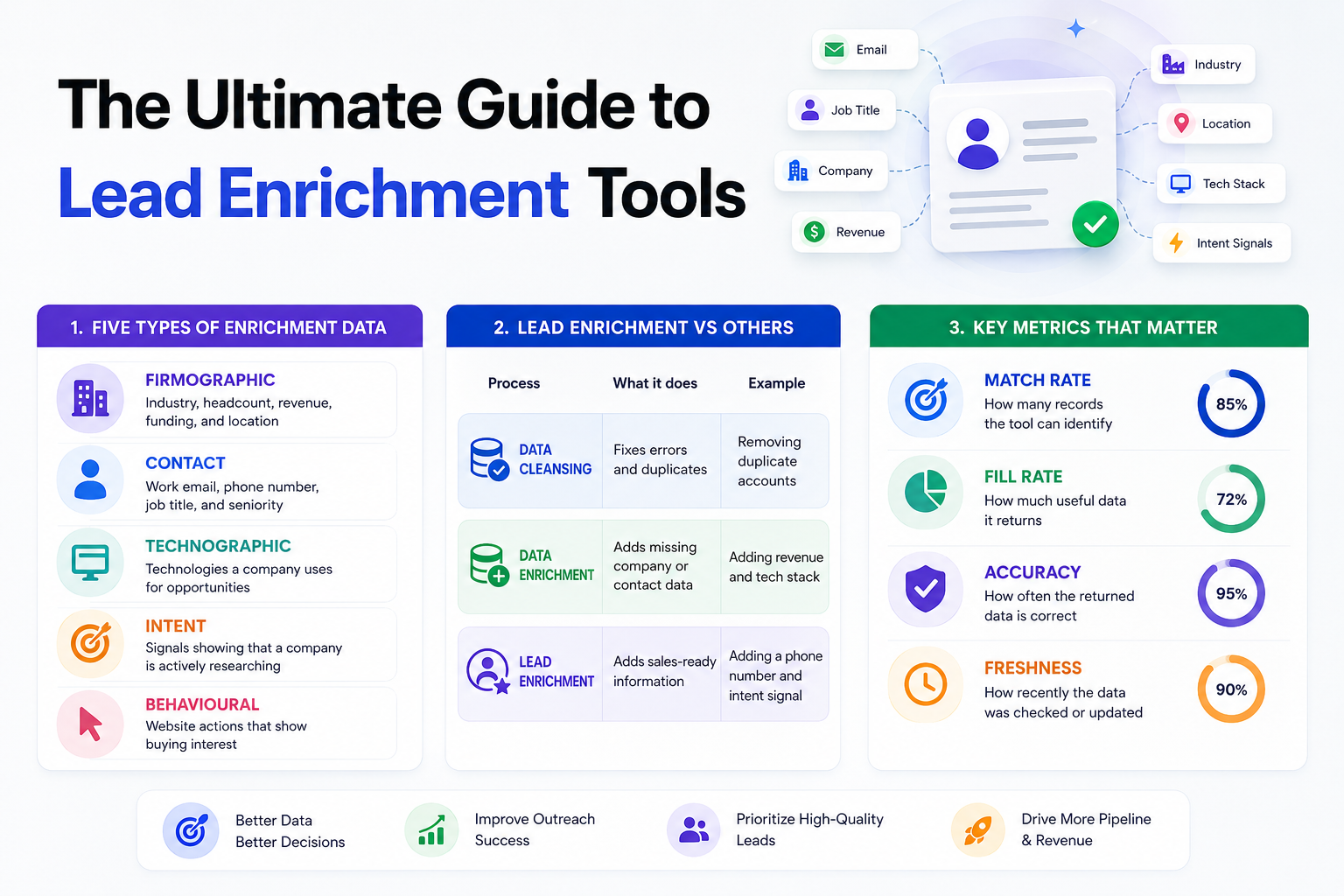
5 Types of Enrichment Data
Not every tool provides the same data. Know what your sales team actually needs before comparing Lead Intelligence Tools.
- Firmographic: Industry, headcount, revenue, funding, and location for ICP targeting.
- Contact: Work email, phone number, job title, and seniority for sales outreach.
- Technographic: Technologies a company uses for replacement and integration opportunities.
- Intent: Signals showing that a company is actively researching a solution.
- Behavioral: Website actions such as pricing visits and repeat sessions that show buying interest.
Lead Enrichment vs Data Enrichment vs Data Cleansing
These terms sound similar but solve different problems.
Simply put, cleansing fixes data, enrichment adds data, and lead enrichment makes leads easier to qualify and contact.
Match Rate, Fill Rate, Accuracy, and Freshness
Don't judge Lead Intelligence Tools by database size alone. Check these four metrics.
- Match rate: How many records the tool can identify.
- Fill rate: How much useful data it returns for matched records.
- Accuracy: How often the returned data is correct.
- Freshness: How recently the data was checked or updated.
How Lead Enrichment Tools Actually Work
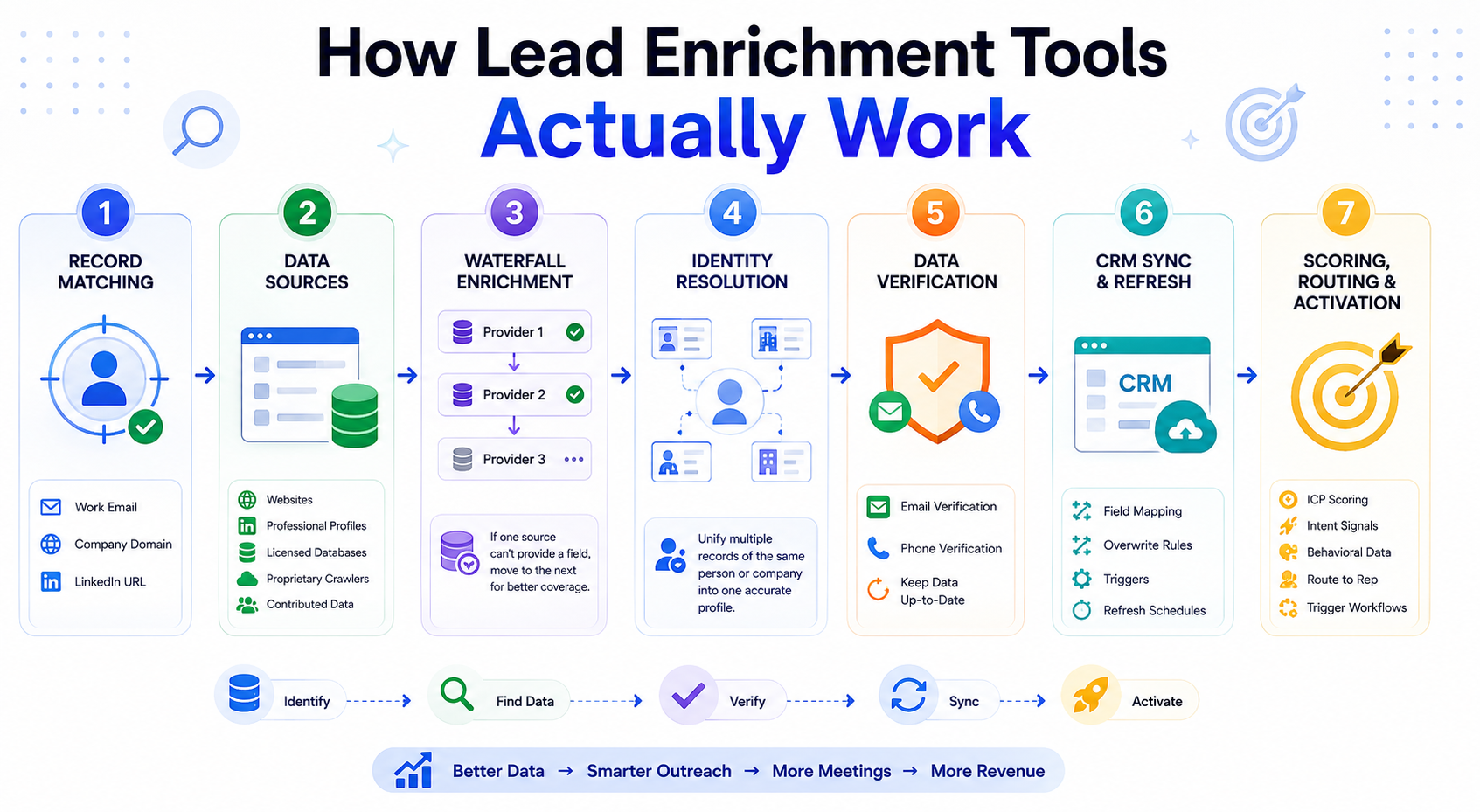
Lead Intelligence Tools follow a simple process: identify a person or company, find additional data, verify it, and send it to your sales system. The quality of the final record depends on how well each stage works.
Step 1. Record Matching
Everything starts with an identifier such as a work email, company domain, or LinkedIn URL. The platform matches it against its database to find the right person or company, using multiple signals to reduce incorrect matches.
Step 2. Data Sources
After matching a record, the platform pulls information from public websites, professional profiles, licensed databases, proprietary crawlers, and contributed data. Coverage can vary by region, industry, and data type, so check where important fields actually come from.
Step 3. Waterfall Enrichment
No database has perfect coverage, so many Lead Intelligence Tools use waterfall enrichment to check multiple providers. If one source cannot provide a field, the platform moves to another source to improve overall coverage.
Step 4. Identity Resolution
The same person or company can appear differently across multiple data sources. Identity resolution connects these records using details such as names, domains, locations, and employment history to reduce duplicate or incorrect profiles.
Step 5. Data Verification
Matched data still needs to be checked before it reaches your CRM. Email and phone verification helps confirm that contact details are valid, while regular updates help prevent outdated information from affecting outreach and deliverability.
Step 6. CRM Sync and Refresh
The enriched data is then mapped to your CRM or sales platform. Set clear field mapping, overwrite rules, triggers, and refresh schedules so new data fills gaps without accidentally replacing information your team has already verified.
Step 7. Scoring, Routing, and Activation
The final step turns data into action. ICP scoring, intent signals, and behavioral data can help prioritize leads, route them to the right sales rep, and trigger outreach, alerts, or follow-up workflows.
Also Read: Leadfeeder Alternatives: Top 10 Tools for Website Visitor Identification
20 Best Lead Enrichment Tools for B2B Teams
Here’s how the 20 best lead enrichment tools compare at a glance, ranked by the capabilities that matter most for B2B teams. Prices change often; always check the company's website before buying.
Let's look at each tool in detail.
1. Kwin by Vison AI
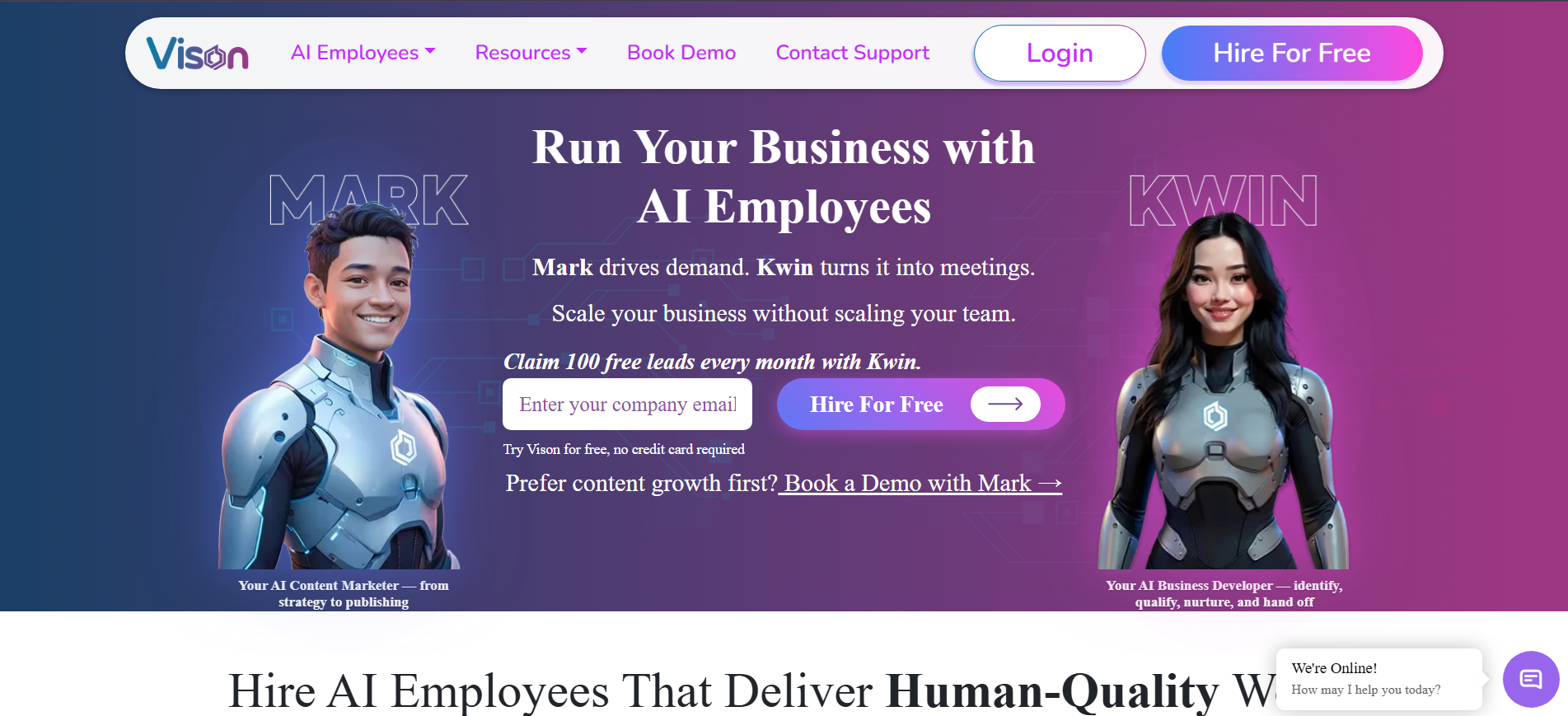
Kwin is an AI Business Developer that identifies people already visiting your website and turns high-value traffic into sales opportunities.
It works across 175+ countries and combines visitor identification, enrichment, intent signals, behavior analysis, and automated engagement in one workflow.
Kwin shows what identified visitors do on your website through the User Activity tab. You can see the pages they viewed, their website activity, and other engagement signals to better understand their interest.
It also scores visitors against your ICP and Purchase Intent criteria, helping your team focus on prospects most likely to convert.
Qualified visitors can receive personalized emails from your own domain, while positive replies can be routed to your inbox, Slack, or CRM.
Key Features:
- Visitor behavior tracking: See which pages identified visitors viewed and how they interacted with your website.
- 60% to 70% visitor identification: Identify visitors at the person and company level.
- Kwin Signals: Get buying signals from LinkedIn, G2, Capterra, Crunchbase, job boards, news, and technology changes.
- ICP and Purchase Intent scoring: Find visitors who best match your ideal customer profile and show buying interest.
- Automated email outreach: Send personalized emails from your own domain with automatic follow-ups.
- Smart filtering: Filter visitors by country, pages viewed, available data, and exclusions.
- CRM and Slack handoff: Send qualified opportunities to your CRM, Slack, or inbox.
Best for: B2B SaaS, professional services, and lean sales teams that want to convert existing website traffic into qualified meetings.
Hire Kwin and turn website visitors into qualified leads. Start free with 100 leads per month, no credit card required.
2. Clay
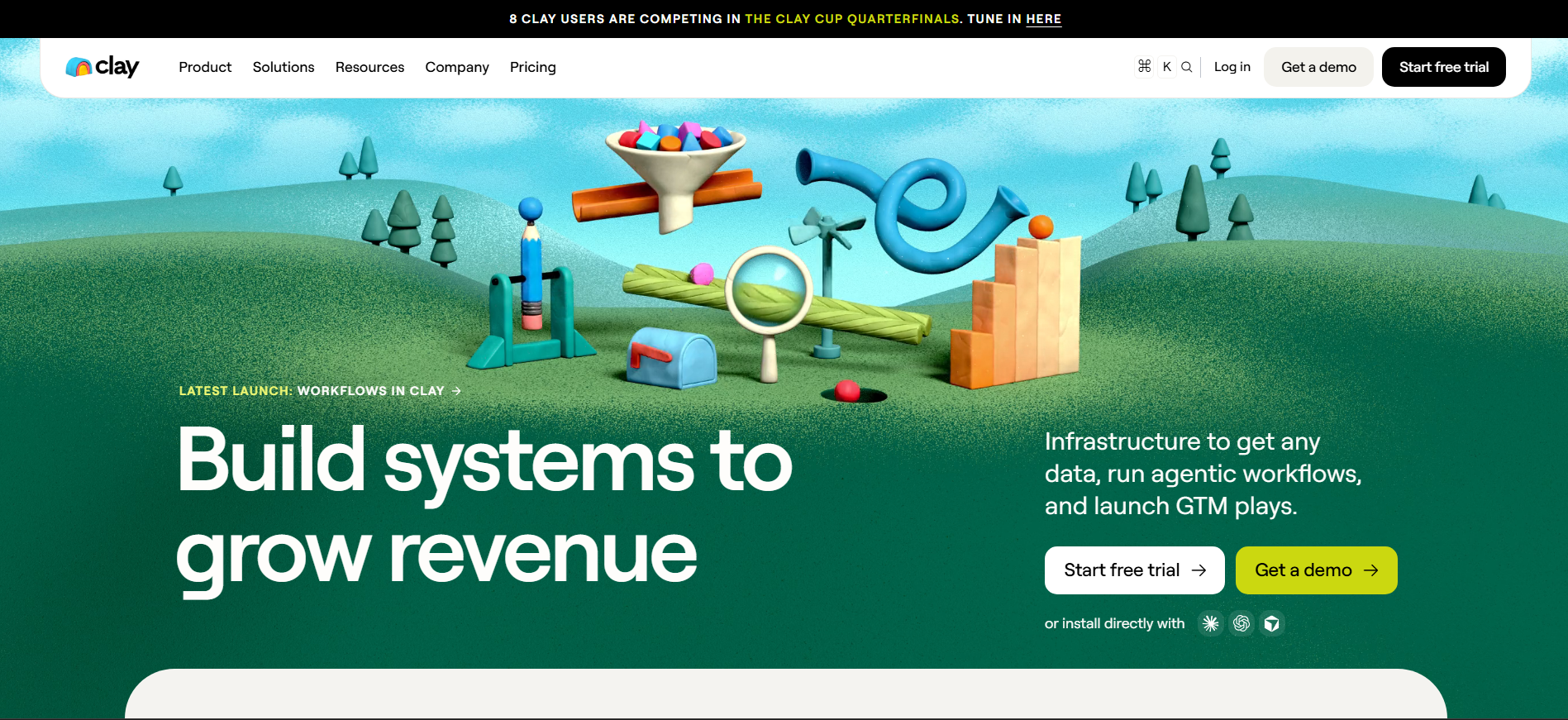
Clay is an enrichment orchestration platform that connects multiple data providers through a flexible, spreadsheet-style workspace. Its Claygent AI agent can research and extract details that traditional databases may miss, while reviewers on G2 highlight its flexibility and learning curve.
Key Features:
- Multi-provider enrichment with waterfall workflows
- Claygent AI agent for web research and unstructured data
- Custom workflows for advanced GTM and RevOps processes
Best for: RevOps teams and GTM engineers building custom enrichment workflows.
3. ZoomInfo
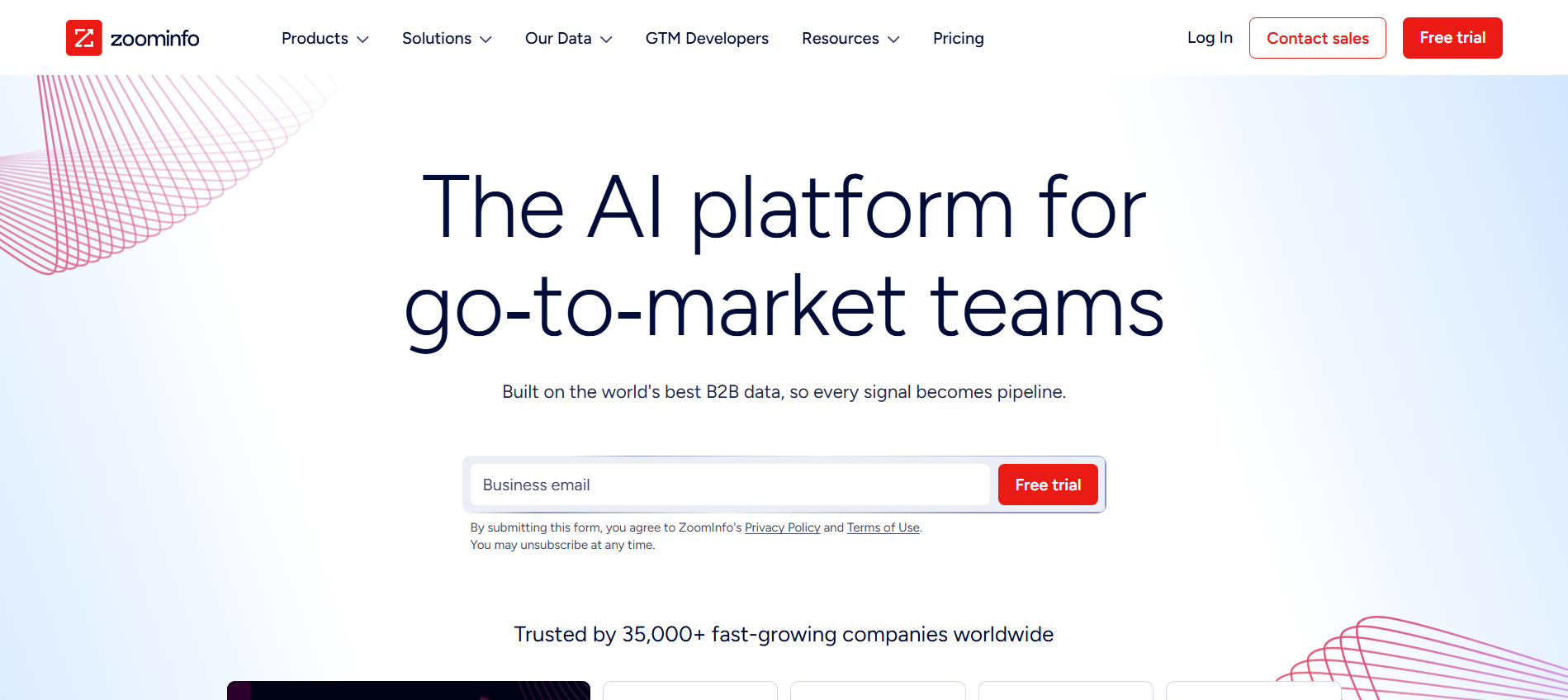
ZoomInfo is an enterprise B2B data and GTM platform built around centralized data governance, territory planning, and routing. Its parallel enrichment approach compares multiple sources to return higher-confidence data. G2 reviewers praise its broad coverage while noting data can become outdated.
Key Features:
- B2B contact and company database for prospecting
- Data enrichment and intent signals for account targeting
- GTM workflows for routing, territory planning, and engagement
Best for: Large GTM organizations that need a centralized data layer across sales, marketing, and operations.
See our ZoomInfo alternatives and Kwin vs ZoomInfo comparisons.
4. Apollo.io
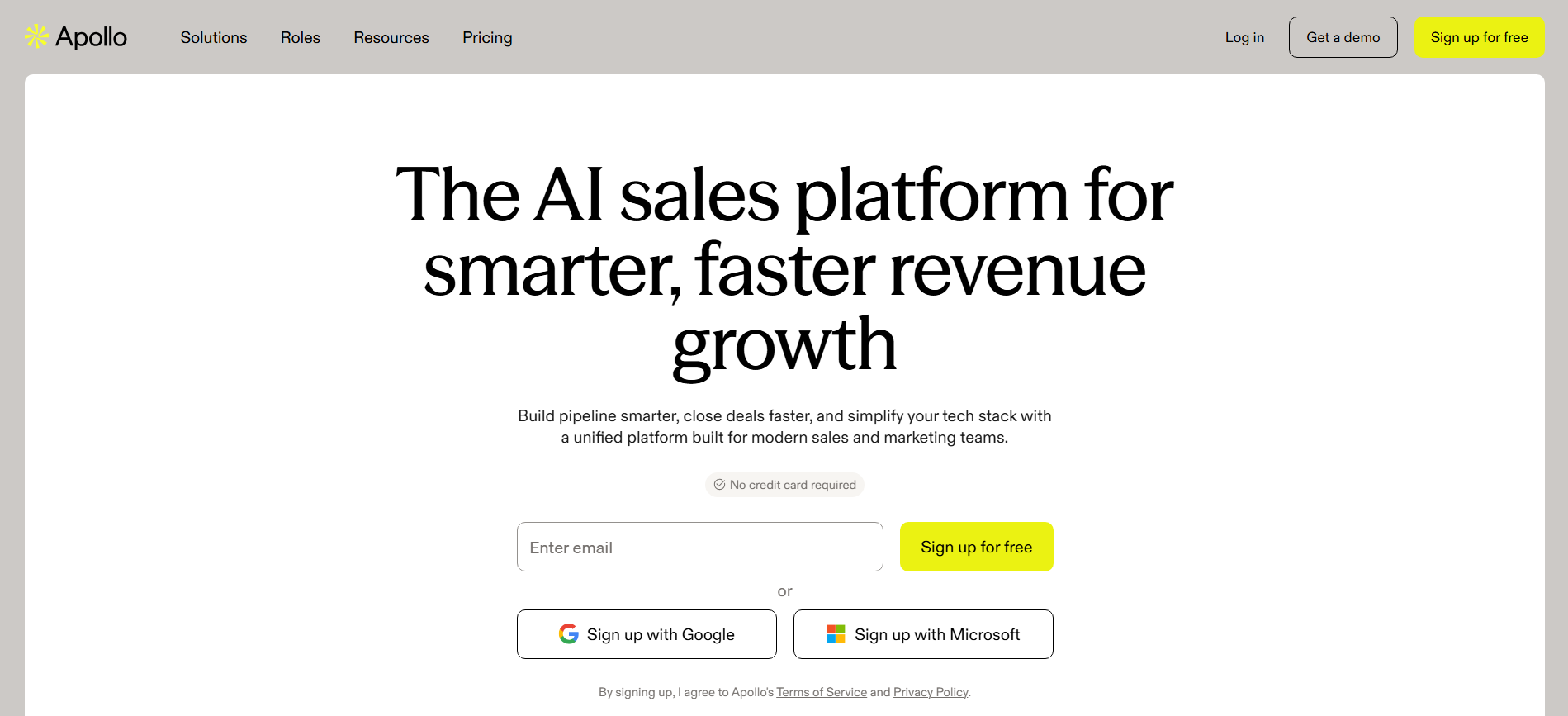
Apollo.io combines a large B2B contact database with sales engagement tools, including email sequencing and dialing. This all-in-one approach makes it popular with lean outbound teams. G2 reviewers value its feature set and pricing, while some report inconsistent contact accuracy.
Key Features:
- B2B contact database with search and enrichment
- Email sequencing and automated follow-ups
- Dialer and sales engagement tools
Best for: SMB and mid-market outbound teams that want prospecting and sales engagement in one subscription.
See our Apollo.io alternatives guide.
5. Cognism
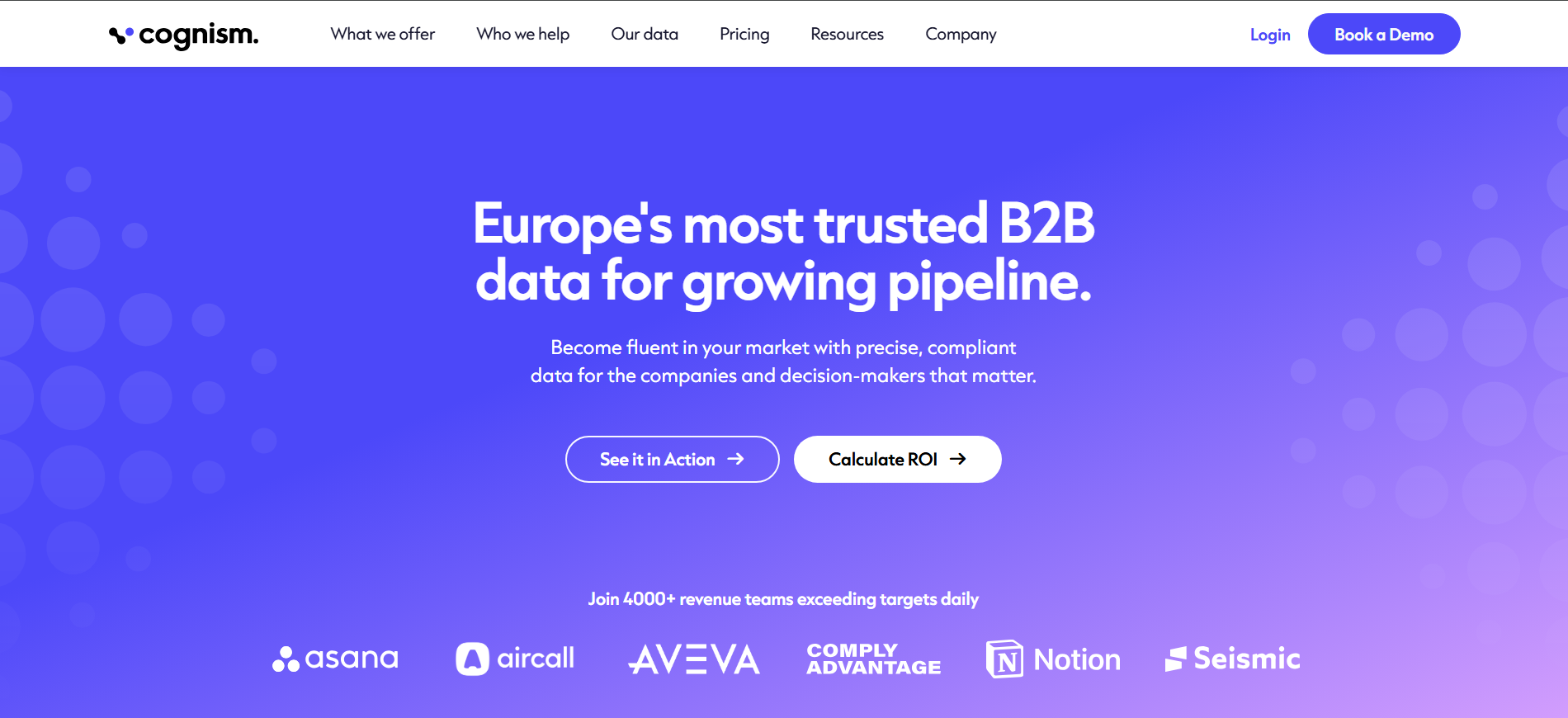
Cognism is a B2B data platform known for phone-verified contact information and strong European compliance. Its Diamond Data uses human verification for mobile numbers, while G2 reviewers highlight its phone data and European coverage.
Key Features:
- Diamond Data with human-verified mobile numbers
- Do Not Call screening for compliant outreach.
- Intent and company intelligence for prospect targeting
Best for: Outbound teams selling into Europe where phone accuracy and compliance are priorities.
See the Cognism alternatives guide for other options.
6. Clearbit (Breeze Intelligence)
Clearbit now operates as Breeze Intelligence within HubSpot, rather than as a standalone enrichment platform. It enriches records in real time and supports progressive profiling to collect more information without making forms longer. G2 reviewers highlight company data quality, while some note limitations in personal contact data.
Key Features:
- Real-time CRM enrichment inside HubSpot
- Progressive profiling for shorter forms
- Company intelligence for lead qualification and targeting
Best for: Marketing and RevOps teams already standardized on HubSpot.
See our Clearbit alternatives guide.
7. Lusha
Lusha is built for fast contact lookup, especially during LinkedIn prospecting. Its browser extension lets reps reveal contact details with minimal setup, while the trade-off is less enrichment depth and varying phone coverage across regions.
Key Features:
- LinkedIn browser extension for instant prospect lookup
- Contact and company enrichment for sales records
- CRM integrations for saving prospect data
Best for: Individual SDRs and small teams that need quick contact details while prospecting.
See the Lusha alternatives guide for where other platforms offer more.
8. UpLead
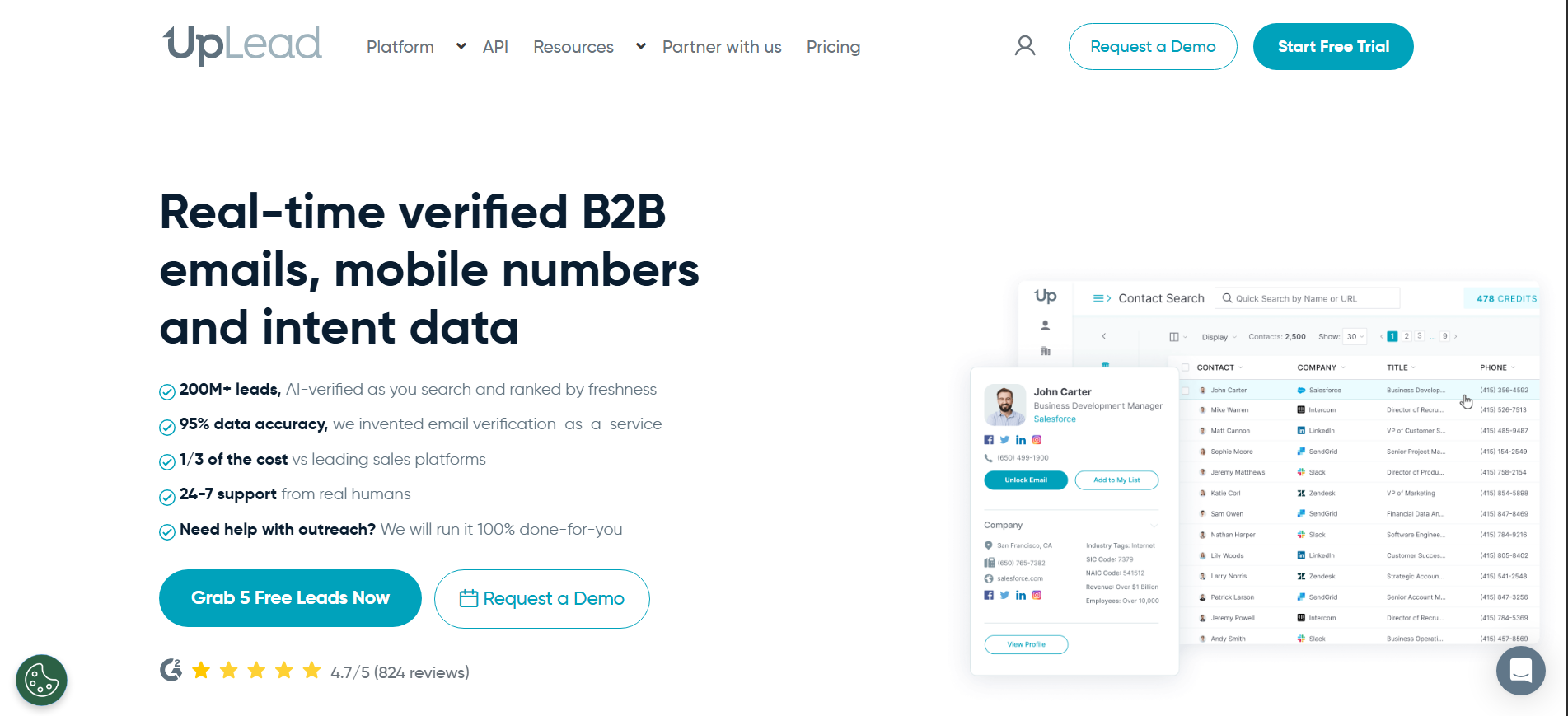
UpLead focuses heavily on real-time data verification, checking contacts when they are searched instead of relying only on cached records. Its credit refund policy for inaccurate data also makes the cost of usable contacts easier to predict.
Key Features:
- Real-time email verification during lookup
- Advanced prospect filters for targeted searches.
- Credit refunds for inaccurate contact data
Best for: Budget-conscious SMB and mid-market teams that prioritize verified data over database size.
9. Snov.io
Snov.io combines email discovery, verification, enrichment, and outreach in one platform. Its multi-stage email verification helps improve deliverability, while phone coverage remains a weaker area. G2 reviewers also note differences in coverage across regions.
Key Features:
- Email finder and verification for prospect lists
- Drip campaigns with automated follow-ups
- Lightweight CRM for managing outreach
Best for: Agencies, startups, and lean teams running email-first outbound campaigns.
10. Demandbase
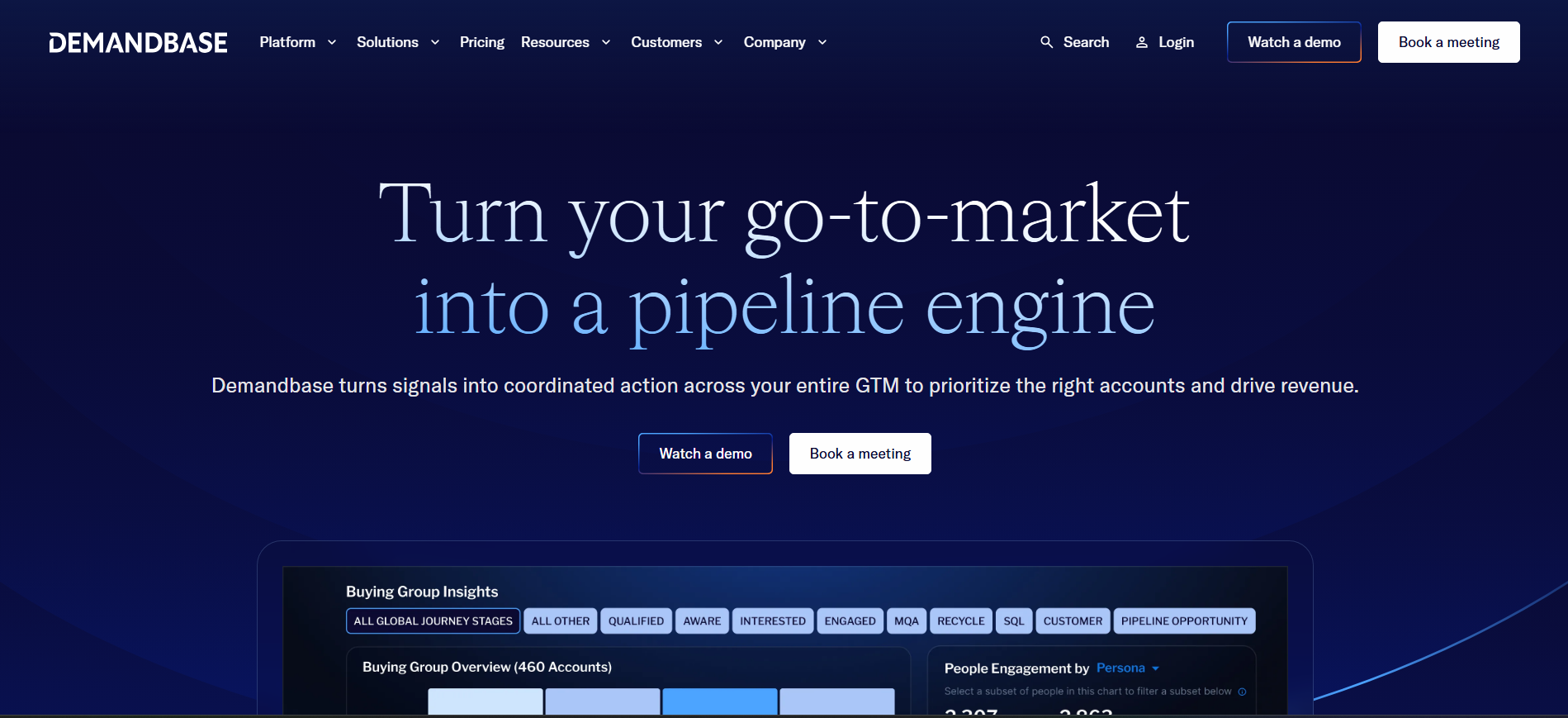
Demandbase combines account intelligence, enrichment, intent, and ABM activation in one platform. It is designed around account-level targeting, with firmographics, technographics, company hierarchies, and advertising capabilities working together.
Key Features:
- Account intelligence with firmographic and technographic data
- Intent signals and account scoring for ABM targeting
- Advertising and sales activation within the platform
Best for: Enterprise marketing teams running coordinated ABM campaigns across advertising and sales.
11. 6sense
6sense focuses on predictive buying-stage intelligence rather than traditional contact enrichment. It combines anonymous website activity, third-party intent, and firmographic signals to estimate where an account is in its buying journey.
Key Features:
- Predictive buying-stage modeling
- Intent and anonymous visitor signals
- Multi-channel campaign orchestration across email, LinkedIn, and display
Best for: Enterprise ABM programs that need predictive buying-stage insights across multiple channels.
12. Datanyze
Datanyze focuses on technographic intelligence, helping sales teams discover the software a company uses. Its browser extension makes that data useful for identifying replacement and integration opportunities, though contact enrichment is more limited.
Key Features:
- Technology tracking across millions of domains
- Technographic prospecting through a browser extension
- Technology usage insights for account qualification
Best for: SaaS teams where a prospect's existing technology stack is an important qualification signal.
13. Kaspr
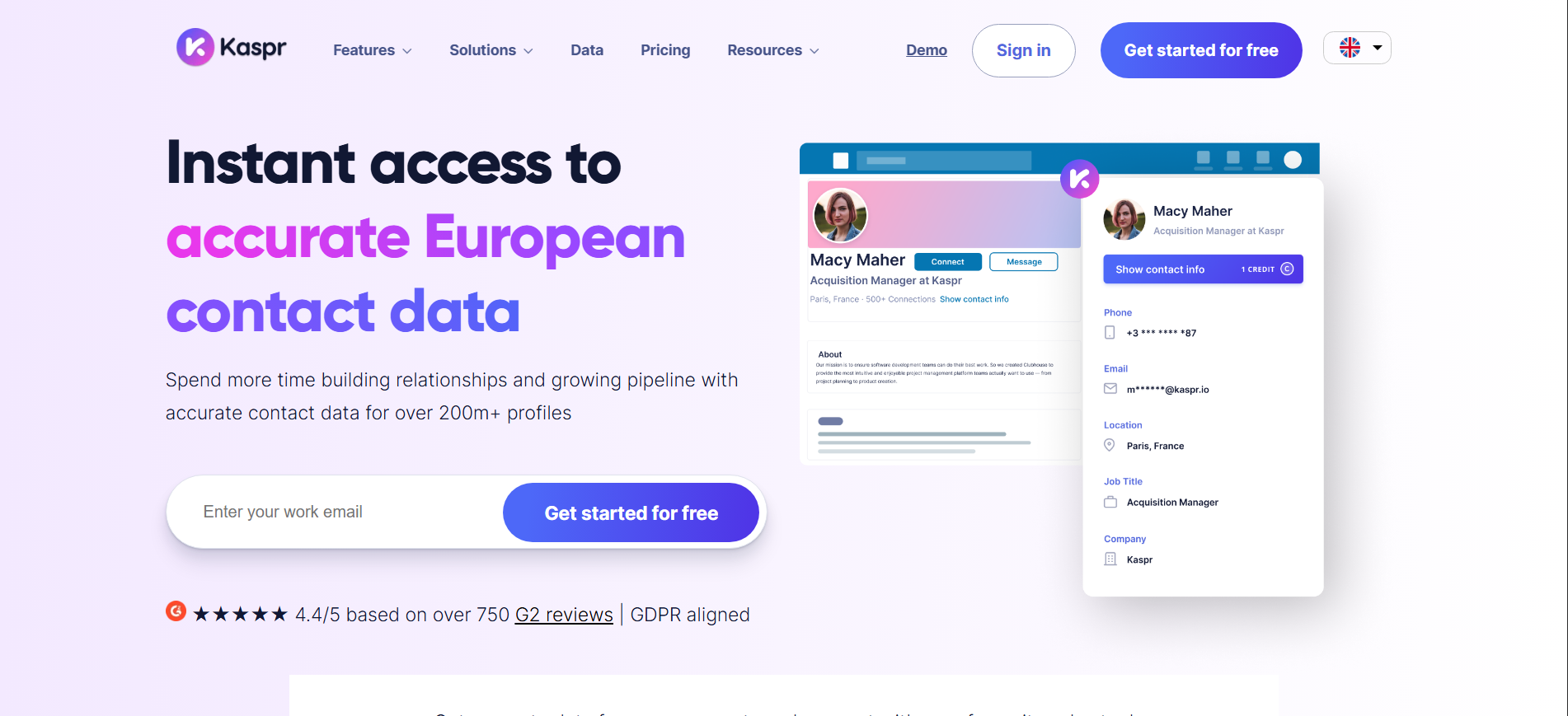
Kaspr is designed around LinkedIn prospecting, letting SDRs reveal contact details directly from LinkedIn and Sales Navigator. Its strong European mobile coverage makes it particularly useful for teams targeting European prospects.
Key Features:
- LinkedIn and Sales Navigator extension
- Contact and mobile number discovery
- Credit rollover for unused credits
Best for: SDRs whose prospecting workflow is centered on LinkedIn, especially in Europe.
14. Lead411
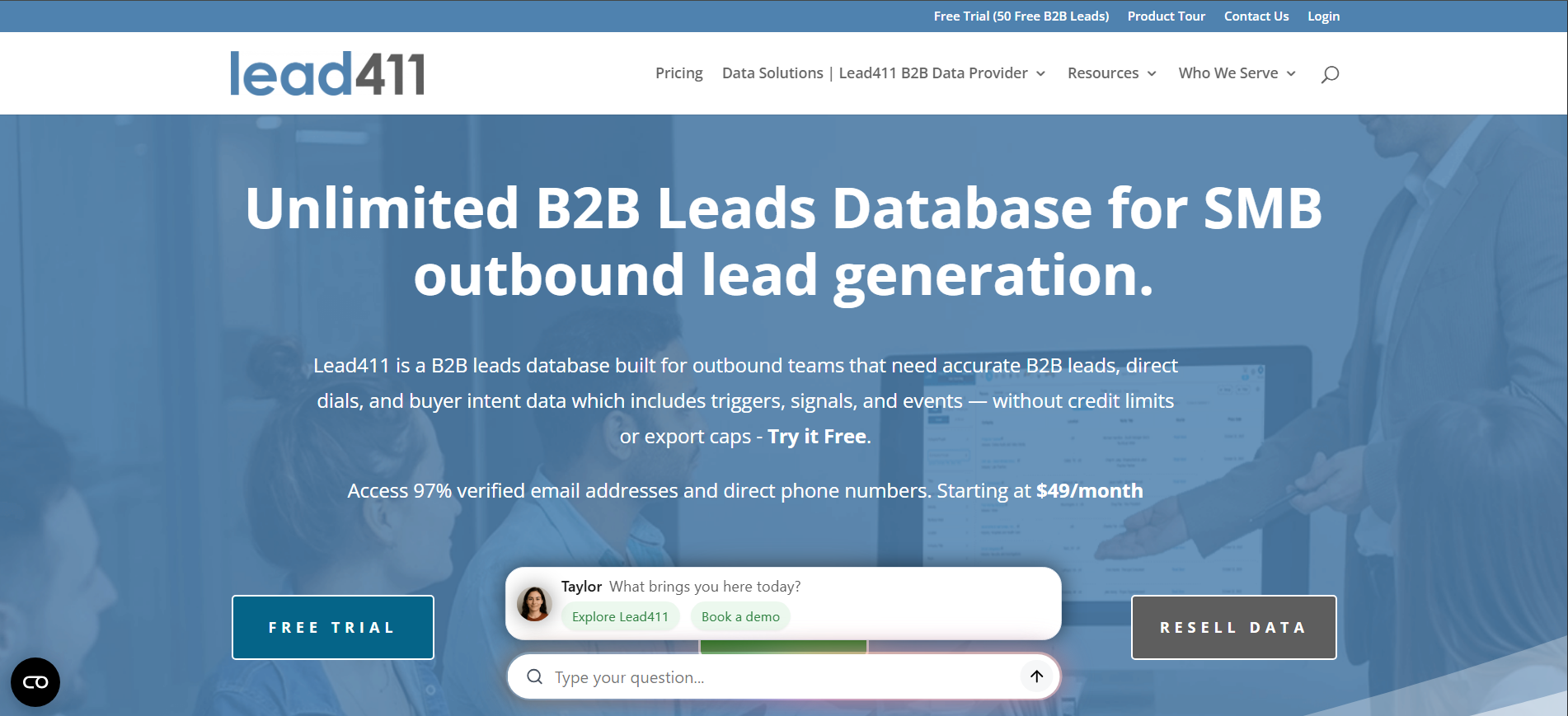
Lead411 combines B2B contact data with real-time trigger alerts for events such as funding, hiring growth, and leadership changes. Its transparent pricing and strong US coverage make it a practical option for teams that want predictable prospecting costs.
Key Features:
- Verified emails and direct dials
- Trigger alerts for company events
- Unlimited download options on selected plans
Best for: US-focused SMB and mid-market teams that want verified contact data and company trigger alerts.
15. People Data Labs
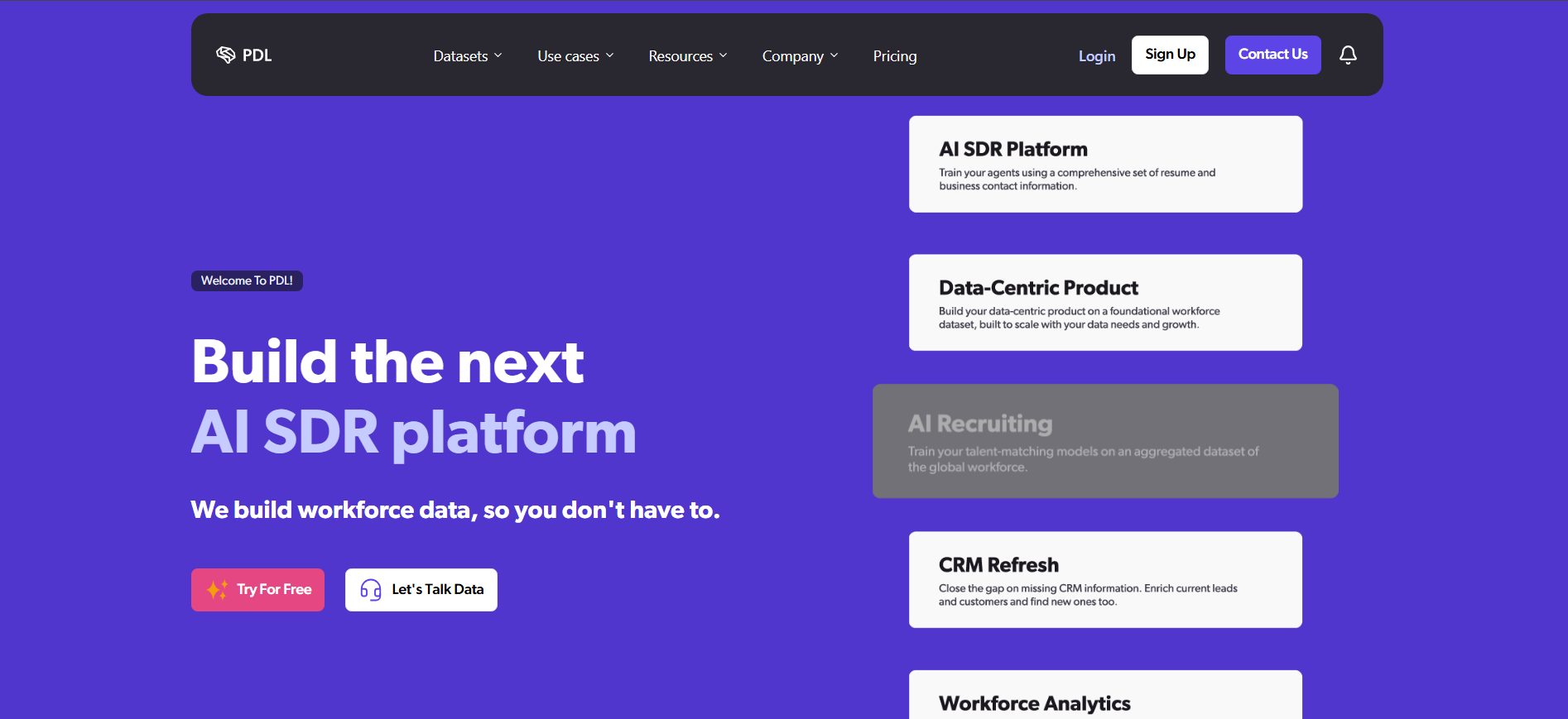
People Data Labs is an API-first data platform built for developers rather than sales reps. Its structured person and company data can power product enrichment, account scoring, internal systems, and data warehouses.
Key Features:
- Person and company data APIs
- Bulk data feeds for large-scale enrichment.
- Consistent data schema for custom applications
Best for: Developers and data teams embedding person and company data into products, warehouses, or internal systems.
16. Hunter
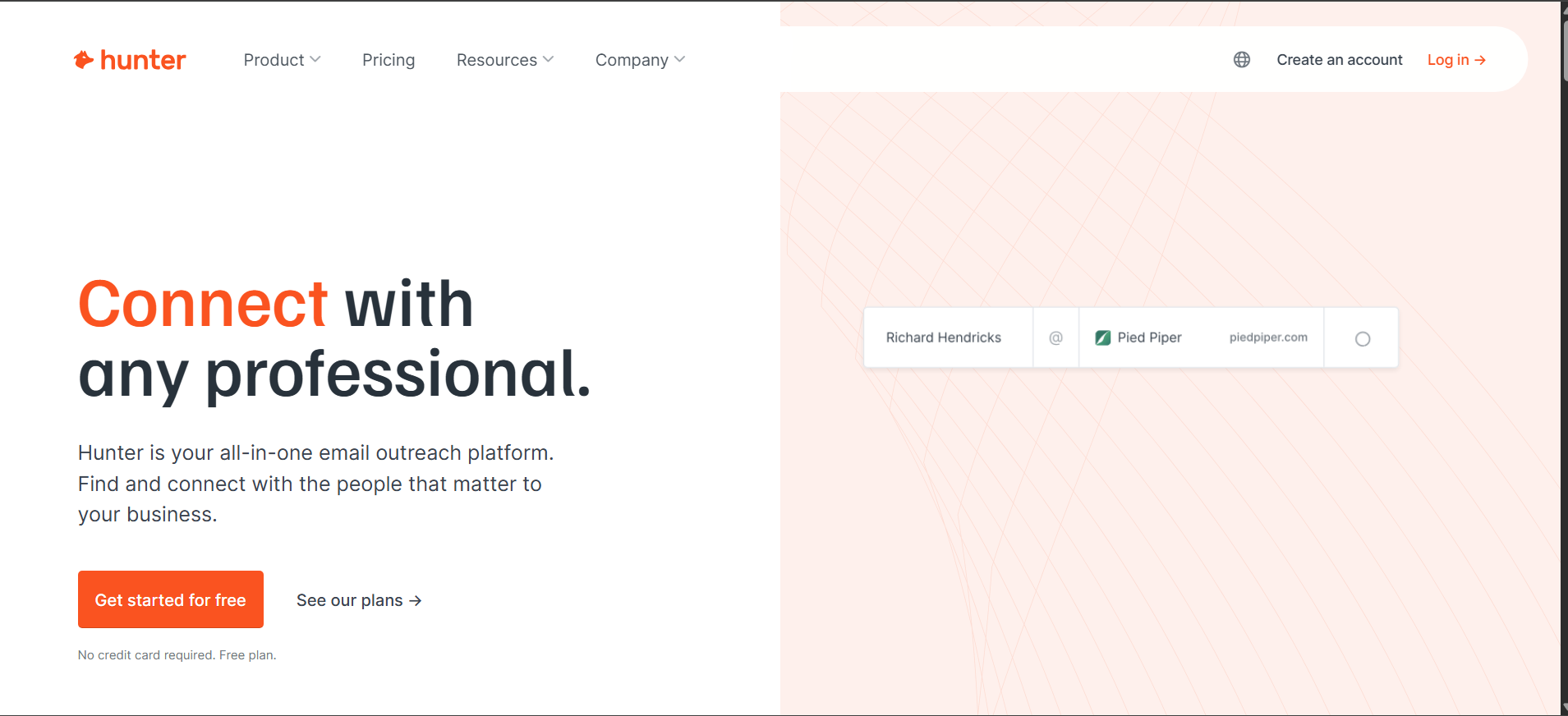
Hunter focuses on email discovery and verification without trying to become a full sales platform. It covers domain search, email finding, bulk verification, and basic outreach, making it a straightforward option for email-first teams.
Key Features:
- Domain Search for finding professional email addresses
- Bulk email verification for cleaning prospect lists
- Shared credit pool across unlimited users
Best for: Agencies, recruiters, and small teams running email-focused outreach.
17. RocketReach
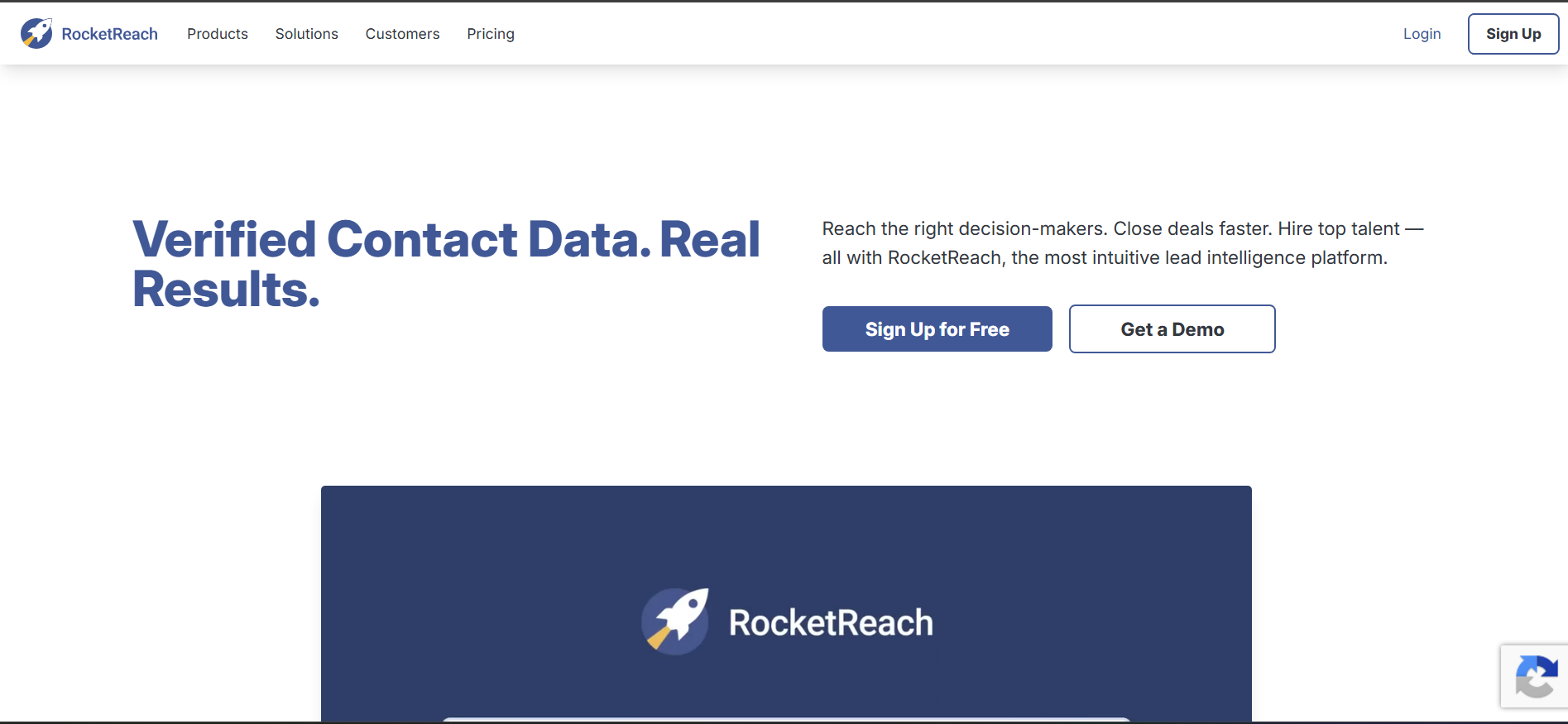
RocketReach is useful when your primary data provider cannot find a prospect. Its large profile index supports bulk lookups, browser-based searches, and API access, making it a practical secondary data source.
Key Features:
- Large professional profile database
- Bulk CSV lookup for prospect lists
- Browser extension and API for flexible access
Best for: Teams that need a secondary source to fill coverage gaps.
18. Crunchbase
Crunchbase focuses on company intelligence, particularly funding, investors, leadership changes, and growth signals. For teams targeting recently funded companies, these events can provide stronger buying triggers than basic firmographic data.
Key Features:
- Funding and investment data
- Company growth and leadership signals
- Investor and company relationship data
Best for: Teams selling to funded companies where investment and growth events influence buying timing.
19. FullContact
FullContact specializes in identity resolution, connecting fragmented records to determine whether they belong to the same person. Its identity graph supports deduplication, cross-channel matching, and privacy-focused data workflows.
Key Features:
- Identity graph for person resolution
- Large-scale record deduplication
- Privacy-focused identity matching
Best for: Data teams building identity resolution into custom pipelines or customer data platforms.
20. LeadIQ
LeadIQ is built around LinkedIn and Sales Navigator prospecting, allowing SDRs to capture prospects and sync them with their CRM and sales engagement tools. Its job change tracking also helps teams identify timely outreach opportunities.
Key Features:
- LinkedIn and Sales Navigator capture
- CRM and sales engagement integrations
- Job change tracking for timely prospecting
Best for: SDR teams running structured LinkedIn prospecting with strong CRM processes.
Now that you have seen how all twenty platforms stack up, let us turn to the harder question. How do you decide which one actually belongs in your stack?
How to Choose the Right Lead Enrichment Tool
The best Lead Intelligence Tools are not always the ones with the biggest databases. Start with your sales motion, target market, data needs, and budget, then test the platforms against your real workflow.
1. Start With the Job, Not Database Size
First decide what you actually need to solve. These tools built for verified emails may not be the right choice if your team needs mobile numbers, intent data, or automated follow-up.
2. Test Your Region and ICP
Data coverage can vary widely by country, industry, company size, and seniority. Test each platform using real prospects from your target market instead of relying on the vendor's overall coverage claims.
3. Decide Between Data and Action
If your problem is incomplete CRM records, focus on data enrichment. If your bigger problem is slow follow-up, look for a platform that can score, route, and act on qualified prospects.
4. Check Data Freshness
One-time enrichment loses value as contacts change jobs and companies evolve. Look for scheduled or event-based refreshes, especially for job changes and other important account signals.
5. Test CRM Integration
Check native integrations, field mapping, sync direction, and automation triggers before buying. The right platform should fit your existing workflow instead of forcing your team to maintain manual workarounds.
6. Calculate the Real Credit Cost
Don't judge Lead Tools by the advertised credit price. Calculate the cost of enriching one real record at your expected monthly volume, including failed lookups and fields that consume additional credits.
7. Check Data Sources and Compliance
Ask where important data comes from and how the provider handles privacy, consent, and regulatory requirements. This matters even more when you're processing personal data across multiple markets.
8. Build a Practical Data Stack
No platform has perfect coverage everywhere. A primary provider, secondary source, and verification layer can often deliver better results than relying on one vendor for every field and market.
Also Read: RB2B Alternatives: Best B2B Lead Generation Tools
How to Test a Lead Enrichment Tool in 7 Days
A vendor demo shows you what the platform can do. A real trial shows you what it can do with your data. Use this seven-day test before committing to any Lead Intelligence Tools.
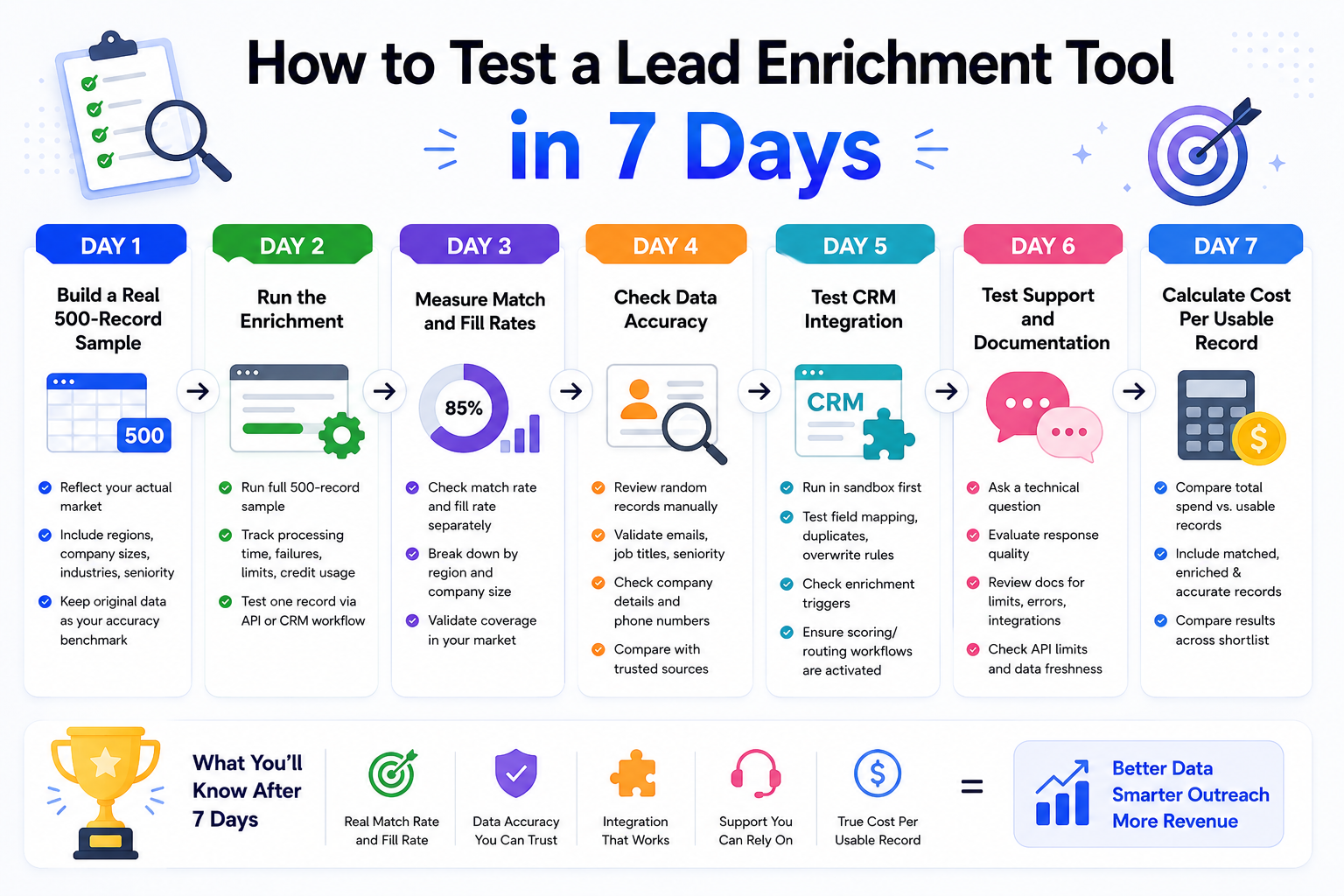
Day 1: Build a Real 500-Record Sample
Create a 500-record test set that reflects your actual market. Include different regions, company sizes, industries, and seniority levels, then keep the original data aside as your accuracy benchmark.
Day 2: Run the Enrichment
Run the full sample and track processing time, failures, limits, and credit usage. Also test one record through the API or CRM workflow if real-time enrichment matters to your sales process.
Day 3: Measure Match and Fill Rates
Check match rate and fill rate separately. Then break the results down by region and company size to see whether strong headline coverage actually applies to your target market.
Day 4: Check Data Accuracy
Randomly review enriched records against trusted sources such as LinkedIn and company websites. Test emails, job titles, seniority, company details, and phone numbers to see whether the returned data is genuinely usable.
Day 5: Test CRM Integration
Run the integration in a CRM sandbox before touching production data. Test field mapping, duplicates, overwrite rules, enrichment triggers, and whether the new data activates your existing scoring or routing workflows correctly.
Day 6: Test Support and Documentation
Ask support for a technical question about verification, data freshness, confidence scores, or API limits and judge the response. At the same time, review the documentation for rate limits, errors, integrations, and other issues that could affect implementation.
Day 7: Calculate Cost Per Usable Record
Don't stop at the advertised credit price. Calculate your cost per usable record by comparing total spend with records that were matched, sufficiently enriched, and verified as accurate. Then compare the result across your shortlist before choosing a platform.
Lead Enrichment Pricing Models Explained
Pricing for Lead Enrichment Tools can look simple until credits, seats, overages, and usage limits enter the picture. Focus on the pricing model first, then calculate what you'll actually pay at your volume.
1. Credit-Based Pricing
You buy credits and spend them on lookups, reveals, or enrichment actions. Before comparing plans, check what consumes a credit and whether failed lookups are also charged.
2. Seat-Based Pricing
You pay per user, often with credits included in each seat. This works well for active sales teams, but minimum seats can make it expensive when only a few users need access.
3. Usage-Based Pricing
Common with API-first platforms, this model charges according to actual usage. It works well for embedded enrichment, but poorly controlled automations can quickly increase consumption.
4. Quote-Based Enterprise Contracts
Enterprise vendors often combine data volume, users, features, and modules into a custom contract. Compare the full scope carefully and check renewal, overage, and contract terms before signing.
5. Free Tiers
Free plans can be useful for testing, but check what they actually include. Some limit searches while excluding enrichment itself. Kwin's Lead Watcher offers 100 leads per month for free with no credit card.
6. Hidden Costs
The subscription is only part of the total cost. Include integration work, administration, failed lookups, overages, and the impact of inaccurate data when calculating your real budget.
Common Lead Enrichment Mistakes to Avoid
Even the best Lead Intelligence Tools can fail when the workflow around them is wrong. Avoid these common mistakes to keep your data accurate, cost-controlled, and sales process effective.
1. Treating Enrichment as a One-Time Cleanup
A database refresh does not stay accurate forever. Contacts change jobs, companies evolve, and records become outdated, making regular enrichment and refreshes essential for reliable data.
2. Choosing Database Size Over Match Quality
A huge database means little if it performs poorly against your ICP. Test real prospects from your target market and compare match rate, coverage, and accuracy before buying.
3. Overwriting Reliable CRM Data
New enrichment should not destroy information your team already trusts. Set clear overwrite rules so missing fields are filled while valuable human-entered data remains protected.
4. Enriching Every Record
Not every lead deserves the same enrichment depth. Use ICP filters and conditional workflows to spend credits on prospects that have genuine sales potential.
5. Skipping Verification Before Outreach
Enriched contact details can still be outdated or incorrect. Verify emails before sending, particularly when records were enriched earlier, to protect deliverability and avoid unnecessary bounces.
6. Ignoring Regional Coverage
Data quality often changes across countries, industries, and company sizes. Test Lead Intelligence Tools against each important market and maintain a secondary source where coverage falls short.
7. Enriching Data Without Taking Action
A complete record creates little value without a next step. Connect scoring, routing, alerts, and outreach so useful enrichment data quickly turns into a sales opportunity.
Also Read: Factors AI Alternatives: Top 10 Tools to Identify Website Visitors
Why Kwin Is the Better Choice for B2B Lead Enrichment
Most tools improve records you already have. Kwin tackles the missing half by identifying website visitors, qualifying them, and helping turn high-intent traffic into sales conversations.
Here is what makes Kwin different:
- Person and company identification: Kwin identifies 60% to 70% of visitors at the person and company level across 175+ countries, returning work emails, phone numbers, LinkedIn profiles, and key firmographics.
- Global coverage: Reach prospects across 175+ countries instead of relying on region-specific visitor identification.
- Automatic qualification: Every identified visitor receives an ICP Fit Score and Purchase Intent Score, with thresholds you control before Kwin takes action.
- Kwin Signals: Go beyond website activity with buying signals from 7+ sources, including LinkedIn, G2, Capterra, Crunchbase, job boards, technology changes, news, and community forums.
- Behavior analysis: See what identified visitors do on your website through the User Activity tab, including the pages they view and their website activity. This helps you understand what they are interested in before reaching out.
- Human handoff: Positive replies reach your inbox with the full conversation and a summary, then move into Slack or your CRM for follow-up.
- Smart filtering: Country, page, data, and exclusion filters help remove irrelevant traffic, including public sector and government visitors.
- Compliance and privacy: Kwin maintains SOC 2 Type II, GDPR, CCPA, ISO 9001:2015, and ISO 27001:2022 standards while working with publicly available business data.
- Proven results: Infiniticube generated 2.5x more qualified leads in 45 days, with more than 35% of meetings coming from visitors who never filled out a form.
Hire Kwin For Free and turn website traffic into qualified conversations with 100 leads per month and no credit card required.
Conclusion
Lead Enrichment Tools make existing leads more useful, but they cannot enrich the visitors who never become leads.
That is where Kwin stands out. It identifies high-value visitors, understands their intent, and helps turn that traffic into real sales conversations.
We hope this guide helped you understand what to look for in Lead Enrichment Tools and where traditional enrichment falls short.
Ready to turn anonymous traffic into qualified meetings? Book a free demo and see what Kwin can do for your website.