
TL;DR:
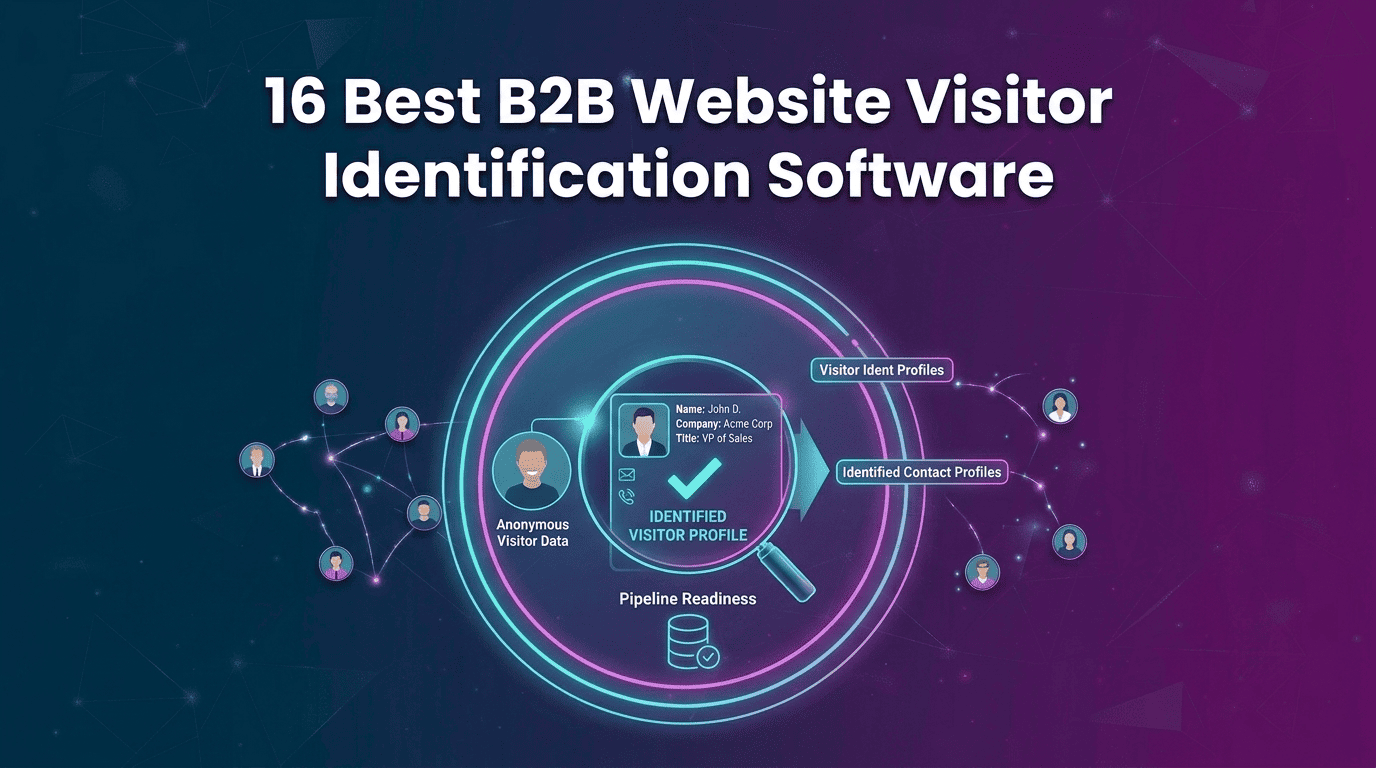
B2B website visitor identification software helps businesses find out which companies and, in some cases, which people are visiting their website. The best tools go beyond basic visitor tracking by showing contact details, scoring buying intent, and helping sales teams follow up. This guide compares 16 leading tools based on identification, coverage, features, pricing, integrations, and outreach. Kwin stands out for its person-level identification across 175+ countries, intent scoring, and built-in outreach, with a free plan offering 100 leads per month.
Website visitors check your pricing page, read a case study, or return to a product page, then leave without filling out a form. Analytics can show the visit, but not who was behind it.
That is where B2B website visitor identification software comes in.
These platforms can identify the company behind anonymous traffic and, with stronger platforms, reveal the person, enrich their details, and show whether the visit signals buying intent.
But not every tool works the same way. Some stop at company identification, while others connect visitor data with enrichment, intent scoring, sales alerts, and outreach.
In this guide, you'll learn:
- What B2B website visitor identification software does
- Company-level vs. person-level identification
- The 16 best tools, with features, pricing, pros, cons, and best use cases
- How to choose the right platform
By the end, you’ll know which platform best fits your traffic, market, and sales goals.
What Is B2B Website Visitor Identification Software?
B2B website visitor identification software helps you find out who is visiting your website. It matches visitor activity with company and contact data to identify businesses and, in some cases, individual visitors.
Instead of seeing only page views and traffic numbers, your sales team can see who visited, what they looked at, and whether they could be a potential customer.
Website Visitor Tracking vs. Website Visitor Identification
Company-Level vs. Person-Level Identification
Why Google Analytics Cannot Answer “Who Was That?”
GA4 shows anonymous website behaviour. It can tell you which pages and campaigns perform well, but it cannot reveal the person's identity.
Visitor identification works alongside analytics. Analytics shows what worked. Identification helps show who to contact.
Analytics vs Tracking vs Identification
How We Evaluated the Best B2B Website Visitor Identification Software
Feature lists can look impressive, but they do not always show how useful a tool is for generating leads. We evaluated each platform based on the factors that matter most for identification, lead quality, sales follow-up, and cost.
- Identification depth: Does the tool identify only the company or also the person behind the visit?
- Geographic coverage: How well does the tool identify visitors across different countries and regions?
- Data quality: What information does it provide, such as name, work email, phone number, LinkedIn profile, job title, company size, and industry?
- Intent and ICP scoring: Can the platform identify visitors who match your ideal customer profile and show strong buying intent?
- Sales action: Can you alert your team, route leads, nurture prospects, or start outreach after a visitor is identified?
- Integrations: Does the tool connect with platforms such as Salesforce, HubSpot, Pipedrive, Slack, and other sales tools?
- Compliance and data sources: Does the vendor clearly explain where its data comes from and how it handles privacy and compliance?
- Pricing and transparency: What are the actual costs, including credits, traffic limits, user seats, usage tiers, and other restrictions?
With these factors in mind, let’s compare the 16 best B2B website visitor identification software platforms.
16 Best B2B Website Visitor Identification Software Compared
Here’s how the leading B2B website visitor identification platforms compare at a glance. Kwin ranks first for combining person-level identification, global coverage, and autonomous outreach in one platform.
Let's look at each tool in detail.
1. Kwin (Vison AI): #1 Best Website Visitor Identification Software
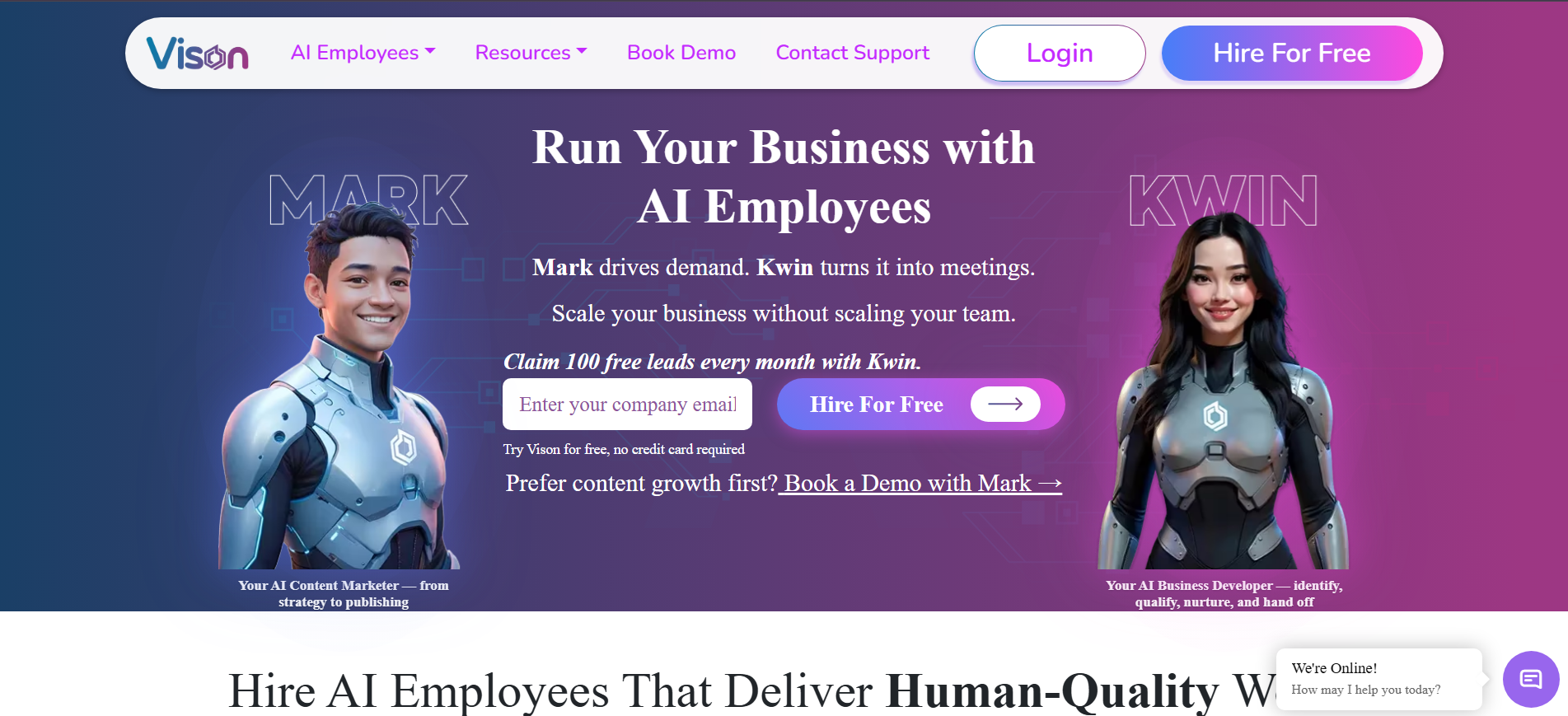
Kwin works as an AI Business Developer that identifies high-intent website visitors, qualifies them, and helps turn them into sales opportunities.
Unlike tools focused only on company identification, Kwin identifies companies and people across 175+ countries with details such as name, work email, LinkedIn profile, job title, industry, and revenue.
Kwin scores visitors using ICP Fit and Purchase Intent. Once a visitor meets your criteria, she can send personalized emails, handle positive replies, and route qualified leads to your CRM or Slack.
Kwin uses privacy-safe methods and avoids invasive third-party cookies. Its compliance stack includes SOC 2 Type II, GDPR, CCPA, ISO 27001:2022, and ISO 9001:2015. The free plan includes 100 leads per month with no credit card required.
Key Features:
- Person and company identification: Identify visitors across 175+ countries with contact and company data.
- Behaviour analysis: Review what each identified visitor did on your site through the User Activity tab.
- AI scoring: Combine ICP Fit and Purchase Intent to prioritize prospects.
- Automated outreach: Send personalized emails and handle positive replies.
- Smart filters: Filter visitors by country, page, industry, company size, and lead type.
- Instant handoff: Send qualified leads to Slack and your CRM.
- Five-minute setup: Install through your website or Google Tag Manager.
Pricing: The free Lead Watcher plan covers 100 identified leads monthly, with no credit card required. Win+ starts at $75/month for up to 300 leads and includes a 7-day free trial. Pay-As-You-Go runs at $0.50 per identified lead.
Best For: Global B2B teams that want person-level identification, qualification, and automated outreach in one platform.
Hire Kwin For Free and start turning anonymous traffic into booked meetings.
2. RB2B
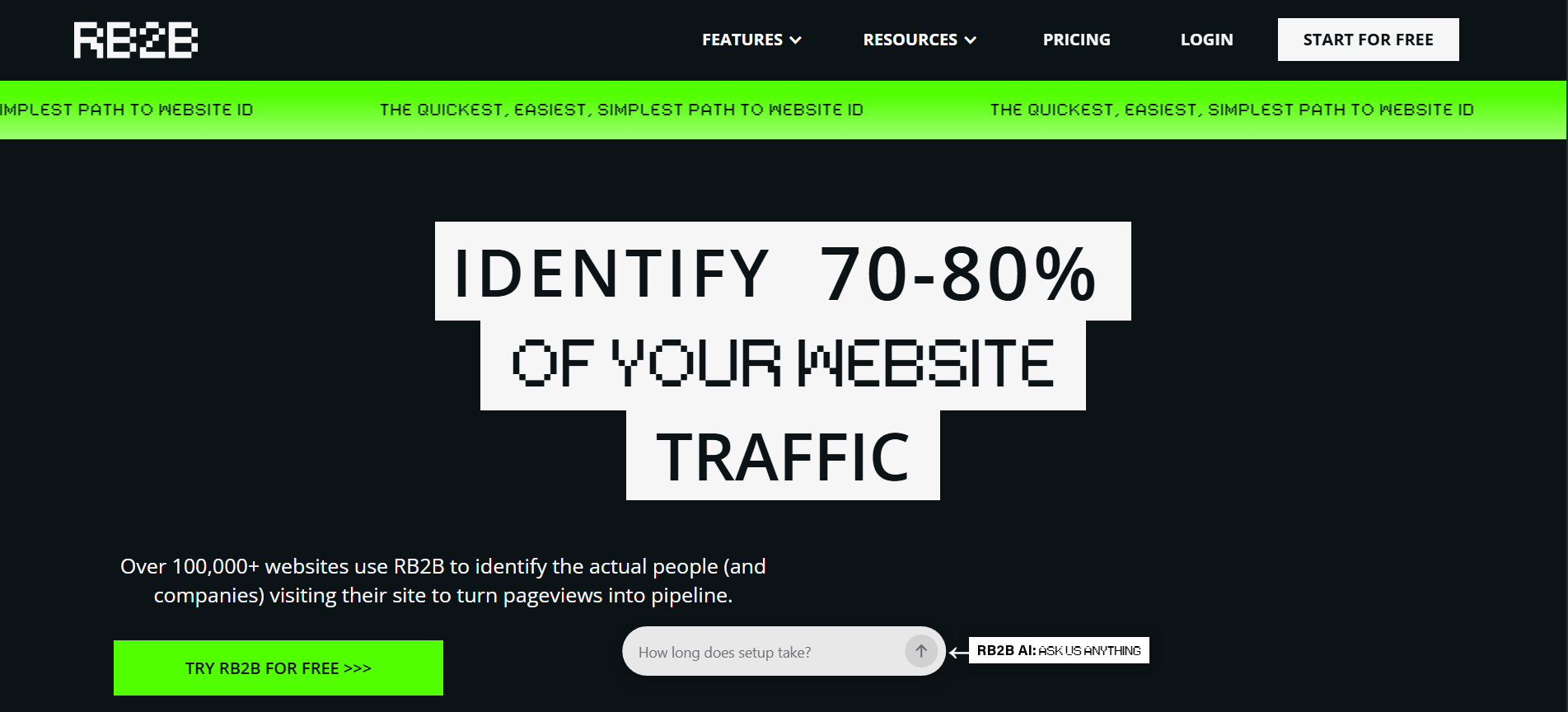
RB2B focuses on real-time person-level visitor identification, sending visitor names and details to Slack within seconds of a website visit. It is especially useful for US-focused B2B teams that want to act on high-intent traffic quickly.
Key Features:
- Real-time Slack alerts: Send identified visitors to Slack within seconds of their visit.
- Hot Pages: Track high-intent pages such as pricing, demo, and case studies.
- Hot Leads: Filter visitors by company size, revenue, seniority, department, and location.
- Webhooks: Send visitor data to enrichment and outreach tools.
Pricing: RB2B offers a free plan at $0/month with 150 monthly resolutions and company-level data. Paid plans add person-level identification, LinkedIn URLs, business emails, and additional integrations. See RB2B's pricing page for current tiers.
Best For: US-focused B2B teams that want fast visitor alerts and already have an outreach system in place.
For a deeper look, read our RB2B alternatives breakdown or the Kwin vs RB2B comparison.
3. Lead Forensics
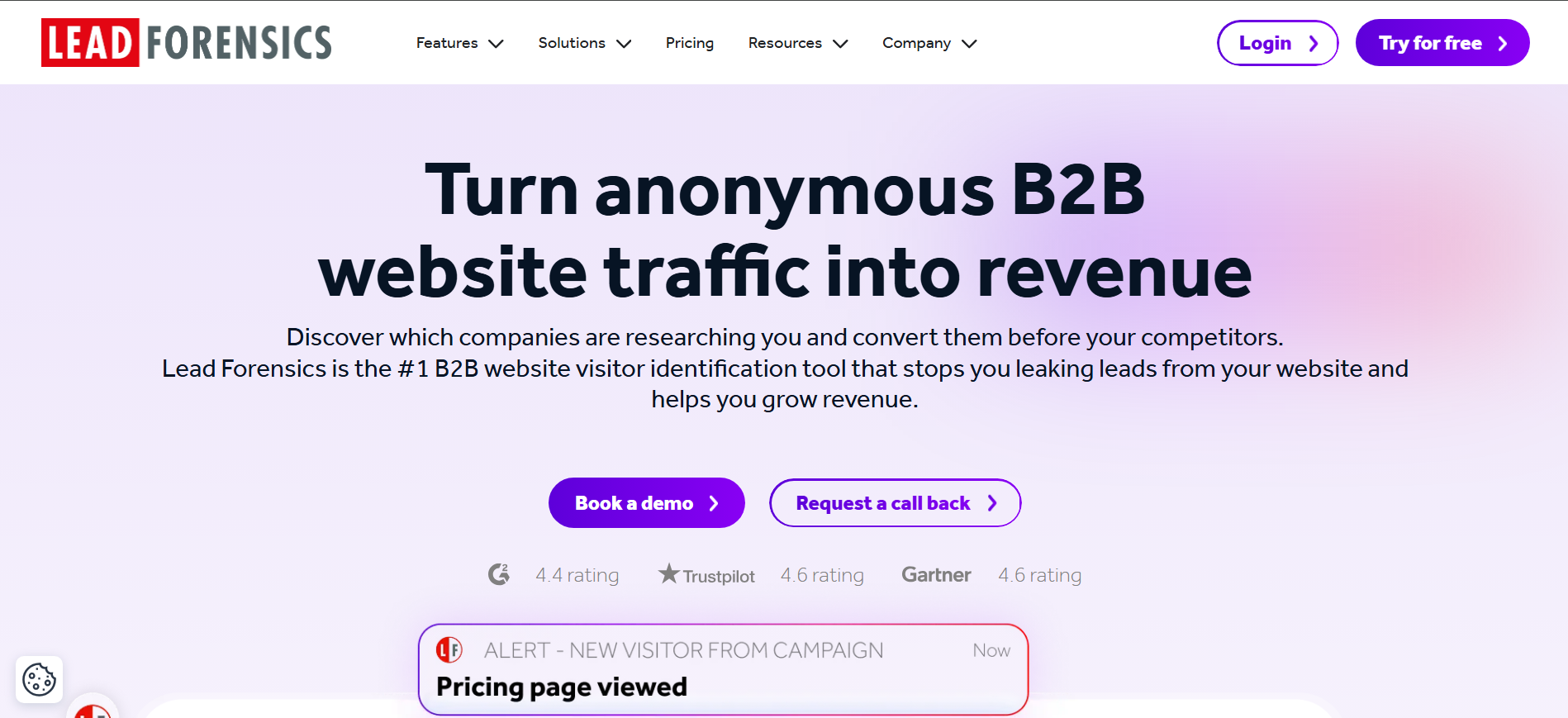
Lead Forensics offers global company-level visitor identification, backed by a large IP database and detailed visitor reporting. It suits high-traffic B2B websites that need real-time account visibility.
Key Features:
- Real-time visitor alerts: Notify sales reps when target accounts visit.
- Deep company insights: Show firmographics, location, and visitor journeys.
- Decision-maker contacts: Add relevant contacts from the identified company.
- Custom dashboards: Surface high-value accounts without manual filtering.
Pricing: Pricing is not published and depends on traffic and team size. Marketplace data commonly places contracts around $17,000–$75,000 annually.
Best For: Large B2B enterprises with high website traffic and enterprise budgets.
4. Leadfeeder
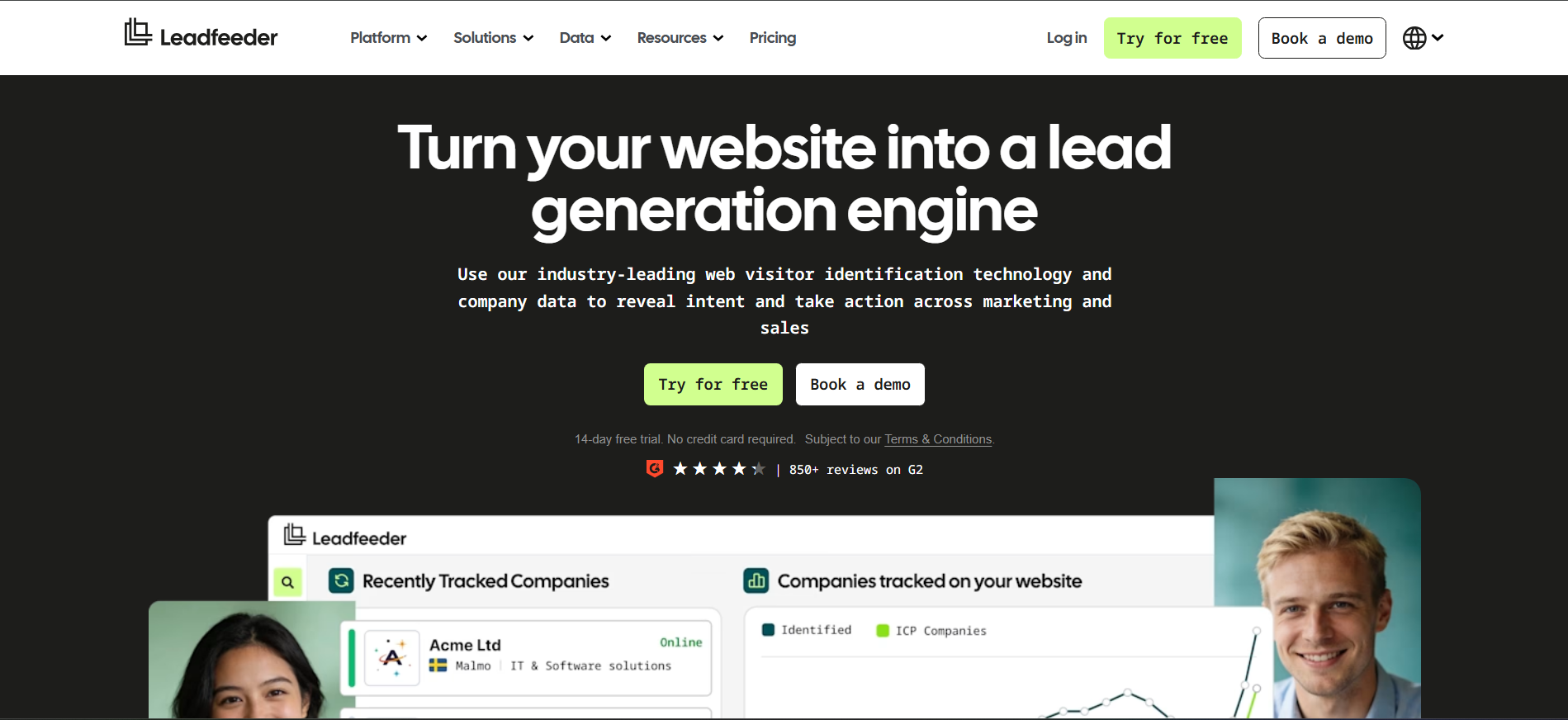
Leadfeeder makes it easy to identify which companies visit your website, with a useful free tier and simple setup. It is a practical option for small and mid-sized B2B teams testing visitor identification.
Key Features:
- Company identification: Resolve organisations behind website visits.
- Behaviour analysis: Track pages, visits, and engagement.
- Custom filters: Segment visitors by company and behaviour.
- CRM sync: Push companies to Salesforce, HubSpot, and Pipedrive.
Pricing: The free Lite plan covers 100 identified companies monthly. Paid plans start at €99/month annually or €165/month monthly. Check the Leadfeeder pricing page for current plans.
Best For: Small and mid-sized B2B teams wanting a low-commitment visitor identification tool.
See the Kwin vs Leadfeeder comparison and Leadfeeder alternatives guide.
5. ZoomInfo WebSights
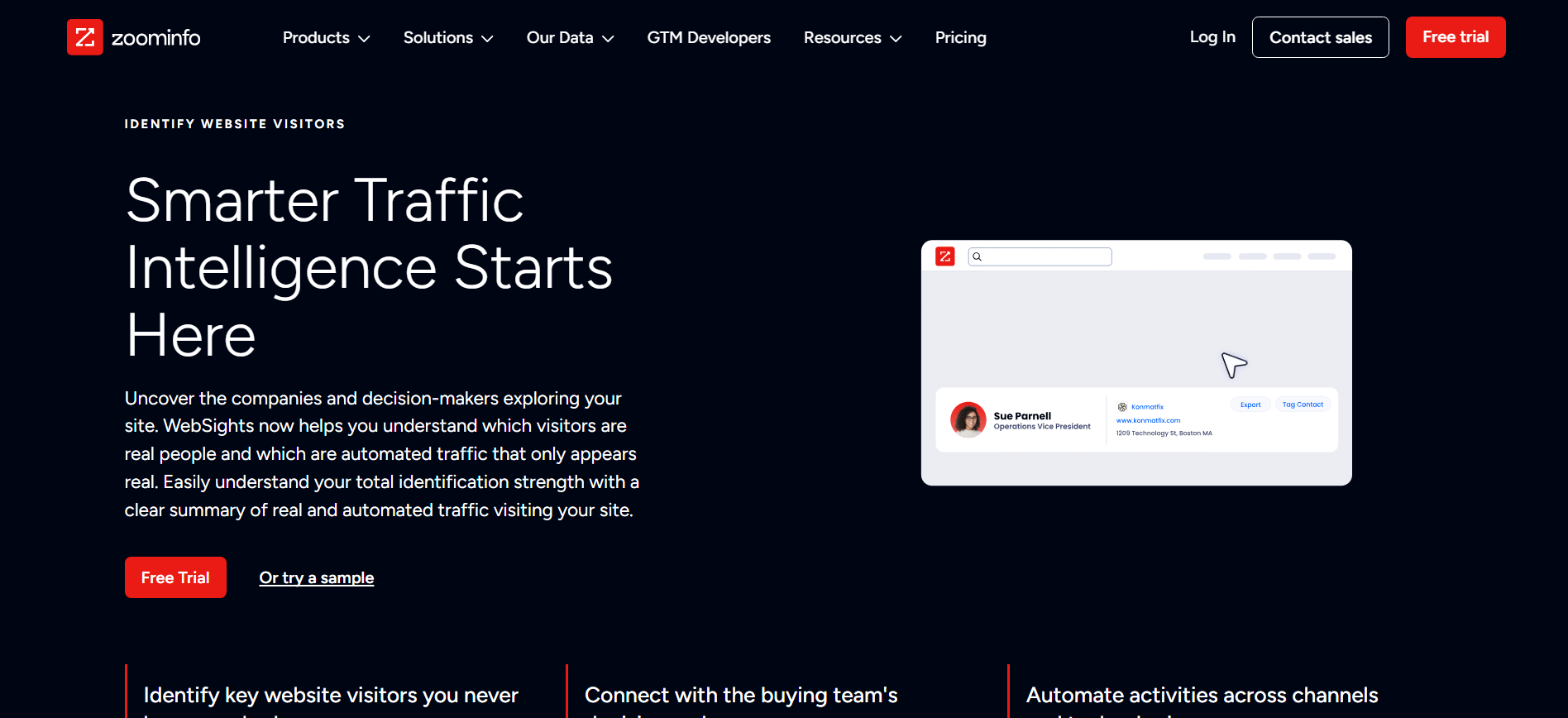
ZoomInfo WebSights connects website visitor activity with ZoomInfo's company, contact, and intent data. It makes the most sense for teams already using the wider ZoomInfo platform.
Key Features:
- Visitor identification: Connect visits with ZoomInfo accounts.
- Intent signals: Combine website behaviour with buying signals.
- Contact suggestions: Find potential decision-makers.
- Workflow automation: Support CRM and audience workflows.
Pricing: WebSights has no published standard rate and is bundled into ZoomInfo packages. Pricing is typically handled through an enterprise sales process.
Best For: Enterprises already using ZoomInfo that want website intent data in the same platform.
Compare on the Kwin vs ZoomInfo page or read our ZoomInfo alternatives guide.
6. 6sense
6sense combines predictive account intelligence, intent data, and ABM orchestration with website visitor identification. It is designed for mature enterprise teams that want to identify in-market accounts and automate follow-up.
Key Features:
- Account matching: Connect anonymous visits to target accounts.
- Predictive stages: Identify where accounts are in the buying journey.
- Third-party intent: Combine external and website signals.
- ABM orchestration: Trigger sales and marketing plays.
Pricing: 6sense uses custom enterprise pricing with no published plans. Contracts are typically annual and sales-led.
Best For: Large enterprises running mature ABM programmes with dedicated revenue operations.
See the Kwin vs 6sense comparison or our 6sense alternatives guide.
7. Demandbase
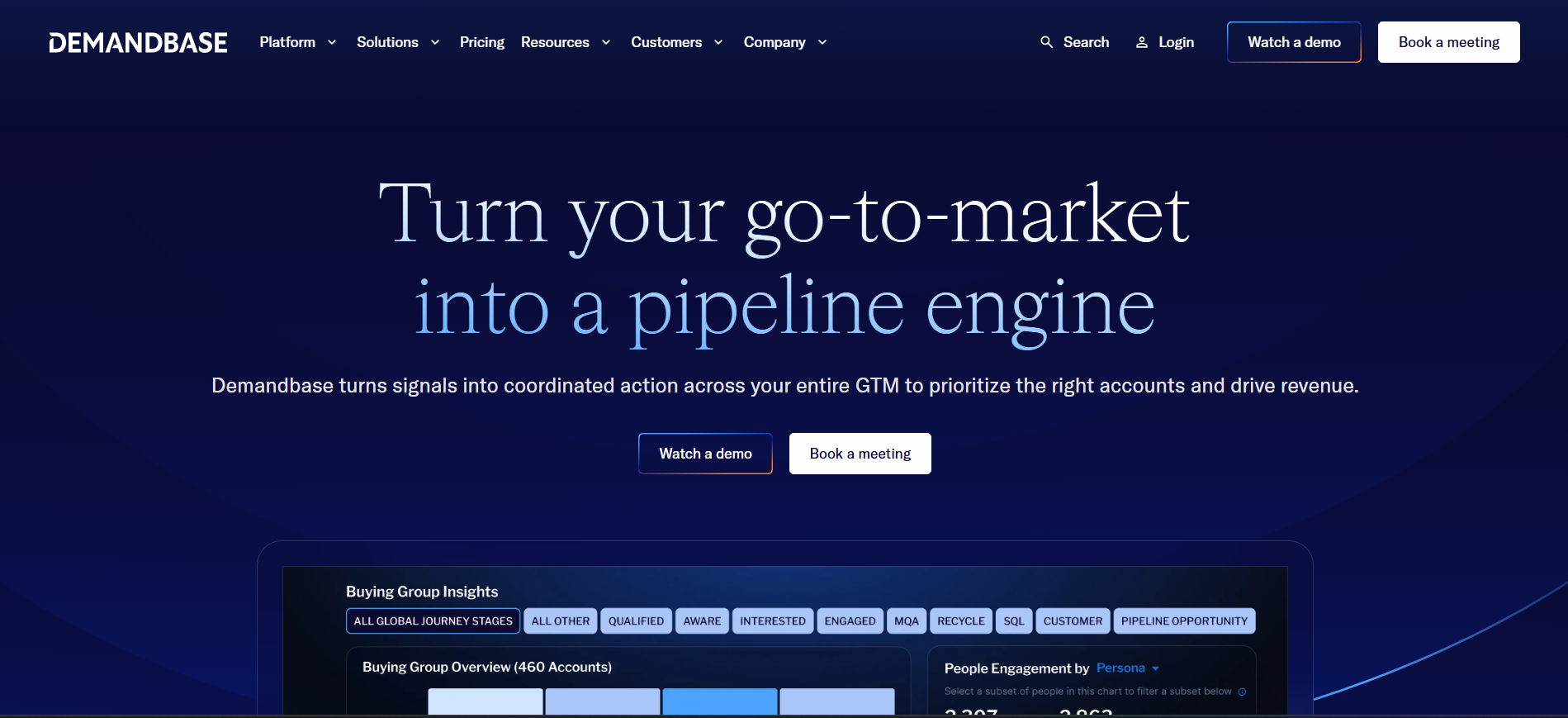
Demandbase combines account identification, intent, advertising, personalisation, and analytics in one enterprise ABM platform. Its free Account Identification edition also gives smaller teams a way to track account-level traffic.
Key Features:
- Account identification: Match website visits to target accounts.
- Intent scoring: Track engagement across channels.
- Advertising: Target identified accounts with ads.
- Personalisation: Adapt website content for recognised accounts.
Pricing: A free Account Identification edition is available. Full platform pricing is custom and sales-led.
Best For: Enterprise ABM teams using the Demandbase ecosystem.
8. Warmly
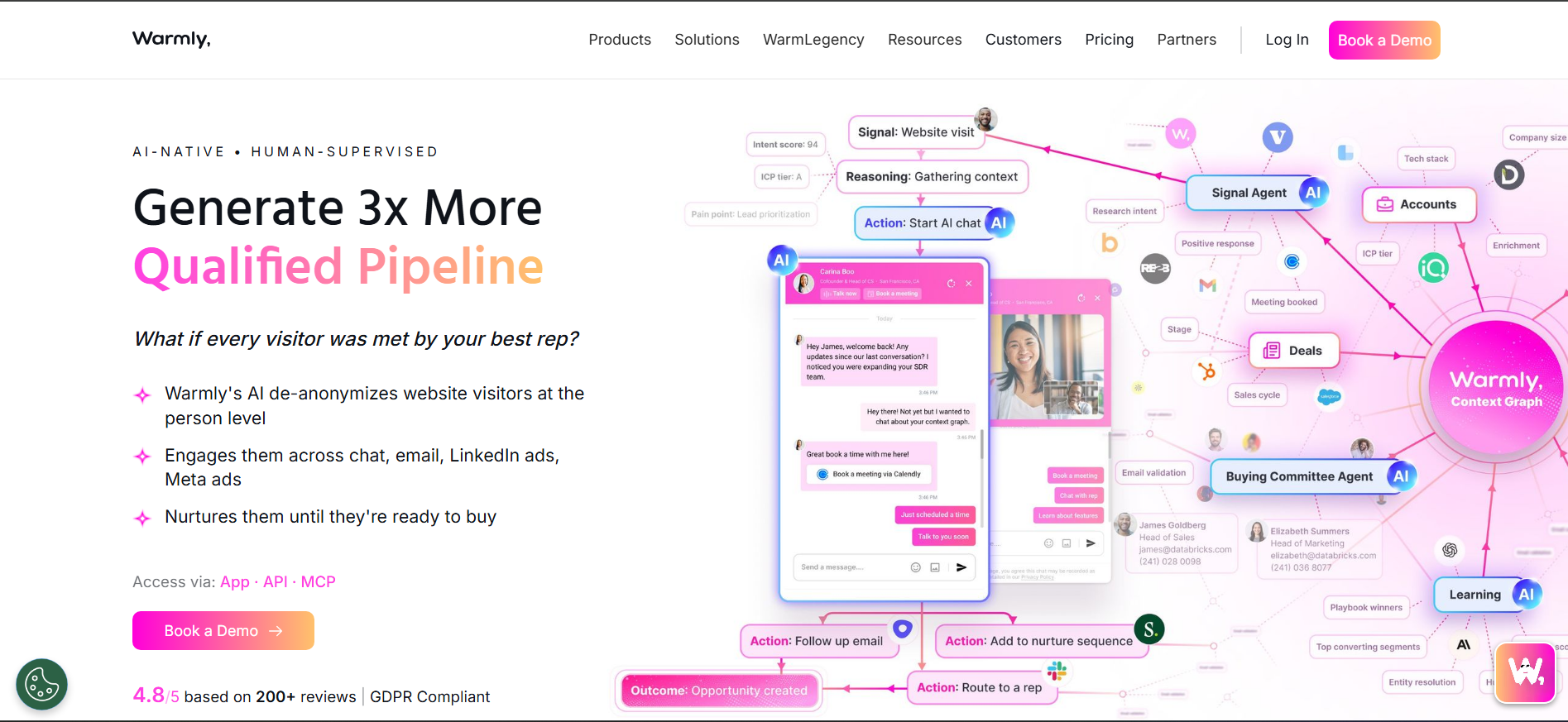
Warmly combines visitor identification, AI chat, meeting booking, and outbound sequencing in one platform. It suits GTM teams that want to turn website visits into conversations quickly.
Key Features:
- Waterfall identification: Combines multiple data sources.
- AI chat: Qualifies visitors and books meetings.
- Intent signals: Combines first- and third-party data.
- Automated routing: Alerts reps when target accounts engage.
Pricing: Free plan covers up to 500 identifications monthly. Paid plans start around $499/month. See Warmly's pricing page.
Best For: Mid-market GTM teams wanting identification, chat, and booking together.
See the Kwin vs Warmly comparison guide.
9. Albacross
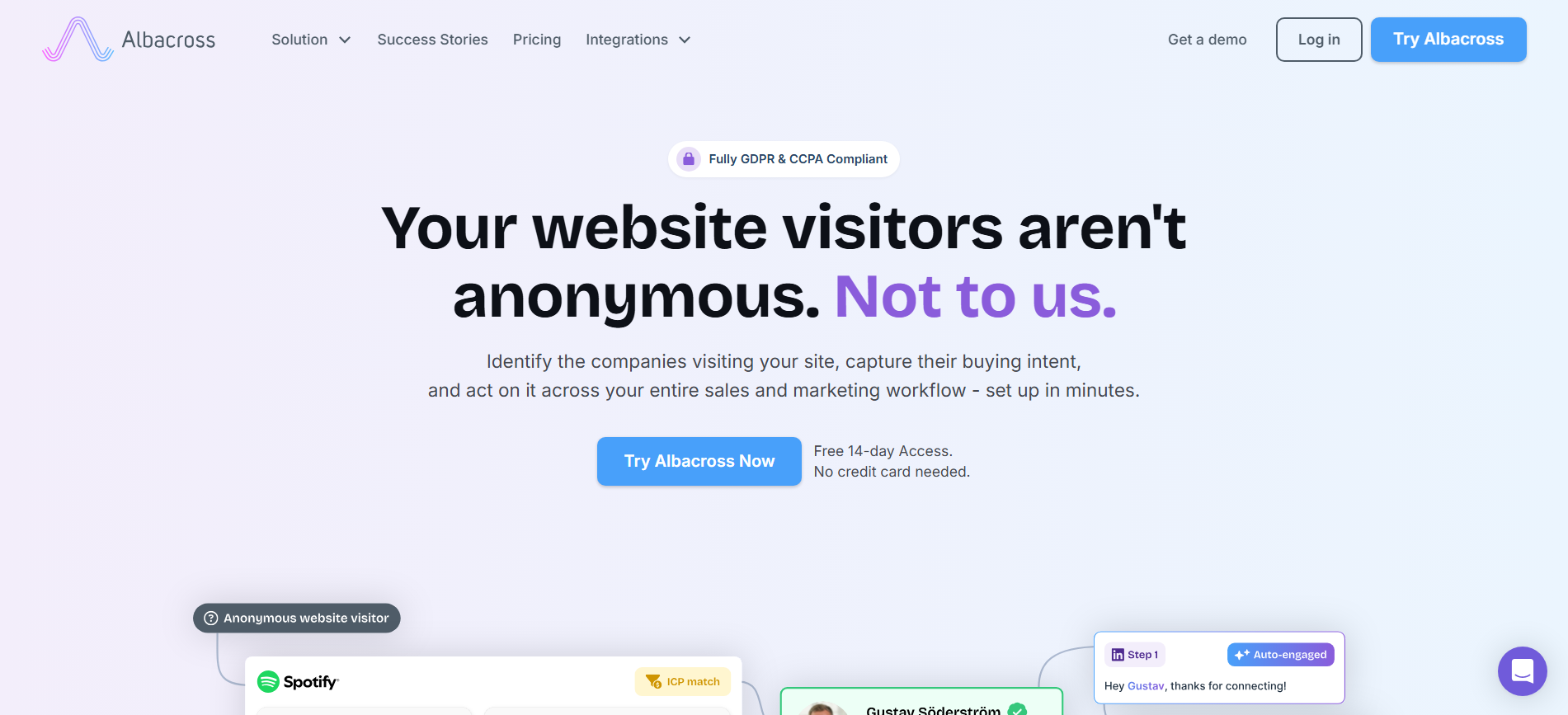
Albacross combines company identification, intent, and account-based advertising, with particularly strong positioning in Europe. Its GDPR-focused approach makes it useful for European marketing teams.
Key Features:
- Company identification: Reveal organisations behind anonymous traffic.
- Intent segmentation: Score accounts by buying signals.
- Auto-Engage: Run email and LinkedIn outreach.
- Retargeting: Build audiences from identified accounts.
Pricing: No free plan, but a 14-day trial is available. Paid plans start at €59/month annually or €84 monthly.
Best For: European marketing teams wanting identification and retargeting together.
See comparison on the Kwin vs Albacross page.
10. Factors.ai
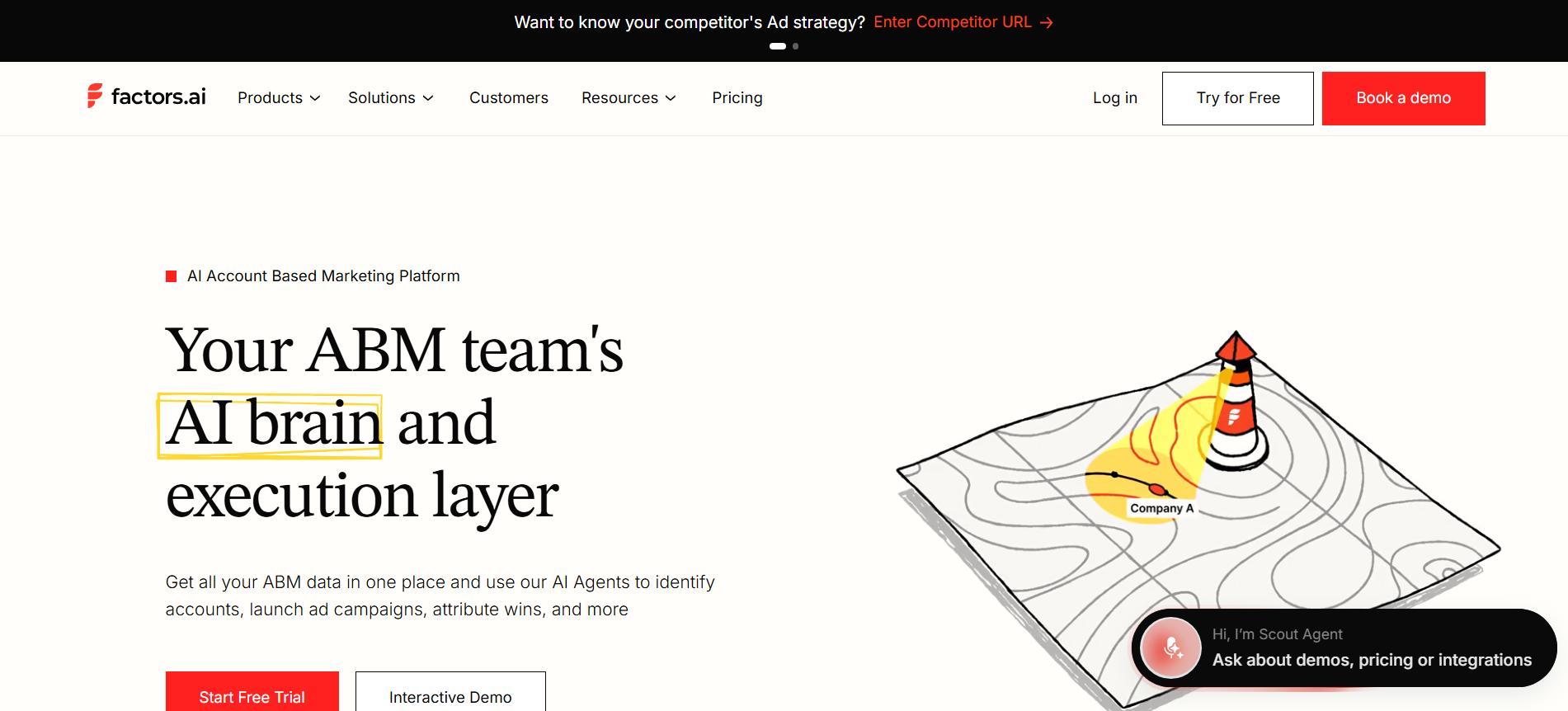
Factors.ai combines account identification, attribution, and account intelligence to show how website activity influences pipeline. Its account timelines are particularly useful for marketing teams.
Key Features:
- Account identification: Match website visits to companies.
- Account timelines: Track journeys across sessions.
- Revenue attribution: Connect marketing activity to revenue.
- Intent scoring: Highlight in-market accounts.
Pricing: A free plan is available. Paid plans use quote-based pricing.
Best For: Marketing operations teams needing visitor identification and attribution together.
See the Kwin vs Factors AI comparison and Factors AI alternatives guide.
11. Breeze Intelligence
Breeze Intelligence, formerly Clearbit, brings company identification and enrichment directly into HubSpot. Its biggest advantage is native integration for teams already using HubSpot.
Key Features:
- Company identification: Identify visiting companies in HubSpot.
- Record enrichment: Add firmographic and technographic data.
- Form shortening: Reduce fields using known information.
- Buying intent: Surface companies matching your ICP.
Pricing: Credit-based pricing starts around $45/month for 100 credits alongside a HubSpot subscription. Larger packages use custom pricing.
Best For: HubSpot teams wanting visitor identification and enrichment without extra connectors.
12. Happierleads
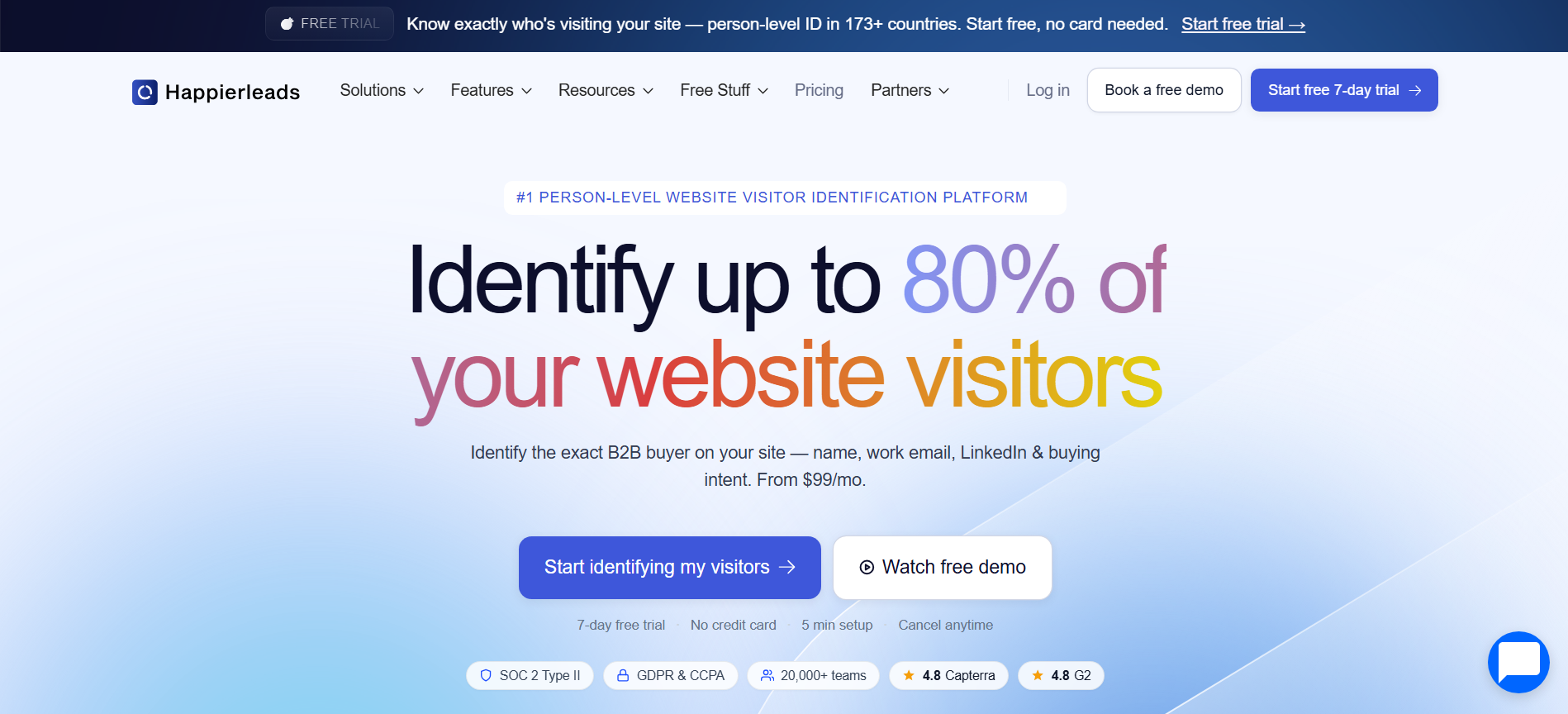
Happierleads combines person-level identification, scoring, enrichment, and email sequencing in one self-serve platform. It supports person-level identification across 173+ countries, giving it broader reach than many US-focused tools.
Key Features:
- Person identification: Names, work emails, LinkedIn profiles, and job titles.
- AI scoring: Ranks visitors against your ICP.
- Email verification: Improves contact accuracy through multiple providers.
- Follow-up: Runs automated email sequences.
Pricing: 7-day free trial with 100 identified visitors. Paid plans start at $99/month, with 30% savings on annual billing.
Best For: SMBs and agencies wanting identification + outreach in one tool.
13. Salespanel
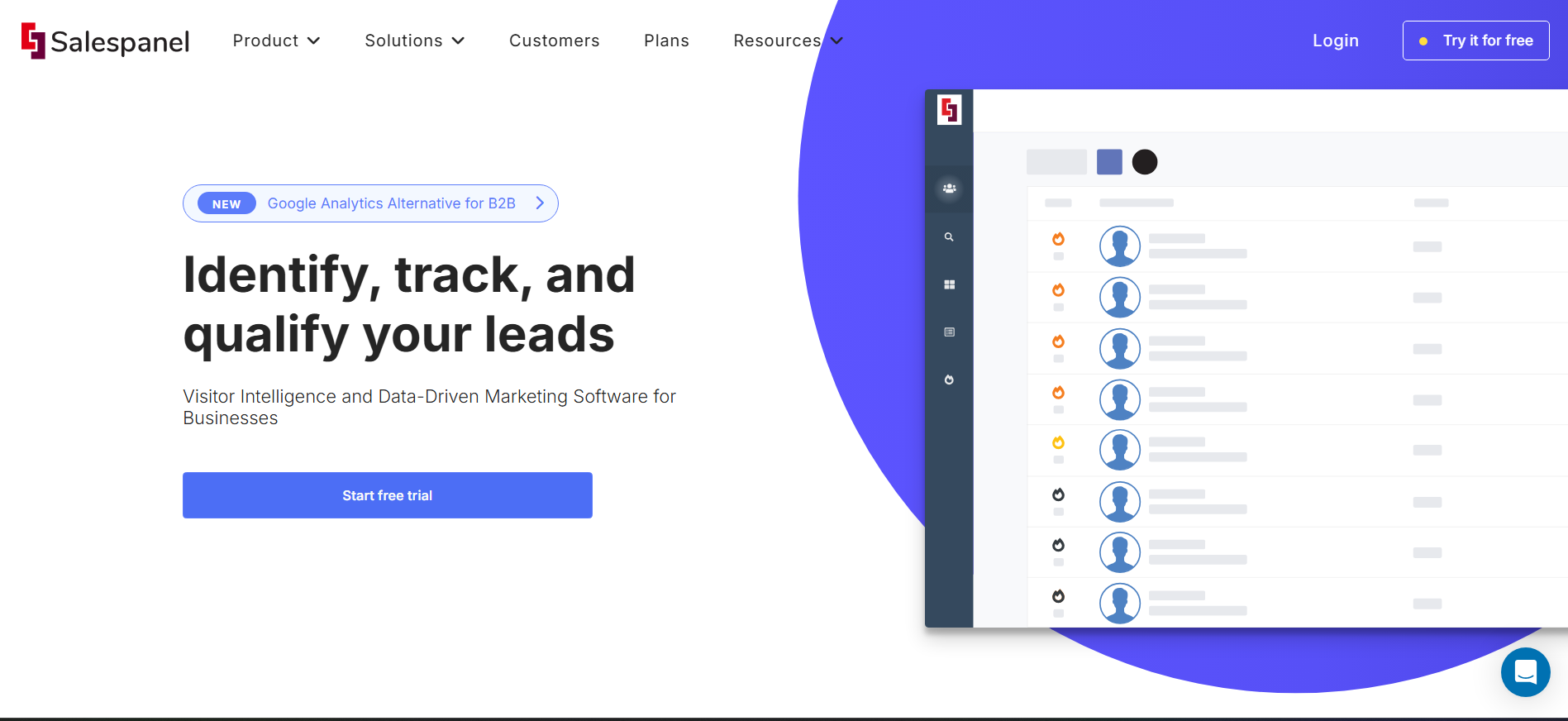
Salespanel combines visitor tracking, account identification, scoring, and attribution for teams focused on the full customer journey. Its strength is turning visitor behaviour into marketing and pipeline insights.
Key Features:
- Account Reveal: Identify visiting companies.
- Deep tracking: Follow touchpoints and campaigns.
- Lead scoring: Prioritise qualified visitors.
- Customer views: Combine behavioural data into unified profiles.
Pricing: Plans start at $99/month, with a 14-day free trial. Higher tiers add customer data and AI agents.
Best For: Marketing teams needing visitor tracking + attribution.
14. Visitor Queue (Now LeadInfo)
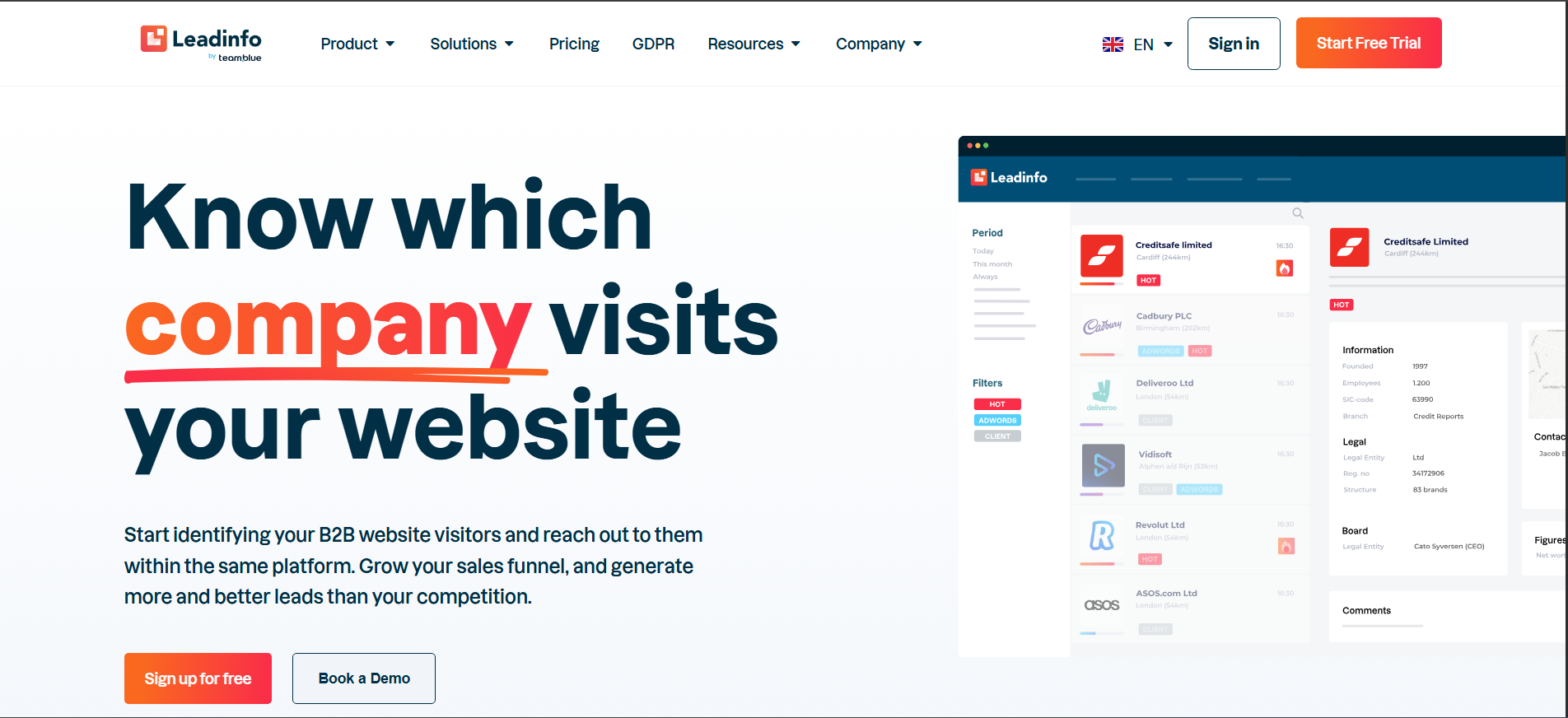
Visitor Queue is a budget-friendly company identification tool with simple setup and straightforward pricing. It is designed for small B2B teams testing whether visitor identification is worth pursuing.
Key Features:
- Company identification: Reveal visiting businesses.
- Decision-maker suggestions: Find potential contacts.
- Personalisation: Adapt content for recognised companies.
- CRM sync: Connect visitor data to major CRMs.
Pricing: Plans start around $39/month. A 14-day free trial is available with no credit card.
Best For: Startups and small B2B teams with a tight budget.
15. Snitcher
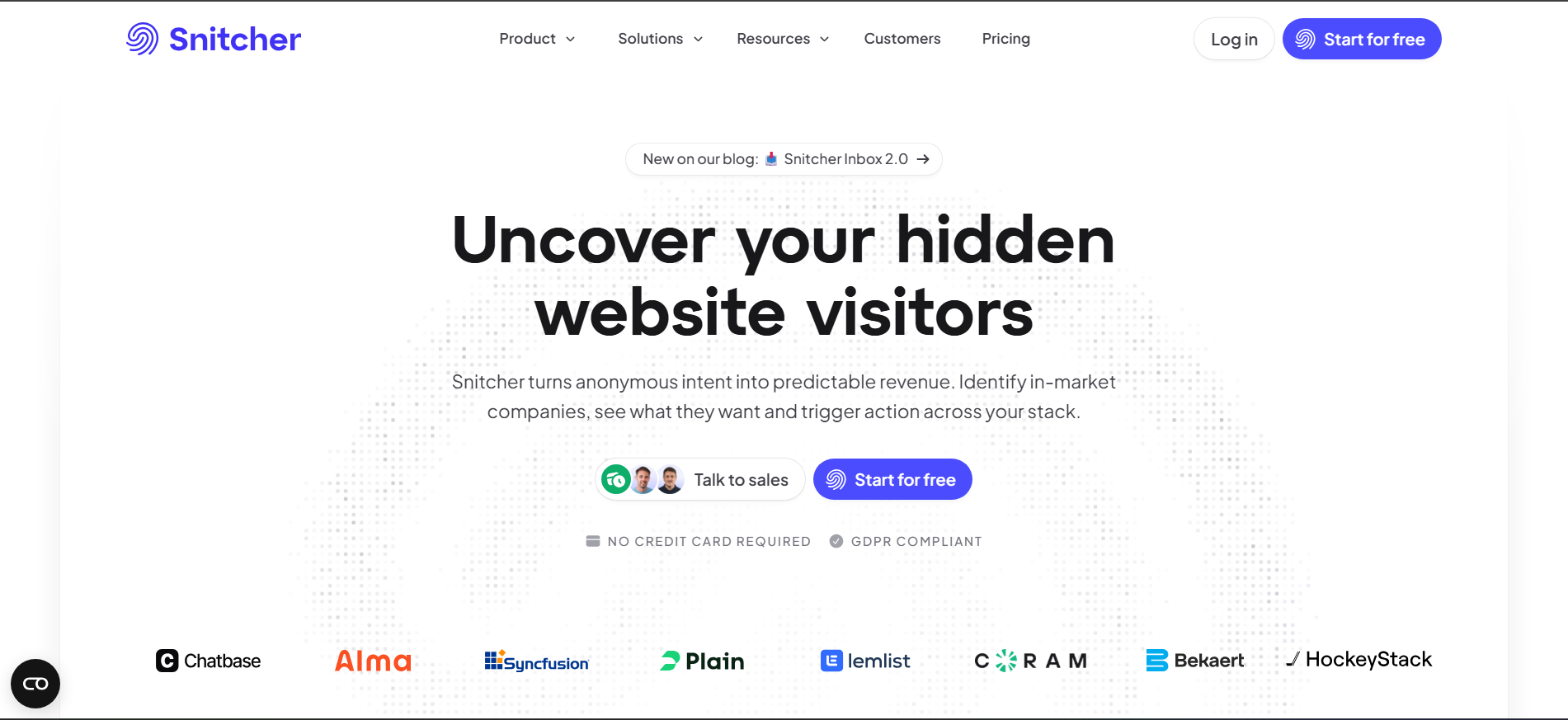
Snitcher focuses on lean company identification, with every feature available across paid plans and no per-seat fees. Its GA4 enrichment makes it useful for teams that already rely heavily on Google Analytics.
Key Features:
- Company identification: Match visits to companies.
- GA4 Enricher: Push company data into Google Analytics.
- ICP scoring: Rank accounts against your target profile.
- Contact enrichment: Add decision-maker details.
Pricing: Plans start at $49/month annually. A 14-day full-feature trial is available. See Snitcher's pricing page.
Best For: Lean sales teams wanting simple, low-cost identification.
16. Apollo.io
Apollo combines prospecting, contact data, enrichment, and sequencing with a secondary visitor identification feature. It makes the most sense for SDR teams already using Apollo rather than buying it primarily for visitor tracking.
Key Features:
- Contact database: Find prospects for outbound.
- Visitor identification: Surface visiting companies.
- Intent signals: Flag active buying behaviour.
- Sequencing: Automate email and call follow-up.
Pricing: Free plan available. Paid plans start at $49/user/month, with higher tiers at $79 and $119/user/month.
Best For: SDR teams already using Apollo for prospecting.
See the Kwin vs Apollo.io comparison.
Also Read: How To Identify Who Visits Your Website: A Complete Guide
What Match Rate Should You Actually Expect?
Every vendor of b2b website visitor identification software quotes a match rate. Almost none of them define it the same way, which makes the number close to meaningless until you ask two follow-up questions.
How to Choose the Right B2B Website Visitor Identification Software
There is no single best tool. The right choice depends on your geography, traffic, data needs, and sales motion. Use these six checks to narrow your shortlist quickly.
1. Check Your Traffic Geography
Start with your analytics. If most visitors are from the US, US-focused tools may work. If you have significant European, APAC, or Latin American traffic, prioritise platforms with broader person-level coverage.
2. Decide: Company or Person-Level?
A company name tells your team who visited. Person-level identification tells them who to contact. If reps still have to research every identified account manually, calculate that time as part of the tool's real cost.
3. Match the Tool to Your Traffic
Your acquisition channel matters. Search, paid social, and ABM traffic can require different workflows. For search-driven sites, see our SEO traffic visitor identification guide. For paid campaigns, see LinkedIn Ads visitor identification, or explore ABM campaign visitor identification.
4. Check the Data You Actually Need
Don't just ask whether a tool provides emails or phone numbers. Check the actual fill rate and accuracy. An email-first team needs verified work emails. A sales team may need direct dials, while ABM teams may prioritise company size, revenue, and job titles.
5. Look Beyond Identification
The important question is what happens after identification. Does the platform alert your team, enrich the record, route it, or start outreach? Every manual handoff slows down follow-up. The best tools connect identification directly to action.
6. Test Before You Commit
Run a 30-day pilot and measure three things: identification rate, data accuracy, and meetings generated. Also calculate cost per booked meeting, not just cost per identified lead. A cheaper tool that produces only company names can cost more once manual research and lower conversion are included.
Why Kwin Is Trusted as the Best B2B Visitor Identification Software
After comparing 16 visitor identification tools, one difference stands out: most platforms identify visitors and stop there.
Kwin goes further by combining person-level identification, qualification, nurturing, and sales handoff in one workflow.
Here is what she brings to that window:
- Person and company identification: She names the individual behind 60 to 70% of your visitors, returning work emails, phone numbers, LinkedIn profiles, plus company, revenue, industry, and location data.
- Genuine global reach: 175+ countries at person level, not one market with company-level guesswork everywhere else.
- Automatic qualification: An ICP fit score and a Purchase Intent score on every visitor, with threshold triggers so she acts only on the ones worth acting on.
- Outreach that actually ships: Personalised email sequences written from what the visitor read and sent from your own domain.
- Human handoff done properly: Positive replies arrive in your inbox as the full thread plus a short summary, with the lead pushed into Slack and your CRM.
- Clean feeds by design: Country-level and page-level filters, including screening out public sector and government traffic.
- Compliance your legal team will accept: SOC 2 Type II, GDPR, CCPA, ISO 9001:2015 and ISO 27001:2022.
- Proof, not promises: Infiniticube generated 2.5x more qualified leads in 45 days, with over 35% of meetings coming from visitors who never touched a form.
- A real free entry point: Lead Watcher is free forever with 100 leads/month, no credit card, and Win+ adds the full workflow with a 7-day free trial.
Hire Kwin For Free and turn anonymous website visitors into qualified conversations, with 100 leads/month and no credit card required.
Conclusion
B2B website visitor identification is no longer just about knowing which company visited. The real value is identifying the right person, understanding their intent, and acting while they are still interested.
Company-level tools work well for basic account tracking, but teams that need person-level identification, global coverage, and automated follow-up need a more complete solution. That is where Kwin stands out.
We hope this guide helped you understand how B2B website visitor identification software works and what to look for before choosing one.
Ready to turn anonymous traffic into sales opportunities? Book a free demo today and see how Kwin can turn your website traffic into qualified sales opportunities.