
TL;DR
ZoomInfo remains a powerful sales intelligence platform, but its pricing, credit limits, and company-level visitor identification can push teams to explore other options. This guide compares 20 ZoomInfo alternatives across pricing, features, visitor identification, intent data, and outreach. Kwin stands out for teams focused on inbound growth, combining person-level visitor identification, ICP and intent scoring, and automated engagement across 175+ countries.
Revenue teams don’t win by buying the biggest contact database. They win by identifying buying intent when it shows up on their own website.
ZoomInfo has long been a major player in sales intelligence. But as buyers move toward real-time research, a gap has opened between knowing which company visited your pricing page and knowing which person was behind the visit.
That gap is why teams are exploring ZoomInfo alternatives. Most website visitors never fill out a form, and knowing the company alone doesn’t tell your sales team who to contact.
In this guide, you’ll explore:
- What has changed with ZoomInfo
- Why teams are looking for alternatives
- 20 tools compared by features, pricing, and use case
- What each platform identifies and where it fits
By the end, you’ll know which ZoomInfo alternatives fit your sales motion, whether you need a B2B contact database, website visitor identification, intent data, or automated outreach.
The State of ZoomInfo: What Actually Changed
ZoomInfo remains a heavyweight in sales intelligence. For enterprises that want one platform for enrichment, territory planning, and conversation intelligence, it is still a serious option.
The company has also moved deeper into agentic AI. It now positions itself as an all-in-one AI go-to-market platform, with GTM Studio, Copilot, and GTM.AI expanding its core capabilities.
Its data foundation is still massive, with 100 million companies and 500 million contacts. Native connectors also extend into Microsoft, Salesforce, and HubSpot.
That is a major data upgrade. But database size does not solve the inbound problem. Teams still need to identify the individual visiting their website and act before that buying intent goes cold. That gap is one reason teams explore ZoomInfo alternatives.
1. The Breakdown Based on Customer Feedback
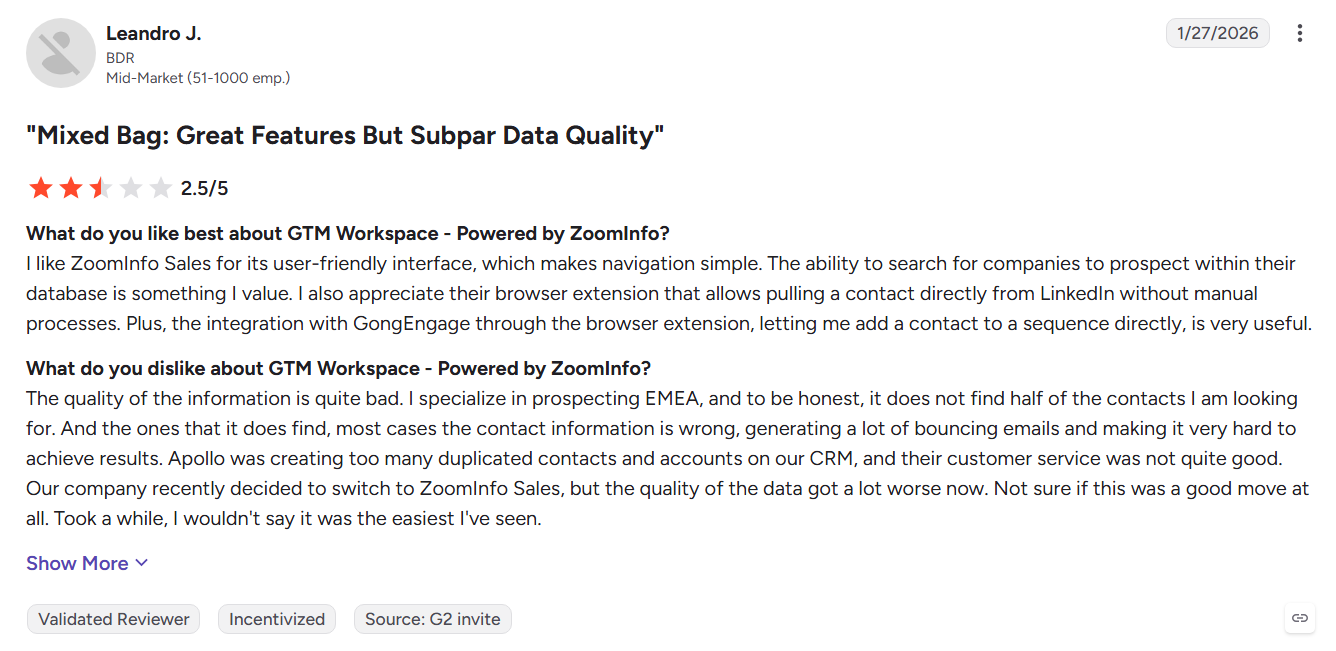
Research across G2, TrustRadius, and private revenue communities shows a consistent split. Reviewers value ZoomInfo’s data and platform depth, but frequently question the commercial model around it.
Pros
- Massive data scale: Broad contact coverage across industries and geographies.
- Comprehensive suite: Company-level intent, conversation intelligence, marketing orchestration, and enrichment in one platform.
- Enterprise-grade reliability: Strong uptime and deep Salesforce and HubSpot integrations.
- Agentic tooling: GTM Studio and Copilot add AI-powered list building and workflow automation.
Cons
- High cost and inflexible contracts: Multi-year commitments and renewal terms can be difficult for growth-stage teams.
- Limited person-level intent: WebSights can show company activity but often does not identify the individual browsing your site.
- Data decay and noise: Reviewers report bounced emails and intent signals that do not always become conversations.
- Support gaps below enterprise: Some mid-market accounts report slower responses after signing.
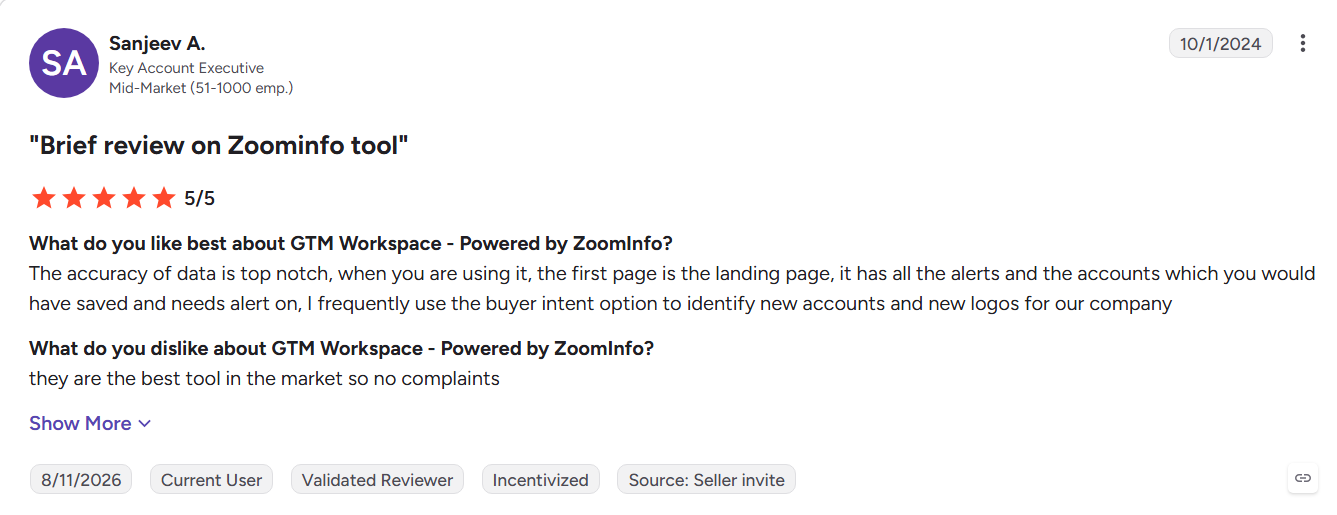
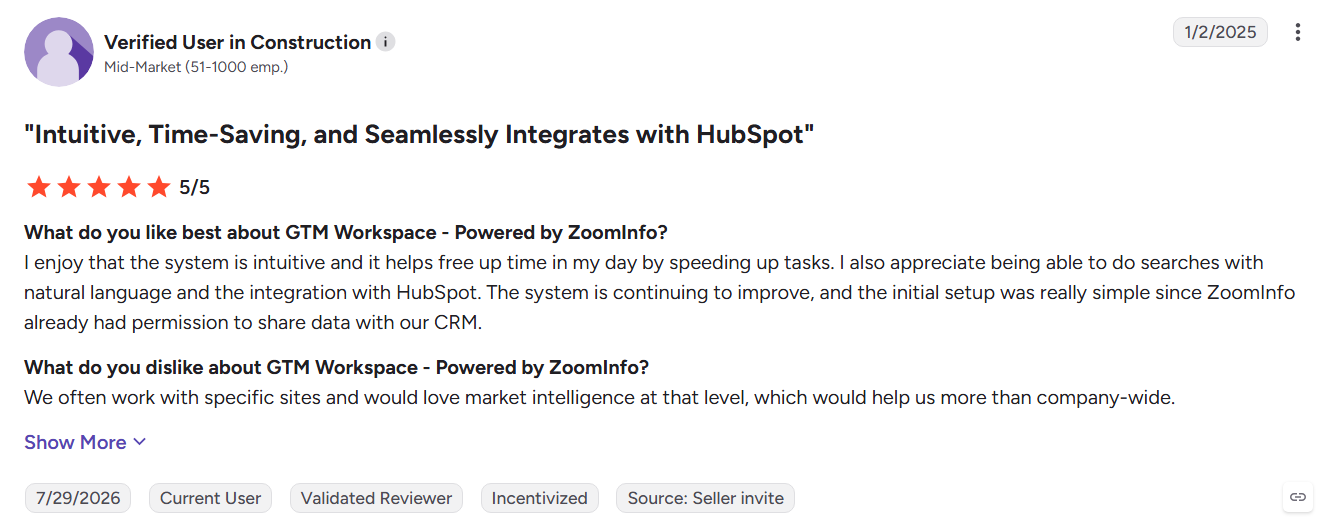
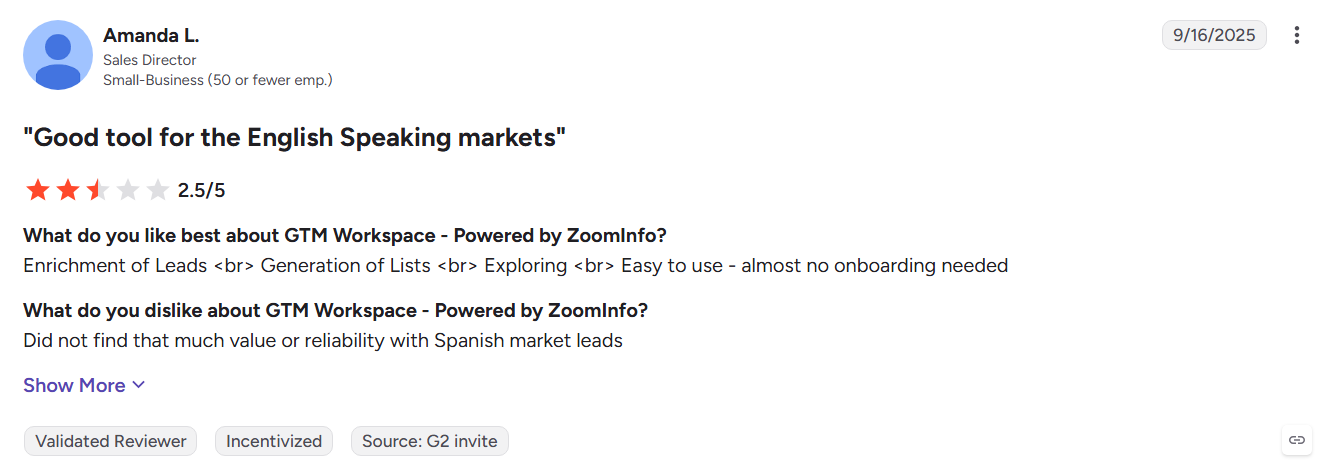
2. What Verified Reviewers Actually Say
Customer feedback points to a common trade-off: ZoomInfo offers broad data and powerful sales intelligence, but the cost, contracts, and execution experience can create friction for smaller teams.
3. Critical Pain Points for Revenue Teams
- The renewal trap: Reviewers report strict cancellation windows. Missing one can trigger another contract term and higher costs, even when usage is lower than expected.
- Company versus individual intent: WebSights often surfaces the company, not the stakeholder. Sales teams may still have to guess who to contact.
- Service decay below enterprise: Startup and mid-market reviewers describe limited support and long gaps between account-manager responses.
Kwin addresses these gaps differently. It offers a free-forever entry plan and focuses on resolving the person behind the website visit rather than stopping at the company level. No account manager is required to put a qualified lead in front of the sales team.
Why Companies Consider ZoomInfo Alternatives: 6 Reasons
Nobody leaves a platform this established on a whim, and nobody shops for ZoomInfo alternatives without a reason. Across every competitor review site and buyer forum, the same six frustrations surface again and again.
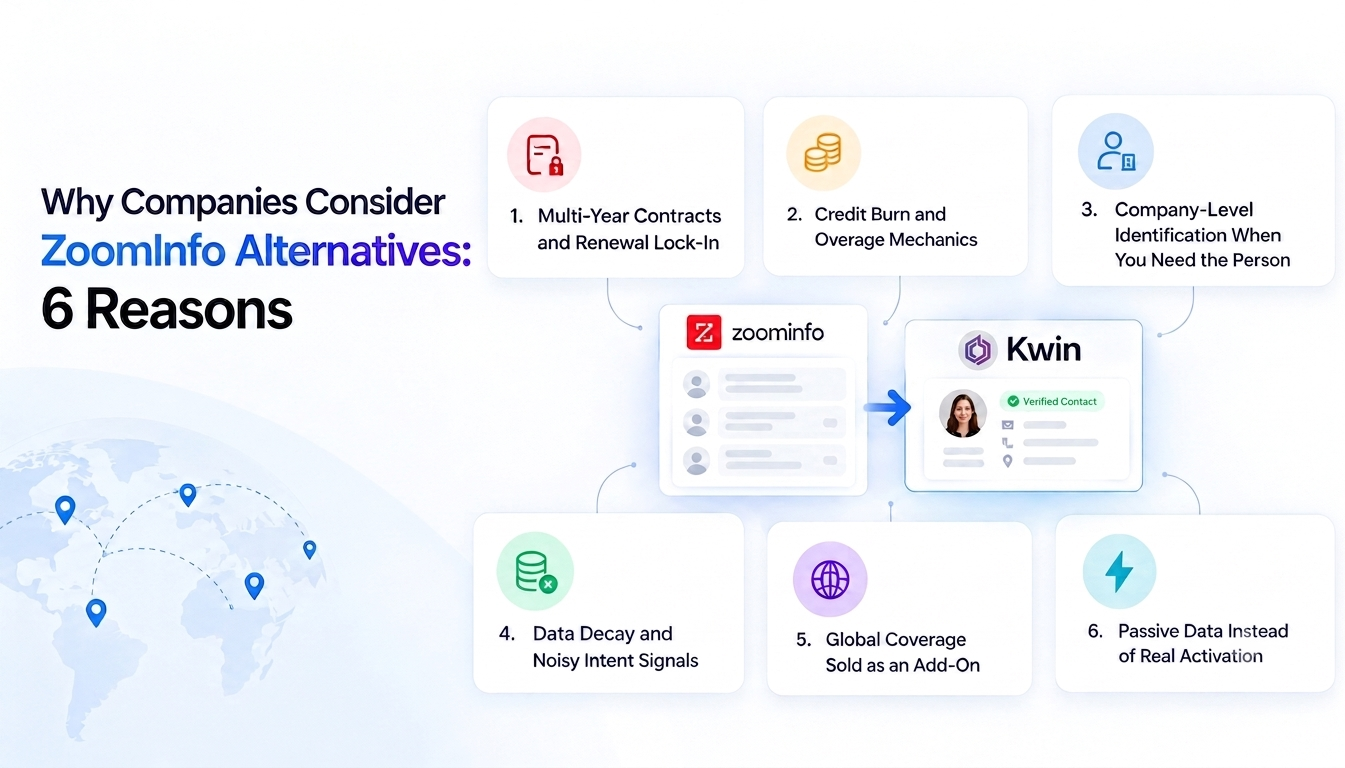
1. Multi-Year Contracts and Renewal Lock-In
You sign once and stay committed for a year or more, often with a narrow notice window. Teams that scale down or stop using half their seats still pay in full. That rigidity is the loudest reason buyers price ZoomInfo alternatives, and why Kwin's free-forever plan lands differently.
2. Credit Burn and Overage Mechanics
Every export, enrichment, and reveal draws down a credit balance you agreed to upfront. Run a big campaign, hit overages, and your data cost climbs exactly when the pipeline is heating up. Kwin prices on identified leads instead of speculative credit pools.
3. Company-Level Identification When You Need the Person
WebSights tells you a Fortune 500 logo landed on your demo page. It cannot tell you whether that was the VP of Revenue or an intern doing research. Kwin closes that loop by resolving the company and the individual, then handing your team a real contact.
4. Data Decay and Noisy Intent Signals
B2B contact data ages fast, and reviewers regularly report bounces on records marked verified. Third-party intent adds a second problem, since a surge score only says a company researched something somewhere. Kwin reads behaviour on your own site instead.
5. Global Coverage Sold as an Add-On
Plenty of buyers discover late that international data sits behind a separate line item. Sell into Europe, APAC, or Latin America, and coverage becomes a second negotiation. Kwin includes 175+ countries in the base product rather than charging for the privilege.
6. Passive Data Instead of Real Activation
This is the quiet one, and it costs the most. A database tells you who exists, then waits for a human to research, write, and send. By the time an SDR arrives, the visitor has gone. Kwin opens the conversation inside that same window.
Also Read: Apollo vs ZoomInfo
20 ZoomInfo Alternatives Compared at a Glance
Before the deep dives, here are all 20 ZoomInfo alternatives side by side. Read the Identification Level column first, because that field decides whether a tool can actually replace WebSights for you. Pricing is listed as published entry rates.
Let's look at each tool in detail!
1. Kwin (by Vison AI): The Autonomous AI Business Developer

Kwin solves a key gap in website visitor identification: knowing not just which company visited, but who visited and what to do next.
Kwin is an AI Business Developer by Vison AI that identifies, enriches, scores, and engages website visitors. Setup takes about five minutes through a website pixel or Google Tag Manager.
It combines IP intelligence, ASN mapping, firmographic matching, and identity resolution across hundreds of data points to deliver 60% to 70% visitor matching across 175+ countries, including names, emails, phone numbers, LinkedIn profiles, and company details.
Kwin scores visitors on ICP Fit and Purchase Intent, then triggers personalized outreach when they meet your threshold. Positive replies can flow to your inbox, Slack, or CRM. Infiniticube generated 2.5x more qualified leads in 45 days with Kwin.
Key Features
- Person + Company Identification: Connect visitors with individual and company data.
- Behavior Analysis: Tracks pages, time on page, scroll depth, and repeat visits.
- Kwin Signals: Surfaces activity from G2, Capterra, Crunchbase, LinkedIn, job boards, news, and technology changes.
- ICP + Purchase Intent: Scores visitor fit and buying behavior.
- Automated Nurture: Triggers personalized follow-ups based on visitor activity.
- Four Filters: Filter by country, pages, data, and exclusions.
- Native Handoff: Sends qualified activity to Slack and your CRM.
- Compliance: SOC 2 Type II, GDPR, CCPA, ISO 9001:2015, and ISO 27001:2022.
Pros
- High visitor matching: 60% to 70% person and company identification.
- Global coverage: Supports 175+ countries.
- All-in-one workflow: Combines identification, scoring, and outreach.
- Fresh intent signals: Acts while visitor intent is still active.
- Free Lead Watcher: 100 leads/month at no cost.
Cons
- Inbound-first: Best for teams with existing B2B website traffic.
- New operating model: Teams must adapt to AI-led first-touch engagement.
- Not a cold-list tool: Focused on website visitors.
- LinkedIn outreach: Still in development.
- User Activity: Does not replace GA4 for deeper analytics.
Best for: High-growth B2B SaaS, professional services, and lean sales teams that want to convert existing website traffic without adding SDR headcount.
Hire Kwin and turn high-intent website visitors into qualified conversations.
2. Clearbit (now HubSpot Breeze Intelligence)
Clearbit became a benchmark for B2B enrichment and now sits inside HubSpot Breeze Intelligence. Its Reveal technology identifies visiting companies from IP data and adds firmographic details to CRM records, making enrichment automatic. The trade-off is ecosystem dependence: Salesforce teams may find the experience less flexible than HubSpot users.
Key Features
- Reveal: Identifies companies visiting your website.
- Firmographic Enrichment: Adds company size, industry, technology, and other business data.
- API: Supports custom enrichment workflows and integrations.
Pros
- Strong HubSpot integration: Enriches records directly inside the CRM.
- Rich firmographics: Useful company and technology data.
- Developer-friendly: Well-documented API for custom workflows.
Cons
- HubSpot-dependent: Much of its value is tied to the HubSpot ecosystem, as noted by G2 reviewers.
- Company-level identification: Website visitors are generally identified at the account level.
- Limited person-level visibility: Teams may need a form submission to identify the individual visitor.
Best for: Marketing and RevOps teams already standardized on HubSpot that need automated CRM enrichment more than person-level visitor identification.
For more options, see our guide to lead enrichment tools.
3. 6sense
6sense is built for enterprise account-based marketing, using predictive AI and third-party intent data to map entire buying groups instead of focusing on one visitor. Its strength is coordinating complex, multi-channel campaigns, but that depth can be more than a small team needs for everyday inbound traffic.
Key Features
- Predictive AI: Identifies accounts moving toward an active buying cycle.
- Buying Group Mapping: Surfaces multiple stakeholders within enterprise accounts.
- Omnichannel Orchestration: Connects sales, marketing, and advertising workflows.
Pros
- Intent prediction: Identifies accounts showing buying interest.
- Stakeholder mapping: Helps identify key decision-makers.
- Cross-channel campaigns: Supports coordinated sales and marketing.
Cons
- High cost and complexity: Implementation can require significant time and resources, as reflected in G2 reviews.
- Enterprise-focused: More capability than smaller teams may need.
- Not person-first: Built around accounts and buying groups rather than individual website visitors.
Best for: Large revenue teams running sophisticated ABM programs across multiple channels.
For a direct comparison, read 6sense vs ZoomInfo.
4. Cognism
Cognism is a strong choice for teams selling across the UK and Europe, with a focus on privacy-first data collection and verified mobile numbers. It is primarily a B2B contact database, though, so it helps you find people in your market rather than identify who is reading your website right now.
Key Features
- GDPR-focused data: Designed around compliant European prospecting.
- Verified mobile numbers: Strong direct-dial coverage across EMEA.
- Intent data: Adds third-party intent to contact records.
Pros
- Strong EMEA coverage: Reliable data for European markets.
- Privacy-focused: Built for regulated regions.
- Verified phone numbers: Supports targeted outbound calls.
Cons
- Thinner US SMB coverage: EMEA remains its stronger market, according to G2 feedback.
- Contact-first workflow: SDRs still handle research and outreach.
- No native visitor identification: It does not identify the person currently browsing your site.
Best for: Sales teams with a strong European focus that need compliant, phone-verified contact data.
5. Leadfeeder (Dealfront)
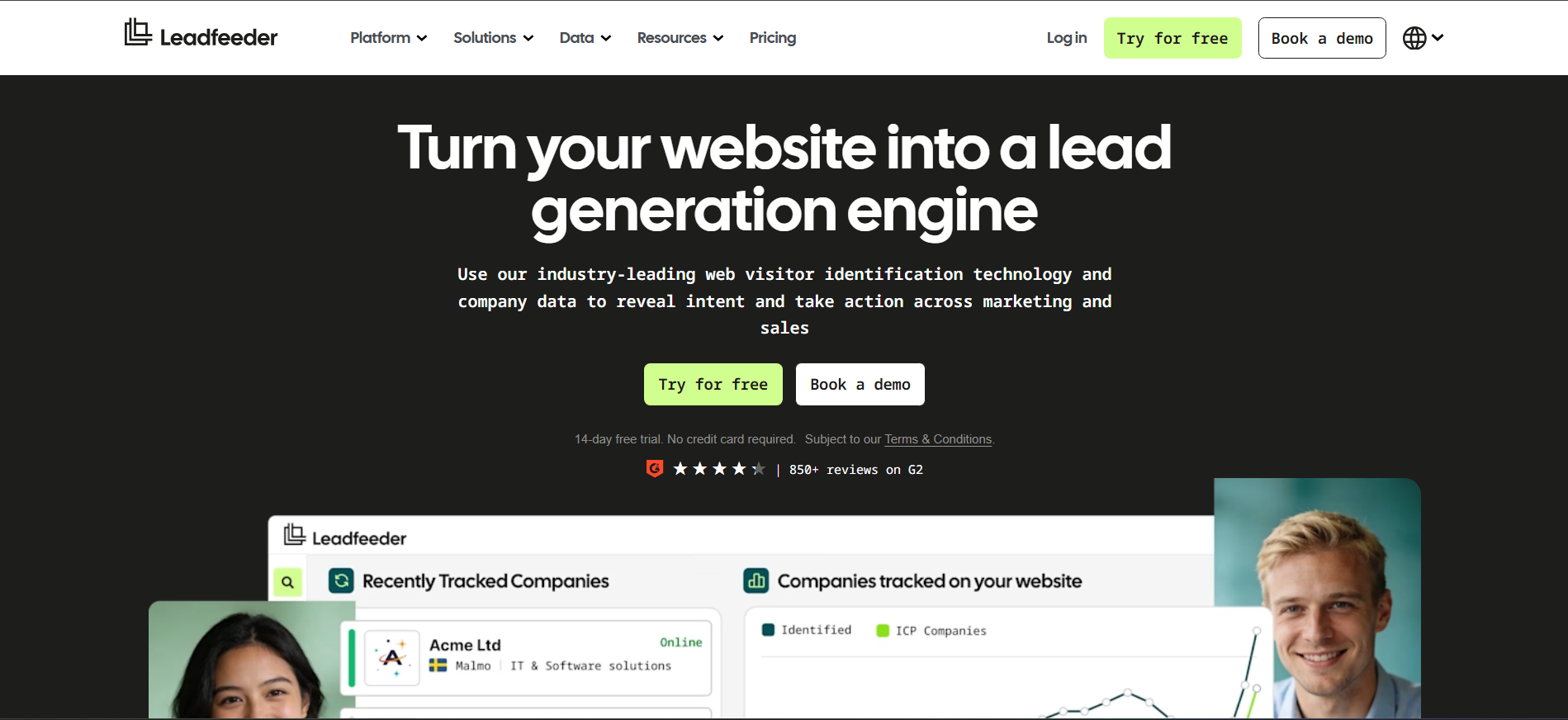
Leadfeeder, now part of Dealfront, focuses on website visitor tracking and account-level analytics. It shows which companies visit, what pages they view, and how they move through your site, giving marketers a clear picture of channel and content performance. The limitation is simple: company-level data still leaves sales teams searching for the right person.
Key Features
- Page-level analytics: Tracks the visitor journey across your website.
- Company identification: Reveals organizations behind website traffic.
- CRM integrations: Pushes visitor activity into platforms such as Pipedrive and Salesforce.
Pros
- Visitor journey tracking: Shows how companies navigate your site.
- Quick setup: Easier to deploy than larger ABM platforms.
- CRM integrations: Connects visitor data with account follow-up.
Cons
- Company-level identification: Often shows the company without the individual, as noted in G2 reviews.
- Limited direct engagement: Visitor insights do not automatically become conversations.
- Marketing-focused: Better suited to attribution than person-level sales activation.
Best for: Demand generation teams that need account-level attribution and website behavior insights.
6. RB2B
RB2B takes a simple approach: identify people visiting your website and send their LinkedIn profiles directly to Slack. Independent benchmarking from MadKudu puts its identification rate at roughly 10% to 30% of total visitors, with person-level matching weighted toward US traffic.
Key Features
- Person-level alerts: Delivers LinkedIn profiles instead of just company names.
- Slack workflow: Sends visitor alerts directly into a team channel.
- Free tier: Lets smaller teams test visitor matching before upgrading.
Pros
- Real-time alerts: Notifies teams about high-intent visitors.
- Slack integration: Sends visitor alerts directly to Slack.
- Simple setup: Easy for small sales teams to adopt.
Cons
- Manual follow-up: Reps still write and send the outreach.
- 10%-30% identification range: Coverage can vary significantly by traffic.
- US-weighted person matching: International visitors may fall back to company-level data.
Best for: Founders, solo operators, and small sales teams that want instant visitor alerts inside Slack.
See our full RB2B alternatives guide for more options.
7. Apollo.io
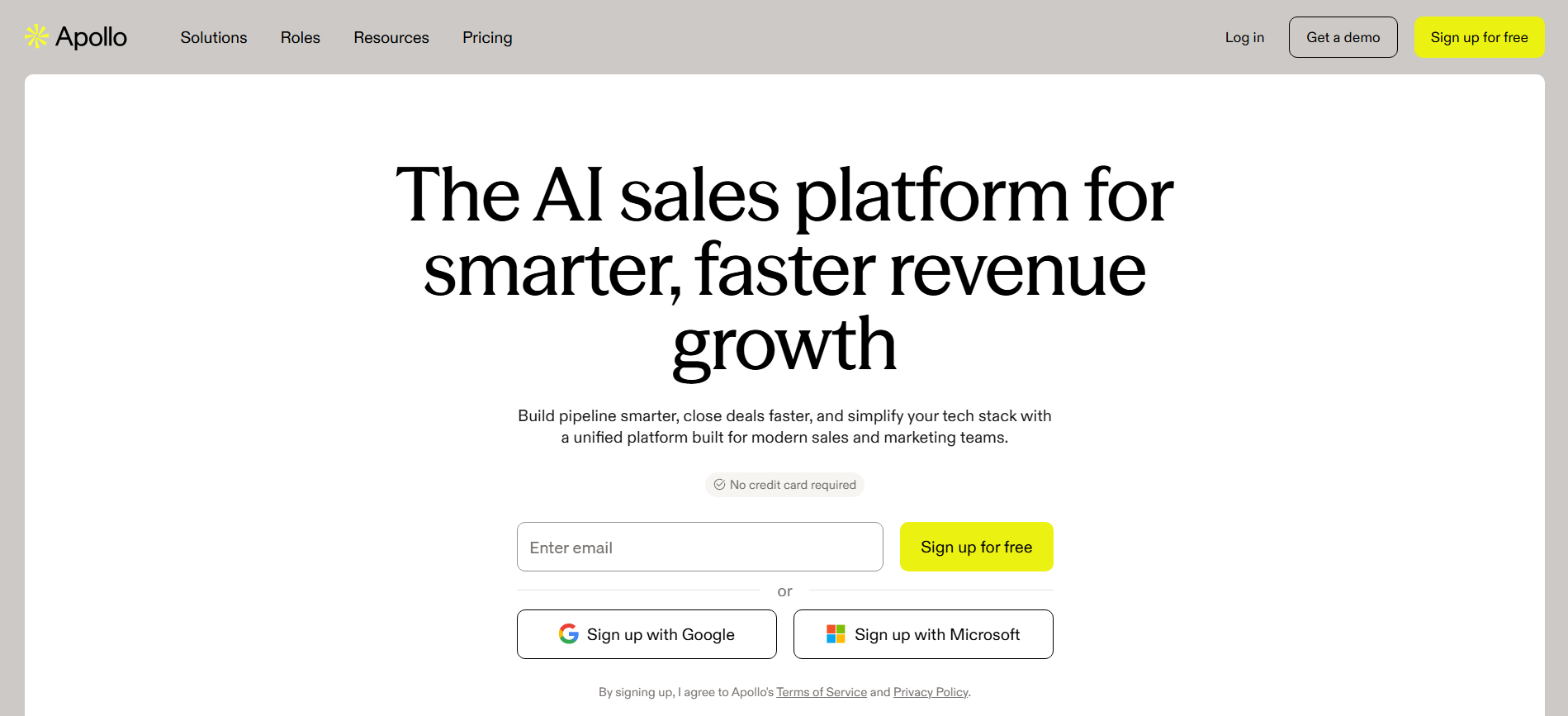
Apollo.io combines a large B2B contact database with email sequencing, a dialer, and light website visitor tracking. Its accessible entry point makes it practical for growth-stage teams that want prospecting data and outreach in one platform, although the breadth can come with less depth than specialist tools.
Key Features
- Contact database: Search and build prospect lists at scale.
- Email + dialer: Run outbound campaigns from the same platform.
- Chrome extension: Capture contacts while browsing LinkedIn and company websites.
Pros
- All-in-one workflow: Data, sequencing, and calling in one platform.
- Accessible entry point: Easier to adopt than enterprise sales intelligence platforms.
- Strong prospecting workflow: Quickly capture and activate contacts.
Cons
- Data accuracy: G2 reviewers report accuracy and bounce-rate concerns.
- Basic visitor tracking: Website signals lack deeper prioritization.
- Broad rather than specialized: Covers many workflows without matching specialist depth.
Best for: Startups and high-volume outbound teams that want prospecting data and sales engagement in one stack.
Explore the wider market in our Apollo.io alternatives guide.
8. Warmly
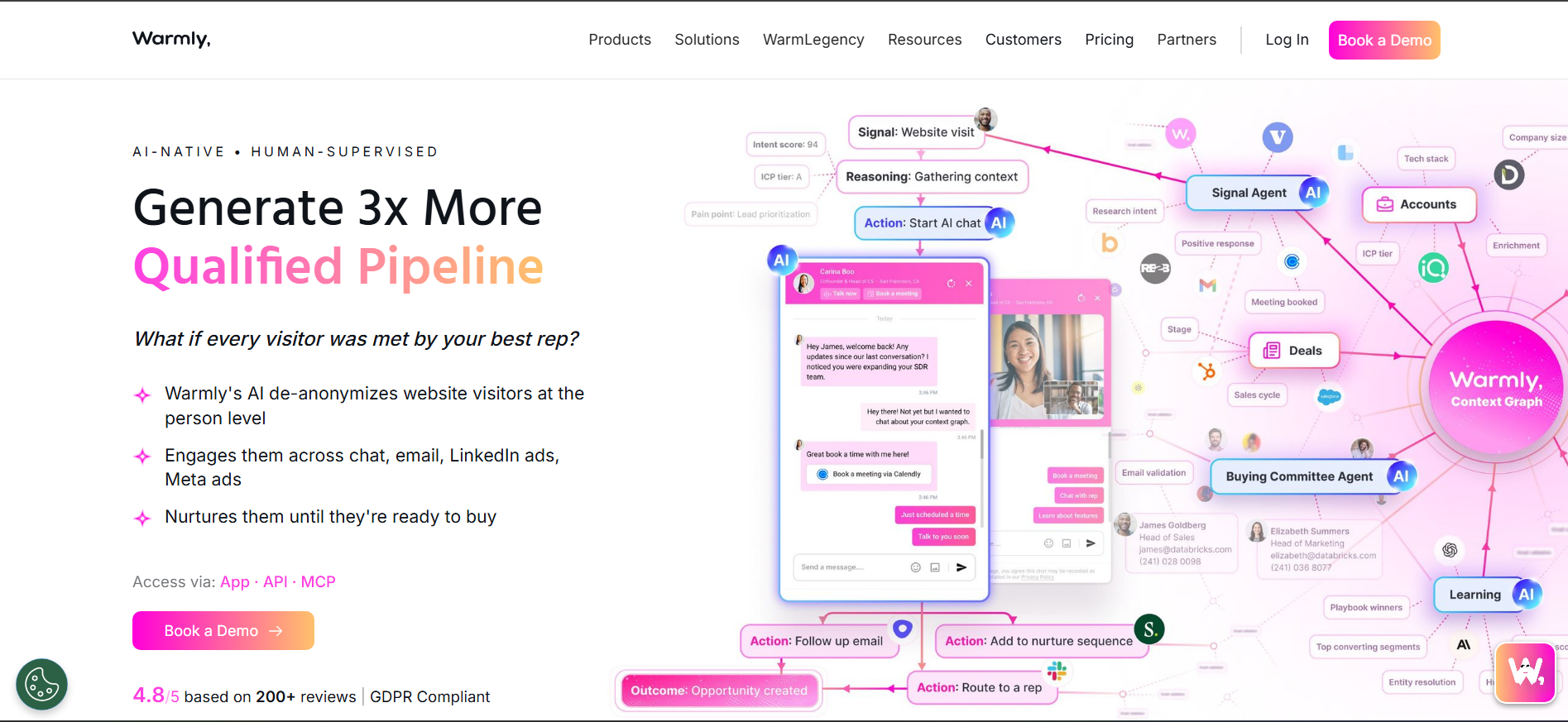
Warmly combines website visits, job changes, technology changes, and third-party intent into a single sales signal layer. It can trigger automated plays from those signals and engage visitors through chat, giving mid-market teams a way to act on more than simple page visits. The trade-off is the operational work required to configure those signals well.
Key Features
- Signal aggregation: Combines website, intent, and account signals.
- Automated plays: Triggers workflows from selected buying signals.
- On-site engagement: Uses live chat and video to engage visitors.
Pros
- Rich intent signals: Tracks more than basic website visits.
- Automated workflows: Triggers actions based on visitor behavior.
- On-site engagement: Engages visitors while they are active.
Cons
- Configuration overhead: Effective signal setup can require RevOps support, as reflected in G2 reviews.
- Higher-tier features: Advanced capabilities require higher plans.
- More operational complexity: Teams need to manage and refine multiple signals.
Best for: Mid-market revenue teams with RevOps support that want a broader, signal-driven sales motion.
9. Lusha
Lusha is built for speed. Reps can find a prospect, open the browser extension, and pull a work email or direct dial in seconds without navigating a full sales intelligence platform. It works well as a contact lookup tool, but it does not identify unknown website visitors.
Key Features
- Contact Lookup: Find emails and direct dials quickly.
- Browser Extension: Capture contact data while browsing.
- Free Tier: Lets individual users test the platform before upgrading.
Pros
- Easy to use: Minimal learning curve for individual reps.
- Direct dials: Strong focus on phone contact data.
- Fast prospecting: Useful for quick contact research.
Cons
- No visitor identification: It does not reveal who visited your website, as noted in G2 reviews.
- Limited intent data: No deeper visitor scoring or intent layer.
- Lookup-focused: Works best when you already know who you want to find.
Best for: Individual SDRs, recruiters, and reps who need fast contact lookups.
10. Seamless.ai

Seamless.ai builds contact data at search time rather than relying only on a static database. That focus on freshness makes it useful for high-volume prospecting, although results can vary between searches. Its strength is outbound list building, not identifying people already visiting your website.
Key Features
- Real-Time Search: Generates contact data when you search.
- High-Volume Prospecting: Built for fast list creation.
- Large Data Access: Packages often support high-volume or unlimited-style searches.
Pros
- Fresh search data: Records are generated when needed.
- Fast list building: Suited to high-volume outbound.
- Simple prospecting workflow: Focuses directly on finding contacts.
Cons
- Variable data quality: G2 reviewers report inconsistent results.
- Outbound-focused: Does not specialize in website visitor identification.
- Completeness varies: Search results may differ in depth and coverage.
Best for: High-velocity outbound teams that prioritize list-building speed.
Also Read: B2B Website Visitor Identification Software
11. Clay
Clay takes a different approach to GTM data orchestration. Instead of owning one large database, it connects multiple providers and runs waterfall enrichment to find the strongest available record. The flexibility is powerful, but it suits teams comfortable building their own workflows.
Key Features
- Waterfall Enrichment: Searches multiple data providers for each record.
- Custom Workflows: Build enrichment, scoring, and research processes.
- AI Research: Uses web data to add context and personalize prospecting.
Pros
- Highly flexible: Supports complex data and enrichment workflows.
- Multi-provider approach: Reduces dependence on one data source.
- Powerful for RevOps: Gives technical teams control over their data stack.
Cons
- Steep learning curve: G2 reviewers frequently mention the setup and learning time.
- Needs a data source: Clay enriches records rather than generating website visitors itself.
- More technical: Less suitable for teams that want an out-of-the-box workflow.
Best for: RevOps teams and growth engineers building custom GTM data systems.
Our Clay alternatives guide covers simpler options.
12. LinkedIn Sales Navigator
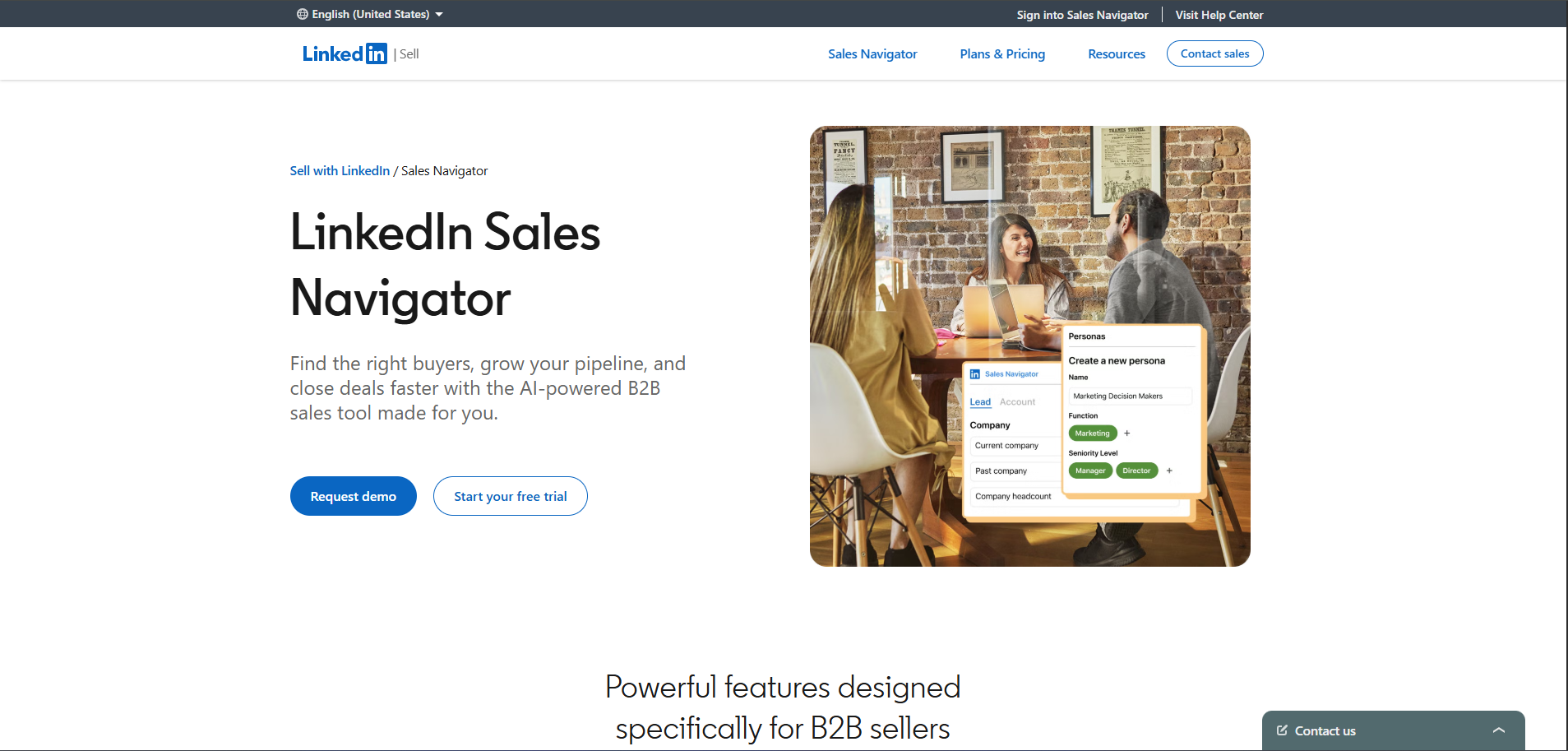
LinkedIn Sales Navigator works from LinkedIn’s first-party professional network, giving sales teams fresh information on roles, companies, job changes, and connections. It is excellent for researching and mapping prospects, but it does not reveal who visits your website, so it serves a different role from visitor identification tools.
Key Features
- Advanced Search: Filter prospects by role, seniority, company size, and activity.
- Professional Profiles: Access current career and company information.
- Relationship Mapping: Find shared connections and potential referral paths.
Pros
- Fresh professional data: Profiles update at the source.
- Precise targeting: Strong filters for account and prospect research.
- Warm introductions: Helps identify shared connections.
Cons
- No direct contact data: Profiles do not automatically provide work emails or direct dials, a common G2 complaint.
- No website visitor identification: Cannot tell you who visited your site.
- Seat-based model: Costs can increase as more sales reps need access.
Best for: Relationship-led enterprise sellers managing long, multi-threaded deals.
13. Bombora
Bombora measures B2B content consumption across its publisher network and flags when a company’s interest in a topic rises above its normal baseline. That makes it useful for spotting category research before prospects reach your site, but it remains an account-level intent platform, not a person-level visitor identification tool.
Key Features
- Company Surge: Detects unusual increases in topic consumption.
- Publisher Network: Measures activity across thousands of B2B publications.
- ABM Integrations: Feeds intent signals into major CRM and marketing platforms.
Pros
- Broad intent coverage: Captures research activity beyond your own website.
- Baseline-aware scoring: Compares activity against each company’s normal behavior.
- Wide integrations: Connects with common ABM and CRM platforms.
Cons
- Account-level only: Does not identify the individual researcher, as noted in G2 reviews.
- Off-site signals: Activity happens outside properties you control.
- No direct visitor identification: Cannot show who is currently viewing your pricing or product pages.
Best for: Demand generation teams that want to prioritize accounts showing category-level research before they reach the website.
14. Lead411
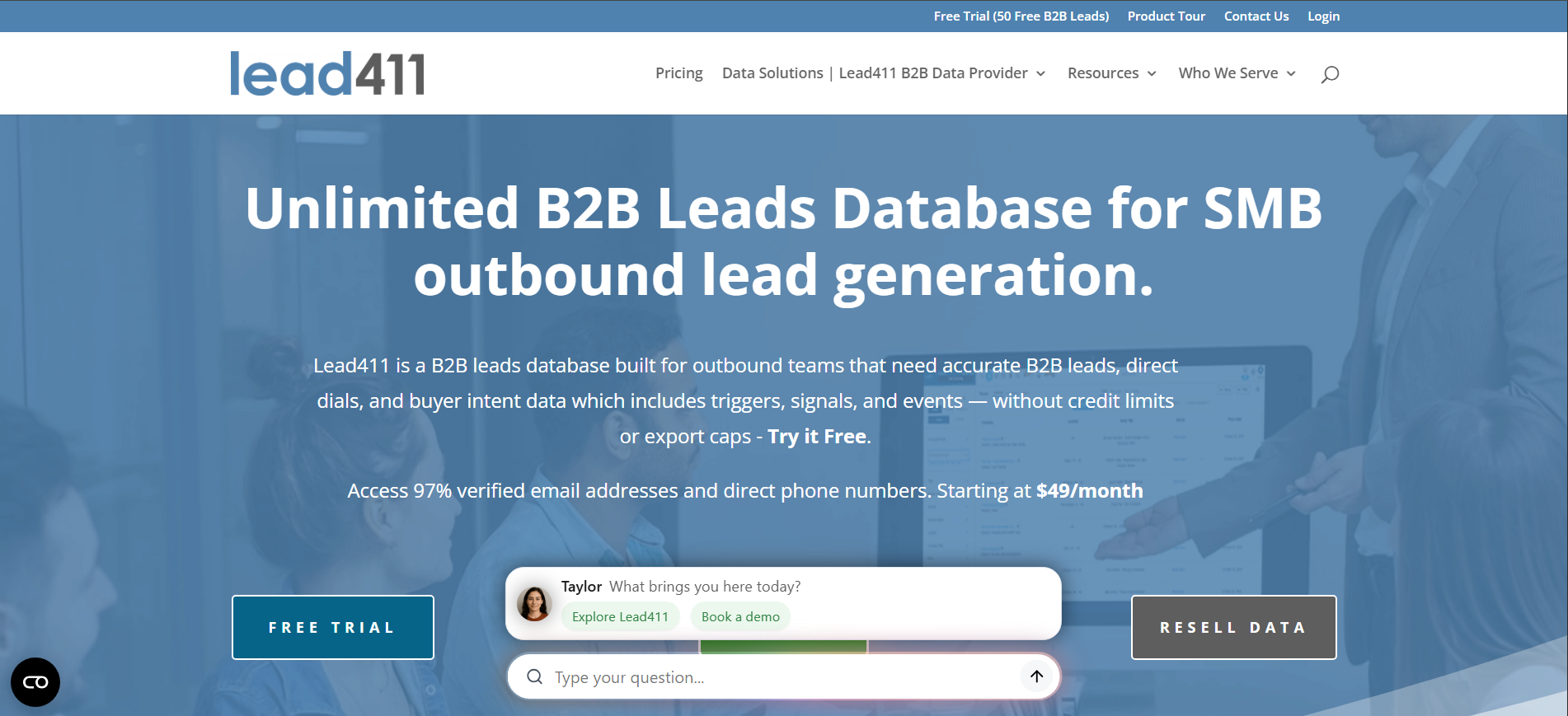
Lead411 combines verified contact data, growth signals, and intent data in a platform designed for smaller sales teams. It also includes basic email cadences, giving outbound teams a way to manage prospecting and light engagement without adding another tool. The trade-off is less interface polish and enrichment depth than premium platforms.
Key Features
- Contact Database: Provides verified B2B contact and company records.
- Growth Triggers: Surfaces hiring, funding, and other expansion signals.
- Email Cadences: Supports basic outbound sequences within the platform.
Pros
- Data + intent: Combines prospect records and buying signals.
- Growth signals: Helps identify companies showing expansion activity.
- All-in-one outbound: Includes prospecting and basic sending workflows.
Cons
- Older interface: G2 reviewers frequently mention the user experience.
- No visitor identification: Does not reveal who is browsing your website.
- Lighter enrichment: Less depth than larger enterprise data platforms.
Best for: SMB outbound teams that want contact data, intent signals, and basic email engagement in one platform.
15. UpLead
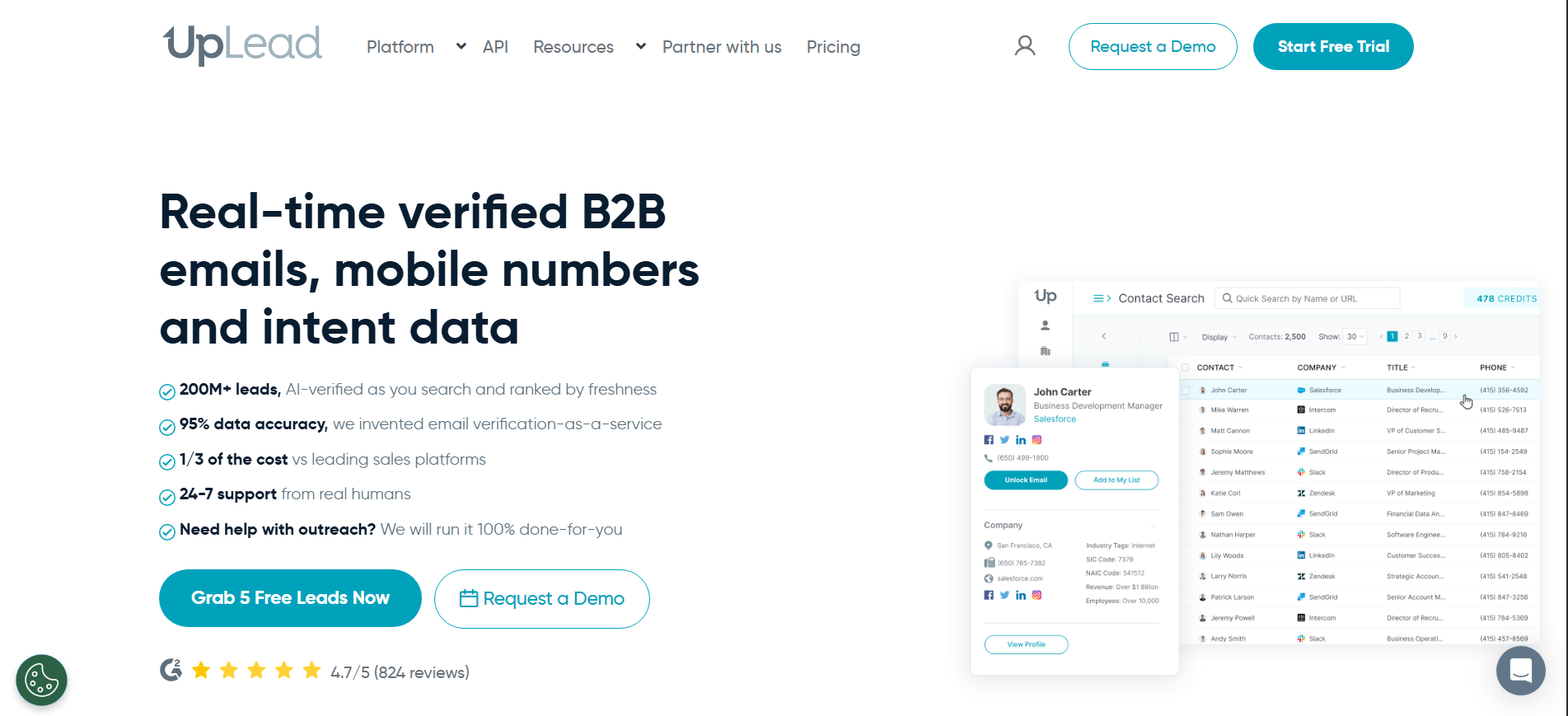
UpLead puts real-time email verification at the center of its prospecting workflow. Contacts are checked before you spend a credit, helping teams prioritize deliverability over massive database size. Its database is smaller than the largest providers, but the simpler workflow suits teams that want fewer questionable records.
Key Features
- Real-Time Verification: Checks emails before credits are used.
- Credit-Based Prospecting: Provides transparent usage for contact searches.
- Simple Interface: Lets teams build lists without extensive training.
Pros
- Verified emails: Helps reduce invalid addresses and bounce risk.
- Transparent credits: Credits are not spent on failed verification.
- Easy prospecting: Straightforward workflow for smaller sales teams.
Cons
- Smaller database: Coverage can be thinner in niche industries, according to G2 feedback.
- Limited intent: Does not provide a deep intent intelligence layer.
- No visitor identification: Focuses on static prospecting rather than identifying website visitors.
Best for: Small sales teams that prioritize verified contact data and deliverability over database size.
16. SalesIntel
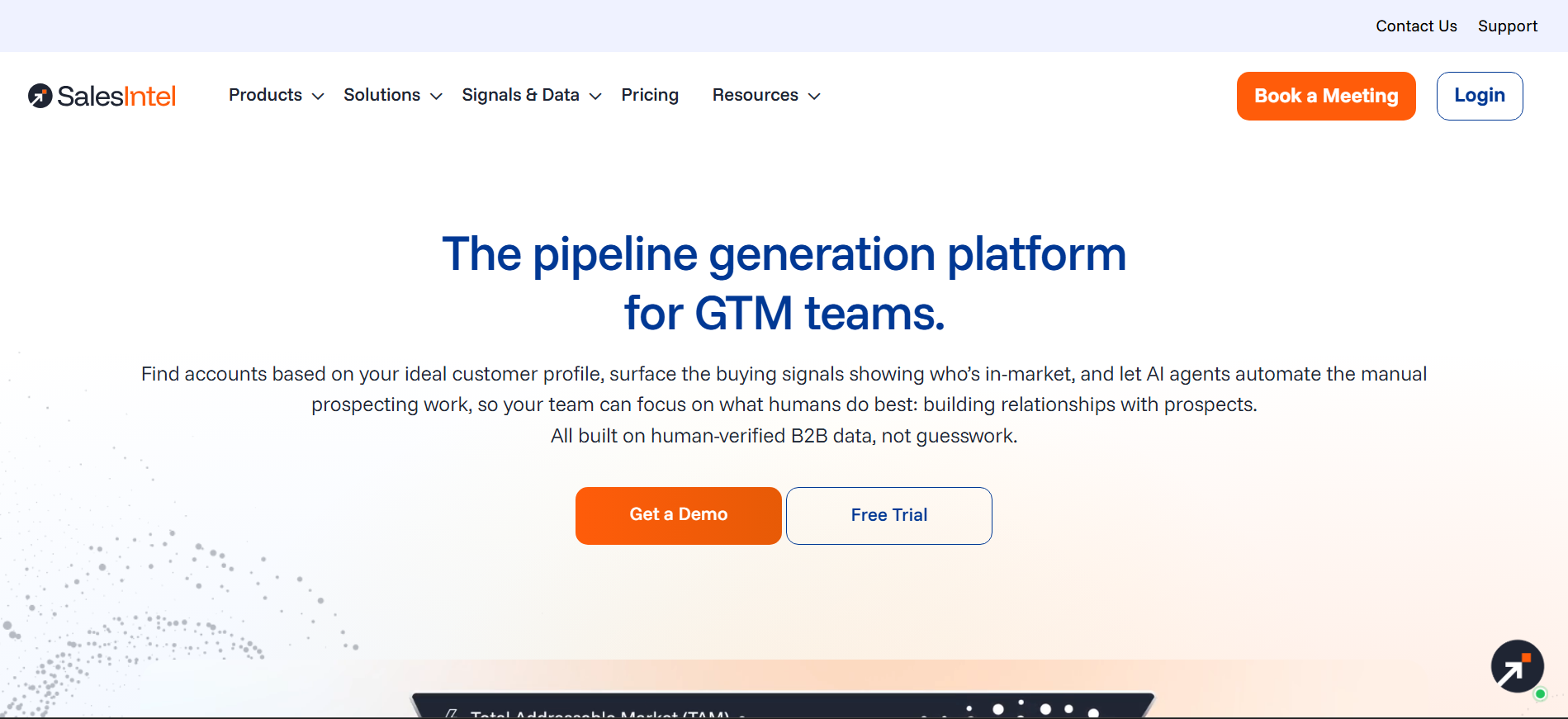
SalesIntel differentiates itself through human-verified contact data. Researchers regularly recheck records, while its research-on-demand service can source contacts that are missing from the database. This approach emphasizes data reliability, although its contract model is more aligned with larger revenue teams than self-serve buyers.
Key Features
- Human Verification: Researchers recheck contact records on a recurring basis.
- Research on Demand: Sources missing contacts based on specific requirements.
- Technographics + Intent: Adds technology and buying signals to contact data.
Pros
- Human-verified records: Adds a manual quality layer to automated data.
- Custom research: Teams can request contacts that are not already available.
- Rich prospect data: Combines contacts with technographics and intent.
Cons
- Contract-heavy model: G2 reviewers note the annual commitment structure.
- Outbound-focused: Primarily helps teams build and enrich prospect lists.
- Less self-serve: Better suited to teams comfortable with a managed data platform.
Best for: Revenue teams where contact accuracy matters more than maximum database size, particularly in regulated or data-sensitive markets.
17. LeadIQ
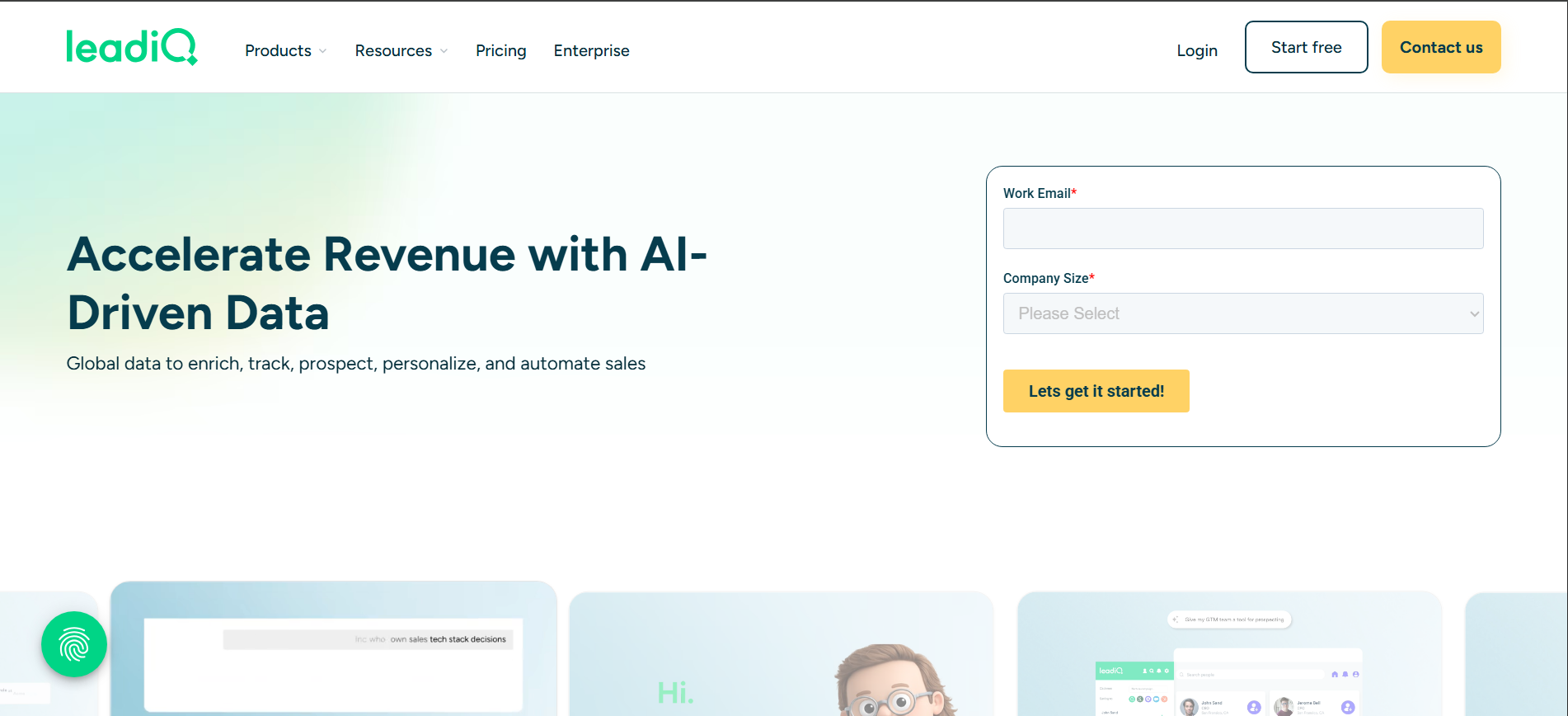
LeadIQ connects LinkedIn prospecting with your CRM, letting reps capture prospects and push clean, deduplicated records into Salesforce or HubSpot. It also tracks job changes, turning contact updates into fresh outreach opportunities. The workflow is efficient, but it depends on reps actively prospecting.
Key Features
- One-Click Capture: Push prospect details from LinkedIn into your CRM.
- Job Change Alerts: Flags when tracked contacts move to new roles or companies.
- CRM Deduplication: Helps prevent duplicate records from entering your database.
Pros
- Frictionless capture: Quickly moves prospects from LinkedIn into the CRM.
- Job change signals: Turns contact movement into new prospecting opportunities.
- CRM hygiene: Helps keep sales records cleaner over time.
Cons
- Smaller data pool: Coverage is thinner than larger providers, according to G2 reviews.
- Rep-dependent workflow: Activity starts when a salesperson actively prospects.
- No visitor identification: Does not identify unknown people visiting your website.
Best for: SDR teams that prospect through LinkedIn and prioritize CRM hygiene alongside list building.
18. Demandbase
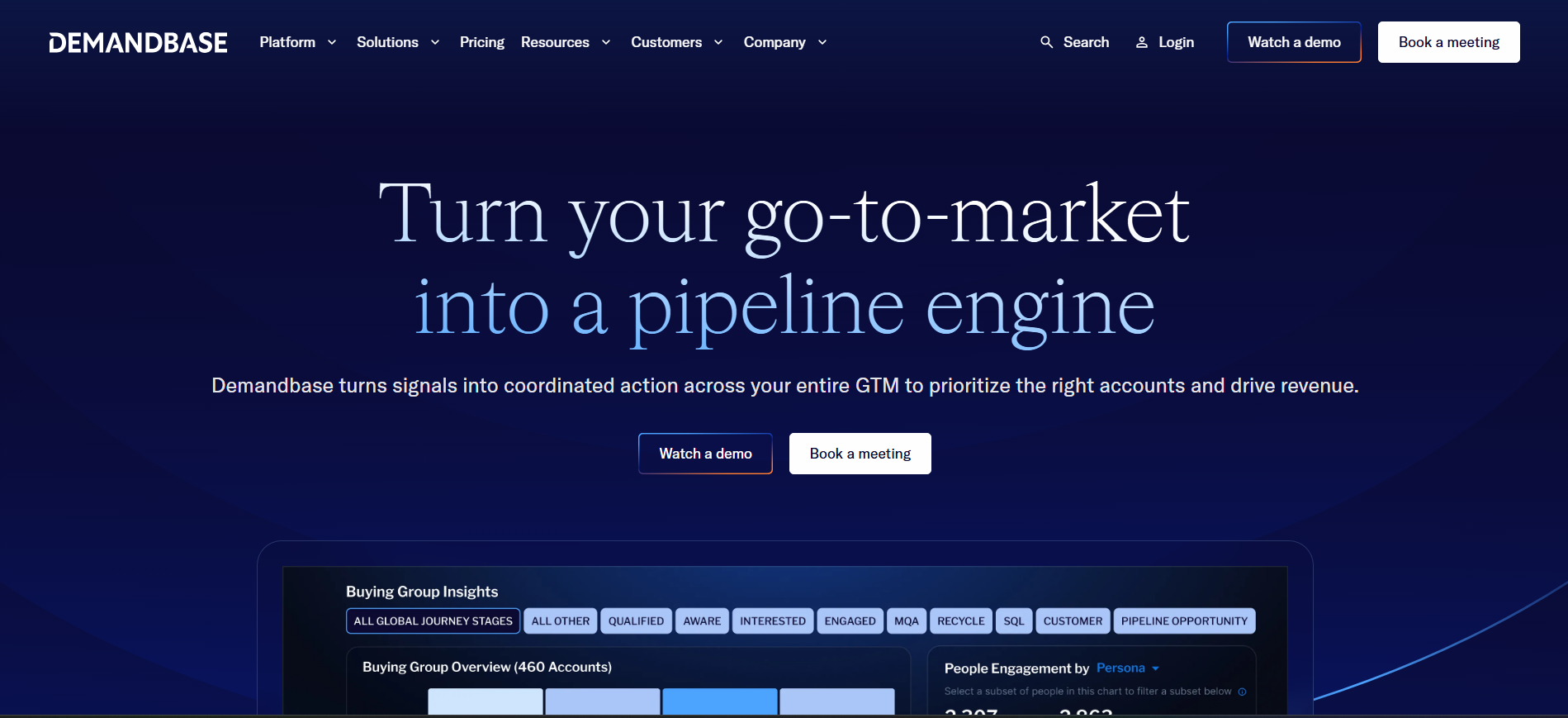
Demandbase combines account identification, intent, advertising, and orchestration into an enterprise ABM platform. Its strength is connecting sales and marketing around named accounts while running targeted advertising alongside account intelligence. The breadth, however, requires mature processes and dedicated operations support.
Key Features
- Account Intelligence: Combines first-party and third-party signals into account profiles.
- ABM Advertising: Runs targeted campaigns against selected accounts.
- Sales + Marketing Orchestration: Connects account activity across revenue teams.
Pros
- Integrated advertising: Connects account targeting with advertising workflows.
- Deep account intelligence: Brings multiple signals into one account view.
- Strong ABM alignment: Gives sales and marketing shared account visibility.
Cons
- Heavy implementation: G2 reviewers describe a significant onboarding process.
- Account-level focus: Primarily surfaces accounts and buying groups rather than named website visitors.
- Requires operational maturity: Teams need defined account strategies and ownership to use its full capabilities.
Best for: Enterprise ABM teams with dedicated operations support and funded account-based programs.
19. Kaspr
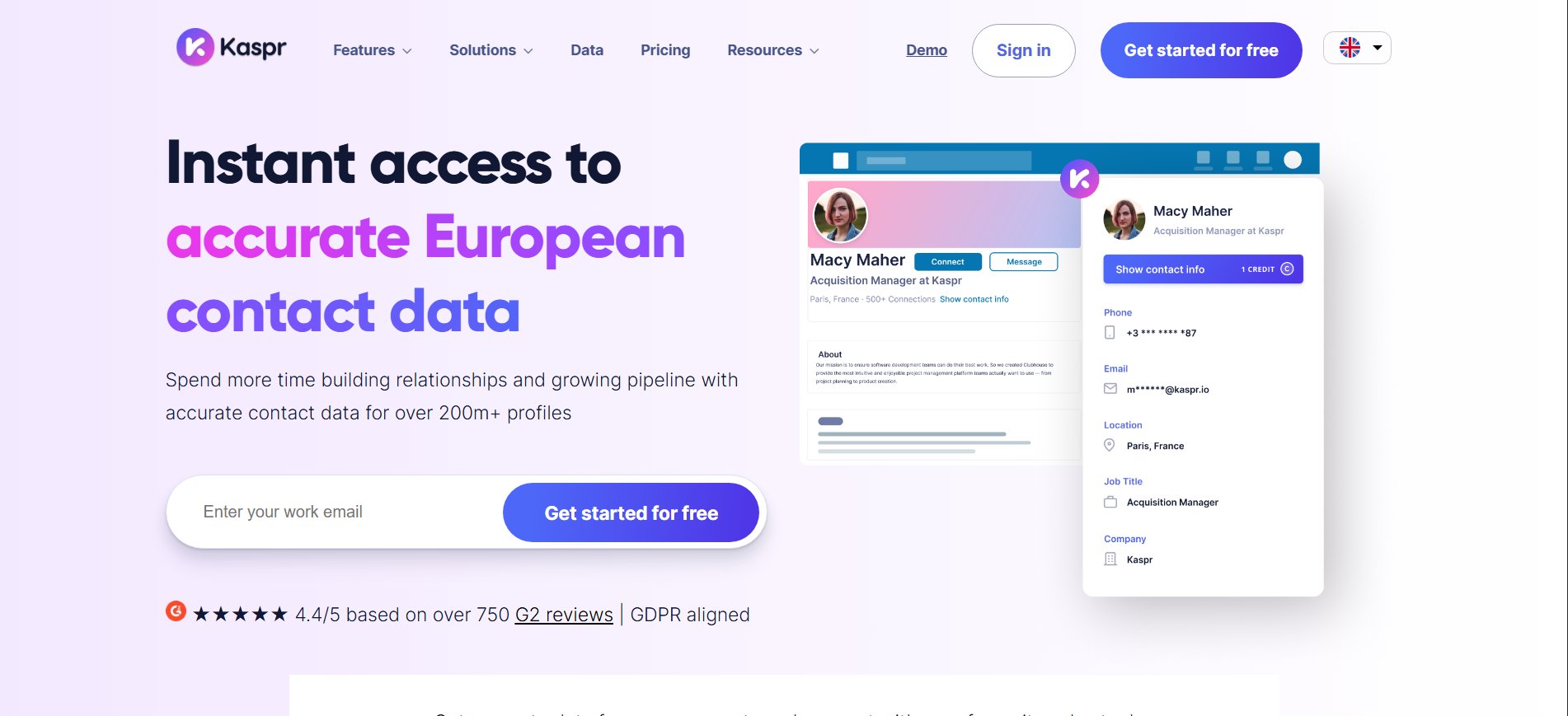
Kaspr turns LinkedIn prospecting into a faster contact-capture workflow. Its browser extension surfaces phone numbers and emails while reps browse profiles, with a strong focus on European data compliance. It works as a prospecting accelerator rather than a full sales intelligence platform.
Key Features
- LinkedIn Extraction: Captures contact details directly from profiles.
- Phone + Email Data: Provides key contact information for outbound prospecting.
- Compliance Focus: Built around European data protection expectations.
Pros
- Fast LinkedIn capture: Reduces manual contact research.
- European compliance focus: Suits teams working with EU prospect data.
- Easy to start: A free tier provides a low-friction entry point.
Cons
- Regional coverage gaps: G2 reviewers report thinner coverage outside Europe.
- No inbound signals: Identifies contacts reps actively look up, not anonymous website visitors.
- Limited platform scope: Primarily supports LinkedIn-based prospecting.
Best for: EMEA-focused SDRs who rely heavily on LinkedIn for prospect research.
20. Factors.ai
Factors.ai combines website visitor identification with marketing attribution, helping demand generation teams connect account activity to the campaigns and channels that generated it. Its analytics can provide a broader view of marketing performance, although person-level identification is not always complete and setup can take time.
Key Features
- Visitor Identification: Reveals accounts interacting with your website.
- Marketing Attribution: Connects website activity to campaigns and acquisition channels.
- Demand Gen Analytics: Provides reporting across account engagement and marketing performance.
Pros
- Attribution + identification: Connects visitor intent with campaign performance.
- Deep analytics: Useful for demand gen teams measuring channel impact.
- Responsive support: Frequently highlighted in G2 reviews.
Cons
- Partial person-level data: Individual visitor details are not always available.
- Learning curve: Configuration and analytics setup require time.
- Analytics-focused: Teams primarily looking for simple person-level identification may need a more focused workflow.
Best for: Demand generation and ABM teams that need website identification and marketing attribution in one platform.
Also Read: Global Visitor Identification Across 175+ Countries
The True Cost of ZoomInfo: A $30,000 Reality?
Pricing in the website visitor identification software market is split between high-cost annual contracts and newer usage-based models.
The Hidden Costs of ZoomInfo
ZoomInfo may start around $14,995/year for its Professional plan, but the cost can rise quickly when you add global coverage, automation, and extra credits.
- Global Data: International coverage can add $9,995/year.
- Automation: ZoomInfo Engage can add around $15,000 for automated outreach.
- Credit Overages: Additional usage can cost roughly $0.60 per credit.
That means teams looking beyond US data and basic prospecting can face a much larger annual bill than the starting price suggests.
The Vison AI Advantage
Kwin takes a different approach, combining visitor identification, global coverage, and outreach without separate high-cost add-ons.
- Free: Identify 100 leads/month at no cost.
- Paid plans: Start at $56/month.
- Global coverage: Includes 175+ countries.
- Autonomous outreach: Built into the platform instead of requiring a separate automation add-on.
For teams comparing sales intelligence platforms, the key question is not just the starting price. It is how much you pay to turn website visitors into actionable leads.
Conclusion: The Future Is Autonomous Identification
Finding contact data is no longer the hardest part of B2B sales. The bigger challenge is knowing who is showing buying intent on your website and reaching them at the right moment.
Different ZoomInfo alternatives solve different parts of this problem. Some focus on contact data, others on intent, enrichment, or outreach. Kwin brings visitor identification, fit and intent scoring, and automated engagement into one workflow.
We hope this guide helped you understand which option fits your sales motion. If anonymous website traffic is your biggest gap, Kwin can help turn those visitors into actionable leads.
Ready to see how Kwin fits your funnel? Book a free demo to turn anonymous traffic into booked meetings.