
TL;DR
Looking for Instantly Alternatives? This guide compares 16 tools for cold email, lead generation, sales engagement, multichannel outreach, and website visitor identification. See how each tool works, what it does best, and how to choose the right option for your sales needs. Kwin takes a different approach by identifying and scoring people already visiting your website, helping you turn existing interest into qualified conversations.
Your next customer might already be on your website. The problem is, you may not know who they are.
They visit your pricing page, explore your services, read a case study, and leave without filling out a form. Your analytics capture the activity, but your sales team gets no name, no context, and no opportunity to follow up.
Instantly is great for cold email, but it is not the only way to build a pipeline. Depending on your sales process, you may need better lead data, multichannel Sales Engagement, stronger automation, or Website Visitor Identification to uncover prospects who are already showing interest.
That is why teams explore Instantly Alternatives.
In this guide, we compare 16 leading Instantly alternatives visitor identification tools, explain how they work, what each does best, where they fall short, and how to choose the right one for your sales workflow.
By the end, you will know which Instantly Alternatives fit your sales motion, what each platform offers, and which capabilities can help you turn more prospects into conversations.
What Is Instantly?
Instantly is a cold email platform built on one bet: outbound scales by mailboxes, not seats. Every Outreach plan connects unlimited inboxes with unlimited warm-up. The lead database, CRM, visitor pixel, and other add-ons sit around that engine as separately billed modules.
Key Features
- Unlimited Email Accounts and Warm-Up: Connect unlimited inboxes from any provider, with warm-up included on every plan.
- SISR Sending Infrastructure: Top tiers get dedicated IP blocks, with flagged IPs swapped out automatically.
- Advanced Sequences and A/Z Testing: Multi-step campaigns with advanced scheduling, variant testing, and bounce detection.
- SuperSearch Lead Database: 450M+ B2B leads with lookalike filters and waterfall email enrichment.
- AI Agents: Reply, Lead Finder, Web Researcher, and Email Writer agents handle replies, lists, research, and copy.
- Website Visitors Pixel: Pushes resolved visitors into campaigns or Slack, filtered by page, title, industry, or revenue.
Pros
- Unlimited inboxes and warm-up keep cost per mailbox low
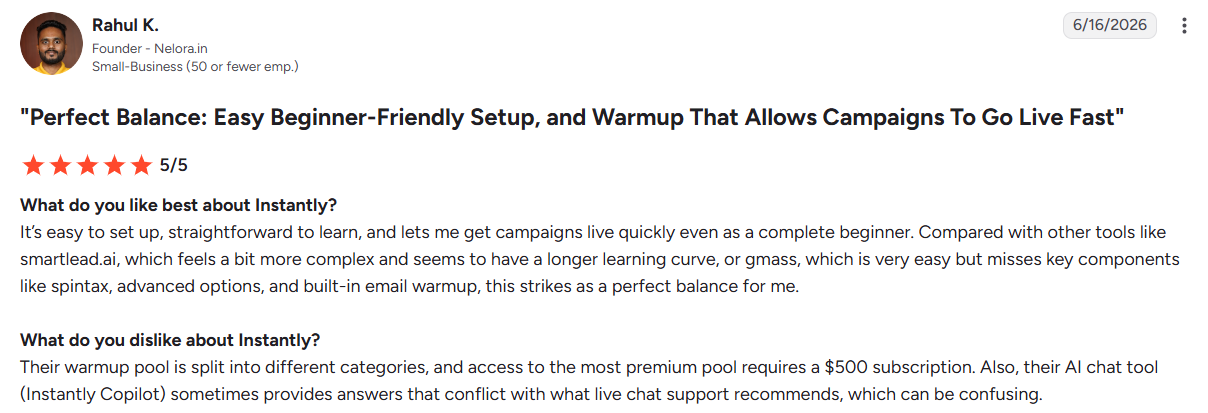
- G2 reviewers praise its ease of use and support
- SISR isolates IP pools without buying private servers
- Visitor pixel charges only for resolved profiles
- Sending, data, and CRM run under one login
Cons
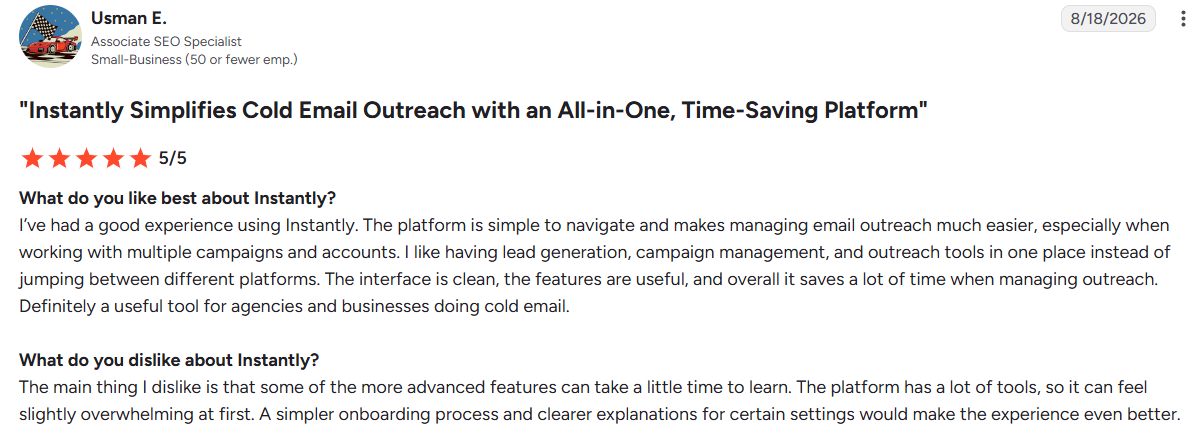
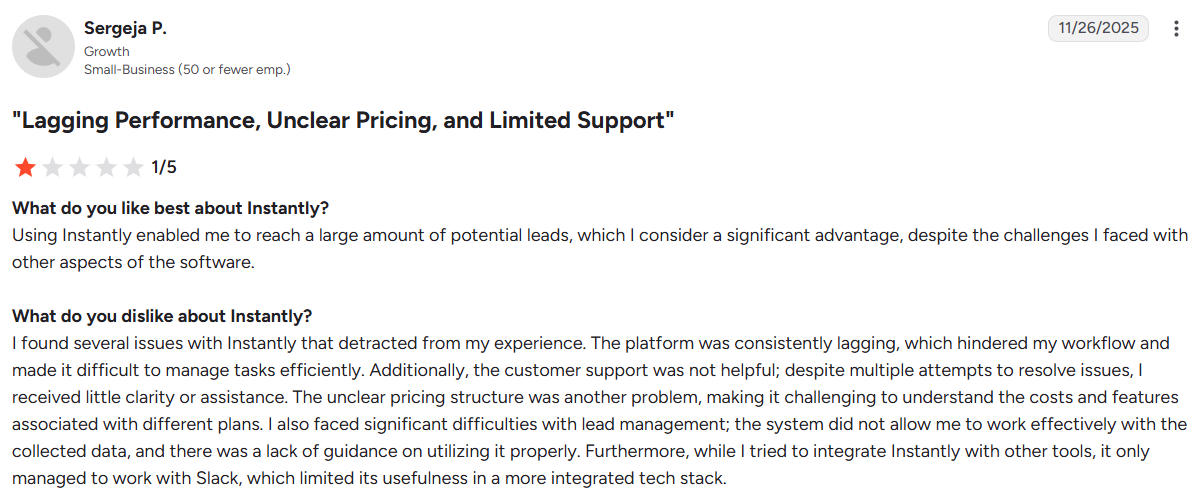
- Each module bills separately, making pricing confusing
- Contact caps force steep tier jumps as lists grow
- SISR protection is limited to top tiers
- Reviewers flag AI agent accuracy issues
- Visitor tracking covers US traffic only
- Unmatched visits return company-only data
Why B2B Teams Start Looking for Instantly Alternatives
Instantly rarely falls short because of one feature. The friction usually appears as teams scale, add channels, or sell across more markets.
1. Costs Add Up as Your Stack Grows
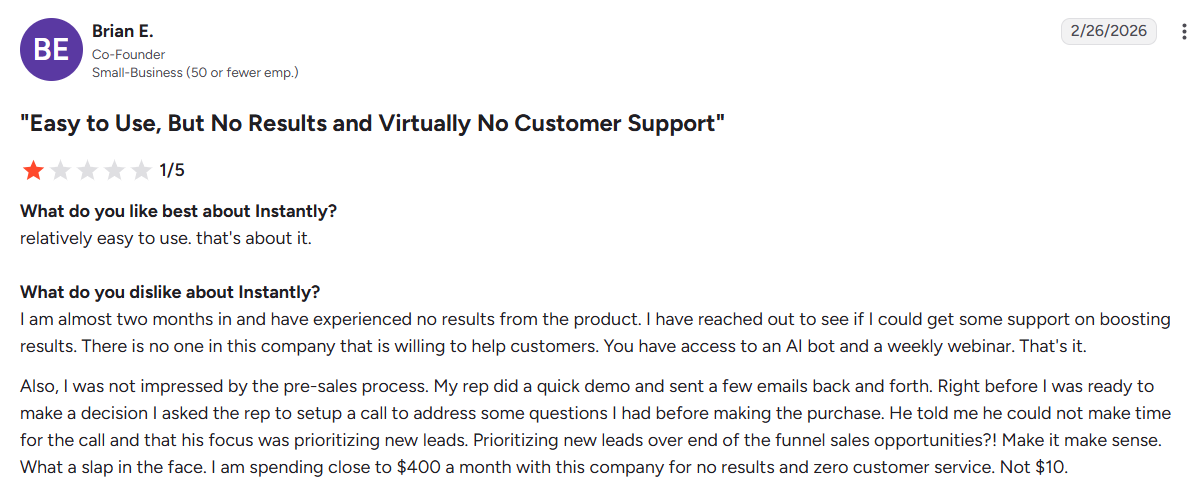
The headline plan does not always reflect the full cost. Sending, lead finding, CRM, and visitor identification are separate modules, and G2 reviewers have also raised concerns about the pricing structure.
Contact limits can create another jump. As your list grows, you may need a higher tier before your outreach volume or reply rate justifies the extra cost.
2. Scale Can Bring Infrastructure and Data Challenges
Instantly uses shared sending and warm-up infrastructure. That can become a concern for agencies managing multiple client campaigns, where reputation issues can affect sending performance.
Its lead database is broad, but narrow ICP searches may return fewer useful records. Teams targeting specific titles, regions, or company sizes may still need to clean and verify their lists.
3. Cold Email Is Only One Channel
Instantly is built primarily for cold email. If your sales motion also depends on LinkedIn, calls, or other channels, you may need another platform alongside it.
That adds another subscription and another workflow, which is why some teams begin evaluating Instantly Alternatives as their outreach needs expand.
4. Global Visitor Identification Has Limits
Instantly's website visitor identification is built around US traffic. For companies selling across Europe, the Middle East, India, or APAC, that can leave a large share of inbound visitors anonymous.
For global B2B teams, this matters because website traffic can reveal buying interest before a prospect ever enters a form or sales sequence.
How We Ranked These Instantly Alternatives
Not every outreach platform solves the same problem. We compared these Instantly Alternatives on the factors that affect daily outreach, scaling, and pipeline.
- Deliverability: Warm-up, sender rotation, infrastructure, and inbox placement.
- Cost and scaling: Pricing across mailboxes, seats, contacts, and sends.
- Lead data: Built-in databases, verification, and data quality.
- Channel coverage: Email, LinkedIn, calls, and SMS within one workflow.
- Automation: Conditional sequences, reply handling, webhooks, and CRM sync.
- Visitor signals: Whether the platform can identify website visitors and turn that intent into action.
- Compliance: Data sourcing, certifications, and regional coverage for procurement.
16 Best Instantly Alternatives at a Glance
Here is how the shortlist compares before we go deeper. Kwin sits at the top because it is the only option here that starts from people already on your website rather than a purchased list.
Let's look at each tool in detail.
1. Kwin by Vison AI (Best Overall)
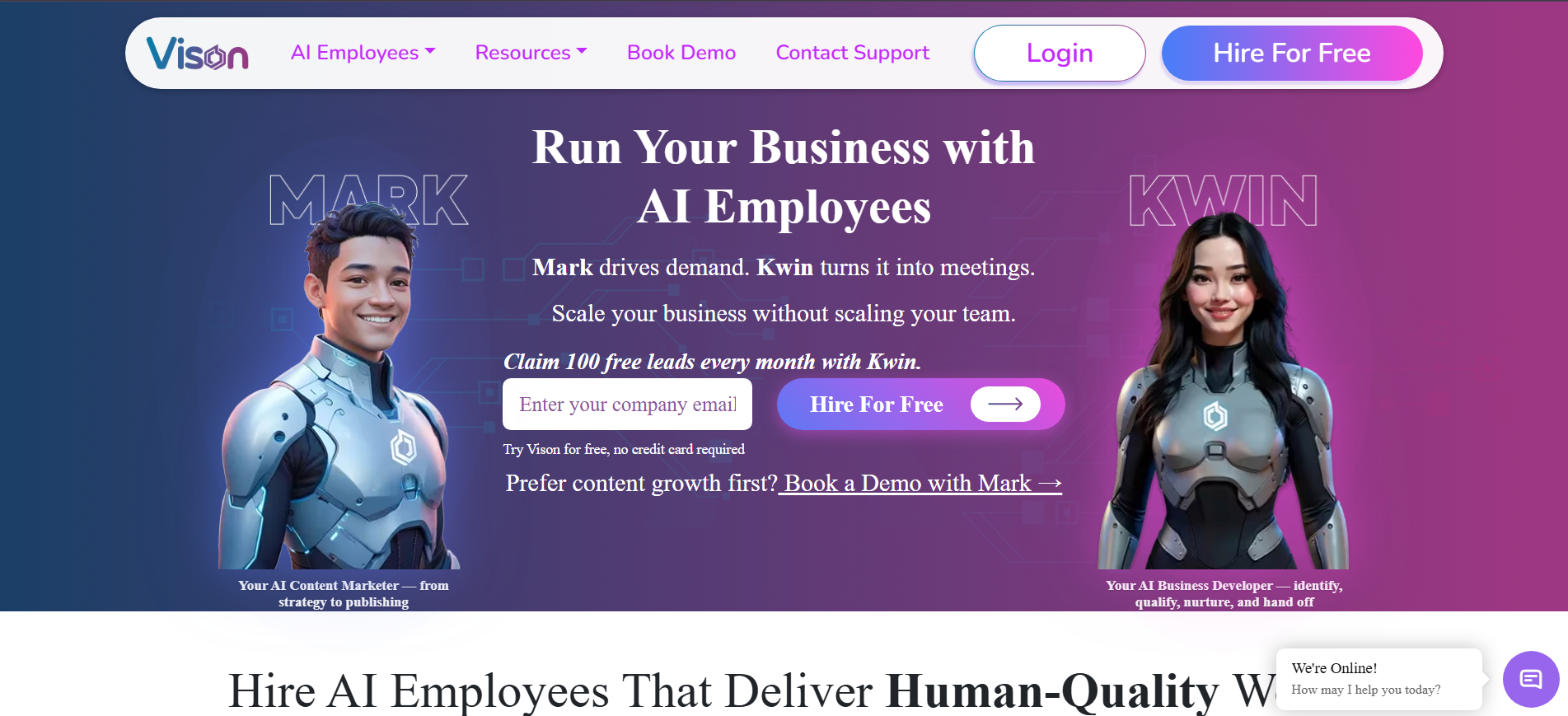
Kwin by Vison AI is an AI Business Developer that identifies website visitors, scores their intent, and starts conversations with the prospects most likely to buy.
Instantly helps you reach people who might be interested. Kwin focuses on people who are already researching your business. It identifies visitors at the person and company level across 175+ countries, then uses their website behavior to decide who is worth engaging.
Setup takes about five minutes using a website pixel or Google Tag Manager. Kwin then learns from your website, connects to your mailbox, and can send personalized outreach from your domain.
The results speak for themselves. Infiniticube reported 2.5x more qualified leads in 45 days, with 35%+ of booked meetings coming from visitors who never filled out a form.
If you're looking for an Instantly alternative that goes beyond cold outreach, Kwin helps you find the people already showing interest and turn that interest into conversations.
Key Features:
- Pixel install: A lightweight script in your header or Google Tag Manager starts capturing sessions in minutes, with no developer work.
- Signal capture: Kwin records IP, device, browser, referral source, pages viewed, session depth, and repeat visits.
- Enrichment: Those signals are matched against proprietary and third-party business data to resolve the company behind the visit.
- Person resolution: Identity resolution across hundreds of data points, backed by identity graphs and confidence scoring, names the individual.
- Behavioural analysis: Kwin reads what the visitor actually did, which pages they returned to, how long they stayed, and how deep they went.
- Dual scoring: Behaviour becomes an ICP Fit score, meaning how well a visitor matches your ideal customer. A Purchase Intent Score then measures how ready they look to buy.
- Threshold trigger: You set the minimum scores Kwin must see before she acts, so nothing goes out on a weak signal.
- Nurture and handoff: Qualified visitors receive a personalised sequence from your domain, and positive replies land in your inbox with the full thread.
Pros
- Identifies people and companies across 175+ countries
- Combines visitor behavior, scoring, and outreach in one workflow
- Supports country, page, and traffic exclusions
- Routes qualified conversations to Slack, CRM, and your inbox
Cons
- Works best when your website already receives meaningful B2B traffic
- Does not replace traditional cold-list prospecting
- LinkedIn outreach is still in development.
Best For: B2B SaaS, professional services, and revenue teams that want to turn existing website demand into qualified conversations.
Get Started With Kwin and see which buyers are already showing interest on your website.
2. Smartlead
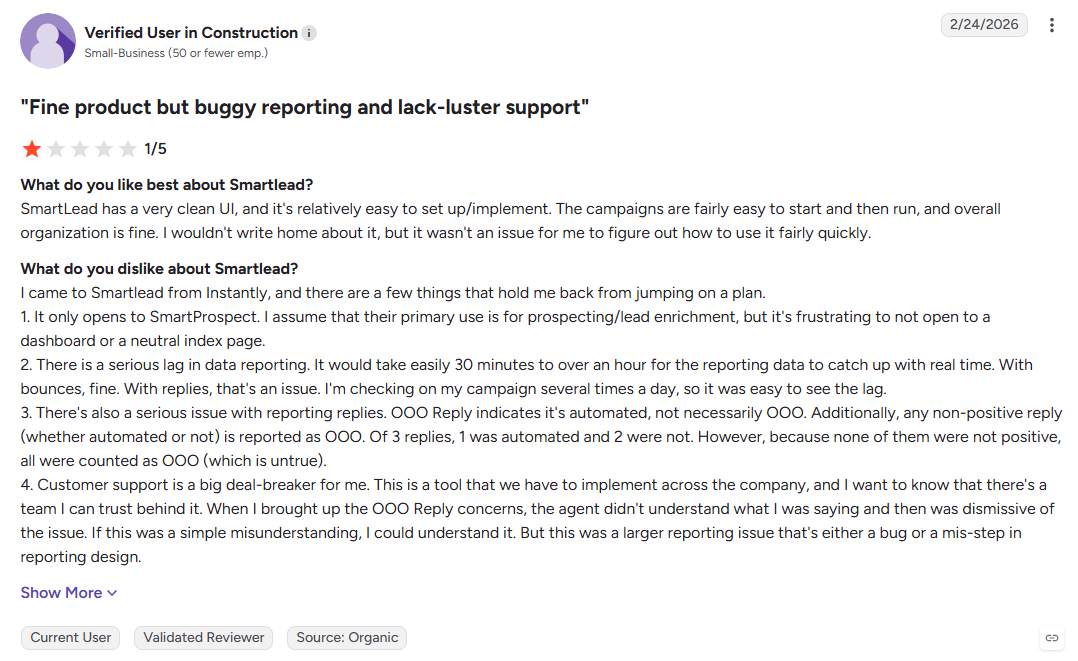
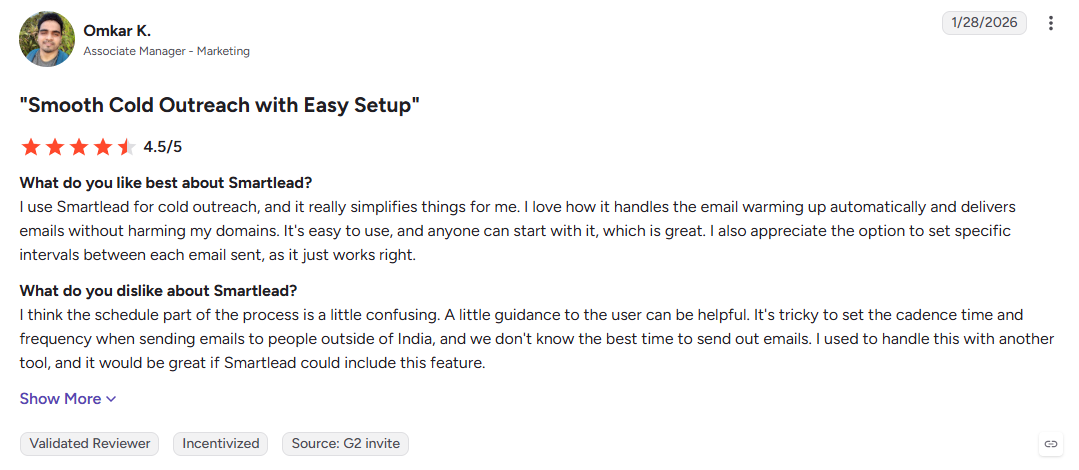
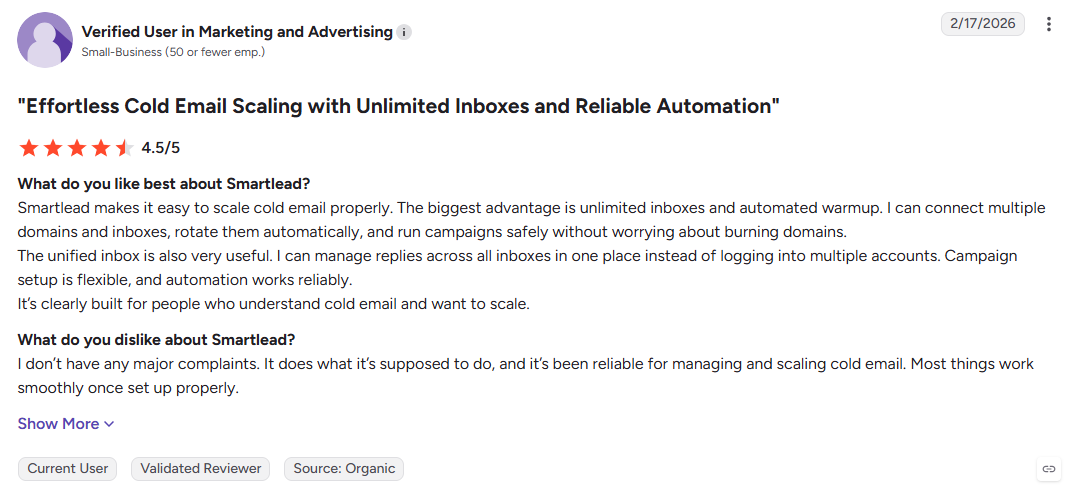
Smartlead treats cold email as infrastructure, combining unlimited mailboxes with dedicated servers, isolated IP pools, and blacklist monitoring. Its focus is deliverability and sending control, making it useful for agencies and high-volume teams that need to scale campaigns without relying on shared infrastructure.
Key Features:
- Dedicated infrastructure: Single-tenant servers, isolated IP pools, and blacklist monitoring.
- Unlimited mailboxes: Manage multiple sending accounts without per-mailbox fees.
- Unified inbox: Bring replies from different mailboxes into one workspace with sentiment tagging.
Pros
- Deliverability-focused infrastructure
- Useful for high-volume campaigns
- White-label options for agencies
Cons
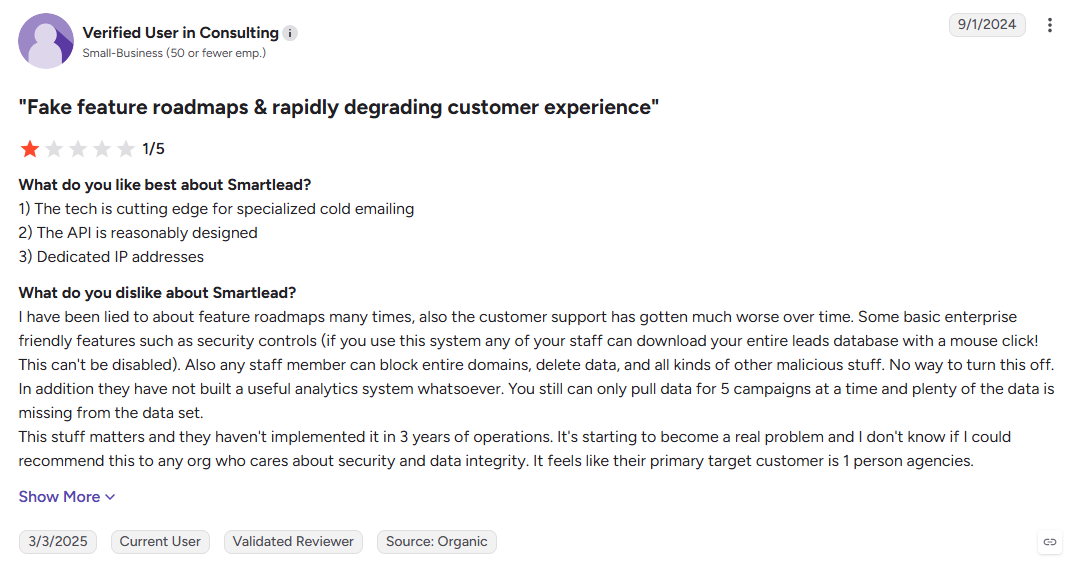
- More complex than smaller teams may need
- Agency workspaces can add cost.
- No website visitor identification
Best For: Agencies and high-volume senders that need greater control over cold email infrastructure.
3. Saleshandy
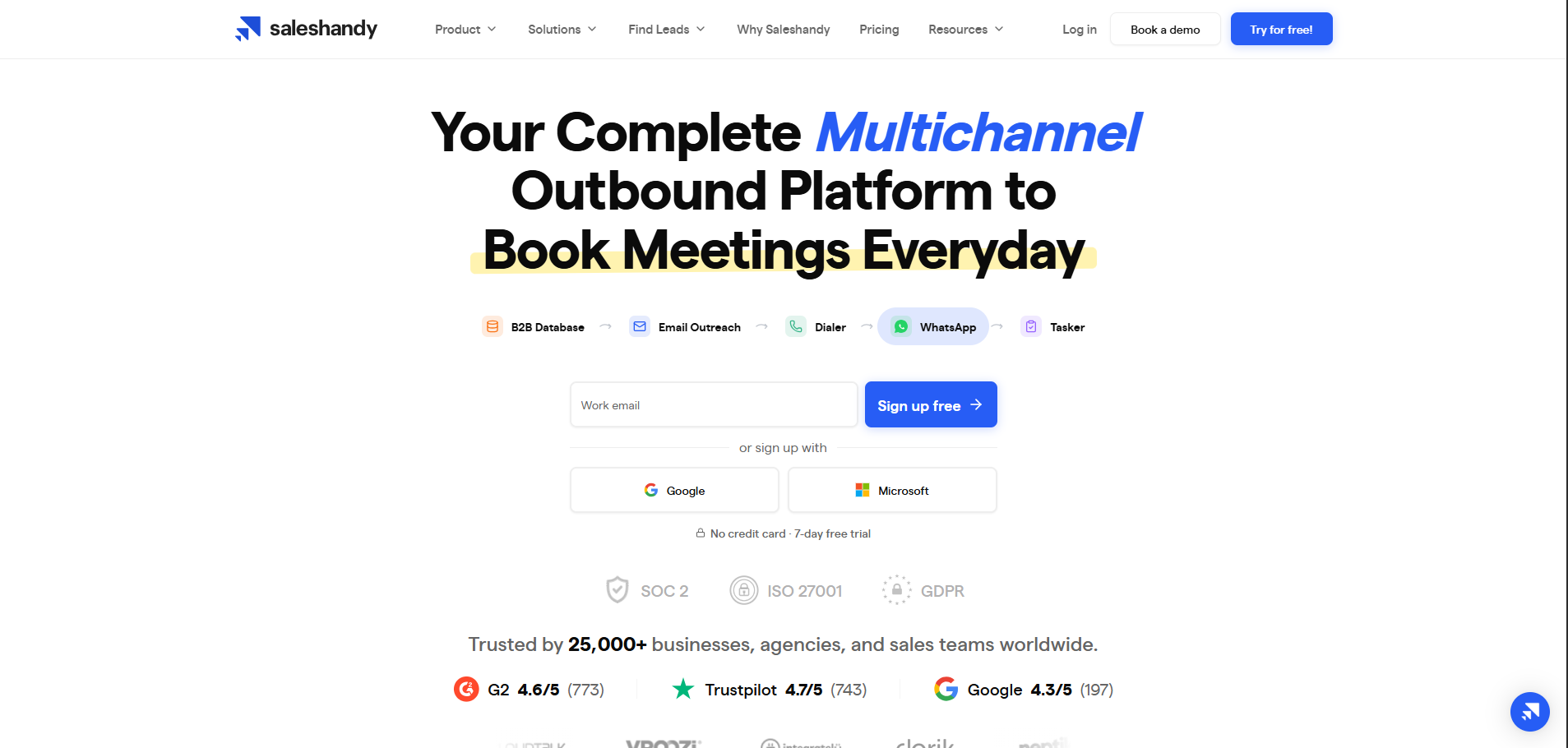
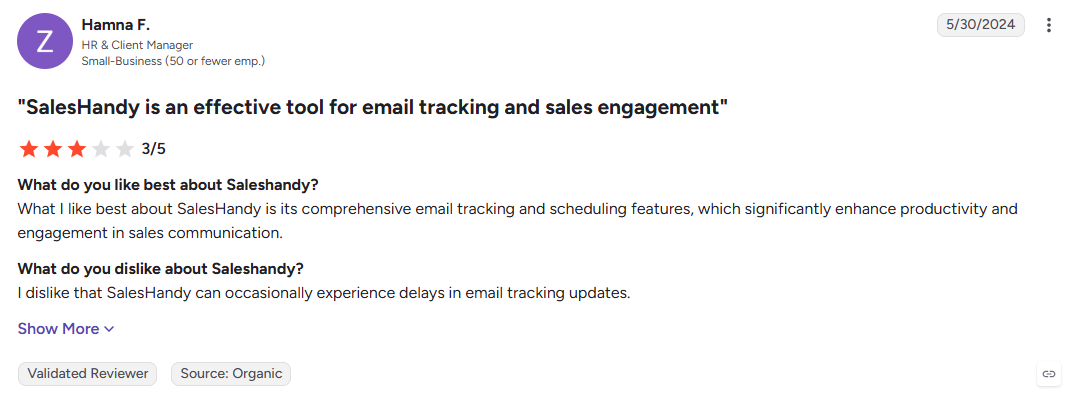
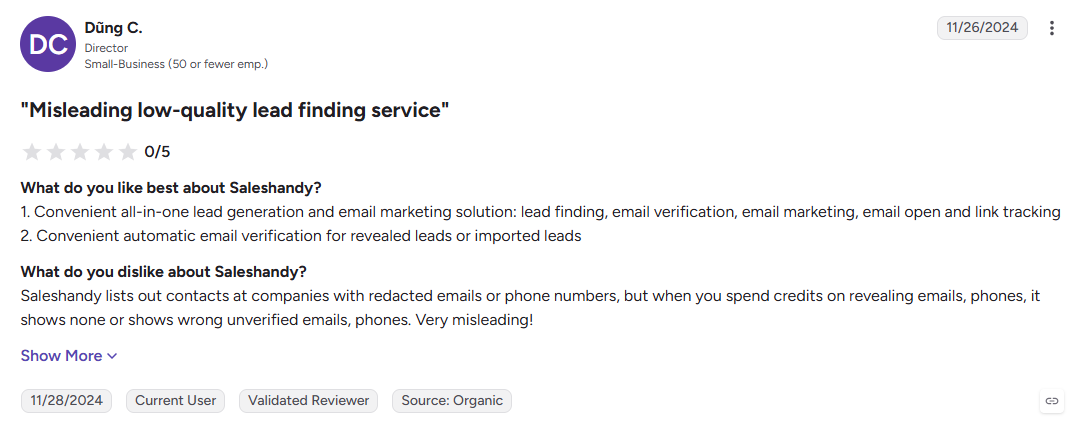
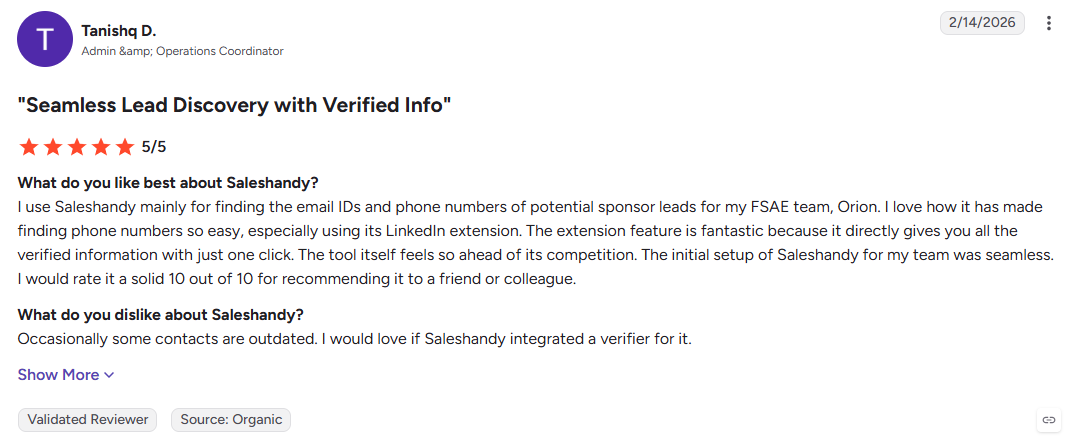
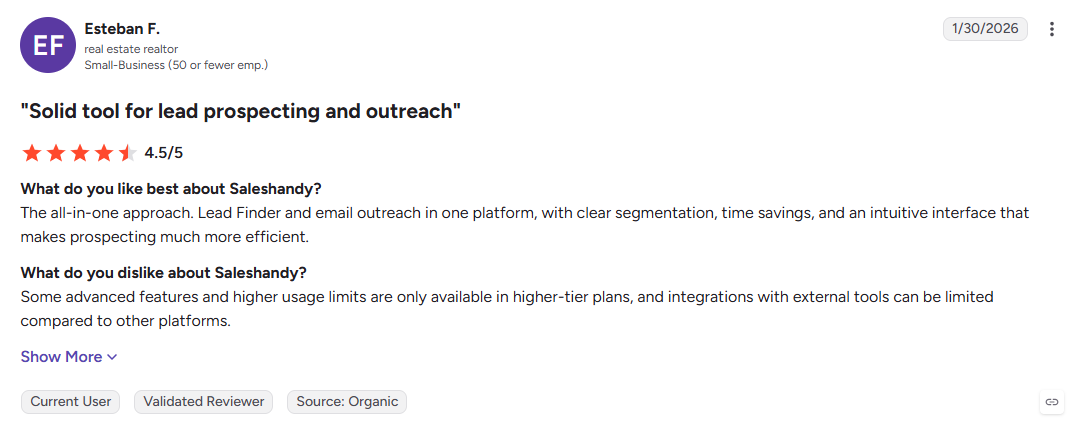
Saleshandy puts outreach, verified lead data, and an outbound CRM under one subscription, cutting down the need for separate tools. Its appeal is simple: teams can manage prospecting, sequences, and pipeline in one place instead of stitching together multiple subscriptions.
Key Features:
- Verified lead database: Find B2B contacts using filters for role, industry, company size, and revenue.
- Real-time verification: Checks contacts when they are revealed to help reduce bounce risk.
- Outbound CRM: Manage conversations and pipeline without adding another CRM.
Pros
- Combines outreach, data, and CRM in one platform
- Unlimited email accounts on paid plans
- Positive feedback from agencies and small teams on G2
Cons
- No native LinkedIn outreach
- Shallower API capabilities than infrastructure-focused tools
- Reviewers on Trustpilot report sequence issues after interface updates
Best For: Teams that want lead data, cold email, and CRM functionality under one platform.
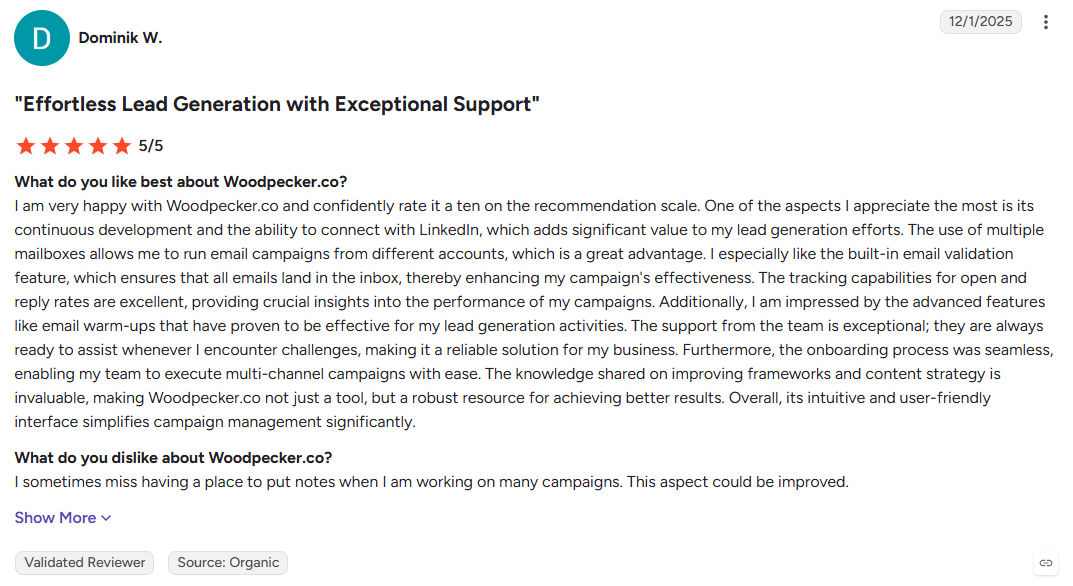
4. Woodpecker
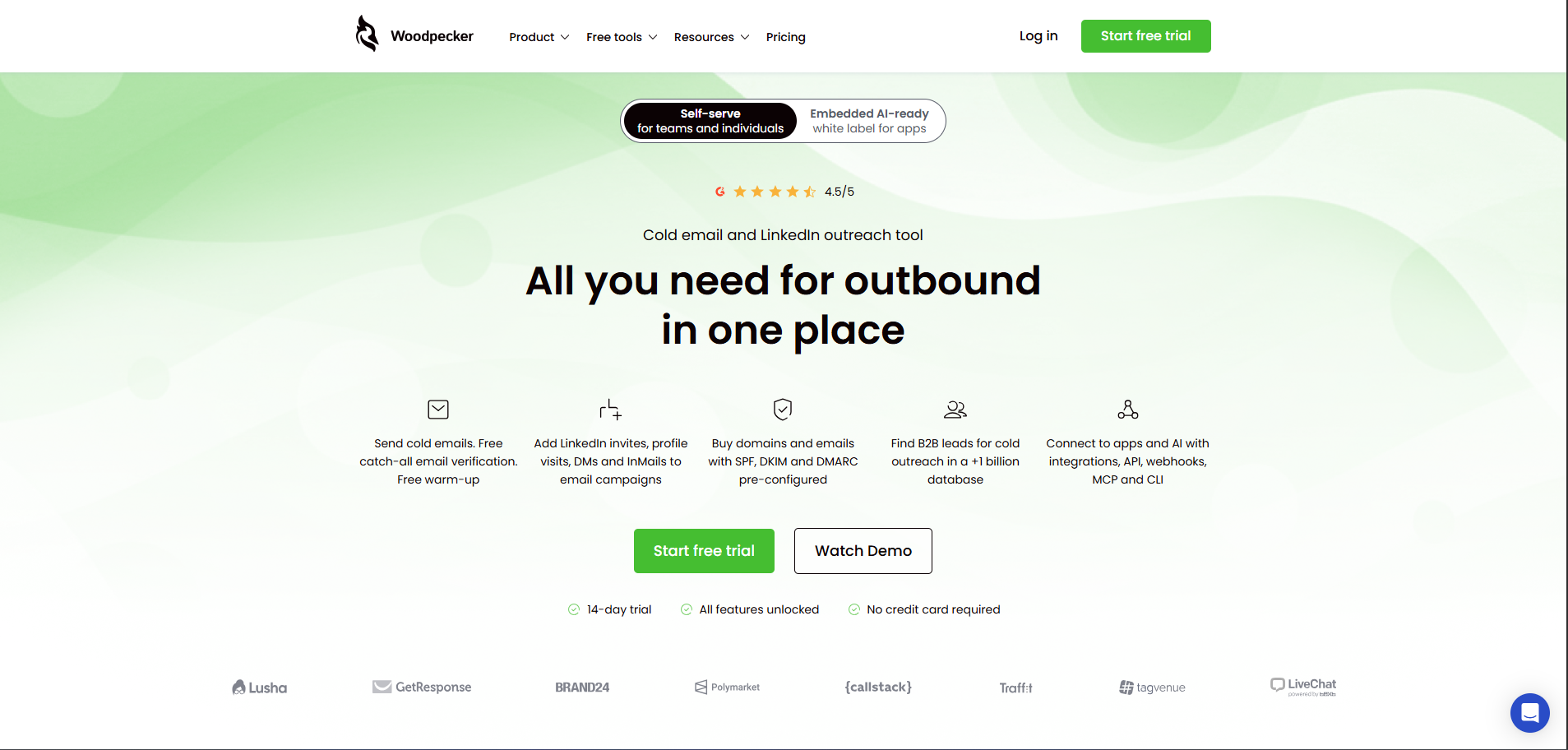
Woodpecker keeps cold email deliberately focused on safe, consistent sending. Randomized intervals, automated warm-up, and bounce protection prioritize inbox placement over sheer campaign volume, making it a practical option for smaller teams that already have their prospect lists.
Key Features:
- Human-like sending: Randomized intervals and adaptive pacing support consistent delivery.
- Automated warm-up: Keeps mailbox warm-up running without constant manual setup.
- Bounce shield: Automatically pauses sending when bounce rates cross a set threshold.
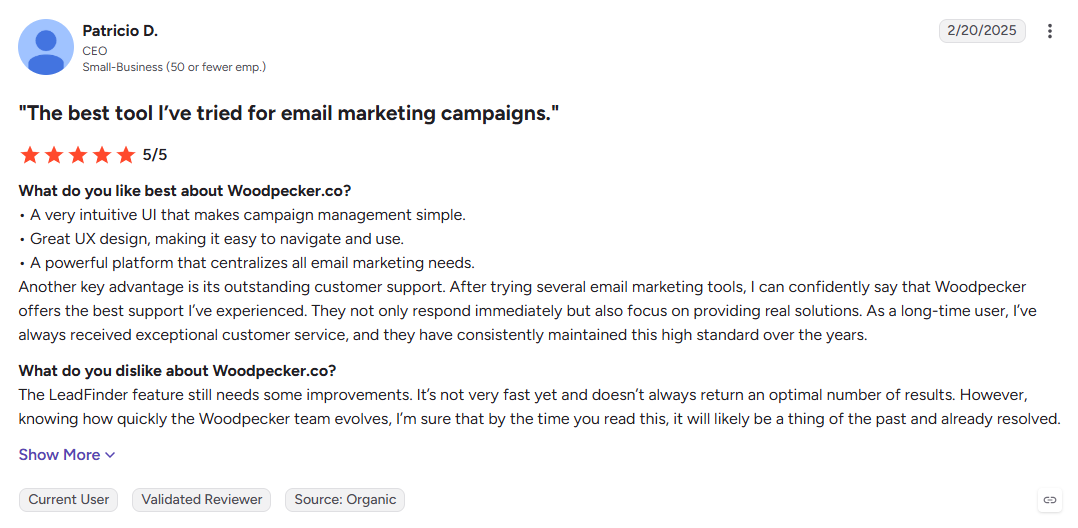
Pros
- Strong focus on inbox placement
- Predictable plans without extensive module add-ons
- Simple interface for new sales reps
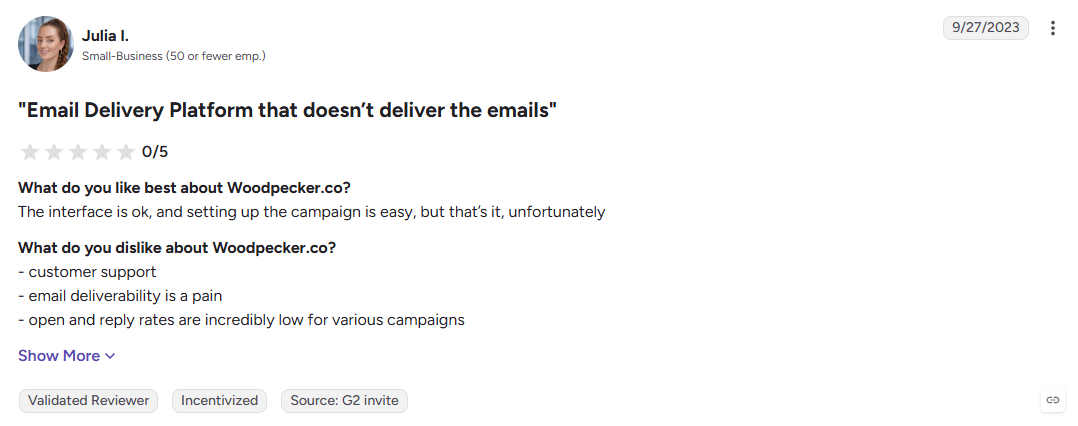
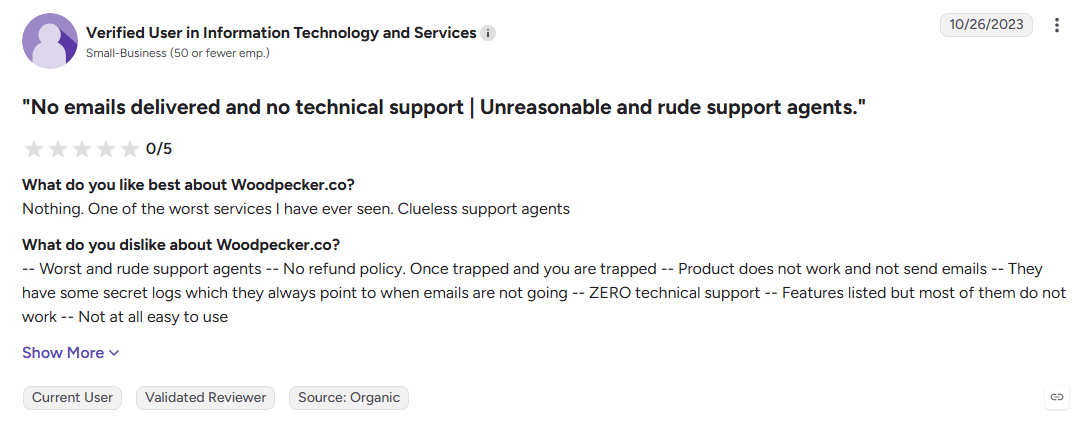
Cons
- No built-in lead database
- Email-focused rather than multichannel
- Limited personalization beyond merge fields
Best For: Small teams and freelancers that already have their lists and want straightforward cold email sending.
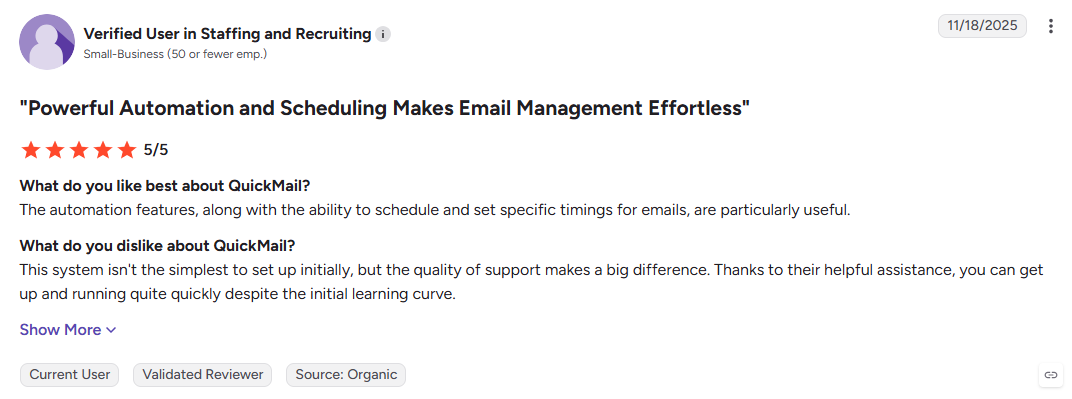
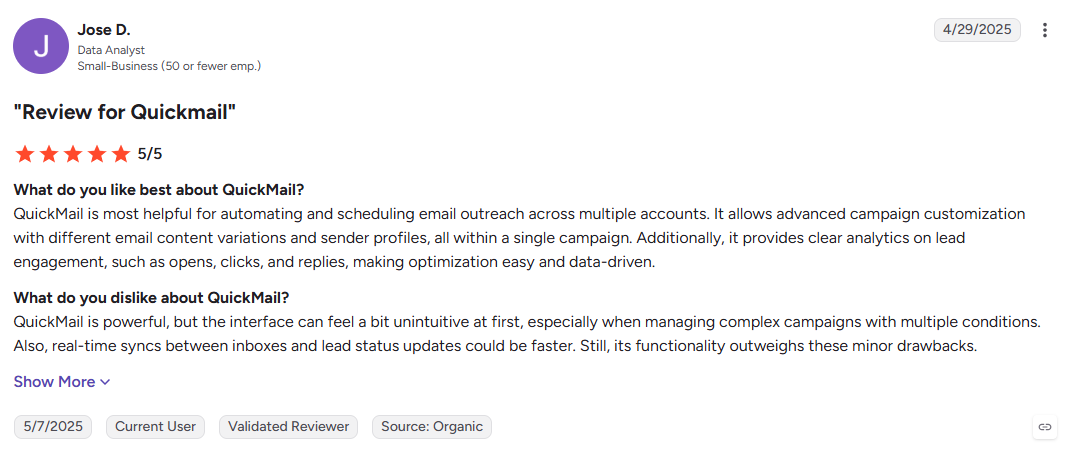
5. QuickMail
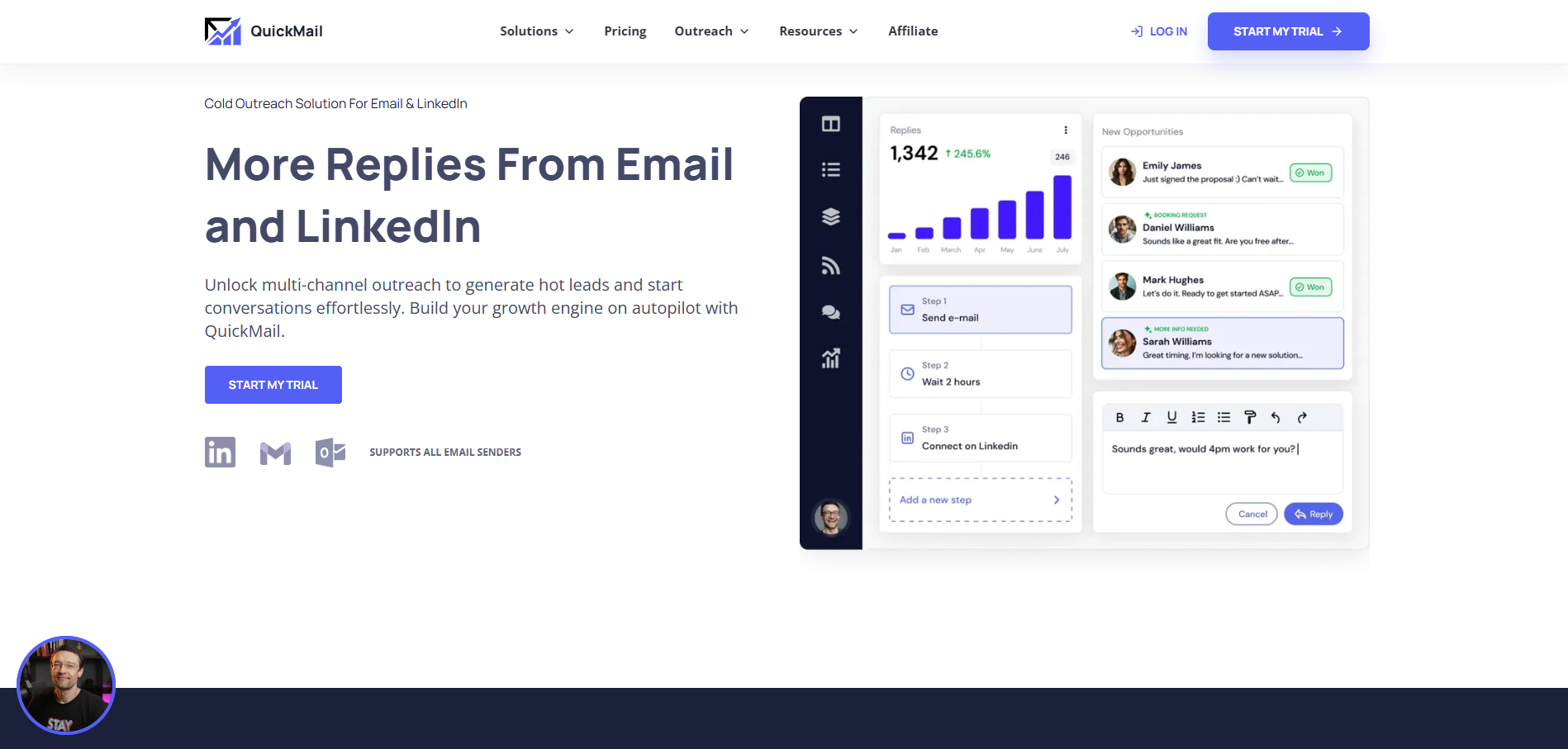
QuickMail is built around the realities of agency outreach, where multiple clients mean multiple inboxes, campaigns, and reporting needs. Its sub-account structure, inbox rotation, fallback sending, and deliverability controls make client management the central workflow rather than an afterthought.
Key Features:
- Sub-accounts: Keep different client campaigns separated within one account.
- Inbox rotation: Distribute sending across connected mailboxes automatically.
- Fallback sending: Helps campaigns continue when a connected inbox goes offline.
Pros
- Designed for multi-client agency workflows
- Mature inbox rotation capabilities
- Clear inbox-based cost structure
Cons
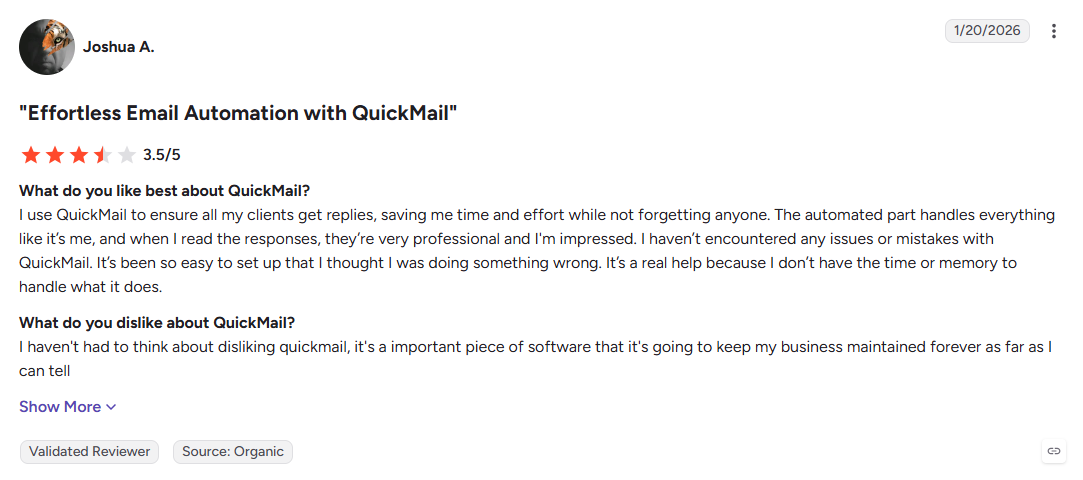
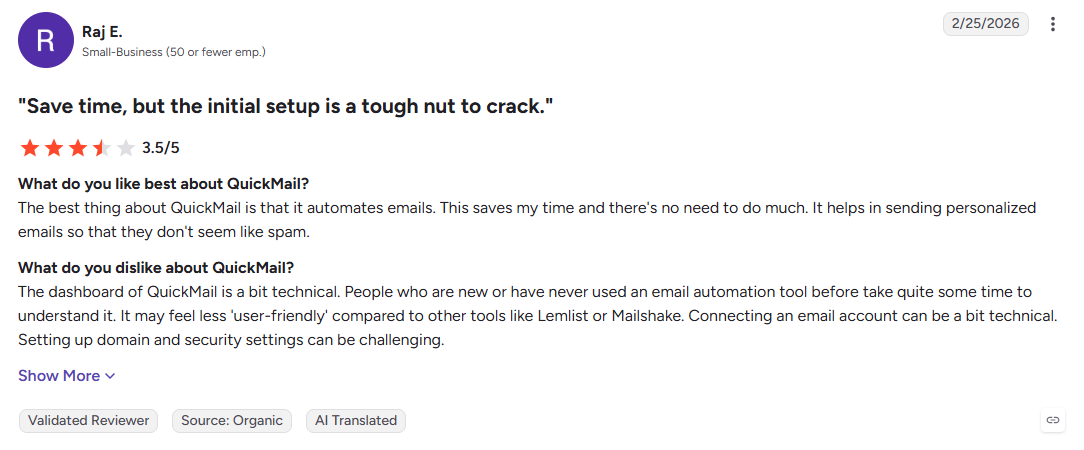
- Dense interface can take longer to learn
- API is narrower than some newer platforms
- No built-in lead database or enrichment
Best For: Lead generation agencies managing multiple client inboxes and campaigns.
Also Read: How To Identify Anonymous Website Visitors: Meet Kwin, Your AI Business Developer
6. ReachInbox
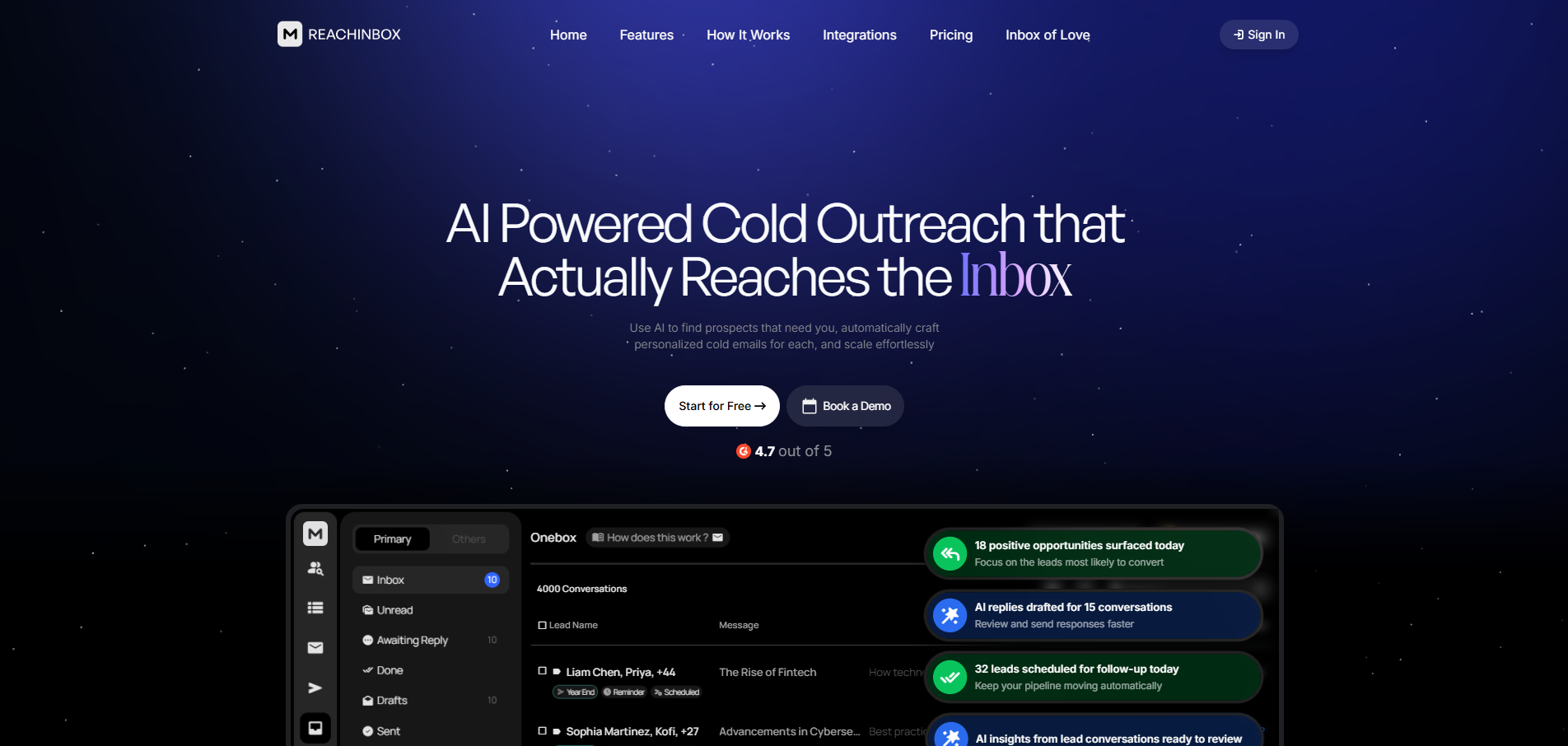
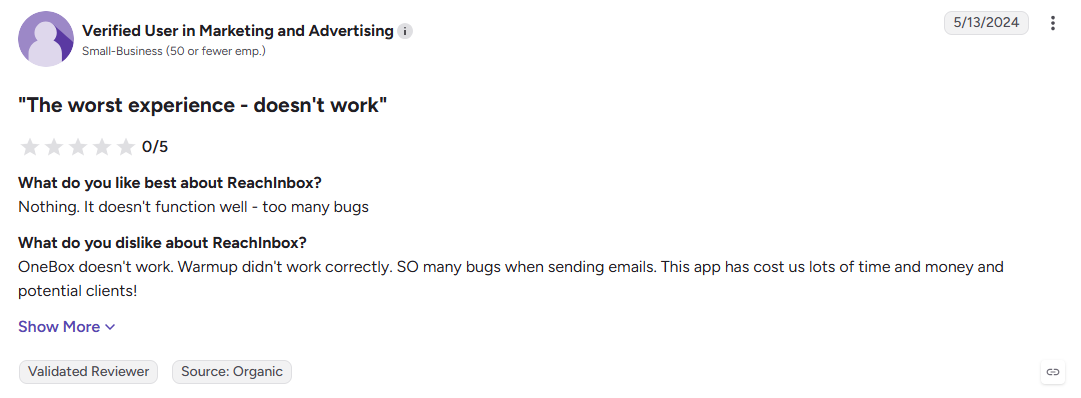
ReachInbox focuses on making high-volume cold email easier to manage without adding complex infrastructure work. Unlimited mailboxes, AI warm-up, and provider matching form its core, while built-in verification and a unified inbox help teams move from list upload to active outreach quickly.
Key Features:
- AI warm-up: Automates mailbox ramp-up while monitoring sending reputation.
- Provider matching: Matches sending patterns to recipient mailbox providers.
- Built-in verification: Checks uploaded contacts to help reduce bounce rates.
Pros
- Strong focus on deliverability
- Unlimited mailbox support
- Quick setup for new campaigns
Cons
- Smaller integration ecosystem
- Reporting is less developed than larger platforms.
- No meaningful built-in lead database
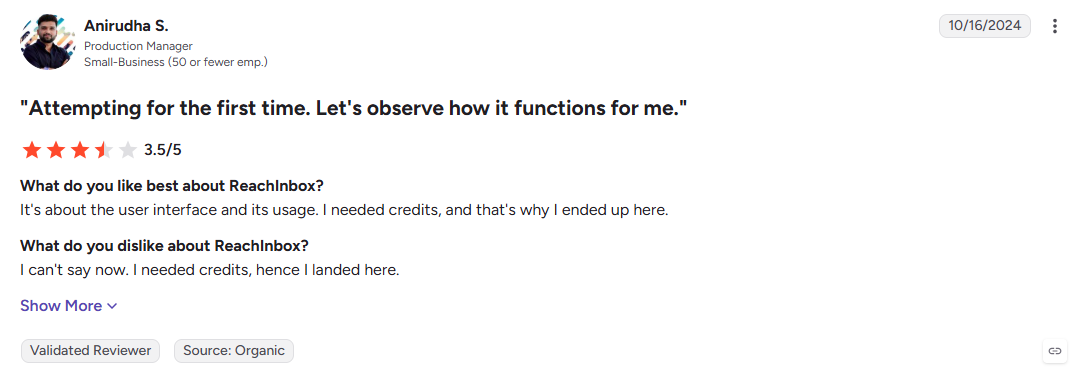
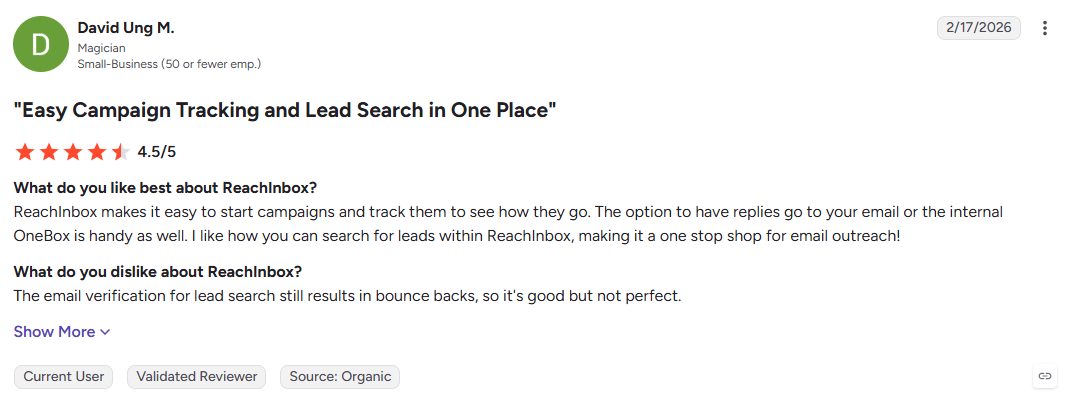
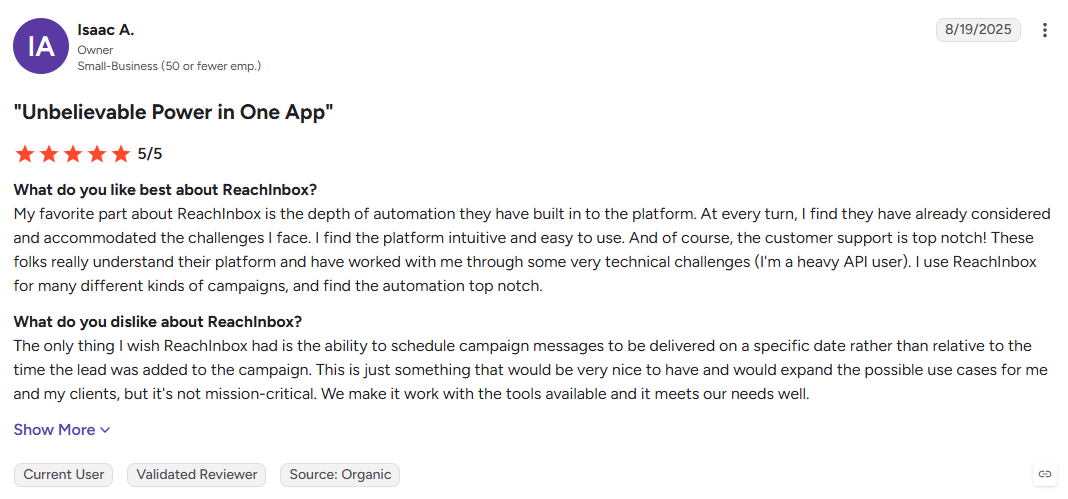
Best For: Small teams and agencies looking for affordable cold email infrastructure with deliverability tools.
7. GMass
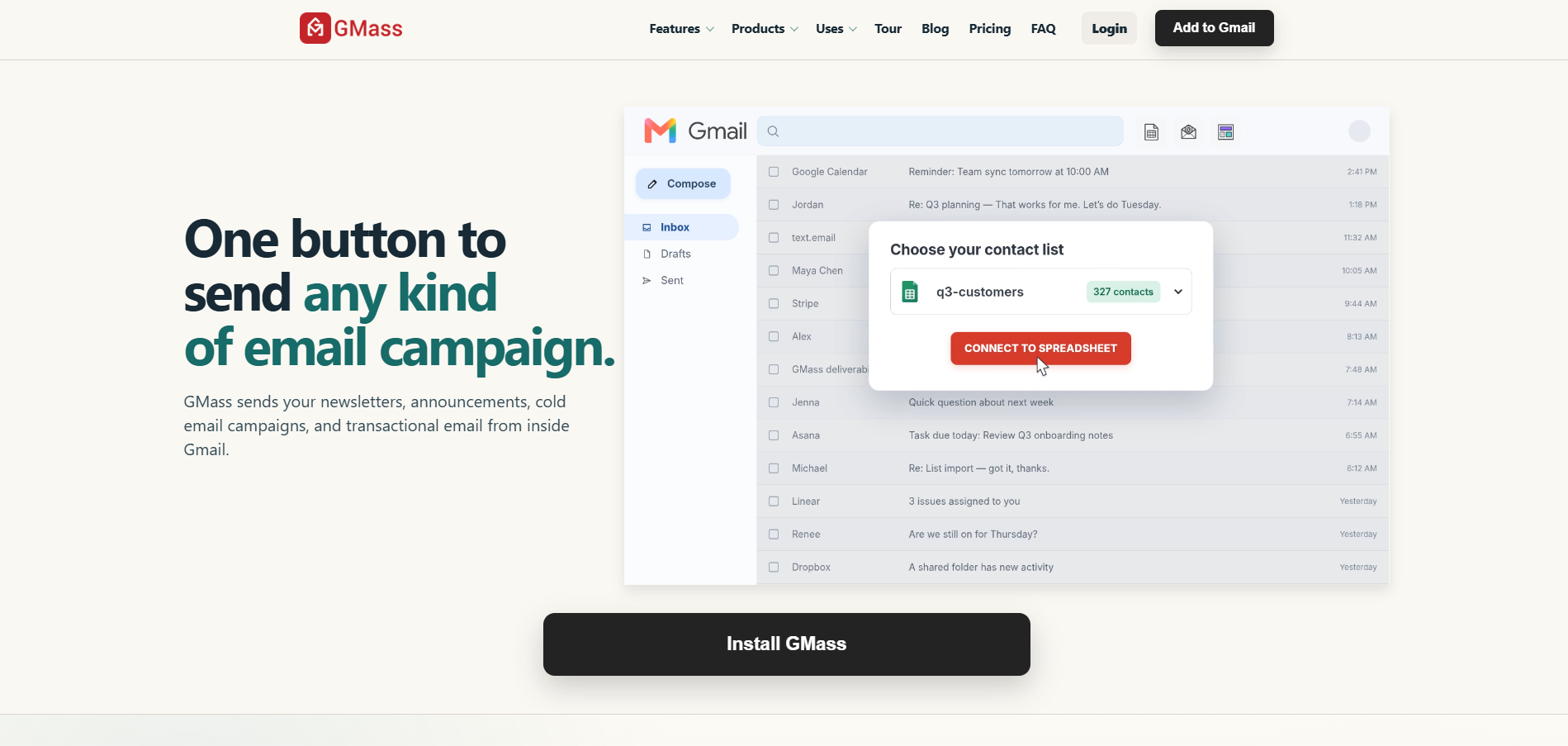
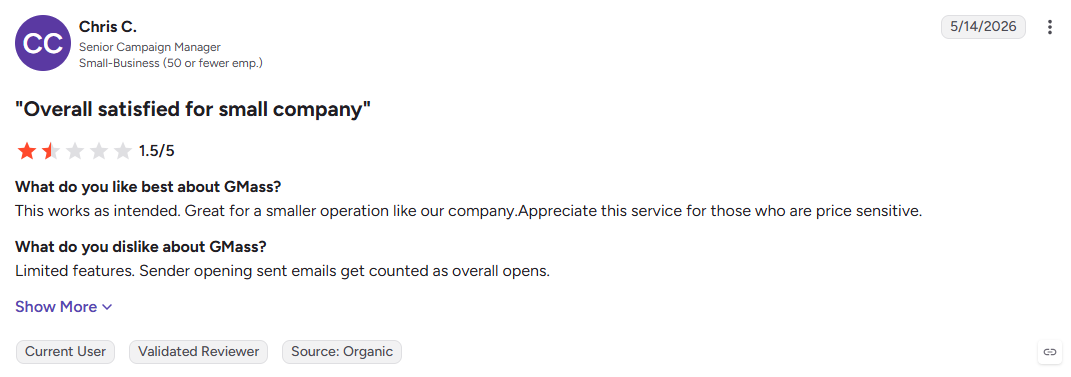
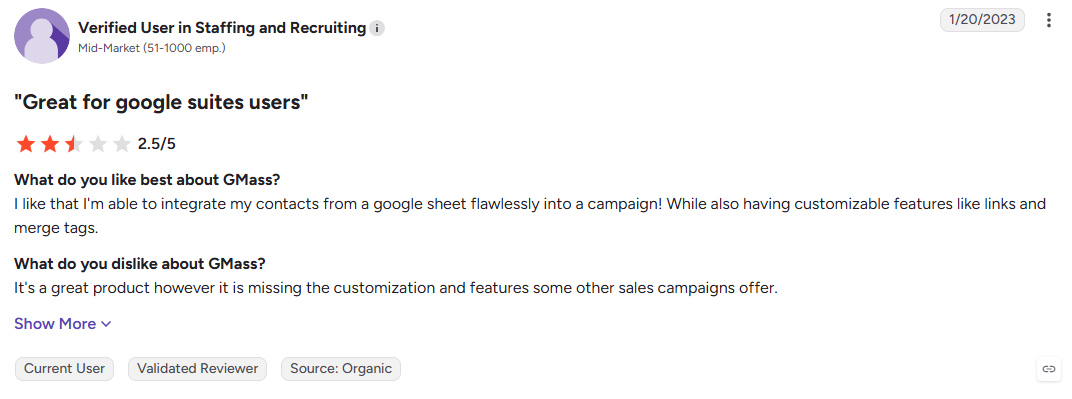
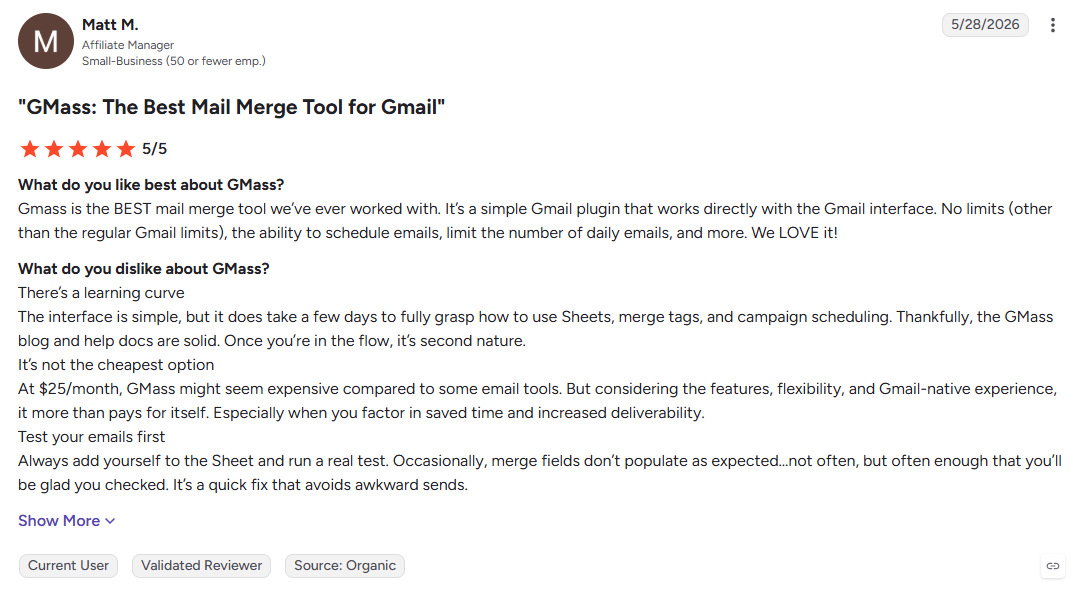
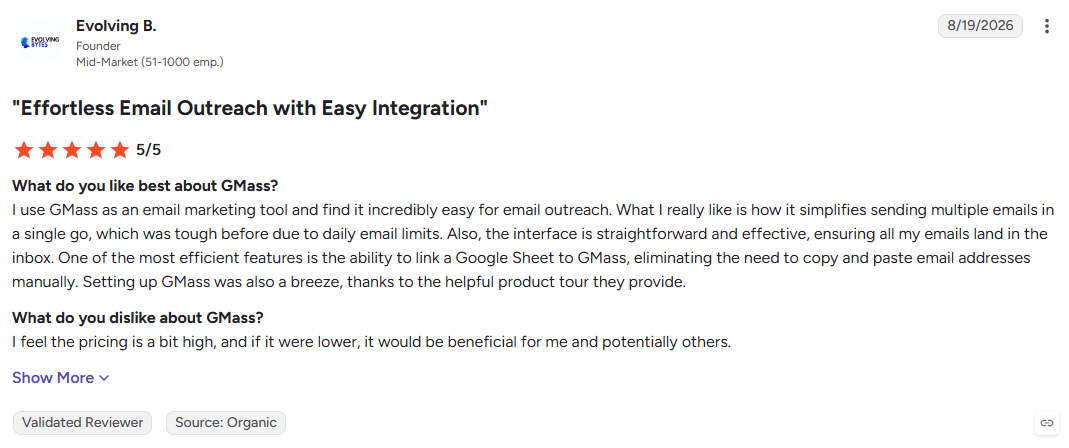
GMass turns your existing Gmail inbox into a cold email platform, so there is no separate dashboard or complicated migration. It works especially well for lightweight outreach, but Gmail's sending limits make it less suitable as volume grows.
Key Features:
- Gmail-native sending: Run campaigns directly from your existing mailbox.
- Google Sheets mail merge: Personalize campaigns using spreadsheet data.
- Automatic follow-ups: Continue sequences until a prospect replies.
Pros
- Almost no learning curve for Gmail users
- Low-cost option for simple outreach
- Keeps campaigns inside familiar Gmail threads
Cons
- Gmail limits restrict campaign volume
- No built-in lead database or enrichment
- Not designed for complex agency workflows
Best For: Founders and small teams running low-volume outreach through Google Workspace.
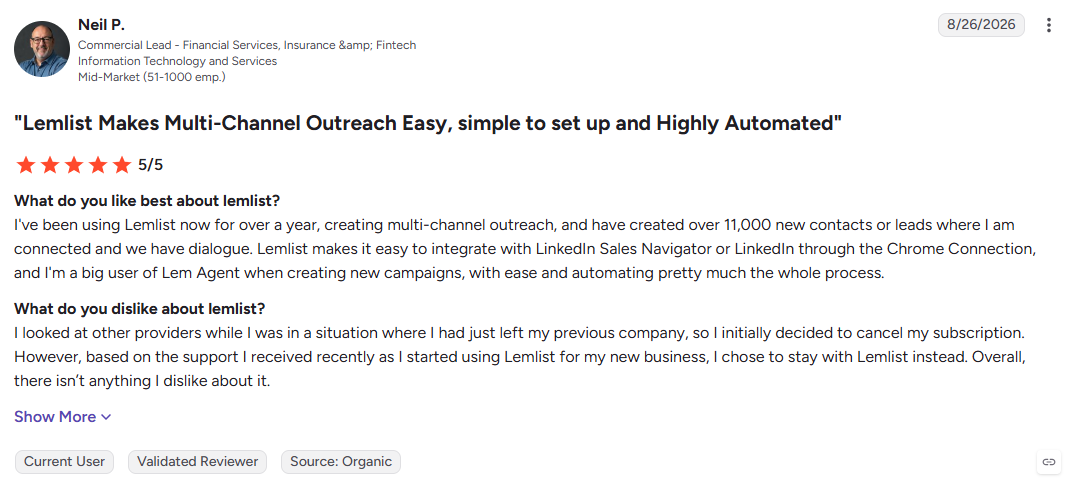
8. Lemlist
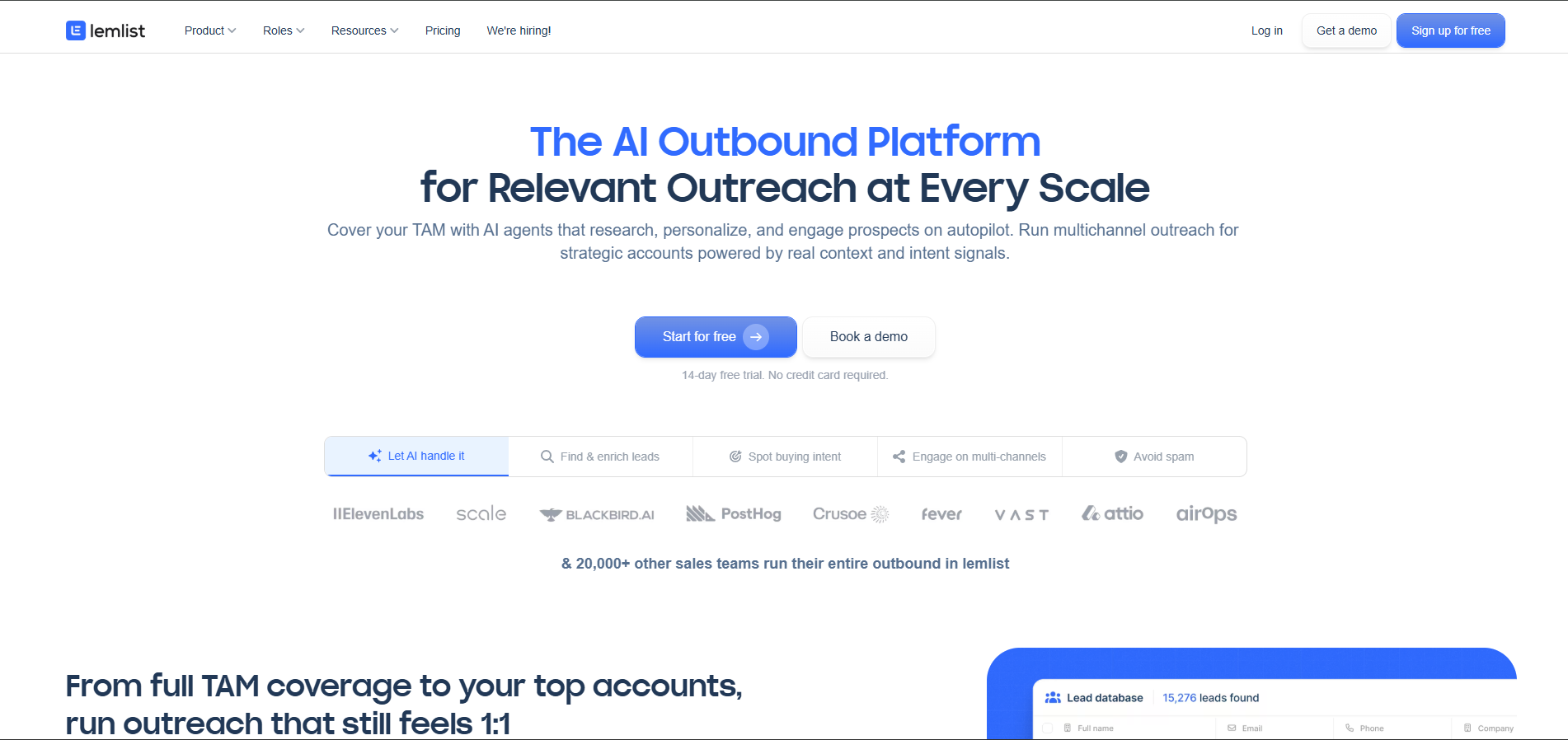
Lemlist focuses on making cold outreach feel personal, using dynamic images, personalized videos, landing pages, and multichannel sequences. It trades some of the simplicity of high-volume sending for richer personalization, making it useful when each prospect is worth more than simply adding another name to a list.
Key Features:
- Dynamic personalization: Add prospect-specific images, logos, and content.
- Multichannel sequences: Combine email with LinkedIn actions and call tasks.
- Lemwarm: Built-in warm-up helps prepare sending accounts.
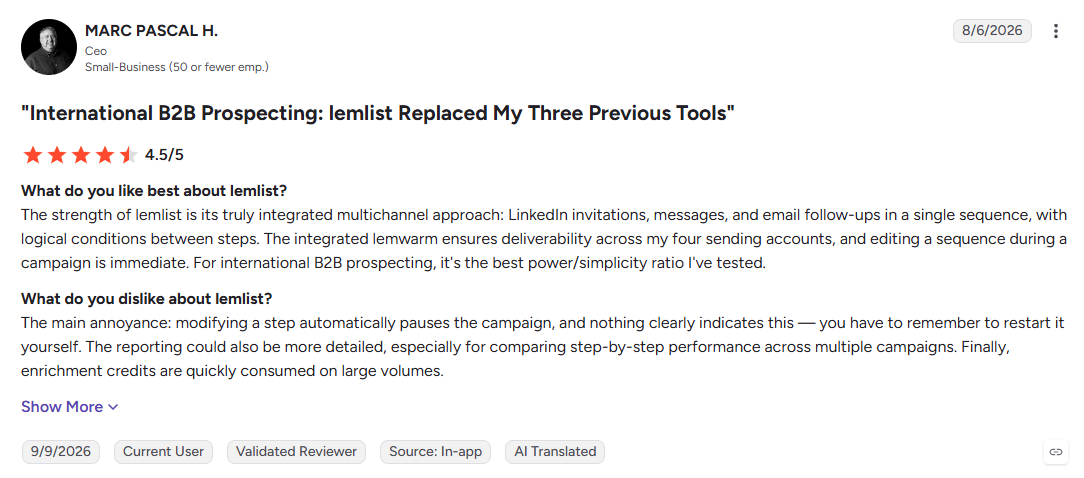
Pros
- Strong creative personalization capabilities
- Supports multichannel outreach
- Polished interface and onboarding
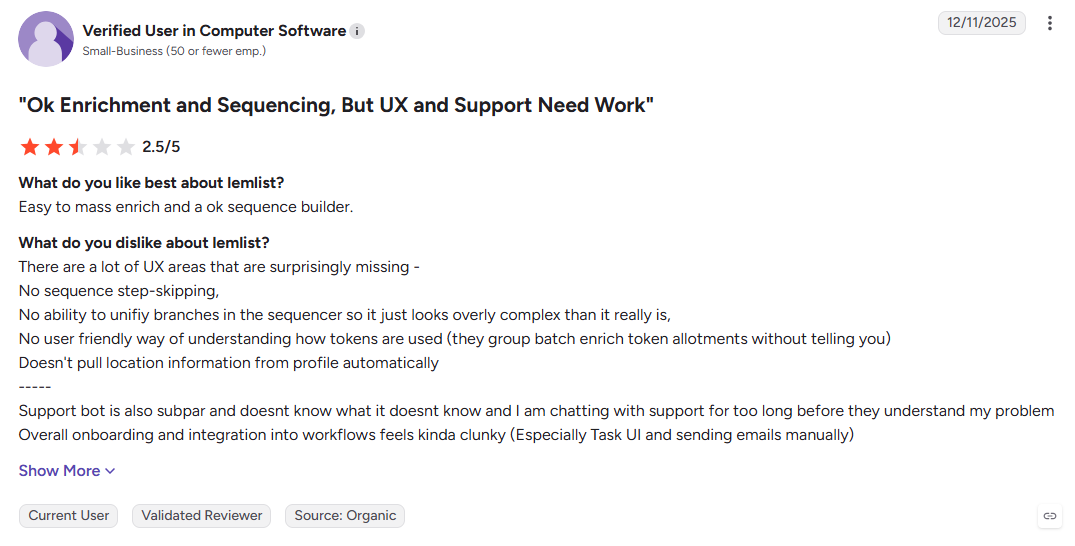
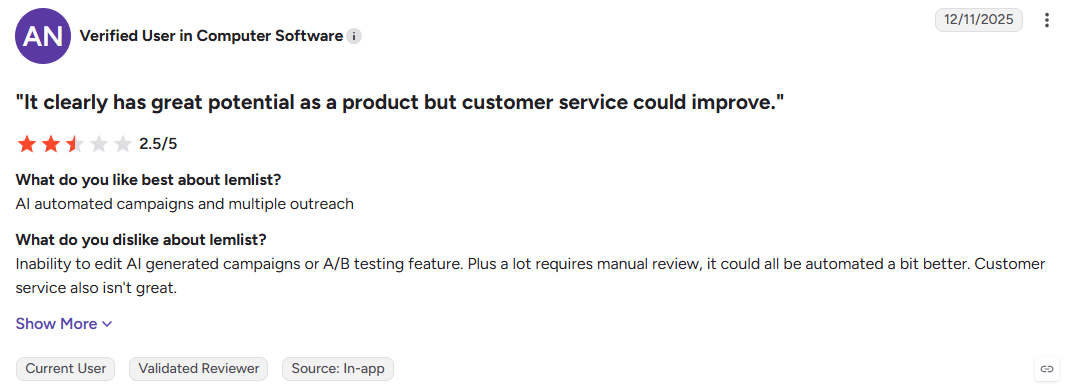
Cons
- Per-sender costs increase as teams grow
- Heavy creative elements can affect deliverability.
- Some users report tracking and false-open issues on G2
Best For: Teams selling high-value deals where personalized outreach matters more than maximum send volume.
Also Read: How To Identify Who Visits Your Website: Complete Guide
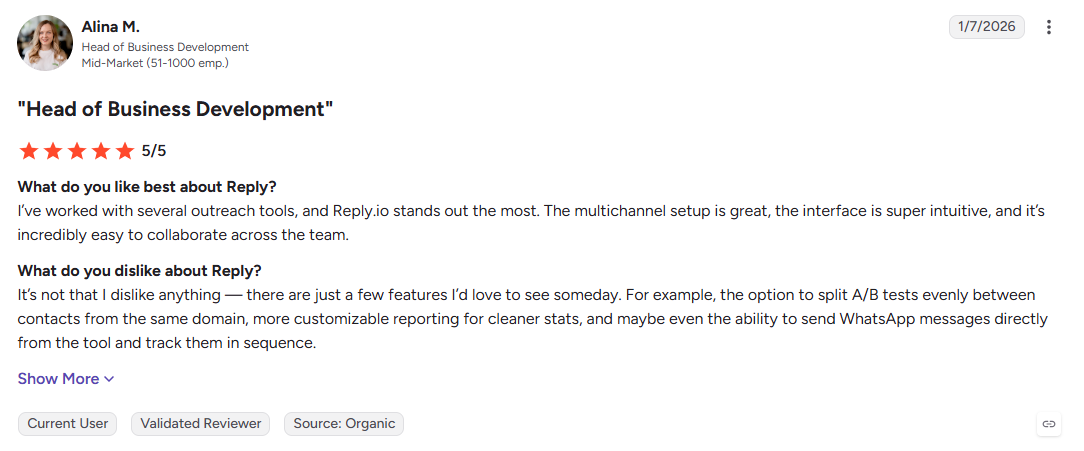
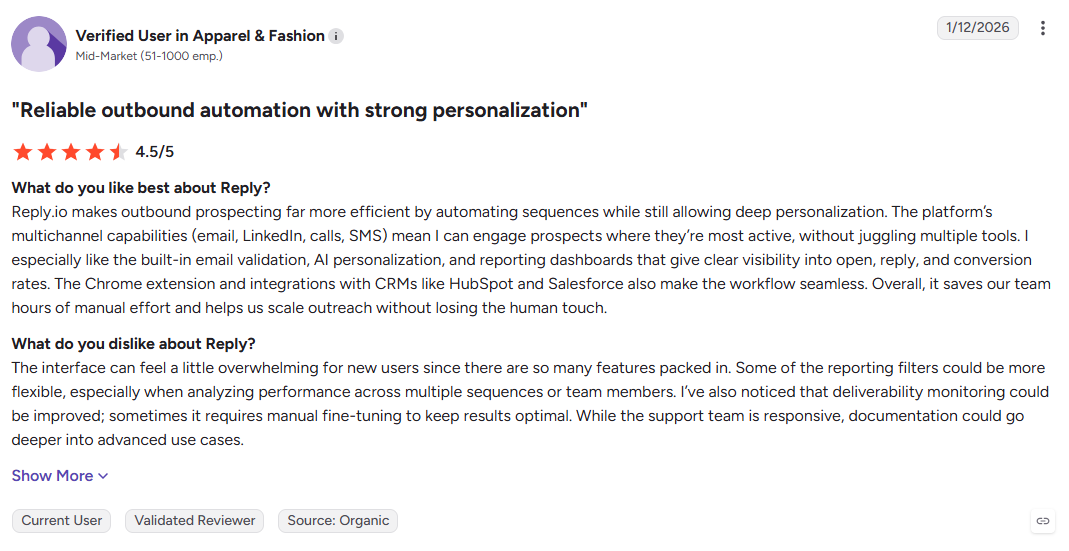
9. Reply.io
Reply.io brings email, LinkedIn, SMS, and calls into coordinated sales sequences, so reps can manage multiple touchpoints from one workflow. Its main difference is channel orchestration, giving teams more ways to follow up when email alone is not enough.
Key Features:
- Multichannel sequences: Combine email, LinkedIn, SMS, and calls.
- LinkedIn automation: Add connection requests and messages to cadences.
- Built-in dialer: Manage calls, recording, and voicemail from the platform.
Pros
- Broad multichannel workflow
- CRM integrations support sales handoffs
- Testing and reporting are built in
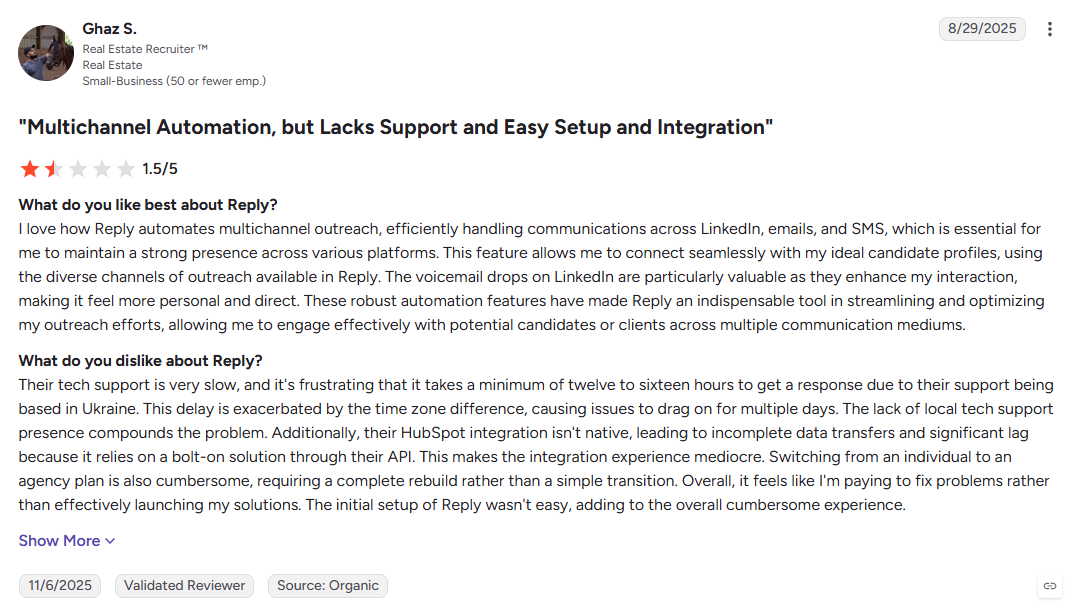
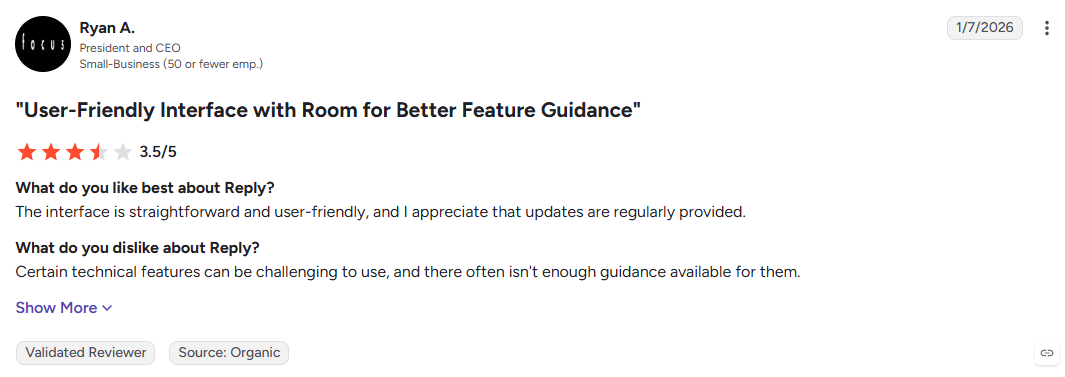
Cons
- Advanced channels can increase total cost
- More complex for new users
- Some G2 reviewers report browser extension issues: G2
Best For: SDR teams running coordinated multichannel sales cadences.
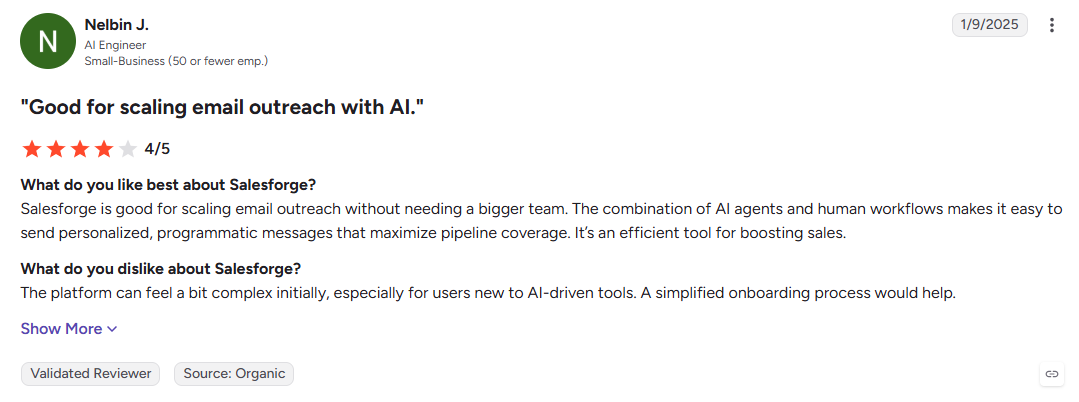
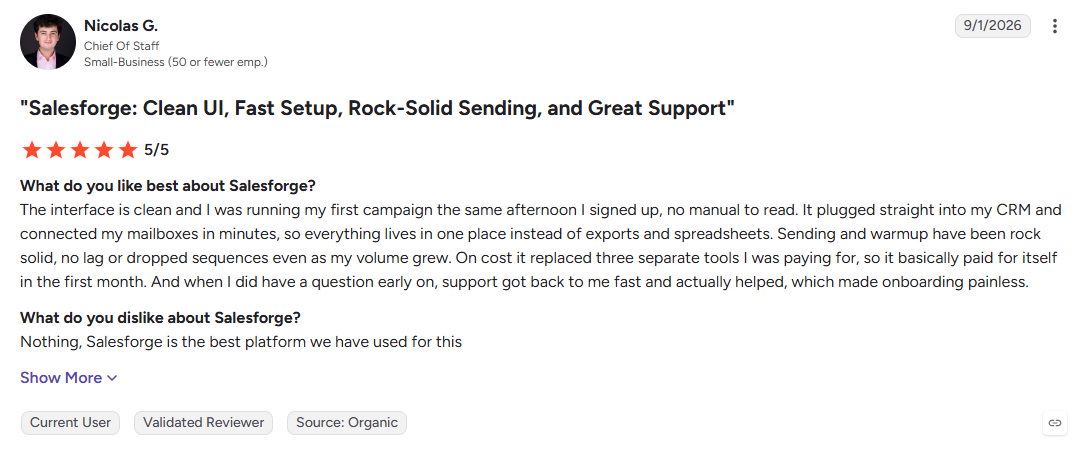
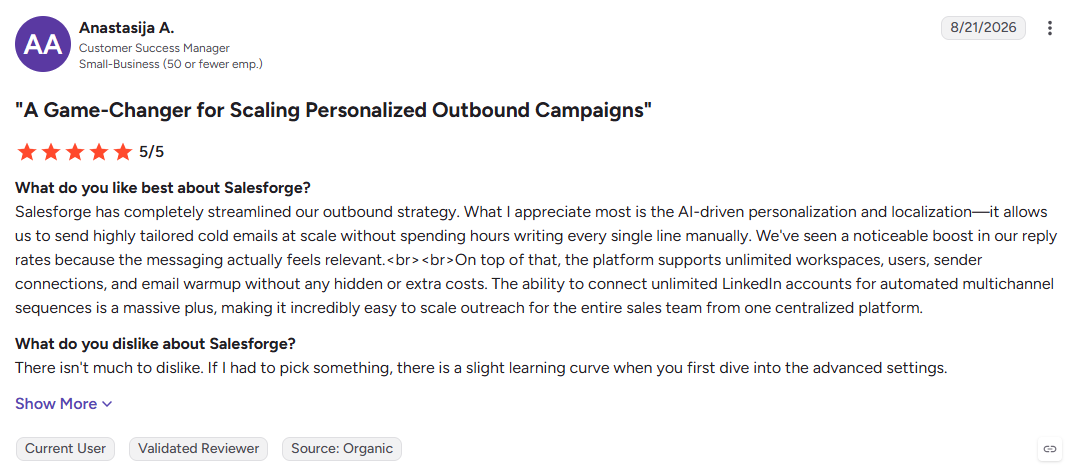
10. Salesforge
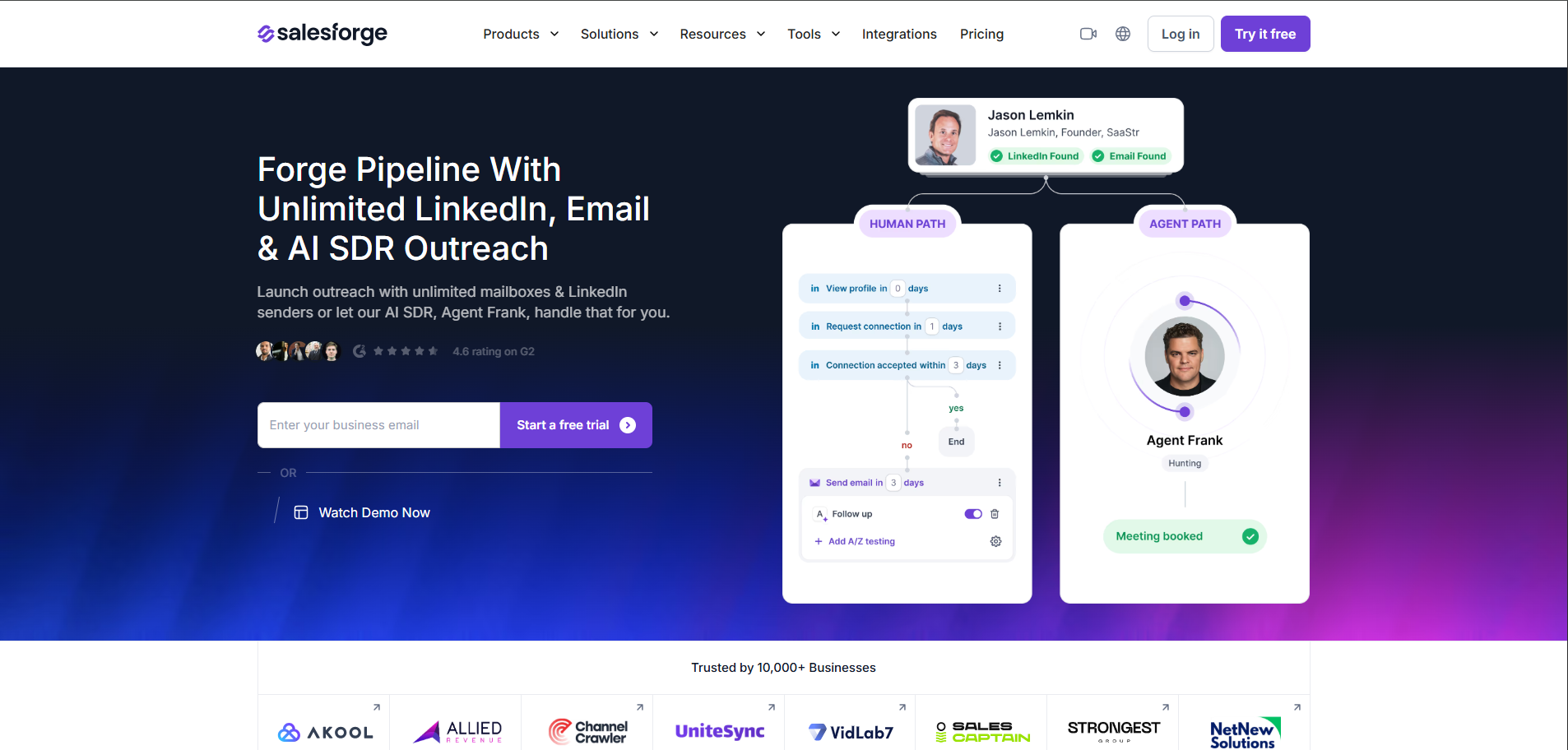
Salesforge combines email and LinkedIn in the same sequence, with unlimited warm-up included rather than treating each channel as a separate workflow. That makes it useful for teams that want broader cold outreach without adding another platform just for LinkedIn.
Key Features:
- Email + LinkedIn sequences: Manage both channels in one cadence.
- Unlimited warm-up: Prepare sending accounts without a separate warm-up subscription.
- AI personalization: Generate outreach in multiple languages for different markets.
Pros
- Email and LinkedIn work together natively
- Warm-up is included
- Useful for multilingual outbound campaigns
Cons
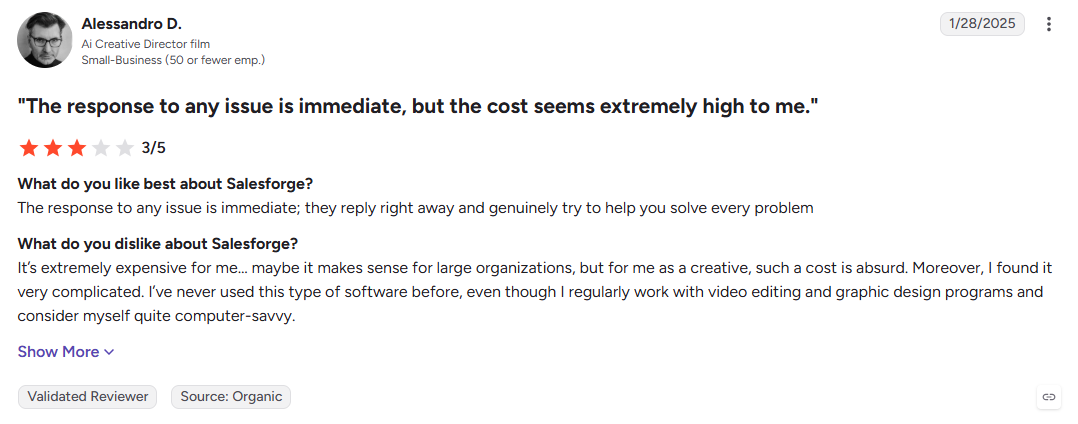
- No permanent free plan
- Advanced AI automation requires a higher tier
- Lead database is handled separately
Best For: Teams combining cold email and LinkedIn outreach across multiple markets.
Now that you have seen the sending and multichannel options, let us look at the platforms that lead with data instead.
11. Klenty
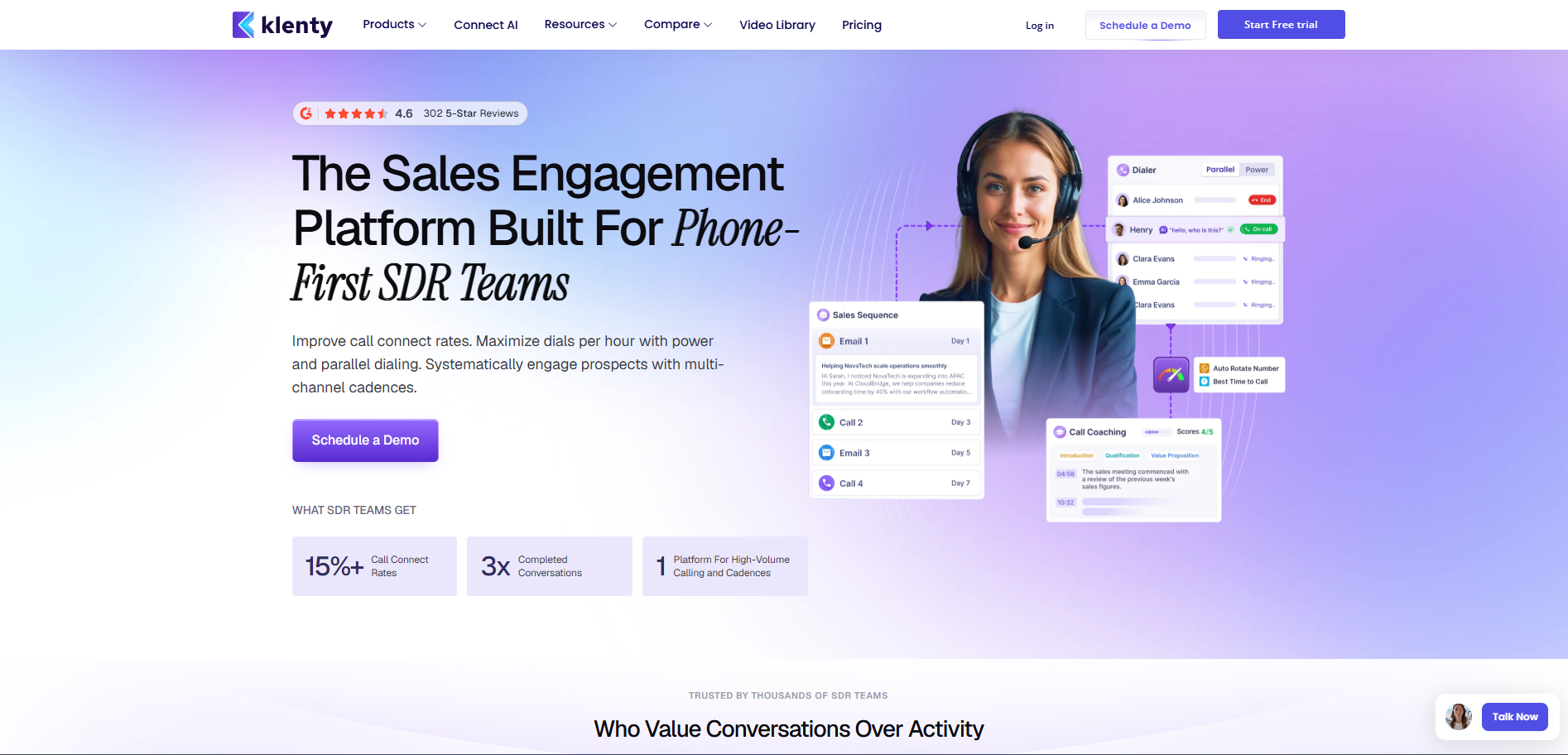
Klenty is built for sales teams that want outreach to adapt to prospect behavior, not simply repeat the same sequence. Its playbooks can change based on engagement, while CRM integrations help managers keep activity and pipeline connected.
Key Features:
- Adaptive playbooks: Change sequences based on prospect actions.
- Multichannel cadences: Combine email, calls, LinkedIn, and SMS.
- CRM workflows: Connect sales activity with Salesforce, HubSpot, and Pipedrive.
Pros
- Behavior-based sequencing
- Strong fit for managed SDR teams
- Solid CRM integration depth
Cons
- Per-user pricing can limit lean teams
- Lighter deliverability tools than dedicated senders
- No built-in lead database
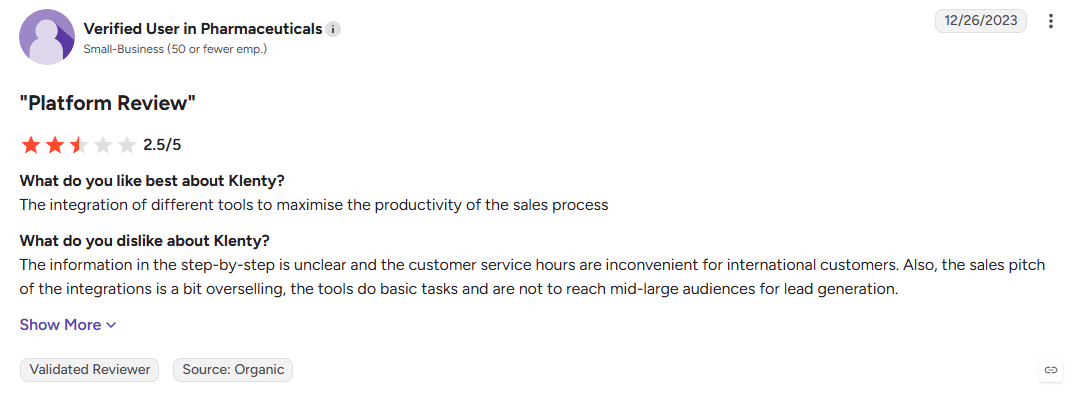
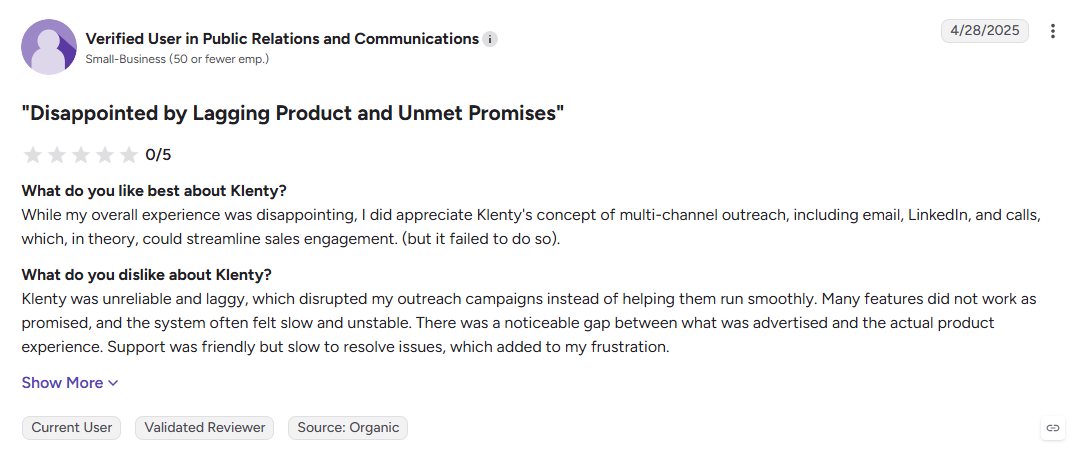
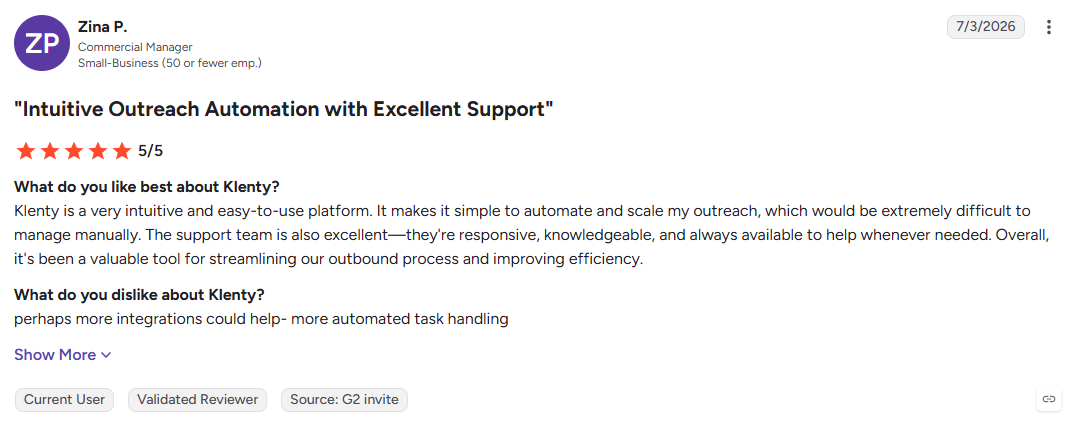
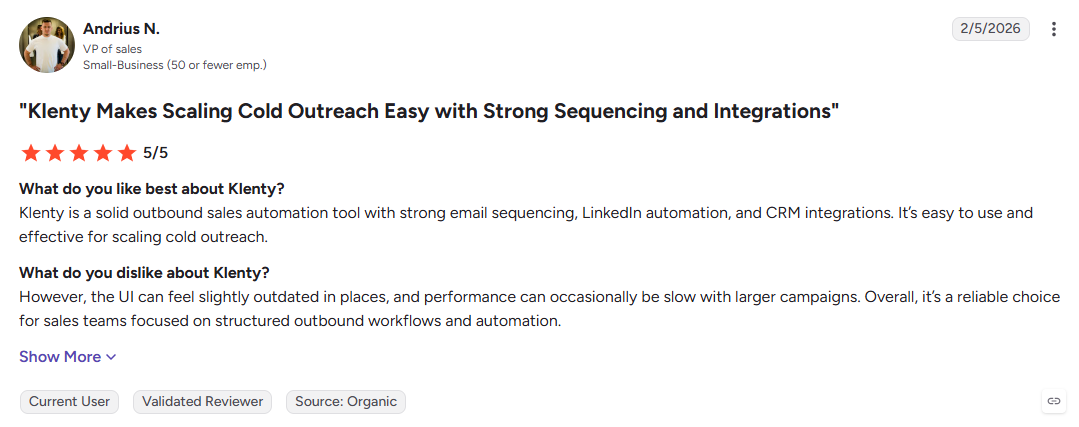
Best For: SDR teams that need adaptive sales cadences and structured rep-level reporting.
12. Mailshake
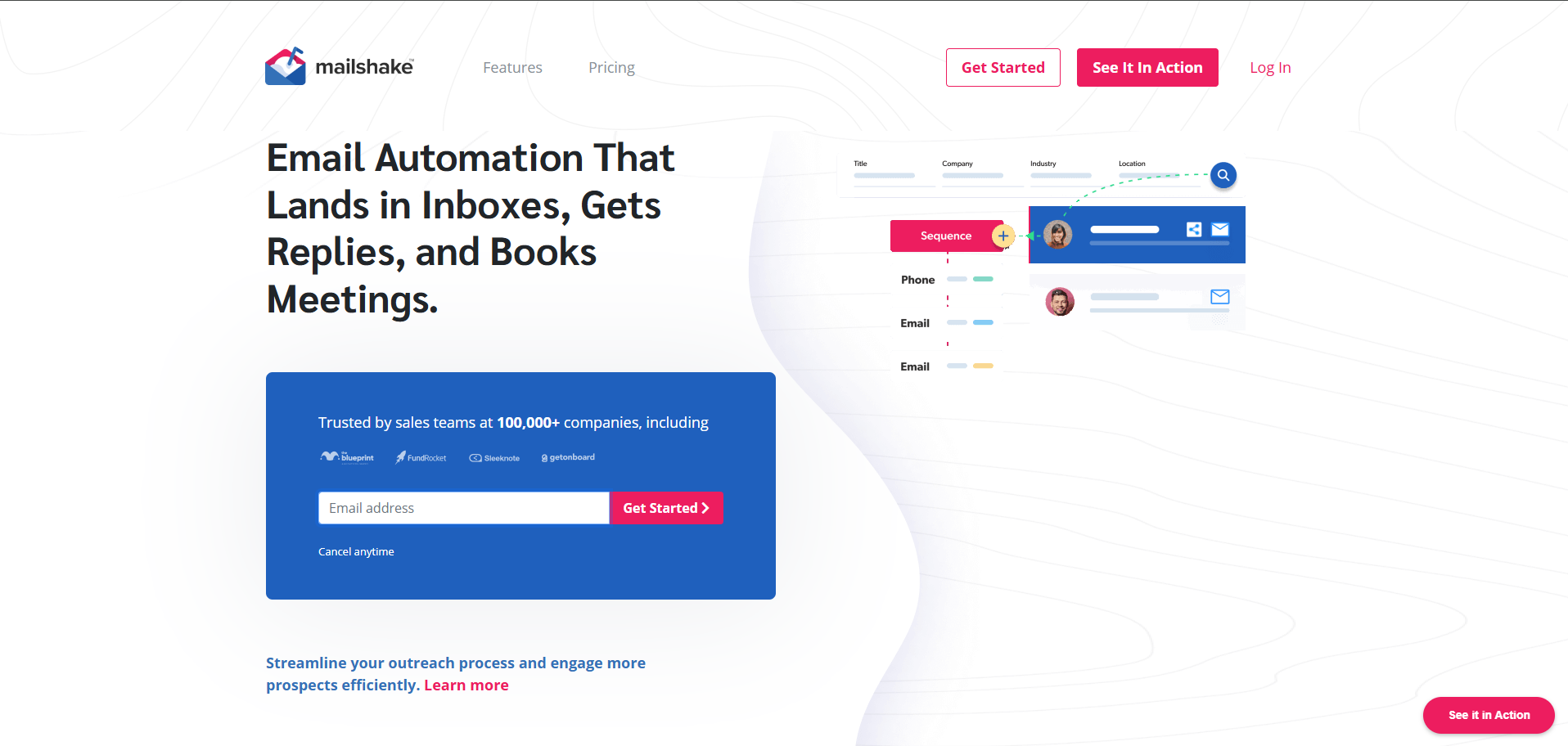
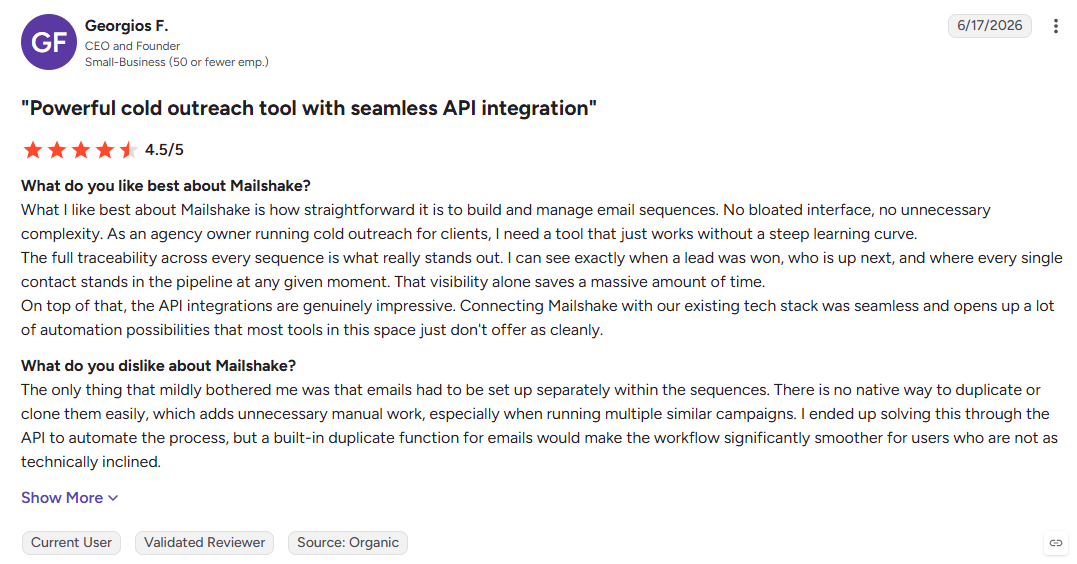
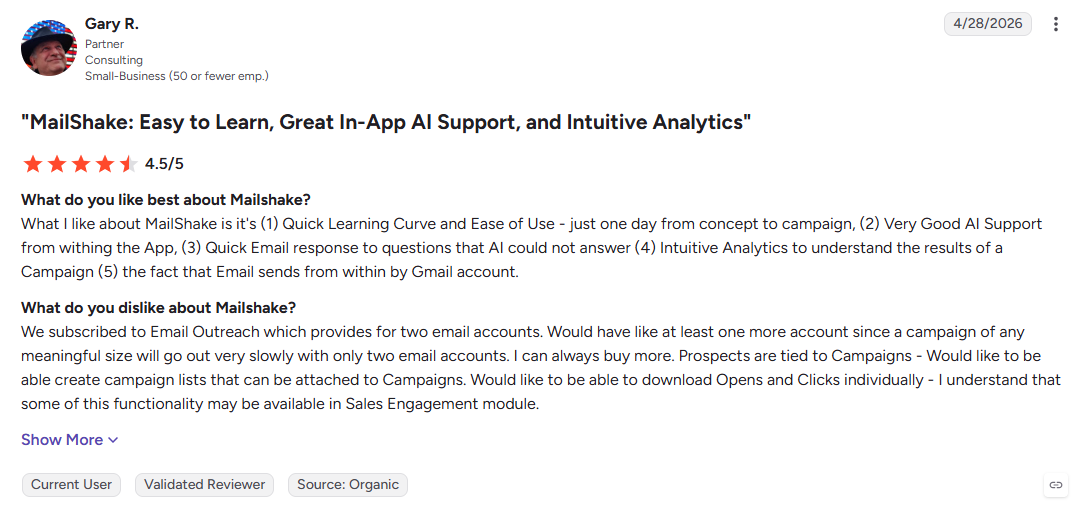
Mailshake keeps outbound simple. Its guided campaign builder, LinkedIn tasks, and dialer give small teams the core tools to launch a structured campaign without spending days learning a complex platform.
Key Features:
- Guided sequence builder: Launch campaigns with minimal setup.
- LinkedIn tasks: Add manual social touches to email cadences.
- Built-in dialer: Make and track calls alongside outreach.
Pros
- Quick onboarding for new teams
- Simple reporting and campaign management
- Email, social, and calling in one workflow
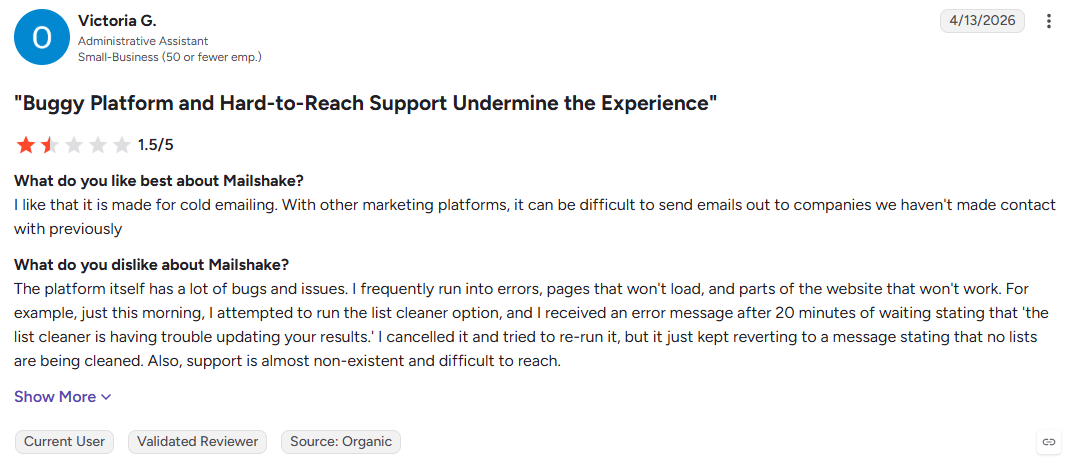
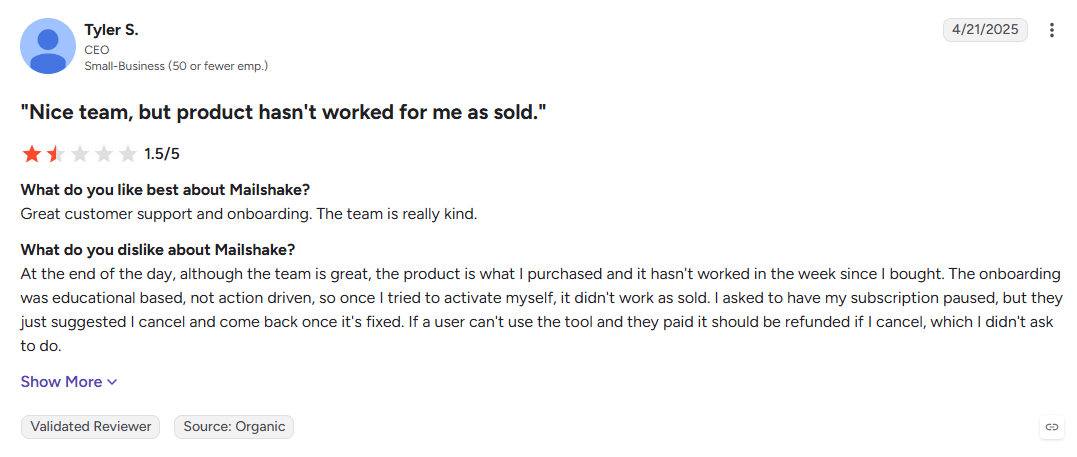
Cons
- Limited for complex outbound programs
- No built-in lead database
- Less automation depth than larger platforms
Best For: Small sales teams that want to launch their first structured outbound campaigns quickly.
13. Apollo.io
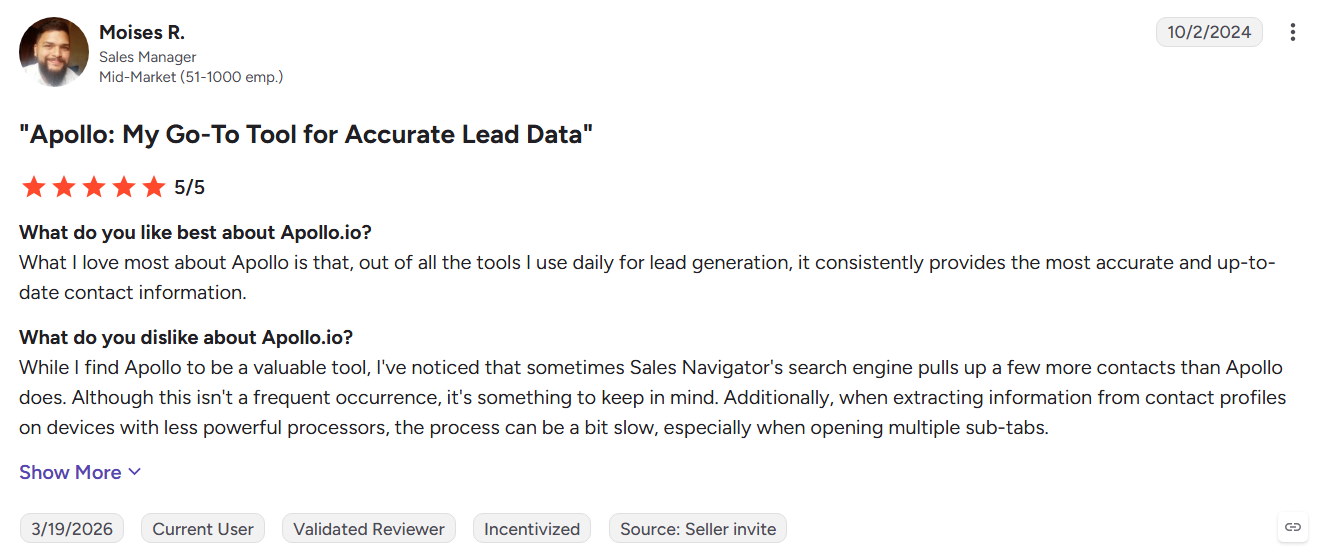
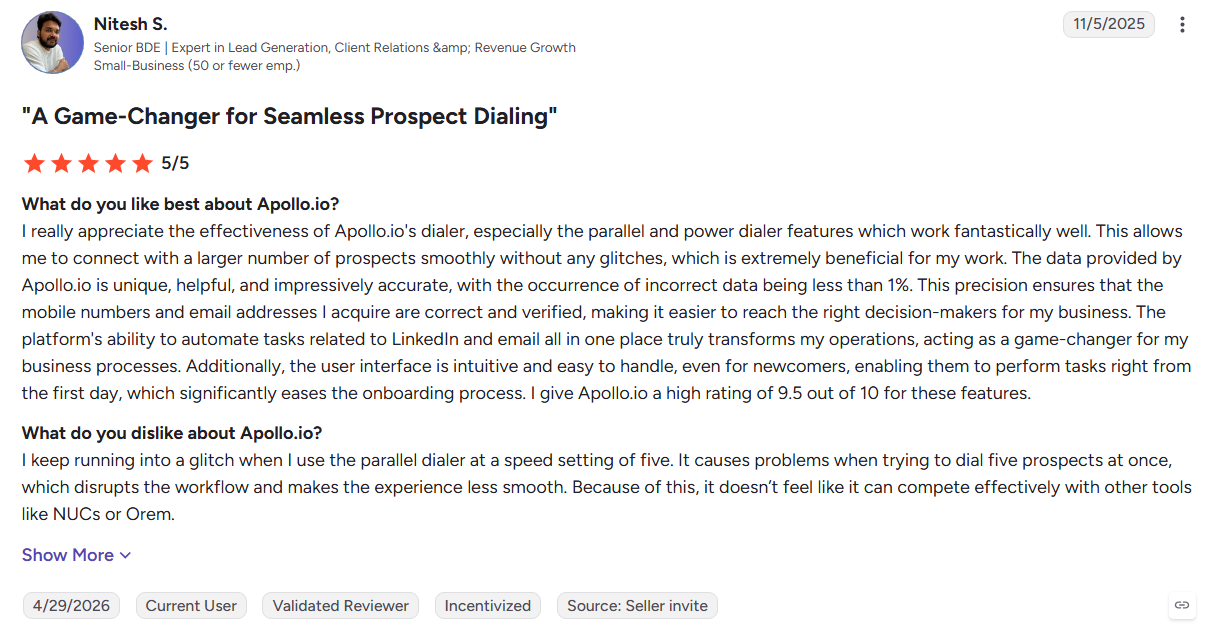
Apollo.io starts with prospecting, giving teams a large contact database before they build their outreach sequences. Its filters, buying signals, dialer, and CRM sync make it useful when finding the right prospects is the main challenge.
Key Features:
- Contact database: Search prospects using detailed firmographic filters.
- Native sequencer: Build and manage multistep outreach without exporting lists.
- Buying signals: Use job changes, hiring, funding, and technology data for targeting.
Pros
- Prospecting and outreach in one platform
- Deep targeting and filtering options
- Broad sales integrations
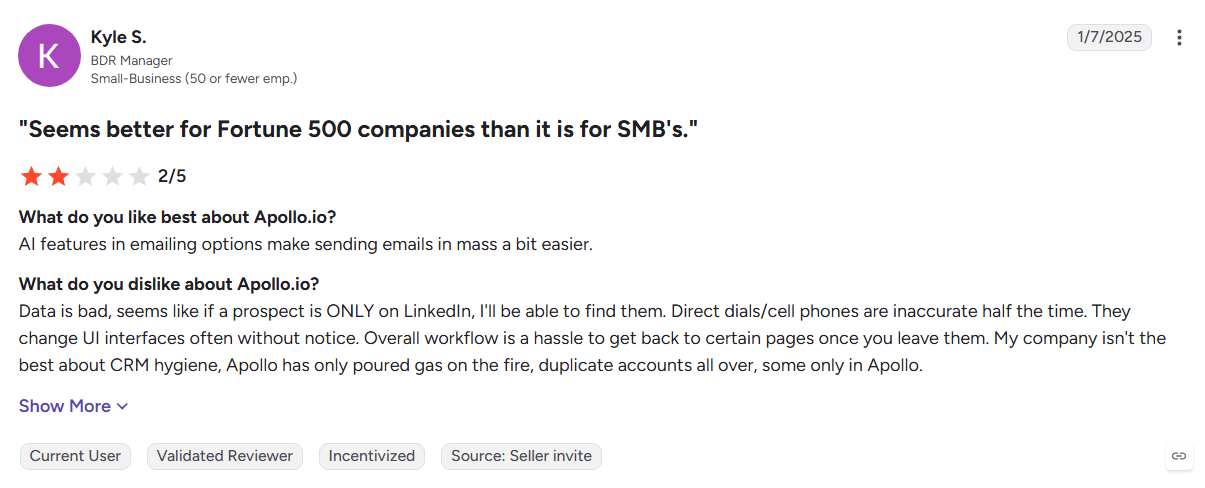
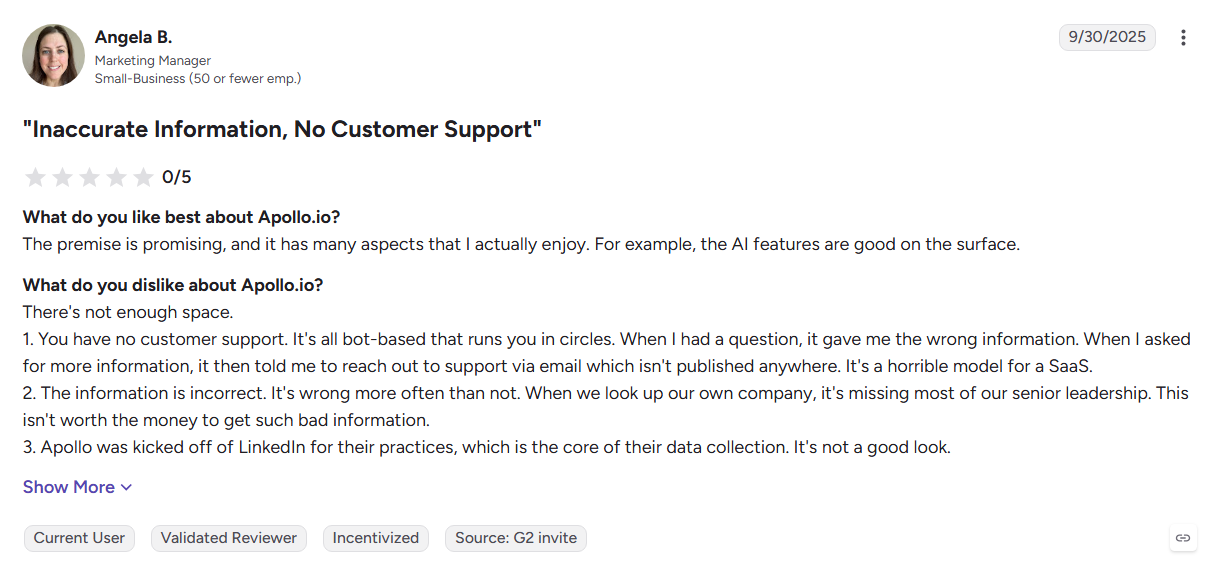
Cons
- No native email warm-up
- Data quality can vary by market on G2
- Credit and per-user costs can rise as usage grows
Best For: SDR teams whose biggest challenge is finding and qualifying the right contacts.
For a deeper comparison, see Kwin vs Apollo.io and Apollo.io alternatives.
14. ZoomInfo
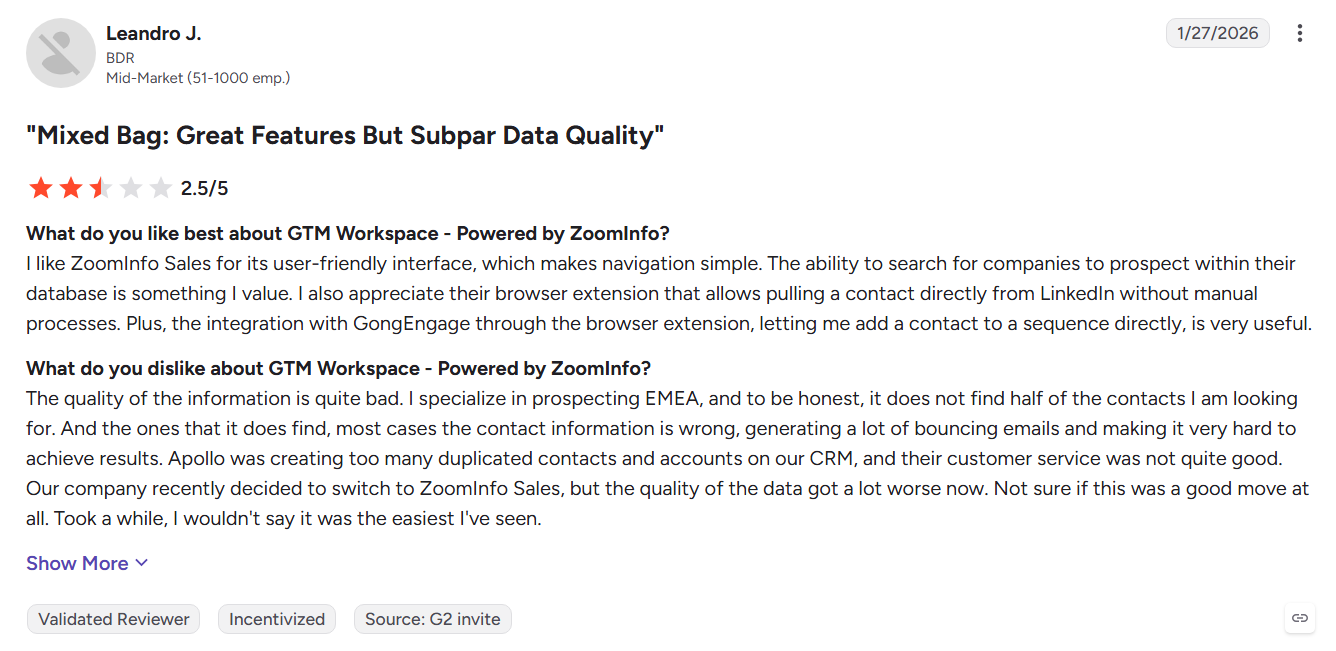
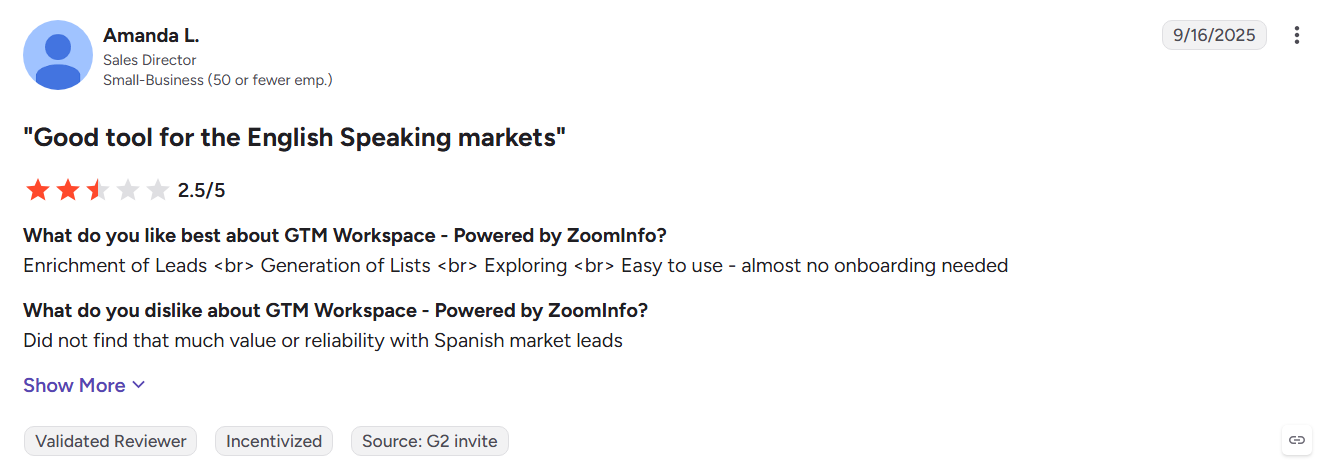
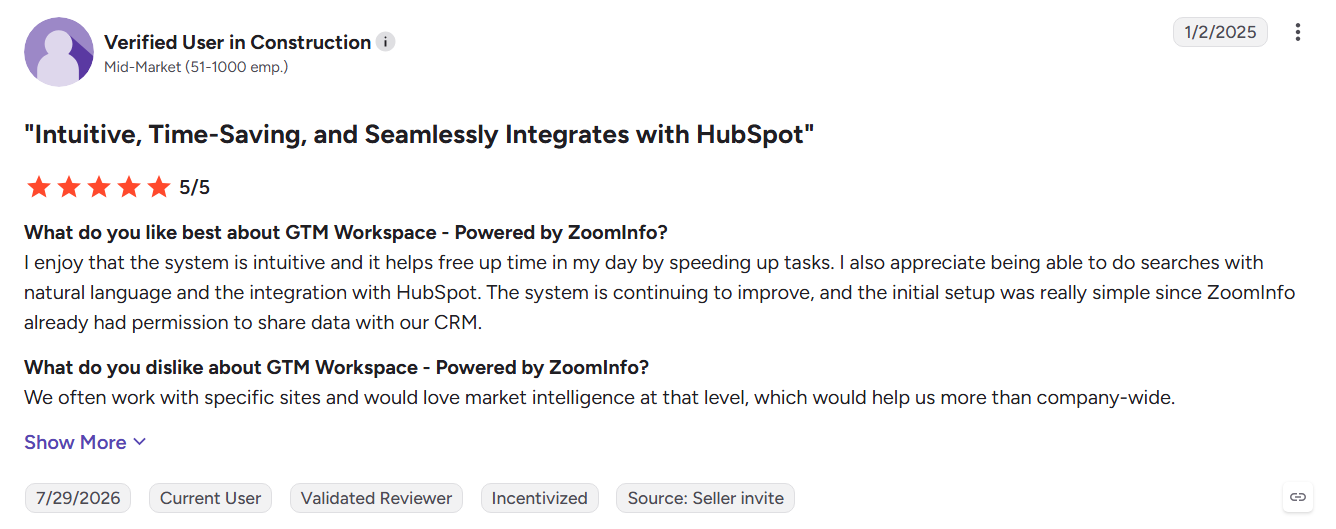
ZoomInfo is built for enterprise go-to-market intelligence, combining contact data with intent signals and account-level website visitor tracking. It goes far beyond basic outreach, giving larger revenue teams a broader view of accounts and buying activity.
Key Features:
- GTM database: Extensive company and contact intelligence.
- WebSights: Identify companies visiting your website.
- Intent data: Prioritize accounts showing interest in specific topics.
Pros
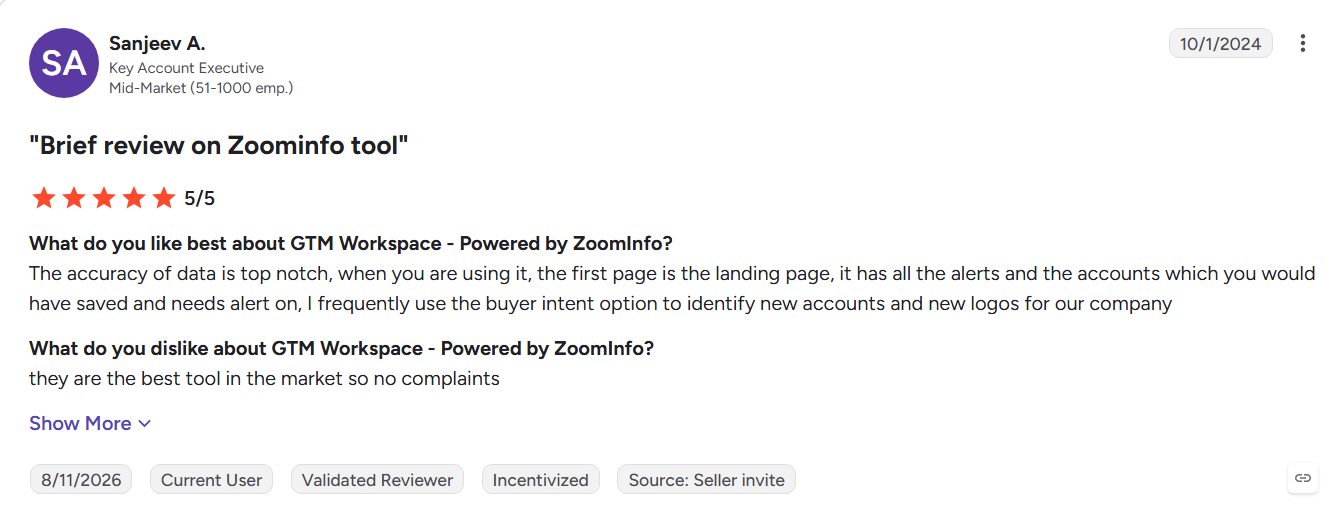
- Broad enterprise data coverage
- Strong intent intelligence
- Mature integrations and procurement capabilities
Cons
- Enterprise pricing can be difficult for smaller teams
- Important capabilities may require additional modules
- Website identification remains company-level
Best For: Mid-market and enterprise revenue teams that need broad GTM intelligence.
See the Kwin vs ZoomInfo comparison or the broader ZoomInfo alternatives guide.
15. Snov.io
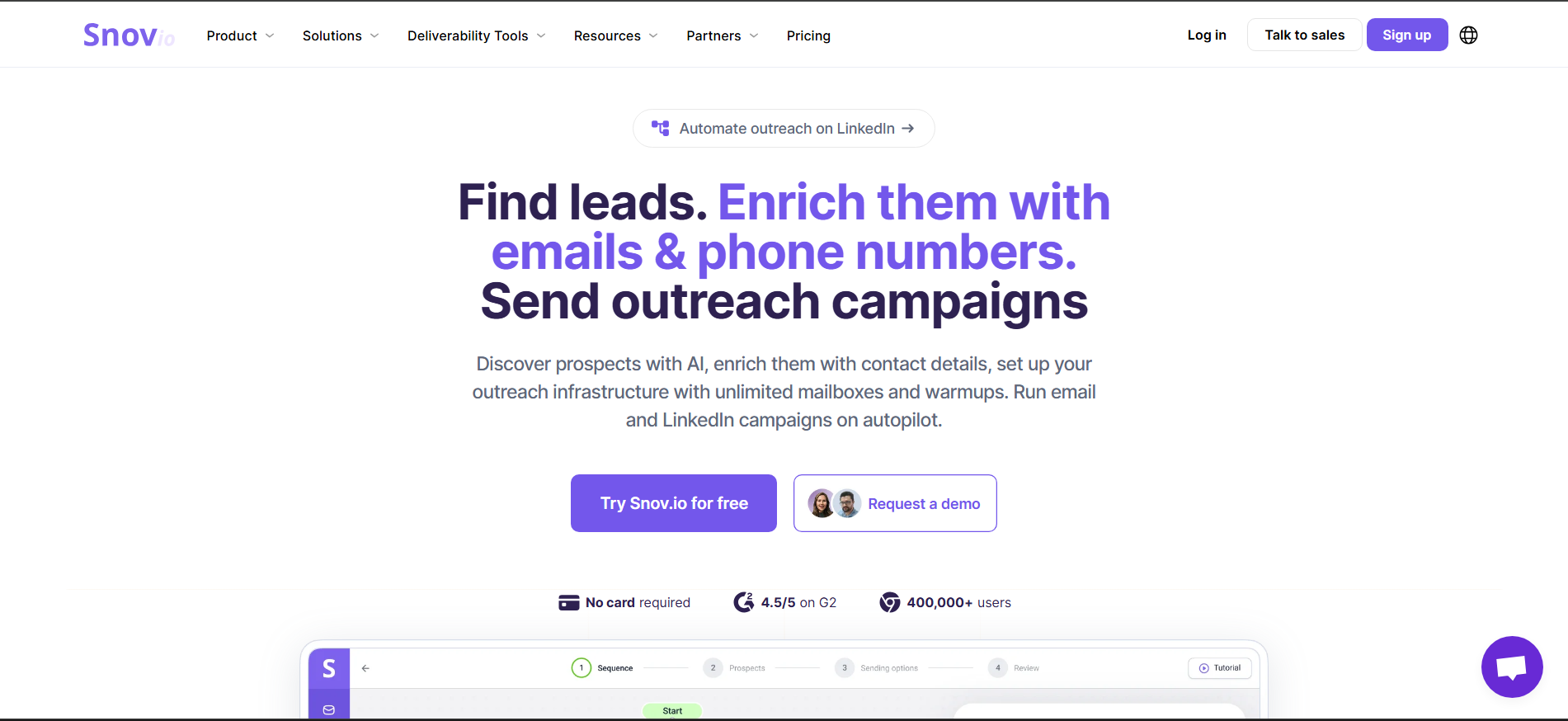
Snov.io combines email finding, verification, outreach, and a lightweight CRM in one workflow. Its shared credit model makes it approachable for smaller teams that want to find and contact prospects without managing several separate tools.
Key Features:
- Email finder and verifier: Discover and validate contacts in one workflow.
- Drip campaigns: Build automated outreach with conditional follow-ups.
- Browser extension: Find and enrich prospects while browsing.
Pros
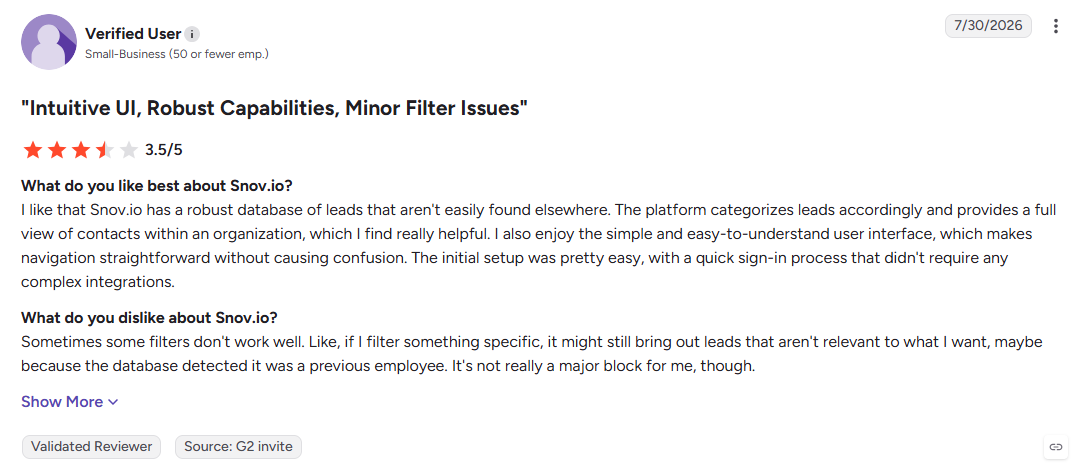
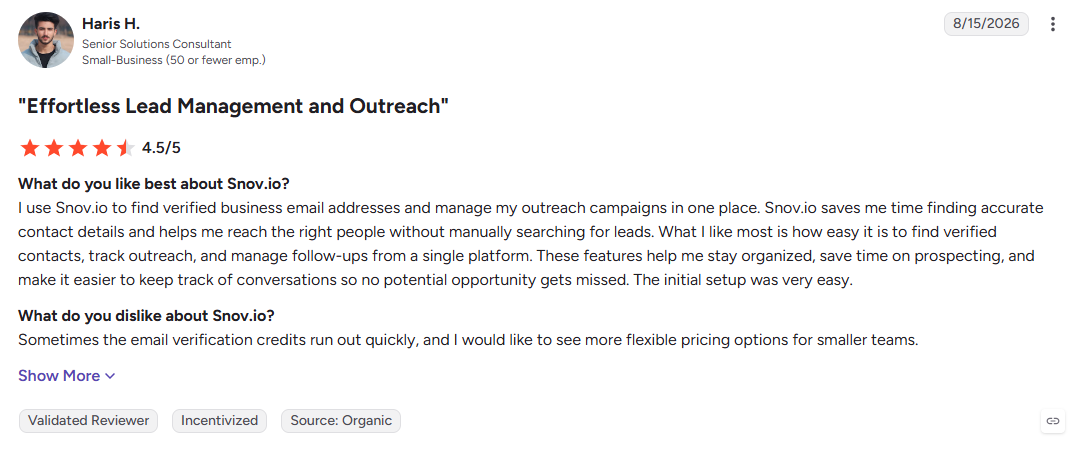
- Find, verify, and contact prospects in one platform
- Accessible starting point for small teams
- Built-in CRM reduces tool switching
Cons
- Credits can run down quickly at higher usage
- No phone-number coverage
- Automation depth is lighter than dedicated platforms
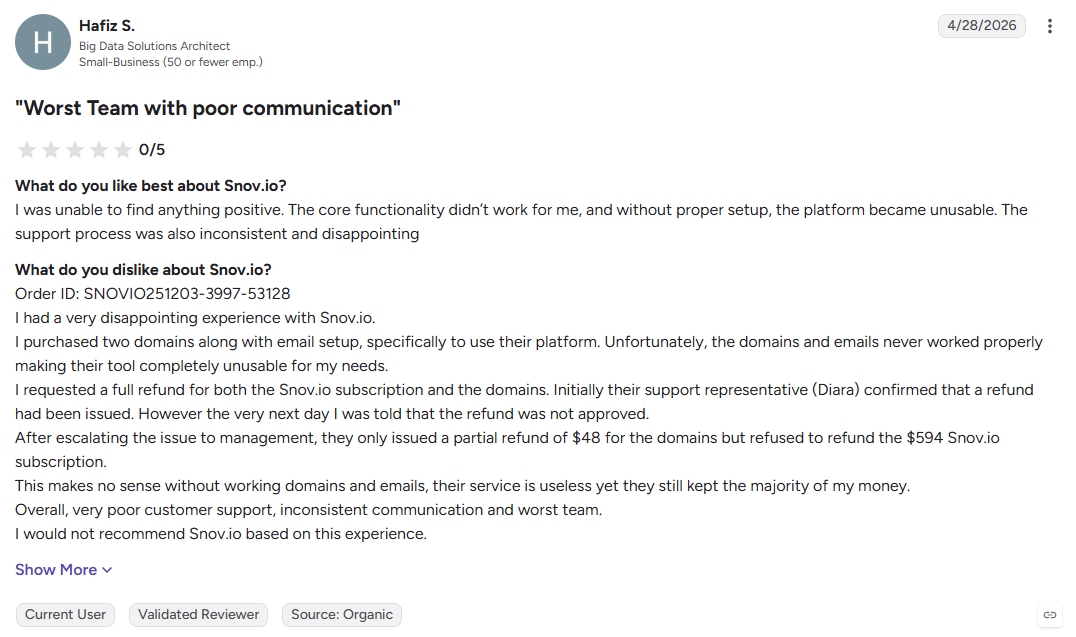
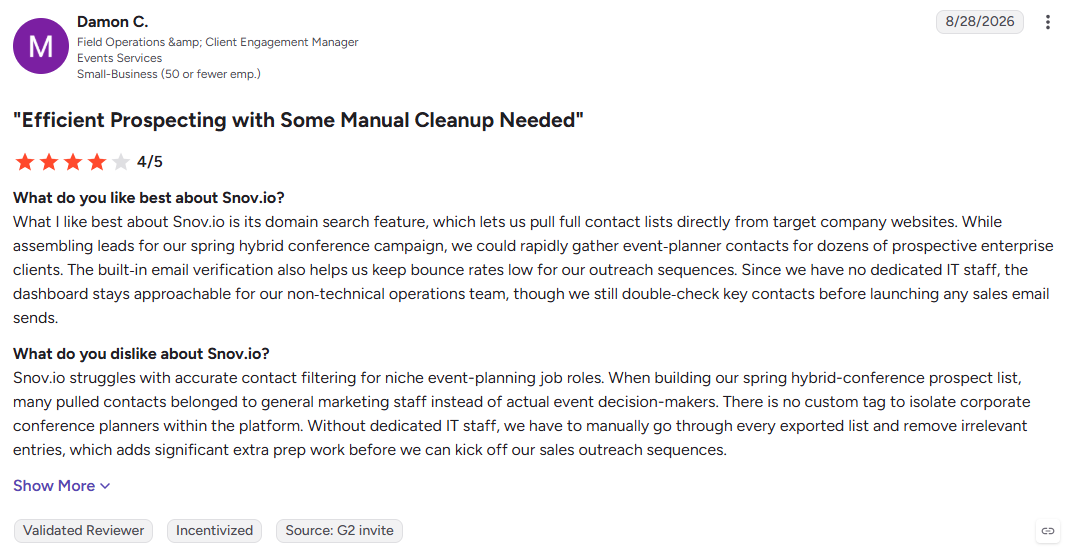
Best For: Founders and small teams testing an affordable prospecting and outreach workflow.
16. Seamless.AI
Seamless.AI focuses on real-time contact discovery, searching for fresh records instead of relying only on a static database. It is useful when sales teams need to build large prospect lists quickly and keep contact data fresh.
Key Features:
- Real-time search: Discover contacts on demand.
- Browser extension: Capture prospects while researching websites and LinkedIn.
- Built-in outreach: Move discovered contacts directly into email campaigns.
Pros
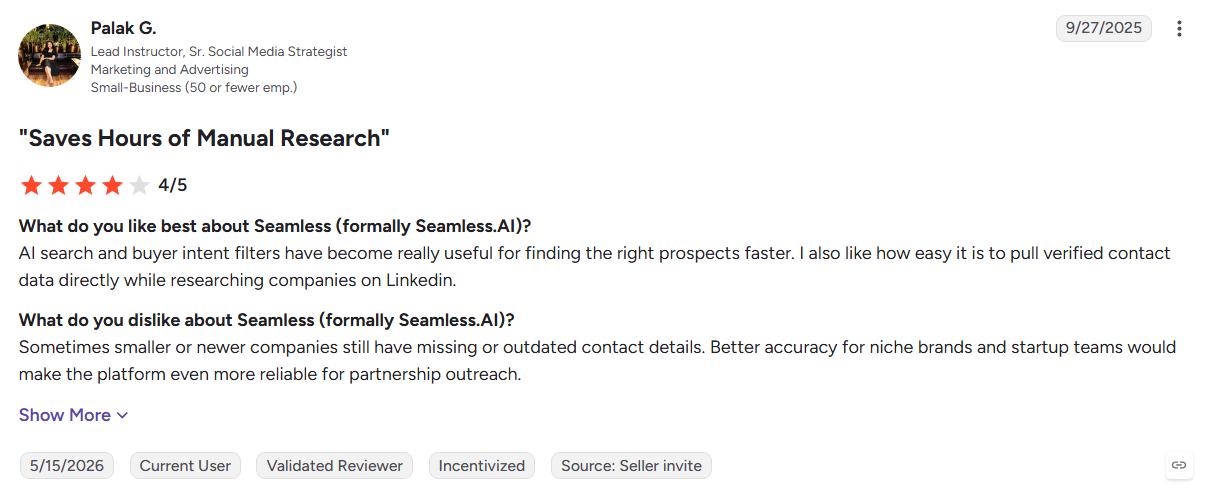
- Fast contact discovery for large lists
- Useful for time-sensitive prospecting
- Outreach is built into the workflow
Cons
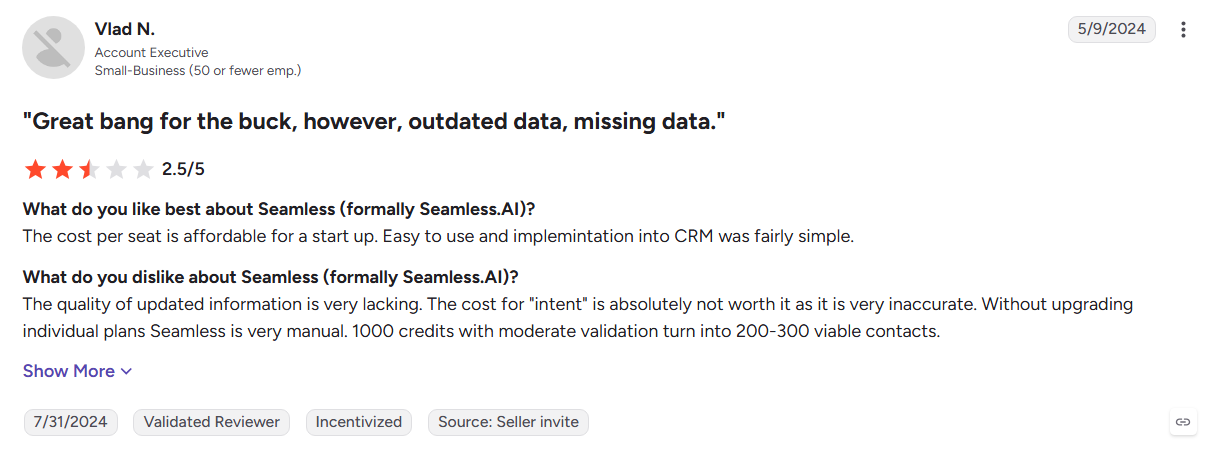
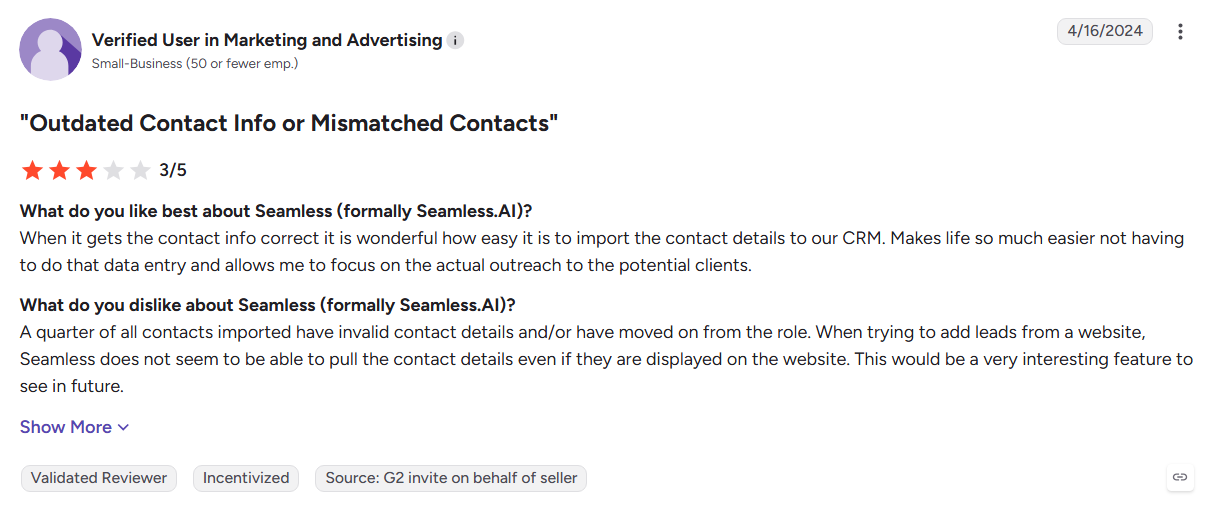
- Accuracy can vary across industries
- Pricing is less transparent
- No website visitor identification
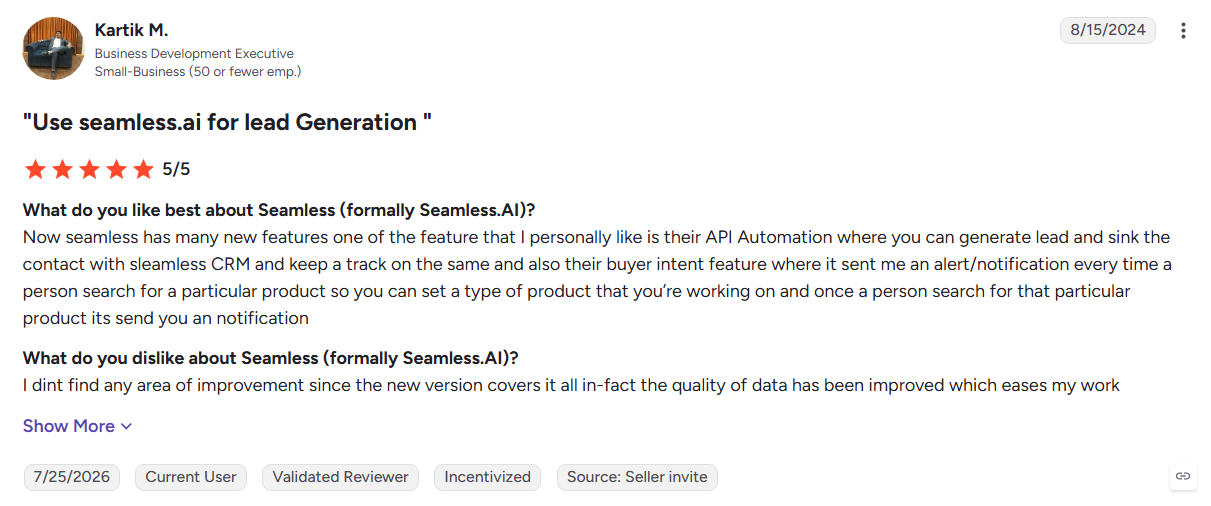
Best For: High-volume prospecting teams that prioritize fresh contact discovery.
Also Read: 16 Best RocketReach Alternatives
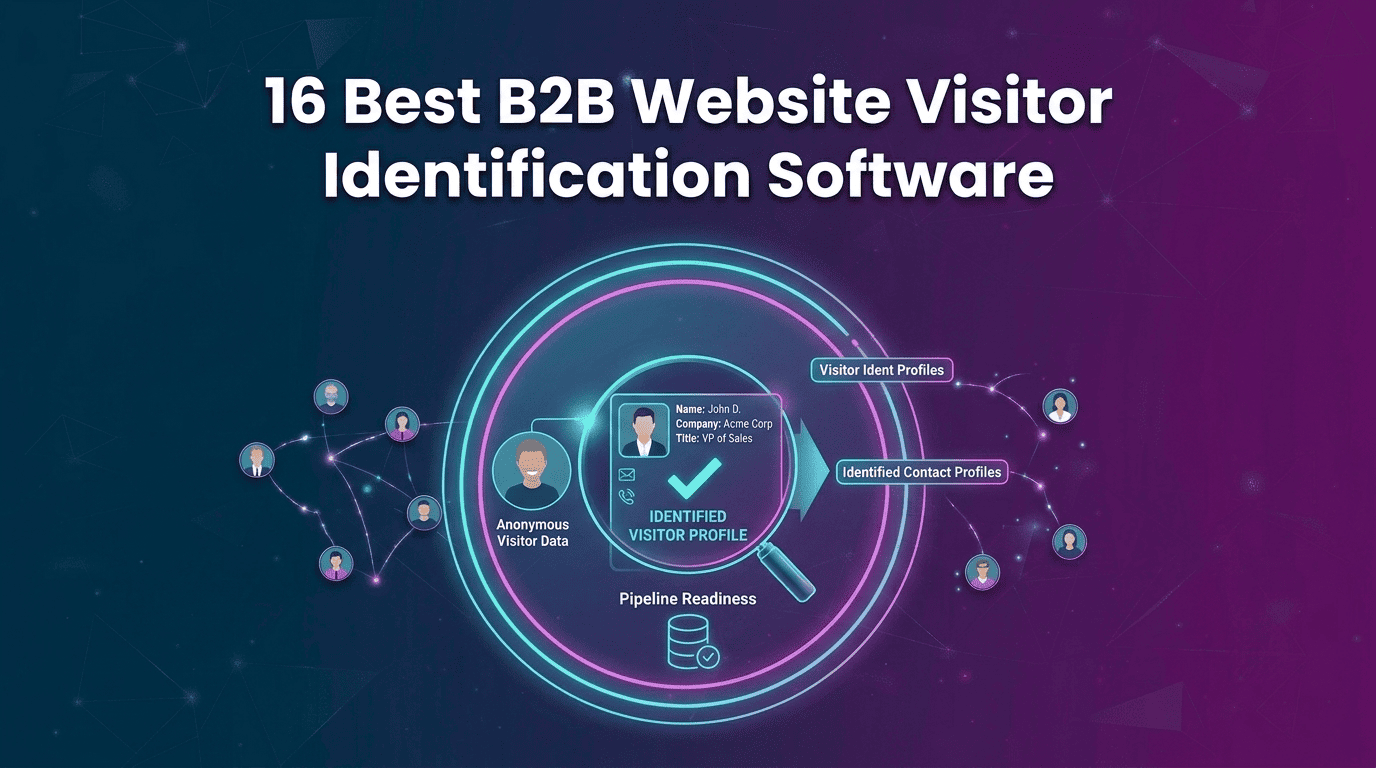
How Website Visitor Identification Works
A buyer can visit your pricing page, read your case study, come back tomorrow, and leave without ever filling out a form. Your analytics record the visit. Website visitor identification helps reveal the buyer behind it.
1. Capture the Visit
A tracking pixel records the visit through your website or Google Tag Manager. It captures signals such as the IP address, referral source, pages viewed, device, and session activity.
2. Identify the Company
Those signals are matched to a real organization using IP and network data. Now you know which company is showing interest, but not yet who is researching you.
3. Identify the Person
The next step connects the visit to an individual using multiple identity signals and confidence checks. Kwin identifies 60% to 70% of visitors at the person or company level across 175+ countries.
4. Read the Behavior
Once the visitor is identified, their actions add context. Pages viewed, repeat visits, session depth, and pricing-page activity help show whether the interest is casual or worth following.
5. Score Fit and Intent
ICP Fit measures how closely the visitor matches your ideal customer. Purchase Intent measures how strongly their behavior signals buying interest, helping sales focus on visitors who matter most.
6. Trigger Outreach
You set the fit and intent thresholds that matter to your team. When a visitor crosses them, personalized outreach can start from your domain, with positive replies routed to your inbox, Slack, or CRM.
Now that you have seen how identification actually works, let us look at how to pick the right platform for your team.
How to Choose the Right Instantly Alternative
Do not choose by feature count. Start with the gap in your current outreach workflow, then find the platform that closes it.
- What are you paying for separately that should be built in? Add your outreach tool, lead database, and CRM costs together. If the total is high, a bundled platform such as Saleshandy may simplify your stack. This is a common reason teams compare Instantly Alternatives.
- Will your volume cross the pricing tier within six months? Look at where your contact list will be two quarters from now, not today. Volume-friendly platforms such as Smartlead can suit growing campaigns, while per-seat pricing increases as your team expands.
- Do you actually need more than email? If your buyers respond on LinkedIn, platforms such as Salesforge or Reply.io add multichannel outreach. If email is enough, a focused sending platform may keep your workflow and costs simpler.
- Is the problem your tool, list, or copy? Do not blame the platform for every drop in reply rates. Check your lead quality, targeting, messaging, and deliverability before switching tools or moving an established sending setup.
- How much of your traffic comes from outside the United States? Check your analytics before choosing a visitor identification platform. If your pipeline includes Europe, India, or APAC, global visitor identification across 175+ countries becomes an important consideration.
- Who carries the deliverability risk? Ask how the platform handles shared infrastructure, sender reputation, and flagged accounts. Stronger targeting and controlled sending can reduce the risk of damaging your email outreach.
- Can the platform pass privacy and procurement checks? Ask about data sources, regional compliance, and security certifications before committing. For visitor identification, review whether the provider is GDPR compliant and meets your procurement requirements.
How to Switch From Instantly Without Losing Pipeline
A migration should not feel like pulling the plug on your outbound engine. Move in stages, keep your best campaigns running, and give the new platform time to prove itself.
1. Confirm the Tool Is Actually the Problem
Before moving to Instantly Alternatives, review the last two months of list quality, copy performance, bounce rate, and domain reputation. If one weak campaign caused the drop, switching tools will not fix it. Move only when the limitation is structural, such as a contact cap, missing channel, or workflow gap.
2. Record Your Current Benchmarks
Save your open rate, reply rate, bounce rate, meetings booked, and cost per meeting. Keep your best sequences and subject lines too. These numbers give you a baseline for judging whether the new platform actually performs better after the switch.
3. Export Everything Before You Cancel
Export contacts, custom fields, sequences, reply history, campaign data, automation rules, sending windows, and integration settings while your account is still active. Keep the files outside Instantly so your pipeline does not depend on an account you are about to close.
4. Clean and Re-Verify Your List
Do not move an old list directly into the new platform. Remove duplicates, bounced contacts, and unsubscribes, then verify the remaining addresses. Standardize your fields and personalization tags before importing them. A clean list protects your deliverability from day one.
5. Authenticate and Warm New Mailboxes
Set up SPF, DKIM, and DMARC before sending. Warm the new mailboxes while your existing Instantly campaigns continue running. Start with low sending volume, around 10-15 emails per inbox daily, then increase gradually over about two weeks.
6. Test a Small Batch First
Move a few hundred contacts and run two or three proven campaigns. Compare bounce rate, inbox placement, and reply rate with your existing benchmarks. Also test personalization and reply routing before expanding the migration.
7. Cut Over and Cancel Safely
Once the new setup performs against your baseline, move the remaining campaigns. Pause matching Instantly campaigns first to prevent duplicate emails. Keep the old account available for around 30 days as a fallback, then cancel within the notice period and confirm the cancellation.
Why Kwin Is a Strong Choice Among Instantly Alternatives
Most Instantly Alternatives help you reach prospects. Kwin helps you identify buyers already showing interest on your website and turn that interest into conversations.
- Identify buyers: Recognize 60%-70% of visitors across 175+ countries.
- Score intent: Use ICP Fit and Purchase Intent to find high-value visitors.
- Track behavior: See pages viewed, repeat visits, and engagement.
- Automate outreach: Send personalized follow-ups when visitors meet your criteria.
- Hand off leads: Push positive replies to your inbox, Slack, or CRM.
- Filter traffic: Exclude unwanted countries, pages, and traffic.
- Built for trust: SOC 2 Type II, GDPR, CCPA, ISO 9001:2015, and ISO 27001:2022.
- Proven results: Infiniticube generated 2.5x more qualified leads in 45 days, with 35%+ of meetings from visitors who never filled out a form.
Hire Kwin For Free with 100 leads per month and no credit card required.
Conclusion
Instantly is a solid choice for cold email, but not every sales opportunity starts with a cold list. Some prospects are already visiting your website, exploring your services, and showing signs of interest.
We hope this guide helped you compare the options and find the approach that fits your sales motion.
And remember, not every potential buyer comes from a cold list. Some are already on your website, researching your product without filling out a form.
That is where Kwin by Vison AI stands out. Instead of guessing who might be interested, Kwin helps you identify the people already showing interest. It identifies website visitors, scores their fit and intent, and helps you start personalized conversations with qualified prospects.
Looking to turn anonymous website visitors into qualified leads? Try Kwin free and identify up to 100 leads every month with no credit card required.