
TL;DR
Sales Intelligence Software helps teams identify the right prospects, uncover buyer intent, and act on sales signals faster. This guide compares 20 leading platforms across data quality, visitor identification, intent signals, automation, pricing, and use cases. From enterprise databases like ZoomInfo to intent platforms like 6sense and inbound-focused tools like Kwin, you’ll see which solution best fits your sales motion and helps turn buying signals into qualified conversations.
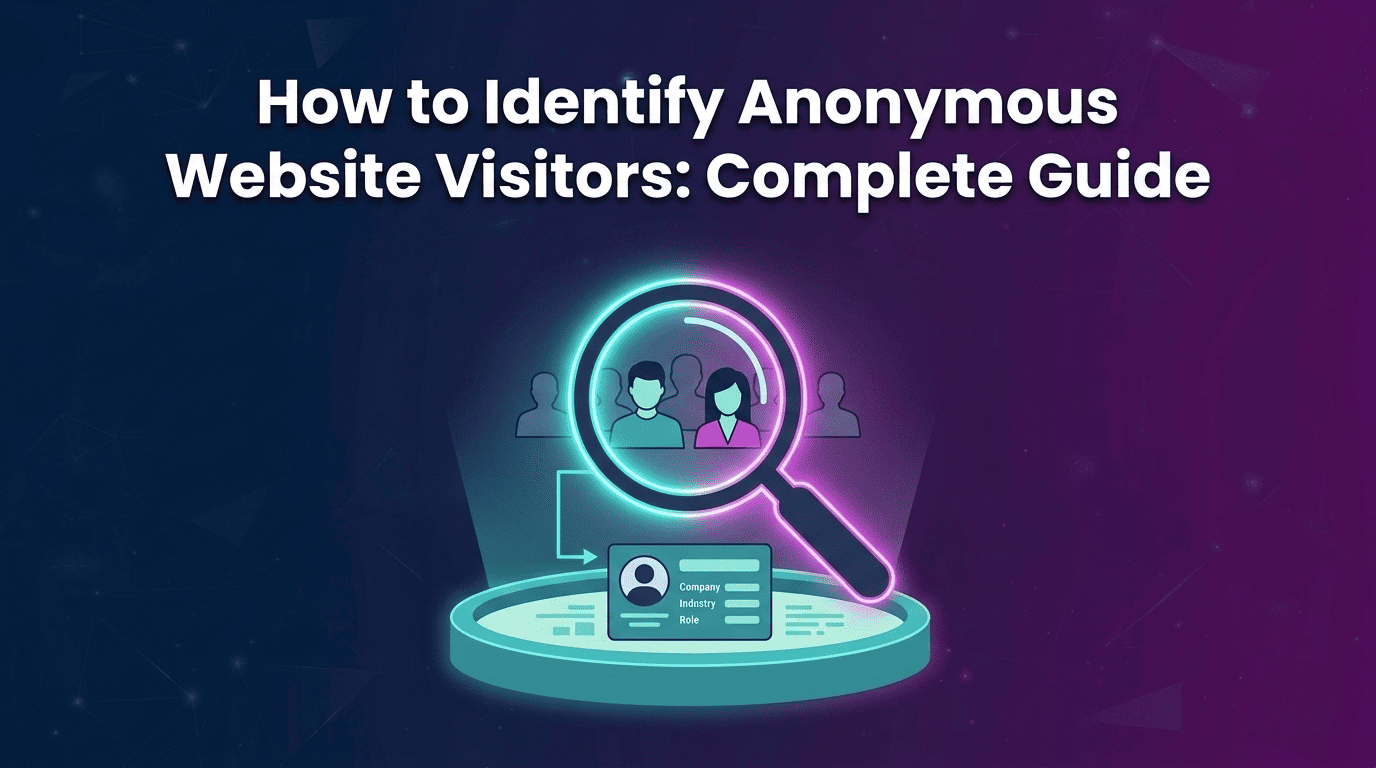
Your best prospect could be on your website right now, checking your pricing page, reading case studies, and leaving without filling out a form.
Your analytics see a visit. Your CRM sees nothing.
That is where Sales Intelligence Software changes the game. It can identify anonymous website visitors, uncover buyer intent signals, and give sales teams the context to act while interest is still high.
But more data does not automatically mean more revenue. Many platforms give reps massive contact databases and intent reports, yet the actual work of researching, qualifying, and reaching prospects still falls on the sales team.
Sales intelligence software takes a different approach by combining website visitor identification, sales intelligence data, qualification, and outreach in one workflow.
In this guide, you will learn:
- What Sales Intelligence Software is and how it works
- The five major types of sales intelligence tools
- 20 best platforms to compare
- Which tools fit different sales and revenue teams
- How to choose a platform without paying for data your team never uses
By the end of this guide, you will know which type of sales intelligence platform fits your sales motion, what features actually matter, and which tools are worth considering.
What Is Sales Intelligence Software?
A prospect visits your pricing page, checks your case studies, and disappears. You know someone showed interest, but you do not know who, why, or whether they are ready to buy.
Sales Intelligence Software closes that gap. It collects and verifies prospect, company, and buying-signal data so sales teams can find the right account, the right person, and the right moment to reach out.
A B2B sales intelligence platform goes beyond a contact list. It combines sales intelligence data, account information, and buyer intent signals to help reps prioritize real opportunities.
The need is clear. Gartner reports that buyers spend only 17% of their purchase time meeting potential suppliers. Most research happens before sales ever enters the conversation. That makes visibility into hidden buyer activity a competitive advantage.
Also Read: Leadfeeder Alternatives: Top 10 Tools for Website Visitor Identification.
The 5 Types of Sales Intelligence Software
Not every Sales Intelligence Software solves the same problem. The main categories are:
- Contact and company data: Provides verified emails, direct dials, firmographics, and technographics. Tools include ZoomInfo, Cognism, Apollo, and Lusha.
- Buyer intent and signals: Tracks research behavior to identify accounts showing buying intent. Bombora, 6sense, and Demandbase are common examples.
- Website visitor identification: Reveals the company or person behind anonymous website visits. Dealfront, Warmly, RB2B, and Kwin fall into this category.
- Conversation and pipeline intelligence: Analyzes calls, deal activity, engagement, and pipeline risk. Gong and Clari focus on improving active deals and forecasting.
- Intelligence plus execution: Combines signals with research, personalization, and outreach. Kwin stands out here as an AI Business Developer that can act on intelligence instead of simply reporting it.
How We Ranked the Best Sales Intelligence Software
We evaluated every Sales Intelligence Software platform using the same criteria, focusing on what can actually influence pipeline and revenue.
- Identification: Does it identify companies only, or actual people and their contact details?
- Match rate: How accurately does it identify website visitors without inflated claims?
- Signal quality: Does it provide useful account-level and person-level buying signals?
- Execution: Can it act on intelligence through outreach, sequencing, or handoffs?
- Global coverage: Does it perform well beyond North American markets?
- Workflow fit: Can intelligence flow directly into Slack, CRM, and existing workflows?
- Pricing: How does the cost change as usage and team size grow?
- Compliance: Does it follow standards such as SOC 2 Type II, GDPR, CCPA, and ISO certifications?
Sales Intelligence Software Comparison Table: All 20 Tools
Let's look at each tool in detail.
1. Kwin by Vison AI (Best Overall)

Every other platform on this list hands you a list. Kwin hands you a conversation. She is not software you log into, she is an AI Business Developer you hire, and she works your website while your reps sleep.
Start with what she sees. Kwin identifies 60 to 70% of your visitors at person and company level across 175+ countries, returning names, work emails, phone numbers, LinkedIn profiles, revenue, industry, and headcount.
Then comes the part that separates her from data vendors. She scores every visitor on ICP Fit and Purchase Intent, and you set the threshold she must clear before acting. Low-fit traffic never reaches your prospects.
Once a lead crosses that line, Kwin writes and sends a personalized sequence from your own domain. When someone replies with interest, she forwards the full thread plus a summary to your inbox, then pushes the lead into Slack or your CRM.
If your website already brings in buyers you never get to speak to, Kwin is the one hire on this list who turns that silence into a pipeline.
Key Features:
- Person and company-level identification: Both layers in one platform, across 175+ countries rather than a single region.
- Visitor behaviour tracking: See exactly which pages each identified visitor opened, how long they stayed, and which content pulled them back.
- Dual scoring: ICP Fit and Purchase Intent scores work together instead of a single blended number you cannot interrogate.
- Threshold-based automation: You control the exact score at which Kwin is allowed to act on your behalf.
- Own-domain sending: Sequences go out from your domain, which protects reply rates and keeps conversations in your inbox.
- Positive-reply handling: Full thread plus summary forwarded to you the moment a prospect engages meaningfully.
- Country and page-level filters: Exclude regions, exclude specific pages, and filter out public sector and government traffic you cannot sell to.
- Auto-built knowledge base: Kwin studies your website to learn your offer, and you can upload extra files to sharpen her messaging.
- Native handoff: Slack alerts and CRM sync push sales-ready leads into the tools your team already opens daily.
- Compliance stack: SOC 2 Type II, GDPR, CCPA, ISO 9001:2015, and ISO 27001:2022, with no sharing or selling of your data.
Pros
- Combines website activity with external buying signals
- Separates ICP fit from purchase intent
- Automates qualification and follow-up
- Supports country, page, and traffic exclusions
Cons
- Best suited to B2B teams with existing website traffic
- Traditional cold-list prospecting is not its primary use case
- LinkedIn outreach is still in development
Best for: B2B SaaS, professional services, and revenue teams that want to capture and convert demand already reaching their website.
2. ZoomInfo
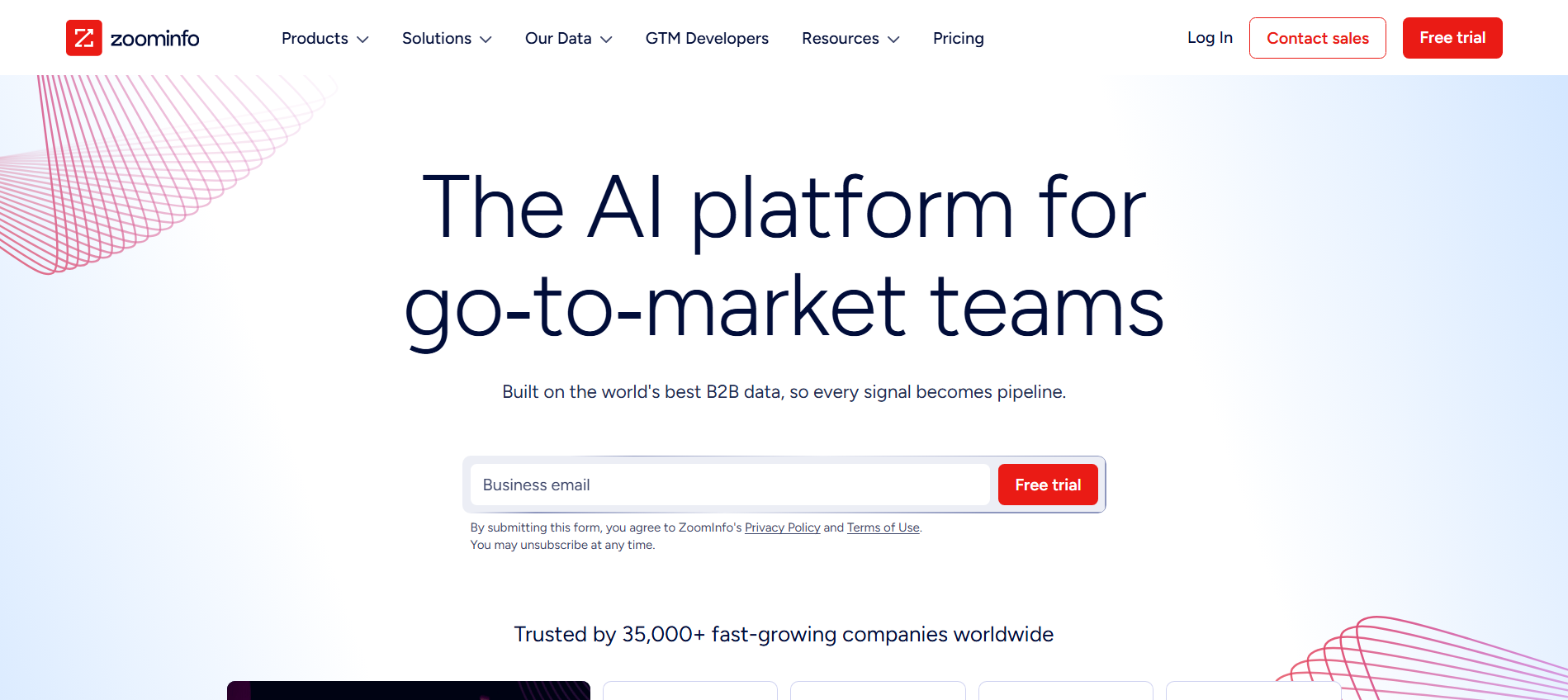
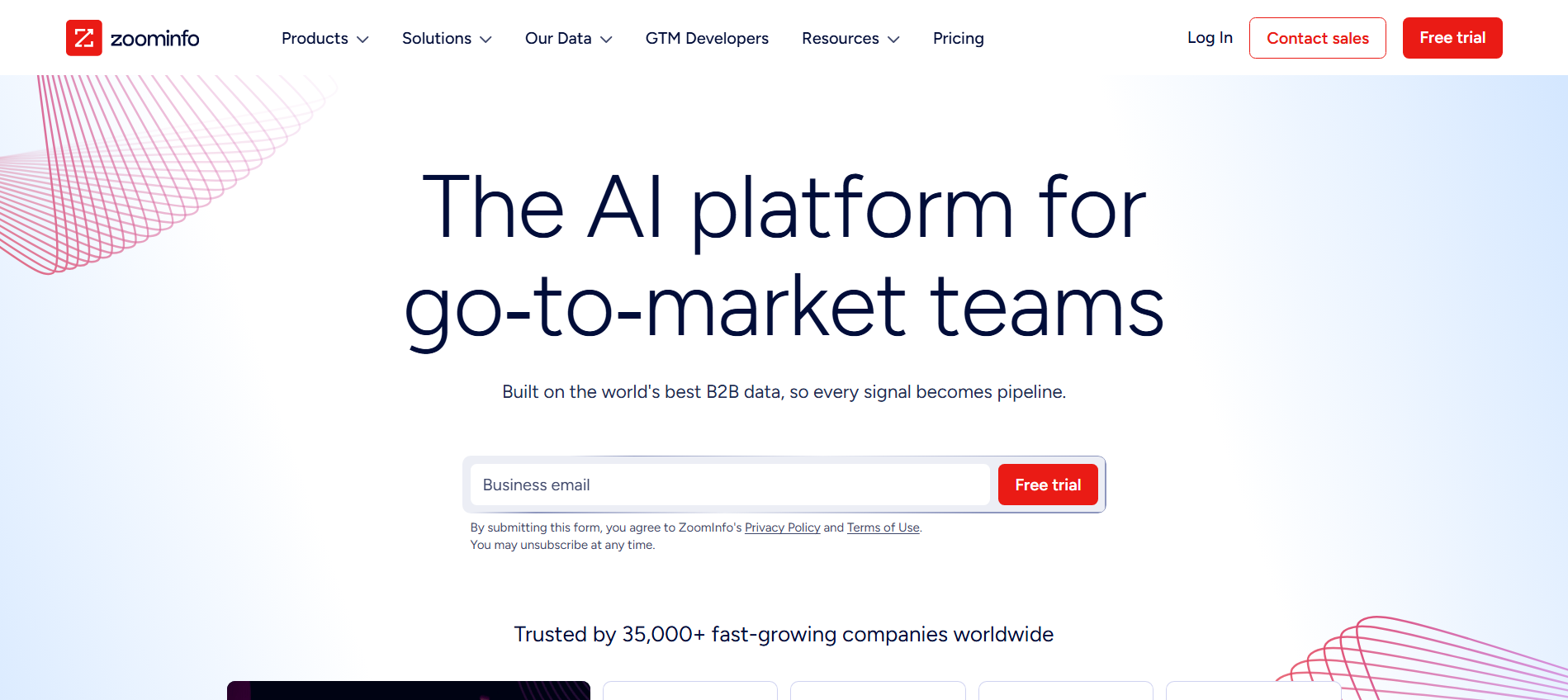
ZoomInfo combines a massive B2B contact and company database with intent signals, WebSights visitor identification, and Chorus conversation intelligence. It gives enterprise teams a broad view of prospects, from contact details and account research activity to company-level website visits and sales conversations, with deep integrations across Salesforce, HubSpot, Outreach, and Salesloft.
Key Features:
- B2B database: Large contact and company dataset with verified emails and direct dials.
- WebSights: Identifies companies visiting your website and enriches their account profiles.
- Intent signals: Surfaces account-level research activity from its publisher network.
- Chorus: Adds native conversation intelligence for sales calls and deal insights.
- Enterprise integrations: Connects with major CRM and sales engagement platforms.
Pros
- Extensive B2B contact and company coverage
- Conversation intelligence included
- Strong enterprise integrations
Cons
- Visitor identification stops at company level
- Native engagement is limited
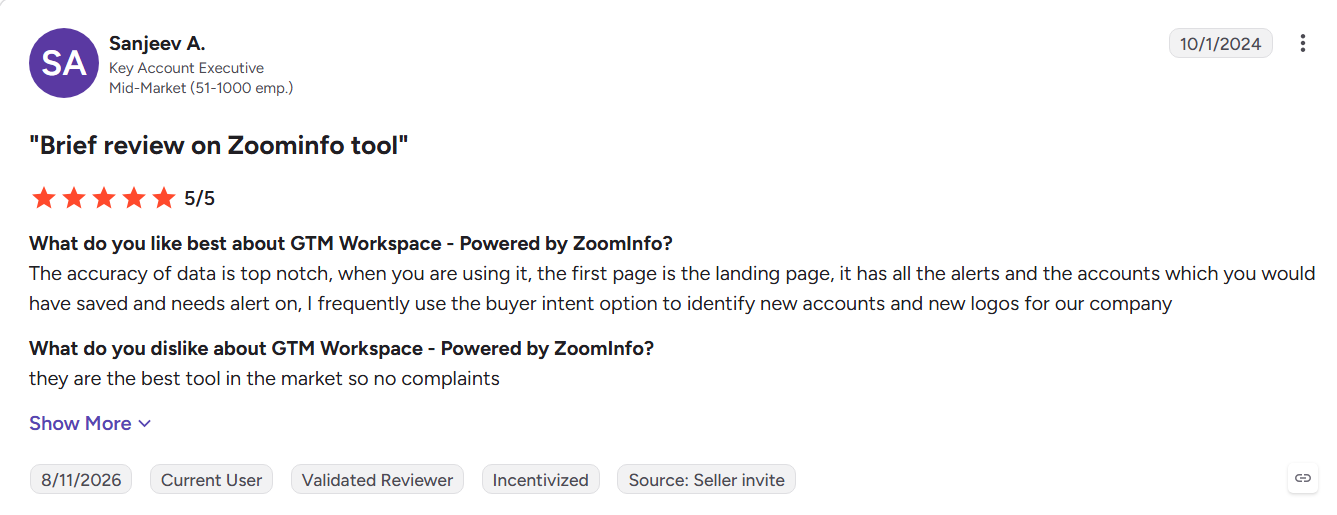
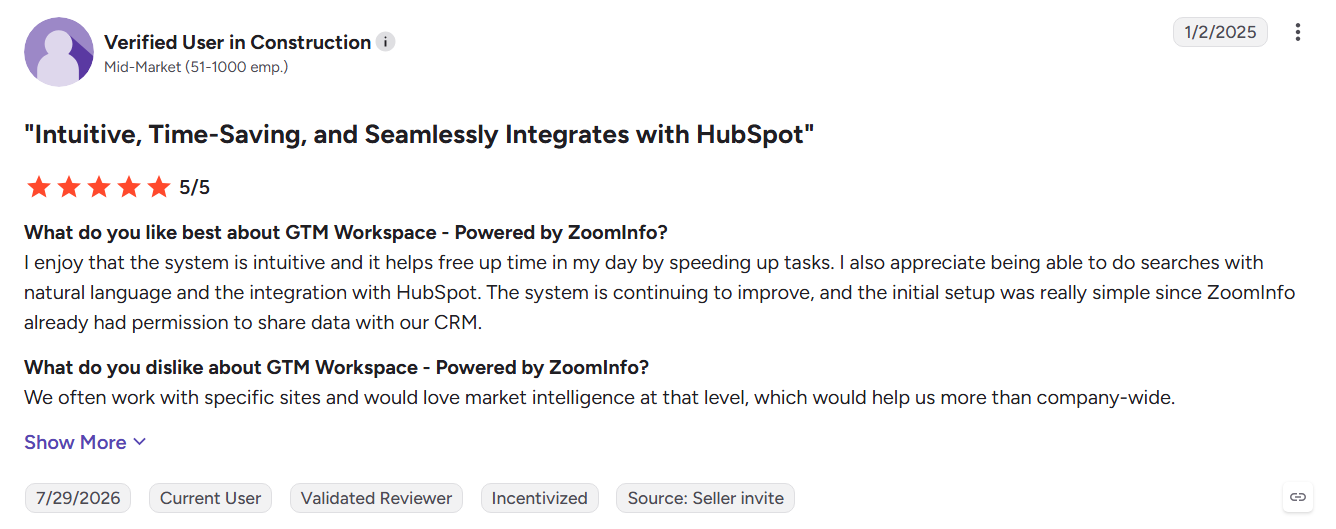
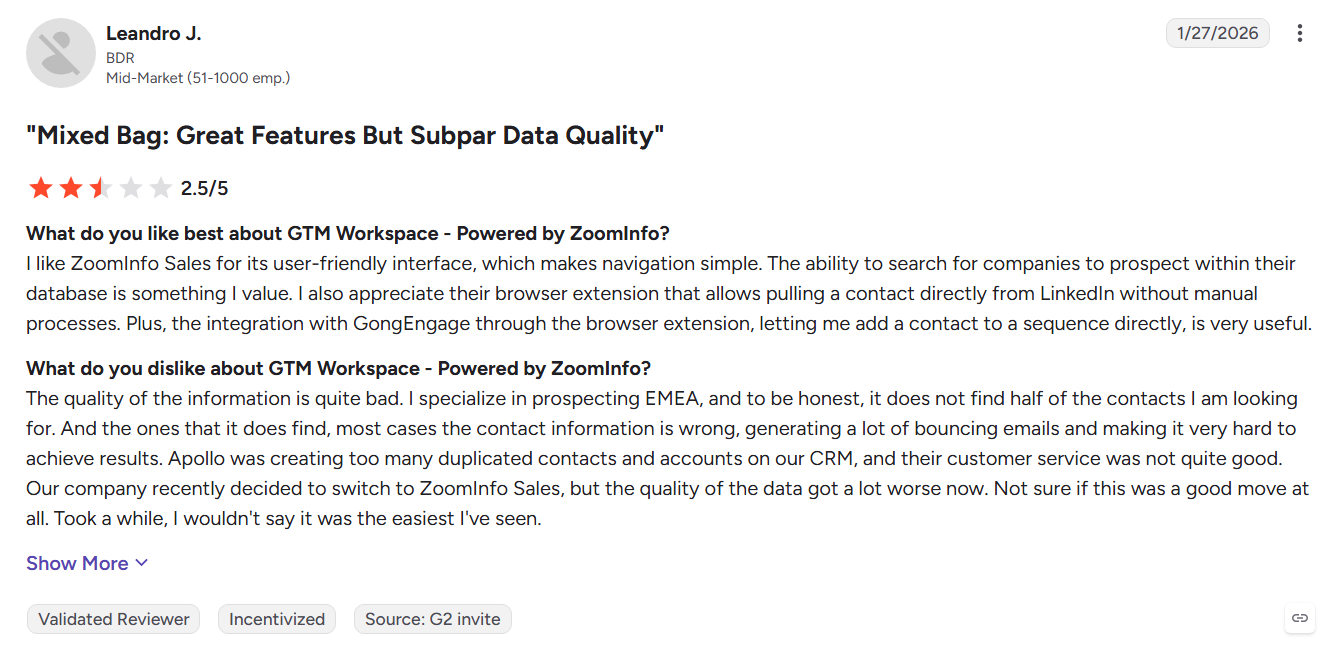
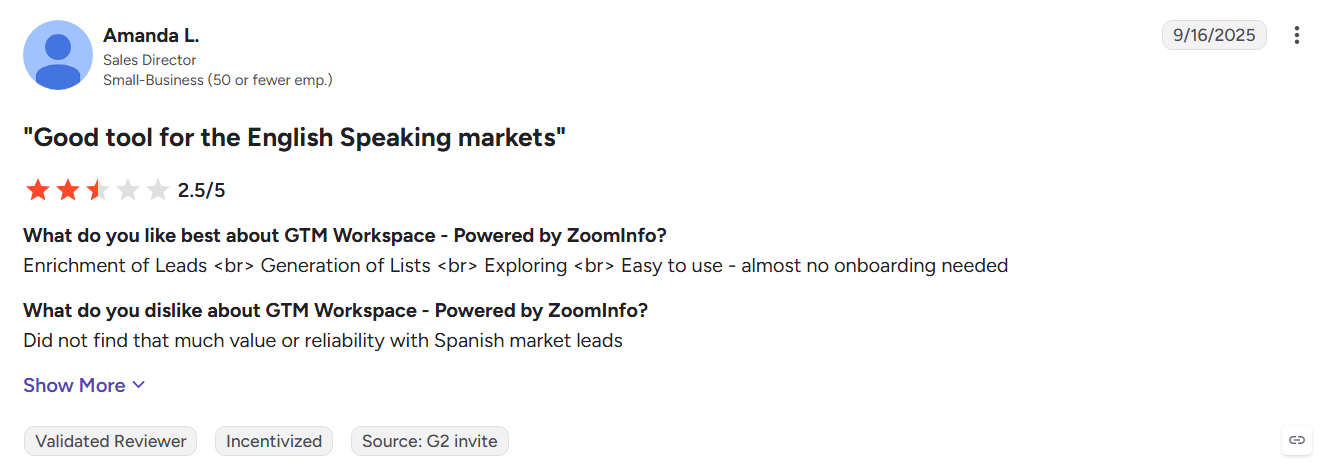
- G2 reviewers cite credit usage, renewal terms, and EMEA data accuracy concerns
Best For: Large enterprise revenue teams with dedicated RevOps support and substantial prospecting requirements.
If you are comparing both platforms, see the Kwin vs ZoomInfo comparison.
3. Apollo.io
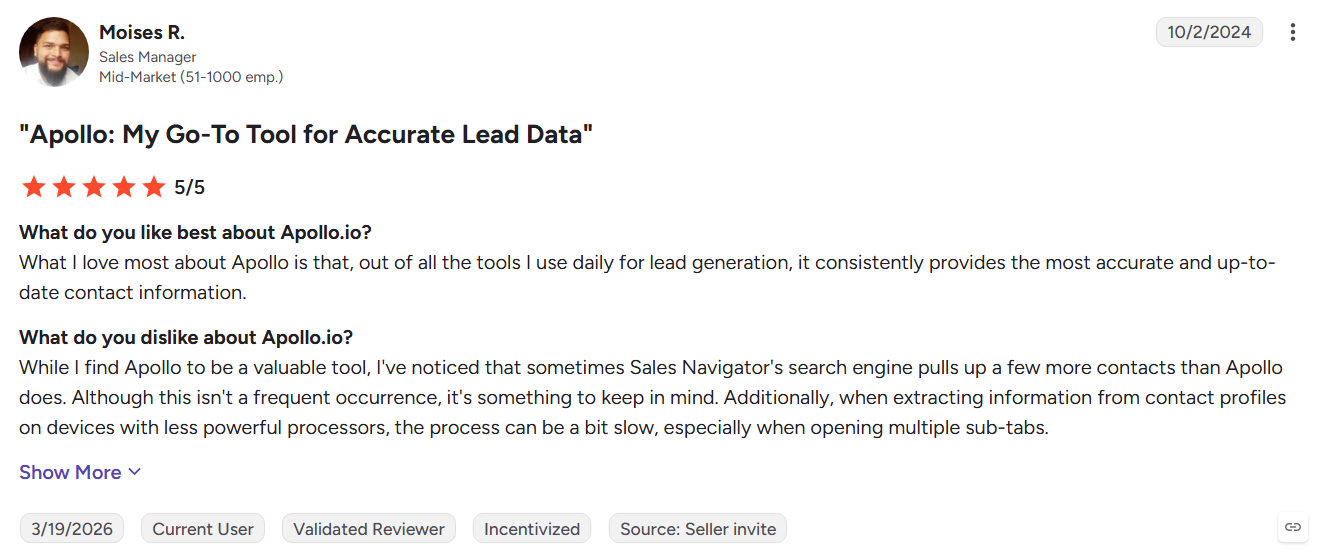
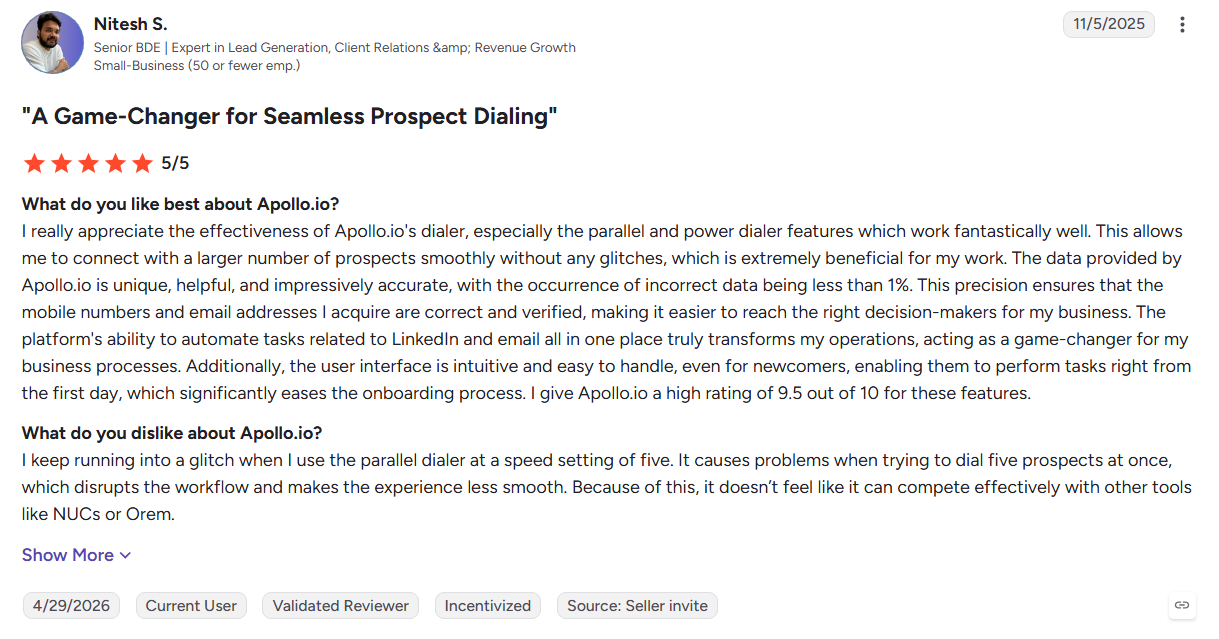
Apollo.io combines a large B2B contact database with email sequencing and a built-in dialer, making it an accessible starting point for outbound teams. Its free tier and transparent pricing make adoption easy, while intent and job-change signals help reps prioritize accounts. The trade-off is data accuracy, with bounce and verification issues becoming more noticeable at higher volume.
Key Features:
- Contact database: Search prospects by role, industry, company, and technology.
- Email sequences: Build automated outbound cadences from the same workspace.
- Built-in dialer: Call prospects without switching platforms.
- LinkedIn extension: Capture contact data while researching prospects.
- AI assistance: Speed up prospect research and personalized messaging.
Pros
- Data and outreach in one platform
- Free tier with transparent paid plans
- Quick setup with minimal onboarding
- Useful for budget-conscious outbound teams
Cons
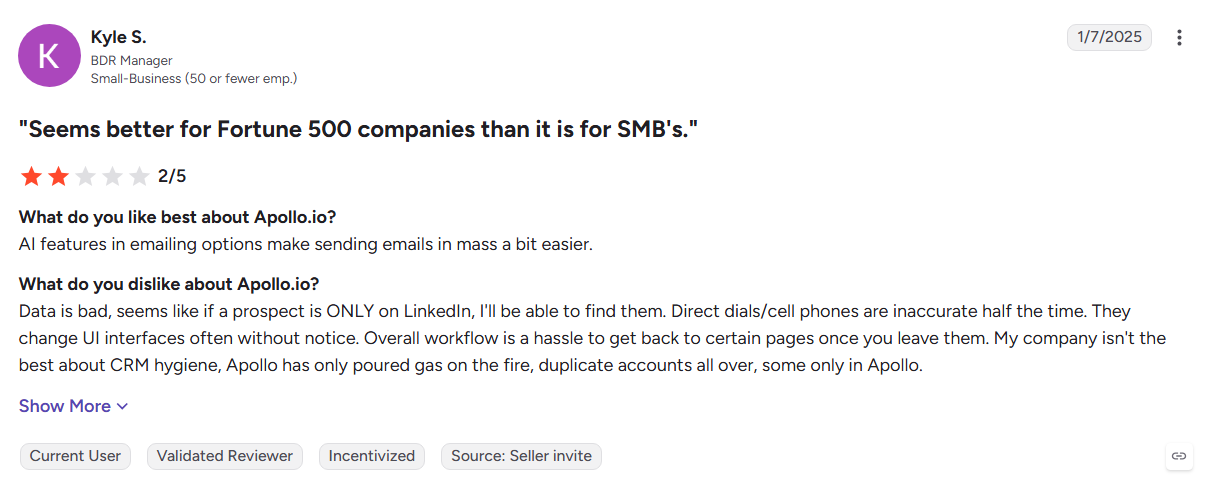
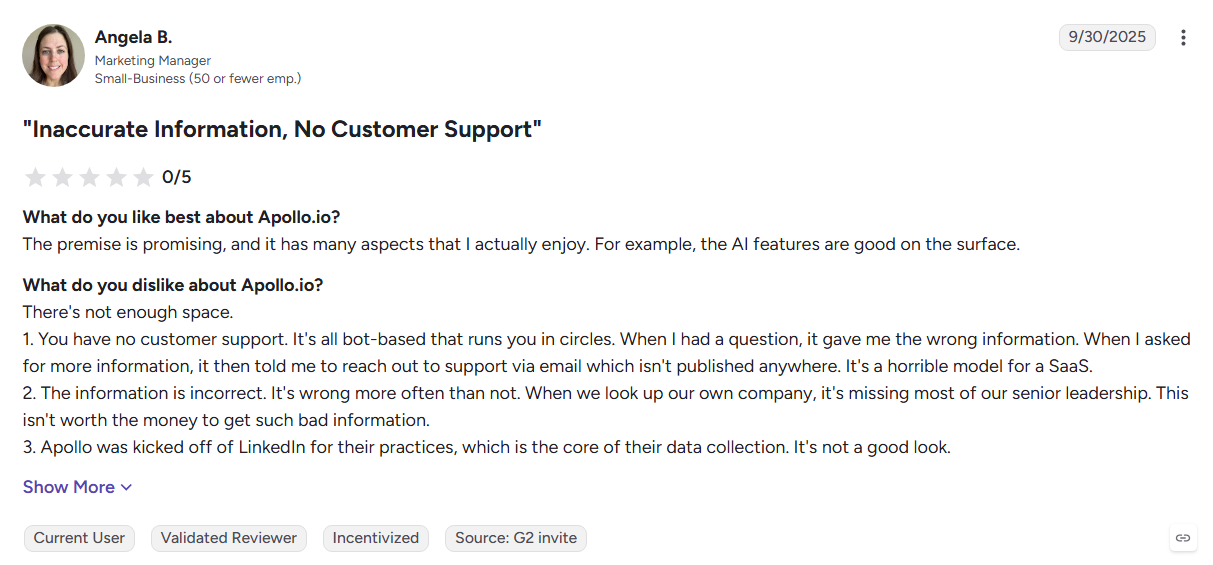
- G2 reviewers report bounce rates and unverified records
- No dedicated deliverability infrastructure after warmup was discontinued
- Intent remains account-level
- Costs and credit usage can rise with volume
Best For: Startups and small outbound teams that want prospecting and engagement in one affordable platform.
4. Cognism
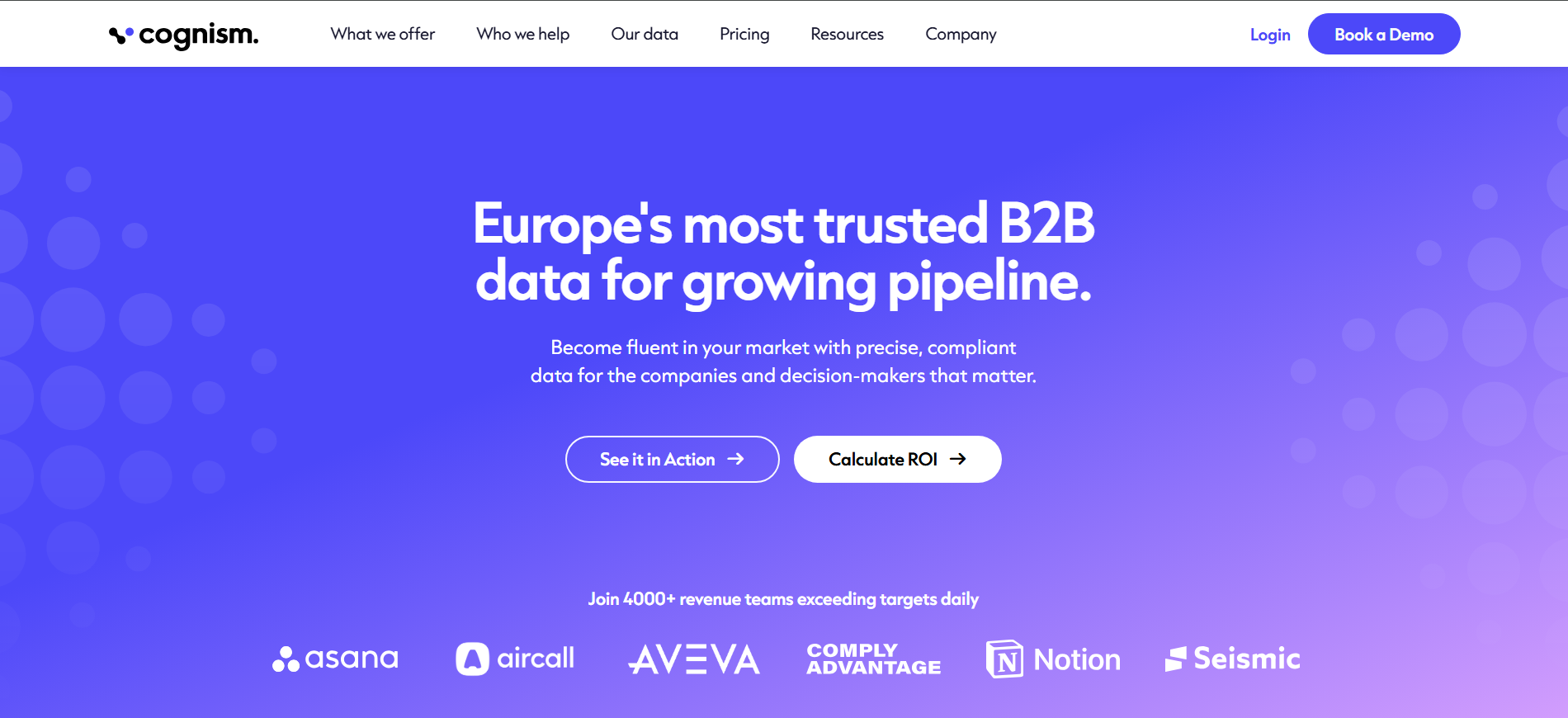
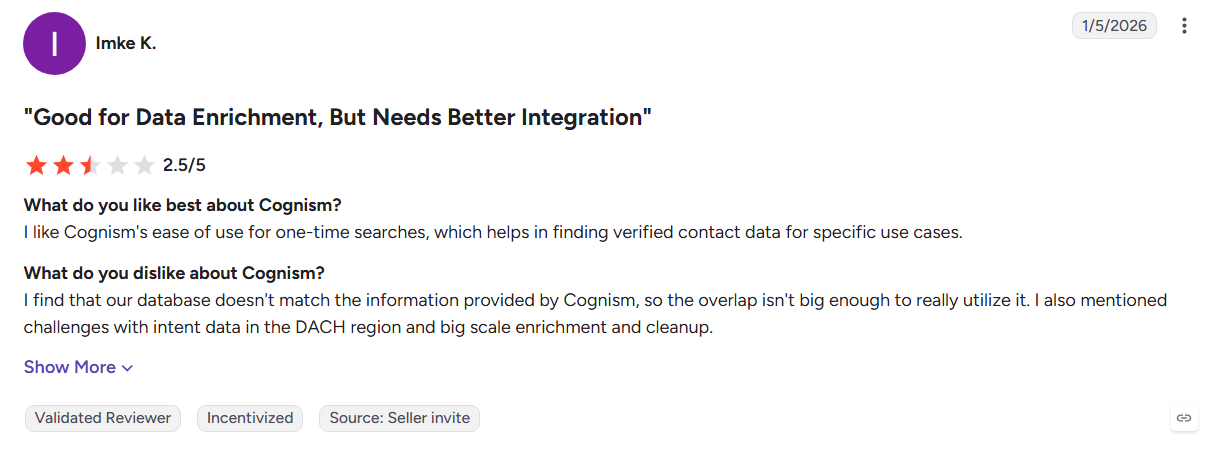
Cognism focuses heavily on accurate phone data, particularly for European markets where mobile numbers can be difficult to verify. Its manual verification and GDPR-first approach make it a strong choice for phone-led EMEA prospecting, but it offers little beyond the data layer.
Key Features:
- Verified mobile numbers: Human-checked European phone data.
- GDPR controls: Do-not-call screening and compliance resources.
- Trigger events: Surfaces funding, hiring, and leadership changes.
- Intent data: Adds account-level intent through a paid add-on.
Pros
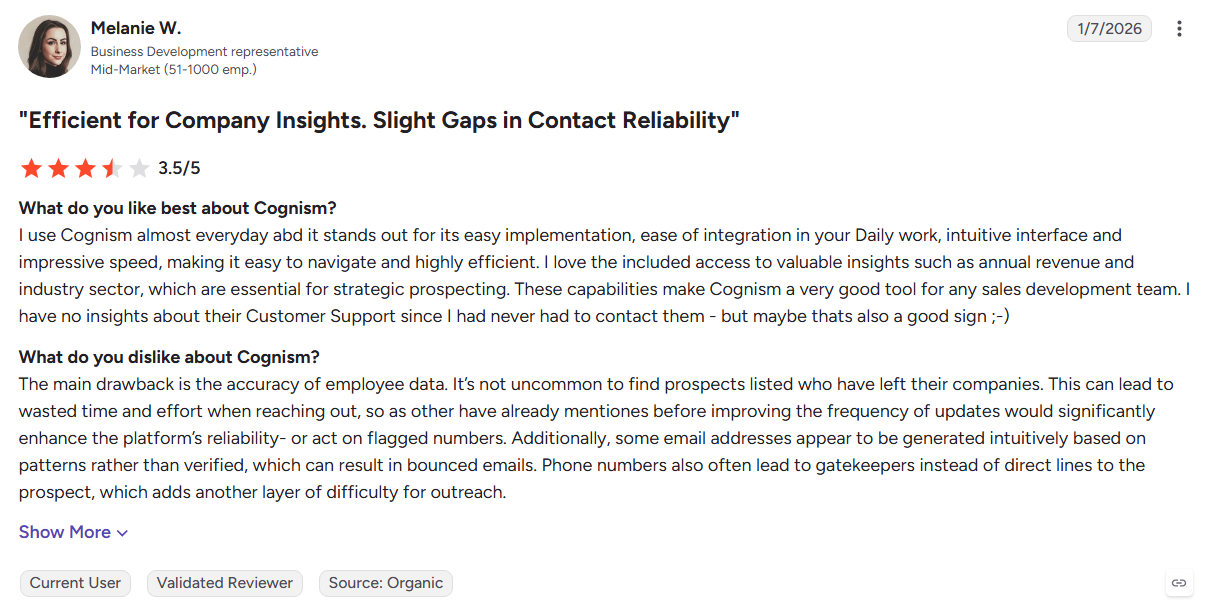
- Strong EMEA mobile coverage
- Robust compliance positioning
- Clean, structured contact records
Cons
- No native outreach or engagement tools
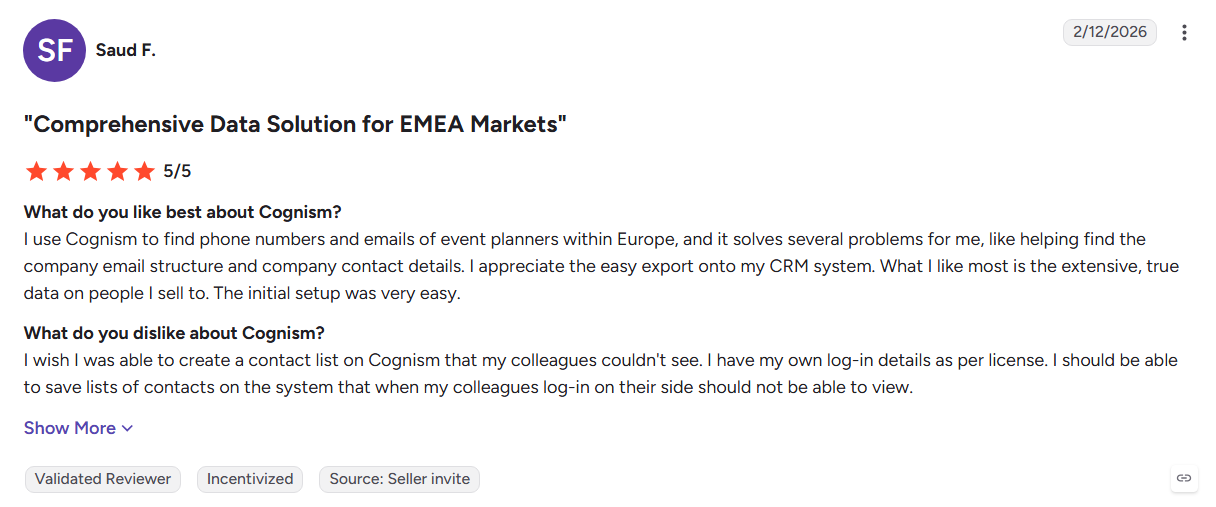
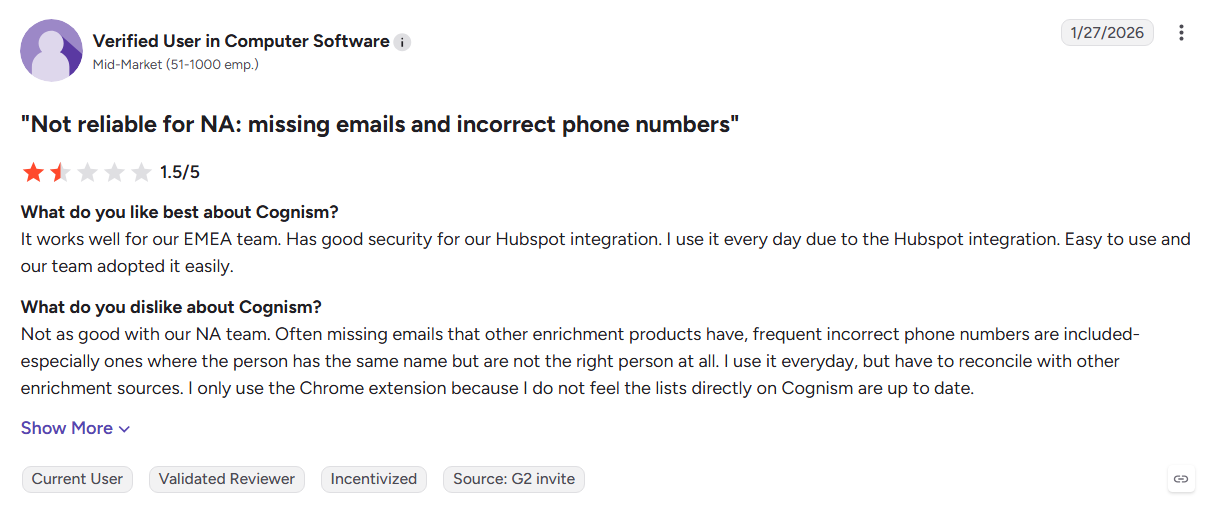
- Coverage is less compelling outside Europe
- Intent requires an additional purchase
- G2 reviewers cite annual commitments and stacking add-on costs
Best For: EMEA sales teams where verified mobile numbers and cold calling drive pipeline.
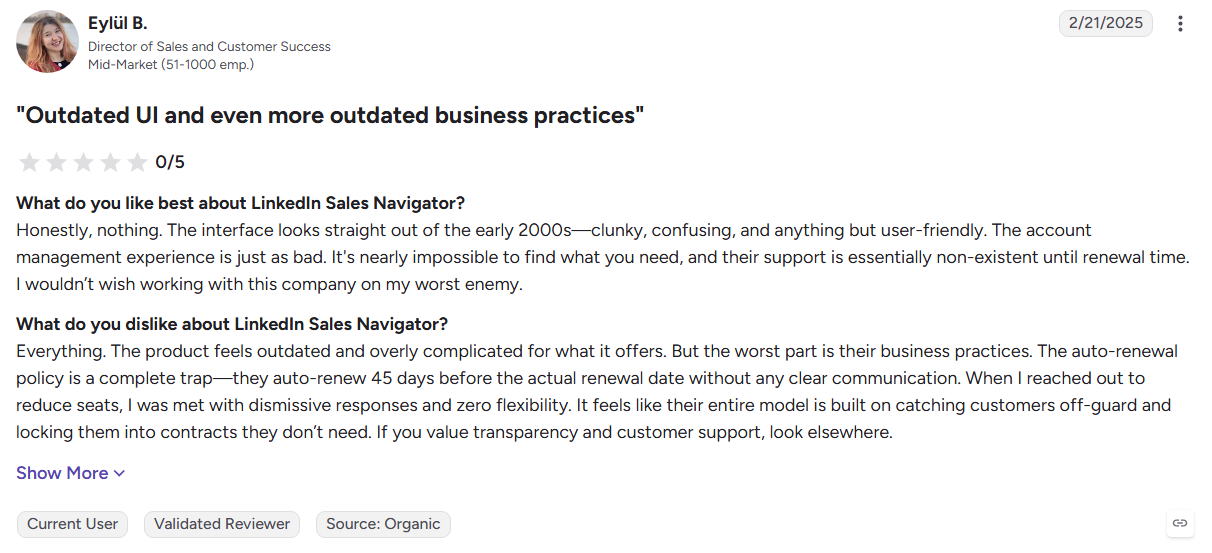
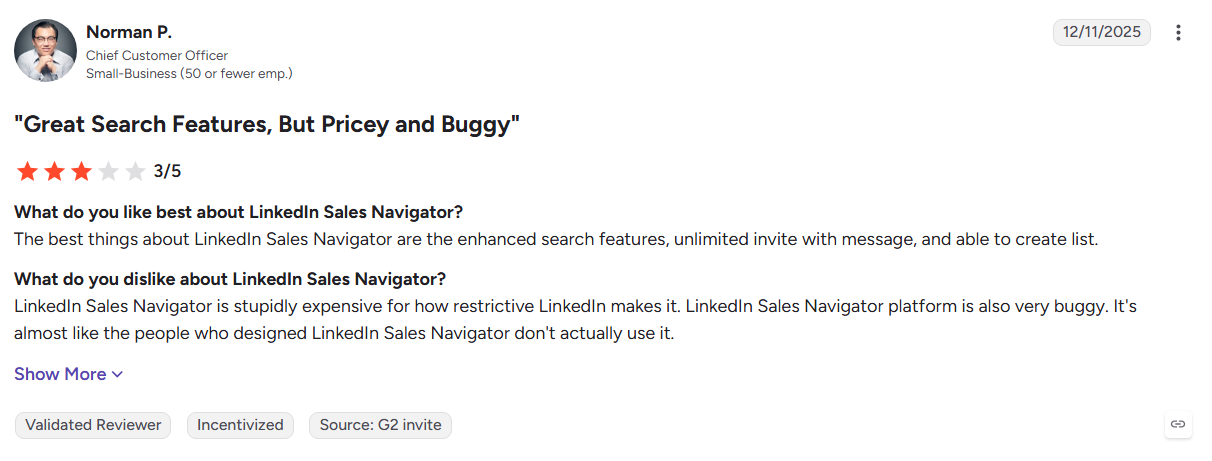
5. LinkedIn Sales Navigator
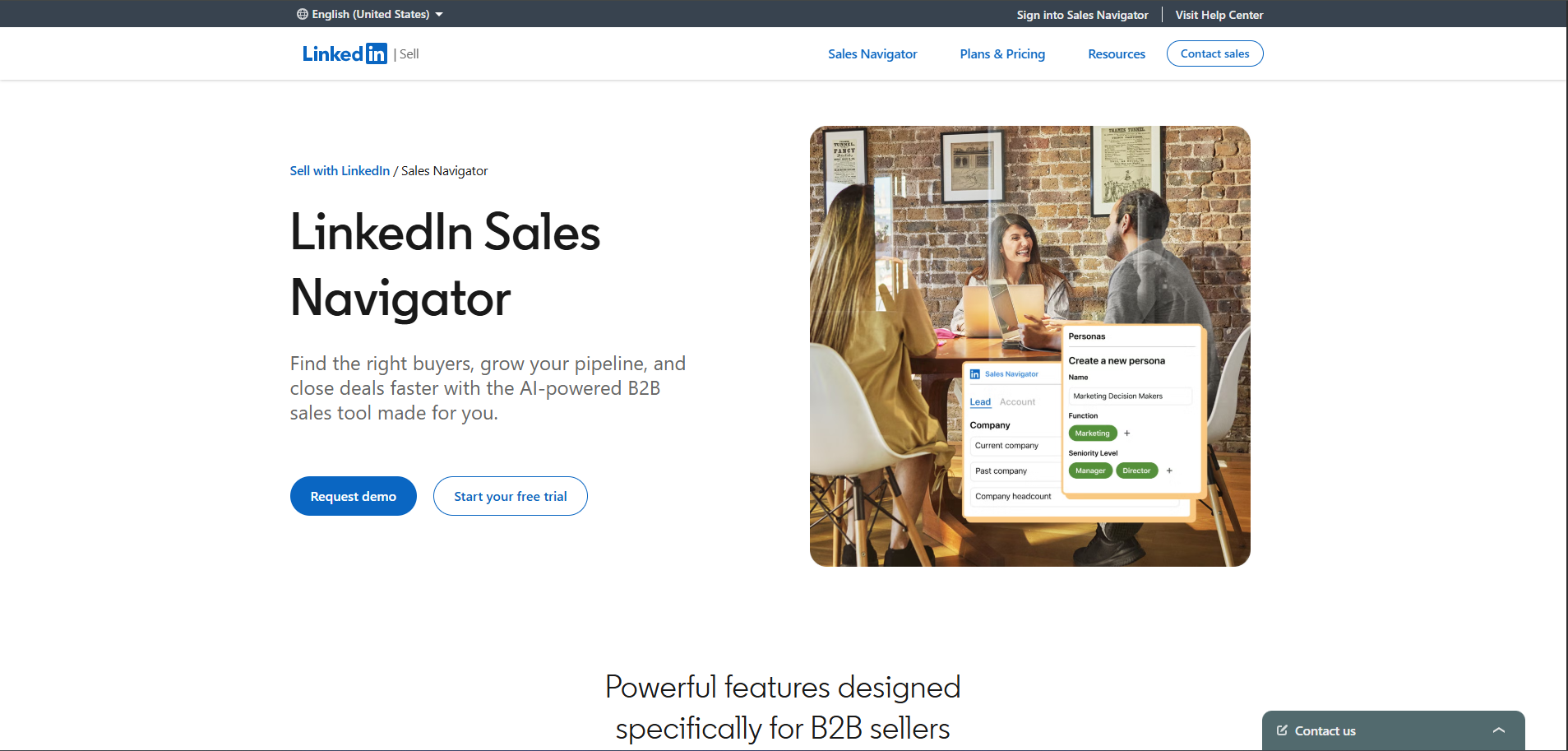
LinkedIn Sales Navigator turns LinkedIn's professional network into a prospecting and relationship-mapping tool. Its strength is understanding people, roles, companies, job changes, and shared connections, but it stops short of providing verified contact details or automating outreach.
Key Features:
- Advanced search: Filter prospects by role, seniority, company, and activity.
- Relationship mapping: Find shared connections and potential introduction paths.
- Job-change alerts: Track changes across saved leads and accounts.
- InMail: Contact prospects outside your existing network.
Pros
- Excellent professional and organizational mapping
- Fresh data driven by member activity
- Strong for relationship-led selling
- Clear per-seat subscription model
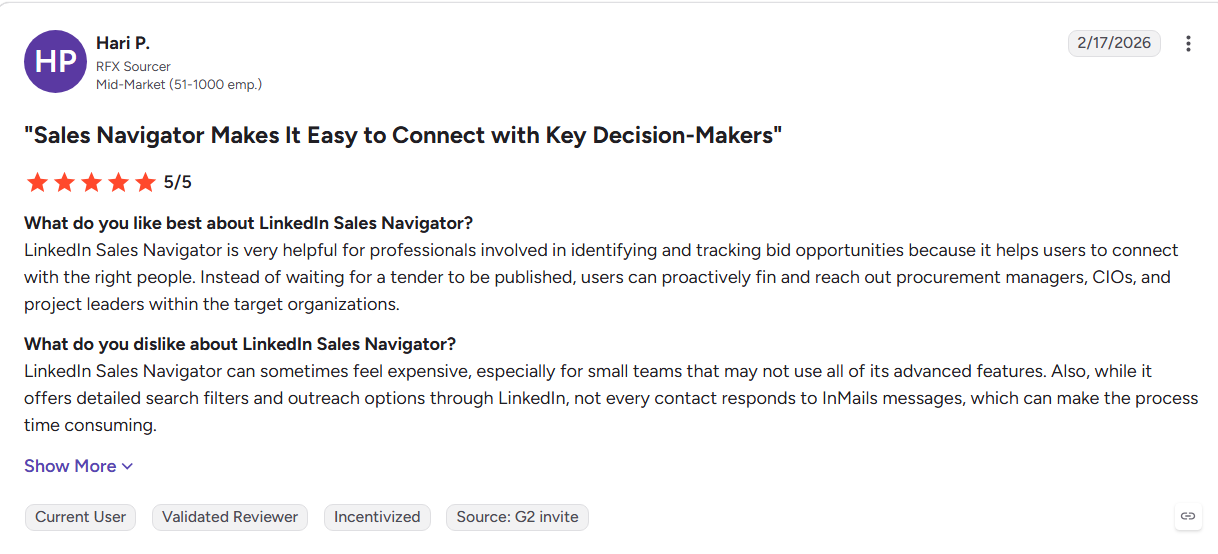
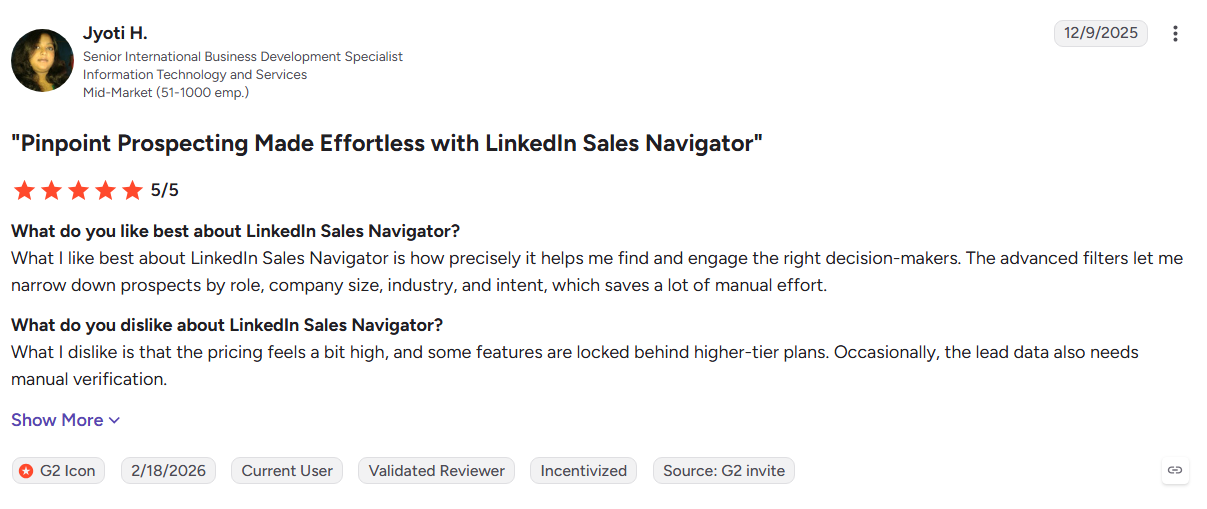
Cons
- No verified emails or direct dials
- Outreach remains largely manual
- Signals are limited to LinkedIn activity
- Requires another data platform for deeper contact information
Best For: Account executives and social sellers focused on referrals, relationships, and multi-threaded deals.
6. 6sense
6sense focuses on the dark funnel, helping enterprise teams identify accounts researching solutions before they engage with a website or fill out a form. Its predictive models connect buying signals with account stages and campaign orchestration, making it particularly suited to mature ABM programmes.
Key Features:
- Buying-stage prediction: Scores accounts across different stages of the buying journey.
- Anonymous research matching: Connects off-site research activity to target accounts.
- Campaign orchestration: Coordinates campaigns across email, social, and display.
- Account advertising: Targets identified accounts through native advertising.
Pros
- Strong predictive account scoring
- Deep ABM and marketing alignment
- Advertising and intent work together
- Useful for complex enterprise buying cycles
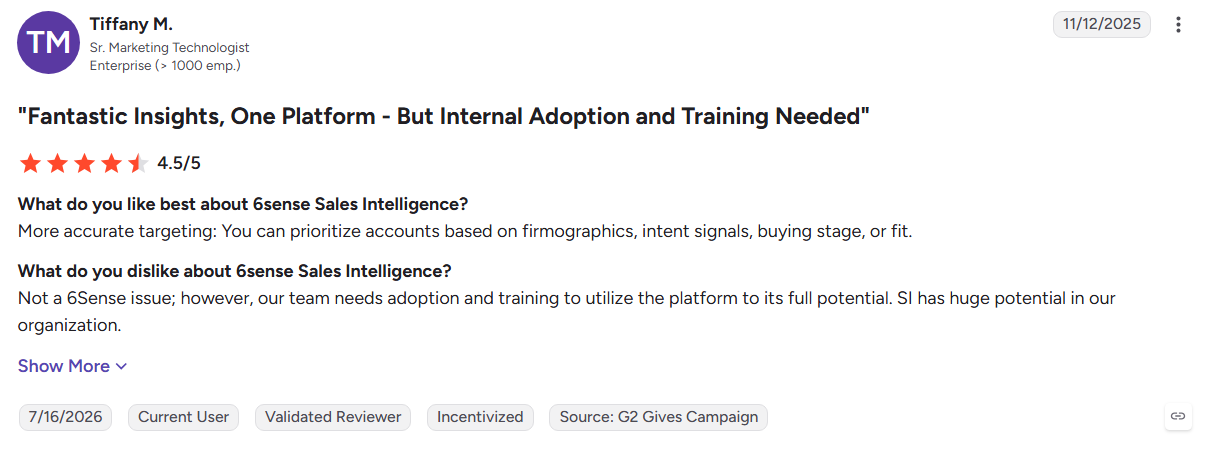
Cons
- Identification remains account-level
- No native outbound execution
- Implementation can take significant time
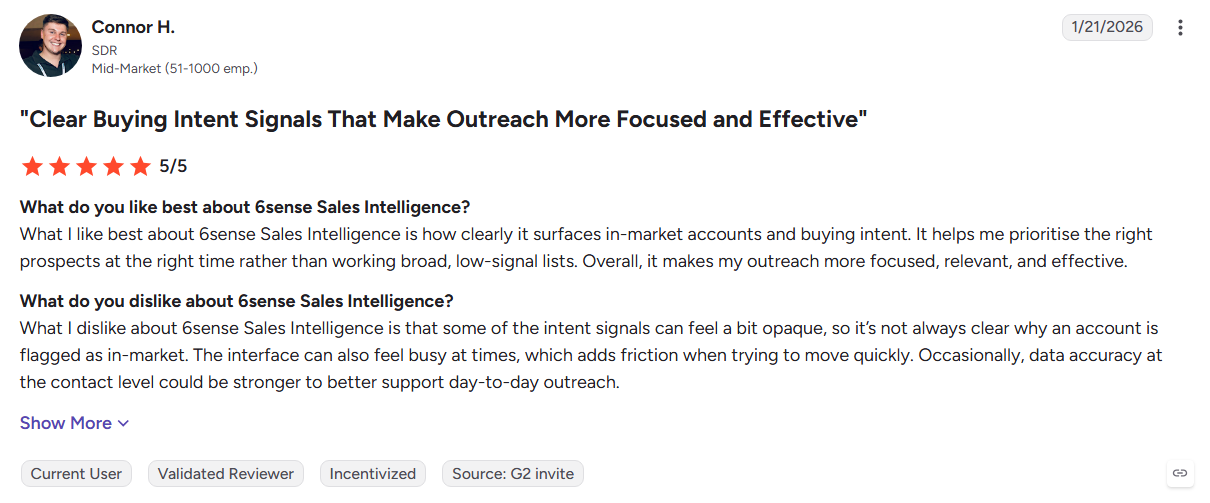
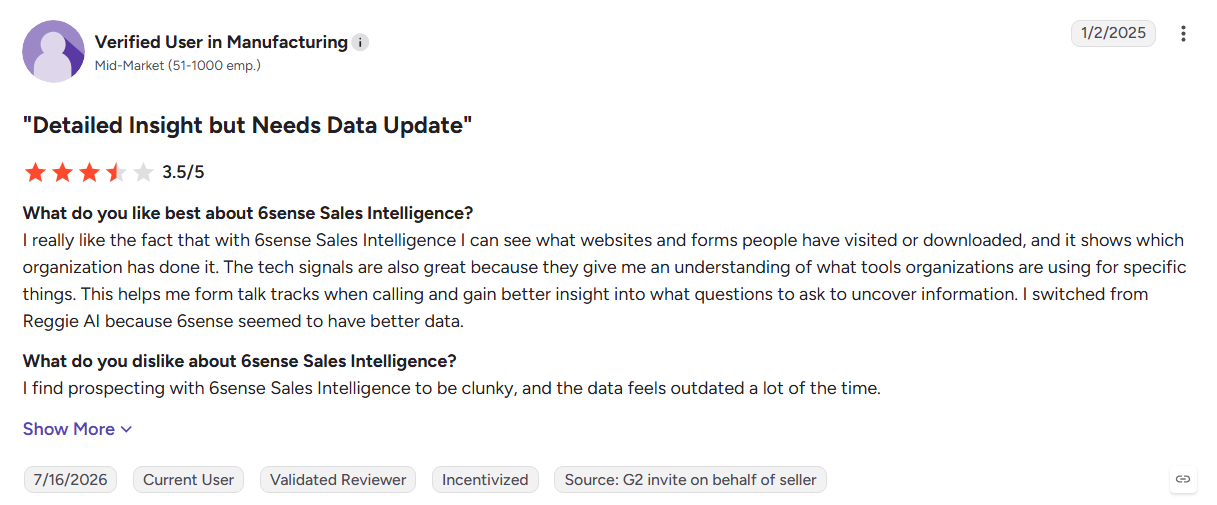
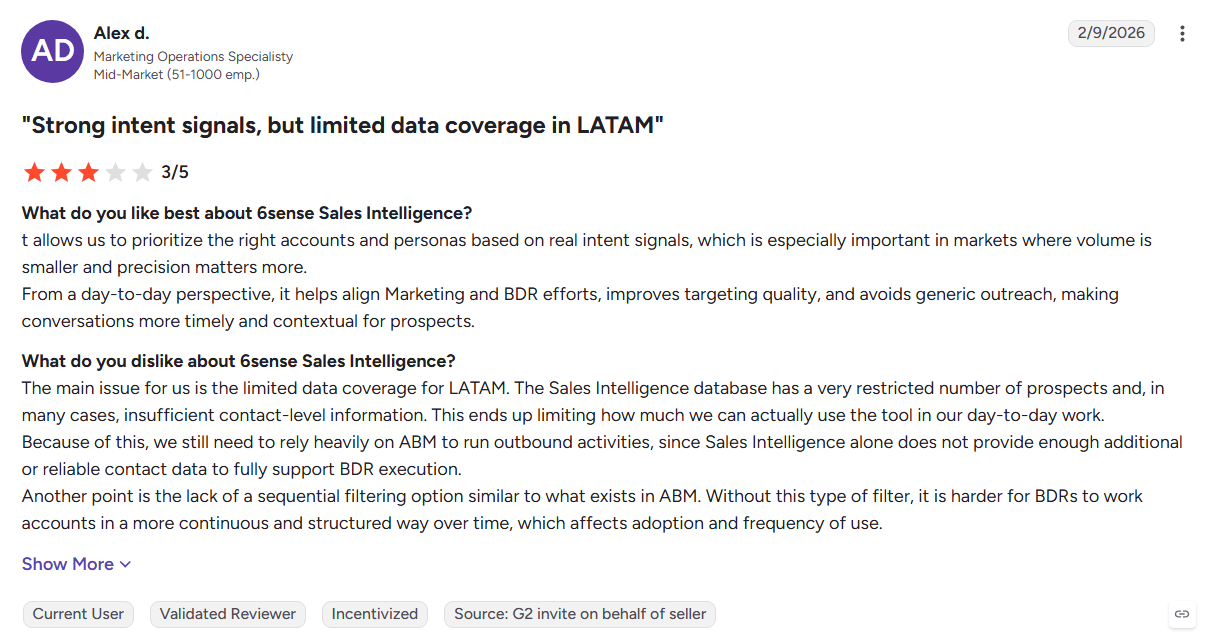
- G2 reviewers cite platform rigidity and lengthy implementations
Best For: Enterprise marketing teams running mature account-based marketing programmes.
Also Read: 6sense Alternatives: Top 10 Tools for Person-Level Visitor Identification
7. Demandbase
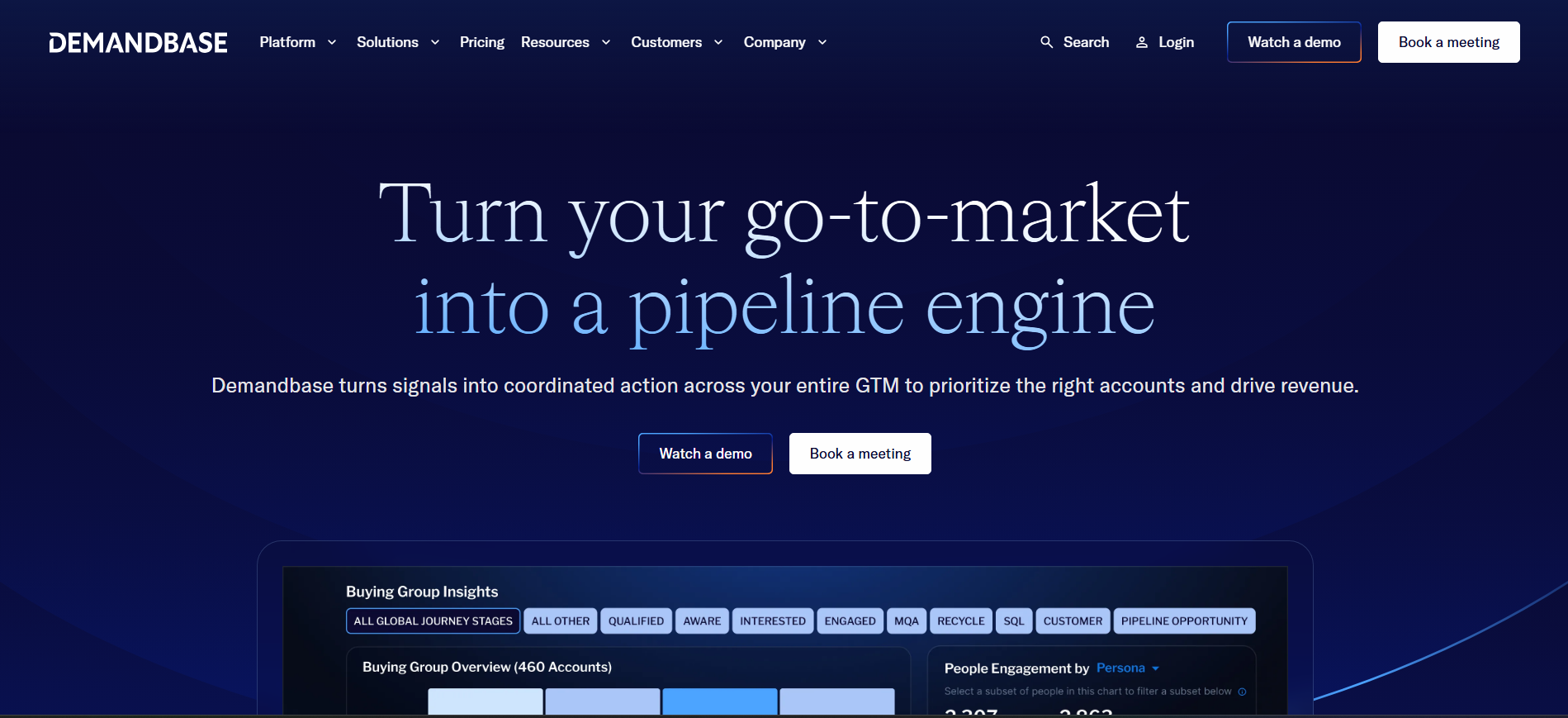
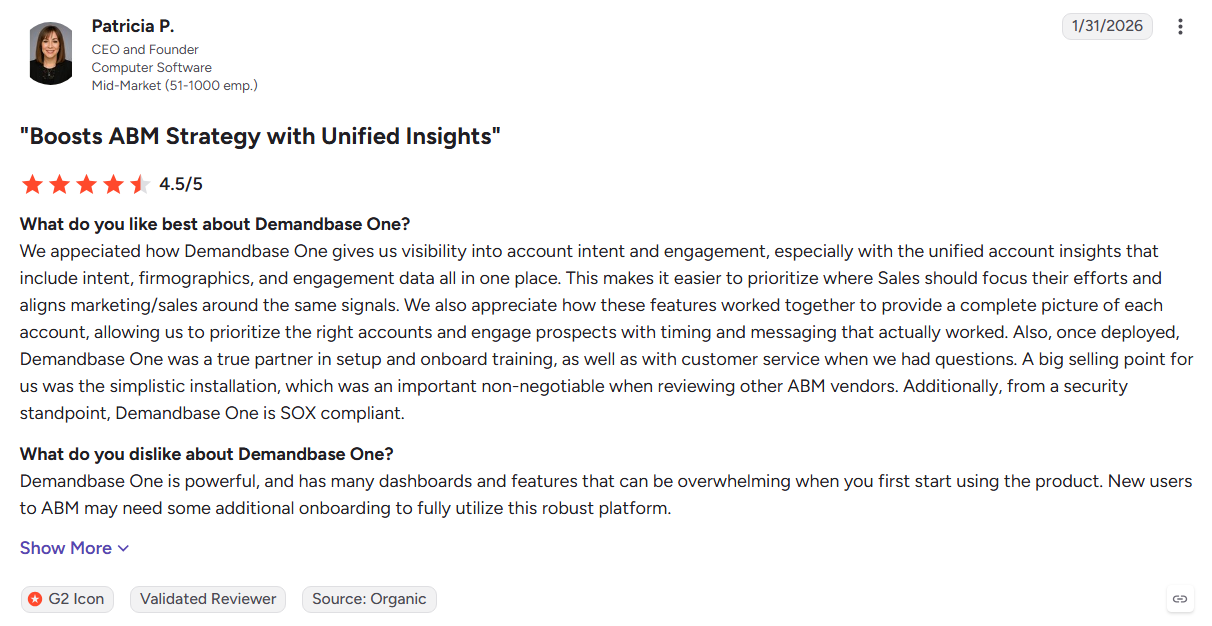
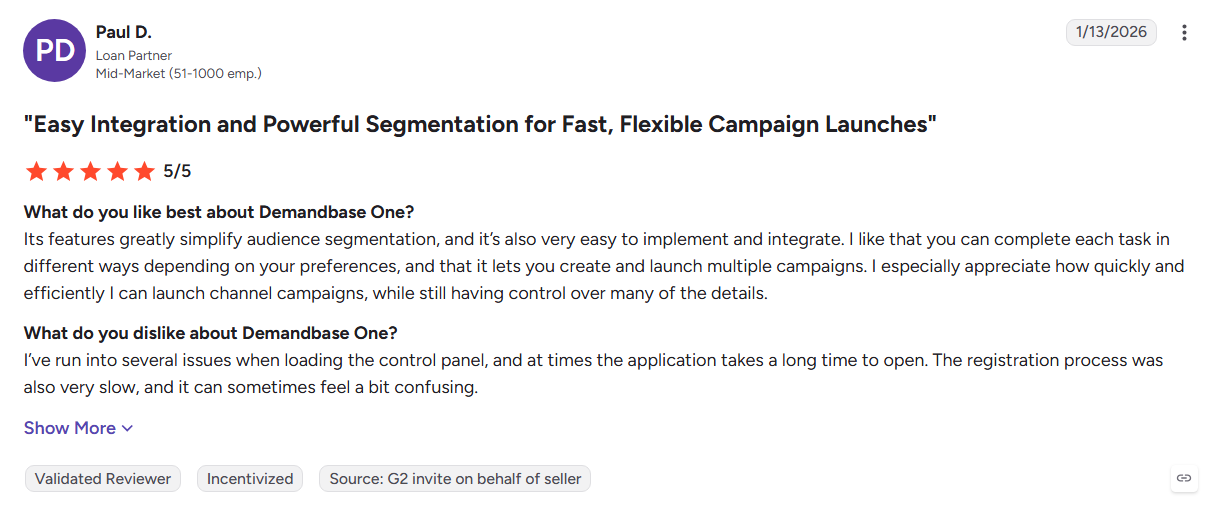
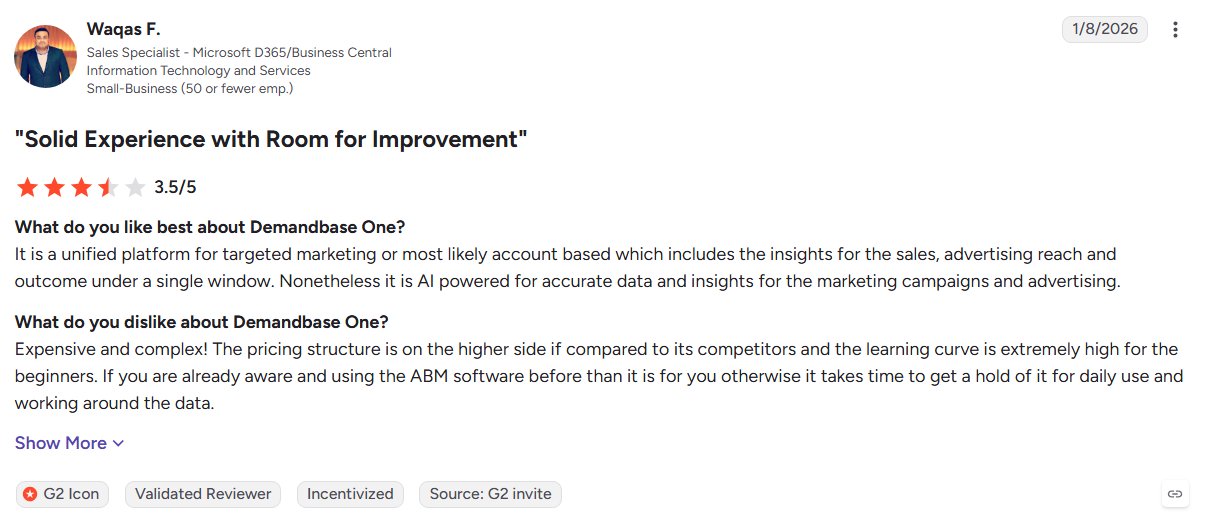
Demandbase combines account intelligence with programmatic advertising, letting teams connect intent signals directly to paid media. Its proprietary data layer and deep Salesforce integration make it useful for enterprise ABM, although its execution remains focused on advertising rather than direct sales outreach.
Key Features:
- Account intelligence: Combines firmographic, technographic, contact, and intent data.
- Intent-to-ad automation: Triggers advertising based on account activity.
- Engagement measurement: Tracks account attention across channels.
- Salesforce integration: Pushes account intelligence into CRM workflows.
Pros
- Strong combination of intelligence and advertising
- Deep enterprise CRM integration
- Useful for coordinated ABM campaigns
- Proprietary account data layer
Cons
- Identification remains account-level
- No native email sequencing or dialer
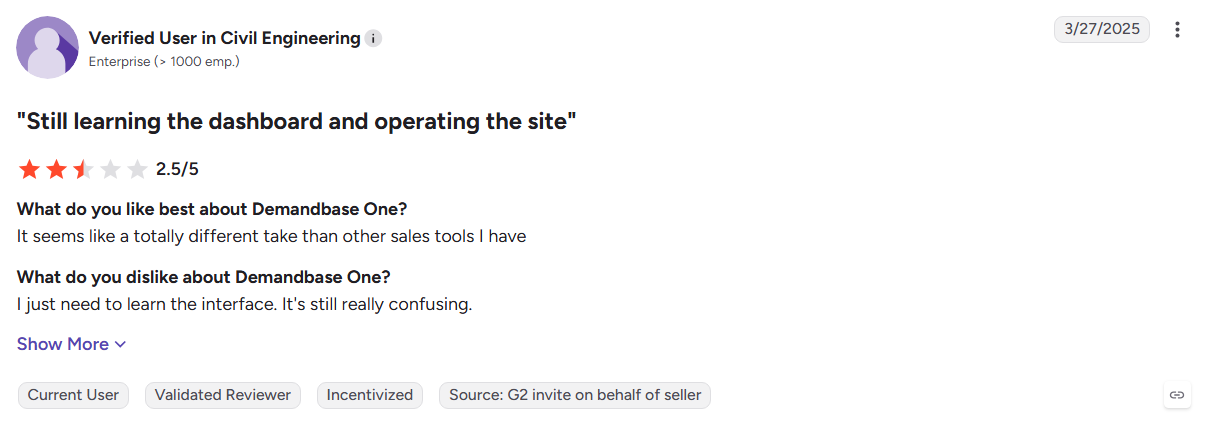
- Heavy configuration can increase implementation effort
- G2 reviewers report lengthy deployments
Best For: Enterprise B2B marketing teams combining ABM, intent data, and programmatic advertising.
8. Bombora
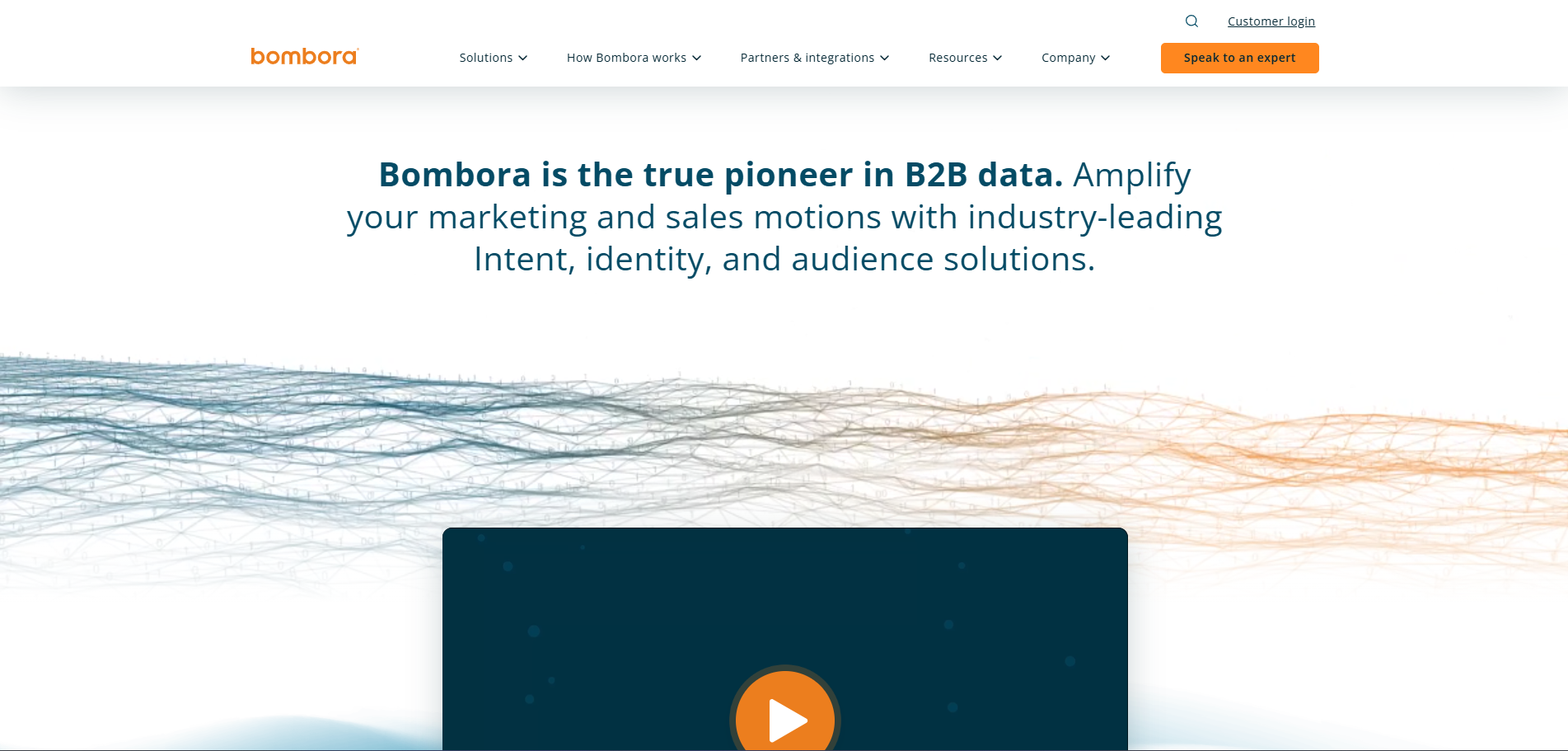
Bombora is an intent data provider built around a cooperative network of B2B publishers. Its strength is showing which accounts are actively researching specific topics, making it useful for teams that already have separate data and outreach systems.
Key Features:
- Company Surge: Measures account interest against its historical activity.
- Topic taxonomy: Tracks a broad range of business topics and research behavior.
- Buying stages: Helps distinguish early research from stronger purchase signals.
- API distribution: Sends intent data into CRM, ABM, and advertising platforms.
Pros
- Broad cooperative intent coverage
- Historical baselines help reduce false positives
- Works across existing sales and marketing stacks
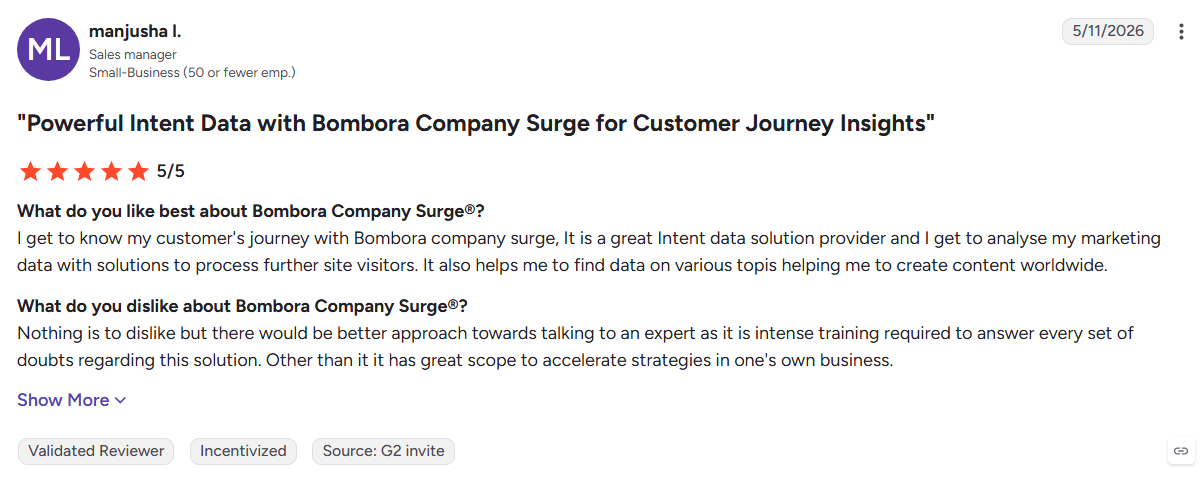
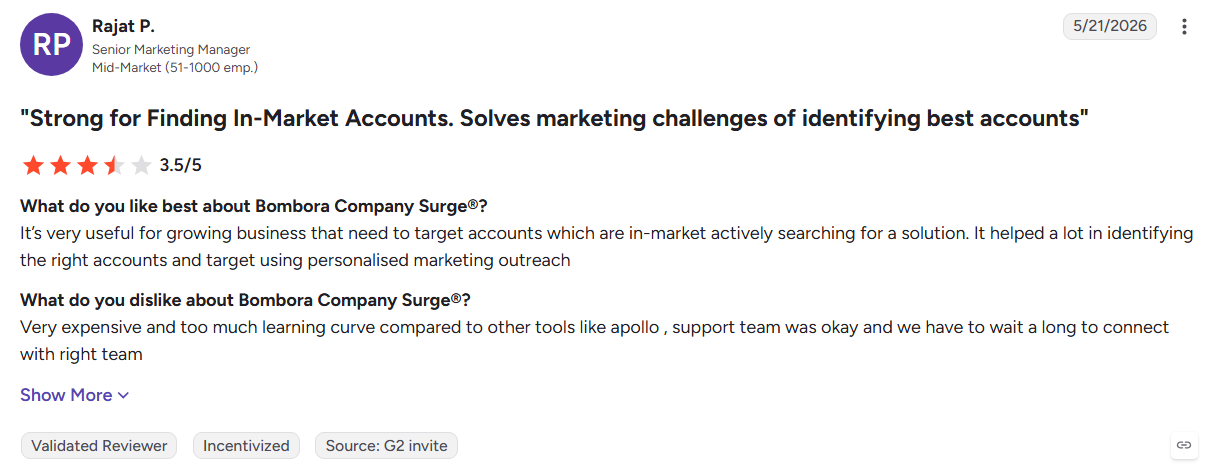
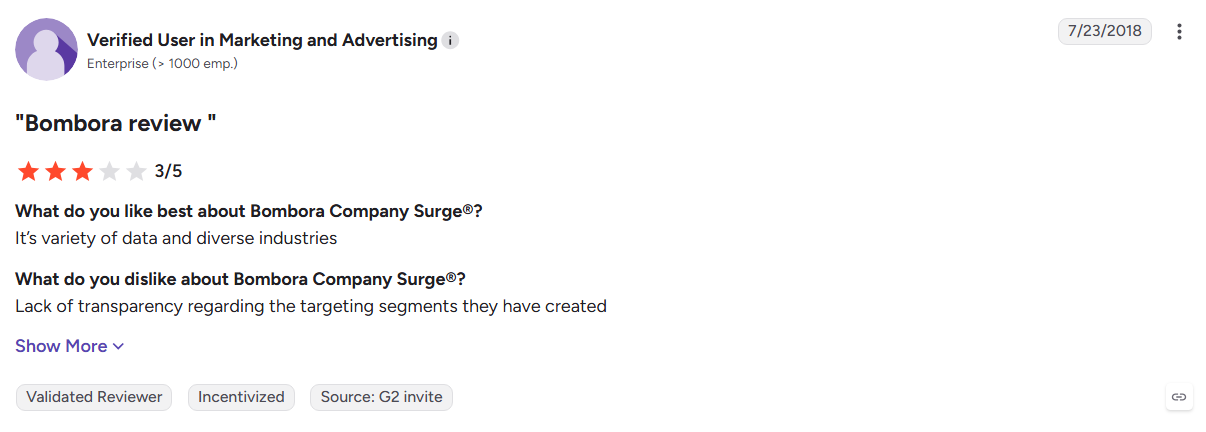
Cons
- No contact database or prospect details
- Signals remain account-level
- Requires other tools for outreach and engagement
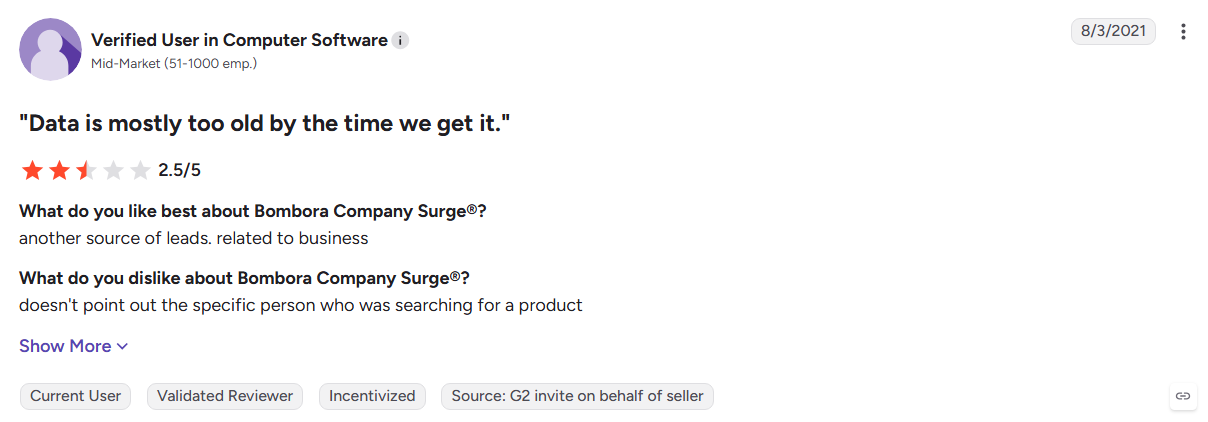
Best For: Revenue teams using intent data as part of an existing prospecting and engagement stack.
9. Clearbit (HubSpot Breeze Intelligence)
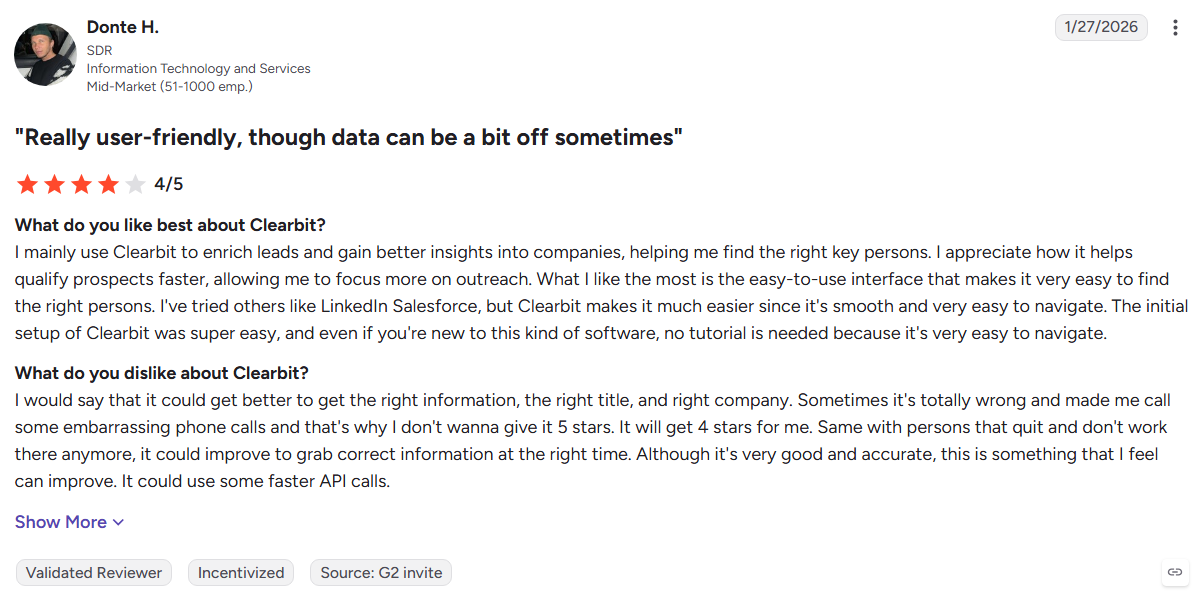
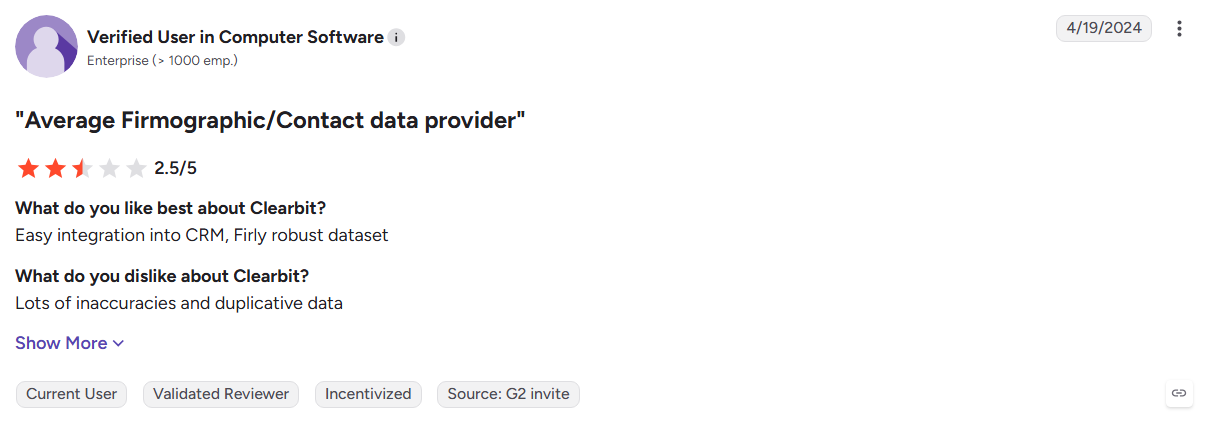
Clearbit now works as an enrichment layer inside HubSpot, making it particularly convenient for teams already using the CRM. It enriches records, identifies companies visiting your site, and supports form optimization without requiring another standalone data workflow.
Key Features:
- Automatic enrichment: Adds firmographic information directly to HubSpot records.
- Reveal: Identifies companies behind anonymous website traffic.
- Form shortening: Uses enrichment data to reduce the fields visitors need to complete.
- Segmentation: Enriched properties can power lists and automated workflows.
Pros
- Native experience for HubSpot users
- Enrichment happens directly inside CRM records
- Useful for improving inbound conversion
Cons
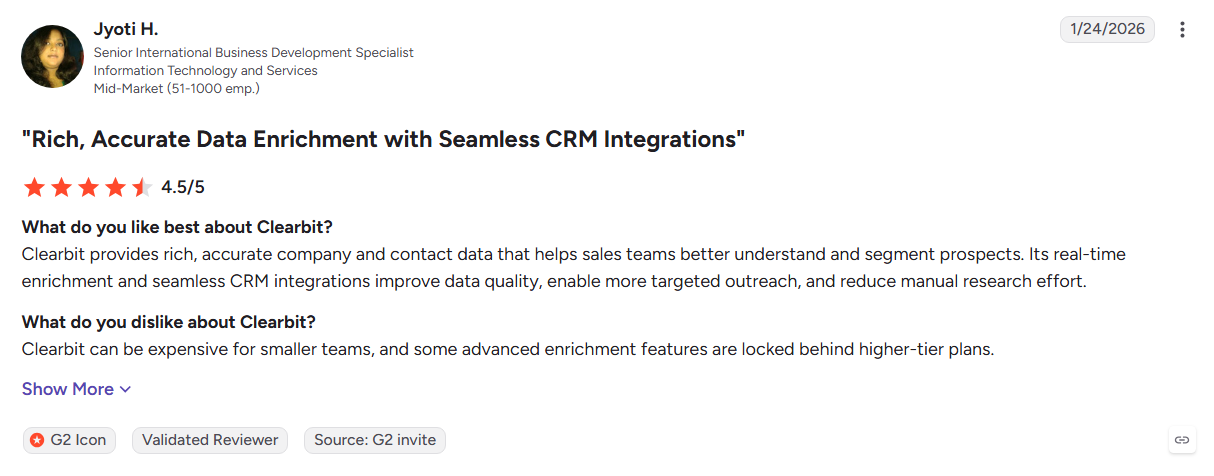
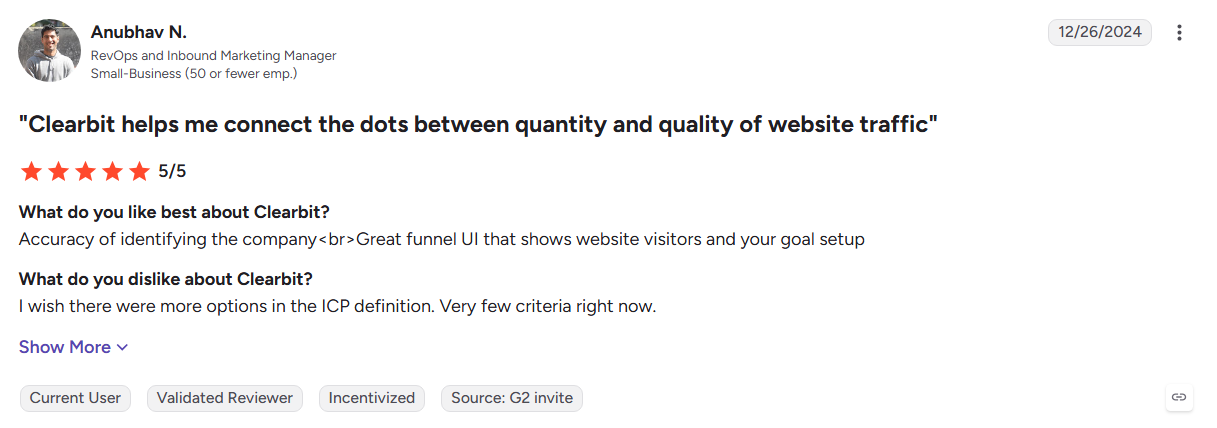
- Website identification remains company-level
- Limited value outside the HubSpot ecosystem
- G2 reviewers note reduced independence following the acquisition
Best For: HubSpot-focused marketing and RevOps teams that want native data enrichment.
10. Lusha
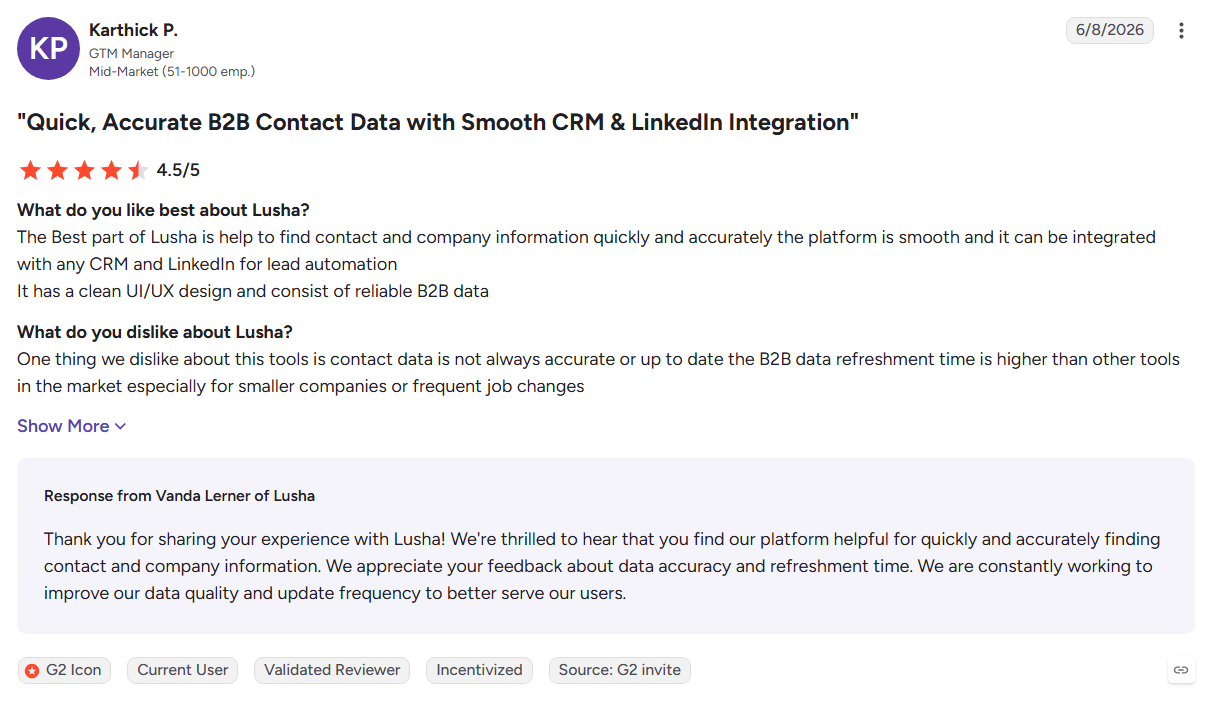
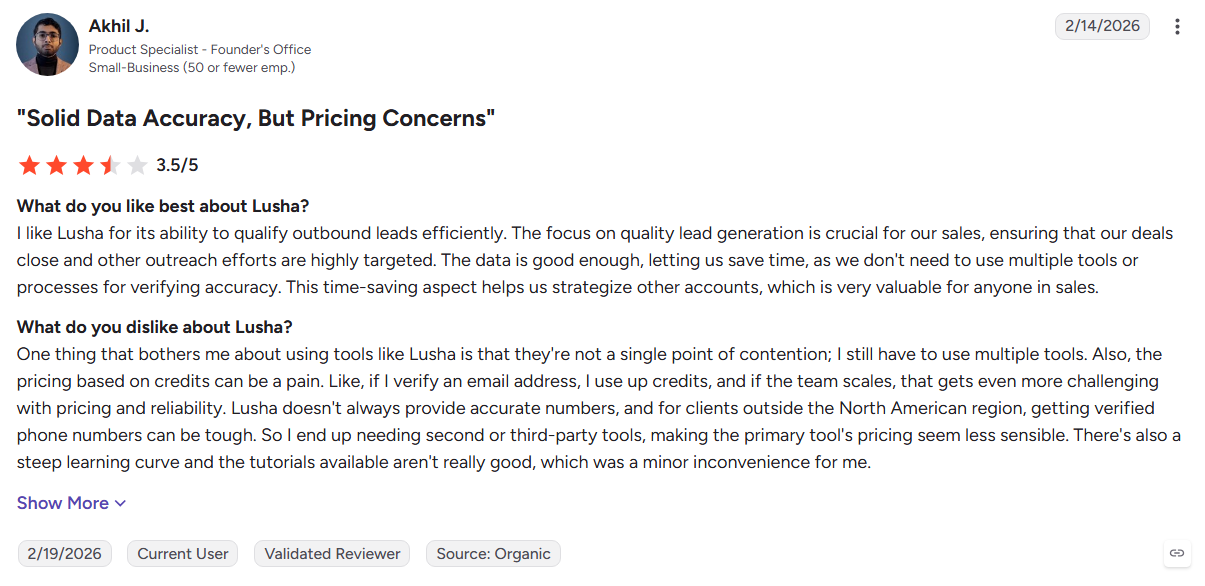
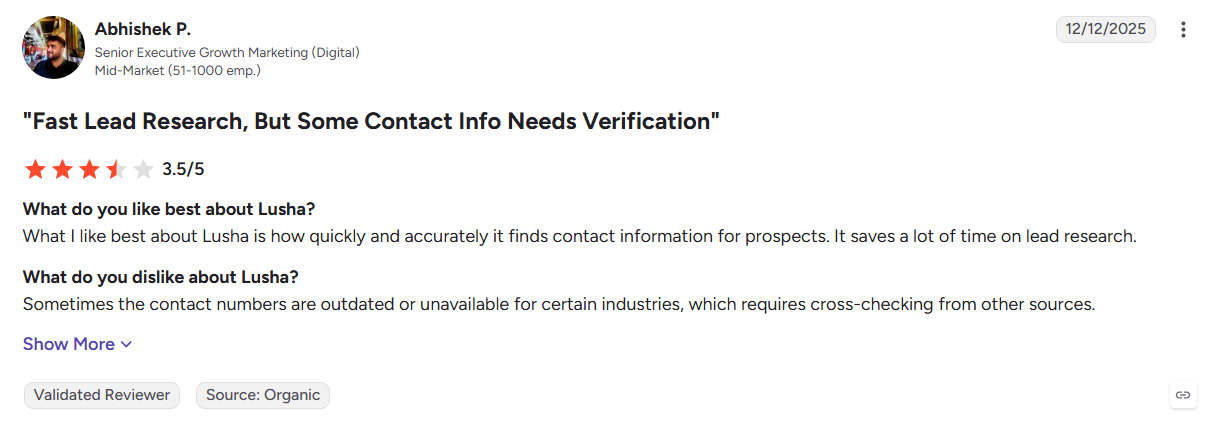
Lusha does one job quickly. You are on a profile, you need an email and a mobile, and the extension delivers both in seconds. Onboarding takes minutes and the entry price is low. Costs become less predictable as usage grows, because every reveal spends credits.
Key Features:
- Browser extension: Find contact details while researching prospects.
- Bulk enrichment: Enrich multiple records from an uploaded list.
- CRM integrations: Send prospect data to Salesforce and HubSpot.
- Compliance controls: Supports GDPR and CCPA requirements.
Pros
- Fast for individual prospect research
- Simple setup and easy adoption
- Useful free allowance for testing
Cons
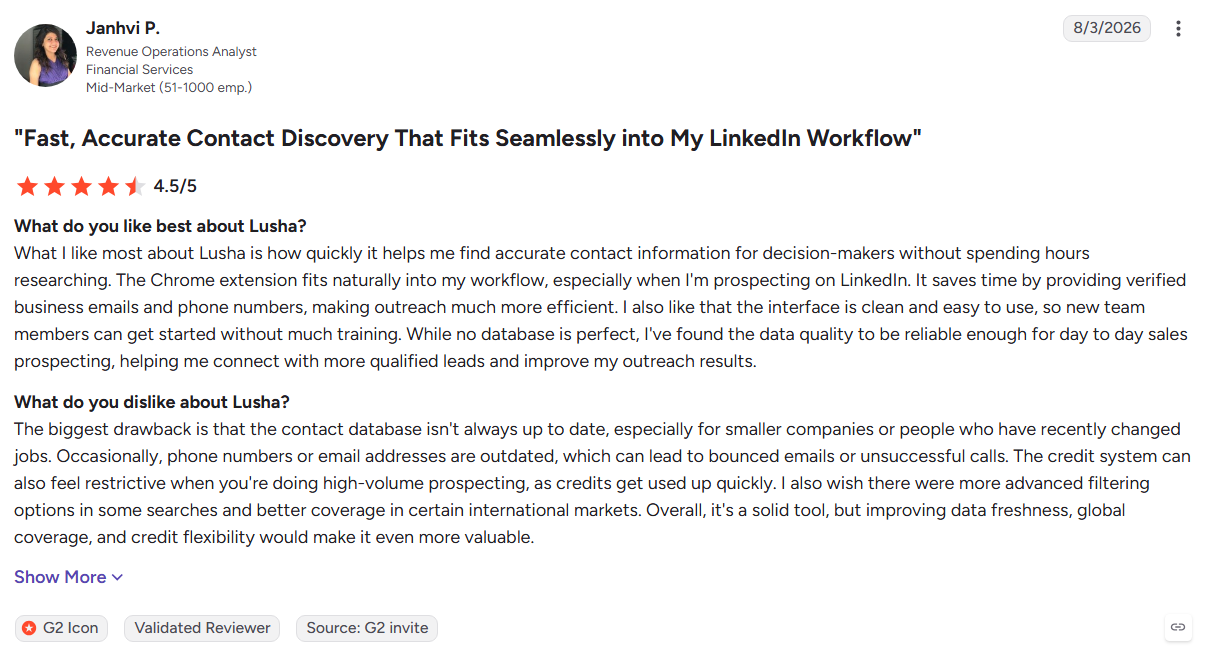
- Credit usage can rise quickly
- No native intent or engagement capabilities
- G2 reviewers report concerns around credit exhaustion and overage costs
Best For: Individual reps and small teams doing manual prospecting.
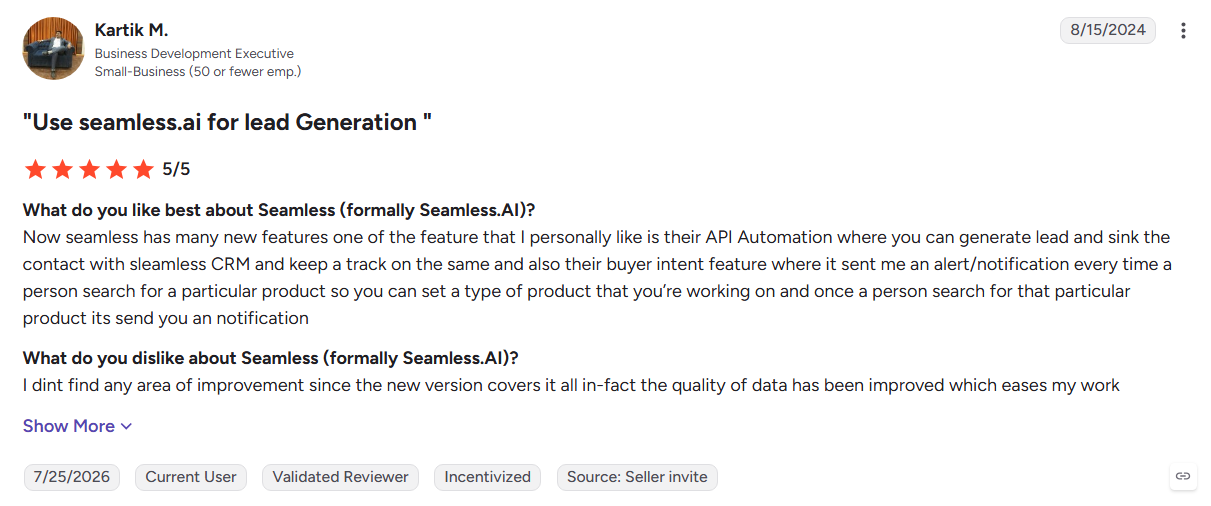
11. Seamless.AI
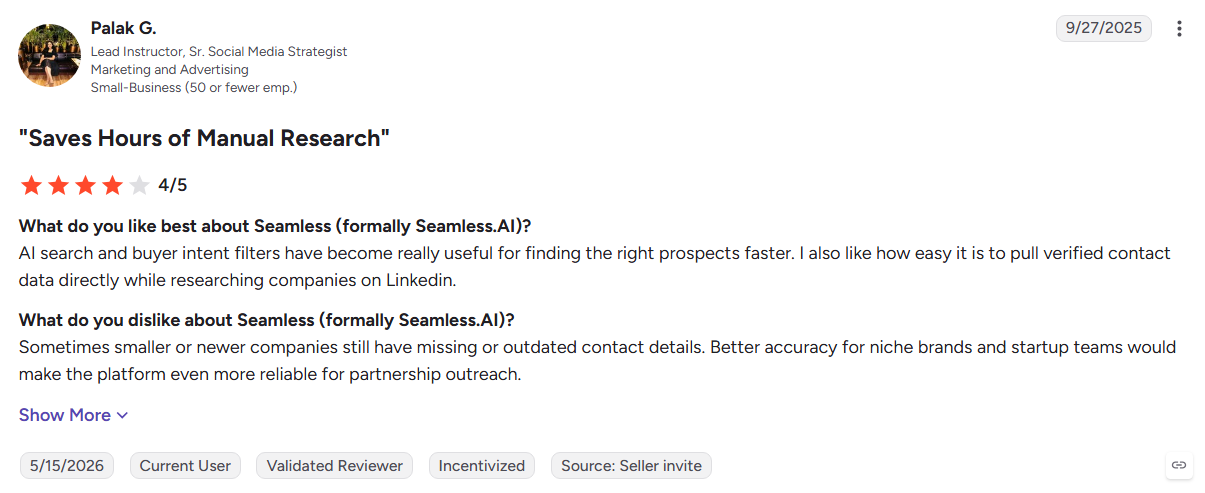
Seamless.AI focuses on finding contact data in real time rather than relying solely on a static database. Its low barrier to entry and high-volume search model make it attractive for teams building large prospect lists quickly, although records should be verified before outreach.
Key Features:
- Real-time contact search: Finds contact records on demand.
- Buyer intent: Adds account-level research signals.
- Chrome extension: Capture prospects while browsing.
- CRM sync: Push contact lists into Salesforce and HubSpot.
Pros
- Easy to start testing
- Supports high-volume list building
- Useful for broad outbound prospecting
Cons
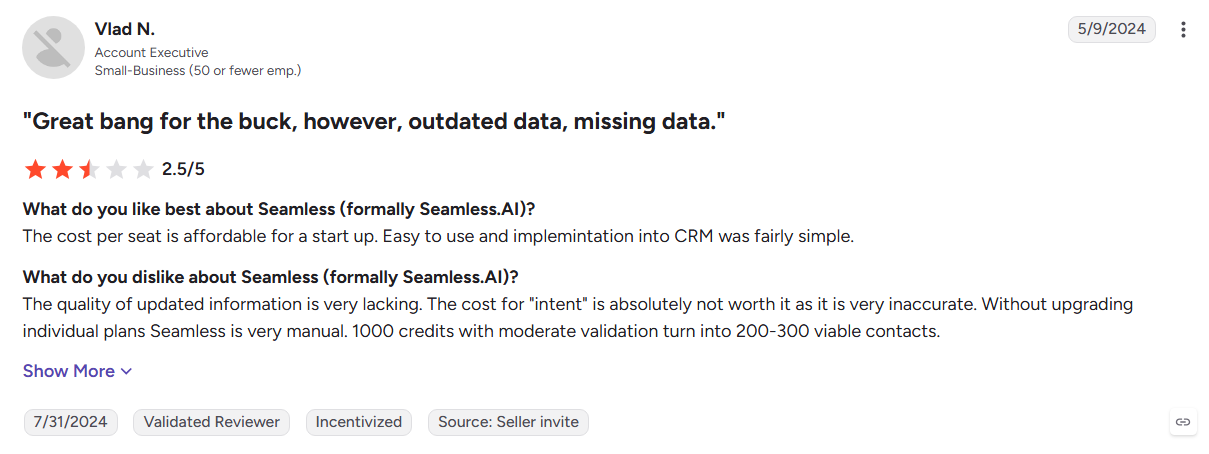
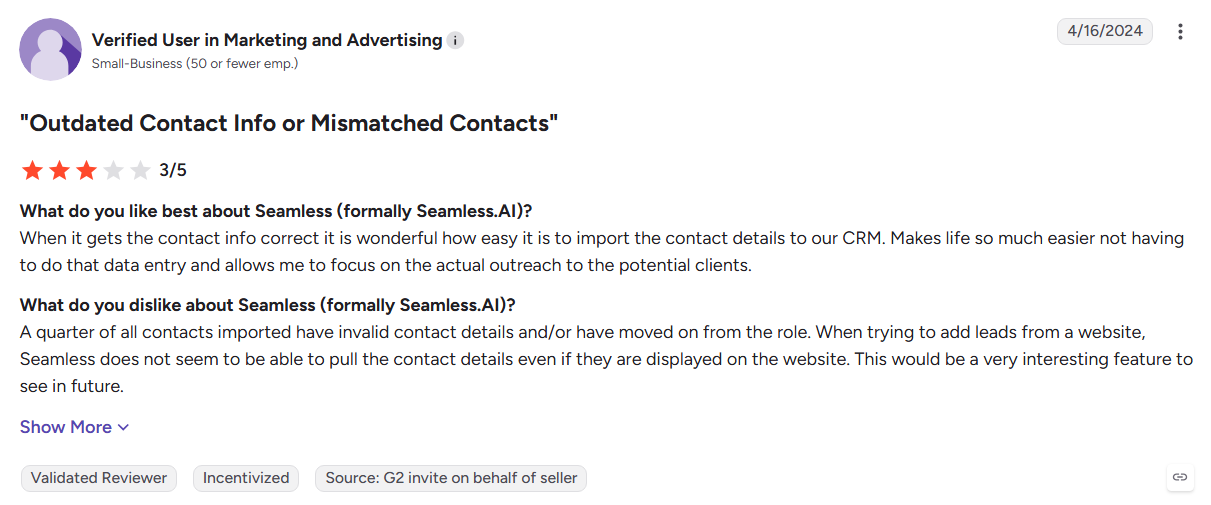
- Data accuracy can require additional verification
- No website visitor identification
- G2 reviewers raise concerns around accuracy and renewals
Best For: High-volume outbound teams that have a verification process before sending.
12. LeadIQ
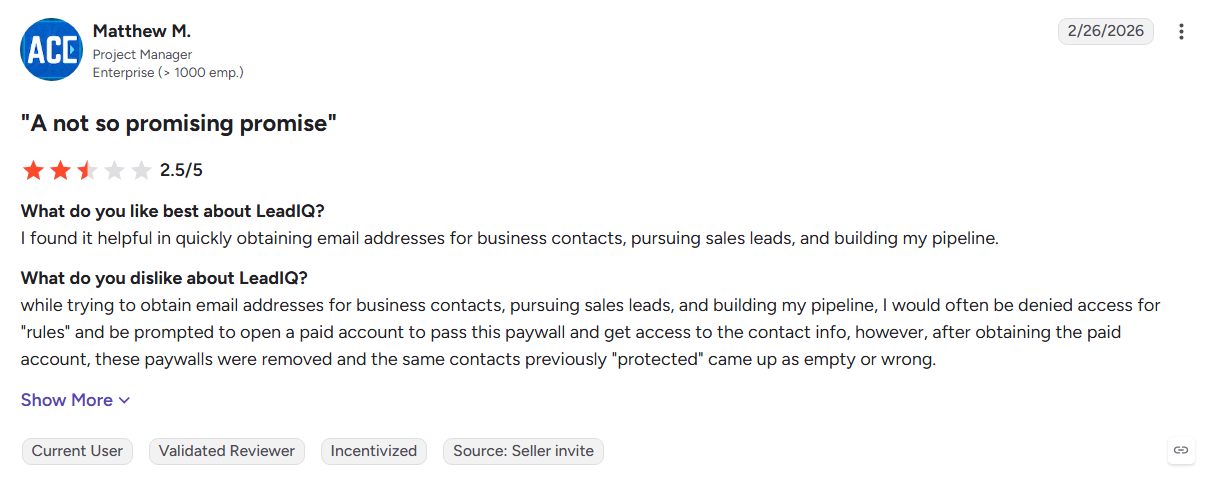
LeadIQ streamlines the journey from LinkedIn research to sales engagement. Reps can capture prospects directly from LinkedIn and send them into CRM or sequencing tools, while job-change alerts add a timely trigger for outbound conversations.
Key Features:
- One-click capture: Move prospect information from LinkedIn into your workflow.
- Job-change alerts: Surface contacts who recently changed roles.
- Sequencer integrations: Send captured prospects into Outreach and Salesloft.
- List building: Capture multiple prospects for territory and account research.
Pros
- Fast LinkedIn-to-CRM workflow
- Job changes provide useful outbound triggers
- Strong fit with existing SDR tools
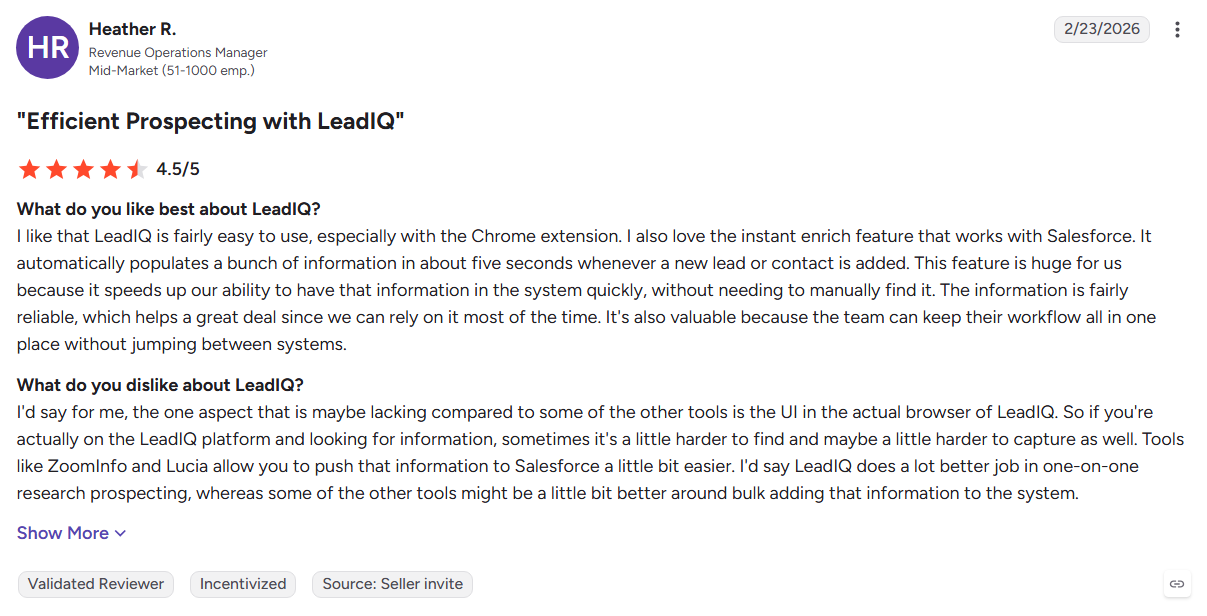
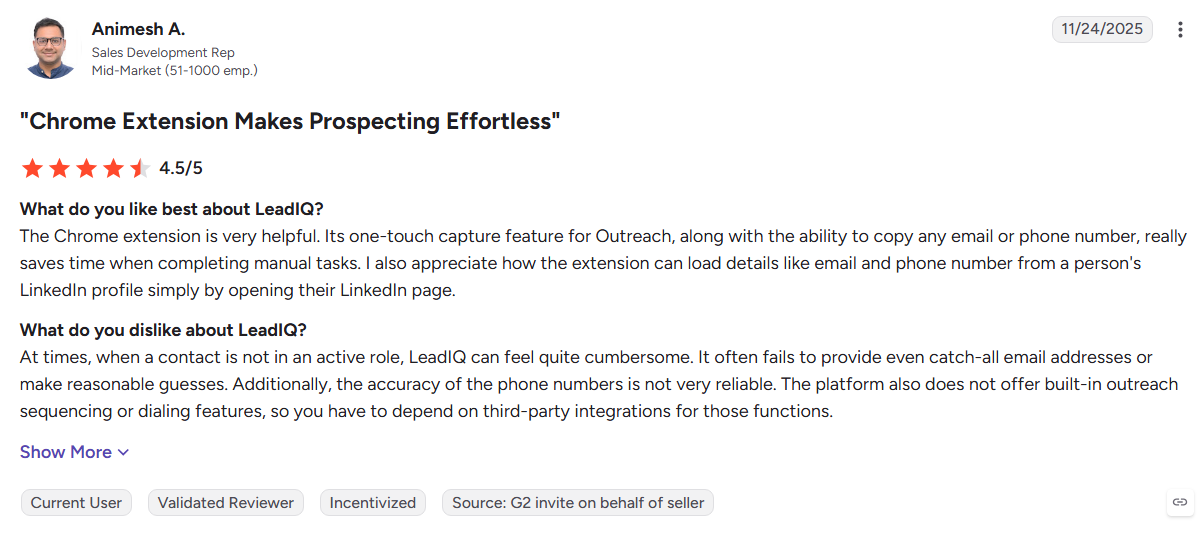
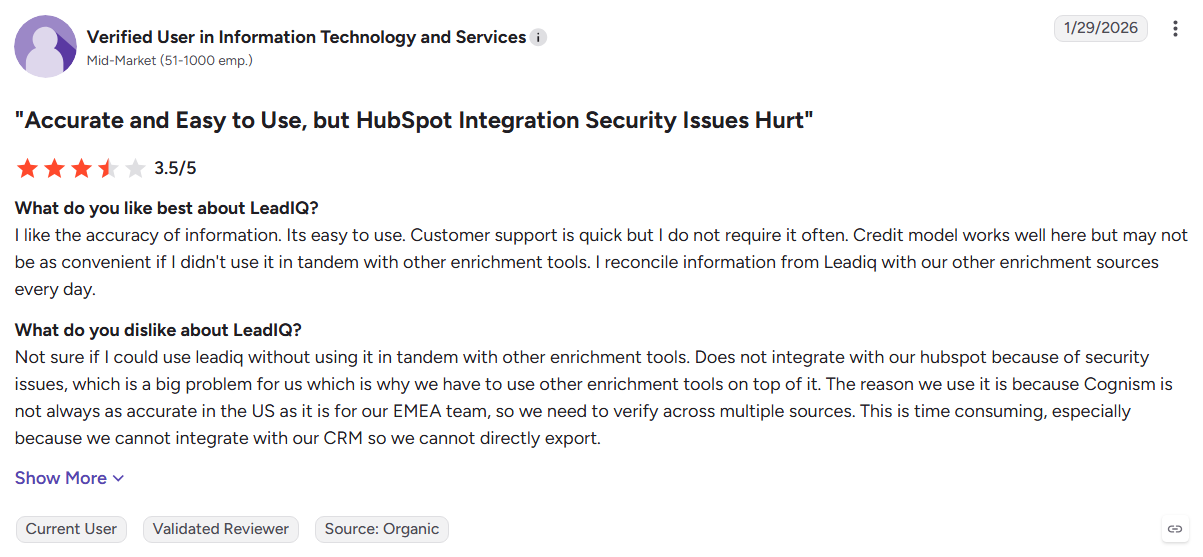
Cons
- Smaller dataset than major database providers
- Phone data can have accuracy gaps
- G2 reviewers mention phone-number accuracy concerns
- No inbound visitor identification
Best For: SDR and BDR teams doing high-volume LinkedIn prospecting.
13. Clay
Clay works more like a GTM workshop than a traditional data provider. It connects multiple enrichment sources, uses waterfall enrichment to fill gaps, and lets RevOps teams build highly customized workflows around their own data and sales stack.
Key Features:
- Waterfall enrichment: Checks multiple providers to improve data coverage.
- AI research agents: Automates web research and adds findings to prospect records.
- Workflow routing: Uses conditional logic to move data through custom workflows.
- Integrations: Connects with CRMs, sequencers, and other GTM tools.
Pros
- Highly flexible for custom workflows
- Reduces reliance on one data provider
- Useful for targeted enrichment
- Strong automation and integration options
Cons
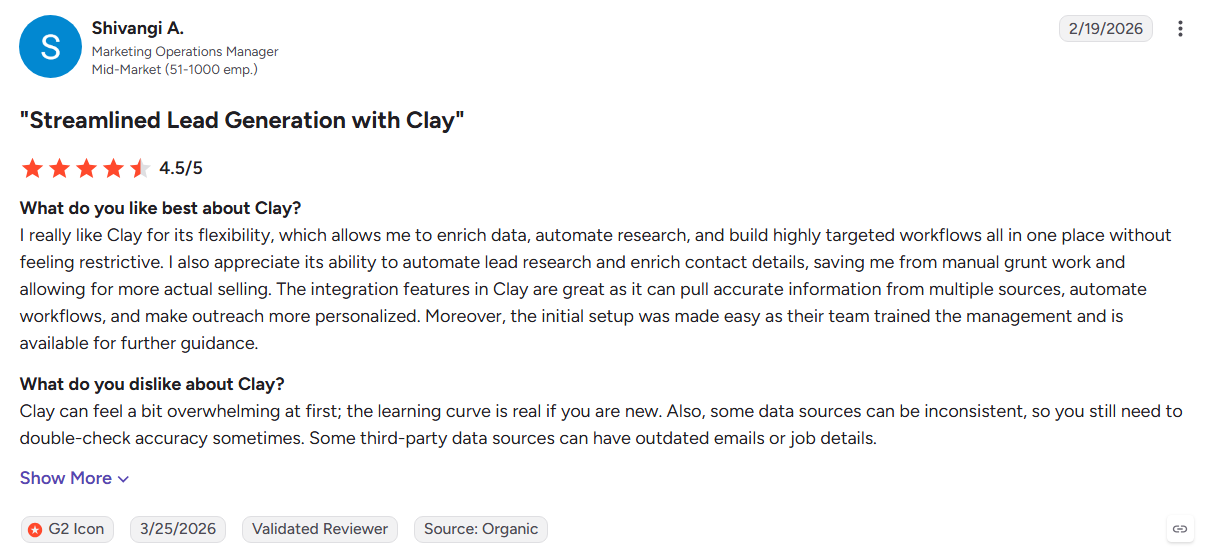
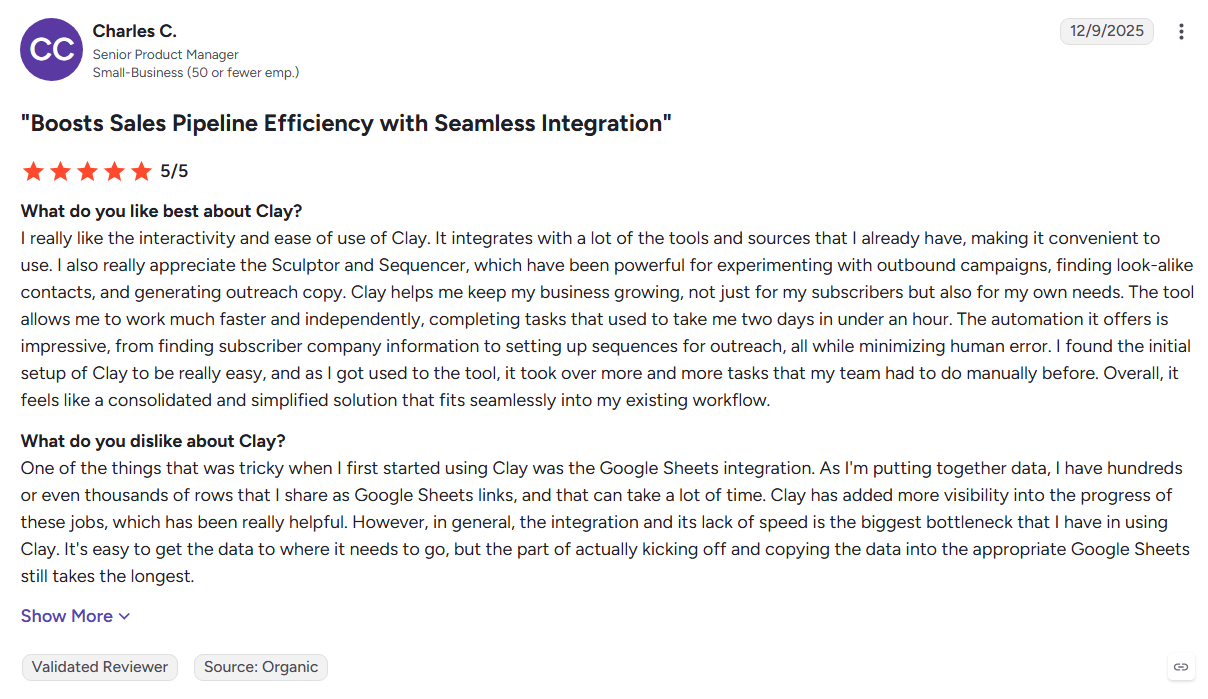
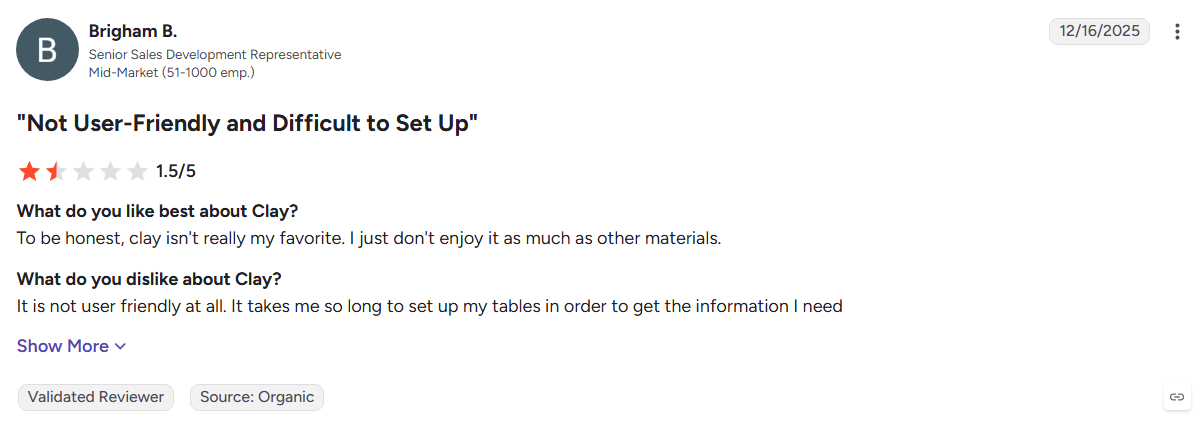
- Steep learning curve, according to G2 reviewers
- Requires RevOps or technical ownership
- Credit usage can become expensive at high enrichment volumes
Best For: RevOps teams and GTM engineers building custom prospecting and enrichment workflows.
14. Dealfront (Leadfeeder)
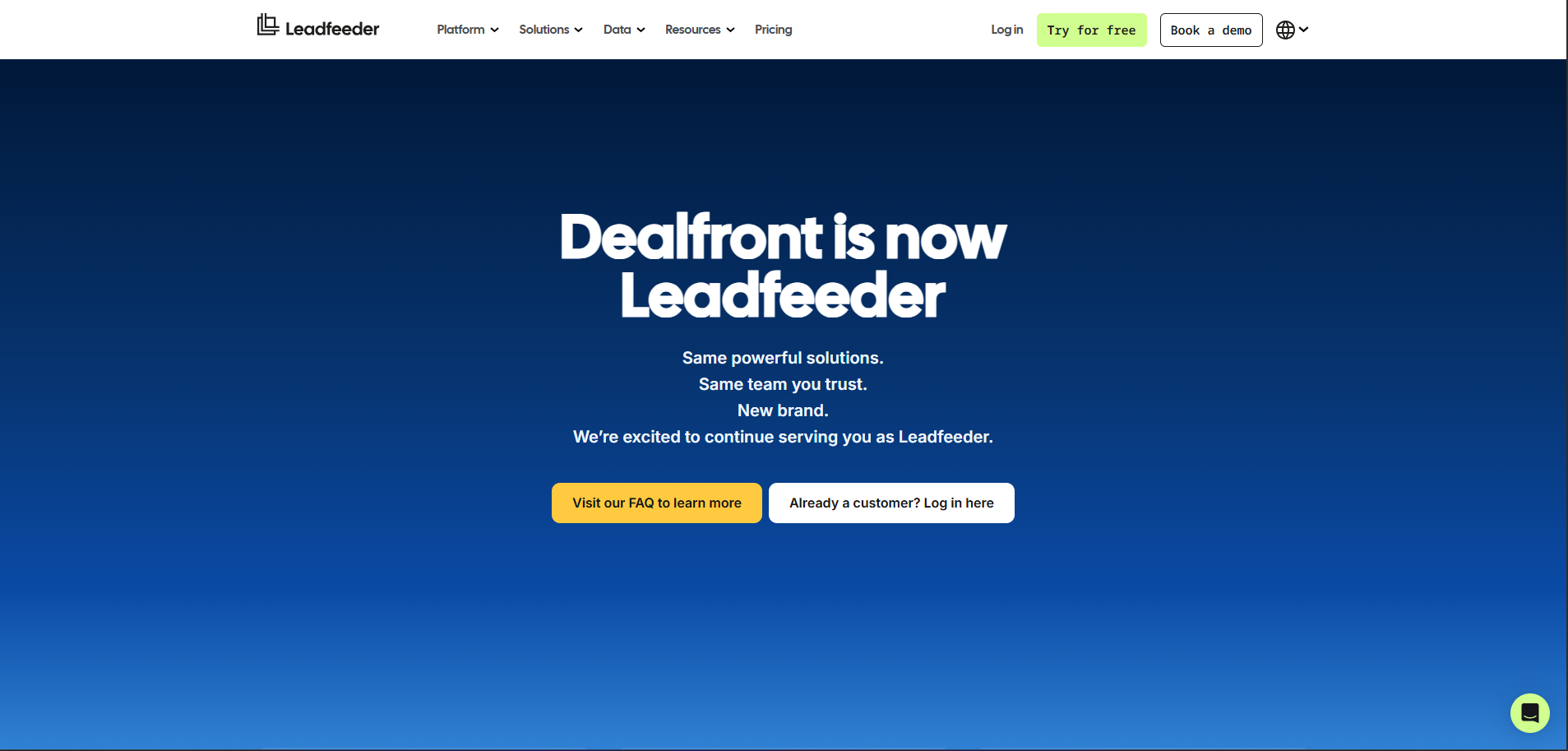
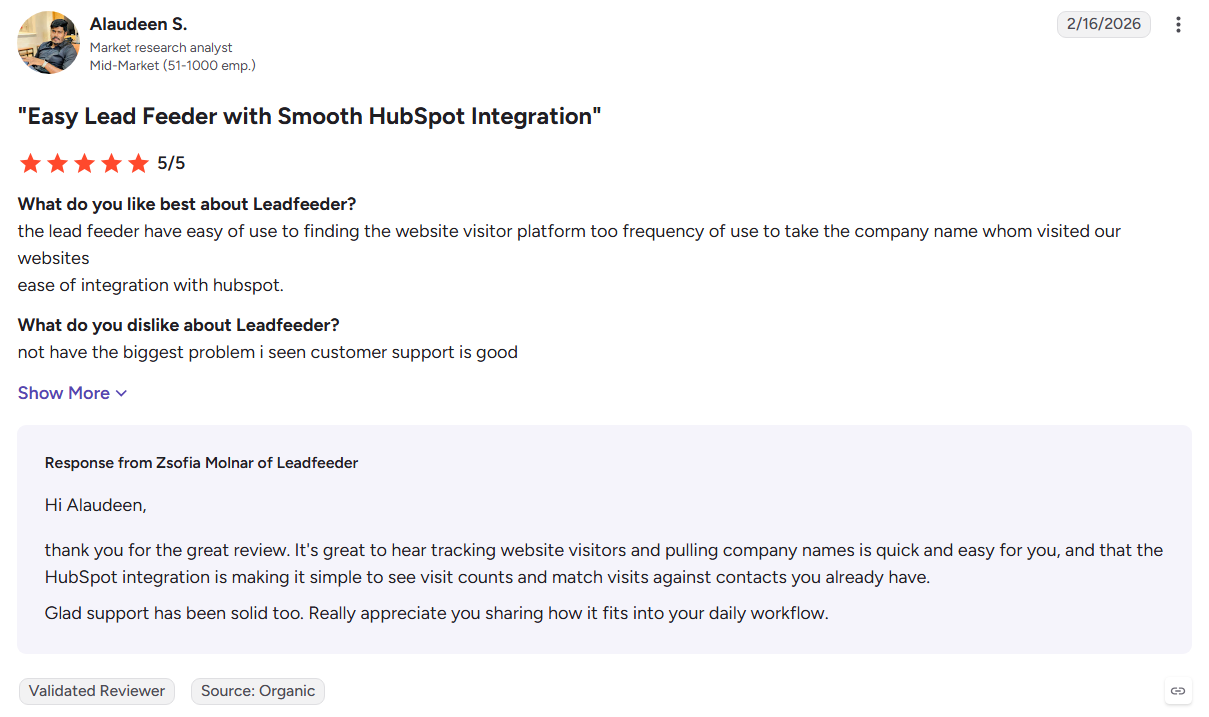
Dealfront combines company-level website visitor identification with strong European business data. It shows which companies visit, what they view, and how deeply they engage, making it useful for teams that need visibility into anonymous B2B traffic.
Key Features:
- Company identification: Matches website sessions to businesses and firmographic data.
- Engagement scoring: Prioritizes accounts based on visit frequency and depth.
- European data: Strong coverage across DACH and wider European markets.
- CRM and Slack alerts: Sends visitor activity directly to sales workflows.
Pros
- Reliable company-level visitor identification
- Strong European data coverage
- Simple setup and reporting
Cons
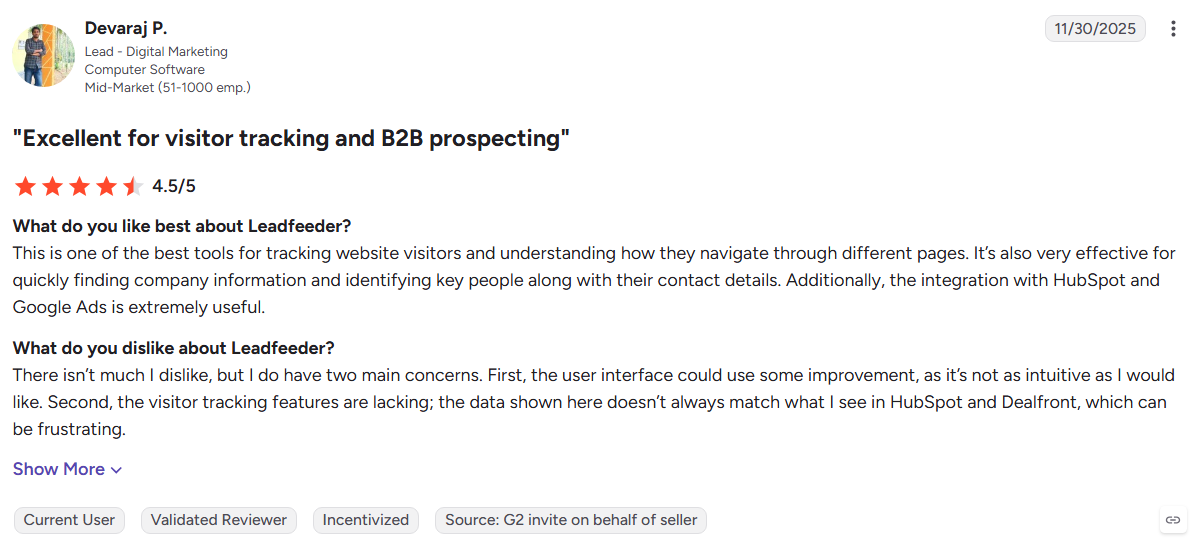
- No person-level identification
- No native outreach or nurturing
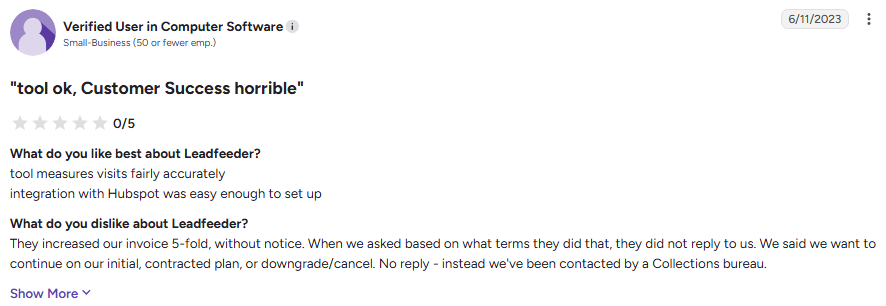
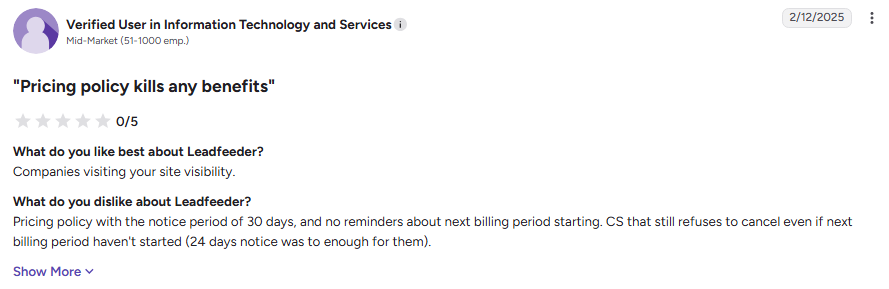
- G2 reviewers mention pricing increases with traffic volume
Best For: European B2B teams that need company-level visibility into website traffic.
15. Warmly
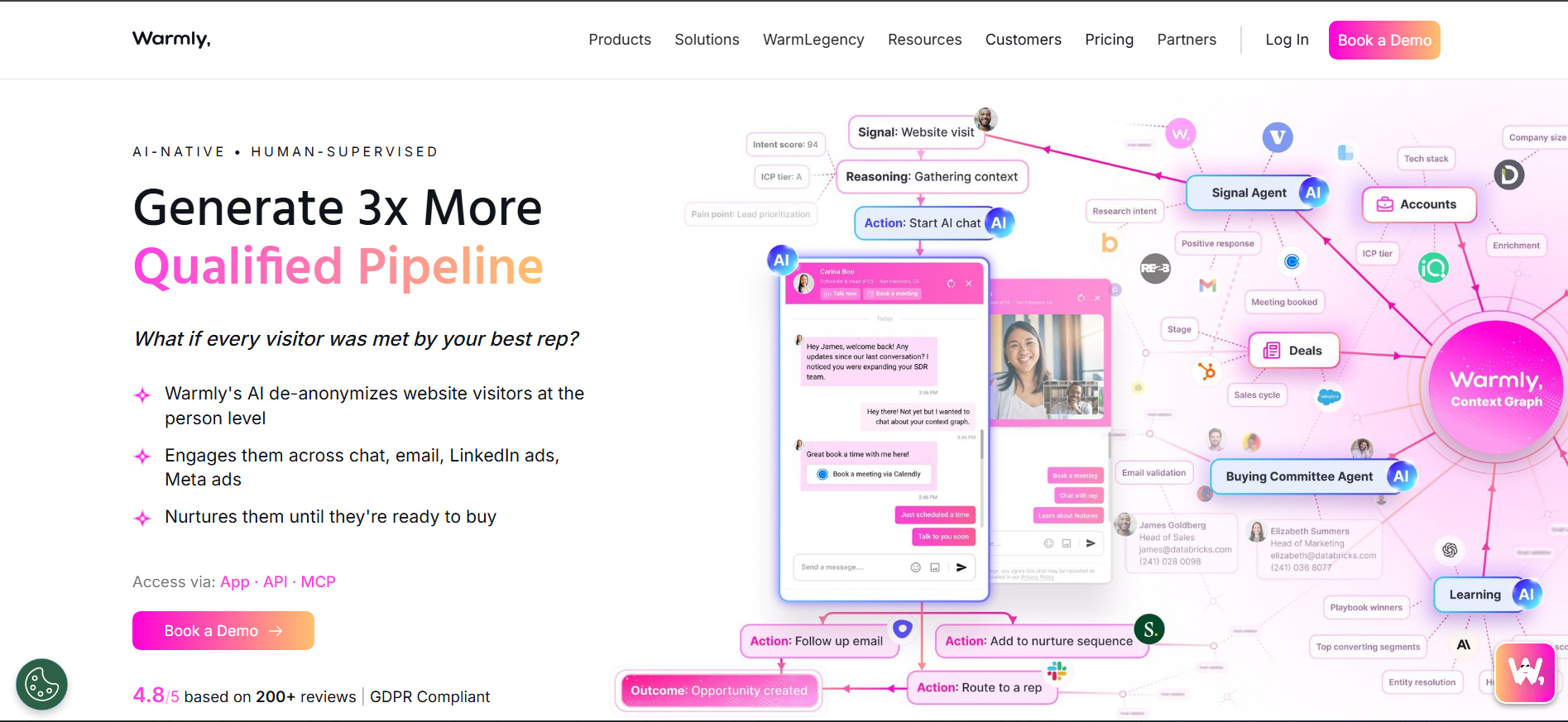
Warmly focuses on speed, alerting sales teams when target accounts visit their website. Its real-time notifications, visitor context, chat, and outreach options help inbound teams respond while interest is still fresh.
Key Features:
- Live visitor alerts: Notify reps when target accounts arrive.
- Visitor context: Adds titles, LinkedIn information, and page activity.
- Orchestration: Supports chat, email, and AI-assisted engagement.
- CRM sync: Connects visitor activity with HubSpot and Salesforce.
Pros
- Strong real-time visitor alerts
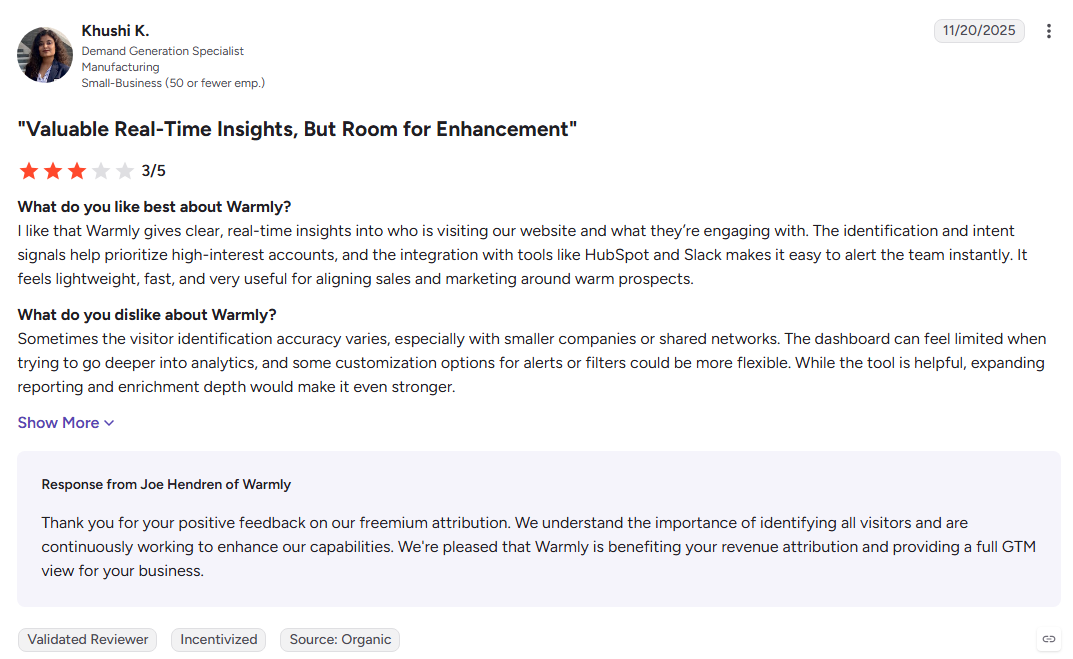
- Simple setup and user-friendly interface
- Useful for reactive inbound sales
Cons
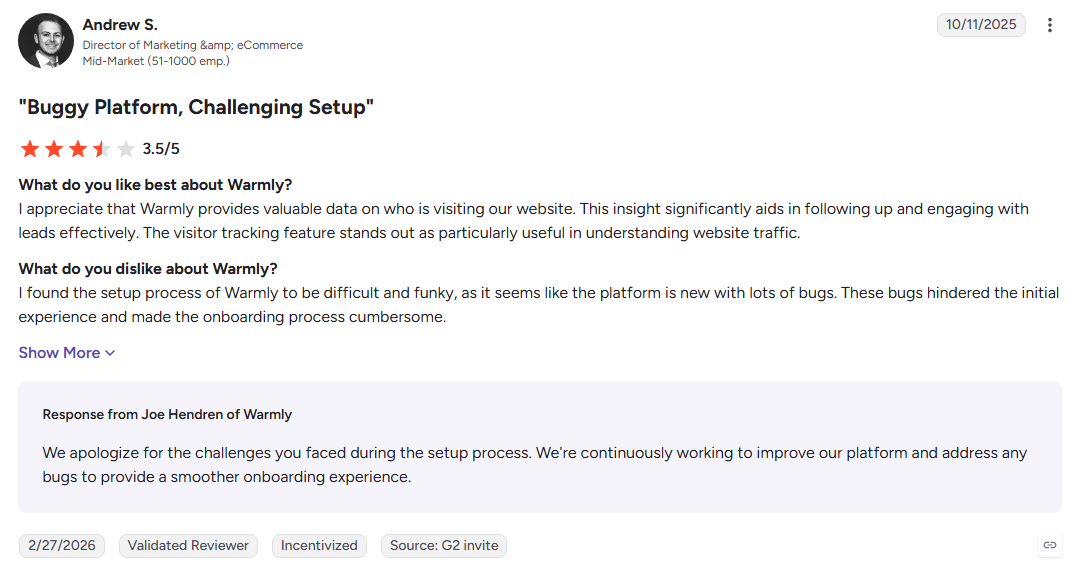
- Person-level coverage varies by region
- Automation is stronger around alerts than full engagement
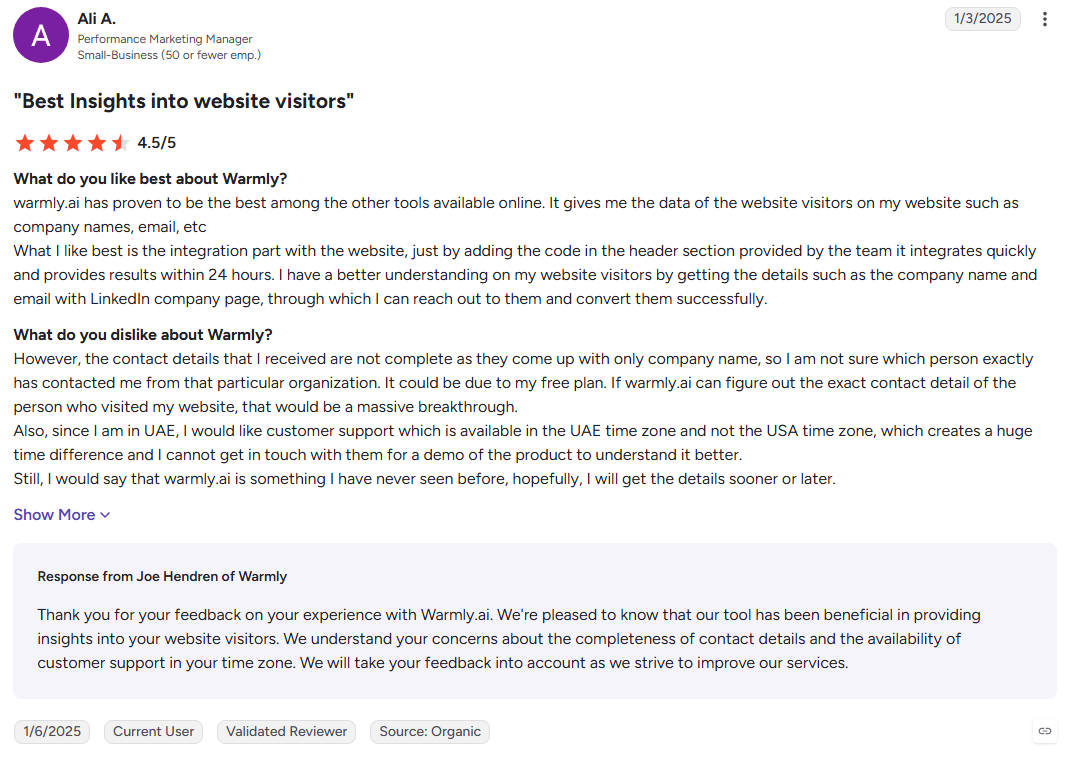
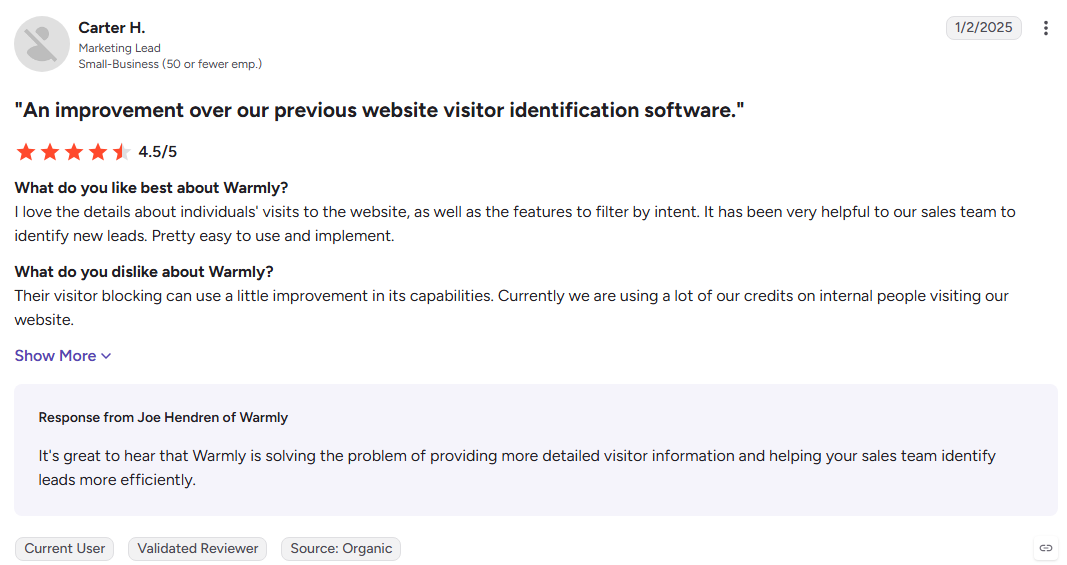
- G2 reviewers cite annual commitments and add-on costs
Best For: Small inbound teams that want to respond quickly to active website visitors.
16. RB2B
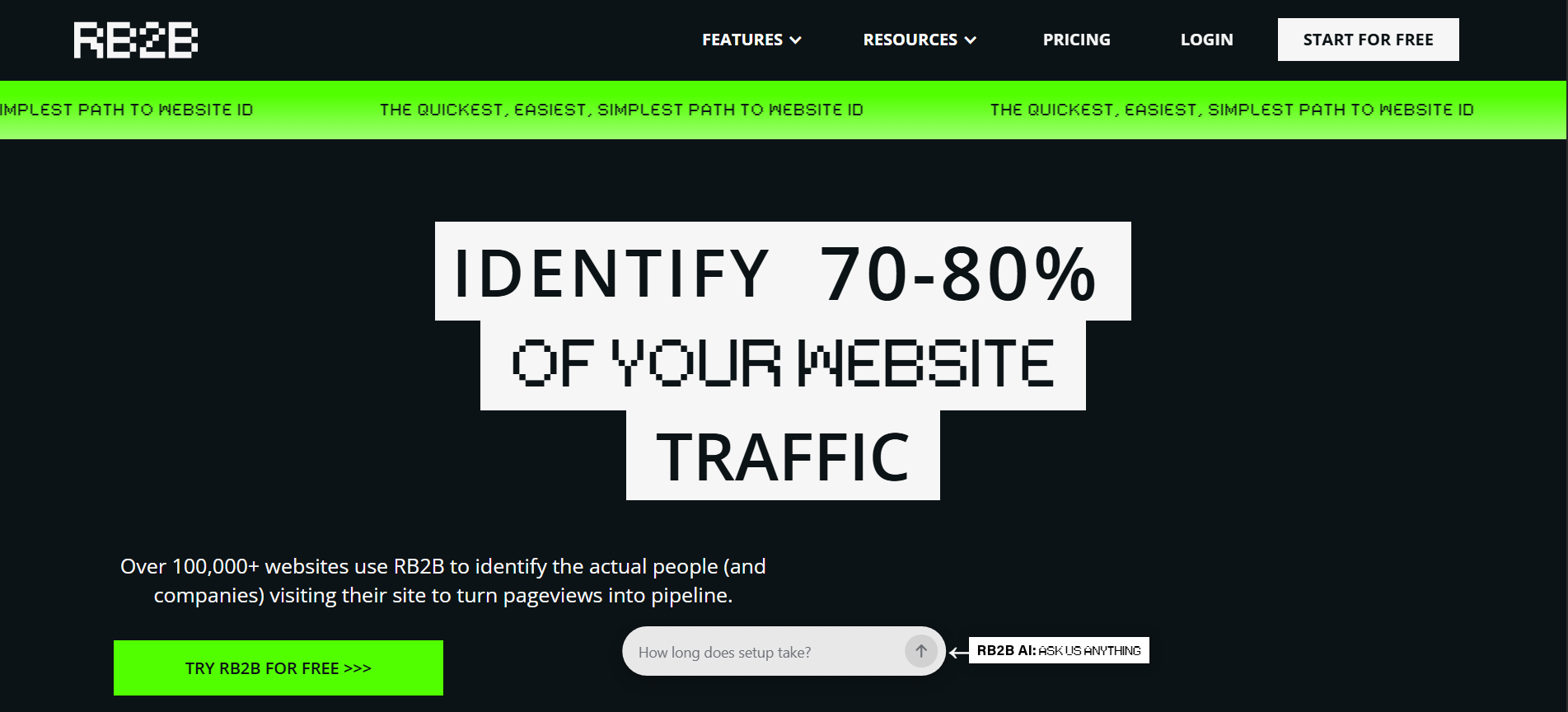
RB2B focuses on one specific job: turning US website visitors into named people and sending those identities directly to Slack. That makes it highly useful for teams that want immediate person-level visibility, but its geographic limitation is a major consideration for global businesses.
Key Features:
- Person-level identification: Reveals names, LinkedIn profiles, and job titles.
- Slack delivery: Sends identified visitors directly to sales channels.
- Page-level context: Shows which pages visitors viewed and their activity.
- Integrations: Connects with CRM and enrichment workflows.
Pros
- Person-level identification for US traffic
- Fast Slack notifications
- Easy free plan for testing
- Simple inbound workflow
Cons
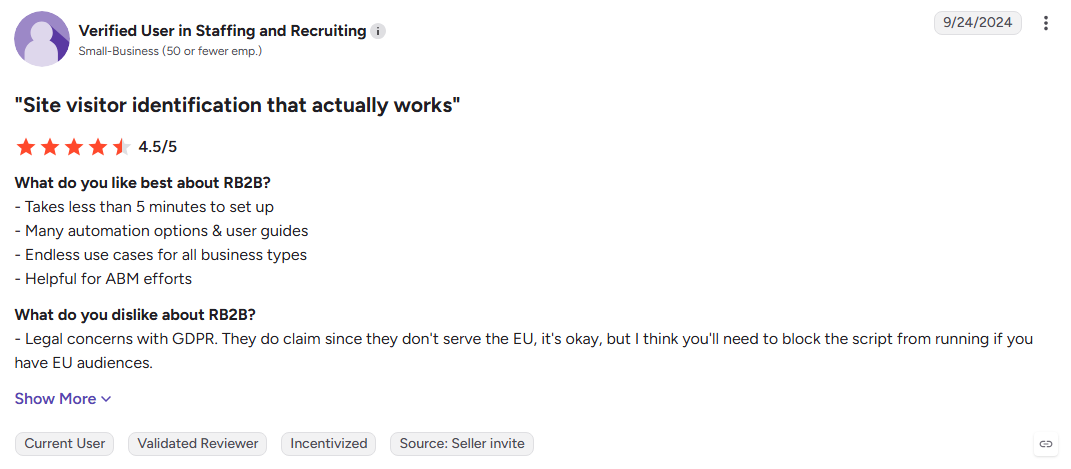
- Person-level coverage is limited to the US
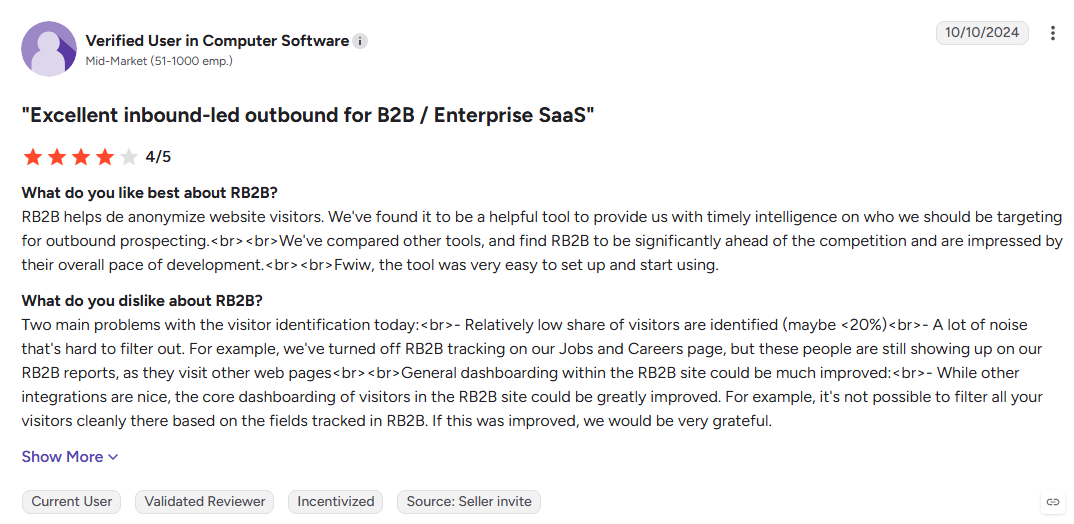
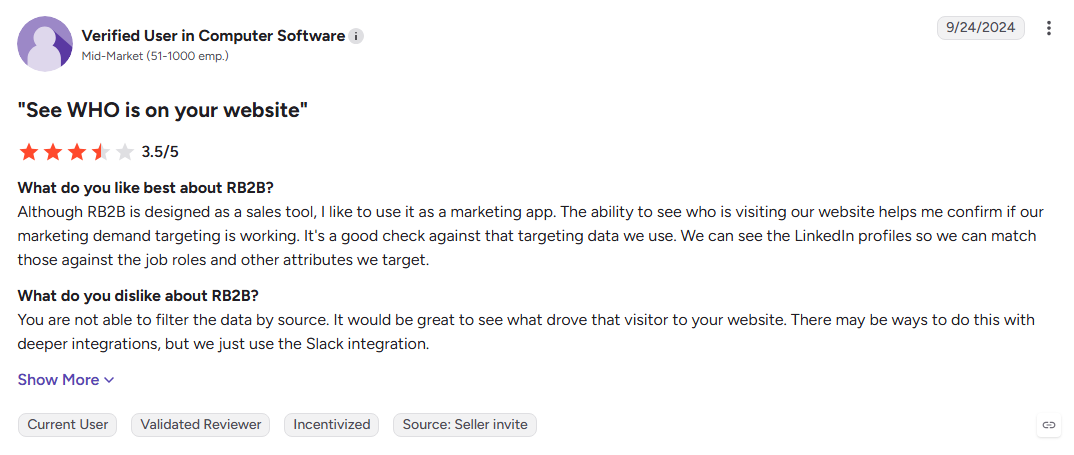
- G2 reviewers report match accuracy and profile mismatches
- No native nurturing or outreach
- Requires another tool for sending campaigns
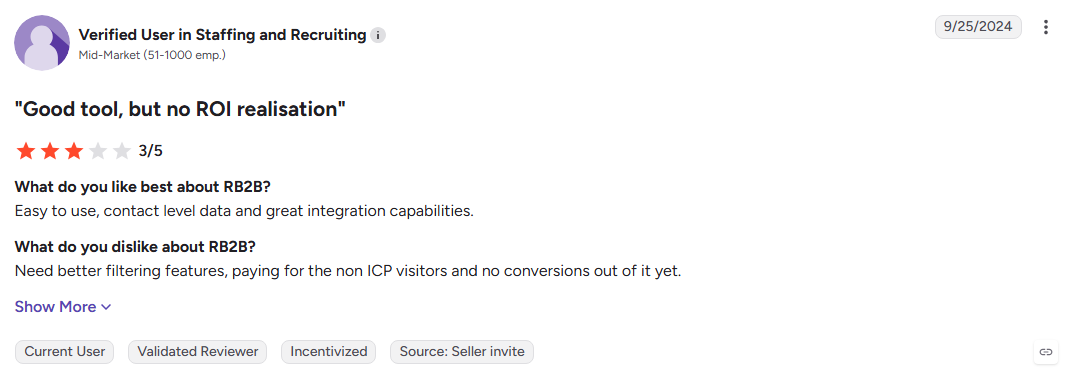
Best For: US-focused B2B teams that want named website visitors delivered directly to sales.
17. Amplemarket
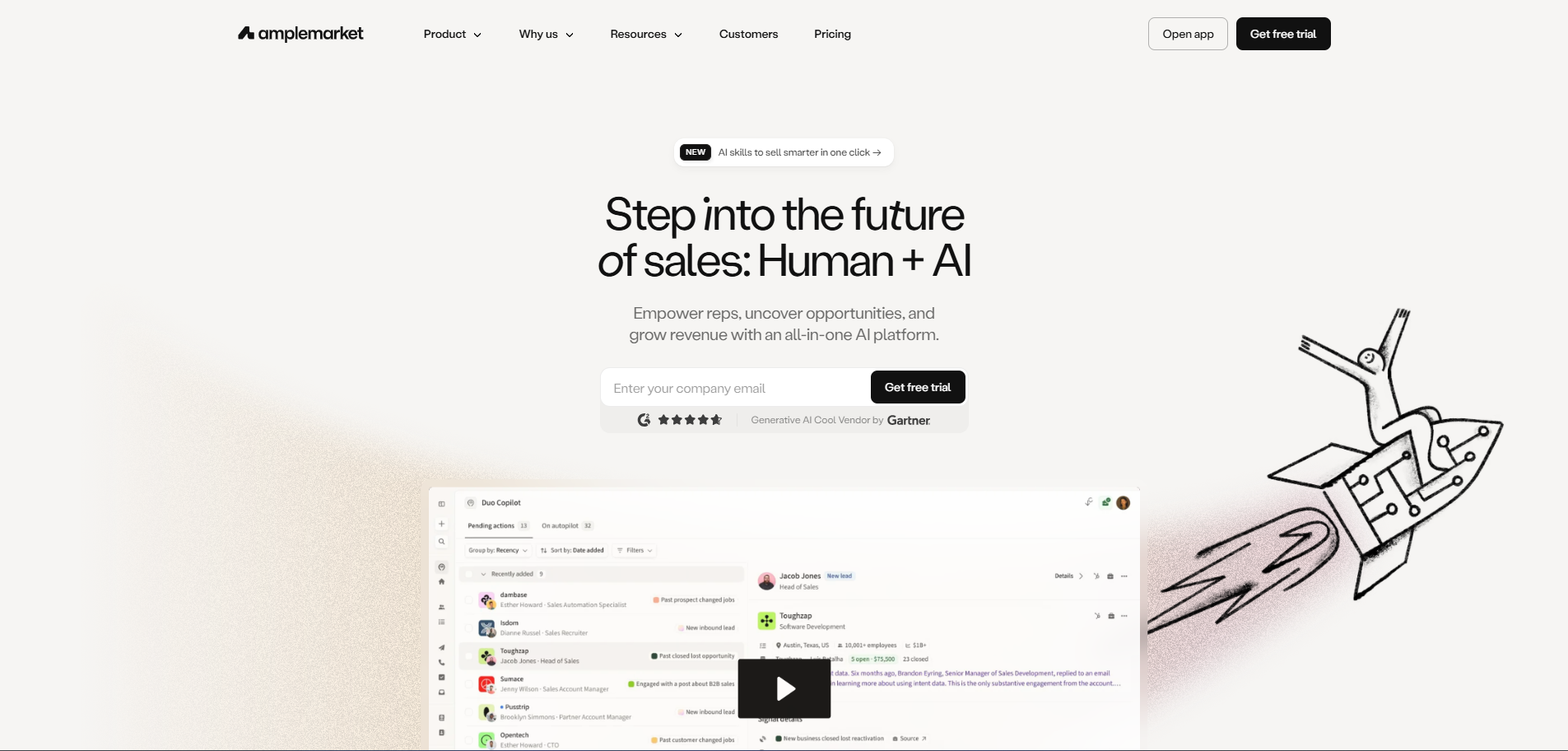
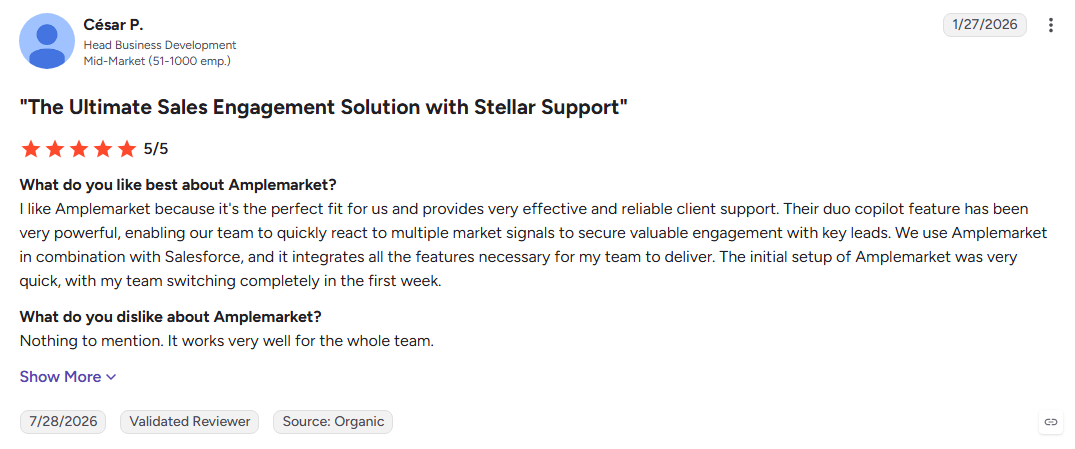
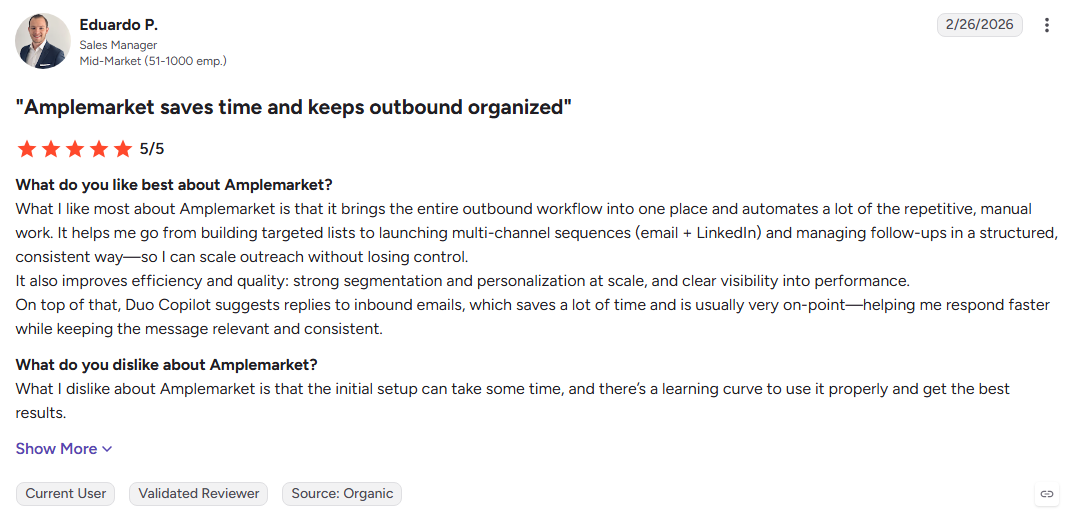
Amplemarket is built for teams that want intelligence and outbound execution in the same workflow. It combines contact-level signals with AI research, personalized sequencing, and multichannel outreach, reducing the need to stitch several prospecting tools together.
Key Features:
- Contact-level signals: Tracks job changes, hiring activity, and engagement around individual prospects.
- AI research: Builds prospect briefs and personalized messaging from available signals.
- Multichannel sequences: Coordinates email, dialing, and social touches.
- Deliverability tools: Includes warm-up, inbox testing, and domain monitoring.
Pros:
- Combines prospect intelligence with outbound execution
- Strong deliverability infrastructure
- Reduces the number of tools in an outbound stack
Cons:
- No free tier or self-serve entry
- Requires annual commitment
- No conversation intelligence or deal management
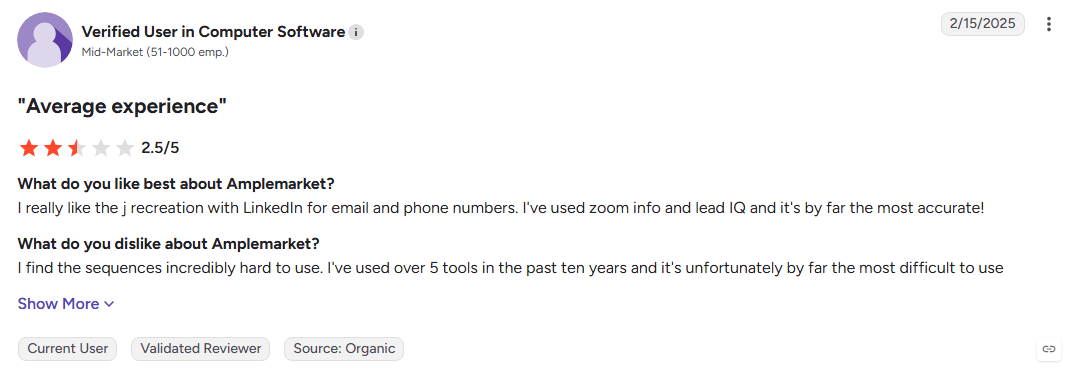
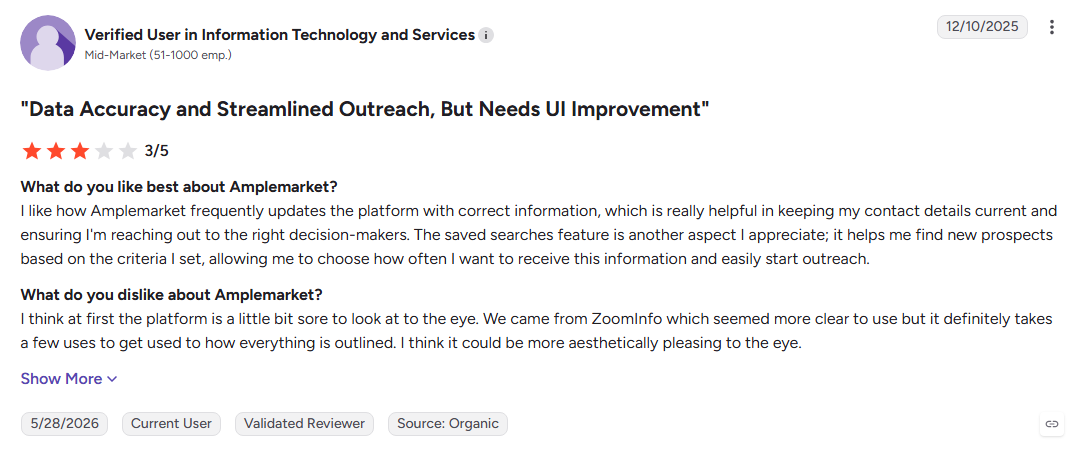
Best For: Outbound-led sales teams consolidating prospecting, research, and engagement into one platform.
18. Gong
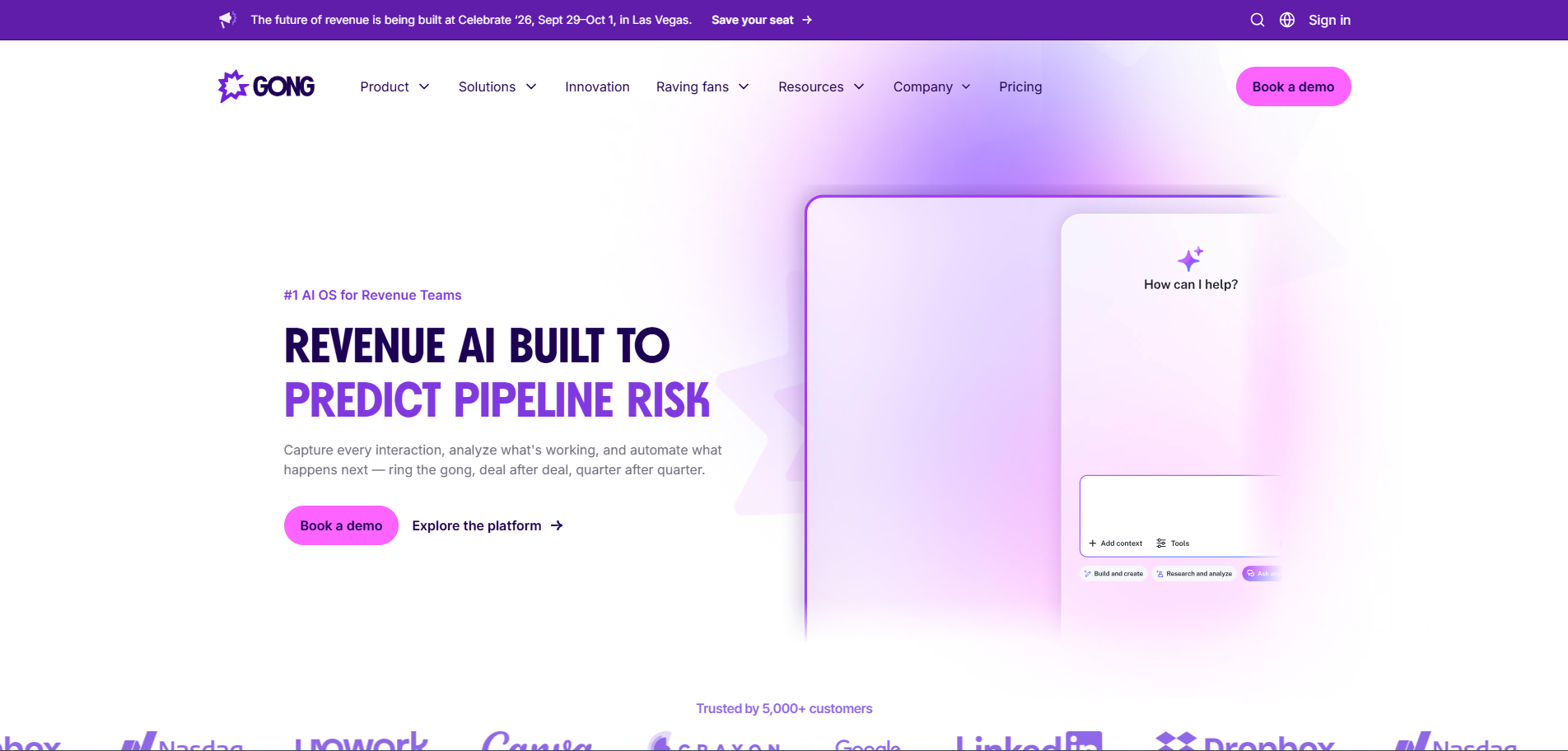
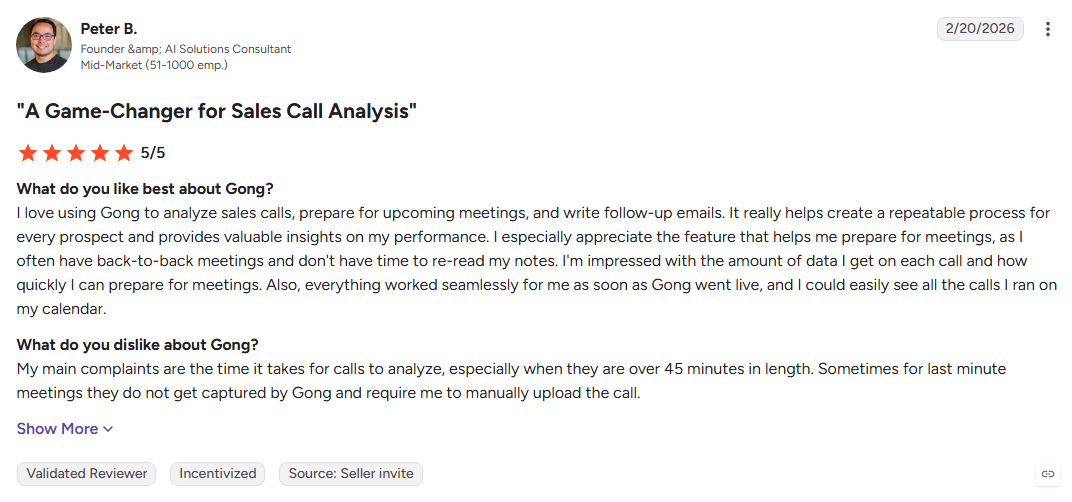
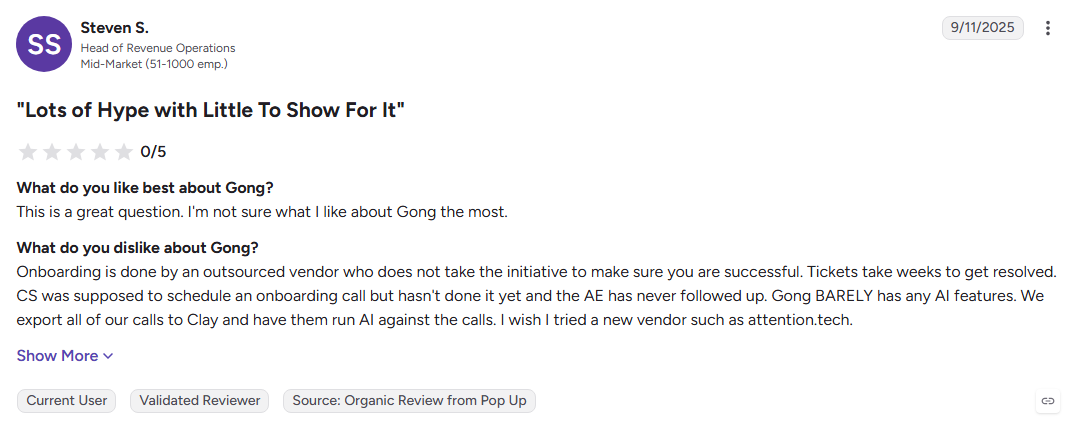
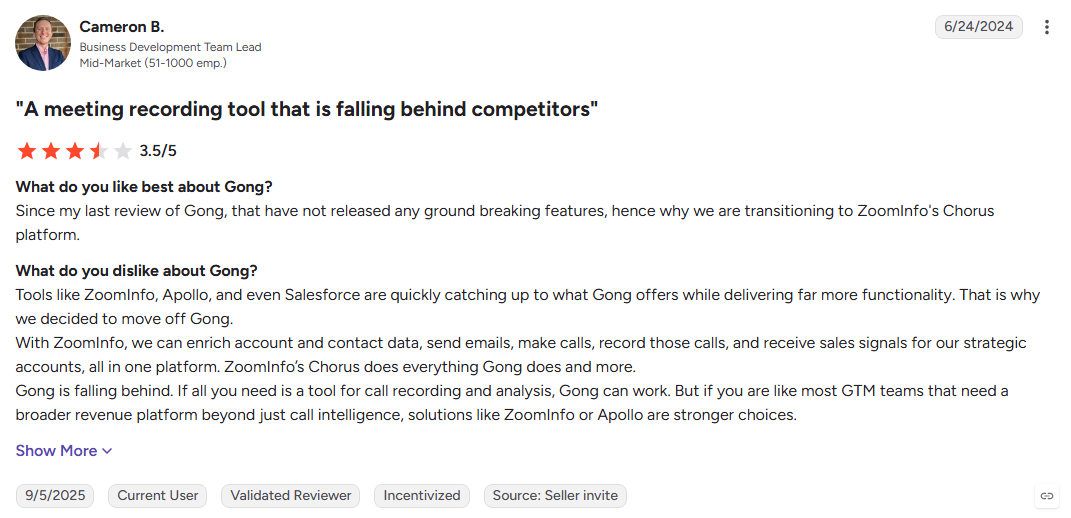
Gong focuses on what happens after a sales conversation begins. It records and analyzes calls, surfaces, deals risks and customer signals, and gives managers a clearer view of rep performance without trying to replace prospecting tools.
Key Features:
- Call capture: Records and transcribes sales conversations across channels.
- Conversation analytics: Surfaces talk ratios, competitor mentions, and commitments.
- Deal intelligence: Detects engagement patterns that can signal pipeline risk.
- Coaching workflows: Helps managers review conversations and improve rep performance.
Pros:
- Deep conversation analytics
- Mature integrations and strong adoption
- Valuable coaching insights for sales managers
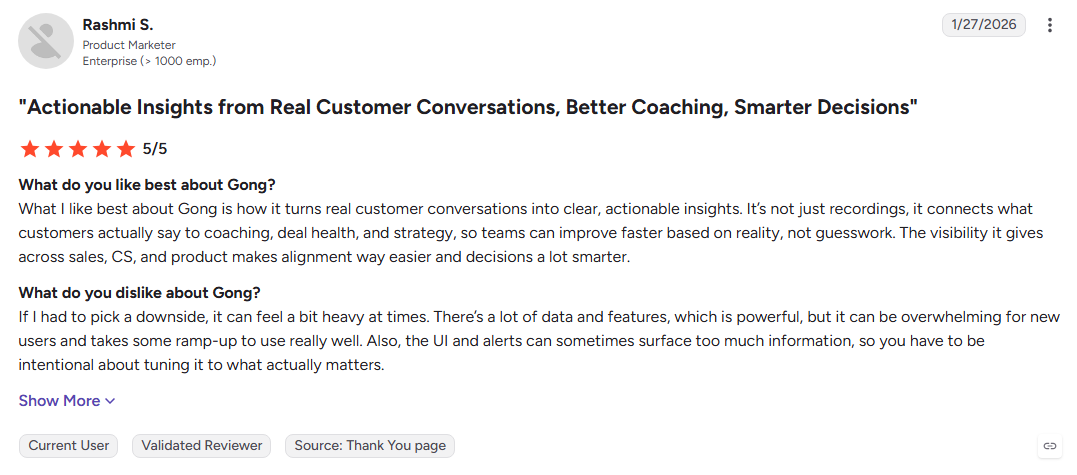
Cons:
- No contact database or lead generation
- G2 reviewers cite premium pricing and quote-only terms
- Only becomes valuable after sales conversations exist
Best For: Mid-market and enterprise sales teams focused on coaching, deal quality, and pipeline insight.
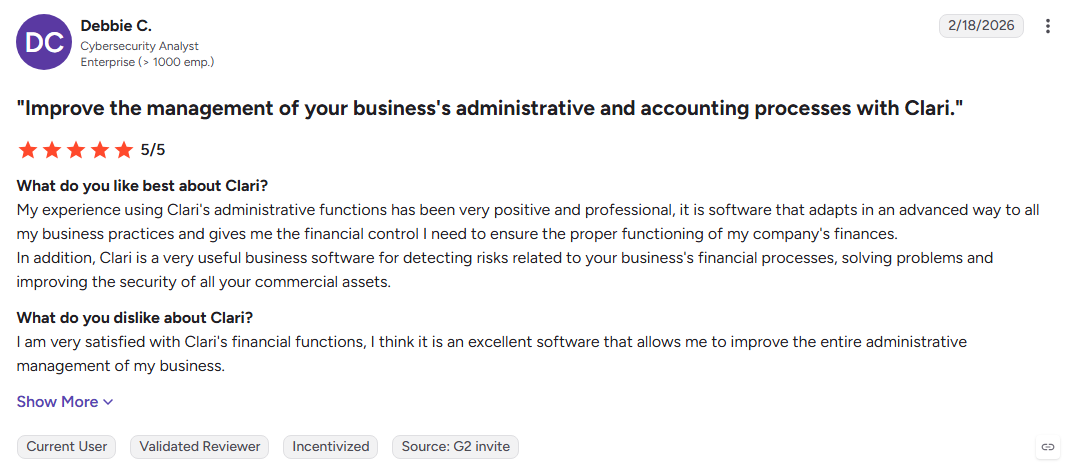
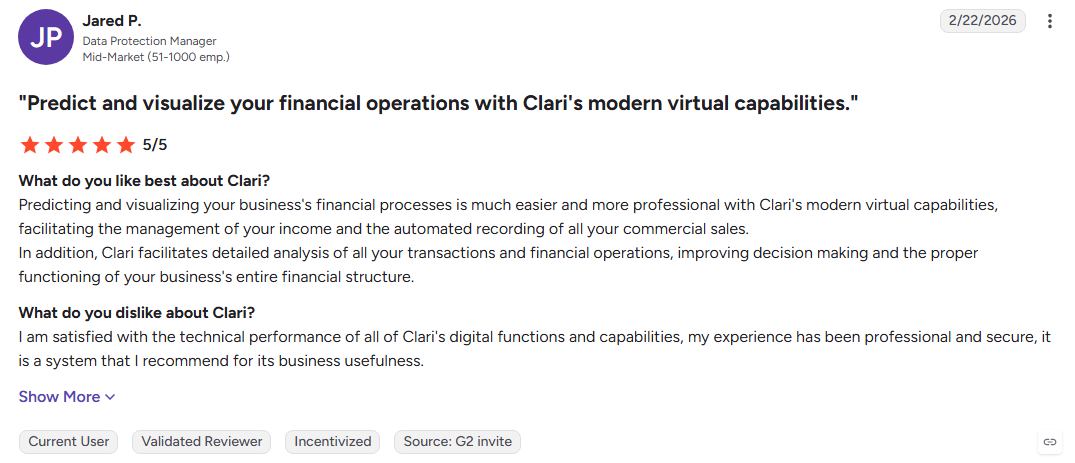
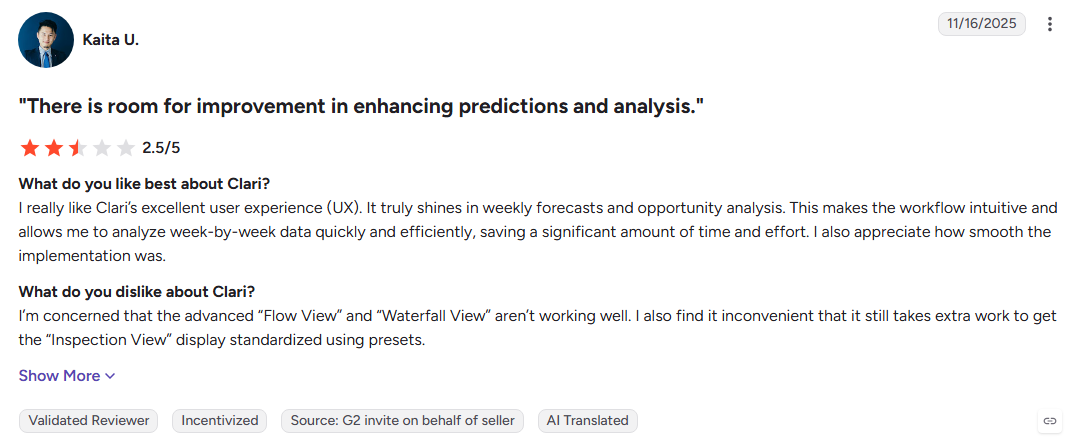
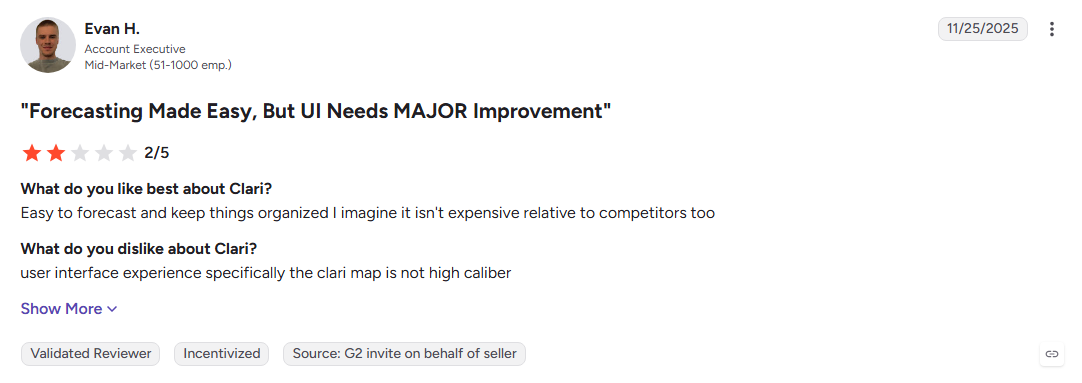
19. Clari
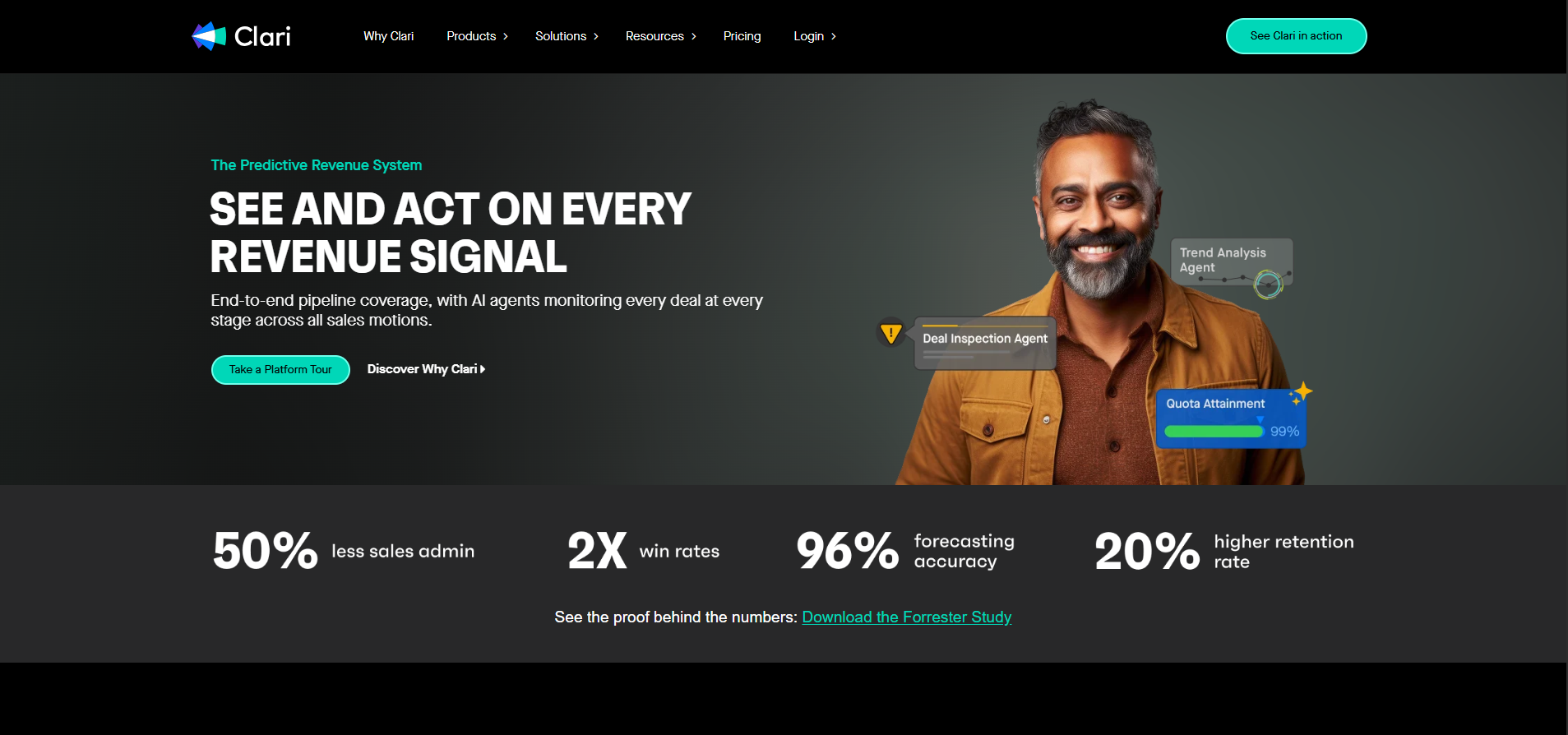
Clari is designed for revenue teams managing complex pipelines rather than creating new ones. It combines CRM activity, engagement, and rep behavior to highlight deal risk and give leaders a more consistent view of forecast performance.
Key Features:
- Activity capture: Logs emails and meetings with less manual CRM work.
- Deal inspection: Highlights stalled and at-risk opportunities.
- Forecast rollups: Uses activity patterns to support more informed forecasts.
- Revenue reporting: Gives teams visibility into pipeline health across segments.
Pros:
- Improves forecast visibility and confidence
- Reduces manual CRM updates
- Strong fit for structured revenue organizations
Cons:
- Does not generate new pipeline
- G2 reviewers report a slower path to measurable value
- Enterprise pricing and commitments can be restrictive
Best For: Sales leaders and RevOps teams managing large, complex pipelines.
20. HG Insights
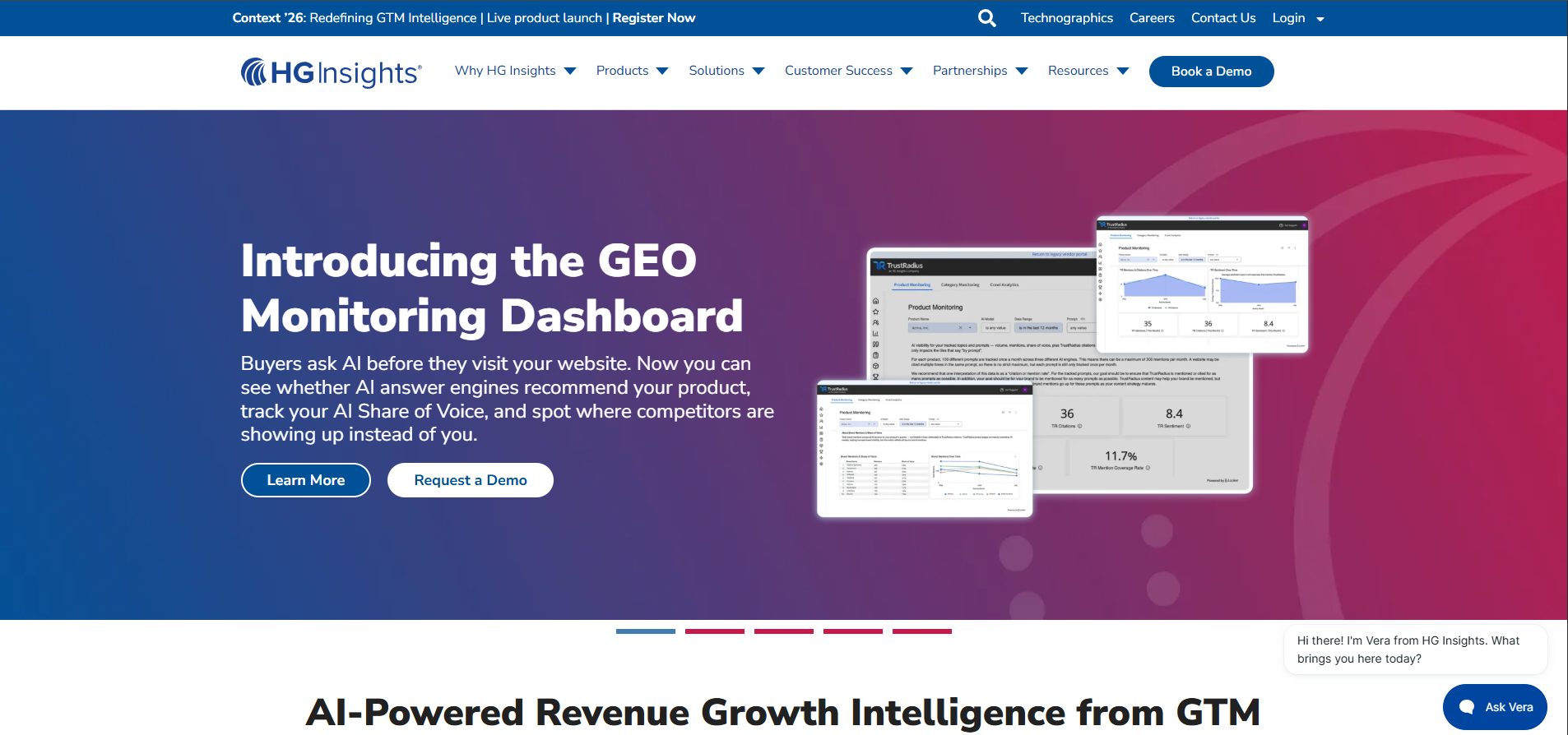
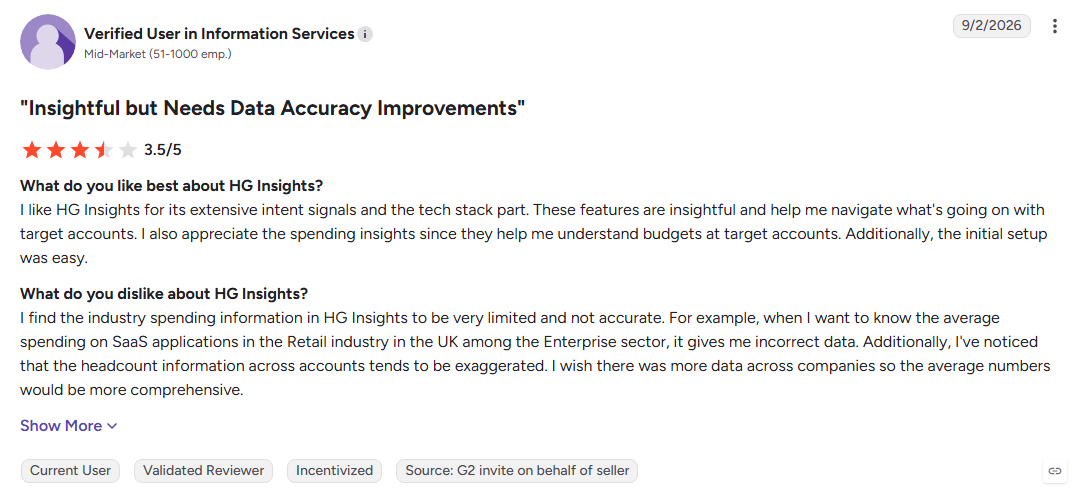
HG Insights specializes in technographic intelligence, showing which technologies companies use and where competitive replacement opportunities may exist. That makes it especially useful for building targeted accounts around installed technology rather than relying on broad prospect lists.
Key Features:
- Technology install data: Maps technologies used across target accounts.
- Spend estimates: Provides technology spending signals for prioritization.
- Market sizing: Supports territory planning and opportunity analysis.
- Data integrations: Feeds intelligence into CRM and ABM workflows.
Pros:
- Deep technographic intelligence
- Strong fit for competitive displacement
- Useful for territory and market planning
Cons:
- Account-level intelligence with no contact records
- No engagement or outreach automation
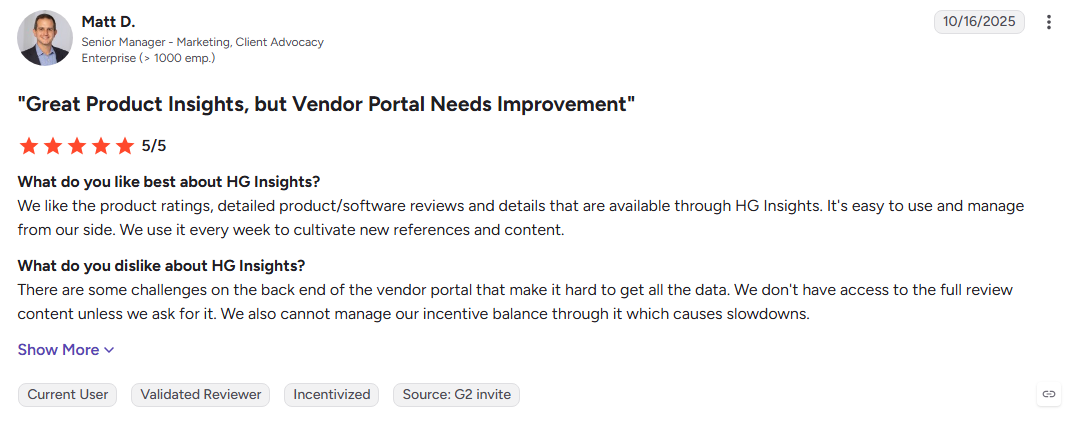
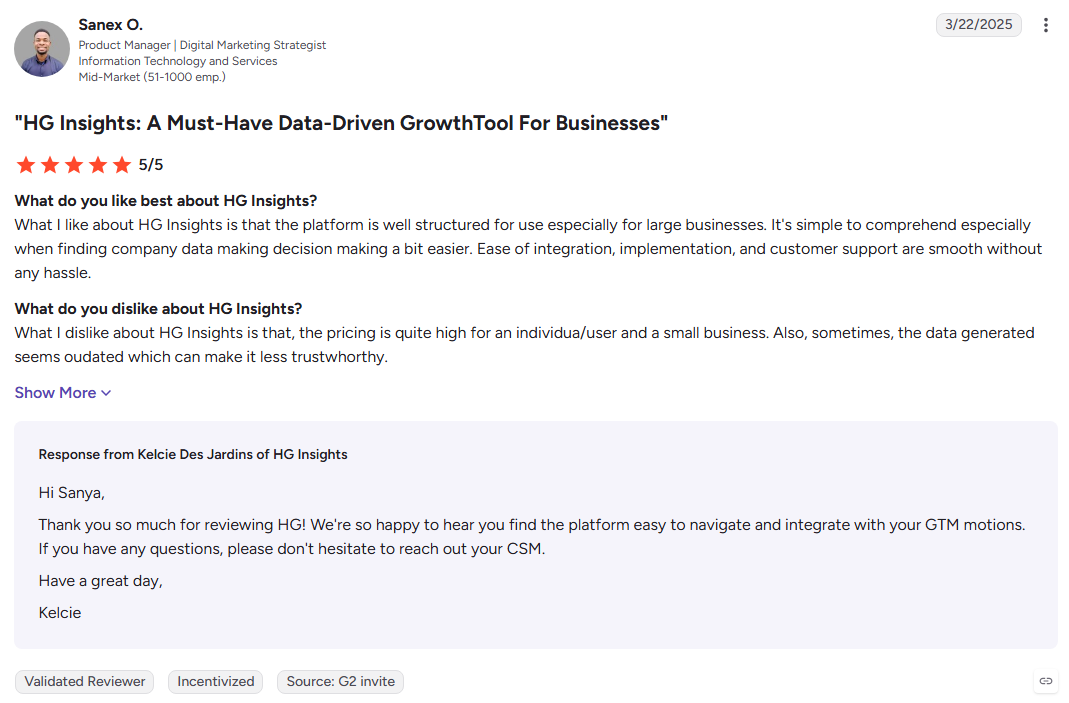
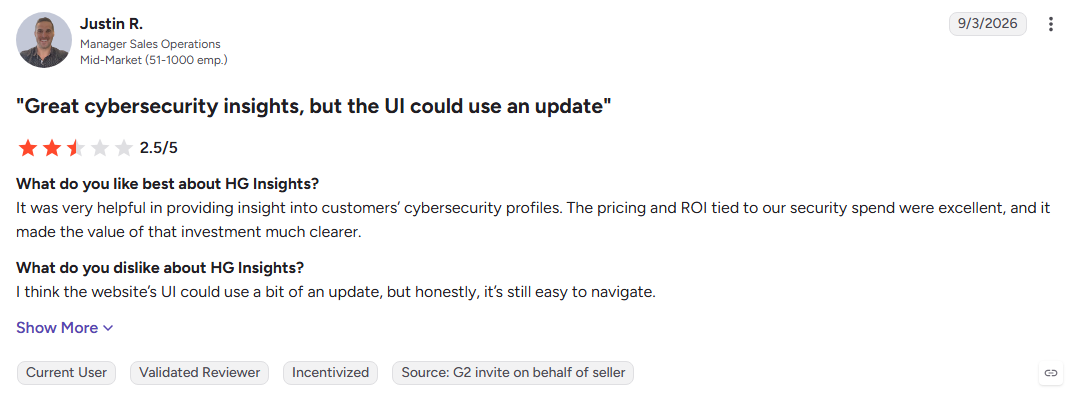
- G2 reviewers cite enterprise pricing and onboarding effort
Best For: Product marketing and revenue teams running competitive displacement, expansion, or technology-based targeting campaigns.
Now that you have seen how each tool performs, let's take a look at which Sales Intelligence Software fits your specific job.
8 Problems Sales Intelligence Software Solves for Revenue Teams
Feature lists rarely explain why a budget gets approved. These eight problems do, and they show where revenue teams lose time, prospects, and pipeline.
1. Anonymous Traffic That Never Converts
You spend on SEO, ads, and content, but most visitors leave without identifying themselves. Forms capture only a small part of that traffic, leaving potential buyers invisible.
2. Cold Lists With No Timing Attached
A perfect-fit account means little if they are not ready to buy. Sales Intelligence Software adds buyer intent signals to help reps find accounts that are actively researching.
3. Bounced Emails and Damaged Sender Reputation
Stale contact data leads to bounced emails and wasted outreach. Fresh, verified sales intelligence data keeps records accurate and protects your sender reputation.
4. Slow Speed-to-Lead While Intent Cools
A strong buying signal can lose value quickly. Automation helps sales teams act within minutes instead of waiting days for a rep to notice and respond.
5. Hours Lost to Manual Research
Reps can spend 15 to 30 minutes researching one account. Sales Intelligence Tools bring contact, company, and buying information together so reps can spend more time selling.
6. CRM Records That Decay Fast
People change jobs, companies change, and contact details go stale. Automated data enrichment keeps CRM records accurate and useful.
7. Sales and Marketing Chasing Different Accounts
Marketing and sales often work from different data and priorities. A shared intelligence layer gives both teams the same view of account fit, activity, and buyer intent.
8. Forecasts Built on Opinion Instead of Signal
CRM updates alone do not show the full picture. Activity, engagement, and buyer intent data give revenue leaders clearer evidence of which opportunities are moving or going cold.
Also Read: Key Benefits of Identifying Website Visitors
How to Choose the Right Sales Intelligence Software
Skip the feature matrix. These seven questions can help you find the right Sales Intelligence Software faster and avoid paying for features you do not need.
1. Which Signal Are You Missing?
Need contacts? Look for a B2B contact database. Need buying signals? Look at intent data or website visitor identification. Need better deal insights? Consider conversation intelligence.
2. Person-Level or Company-Level Identification?
Company-level data shows which company visited. Person-level identification can show who visited. If inbound leads matter, this difference can save your reps hours of research.
3. Does It Act or Only Report?
Ask what happens after a signal appears. If reps must export data and use another tool, you are mainly buying intelligence. Sales Intelligence Software with outreach and handoffs can move prospects faster.
4. Where Does the Data Go?
Look for CRM updates, Slack alerts, and integrations with tools your reps already use. The easier the workflow, the more likely your team is to use it.
5. How Good Is Global Coverage?
Test data quality in the regions you sell to. Do not assume strong North American coverage means strong European or Asian coverage.
6. What Happens When Usage Grows?
Check how pricing changes as traffic, contacts, credits, or users increase. A cheap starting price can become expensive at scale.
7. Can You Test It First?
Test Sales Intelligence Software with your own traffic and sales process before signing a long contract. A free trial or plan can quickly reveal data quality and match rates.
Data Sourcing, Privacy, and Compliance in Sales Intelligence Software
Check data sources, certifications, and regional coverage before choosing Sales Intelligence Software. Compliance should be part of the buying decision from the start.
1. Public Business Data vs Sensitive Personal Data
Good Sales Intelligence Software should use legitimate business information such as professional identities, company records, and business activity. Ask vendors how they source and process data before signing.
2. Which Certifications Matter?
Look for SOC 2 Type II, GDPR, CCPA, ISO 9001:2015, and ISO 27001:2022 to assess a vendor's security, privacy, and data practices. Vison AI holds all five certifications and states that customer knowledge base and lead data are not shared or sold.
3. Does Coverage Match Your Markets?
Data quality can vary by region, so check coverage across the countries where you sell. Kwin supports visitor identification across 175+ countries, making it suitable for teams with global website traffic.
4. Can You Control Who Gets Contacted?
Look for country, page, and traffic filters to control which visitors enter sales workflows. Kwin can exclude specific countries, government traffic, and non-commercial pages such as careers or support.
Why Kwin Is the Better Choice for B2B Lead Enrichment
Most Sales Intelligence Software helps you find contacts. Kwin helps you identify the buyer, understand their intent, and turn website visits into conversations.
Here is what makes Kwin different:
- Identify buyers: Recognize 60% to 70% of website visitors across 175+ countries.
- Prioritize leads: Use ICP Fit and Purchase Intent scores to find high-value visitors.
- Track intent: Monitor signals from LinkedIn, G2, Capterra, Crunchbase, job boards, and more.
- Automate outreach: Send personalized follow-ups when visitors meet your criteria.
- Hand off hot leads: Send positive replies and conversation summaries to your inbox, Slack, or CRM.
- Filter traffic: Exclude unwanted countries, pages, and organizations.
- Built for trust: SOC 2 Type II, GDPR, CCPA, ISO 9001:2015, and ISO 27001:2022.
- Proven results: Infiniticube generated 2.5x more qualified leads in 45 days, with 35%+ of meetings coming from non-form visitors.
Your website already has potential buyers. Start identifying them.
Hire Kwin for Free and get 100 identified leads every month with no credit card required.
Conclusion
The best Sales Intelligence Software is not the one with the biggest database. It is the one that helps your team find the right buyers, understand their intent, and act before interest fades.
We hope this guide helped you understand the different types of Sales Intelligence Software, how they compare, and which platform fits your sales motion.
If anonymous website traffic is your biggest gap, Kwin can identify, score, and engage the buyers already visiting your site.
Ready to turn website traffic into a pipeline? Connect with our experts to find the right setup for your team.
Hire Kwin For Free and get 100 identified leads every month with no credit card required.