
Every day, potential buyers visit your website, compare solutions, check pricing, and evaluate whether you're the right fit. Most of them leave without filling out a form.
That means your sales team never knows they were there, even though some of those visitors are ready to buy.
This is exactly why B2B website visitor identification tools have become one of the fastest-growing categories in modern sales and marketing. They help businesses uncover anonymous website visitors, identify buying intent, and turn hidden traffic into real pipeline opportunities.
But here is the catch: the market is crowded, the claims are inflated, and most tools stop at a company name in a dashboard. So choosing badly means paying for data your team never acts on.
That is why we built this guide.
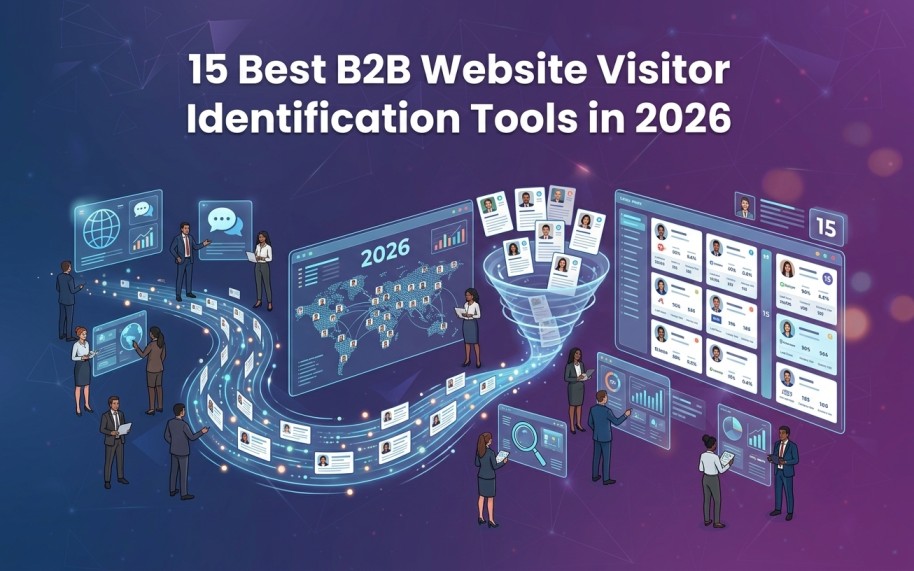
In this guide, we'll break down the 15 best B2B website visitor identification tools in 2026, compare their strengths and limitations, cost to expect and show you how to choose the right solution for your team.
By the end of this guide, you will know exactly which tool fits your team, your traffic, and your pipeline goals. Let's start with the foundations.
What Is B2B Website Visitor Identification?
B2B website visitor identification is a technology that reveals who is browsing your website without a form fill.
It converts anonymous sessions into company names, contact details, firmographics, and buying signals your revenue team can act on.
Think of it like a delivery driver who can read the company name on an office building. Visitor identification does the same for your website, matching anonymous visits back to the business, and often the person behind them.
Instead of guessing at traffic numbers, you see real accounts and, with the best tools, real people.
The best B2B website visitor identification tools go one step further and trigger action on what they find.
How Visitor Identification Actually Works?
Visitor identification looks simple on the surface, but the work behind it is complex. It starts with a tracking pixel on your website, installed directly or through Google Tag Manager.
When a visitor lands on your site, the pixel starts collecting signals. These include IP address, device and browser details, page views, referral source, session activity, and browsing behaviour. The tool then enriches this data using multiple proprietary and third-party sources.
Identifying the company is the more straightforward part, handled with IP intelligence, ASN mapping, and firmographic enrichment. Identifying the actual person is far harder.
It uses identity resolution that analyses hundreds of data points, from browser fingerprints to behavioural and professional signals. The system matches these against large identity graphs, then scores each match for confidence before linking a visitor to a person and company.
Finally, intent signals like pages visited, visit frequency, and time on key pages qualify the visitor. Together they reveal buying intent and flag a real sales opportunity.
Person-Level vs Company-Level Identification
Not all visitor identification tools provide the same level of detail.
Company-level identification tells you which company visited your website. For example, you might see that a SaaS company viewed your pricing page, but you won't know the exact person from that company was researching you.
Person-level identification goes a step further by identifying the actual visitor. You may see their name, job title, work email, and LinkedIn profile. Instead of knowing that a company visited, you know that the VP of Sales or the Marketing Director visited.
This difference matters because it changes how your team follows up. Reaching out to a specific decision-maker is often much more effective than trying to contact a company without knowing who has shown interest.
Many visitor identification tools only provide company-level data. A smaller number can identify both the company and the person behind the visit.
7 Reasons Why Visitor Identification Matters for Your Pipeline
Here are seven reasons why visitor identification has become a critical part of modern B2B sales and marketing strategies:
1. You Stop Losing Your Best Buyers
The overwhelming majority of your traffic researches quietly and leaves without converting. Those silent visitors include your most qualified buyers, because serious buyers research before they talk to sales. Identification recovers them, which means your pipeline stops depending on the tiny slice of visitors willing to fill out a form.
2. Speed-to-Lead Becomes a Real Advantage
Buying intent cools fast. If your team learns about an interested account a week later, a faster competitor has already booked the meeting. When you identify anonymous website visitors in real time, your first touch lands while the research is still happening, and that timing wins deals.
3. Outreach Gets Personal, Not Spray-and-Pray
Knowing which pages a buyer viewed turns cold outreach into a warm, relevant conversation. A message referencing the exact problem someone researched outperforms a generic sequence every time. Person-level data makes this possible at scale, because you are writing to a named human, not a logo.
4. Lead Scoring Runs on Behaviour, Not Guesswork
Traditional lead scoring rewards form fills and email opens, which says little about purchase readiness. Visitor identification feeds scoring with real behaviour: page depth, recency, and return visits. Scores built on intent and buying signals route your reps to accounts that are genuinely in-market.
5. Marketing Finally Proves Pipeline Impact
Most campaigns drive research visits that never convert to attributable form fills, so marketing looks weaker than it is. Identification connects campaigns to the accounts they actually influenced, even without a conversion event. That visibility reshapes budget decisions around channels that bring in buyers, not just clicks.
6. Competitive Deals Surface Earlier
When an account repeatedly visits your comparison or alternatives pages, they are evaluating you against someone. Identification surfaces these accounts while the evaluation is still open. Your team gets a chance to shape the shortlist instead of discovering the deal after it closes elsewhere.
7. Pipeline Stops Depending on Form Fills
Forms create friction, and modern buyers avoid them until the last possible moment. Visitor identification builds a parallel pipeline from the traffic you already paid to attract. The same ad spend and the same B2B lead generation strategies suddenly produce more meetings, because nothing depends on a form.
Quick Comparison: 15 Best B2B Website Visitor Identification Tools
Here is how the 15 best B2B website visitor identification tools stack up at a glance. The detailed reviews follow the table.
Let’s review each tool in detail!
1. Kwin by Vison AI
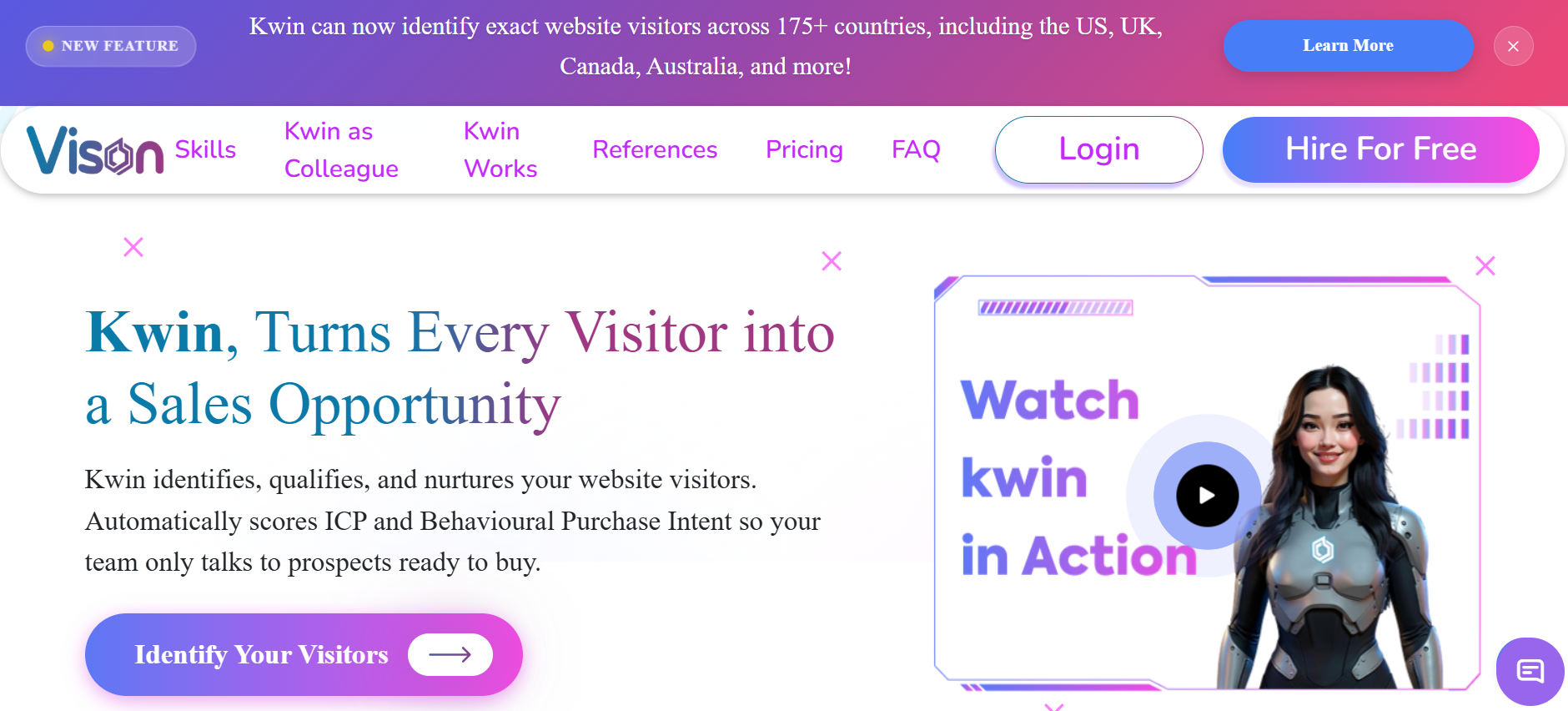
Kwin is not another visitor tracking dashboard. She is an AI Business Developer, an AI Employee from Vison AI who runs the entire journey from an anonymous visit to a booked meeting. Where other tools hand you data and leave, Kwin takes a different approach.
Instead of acting as another dashboard, Kwin works as an AI Business Developer that helps turn anonymous website visitors into sales conversations. From identification to qualification, nurturing, and handoff, the process runs automatically.
When someone visits your website, Kwin identifies both the person and the company behind the visit. She can uncover names, work emails, LinkedIn profiles, company details, industry, revenue, phone numbers, and location. Kwin identifies 60 to 70% of visitors across 175+ countries.
Once identified, every visitor is automatically scored based on ICP fit and buying intent. This helps your team focus on prospects who are most likely to become customers.
For qualified visitors, the workflow is threshold-based. You set a minimum ICP and Purchase Intent score, and Kwin only acts once a lead crosses it.
When a lead qualifies, she launches a personalised email sequence from your own domain. If the prospect replies positively, she forwards the full thread, with a short summary, to your inbox. She also alerts your sales team in Slack and your CRM.
LinkedIn outreach is in development too, adding a smart email-and-LinkedIn combination that reaches the same buyer across both channels.
Getting started takes only a few minutes. Add a pixel to your website, connect your CRM and Slack, and link your email account. Kwin then builds a knowledge base from your website content so outreach stays relevant and aligned with your messaging.
If you're looking for more than visitor identification and want a system that turns anonymous traffic into real sales opportunities, Kwin is one of the few solutions built to do the entire job from start to finish.
Key features:
- Person + company-level identification: 60 to 70% of visitors identified, across 175+ countries
- ICP score and Purchase Intent Score: Every visitor qualified automatically by fit and buying intent
- Country-level and page-level filters: Target specific countries and filter out public sector and government traffic, a control few rivals match.
- Autonomous nurture: Personalised 3-step sequences from your own domain
- Instant handoff: Hot, sales-ready leads routed to humans via Slack and CRM
- Enterprise-grade trust: SOC 2 Type II, GDPR and CCPA compliant, ISO 9001:2015, and ISO 27001:2022 certified
- Free forever plan: Lead Watcher includes 100 leads/month, no credit card required
Pros
- Identification and action in one: She identifies, qualifies, nurtures, and hands off, so no extra outreach stack is needed
- Person-level globally: 175+ countries, unlike US-centric person-level rivals
- No risk to start: Free forever entry with 100 leads/month and a 7-day free trial on the Win+ plan
- Speed-to-lead on autopilot: First touch happens while intent is hot, without rep effort
Cons
- Predefined workflow: Custom automation flows are still in development
- Newer brand: Less name recognition than decade-old legacy databases
Best for: B2B sales, SaaS growth, and professional-services teams that want anonymous traffic converted into booked meetings without adding headcount.
Use Kwin For Free: Get started here, no credit card required.
2. RB2B
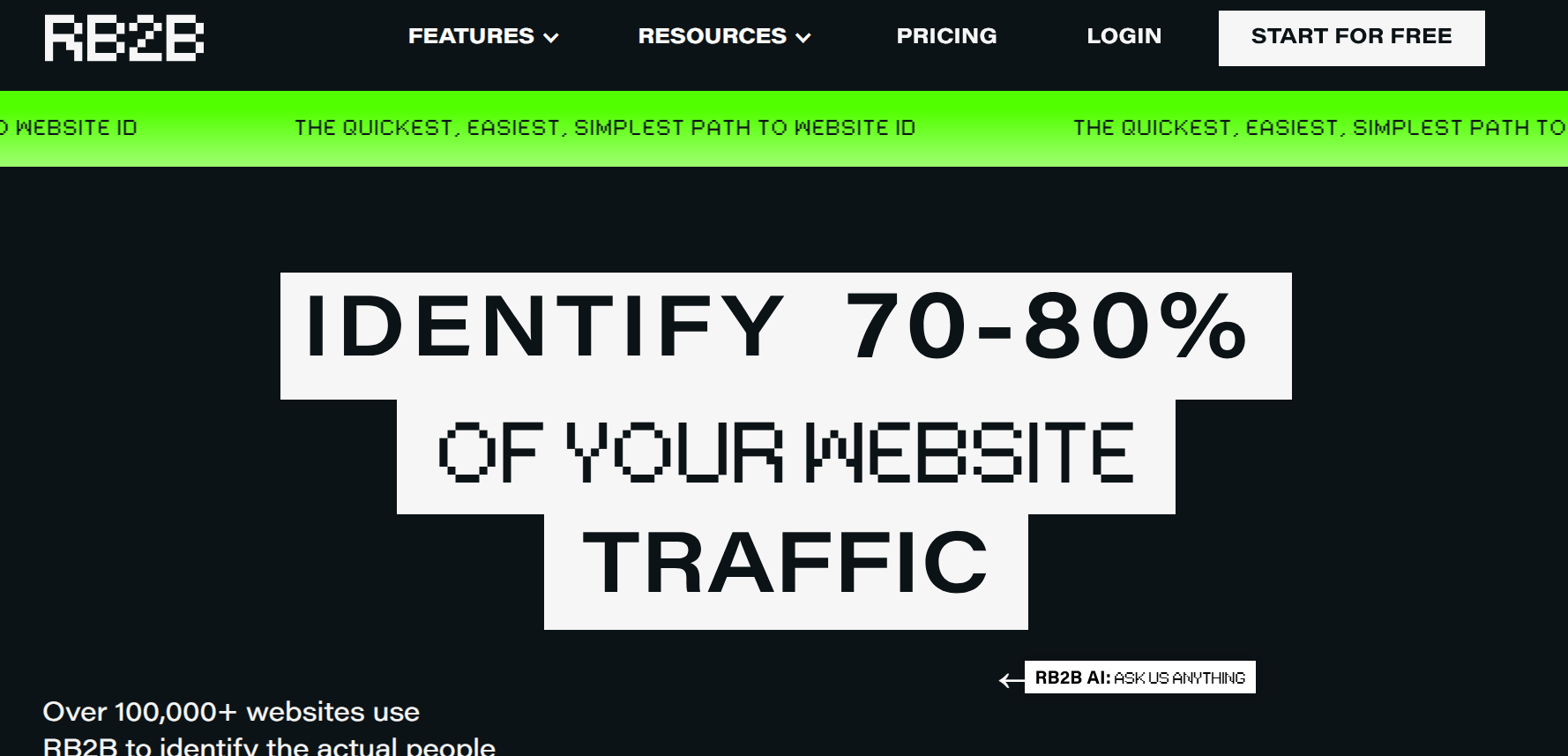
RB2B made its name doing one thing loudly: person-level identification for US traffic, pushed straight to Slack. When a visitor lands on your site, RB2B surfaces their LinkedIn profile and business email in real time.
That immediacy is genuinely useful for outbound teams who live in Slack. The limits show up at the edges. Identification is restricted to US visitors, and CRM routing sits behind higher tiers.
There is also no ICP or persona filter, so reps receive raw lists they must qualify by hand. G2 reviewers praise the alerts while flagging match-quality inconsistency and noise on low-fit visitors.
Key features:
- Person-level US identification: LinkedIn profiles and emails in real time
- Slack-first delivery: Alerts where outbound teams already work
- Free tier: Entry plan available with limited data
Pros
- Fast person-level signal: Real names instead of company logos
- Simple to adopt: Lightweight setup and a free starting point
Cons
- US-only identification: Global traffic stays anonymous, a major gap for international pipelines
- No qualification layer: No ICP scoring, so triage falls on your reps
- Alerts, not action: Outreach and nurture require separate tools
Best for: US-focused SMB outbound teams that want raw person-level alerts and are happy to handle qualification and outreach themselves. For a direct breakdown, see Kwin vs RB2B.
3. Warmly
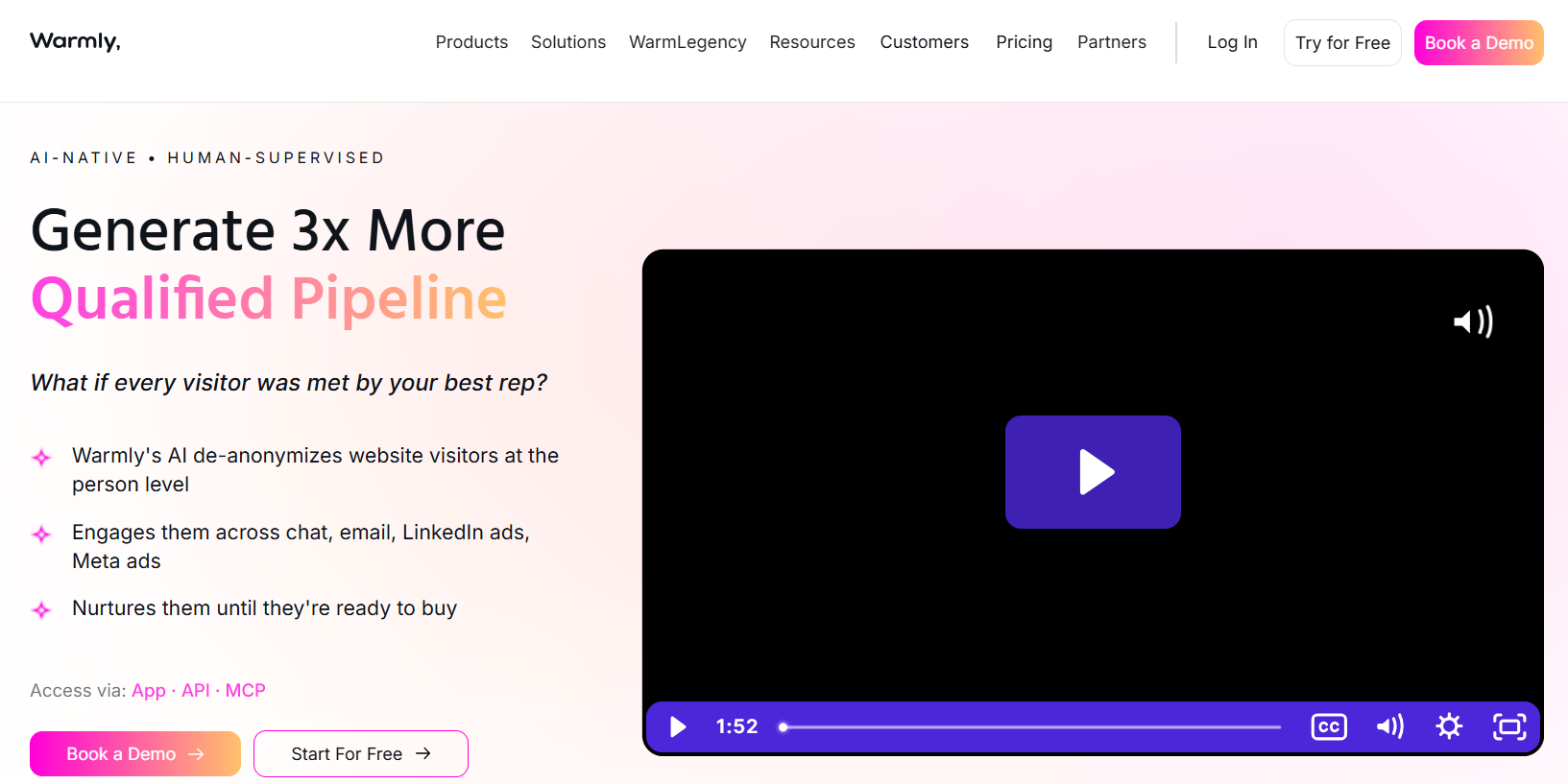
Warmly positions itself as a GTM orchestration platform built around visitor identification. It combines a multi-provider data waterfall with chat, alerts, and configurable outreach sequences across email and LinkedIn.
The waterfall approach is its real strength, stacking several data vendors to lift match rates beyond any single source. The trade-off is platform weight. Reviewers on G2 credit the breadth while noting a learning curve, and the orchestration value depends on the workflows your team must configure and maintain. Pricing runs on annual contracts, which smaller teams should factor in.
Key features:
- Multi-provider waterfall: Several data sources stacked for higher match rates
- On-site engagement: AI chat, pop-ups, and meeting booking for live visitors
- Configurable sequences: Email and LinkedIn play triggered by visitor activity
Pros
- Person and company-level data: Broader identification than company-only rivals
- Engagement while visitors are live: Chat converts intent in the moment
Cons
- Configuration burden: Orchestration requires setup and ongoing ownership
- Premium annual pricing: Plans starting around $15,000/year, a heavier commitment than free-entry alternatives
Best for: Mid-market teams with RevOps capacity that want an orchestration layer and will invest in the setup time.
4. Leadfeeder (Dealfront)
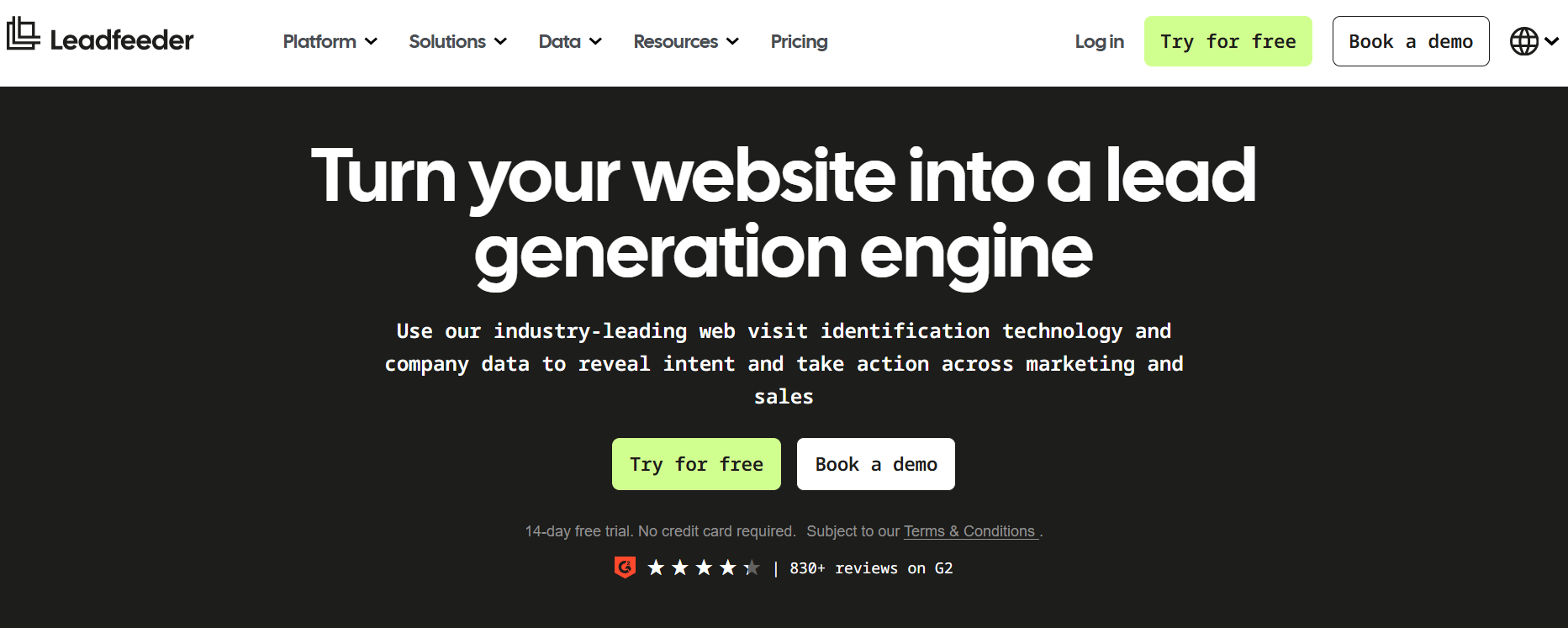
Leadfeeder, now part of Dealfront, is the long-standing reference point for company-level visitor identification in Europe. It matches IPs to organisations, shows page-level behaviour, and syncs to Salesforce, HubSpot, and Pipedrive with real-time alerts.
Its European database depth and GDPR-first posture make it a comfortable choice for EMEA teams. The ceiling is structural: identification stops at the company. G2 reviewers consistently note that SDRs still have to find the actual person, research contacts, and start outreach manually. That last mile adds hours between visits and first touch.
Key features:
- Company-level identification: Strong European IP coverage
- Behavioural filtering: Segment visiting companies by pages and engagement
- CRM sync: Native Salesforce, HubSpot, and Pipedrive connections
Pros
- EU data strength: A natural fit for EMEA-focused pipelines
- Mature product: Years of refinement and stable integrations
Cons
- No person-level identification: You get the company, never the buyer
- Manual last mile: Contact research and outreach remain your team's job
Best for: EU-focused teams that need compliant company-level intelligence and have SDR capacity to work the data.
5. ZoomInfo Onsite
ZoomInfo Onsite (formerly WebSights) connects visitor identification to the largest proprietary B2B database in the market, spanning 100M companies and 500M contacts. Identified accounts arrive with verified decision-maker contacts, direct dials, and intent context, then flow into ZoomInfo's GTM Workspace.
For enterprises already inside the ZoomInfo ecosystem, that connected context is powerful. Outside it, the picture changes. Pricing is enterprise-grade and opaque, and contracts run multi-year with auto-renewal terms that reviewers on TrustRadius repeatedly criticise.
The credit-based model can also turn heavy usage into credit burn. Smaller teams often pay for a platform they barely use.
Key features:
- Database scale: Visitor identification enriched from a massive contact graph
- Native CRM syncs: Salesforce, HubSpot, and Microsoft Dynamics
- Traffic filtering: Automatic separation of real company visits from bot noise
Pros
- Deep enrichment: Verified contacts attached to identified accounts
- Enterprise integration depth: Built for complex RevOps stacks
Cons
- Cost and contract weight: Multi-year commitments and renewal terms draw recurring complaints
- Credit-burn pricing: Usage-based credits punish active teams
Best for: Enterprise revenue teams with dedicated ops resources and existing ZoomInfo investment. Considering a lighter path? Read our ZoomInfo alternatives guide.
6. Clearbit (HubSpot Breeze Intelligence)
Clearbit, absorbed into HubSpot as Breeze Intelligence, delivers company-level reveal and enrichment natively inside HubSpot. If your CRM, marketing automation, and reporting already live there, the data appears exactly where your team works.
That native fit is also the boundary. The product is locked to the HubSpot ecosystem, identification stays at the company level, and acting on the data depends on the HubSpot workflows you build yourself. Teams on Salesforce or hybrid stacks should look elsewhere.
Key features:
- Native HubSpot reveal: Identified companies enriched directly in CRM records
- Firmographic enrichment: Industry, size, and technology data appended automatically
- Workflow triggers: HubSpot automations fired by visitor attributes
Pros
- Zero-friction adoption: No new interface for HubSpot teams
- Clean enrichment: Strong firmographic data quality
Cons
- Ecosystem lock-in: Value collapses outside HubSpot
- Company-level only: No named buyers, no person-level outreach
Best for: HubSpot-first marketing teams that want enrichment and reveal without adding another vendor.
7. 6sense
6sense approaches visitor identification through predictive ABM. It de-anonymises company traffic, blends it with third-party intent signals, and models which accounts are in-market and at what buying stage.
For enterprise ABM programs, the predictive layer can genuinely sharpen targeting. The costs are complexity and commitment. The platform demands serious onboarding, ongoing ops ownership, and enterprise contracts, and identification remains company-level. G2 reviewers value the intent models while citing complexity and price as the recurring drawbacks.
Key features:
- Predictive intent modelling: Accounts ranked by modelled buying stage
- Company de-anonymisation: Site traffic matched to target accounts
- ABM orchestration: Ads, alerts, and plays triggered by account movement
Pros
- Strong ABM targeting: Prioritisation grounded in modelled intent
- Rich third-party signals: Research activity beyond your own site
Cons
- Enterprise complexity: Long implementation and dedicated ops required
- Company-level ceiling: Individual buyers stay invisible
Best for: Enterprise ABM teams with a budget and a RevOps function. Exploring lighter options? See our 6sense alternatives breakdown.
8. Factors.ai
Factors.ai blends company-level visitor identification with multi-touch attribution. It aggregates website visits with LinkedIn engagement and G2 activity, giving marketing teams a unified view of which touchpoints actually move accounts.
As an analytics product, it is genuinely thoughtful. As a pipeline tool, it stops early, with no person-level identification and no outreach. The output is insight that still needs a separate stack to act on. Marketing teams love it. Sales teams wait on it.
Key features:
- Multi-touch attribution: Campaign influence mapped across the journey
- Signal aggregation: Website, LinkedIn, and G2 activity in one account view
- Account scoring: Engagement-based prioritisation for marketing
Pros
- Attribution clarity: Strong answers on what marketing actually influenced
- Useful signal blend: G2 and LinkedIn context, most ID tools lack
Cons
- No outreach layer: Identification ends at the dashboard
- Marketing-first design: Sales teams need additional tooling
Best for: Data-driven marketing teams measuring campaign impact rather than chasing direct outreach from visitor data.
9. Apollo.io
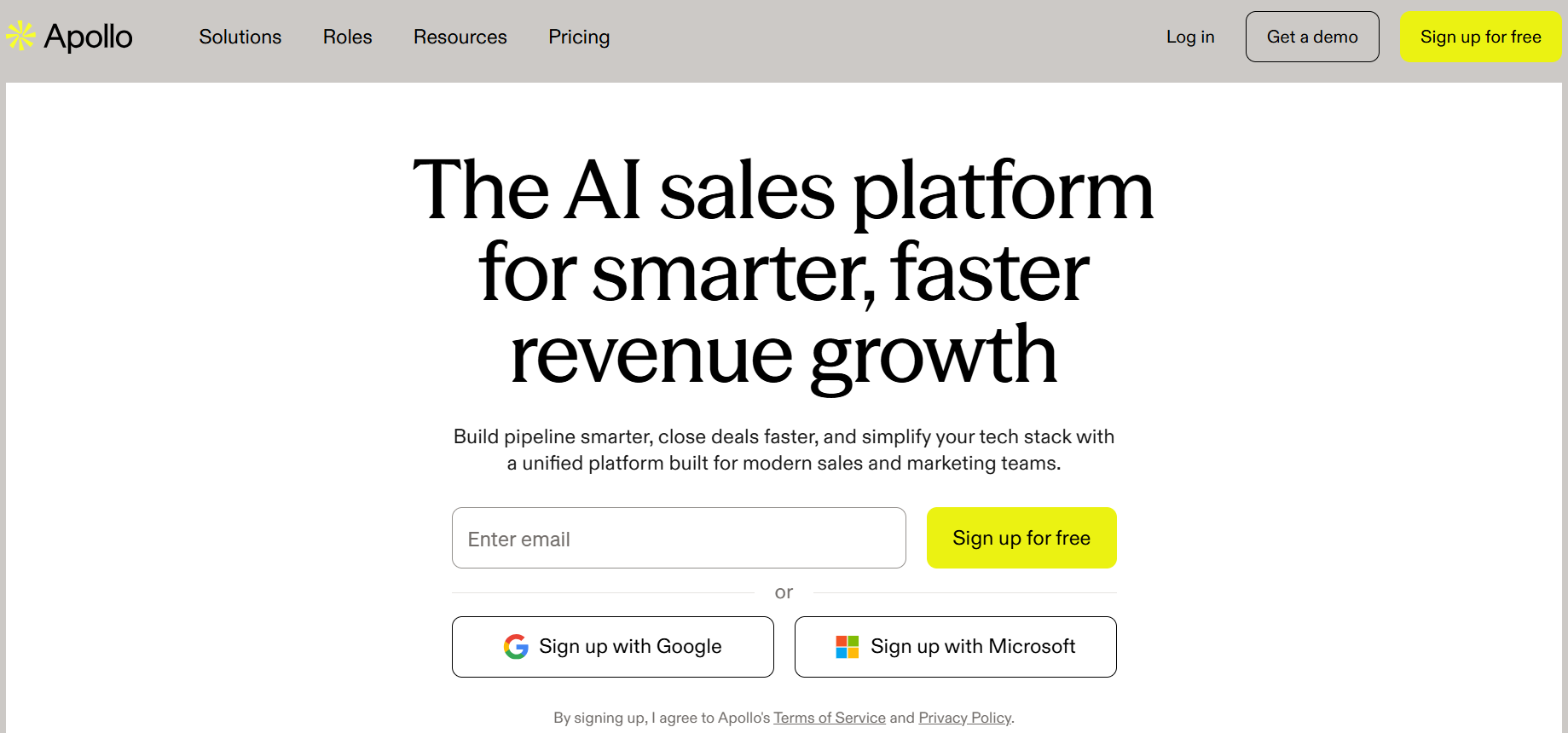
Apollo.io is an all-in-one prospecting platform that added website visitor tracking to its contact database and sequencing engine. Identified companies can be matched to contacts in Apollo's database and dropped into email sequences without leaving the platform.
That bundling is attractive for SMB teams consolidating tools. The compromises are depth and data trust. Visitor identification is a side feature rather than the core competency, and G2 reviewers regularly report stale or inaccurate contact records that force manual verification. The credit-based model also needs watching as usage scales.
Key features:
- Database plus sequencing: Prospecting, enrichment, and outreach in one tool
- Visitor tracking add-on: Identified companies matched to database contacts
- CRM integrations: Sync with major CRMs and sales tools
Pros
- Stack consolidation: One platform covering several SMB needs
- Built-in outreach: Sequences launch directly from identified accounts
Cons
- Data accuracy complaints: Reviewers report outdated contacts requiring re-verification
- Identification is secondary: Match depth trails dedicated tools.
Best for: SMB teams that want a generalist prospecting platform with visitor tracking included. For the full picture, read our Apollo.io alternatives review.
10. Albacross
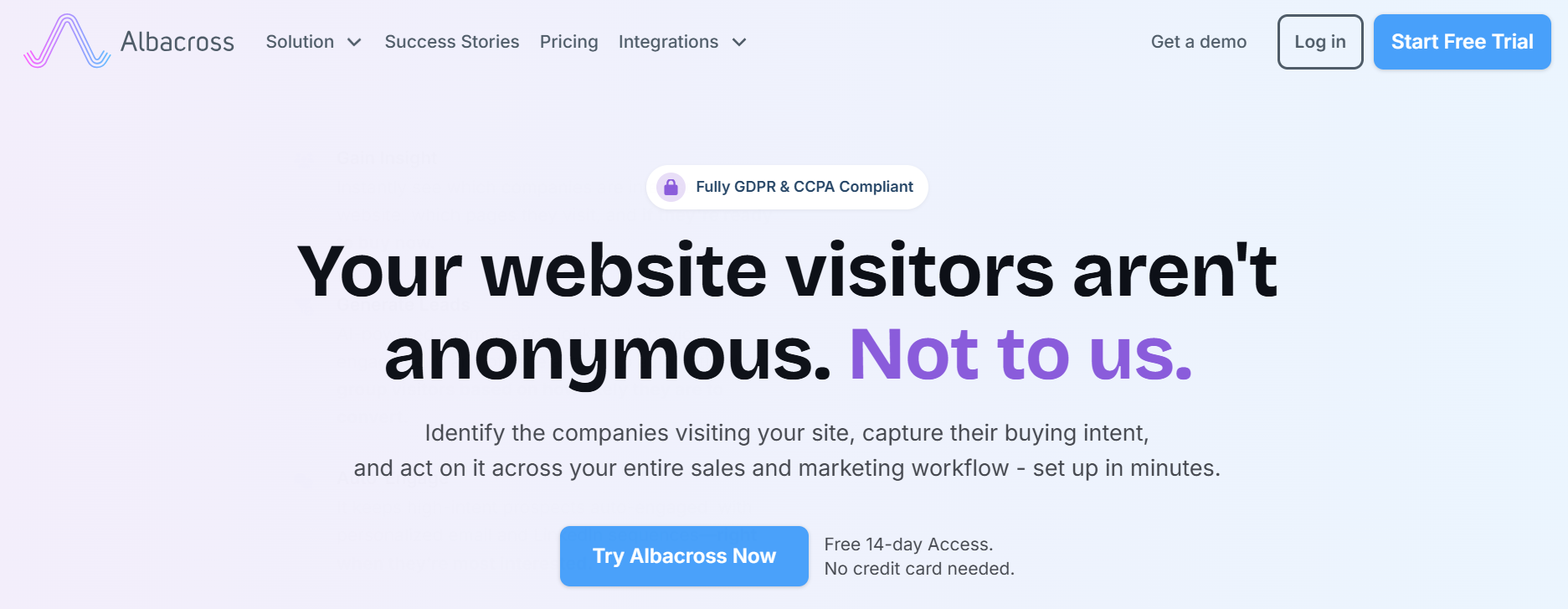
Albacross focuses on company-level identification with a European data backbone, and pairs it with a distinctive use case: feeding identified accounts into ad retargeting. You filter visiting companies by ICP attributes, then target only those accounts with paid campaigns.
That makes it a performance marketer's tool more than a sales tool. Identification stays at the company level, there is no native outreach, and sales teams still face the manual research gap between company name and human conversation.
Key features:
- Company-level identification: Solid European IP coverage
- ICP-filtered retargeting: Identified accounts pushed into ad audiences
- CRM and automation sync: Data delivered into existing workflows
Pros
- Smarter ad spend: Retargeting limited to ICP-matched accounts
- EU data depth: Reliable European company matching
Cons
- No person-level data: Buyers remain anonymous
- No outreach engine: Sales action requires separate tooling
Best for: B2B performance marketers running paid programs against identified accounts.
11. Lead Forensics
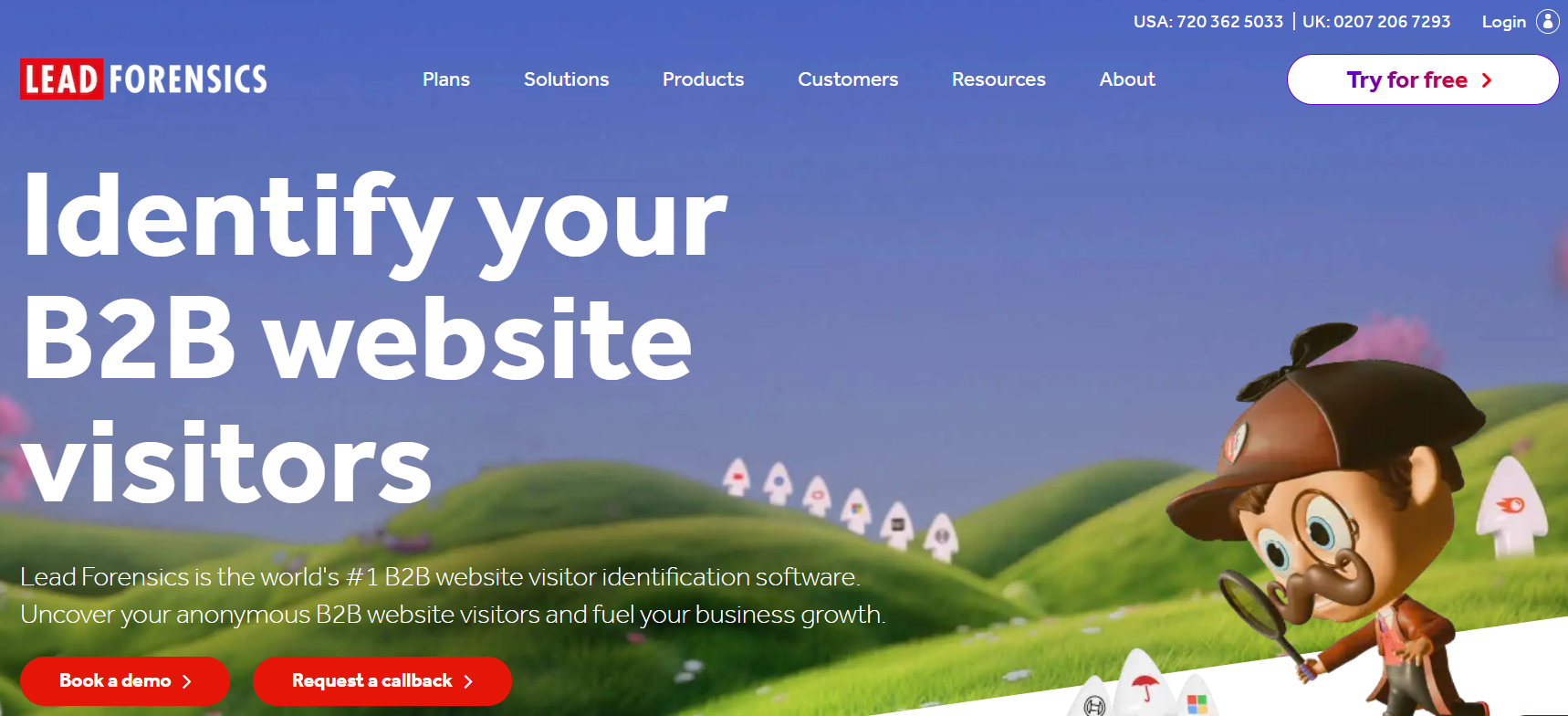
Lead Forensics is one of the oldest names in company-level identification, built on a large proprietary IP database. Its signature is hands-on service: new customers get an account manager who helps configure workflows and interpret the data.
That managed approach suits teams without ops capacity. The criticisms are familiar for the legacy tier. There is no person-level identification and no free plan. Reviewers on Trustpilot and G2 also raise contract terms and aggressive sales follow-up often enough to matter. Read the agreement closely before signing.
Key features:
- Large IP database: Established company-matching coverage
- Managed onboarding: Account managers assist with setup and workflows
- Real-time alerts: Visit notifications routed to sales
Pros
- Hands-on support: Genuine help for teams new to the category
- Mature matching: Years of IP database refinement
Cons
- Contract friction: Terms and renewals draw recurring review complaints
- Company-level only, no free entry: Higher commitment for shallower data
Best for: Mid-market teams that value managed service over self-serve flexibility.
12. Leadinfo
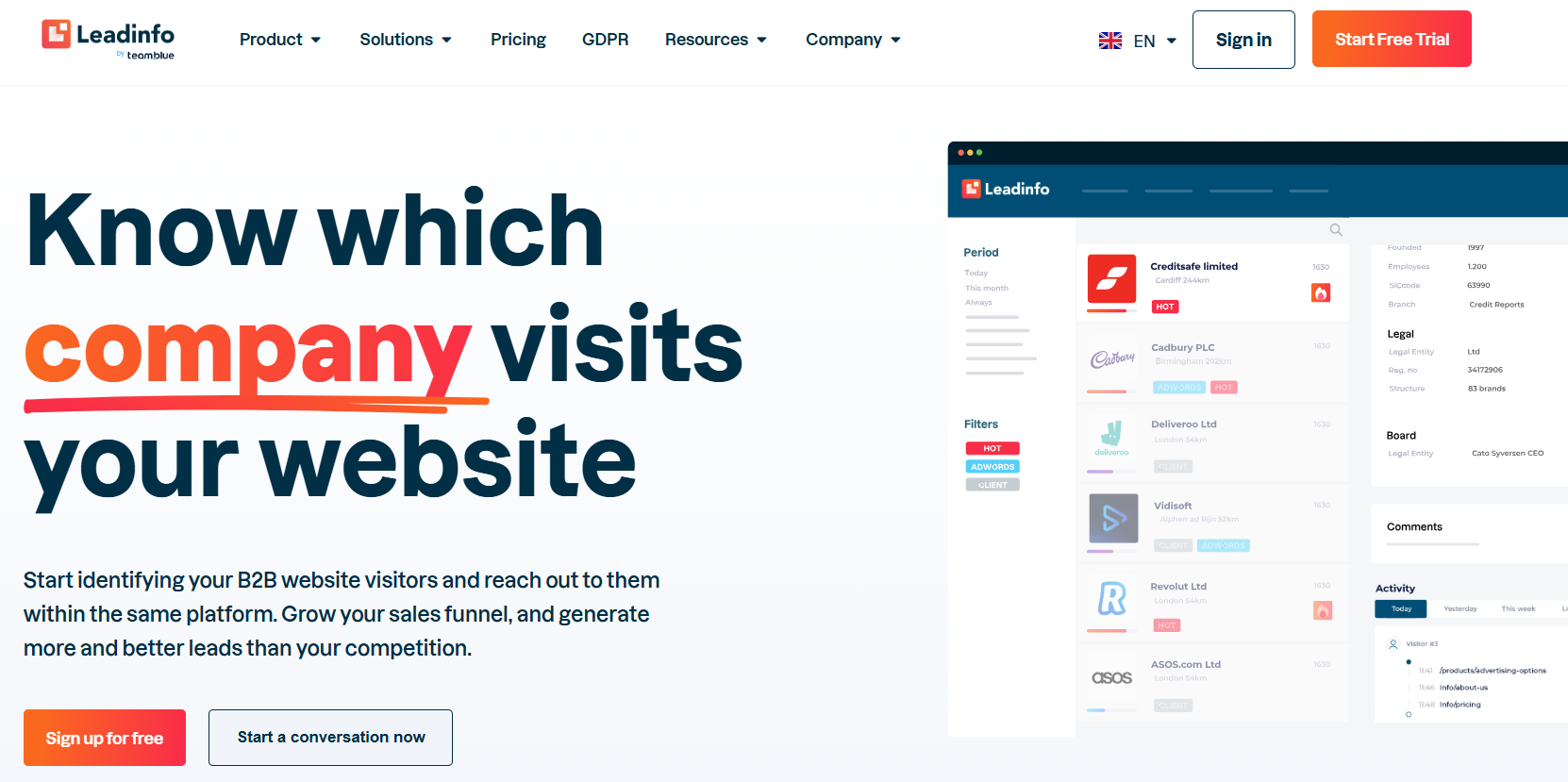
Leadinfo is a European company-level identification platform that acquired Visitor Queue to expand into North America. It shows visiting companies, page paths, and dwell time, and connects to more than 70 CRM and marketing automation systems.
Its integration breadth is the standout, and its tiered model based on identified companies keeps entry predictable. Reviewers note pricing rose after the acquisition. The product also remains a data layer: identification is company-level, and outreach is an add-on rather than a core capability.
Key features:
- 70+ integrations: Broad CRM and automation connectivity
- Behaviour tracking: Page views and time-on-site per visiting company
- Tiered identified-company model: Costs scale with matched volume
Pros
- Easy adoption: Quick setup and clean interface
- Integration depth: Fits almost any existing stack
Cons
- Post-acquisition price creep: Reviewers flag rising costs
- Company-level ceiling: No named buyers without extra tools
Best for: SMBs and agencies across the EU and North America that want simple company-level data inside their current stack.
13. Leadpipe
Leadpipe is a person-level identification pixel aimed at smaller B2B teams who want names, not just company logos. You drop its pixel on your site, and it reveals the actual people visiting along with their work details, so your reps can reach out to a real human instead of guessing.
The appeal is simple: person-level data at a price mid-market teams can stomach. The limits are familiar for this kind of tool. It works best on US traffic, the contact details usually need a quick check before you send anything, and it doesn't run the outreach for you, so you'll still pair it with your own email tool.
Key features:
- Person-level pixel: Reveals the real visitor, not just the company
- Work contact details: Names and business profiles for outreach
- CRM and Slack delivery: Drops identified people into the tools you already use
Pros
- Affordable person-level data: Named buyers without an enterprise contract
- Fast to set up: One pixel and you're live
Cons
- US-first coverage: International visitors mostly stay anonymous
- No built-in outreach: You still need a separate tool to send and follow up
Best for: Smaller US-focused B2B teams that want named, person-level leads without paying enterprise prices.
14. Snitcher
Snitcher is a lean, well-designed company-level identification tool with usage-based simplicity. It matches visiting companies, applies smart filtering to cut ISP noise, and pushes clean lists into your CRM or Google Analytics.
What it deliberately leaves out defines it: no enrichment marketplace, no intent data, no outreach. For lean teams that want trustworthy company matching without platform bloat, that restraint is the appeal.
Key features:
- Clean company matching: Noise filtering for higher-quality lists
- Usage-based simplicity: Pay for matched volume, not platform tiers
- GA and CRM integration: Data lands where you already report
Pros
- Excellent value for scope: Honest tool at an honest price point
- Low noise: Filtering removes ISP and bot clutter
Cons
- No intent or enrichment layer: Data stops at the company name
- Limited workflow depth: Built for lists, not pipelines
Best for: Lean teams on tight budgets that want dependable company-level identification only.
15. Happierleads
Happierleads targets SMBs with company-level identification bundled with basic email and LinkedIn outreach add-ons, plus a white-label option aimed at agencies. The pitch is identification and first-touch in one inexpensive package.
The execution is broader than it is deep. Identification remains both personal and company level, the outreach functionality is lightly documented, and reviewers describe the experience as serviceable rather than standout. For agencies reselling visitor data under their own brand, the white-label angle is the genuine differentiator.
Key features:
- Company identification with outreach add-ons: Email and LinkedIn follow-up bundled
- White-label option: Agencies can rebrand the platform
- SMB-friendly tiers: Accessible entry for small teams
Pros
- Bundled first-touch: Some outreach without a second vendor
- Agency resale model: White-labelling, a few rivals offer
Cons
- Shallow on both halves: Neither identification nor outreach leads its class.
- Light documentation: Capabilities can be hard to verify pre-purchase
Best for: SMBs and agencies wanting cheap, bundled identification plus basic outreach.
How We Evaluated These Tools?
Not all visitor identification tools solve the same problem. Some simply tell you which companies visited your website. Others help you identify buyers, qualify leads, and drive sales conversations.
To create this list, we evaluated each tool based on the factors that matter most to sales and marketing teams:
- Identification capabilities (person-level, company-level, or both)
- Match quality and data accuracy
- Global coverage
- CRM and workflow integrations
- Compliance and security standards
- Pricing flexibility
- Ease of setup and use
- What happens after identification
We also reviewed feedback from G2, TrustRadius, and Trustpilot to understand real user experiences, not just vendor claims.
Now that you have seen all 15 best B2B website visitor identification tools individually, let's take a look at how you can choose the right B2B website visitor identification tool from this list.
How to Choose the Right B2B Website Visitor Identification Tool?
Here are eight key factors to consider when choosing the right B2B website visitor identification tool:
1. Identification Level (Person or Company)
Decide upfront whether a company name is enough or if you need the actual buyer. Company-level data suits ABM advertising and account research, while person-level data powers direct outreach and speed-to-lead. If your end goal is conversations, person-level identification is non-negotiable, and it narrows this list quickly.
2. Match Rate and Data Quality
A tool that identifies more of your real traffic delivers more pipeline per visitor, but only if the matches are accurate. False positives waste rep time and erode trust in the data. Run a trial on your own traffic, sample the matches manually, and judge quality before you judge price.
3. Global Coverage
US-only identification is fine until your best inbound account browses from London or Singapore. Check where the vendor's data actually performs, rather than where it sells. If your pipeline is international, global person-level coverage like Kwin's 175+ country reach is a structural advantage no US-only tool can match.
4. What Happens After Identification
This is the factor most buyers under-weigh. Ask whether the tool qualifies, nurtures, and routes leads, or simply displays them. Identification without action means hiring humans to finish the job, and that hidden labour is the real cost of cheap dashboards.
5. CRM and Workflow Integrations
Visitor data that never reaches your sales workflow loses most of its value. Confirm native sync with your CRM, alerting in Slack or Teams, and clean field mapping. The test is simple: can a rep act on an identified visitor without leaving the tools they already use?
6. Privacy and Compliance Posture
Person-level identification touches personal data, so the vendor's compliance posture is your risk surface. The best tools work from publicly available business data, not sensitive personal details. Look for SOC 2 Type II, GDPR and CCPA alignment, ISO certification, and clear data-sourcing answers. A vendor that cannot explain where its identity data comes from is a liability, not a partner.
7. Pricing Model and Contract Flexibility
Watch the pricing model as closely as the number. Credit-based pricing can punish success, multi-year auto-renewals lock in regret, and opaque quotes hide the true cost. Favour vendors with free entry points and transparent scaling, because value vs legacy contract pricing is where modern tools win.
8. Setup Time and Ease of Use
Every tool here starts with a pixel, but total time-to-value varies wildly. Some run within minutes of installation, while enterprise platforms need weeks of onboarding and dedicated ops. Match the implementation burden to the team you actually have, not the team the vendor assumes.
5 Red flags when comparing vendors:
- Match rate claims above 90%: Be cautious. No visitor identification tool can accurately identify nearly every visitor. Ask how the number was calculated.
- Match rates without context: A percentage means little without knowing the traffic source, visitor location, and audience type behind it.
- No free trial or traffic test: The only match rate that matters is the one on your website. Always test a tool on your own traffic before making a decision.
- No explanation of where the data comes from: Reputable vendors should clearly explain how they identify visitors and source their data. If the process is vague, proceed carefully.
- Identification without action: Some tools only show visitor data and leave everything else to your team. Make sure you understand what happens after identification and how much manual work is still required.
What Data You Actually Get (and the Signals That Matter)
Most visitor identification tools show details like:
- Company name
- Website
- Industry
- Company size
- Revenue range
- Location
- Pages visited
- Time spent on site
- Return visits
But the most valuable data is often visitor behavior.
Signals that usually indicate buying intent include:
- Visiting the pricing page
- Viewing comparison or alternatives pages
- Downloading resources
- Visiting multiple times within a short period
- Spending significant time on key pages
The best B2B website visitor identification tools help you identify these high-intent visitors instead of making you analyze the data yourself.
Some platforms, like Kwin, also assign an ICP fit score and a Purchase Intent score, making it easier for sales teams to focus on the prospects most likely to convert.
Also Read: Who Is Visiting My Website? Turn Anonymous Traffic into Leads
Why is Kwin More Than a Visitor Identification Tool?
Every tool above answers the question "who visited my website?" Only one of them then does something about it without being told. That is the line between software and an AI Employee, and it is why Kwin sits at #1 on this list.
Here is what makes Kwin different for this exact job:
- Person-level, not just company-level: She names the buyer as well as the company, identifying 60 to 70% of visitors at both levels
- Global by default: 175+ countries covered, while person-level rivals stay US-bound
- An agent, not a dashboard: She identifies, scores, nurtures, and hands off sales-ready leads on autopilot
- Proof, not promises: infiniticube saw 2.5x more qualified leads in 45 days, with 35% of meetings coming from non-form visitors.
- Trust built in: SOC 2 Type II, GDPR, ISO 9001:2015, and ISO 27001:2022
- Free forever entry: 100 leads/month on the Lead Watcher plan, no credit card, with a 7-day free trial on the Win+ plan
Ready to turn anonymous website visitors into qualified sales opportunities?
See Kwin in action and discover how she can identify, qualify, nurture, and hand off high-intent prospects automatically.
Conclusion
The best B2B website visitor identification tools market splits cleanly in two. On one side sit dashboards that hand you company names and leave your team to research, enter, and chase. On the other side sits an AI Employee that turns anonymous traffic into qualified, nurtured, sales-ready conversations on autopilot.
All 15 B2B website visitor identification tools above reveal visitors, but only a few act on what they find.
We hope this guide helped you understand how these tools differ, what realistic results look like, and which option fits your team.
Now it's your turn to shortlist against the key factor checklist, trial on your own traffic, and judge tools by booked meetings rather than dashboards.