

TL;DR
B2B data providers help sales teams find prospects, enrich records, and identify buying signals, but each platform focuses on different data and workflows. This guide compares leading providers by data quality, identification level, intent signals, integrations, pricing, and outreach capabilities. It also explains how to test a provider before signing a contract and why first-party visitor identification can help turn existing website demand into qualified sales conversations.
A buyer can visit a pricing page, explore a case study, and leave without filling out a form. Analytics capture the activity, but sales gets no name, no context, and no chance to follow up.
That is why teams use B2B data providers. But a bigger database does not always mean more meetings.
Stale contacts, limited intent data, and company-level identification can leave sales teams with plenty of records but few qualified conversations.
In this guide, we compare 18 leading providers, explain what each one does best, where they fall short, and how to choose the right data solution for your sales workflow.
By the end, you will know which providers fit your sales motion, how their data is sourced and verified, and what to check before signing a contract.
What Is a B2B Data Provider?
A B2B data provider collects and sells information about businesses and their employees. Sales, marketing, and RevOps teams use it to prospect, enrich CRMs, and reach out in a timely way.
Modern B2B data vendors offer more than contact lists. The six main types include:
- Contact data: Names, titles, emails, direct phone numbers, LinkedIn profiles.
- Firmographic data: Company size, revenue, industry, location, funding.
- Technographic data: Software and tools used by a company.
- Intent data: Markers of companies researching relevant subjects.
- Signal and event data: Funding, hiring, leadership changes, and other buying triggers.
- First-party visitor data: Identification of company and person within the visit.
How B2B Data Providers Source, Verify, and Deliver Data?
A large database means little without knowing where the data comes from. Different sourcing methods affect accuracy, freshness, coverage, and compliance.
1. Third-Party Contact Databases
B2B contact database providers collect records from public sources, licensed data, and contributors. These records can become outdated when people change jobs or companies.
2. Data Enrichment and Waterfalls
Data enrichment adds information to records you already have. Waterfall enrichment checks multiple sources for a match, improving coverage while using more credits.
3. Intent and Signal Data
Buyer intent data tracks research activity across publisher networks and other sources. Funding, hiring, and leadership changes can also signal new opportunities for sales teams.
4. First-Party Website Visitor Identification
Website visitor identification uses your own traffic to identify companies and, when possible, the people behind those visits. Transforms anonymous visits into actionable leads.
The process typically includes:
- Pixel install: A script tracks website sessions.
- Signal capture: Visitor activity and behavior are recorded.
- Enrichment: Company and contact details are added to the visit.
- Company identification: Using IP and firmographic data.
- Person identification: Identity resolution matches the visit to a person when confidence is high.
- Intent and qualification: Behavior is used to assess intent and ICP fit.
Most tools stop at company-level identification. Person-level resolution can turn an anonymous visit into a named sales opportunity.
Also Read: Who Is Visiting My Website? How to Turn Anonymous Traffic Into Leads
How We Evaluated These B2B Data Providers: 8 Criteria That Decide Pipeline
Database size alone does not tell you whether a vendor will improve your pipeline. We looked at the factors that affect data quality, prospecting, outreach, and cost.
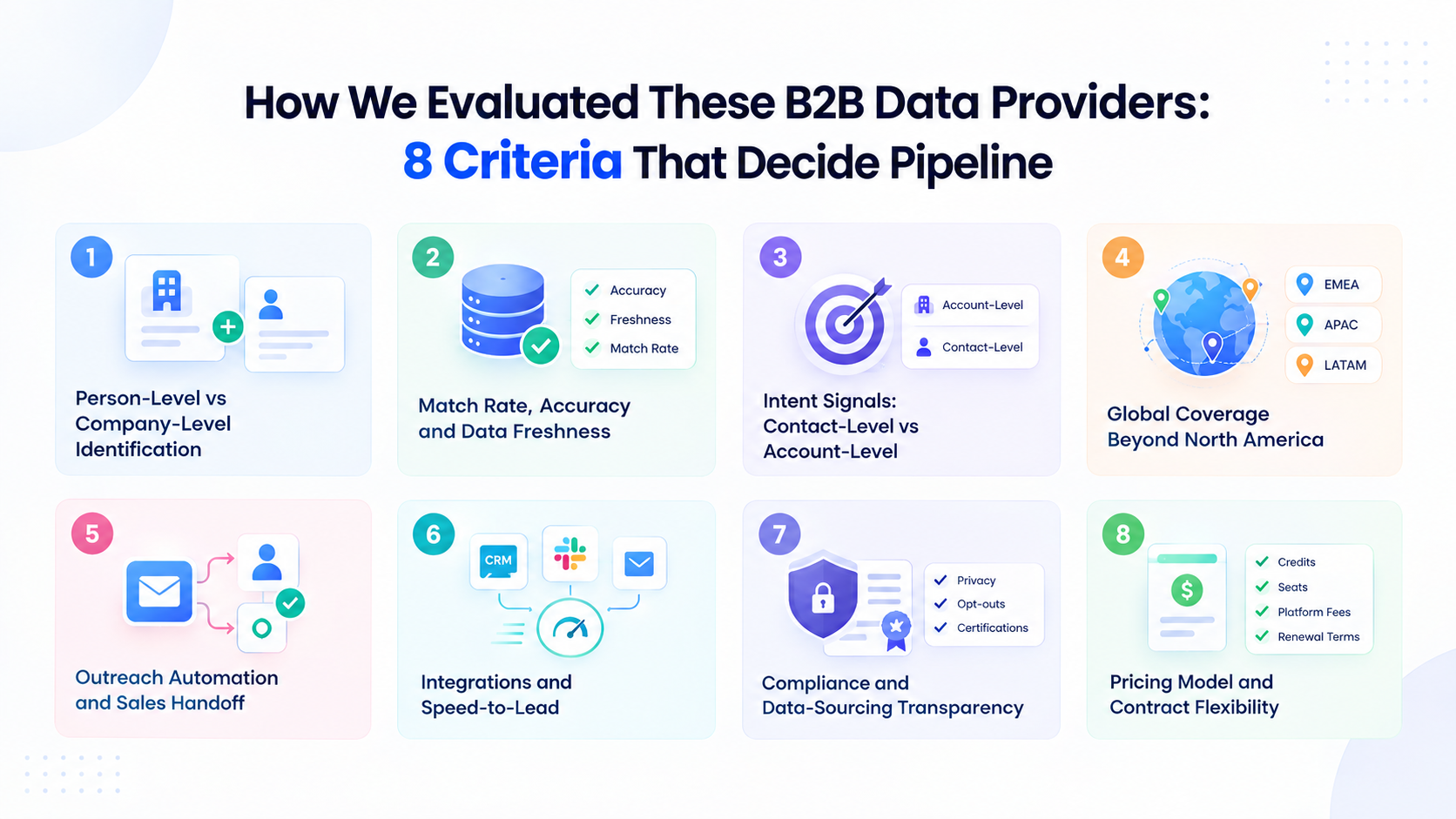
1. Person-Level vs Company-Level Identification
Company-level data shows which account is interested. Person-level identification goes further by showing the buyer and their contact details.
2. Match Rate, Accuracy, and Data Freshness
A high match rate means little if the data is outdated. Check accuracy, bounce rates, and how often records are refreshed.
3. Intent Signals: Contact-Level vs Account-Level
Intent at the account level indicates a company researching your field. Contact-level intent can identify the person showing that interest.
4. Global Coverage Beyond North America
Coverage can vary widely by region. Test the vendor in the markets you target, especially across EMEA, APAC, and LATAM.
5. Outreach Automation and Sales Handoff
Good sales intelligence should lead to action. Check whether the platform can trigger outreach, manage replies, and hand qualified leads to sales.
6. Integrations and Speed-to-Lead
CRM, Slack, and email integrations help teams act quickly on buying signals. Manual exports can slow the process and create extra work.
7. Compliance and Data-Sourcing Transparency
Understand where the data comes from and how the vendor handles privacy. Look for clear sourcing practices, opt-outs, and relevant certifications.
8. Pricing Model and Contract Flexibility
Compare credits, seats, platform fees, and usage limits. Also check renewal terms, cancellation windows, and credit expiry before signing.
18 Best B2B Data Providers at a Glance
Here is how the 18 best B2B data providers compare on role, identification depth, outreach, and pricing model. The detailed reviews follow right after the table.
Let's look at each tool in detail.
1. Kwin (Vison AI): The AI Employee That Turns Your Own Traffic Into B2B Data
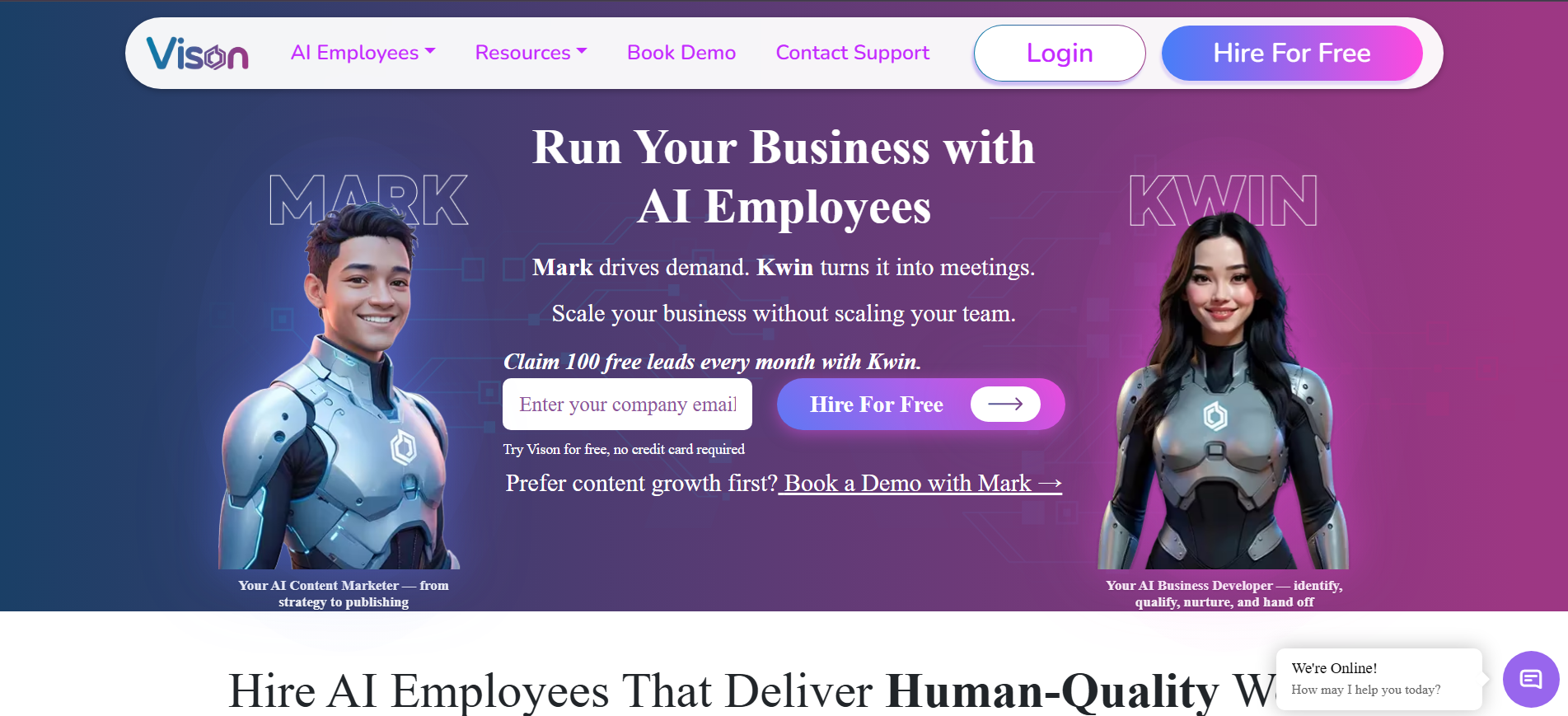
Kwin is an AI Business Developer from Vison AI that turns website traffic into sales opportunities. It identifies visitors, scores their interest, and helps start conversations with qualified prospects.
Kwin identifies 60–70% of visitors at the person and company level across 175+ countries. Profiles can include names, work emails, phone numbers, LinkedIn profiles, company details, revenue, industry, and location.
It scores visitors using ICP Fit and Purchase Intent, so teams can focus outreach on prospects that match their target and show buying signals.
Setup takes about five minutes through a website pixel or Google Tag Manager. Kwin can then send personalized email sequences and hand positive replies to your inbox, Slack, or CRM.
Infiniticube generated 2.5x more qualified leads in 45 days, with 35%+ of meetings coming from visitors who never filled out a form.
Key Features:
- Person + company identification: Names, work emails, phone numbers, LinkedIn profiles, and firmographics for 60 to 70% of visitors across 175+ countries.
- Behavioural analysis: Kwin reads page views, repeat visits, session depth, and referral source to detect buying intent as it happens.
- Dual scoring: ICP Fit and Purchase Intent scores rank every visitor, so your team only sees sales-ready prospects.
- Threshold-based triggers: You define the minimum scores, and Kwin acts only once a lead crosses them.
- Autonomous nurture: A personalized 3-step email sequence goes out from your own domain through Gmail, Outlook, or SMTP/IMAP.
- Positive-reply handoff: The full thread plus a short summary lands in your inbox, with the lead pushed to Slack and your CRM.
- Four independent filters: Country-level, page-level, data-level, and exclusion filters, including screening out public sector and government traffic.
- Five-minute setup: A no-code pixel installs through your site header or Google Tag Manager.
- Enterprise-grade trust: SOC 2 Type II, GDPR, CCPA, ISO 9001:2015, and ISO 27001:2022, working from publicly available business data.
Pros
- Person-level and company-level identification
- Visitor identification, scoring, outreach, and handoff in one workflow
- Coverage across 175+ countries
- Detailed visitor and traffic filters
Cons
- Works best with steady B2B website traffic
- Focused on inbound demand rather than cold-list prospecting
- LinkedIn outreach is still in development
Best For: B2B SaaS, agencies, and professional-services teams turning existing website traffic into qualified conversations.
Hire Kwin For Free and start with 100 free leads every month.
2. ZoomInfo
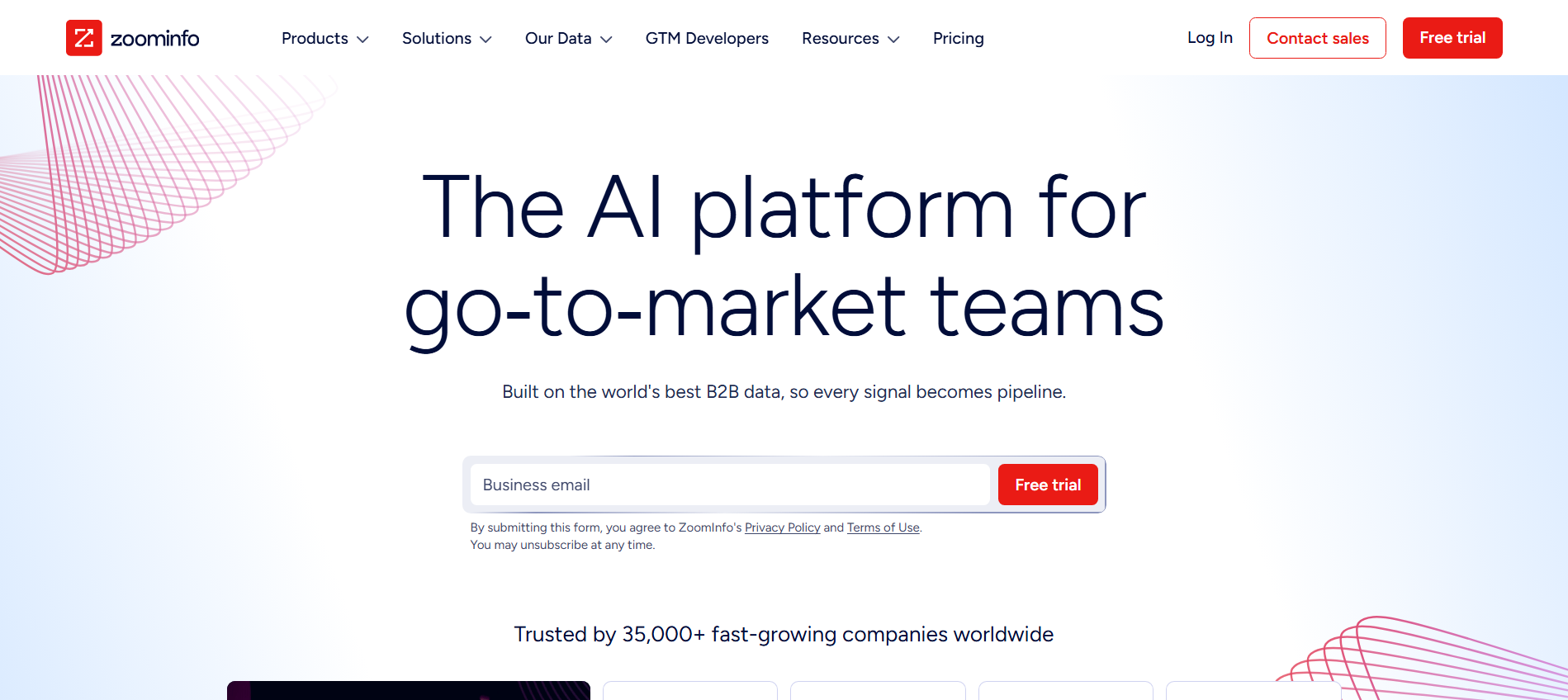
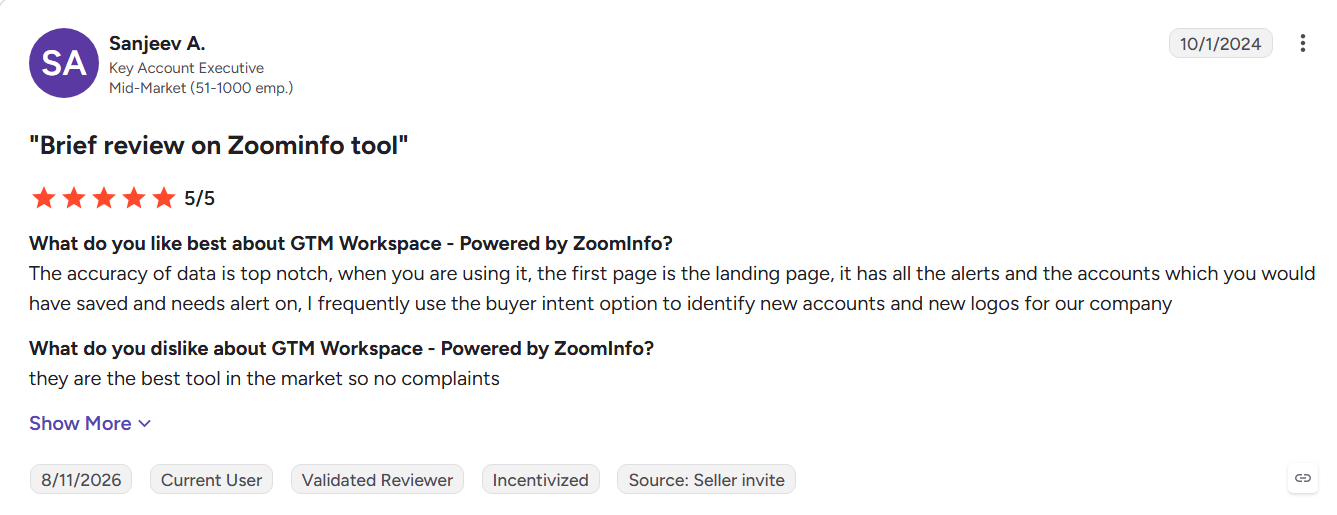
ZoomInfo combines a large B2B contact database with company intelligence, intent signals, and website visitor tracking. Its WebSights product helps identify companies visiting a website, while its broader platform supports enterprise prospecting and sales workflows.
Key Features:
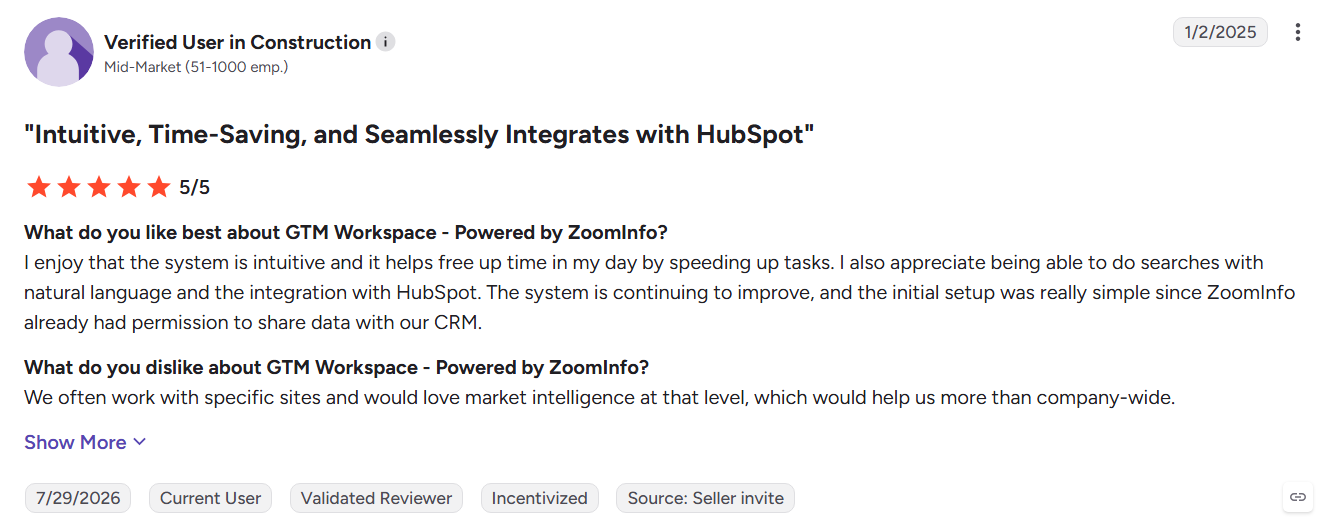
- Large B2B database: Contact, firmographic, technographic, and organizational data for enterprise targeting.
- WebSights: Identifies companies visiting your website and matches them with ZoomInfo records.
- Intent signals: Uses research activity, job changes, and company news to prioritize accounts.
Pros
- Strong contact and company coverage in North America
- Detailed firmographic and technographic filters
- Integrates with major CRM and sales engagement platforms
Cons
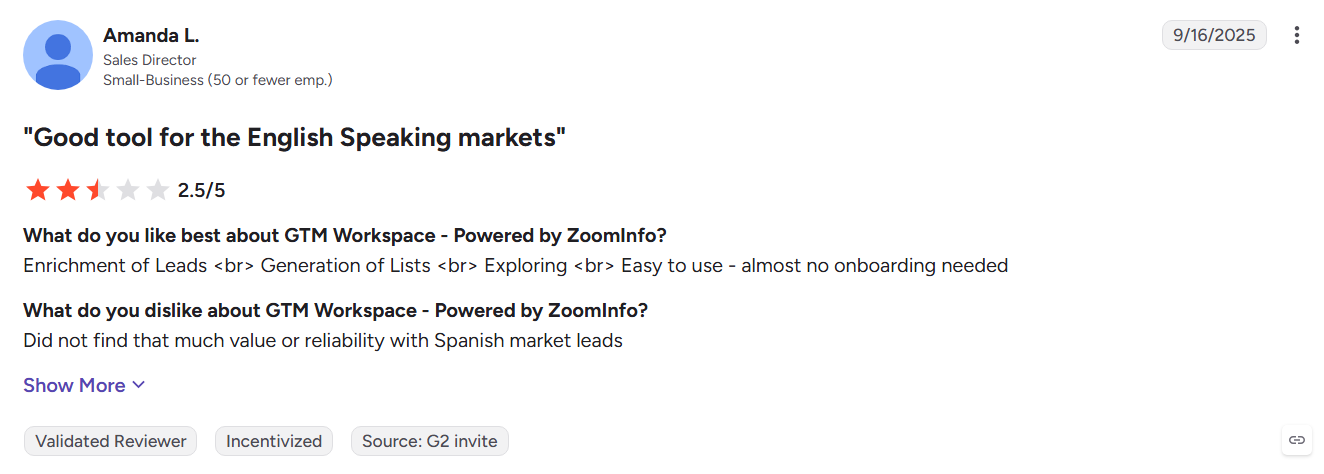
- Pricing can be high for smaller teams and startups
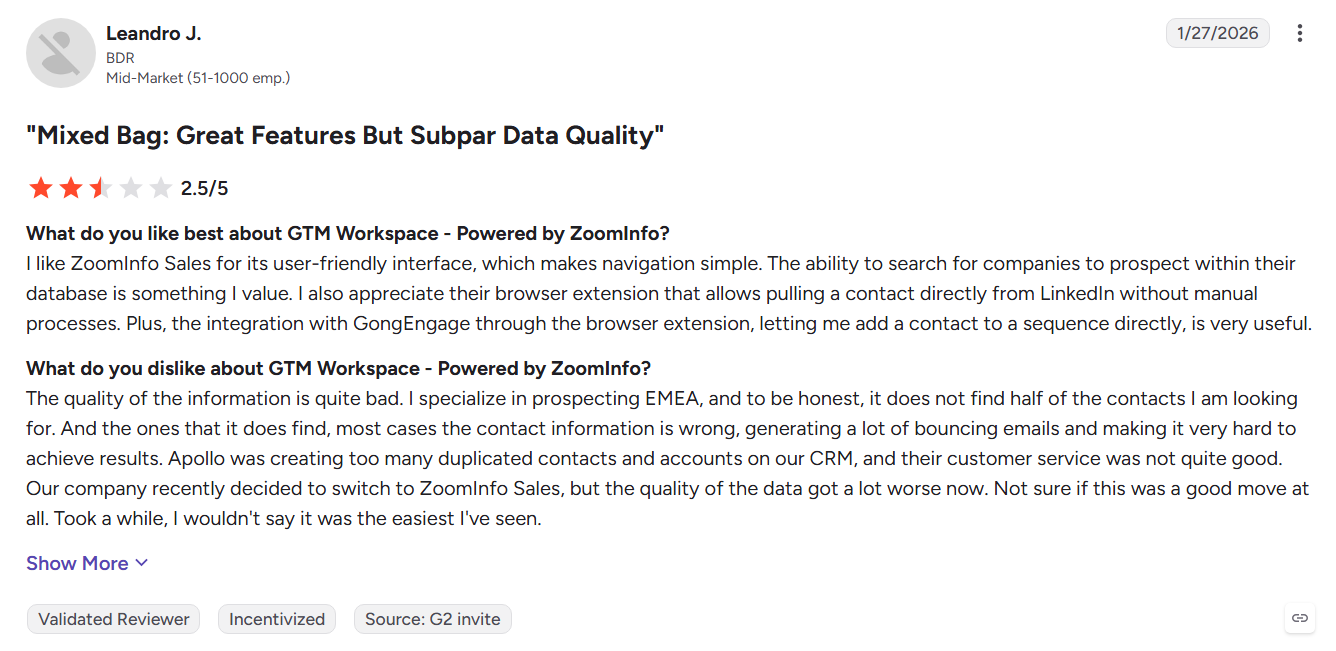
- Some users report outdated records and weaker international coverage
- WebSights identifies companies rather than individual visitors
Best For: Enterprise revenue teams targeting large US markets.
See the full Kwin vs ZoomInfo breakdown or explore these ZoomInfo alternatives.
3. Apollo.io
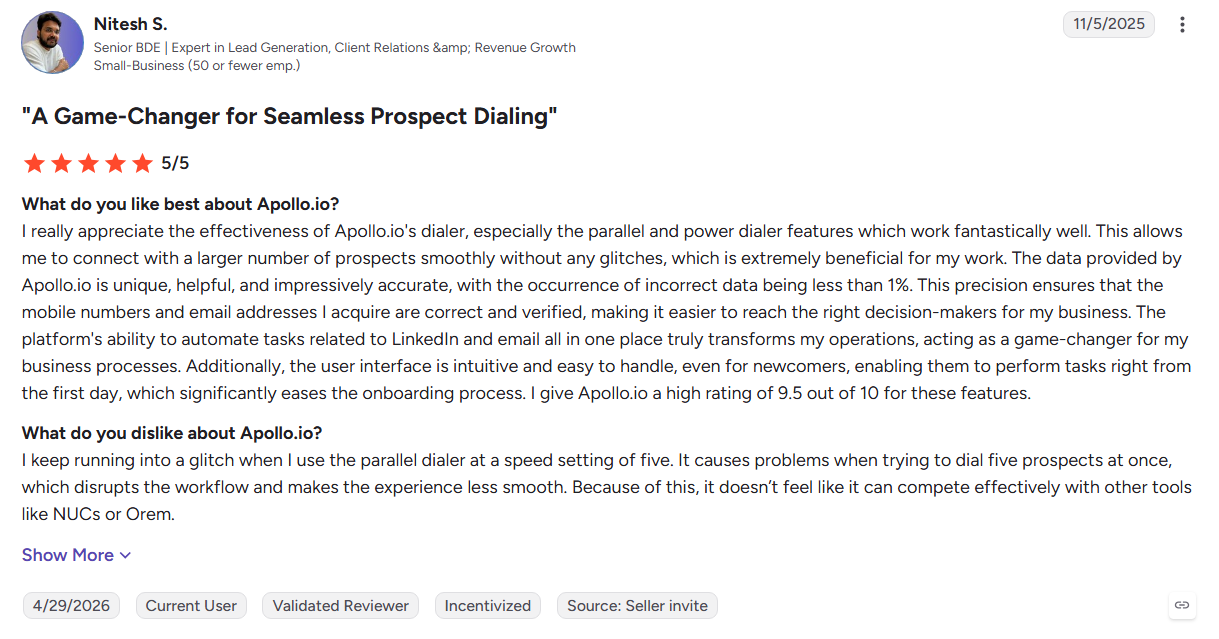
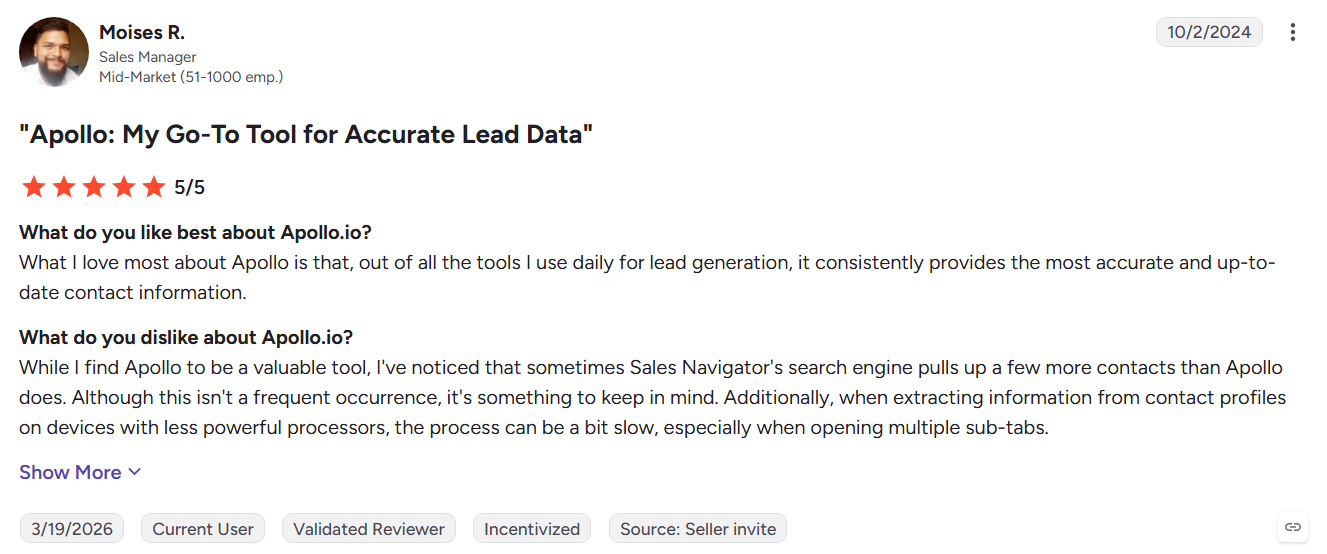
Apollo combines a large B2B contact database with email sequences and a dialer, giving startups and small teams prospecting and outreach in one place. Its Chrome extension also makes it easy to capture contacts from LinkedIn and add them to a CRM.
Key Features:
- Contact database: Search by title, company size, technographics, and hiring signals.
- Native engagement: Run email sequences, use the dialer, and manage sales tasks from one platform.
- Chrome extension: Capture contacts from LinkedIn and sync them with your CRM.
Pros
- Data and outbound tools work in one platform
- A free plan gives small teams an easy starting point
- Campaigns can be set up quickly
Cons
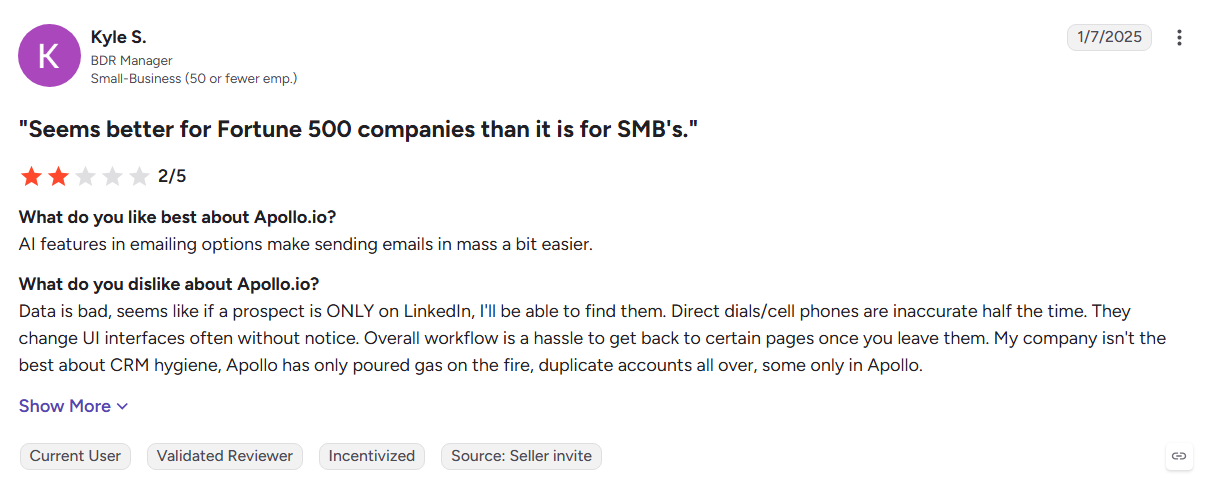
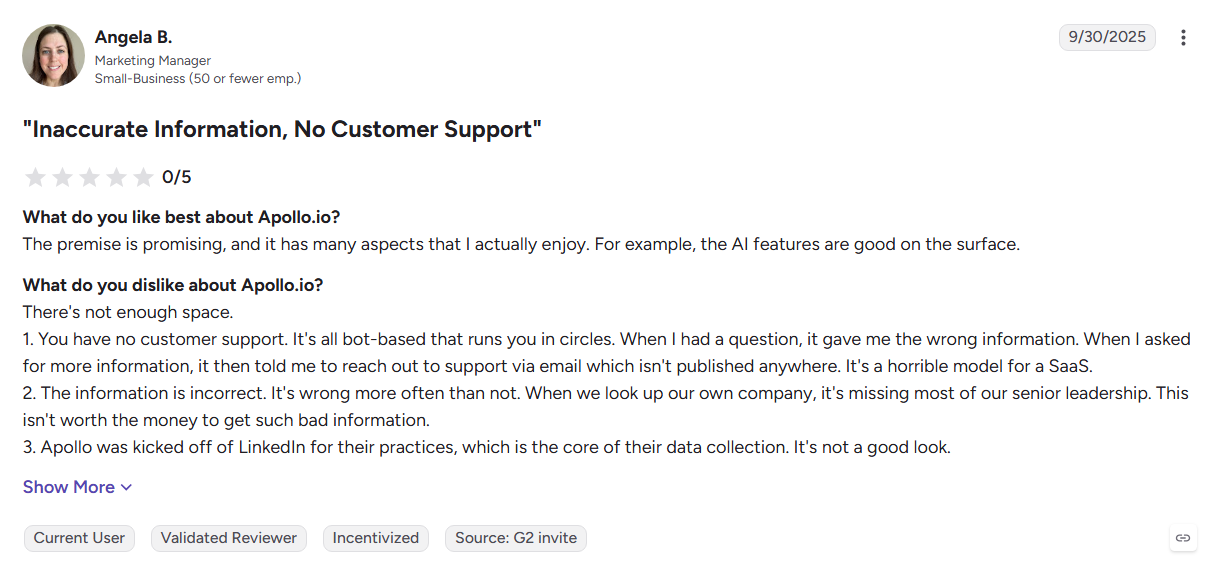
- Some users report inconsistent phone data, especially internationally
- Costs increase with seats and credit usage
- It is mainly built around finding and contacting cold prospects
Best For: Startups and SMB outbound teams that need contact data and sales engagement in one platform.
Explore more options in our Apollo.io alternatives guide.
4. Cognism
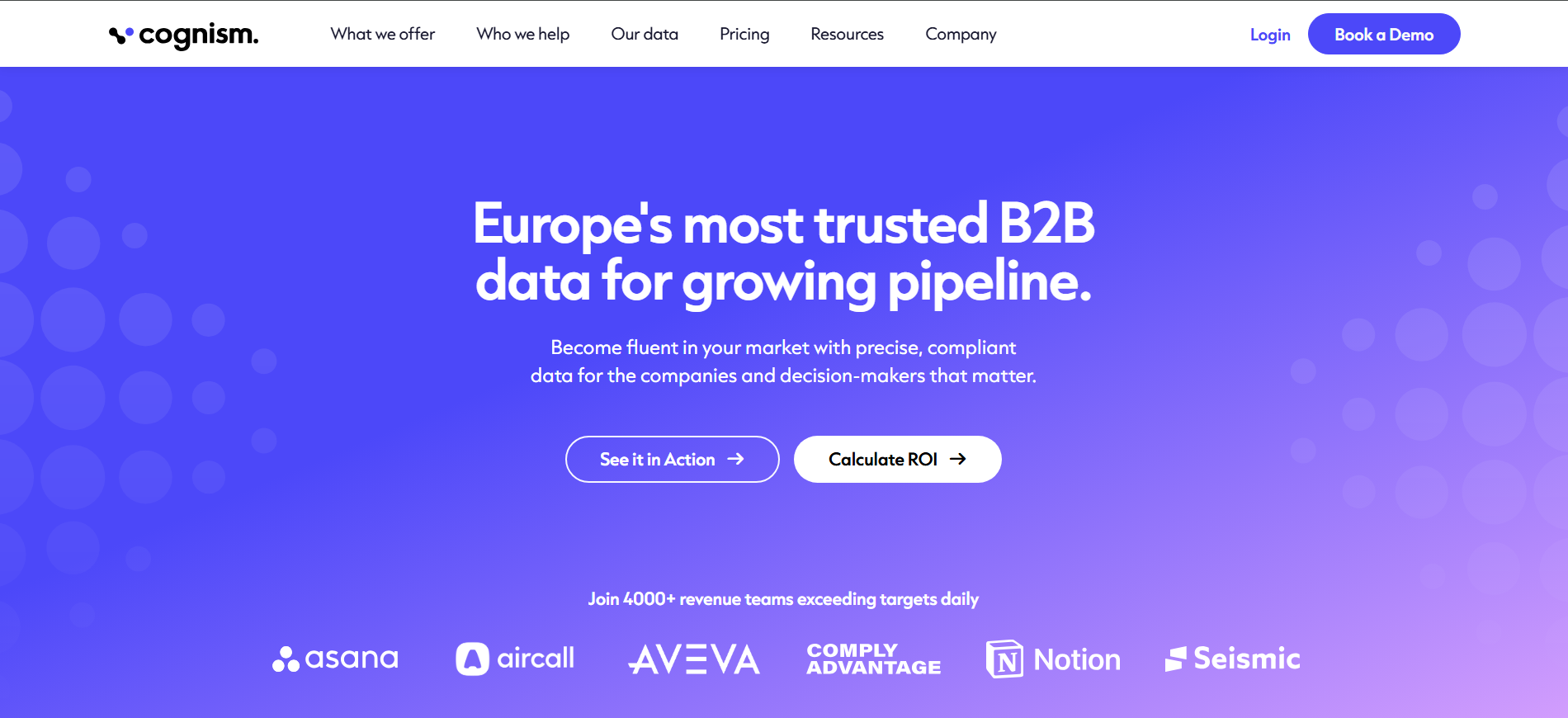
Cognism is a sales intelligence platform with a strong focus on European markets and phone-verified mobile numbers. It combines contact data with compliance screening and intent signals for teams running phone-led outbound campaigns.
Key Features:
- Phone-verified mobiles: Provides verified mobile numbers for sales prospecting.
- Compliance screening: Uses GDPR-focused sourcing and DNC checks.
- Bombora intent: Adds account-level intent signals to contact and company data.
Pros
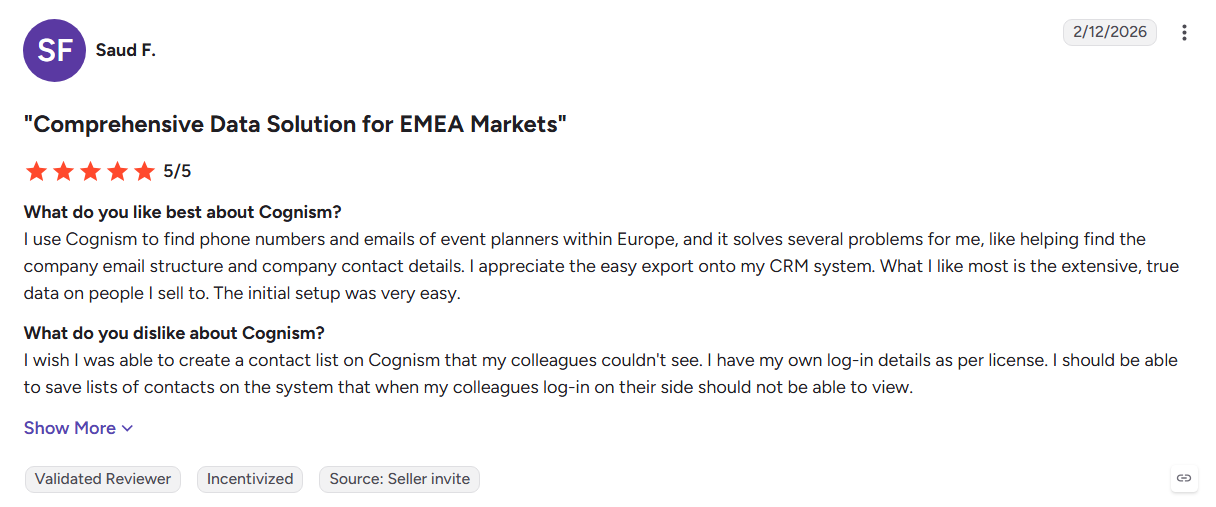
- Strong mobile coverage across the UK and Europe
- Clear focus on GDPR and data compliance
- Chrome extension and CRM integrations simplify prospecting
Cons
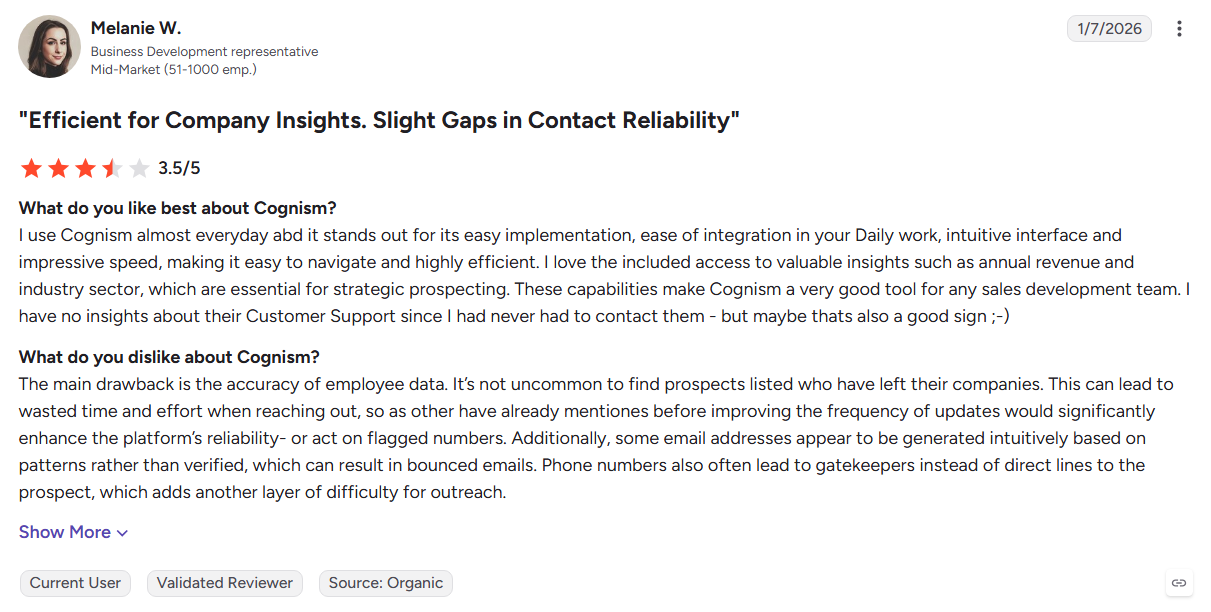
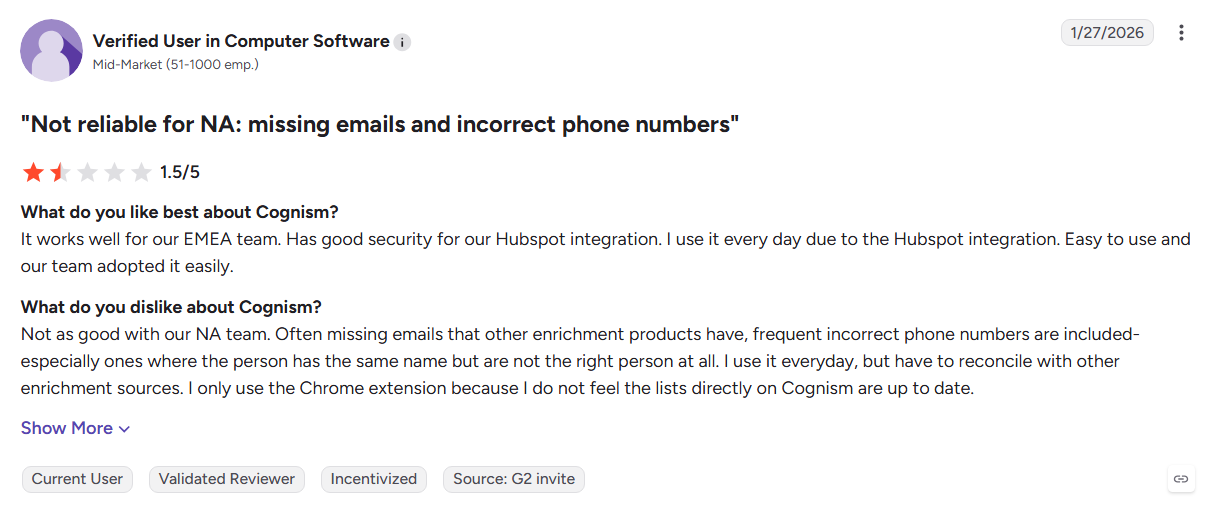
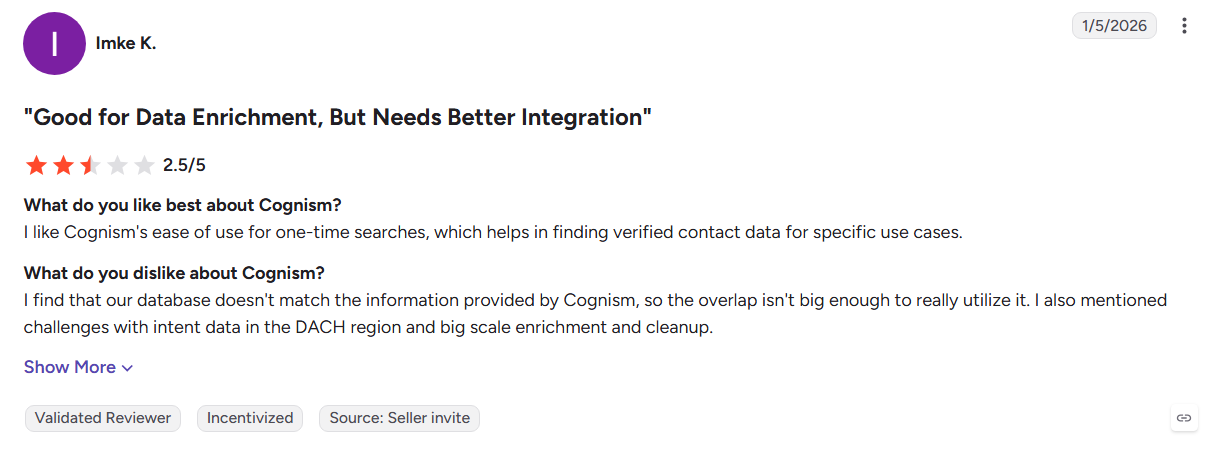
- Coverage can be weaker outside European markets
- Annual contracts and custom quotes can limit flexibility
- A separate tool is needed for native outreach
Best For: SDR teams focused on phone-led sales across the UK and European markets.
Read our Cognism alternatives roundup for more options.
5. Lusha
Lusha is a lightweight contact lookup and enrichment platform built for quick prospecting. Its Chrome extension lets reps find contact details from LinkedIn and company websites, then send the data to their CRM.
Key Features:
- Contact lookup: Find emails and direct dials from LinkedIn, Sales Navigator, and company websites.
- Buying signals: Tracks job changes, hiring activity, and funding events.
- CRM enrichment: Updates Salesforce and HubSpot records with prospect data.
Pros
- The Chrome extension makes prospecting quick to start
- A free plan supports light testing and usage
- Supports GDPR, CCPA, and ISO 27001 standards
Cons
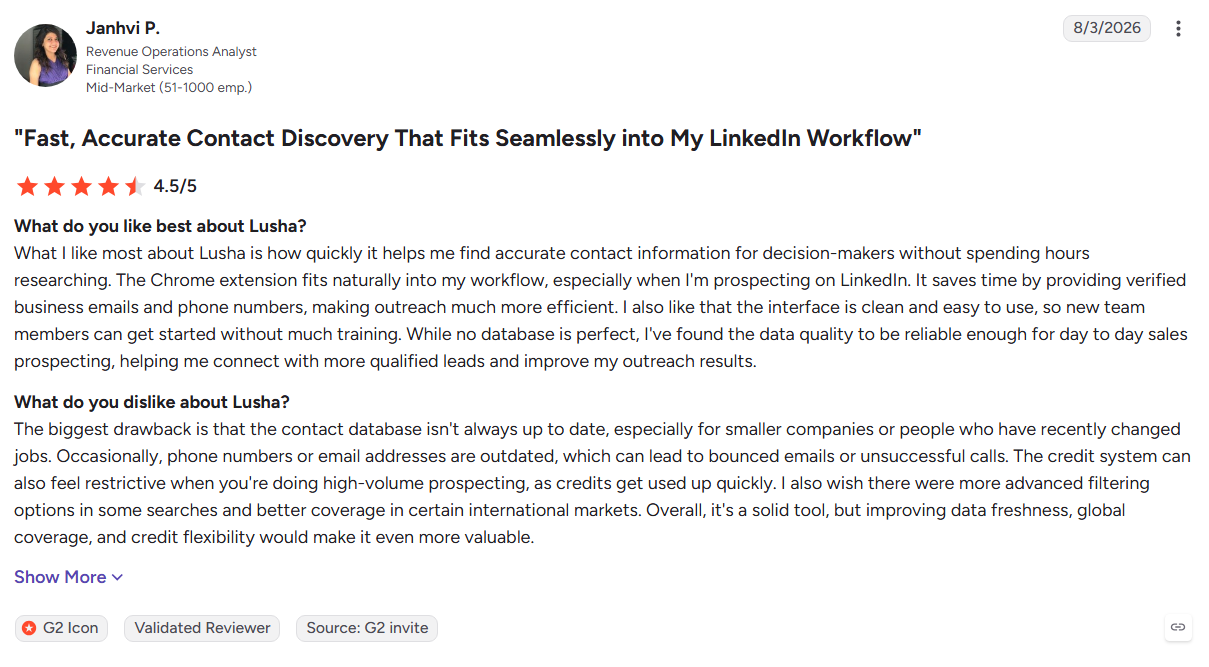
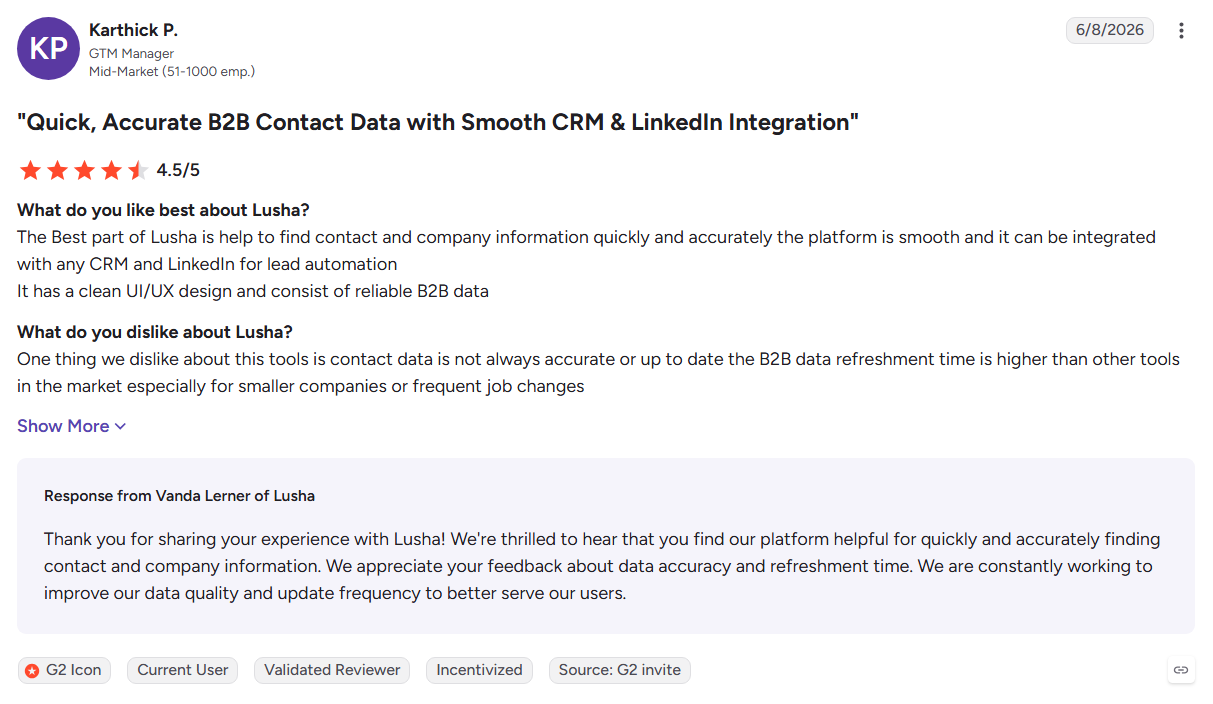
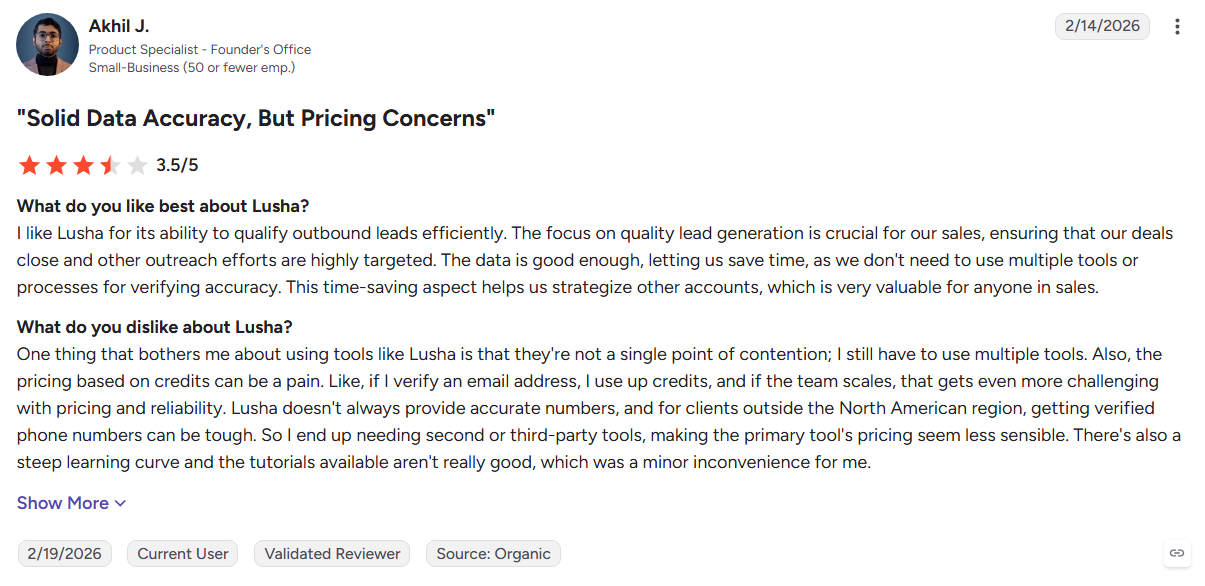
- Credits can run out quickly during active prospecting
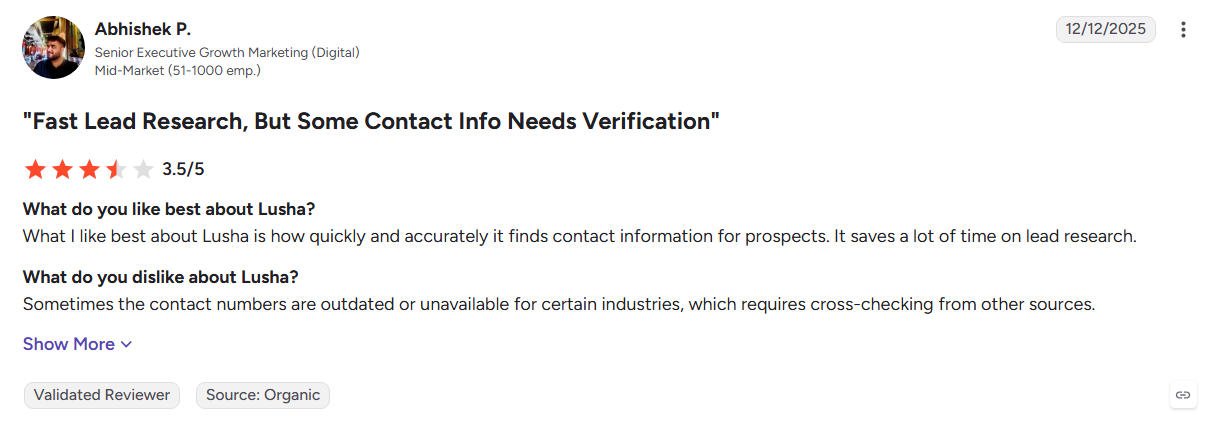
- Phone data can be weaker in some international markets
- It does not provide deeper intent scoring or automated reply handling
Best For: Individual reps who mainly prospect through LinkedIn and Sales Navigator.
See our Lusha alternatives list for more options.
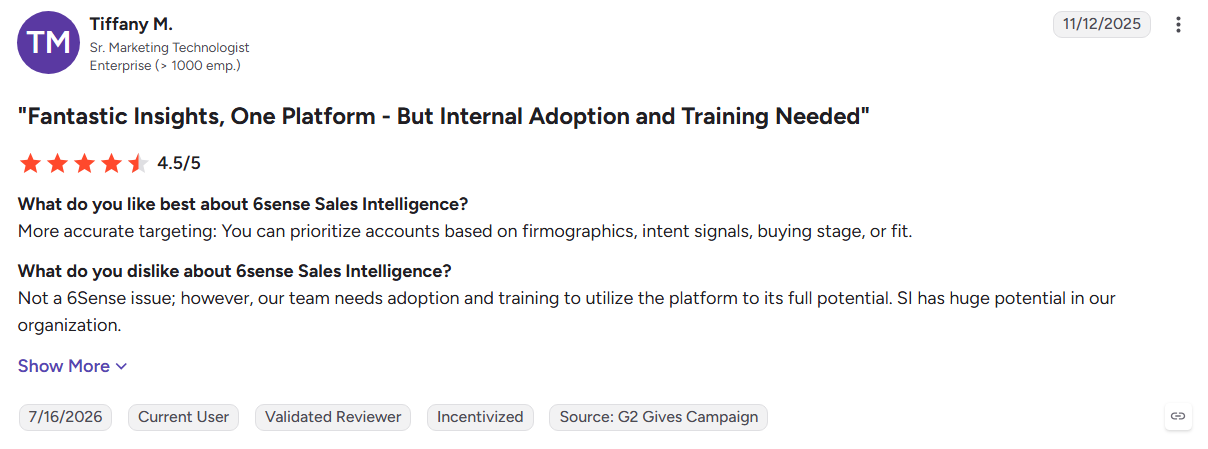
6. 6sense
6sense is an account-based platform that combines intent, engagement, and fit data to show which accounts are moving toward a buying decision. It connects these signals with sales and marketing workflows for enterprise ABM teams.
Key Features:
- Predictive scoring: Ranks accounts by buying stage and likelihood to convert.
- Multi-source intent: Combines first-party engagement with third-party research signals.
- Revenue orchestration: Connects account signals with sales and marketing workflows.
Pros
- Helps teams prioritize accounts showing buying activity
- Strong capabilities for enterprise ABM programs
- Integrates with major CRM and sales platforms
Cons
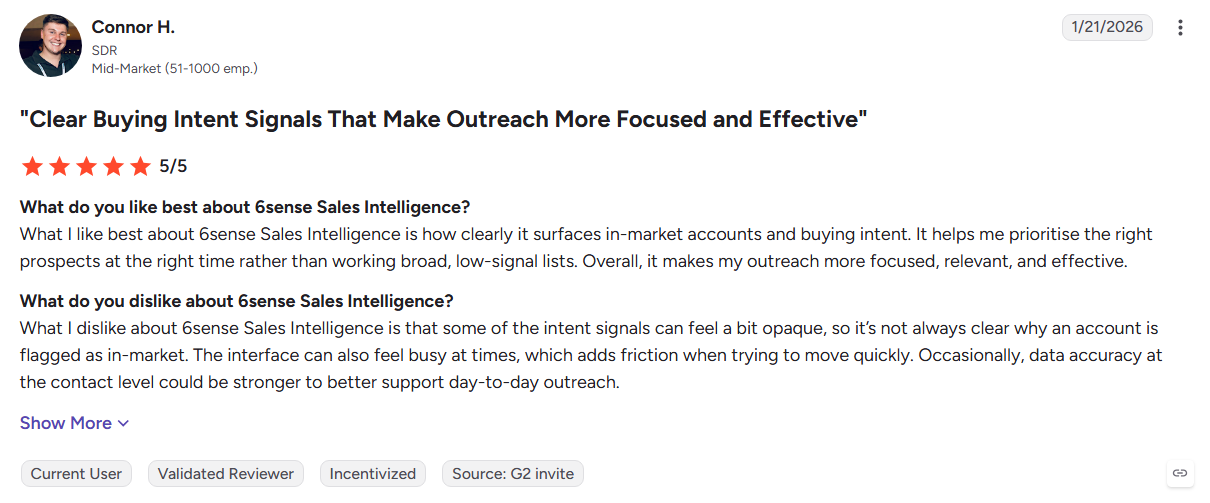
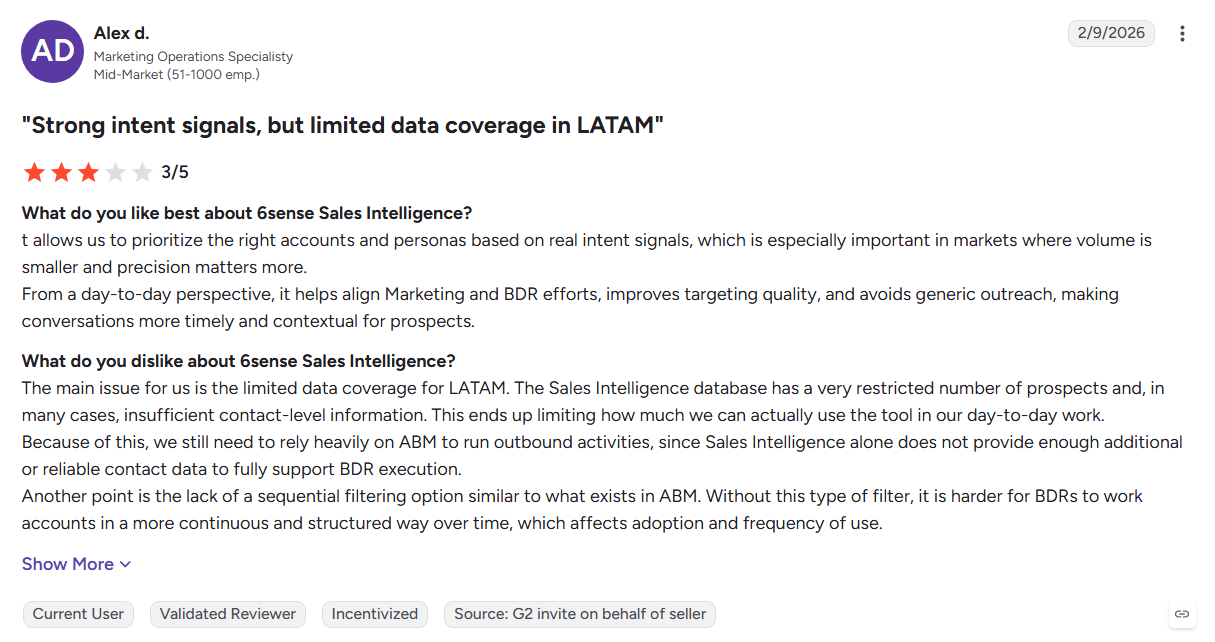
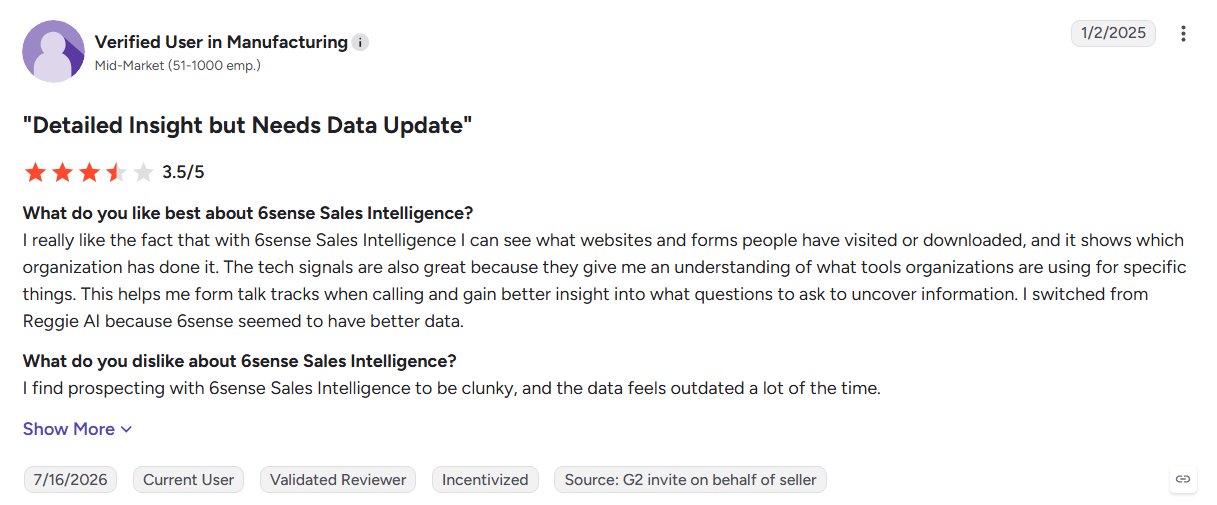
- Pricing is custom and sales-led
- Implementation can require significant RevOps support
- Its primary focus is account-level rather than individual buyer data
Best For: Enterprise ABM teams managing large target-account programs.
See the full Kwin vs 6sense comparison or explore more 6sense alternatives.
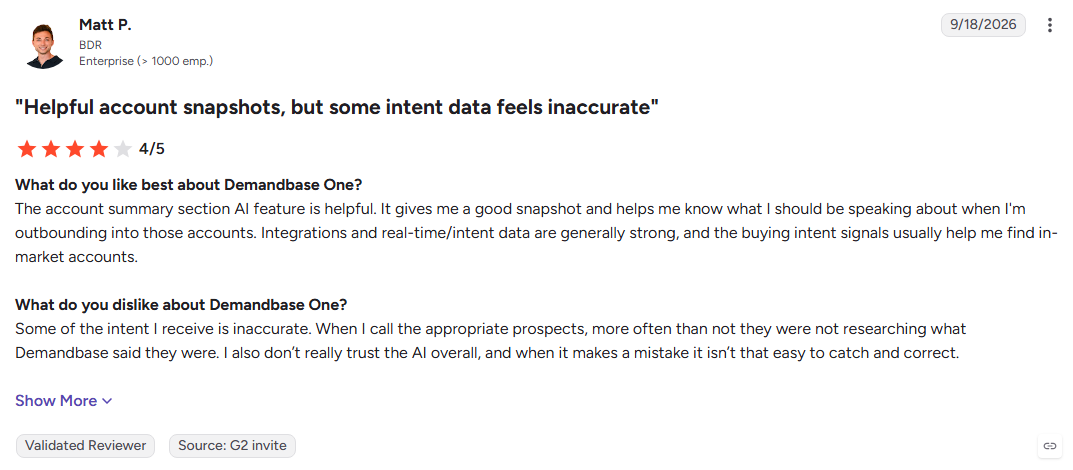
7. Demandbase
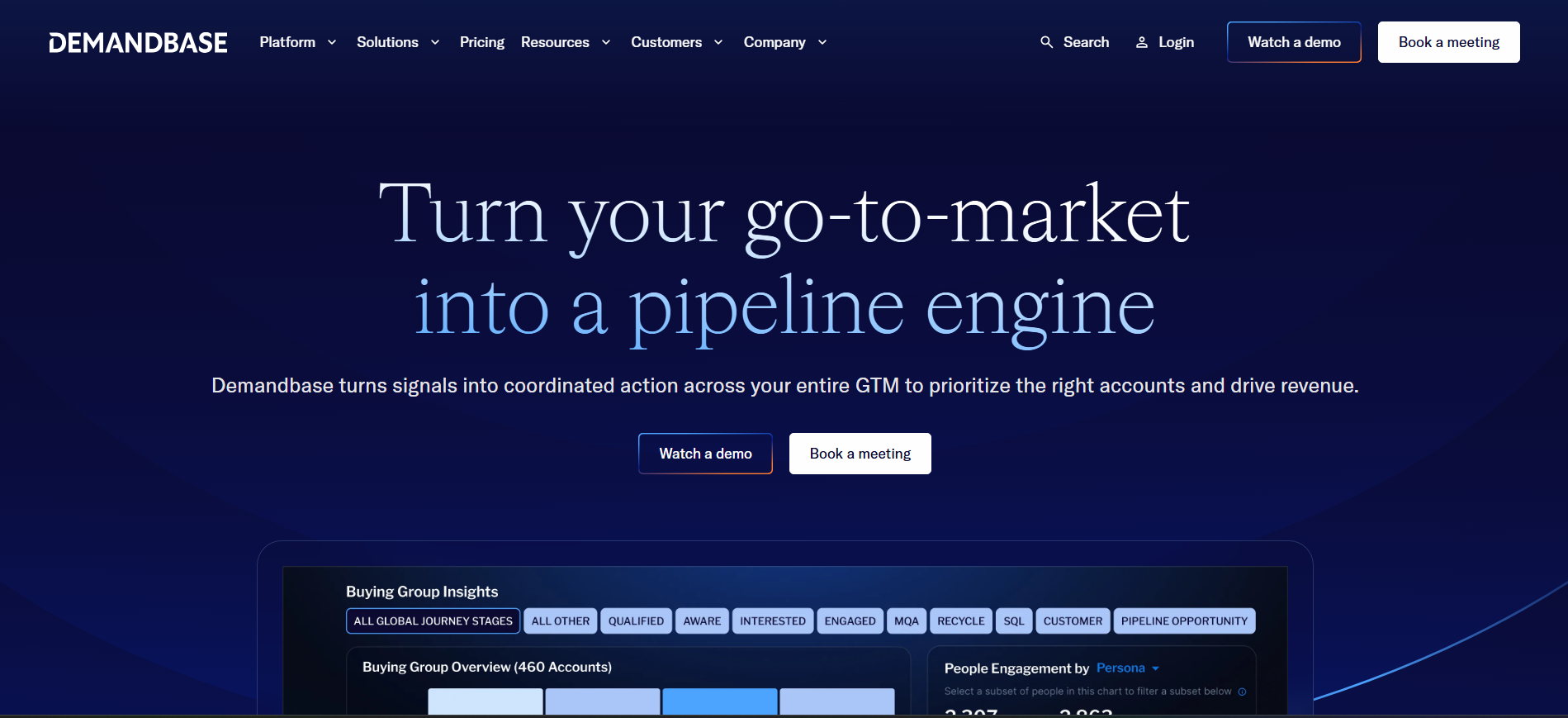
Demandbase combines account intelligence, intent data, and B2B advertising for account-based marketing. It brings data, buying signals, and campaign orchestration into one platform for enterprise teams.
Key Features:
- Account identification: Shows which target accounts engage with your website.
- Buying groups: Surfaces in-market accounts and relevant stakeholders.
- ABM advertising: Runs account-targeted campaigns from the same platform.
Pros
- Strong capabilities for account-based advertising
- Combines sales and marketing data in one platform
- Uses multiple data sources for account intelligence
Cons
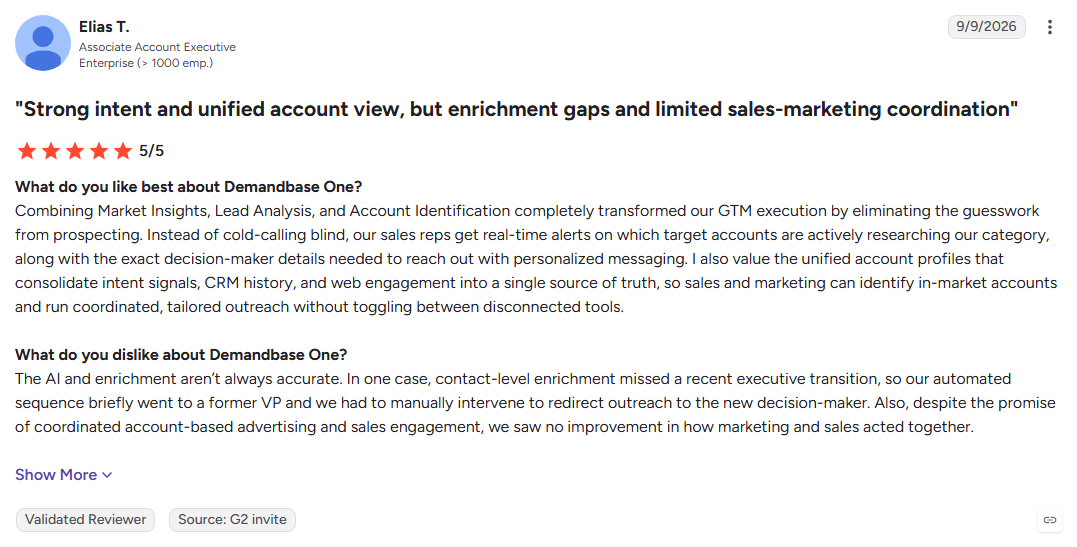
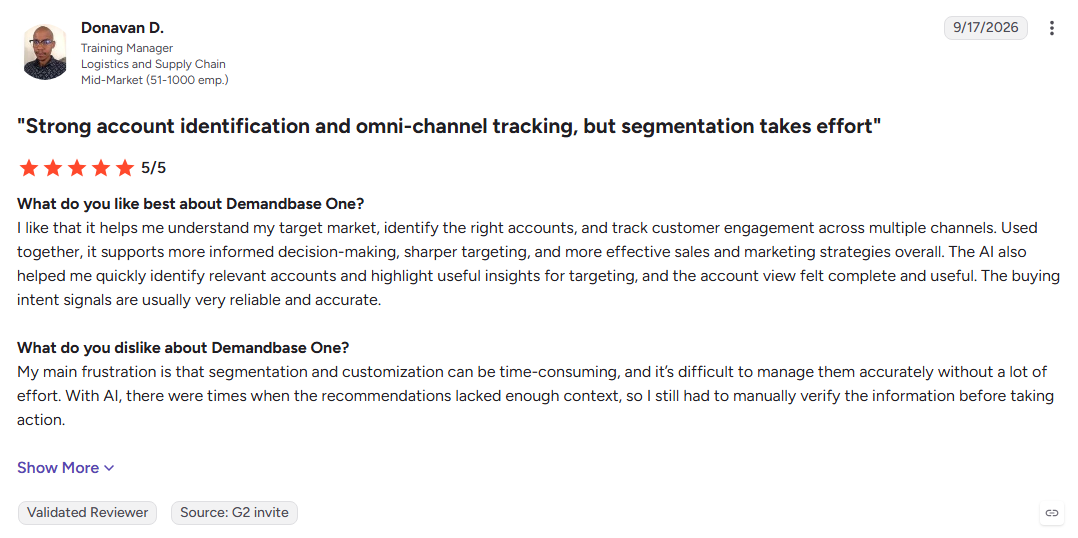
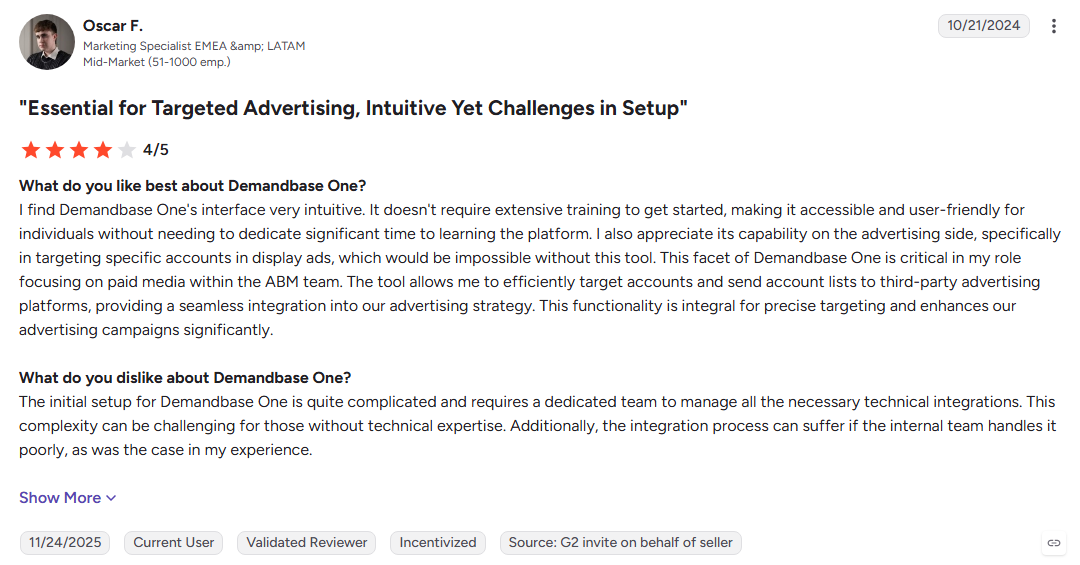
- Advanced data and personalization can require extra modules
- Enterprise onboarding can take time
- Visitor identification focuses on accounts rather than individual buyers
Best For: Enterprise marketing teams running ABM programs with paid media.
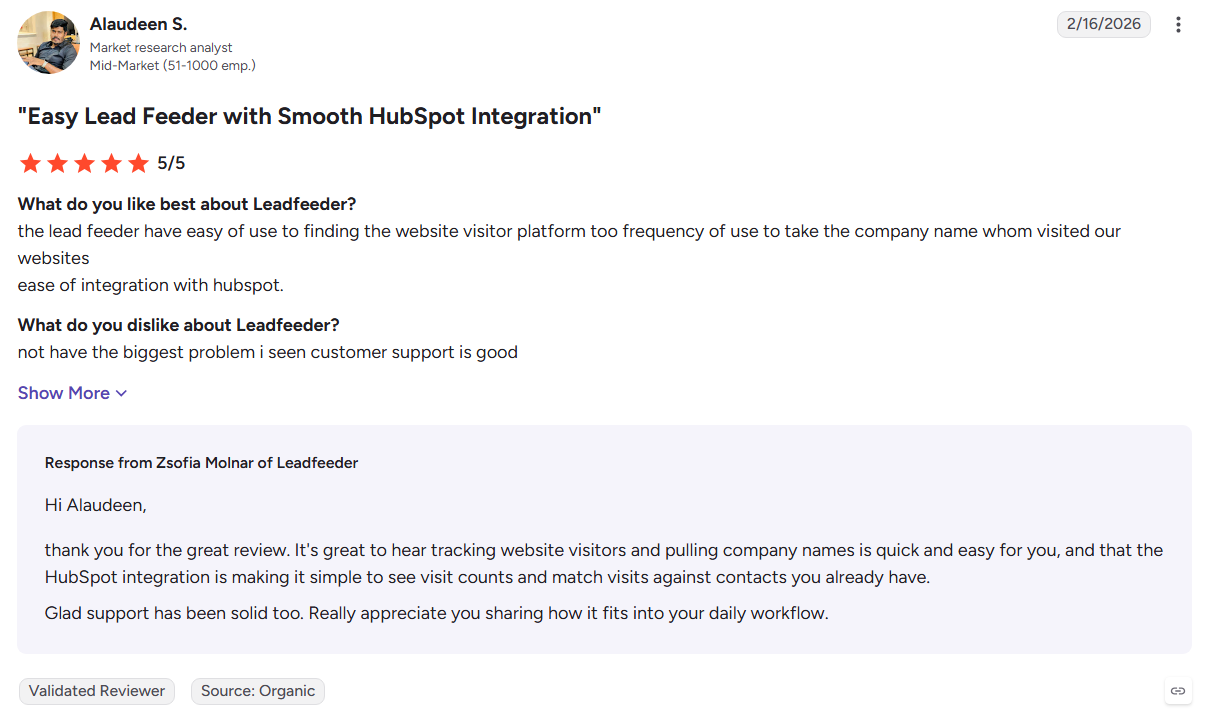
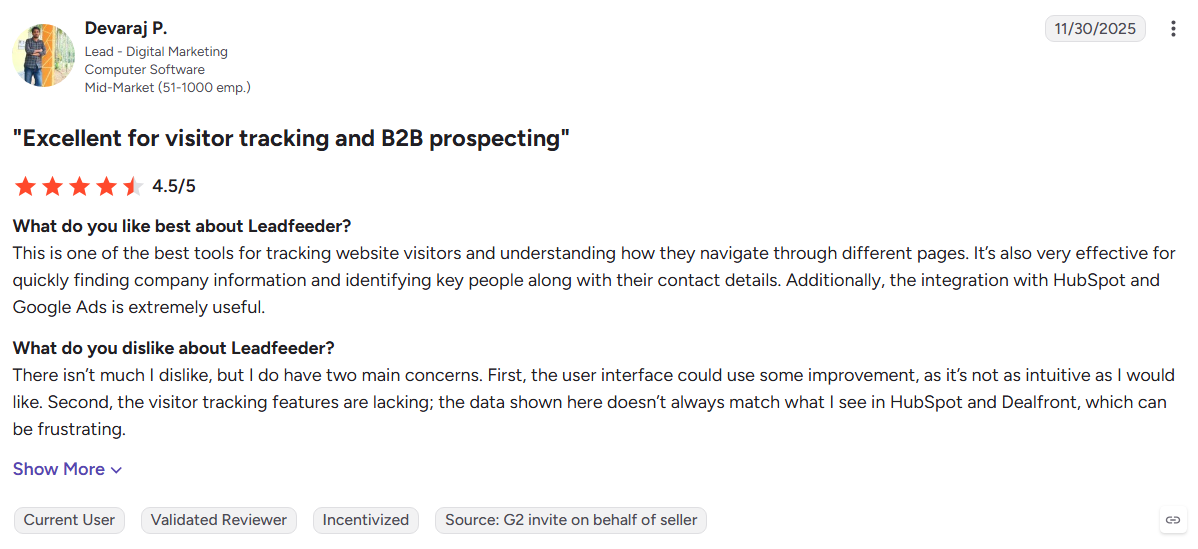
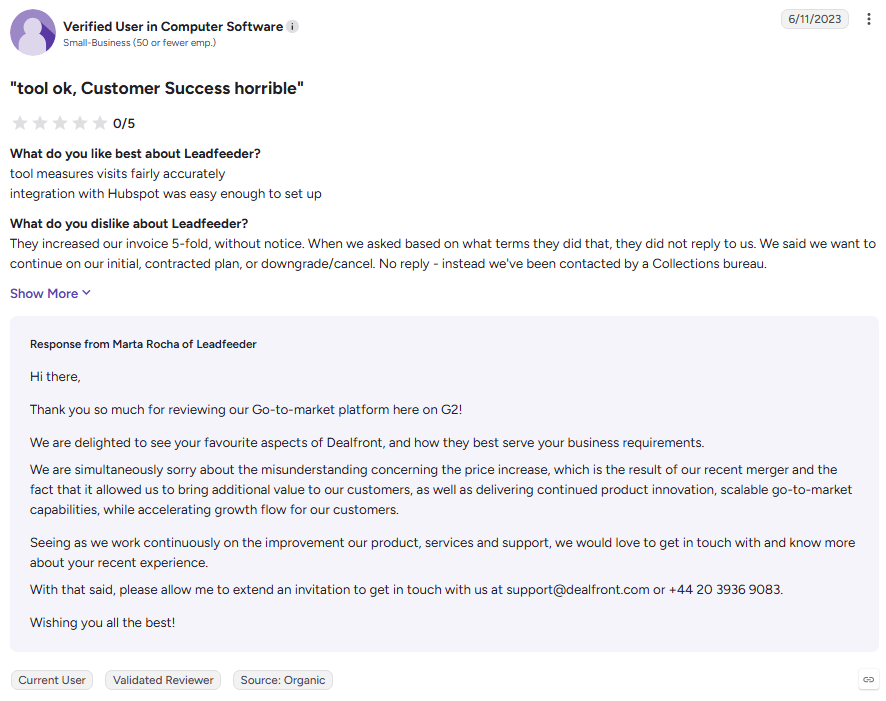
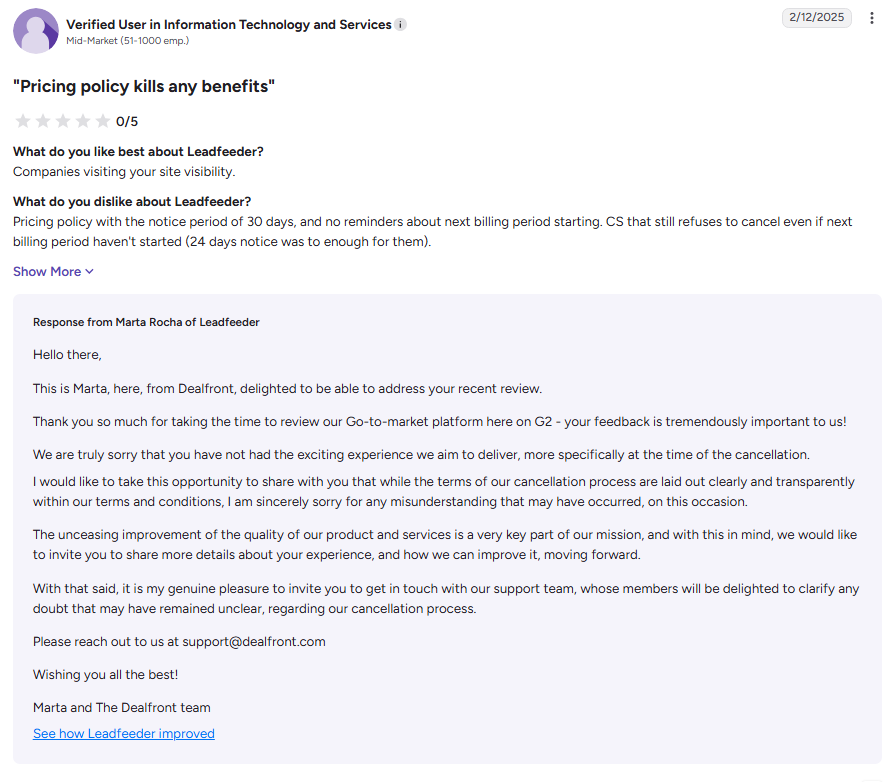
8. Dealfront (formerly Leadfeeder)
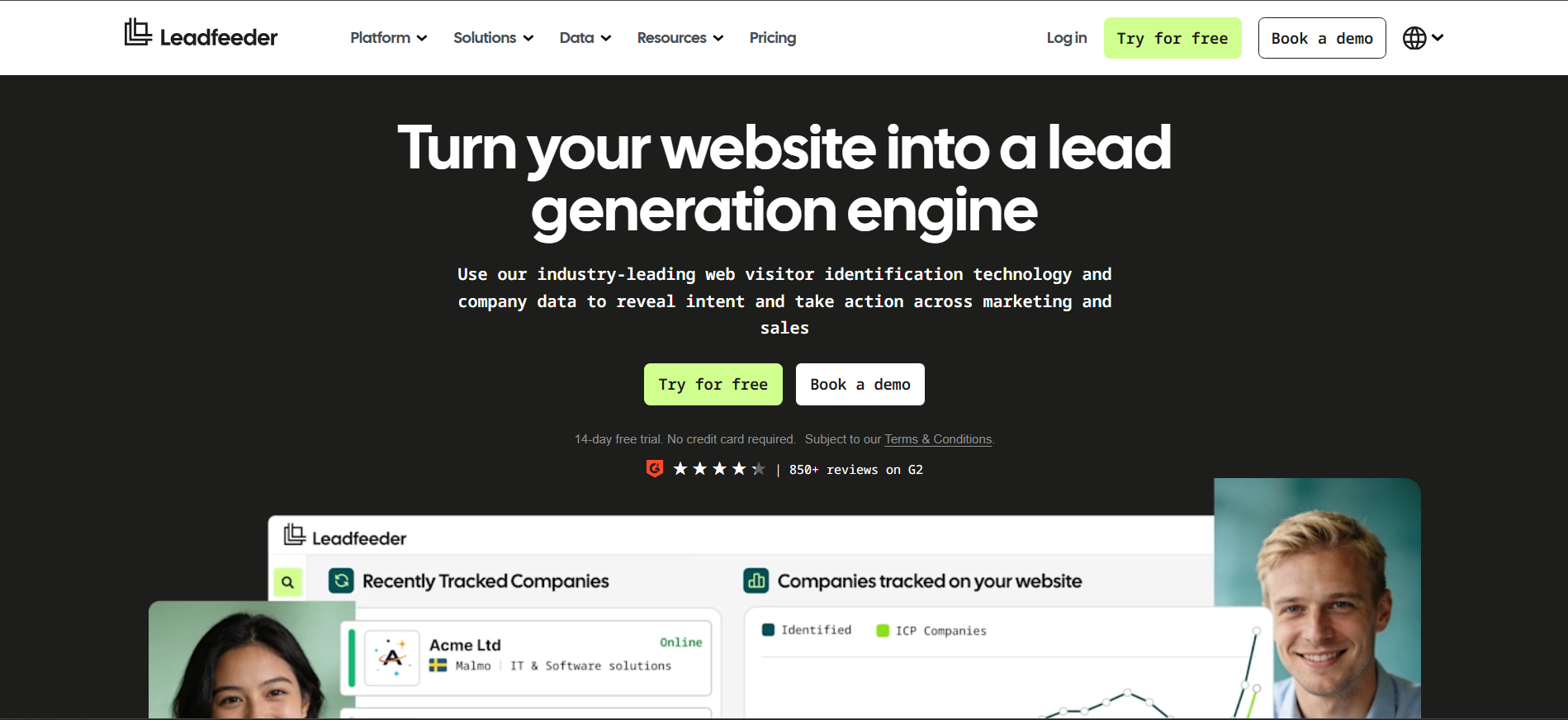
Dealfront combines European B2B data with website visitor tracking to show which companies are researching your business. It adds company information, buying signals, and CRM workflows to help sales teams act on website activity.
Key Features:
- Company visitor tracking: Shows which organizations visit your website and what they view.
- European data: Provides company and contact data across European markets.
- CRM integrations: Connects visitor activity with Salesforce, HubSpot, and Pipedrive.
Pros
- Strong focus on European privacy requirements
- Good coverage across German-speaking and Nordic markets
- Modular features let teams choose what they need
Cons
- Visitor identification remains company-level
- Pricing requires a sales conversation for some plans
- Advanced features are available on higher tiers
Best For: European teams that need company-level website visitor tracking.
9. Breeze Intelligence (formerly Clearbit)
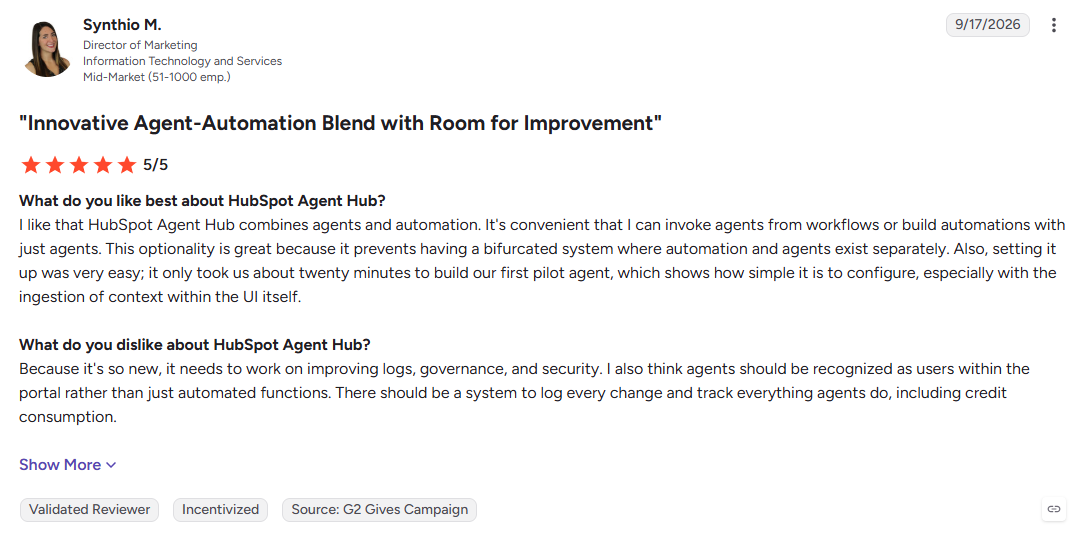
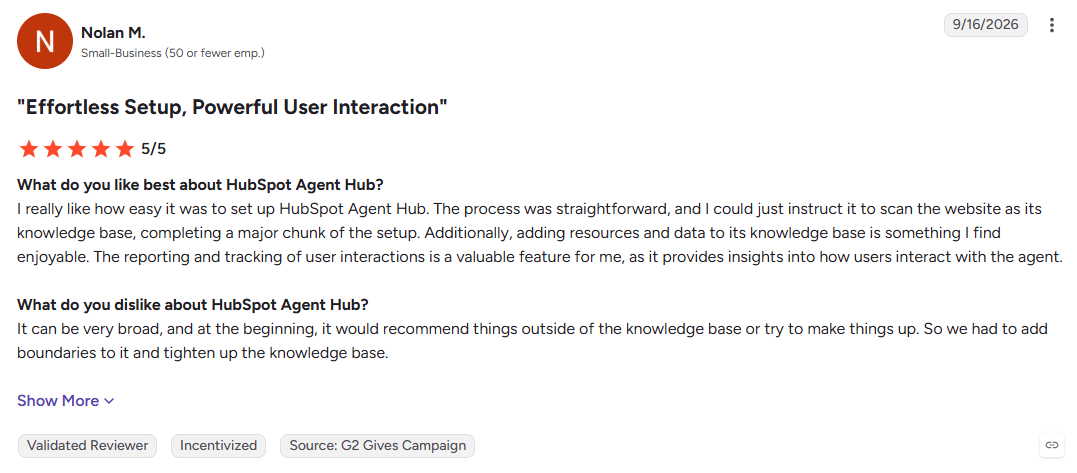
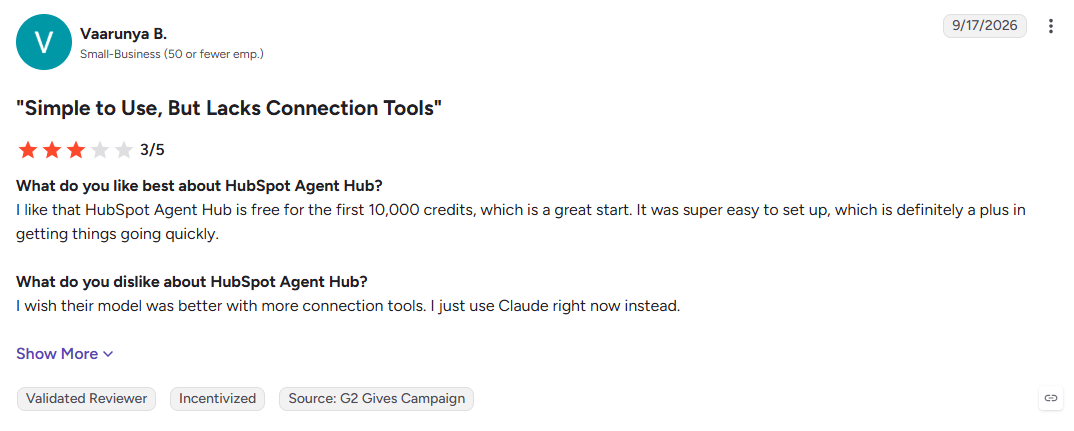
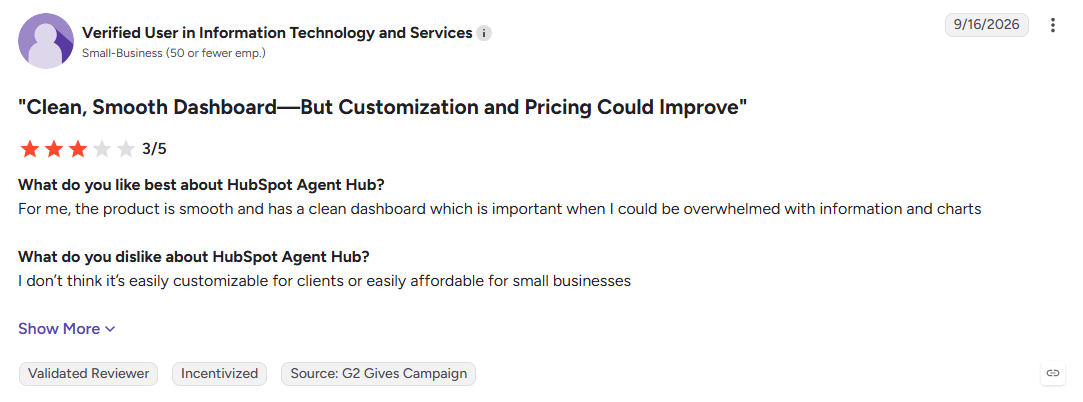
Breeze Intelligence is HubSpot's data enrichment solution, built from Clearbit. It adds firmographic and technographic data, shortens forms, and helps HubSpot teams understand which companies are showing interest.
Key Features:
- Real-time enrichment: Adds firmographic and technographic data to HubSpot records.
- Form shortening: Uses known data to reduce the number of fields visitors need to complete.
- Buyer intent: Shows visiting companies and relevant research signals inside HubSpot.
Pros
- Works directly within the HubSpot ecosystem
- Useful for company-level enrichment
- Credit-based usage can scale with data needs
Cons
- Requires a HubSpot subscription
- Visitor identification focuses on companies
- Higher enrichment volumes use more credits
Best For: Marketing and operations teams running their funnel through HubSpot.
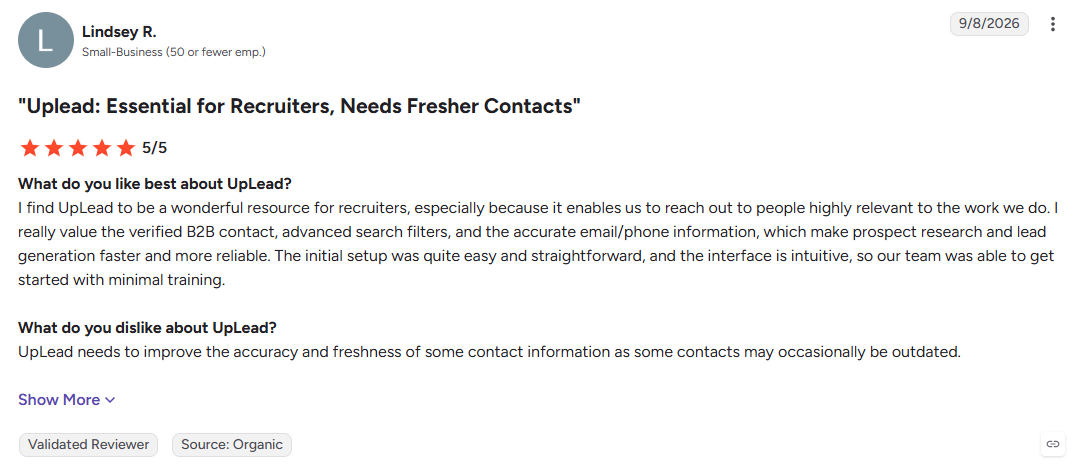
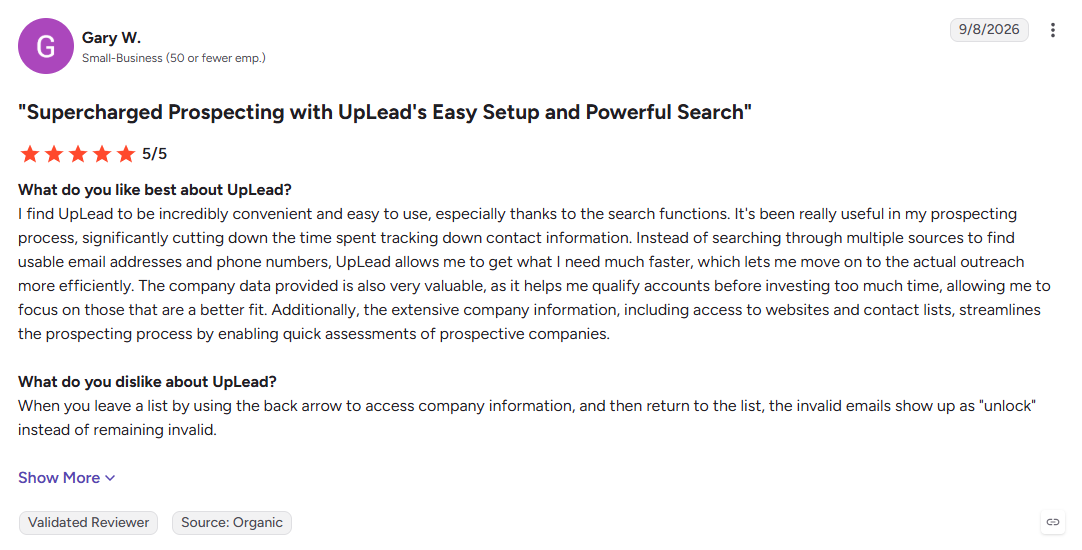
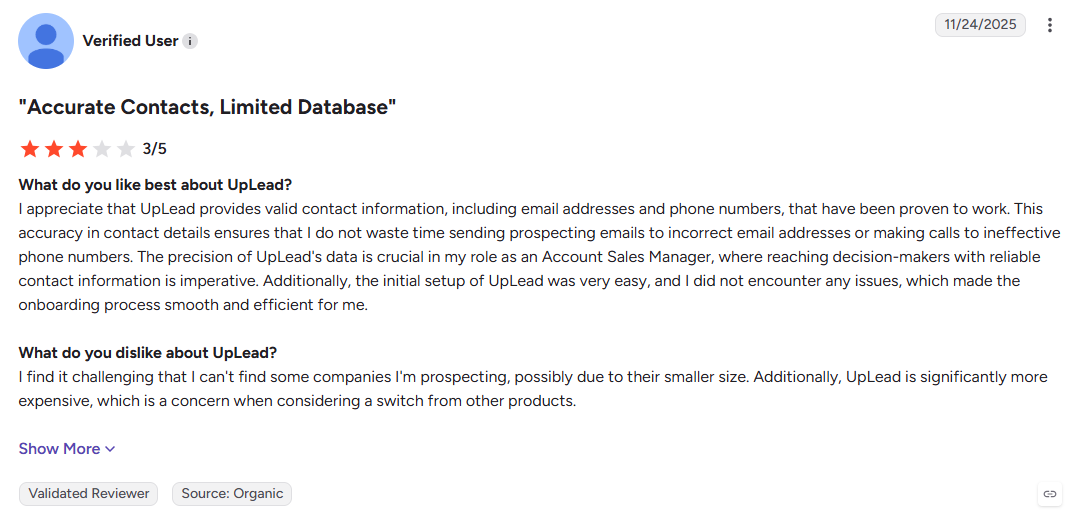
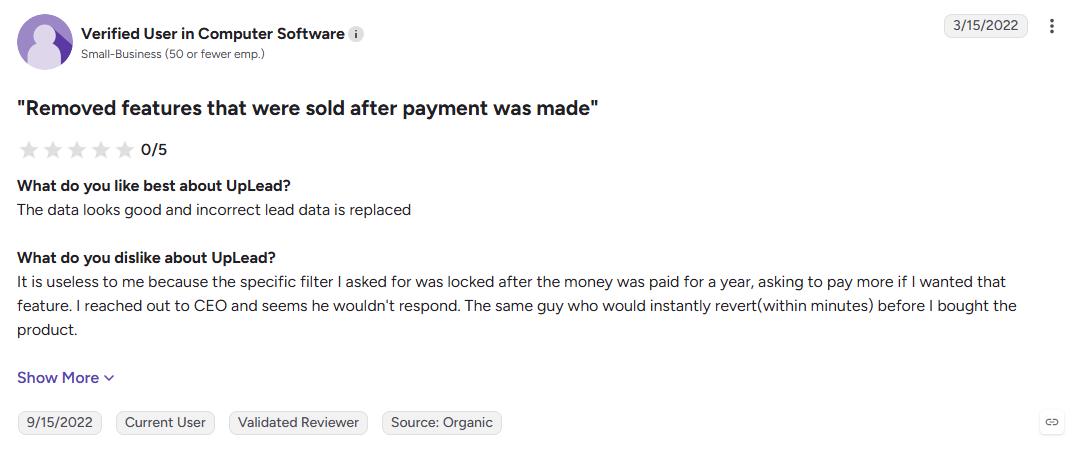
10. UpLead
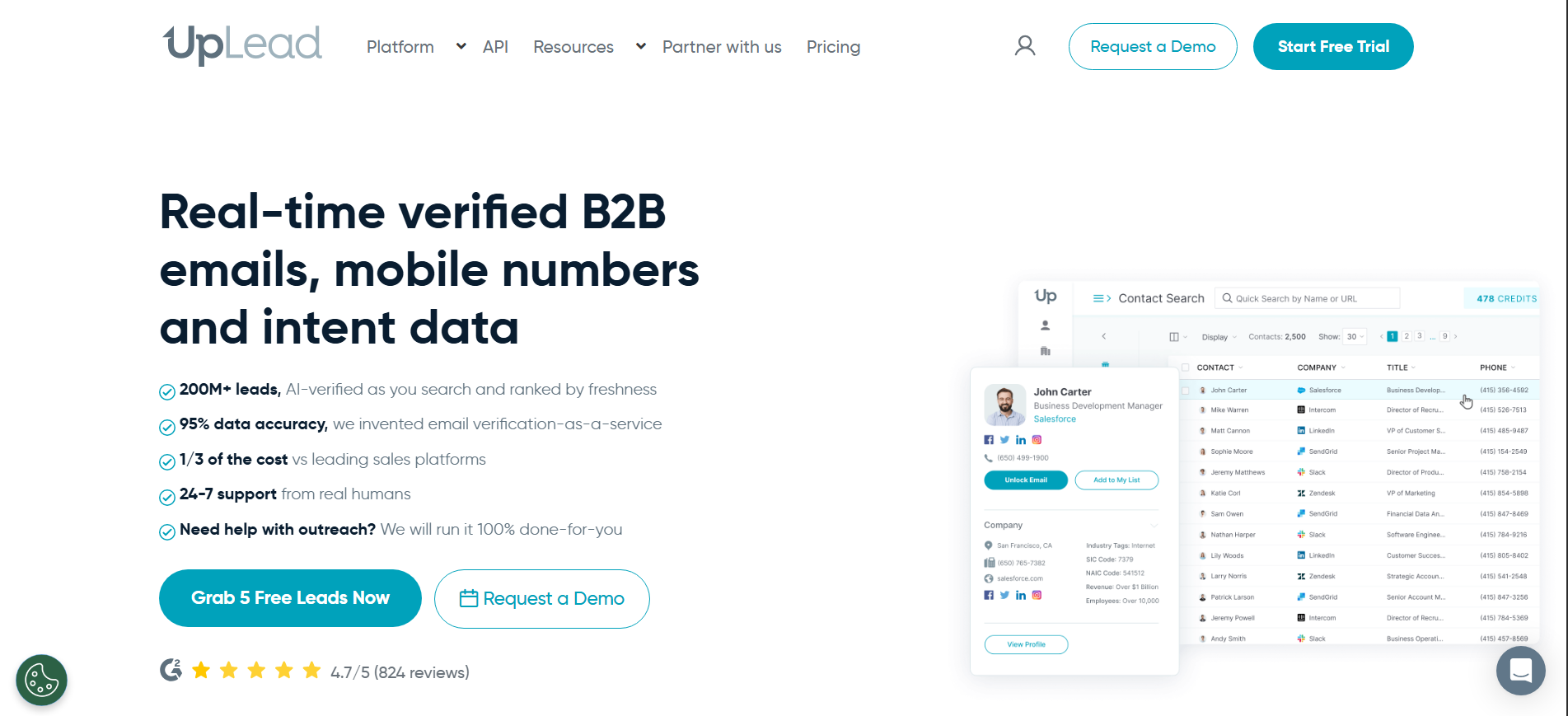
UpLead focuses on verified contact data, validating emails in real time at the moment you export them. It backs that promise with an accuracy guarantee that refunds credits for bounced contacts.
Key Features:
- Email verification: Checks email addresses during the export process.
- Technographic filters: Finds companies based on the tools they use.
- Chrome extension: Captures lead information from LinkedIn and company websites.
Pros
- Email verification helps reduce bounced contacts
- Free trial makes data testing easier
- Self-serve plans are available
Cons
- Database coverage is smaller than some enterprise platforms
- Lower plans can have user restrictions
- Does not include a native outreach engine
Best For: SMB sales and marketing teams focused on verified contact data.
11. RocketReach
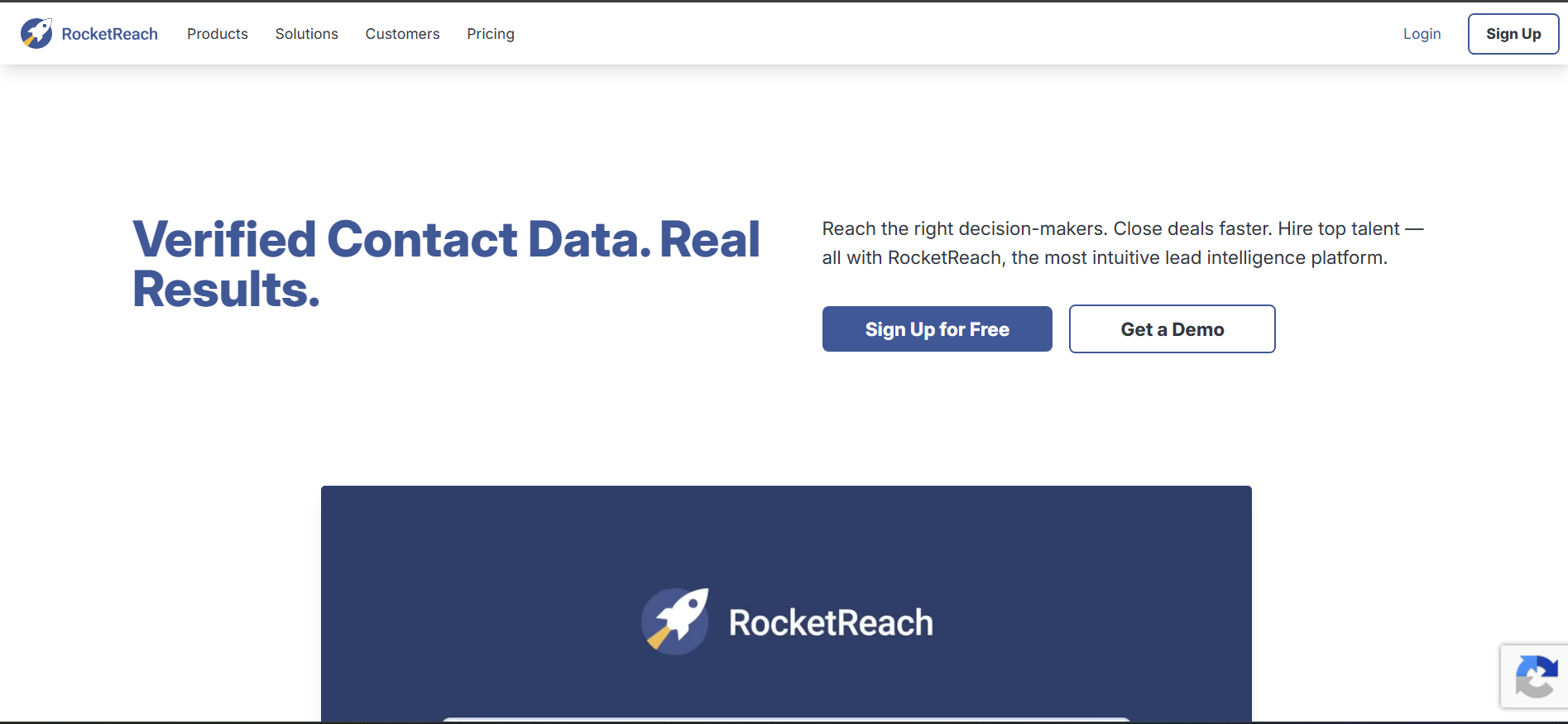
RocketReach is a contact lookup platform for finding professional emails, phone numbers, and social profiles. It supports individual searches, bulk lookups, browser-based prospecting, and API access.
Key Features:
- Advanced search: Finds contacts by name, company, title, and industry.
- Bulk lookups: Enriches multiple contacts at once.
- API and extension: Brings prospect data into workflows and browser-based research.
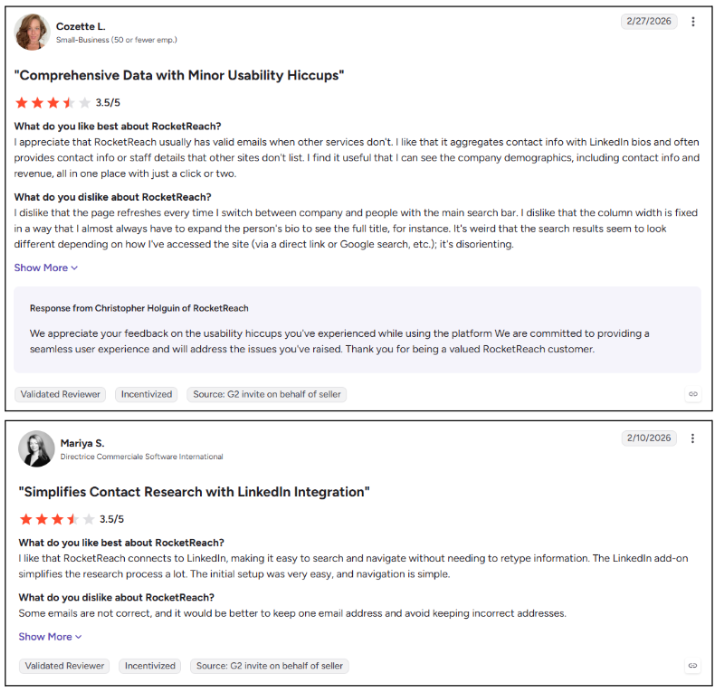
Pros
- Broad coverage of professionals and companies
- Self-serve plans are available
- Useful for quick individual lookups
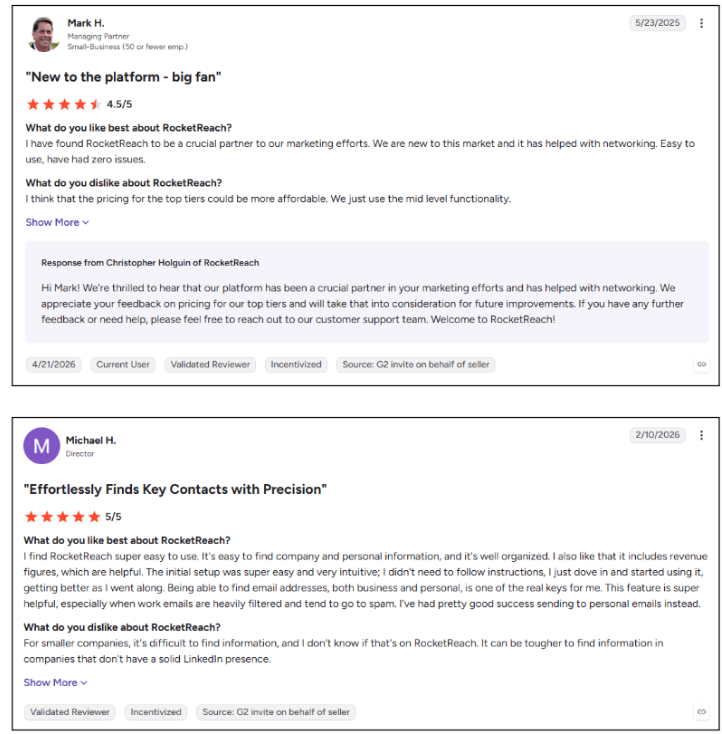
Cons
- Phone data does not include dedicated verification
- Plans limit the number of monthly lookups
- Does not trigger outreach from buying signals
Best For: Sales reps and recruiters who need quick contact lookups.
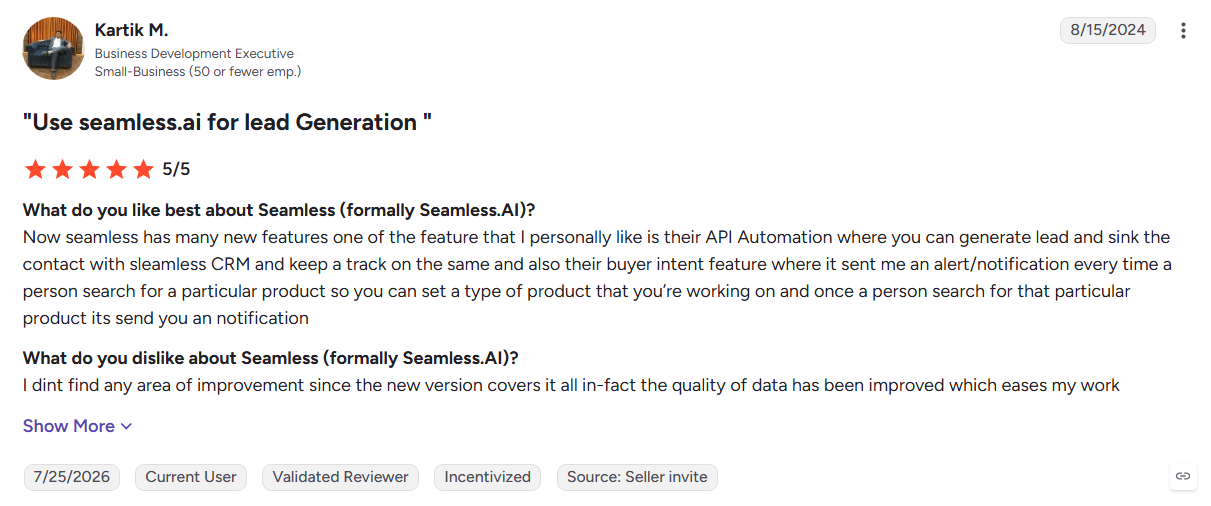
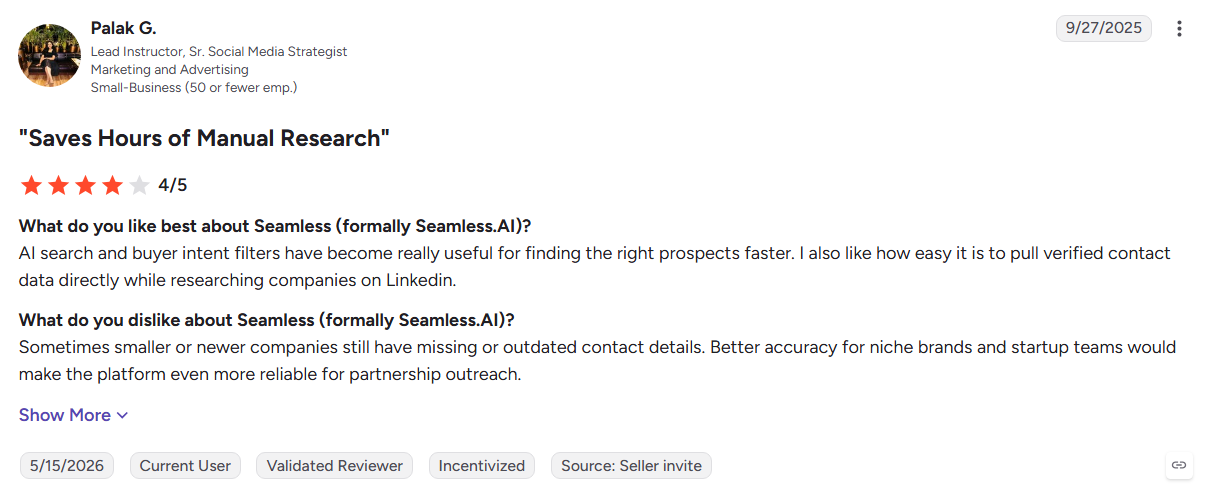
12. Seamless.AI
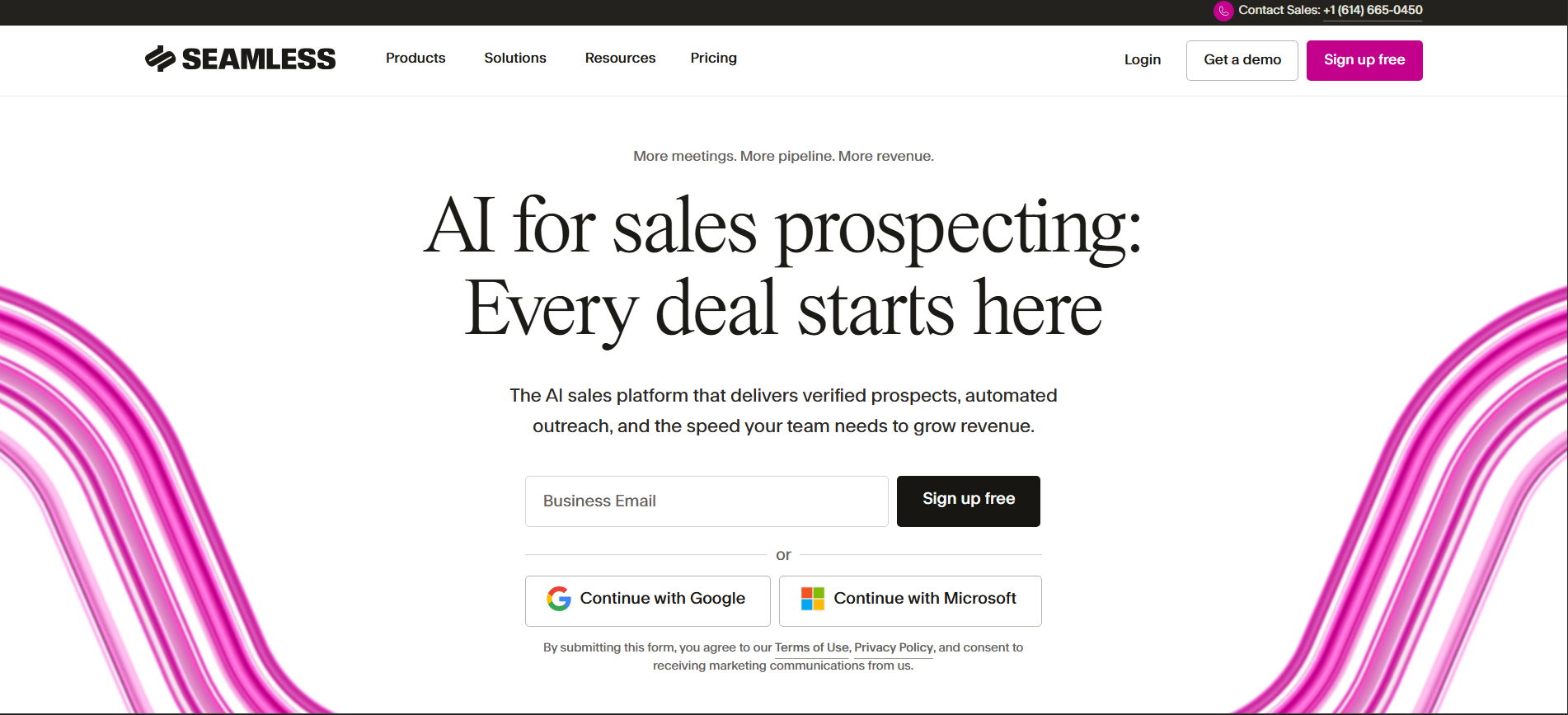
Seamless.AI is a real-time contact search platform built for teams that need large prospect lists quickly. Its Chrome extension and Autopilot tools help sales reps find and organize contacts for outbound campaigns.
Key Features:
- Real-time search: Finds contact details on demand across the web.
- Autopilot: Builds prospect lists based on saved criteria.
- Buyer intent: Adds company-level intent signals on selected plans.
Pros
- Supports high-volume prospect list building
- Chrome extension makes LinkedIn prospecting faster
- Free credits let teams test the platform
Cons
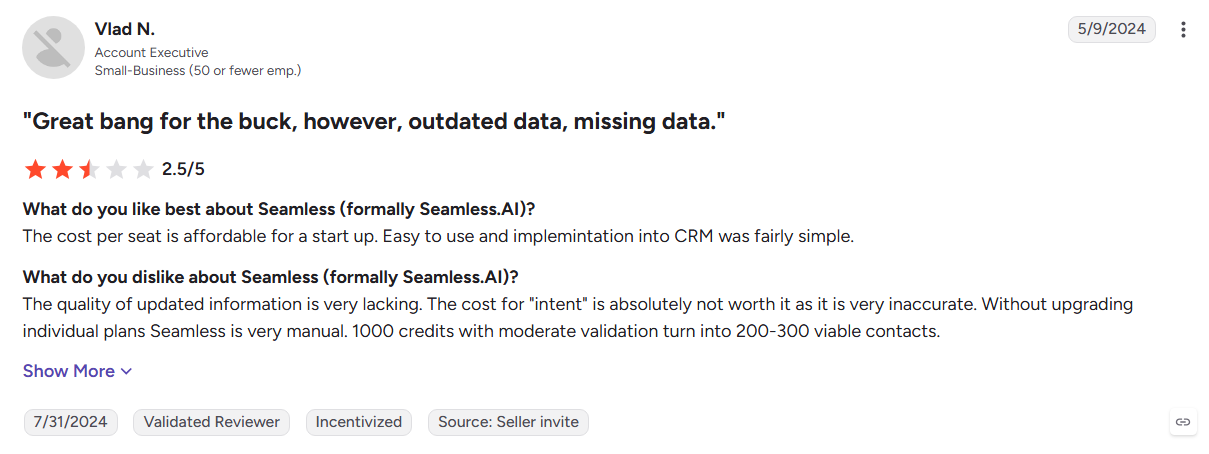
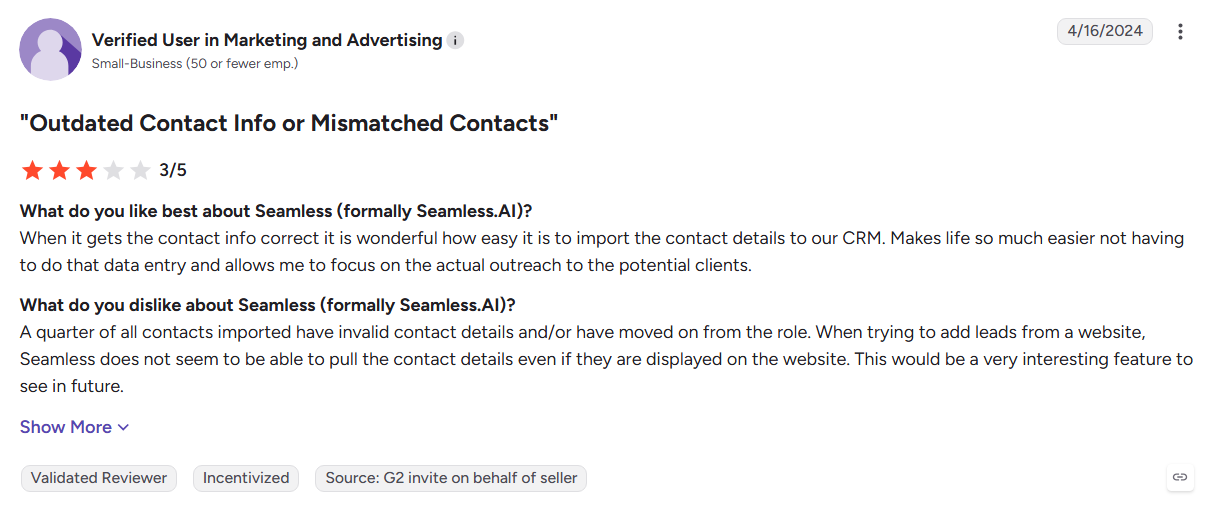
- Some users report inaccurate or outdated contact data
- Coverage is stronger in North America than some international markets
- Annual contracts can limit flexibility on paid plans
Best For: US-based SDR teams running high-volume cold prospecting.
13. Lead411
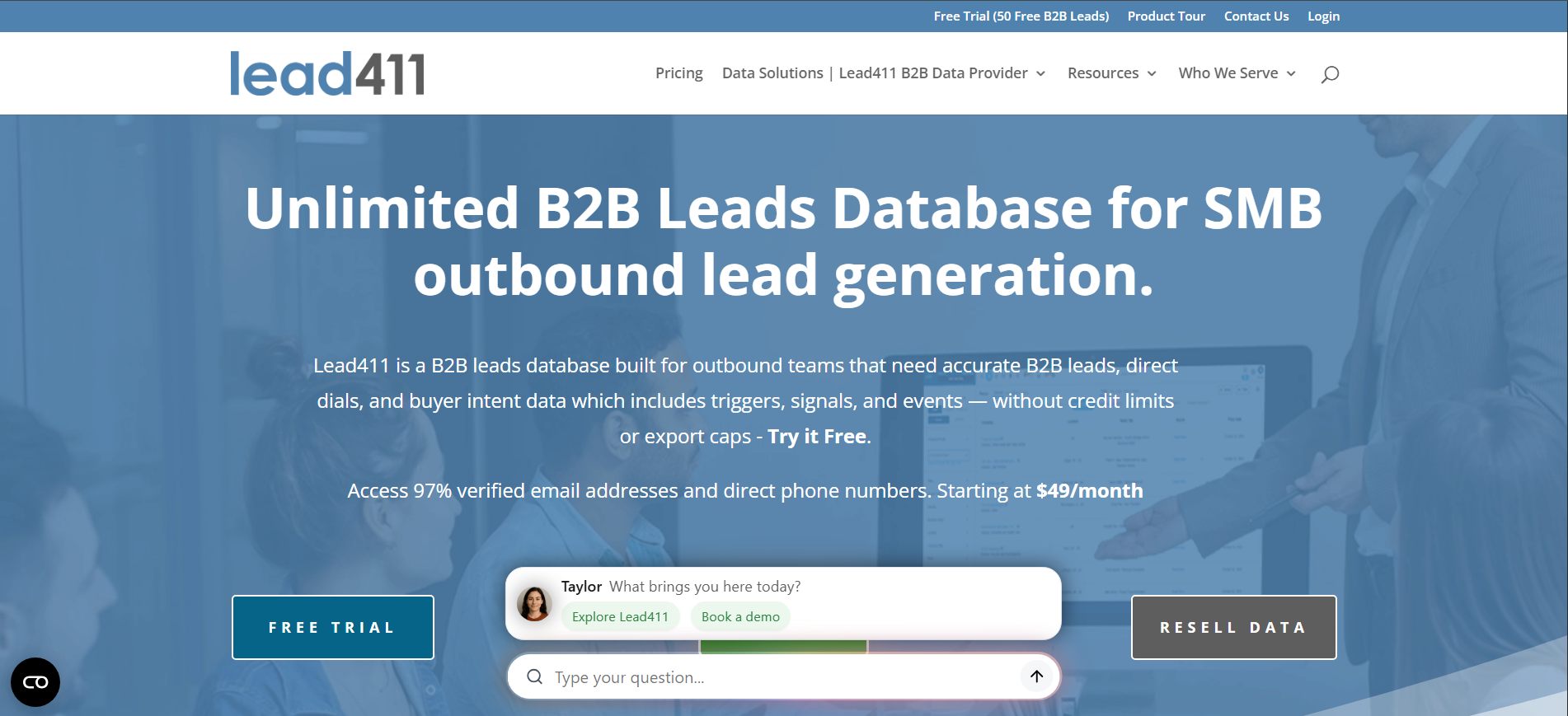
Lead411 combines B2B contact data with intent signals and growth events such as funding and hiring. Its verified direct dials make it particularly useful for sales teams that rely on phone outreach.
Key Features:
- Buyer intent: Adds Bombora-powered topic signals at the account level.
- Verified direct dials: Provides phone numbers checked before release.
- Growth triggers: Tracks funding, hiring, and expansion events.
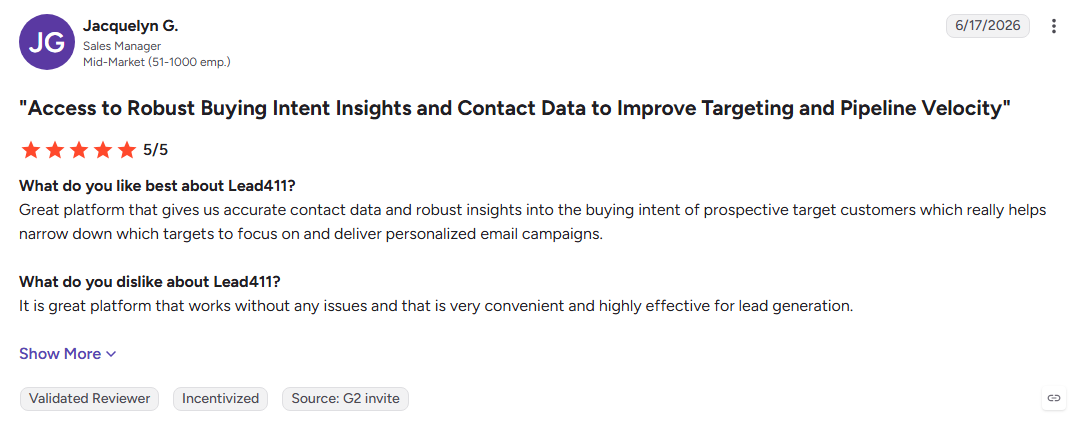
Pros
- Strong focus on phone-based prospecting
- Growth signals help identify timely opportunities
- Monthly and annual plans provide billing flexibility
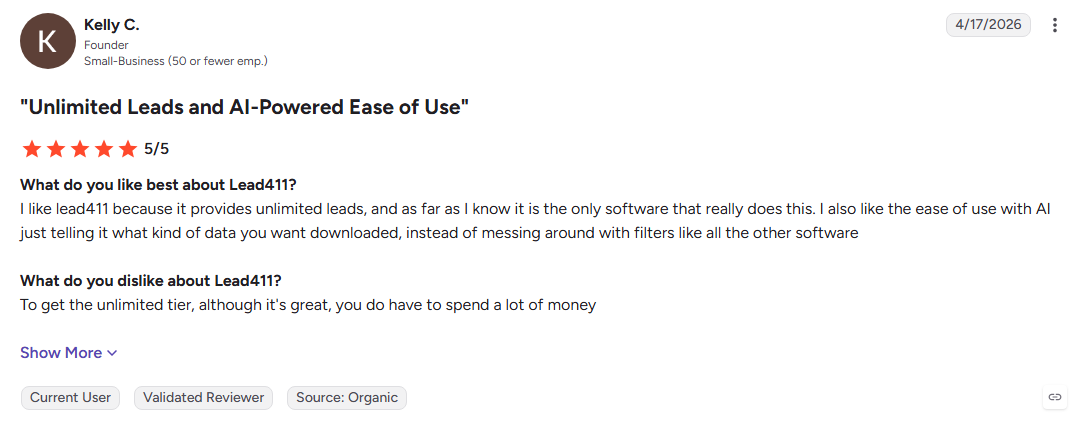
Cons
- Coverage can be weaker across EU, APAC, and LATAM markets
- Contact details require credits to unlock
- Intent signals focus on accounts rather than individual buyers
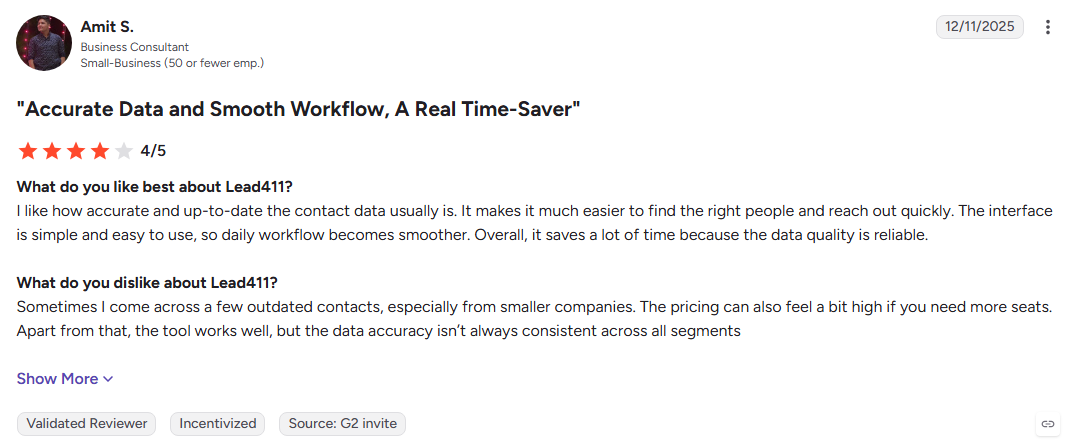
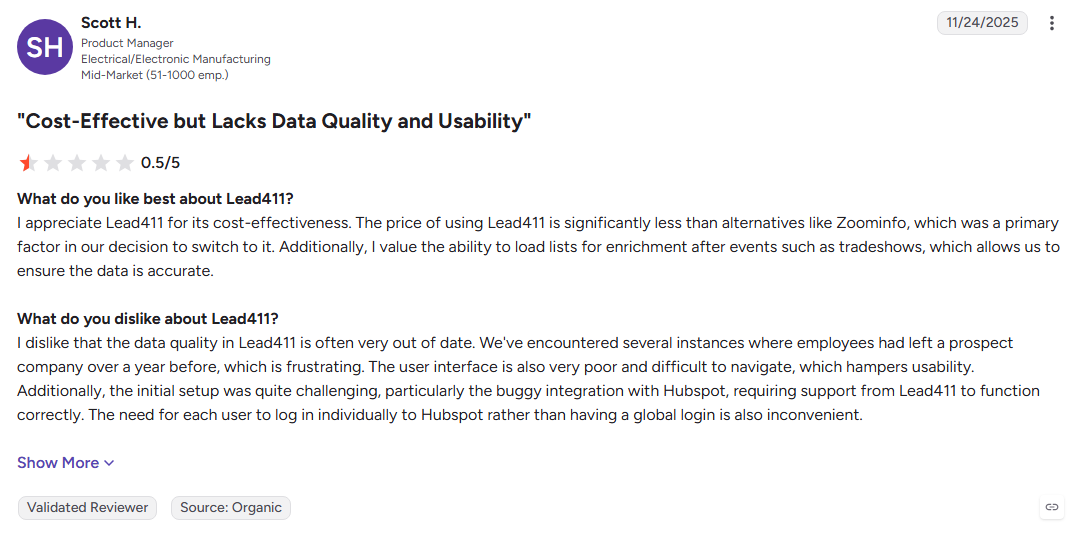
Best For: US sales teams that rely heavily on phone outreach.
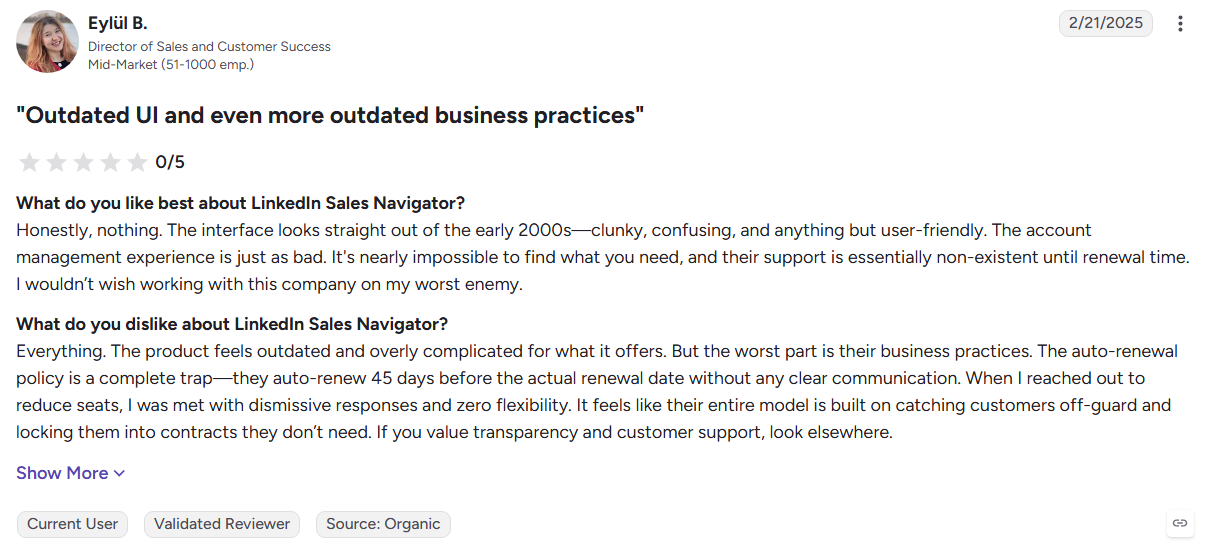
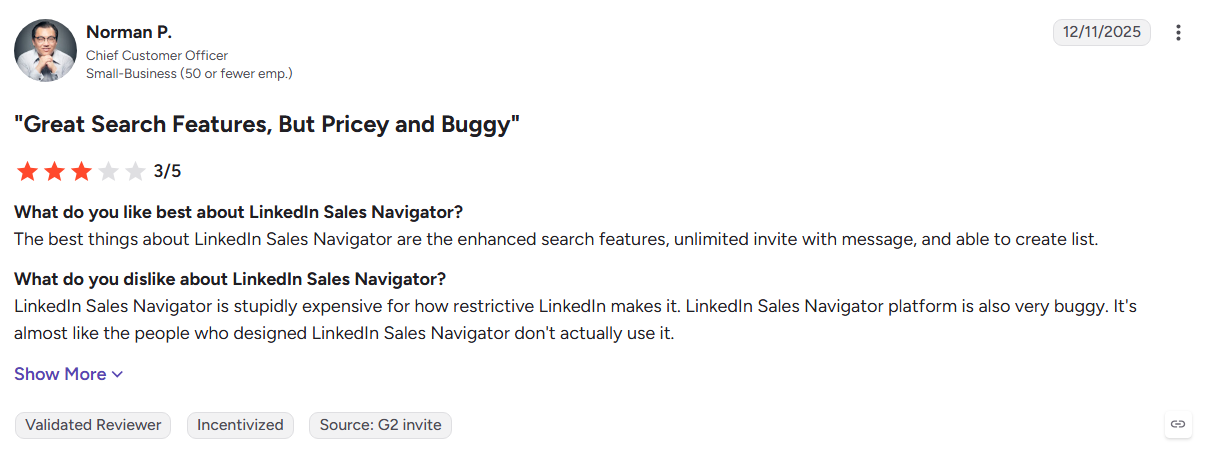
14. LinkedIn Sales Navigator
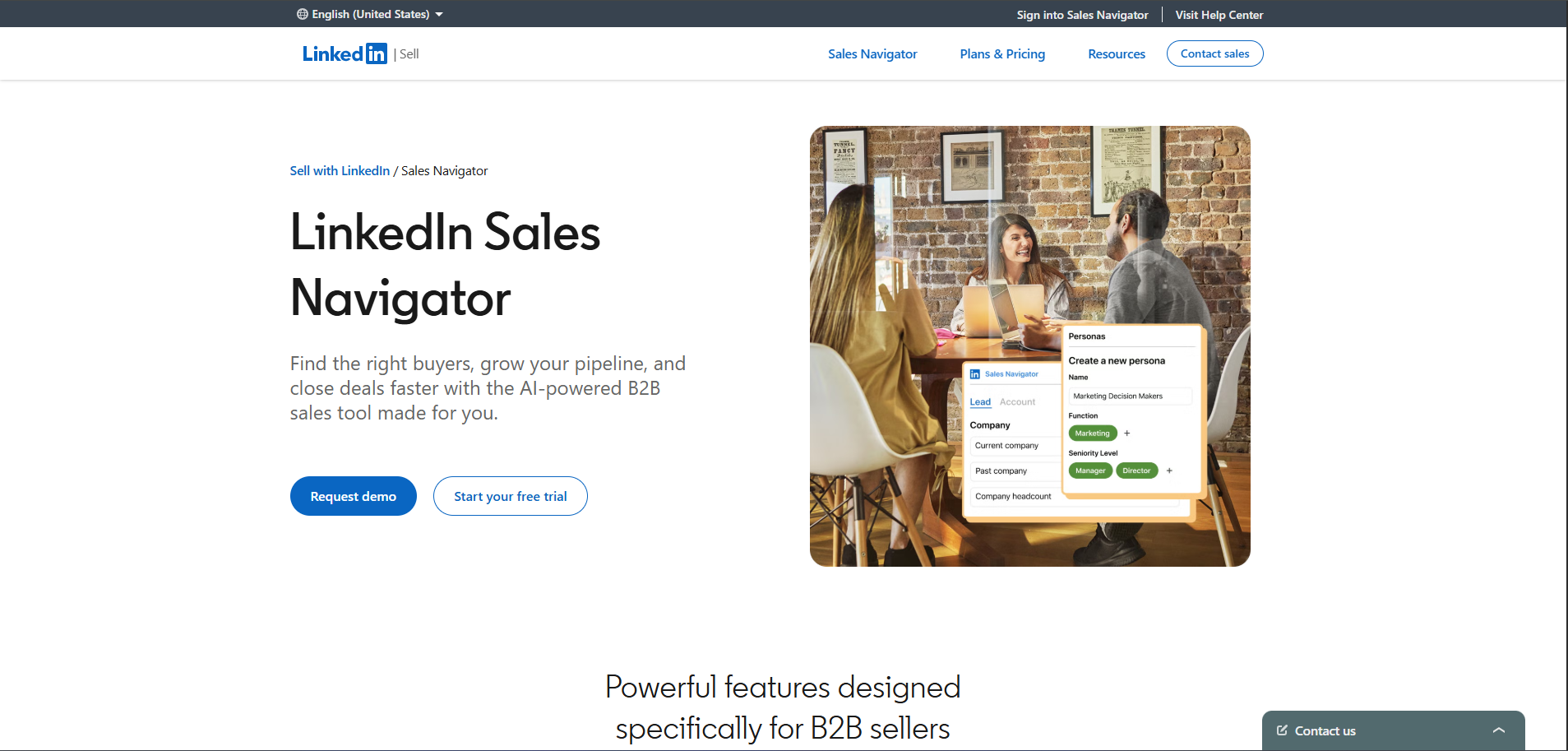
LinkedIn Sales Navigator adds advanced prospecting tools to LinkedIn's professional network. Sales teams can search for decision-makers, track accounts, send InMail, and find potential paths through existing connections.
Key Features:
- Advanced search: Filters lead by industry, seniority, company size, and location.
- InMail and TeamLink: Supports direct outreach and warm introduction paths.
- CRM sync: Connects activity with Salesforce, HubSpot, and Microsoft Dynamics.
Pros
- Access to a large professional network
- Useful for mapping relationships within target accounts
- Real-time alerts keep reps updated on saved leads
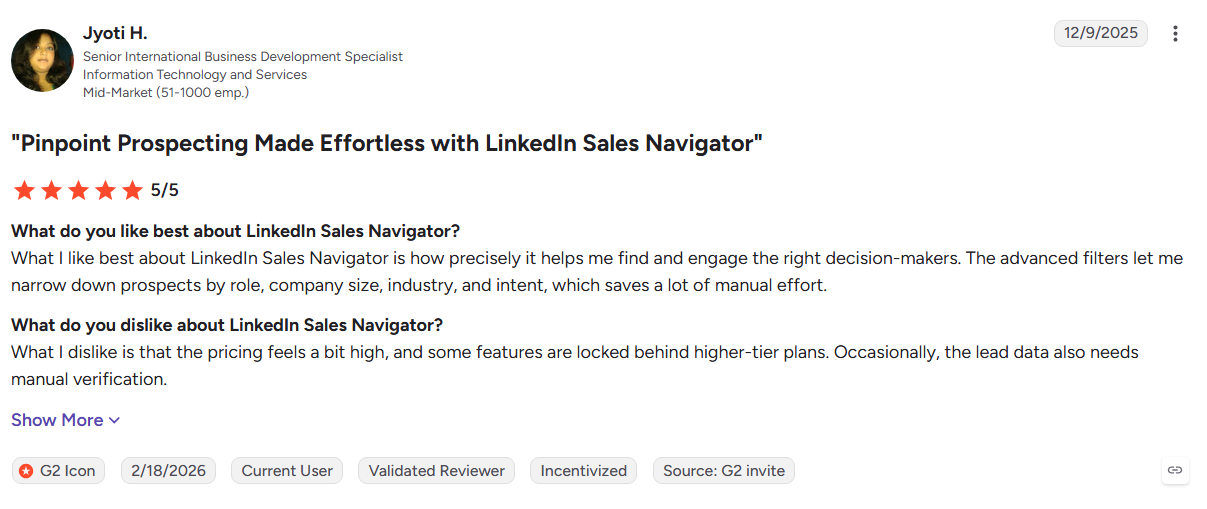
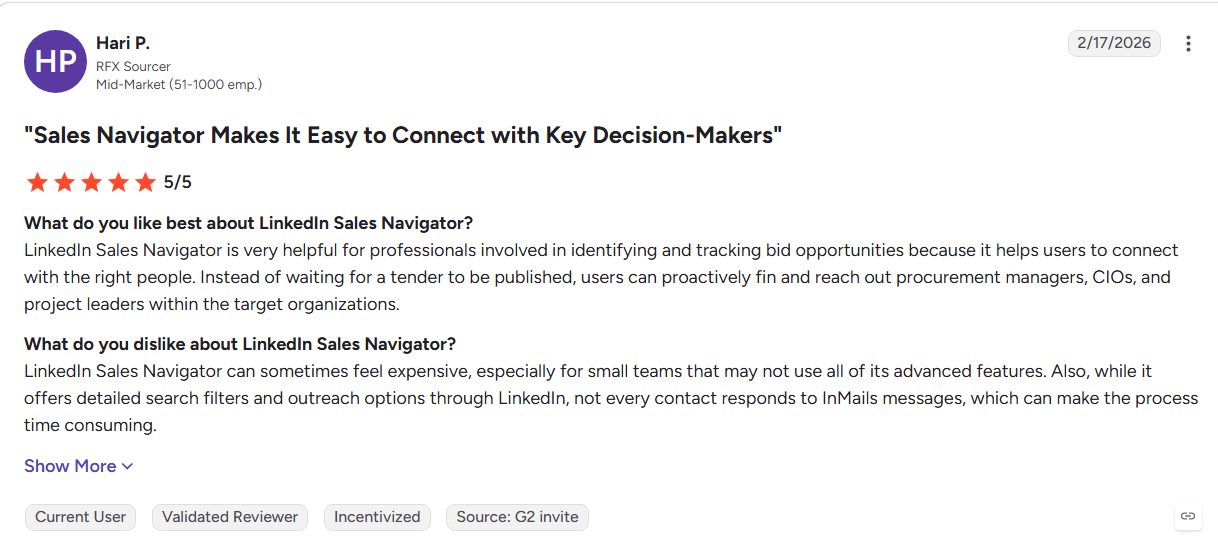
Cons
- Does not provide verified emails or direct dials for export
- Data depends on what users publish on their profiles
- Prospect selection and outreach remain largely manual
Best For: Account executives and relationship-focused sales teams using LinkedIn for prospecting.
15. Clay
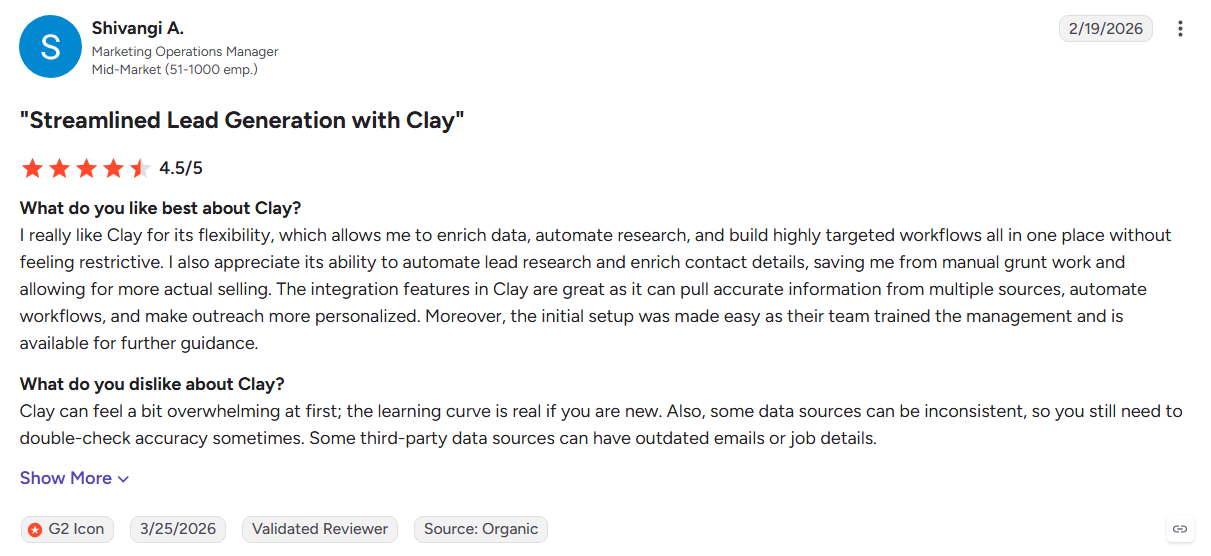
Clay is a data orchestration platform that brings enrichment providers, AI research, and custom workflows into one workspace. RevOps and GTM teams can build data waterfalls and automate complex research processes.
Key Features:
- Waterfall enrichment: Checks multiple data providers to improve match rates.
- Claygent AI: Researches companies and contacts across the web.
- Custom workflows: Builds enrichment and research processes around specific requirements.
Pros
- Highly flexible for custom data workflows
- Multiple providers can improve data coverage
- Large library of templates and community resources
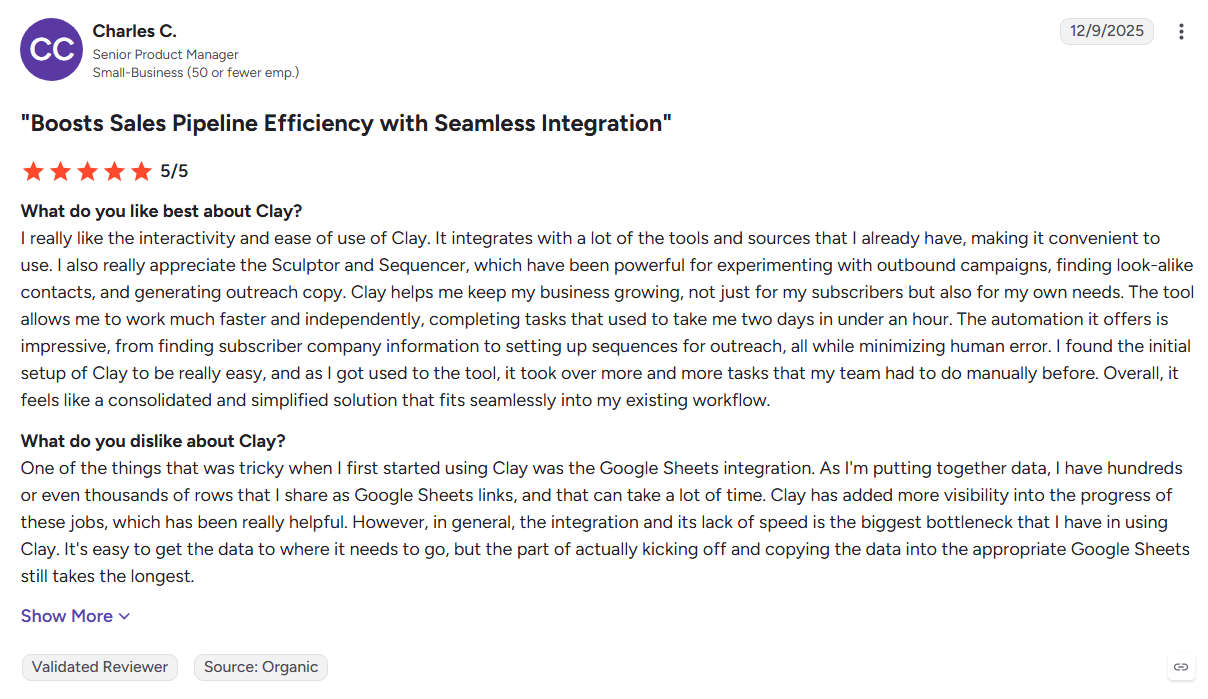
Cons
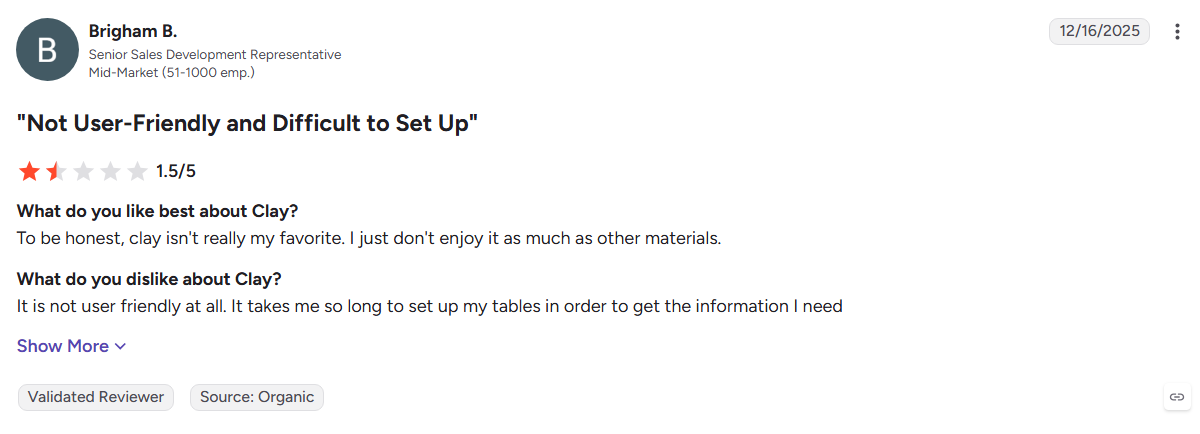
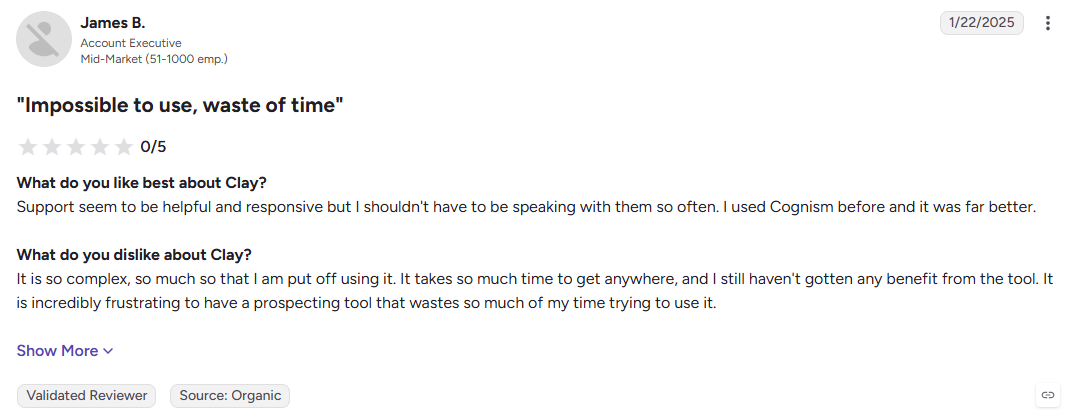
- Can take time to learn and configure
- Requires separate tools for some outreach workflows
- Works best with technical or RevOps support
Best For: GTM engineers and RevOps teams building custom data pipelines.
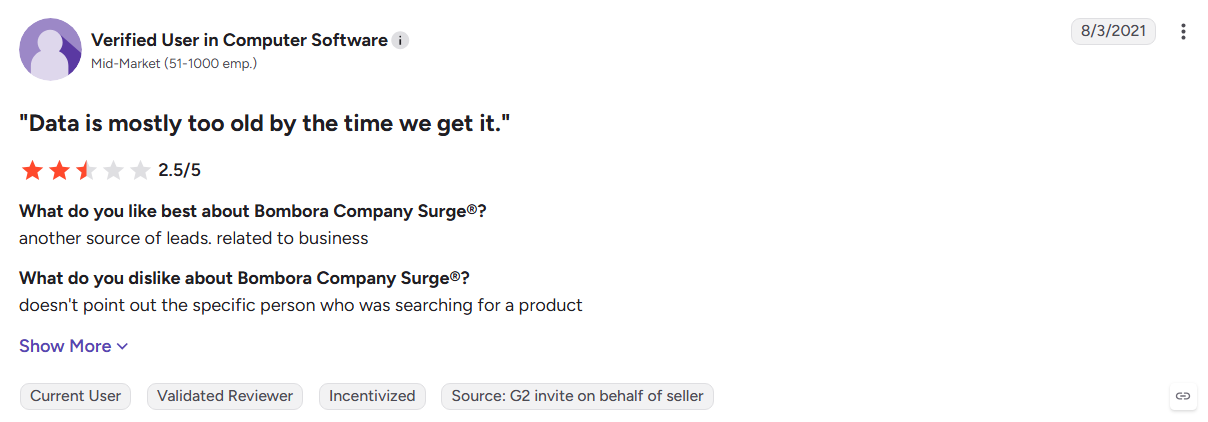
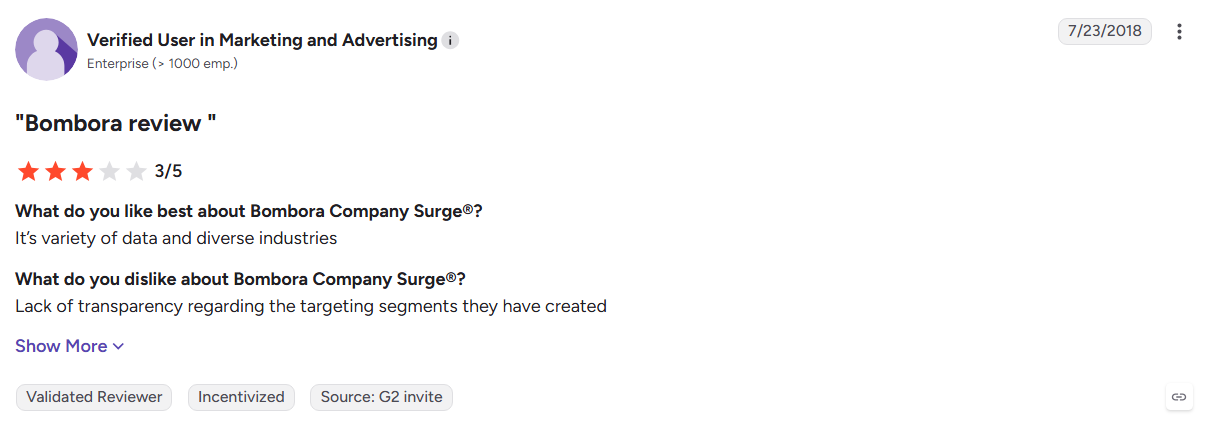
16. Bombora
Bombora provides third-party buyer intent data based on content consumption across its B2B publisher network. Its topic surge scores help ABM teams identify companies showing increased interest in specific subjects.
Key Features:
- Topic surge scores: Track increased research activity across B2B topics.
- Publisher network: Uses content consumption data from B2B publishers.
- Integrations: Sends intent signals into CRM, marketing, and ABM platforms.
Pros
- Established source of third-party intent data
- Detailed topic coverage for niche categories
- Integrates with common GTM platforms
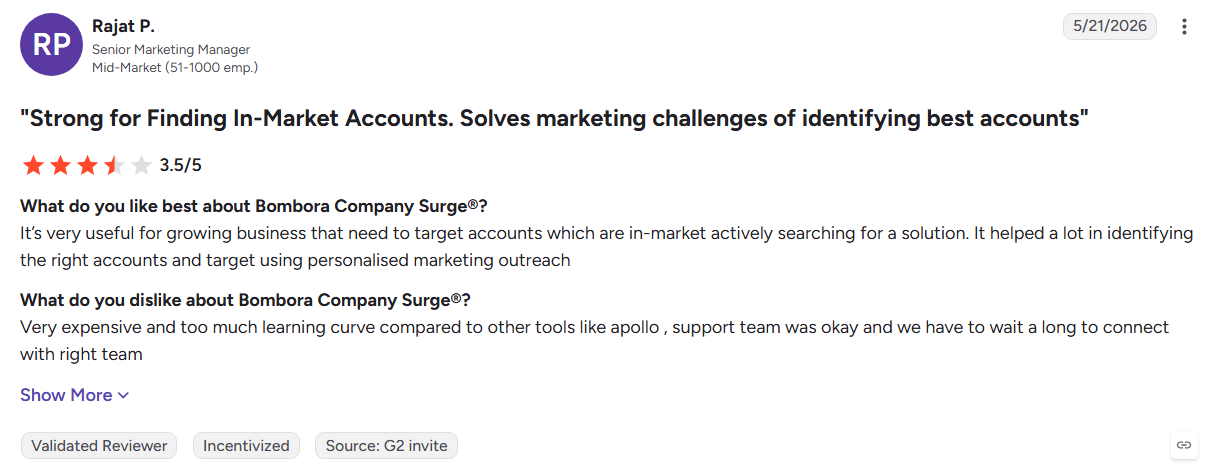
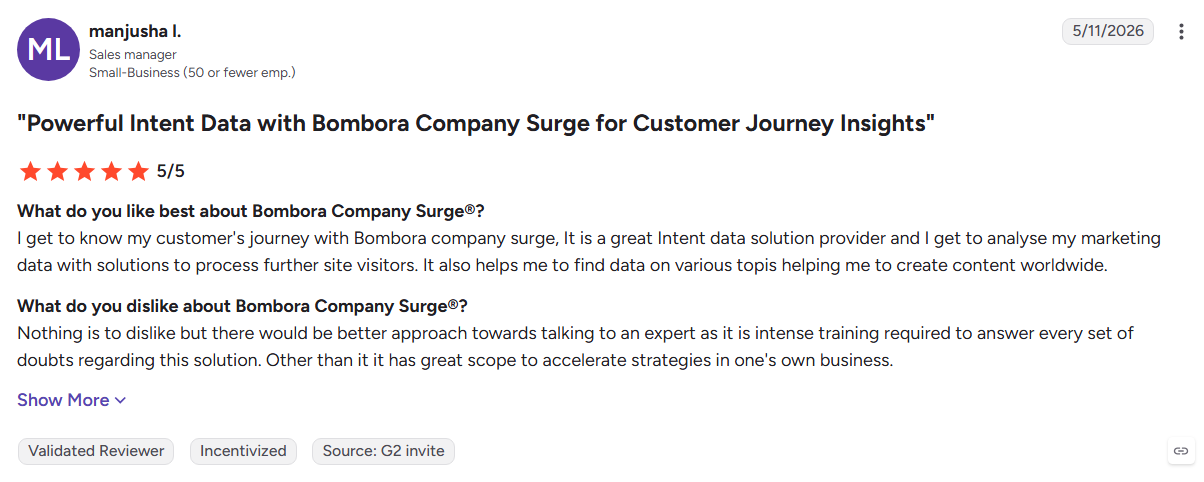
Cons
- Signals identify accounts rather than individual people
- Requires another data source for contact details
- Annual contracts can limit flexibility
Best For: ABM teams prioritizing target accounts based on research activity.
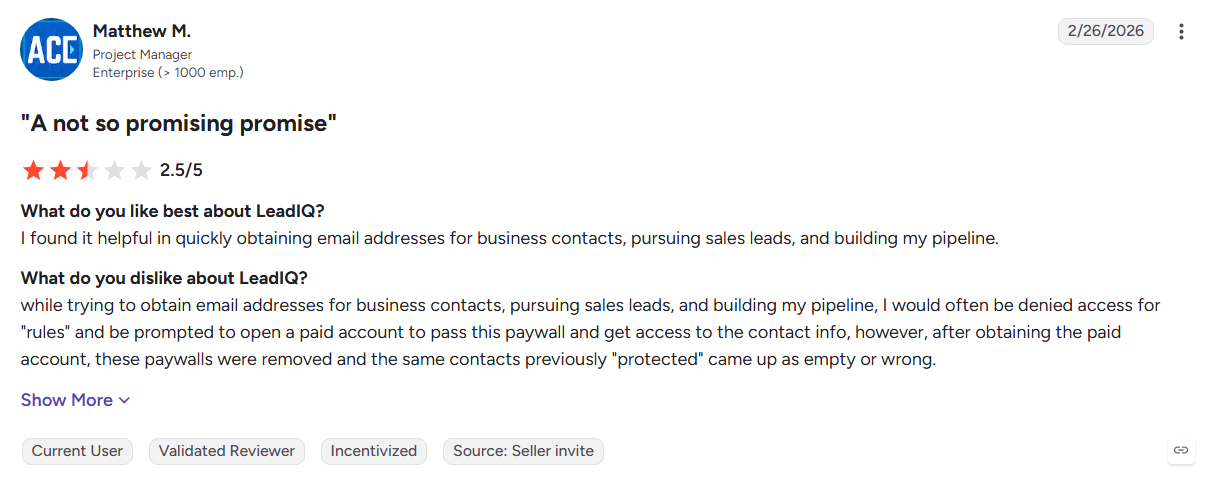
17. LeadIQ
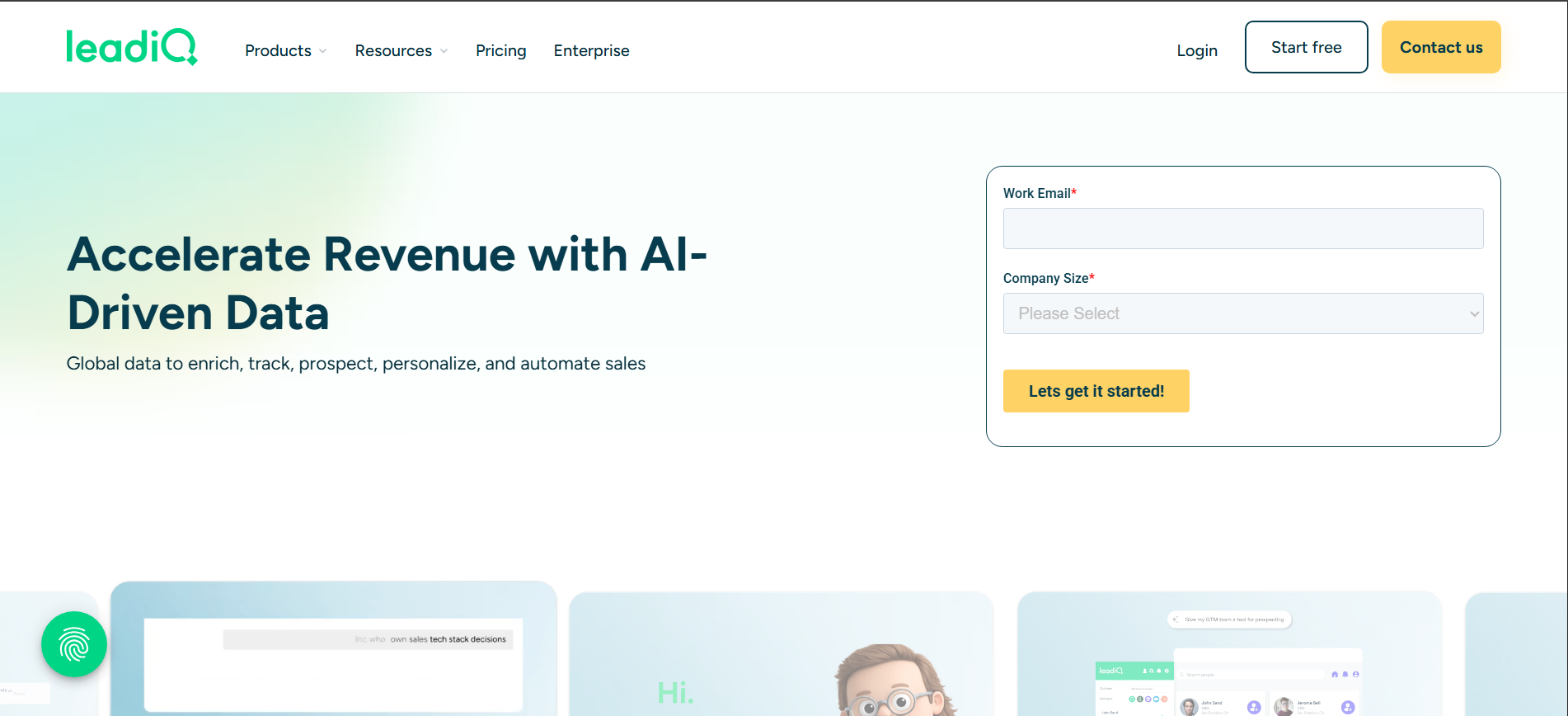
LeadIQ helps sales reps capture contacts from LinkedIn and move them into CRM and sales engagement workflows. Its enrichment and AI writing features speed up the process from prospect discovery to outreach.
Key Features:
- One-click capture: Saves contacts from LinkedIn and Sales Navigator.
- Champion tracking: Tracks key contacts when they move between companies.
- Scribe AI: Creates personalized email openers from prospect information.
Pros
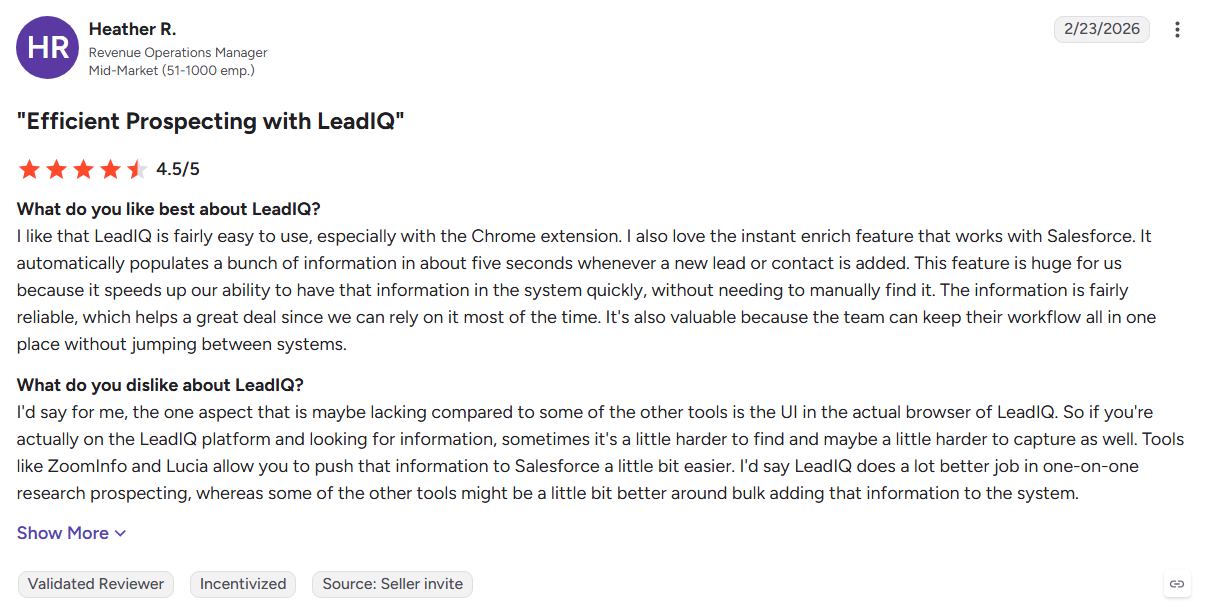
- Speeds up the LinkedIn-to-CRM workflow
- Connects with major sales engagement platforms
- Free plan available for individual users
Cons
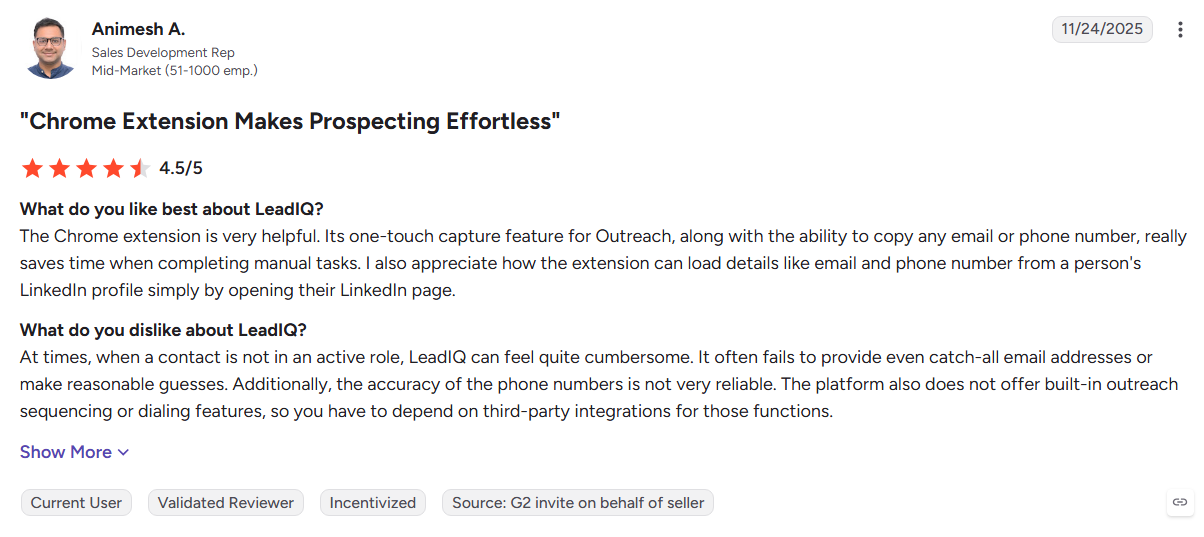
- Plans limit the number of mobile contacts
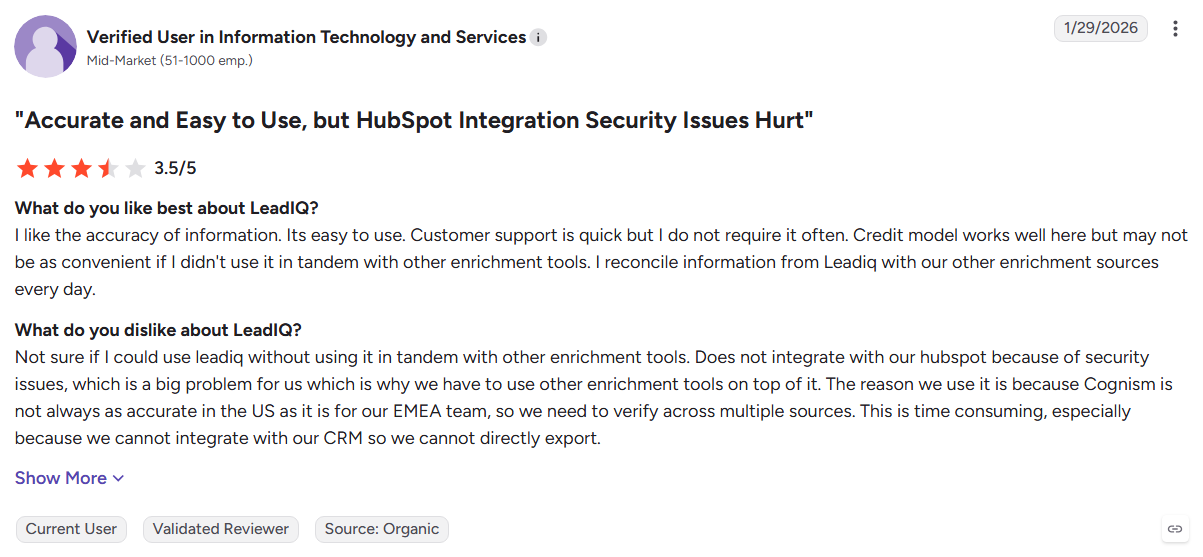
- Teams remain responsible for compliance when using the data
- Prospect selection still depends on the sales rep
Best For: SDR teams using Salesforce or HubSpot with a sales engagement platform.
18. Adapt.io
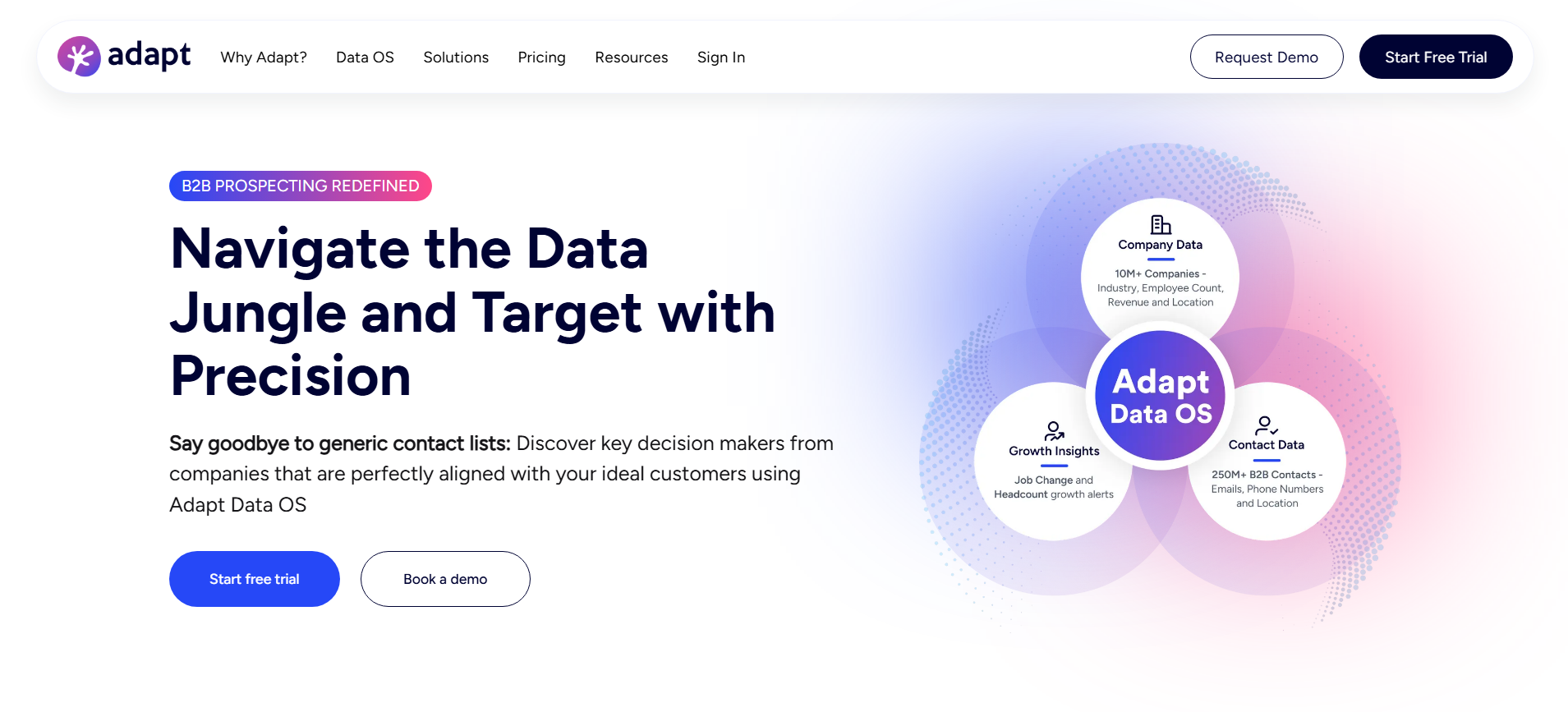
Adapt.io is a B2B contact database with prospect filters, an email finder, and a Chrome extension. It helps SDRs and marketing teams build targeted lists and send leads into their CRM.
Key Features:
- Detailed filters: Search by job title, department, company size, and technology.
- Chrome extension: Find contact details while browsing LinkedIn.
- Lead routing: Score and send matched leads to the right sales owner.
Pros
- Simple process for building targeted lists
- Free plan available for initial testing
- Connects with Salesforce, HubSpot, and Zoho
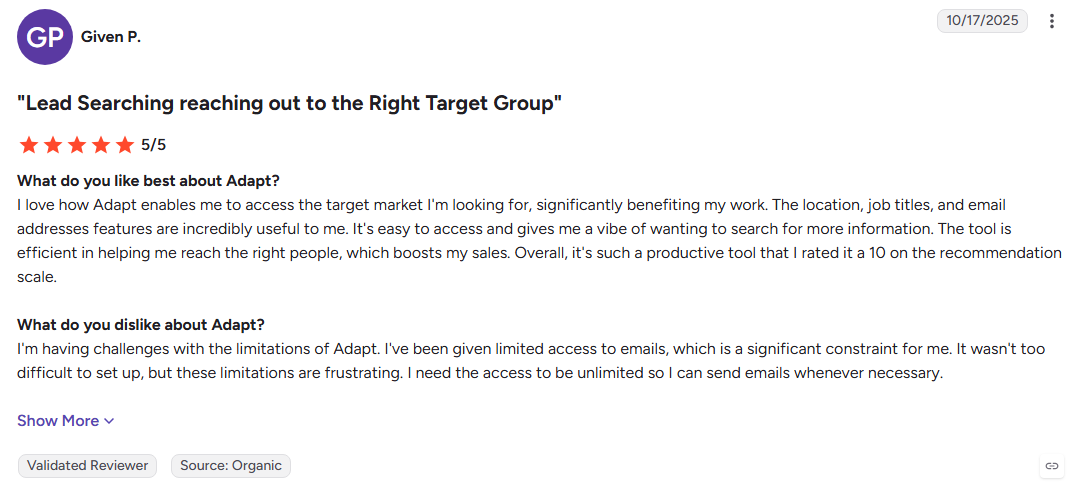
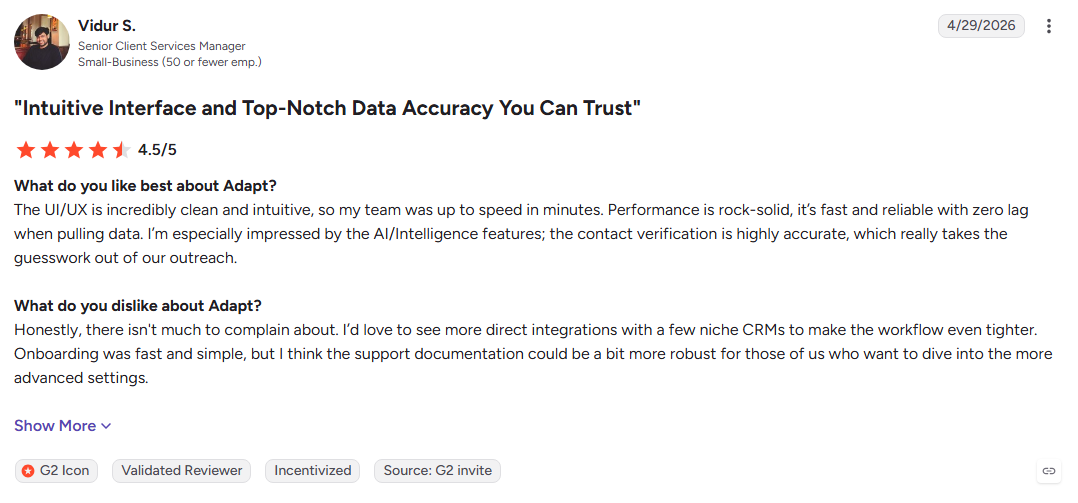
Cons
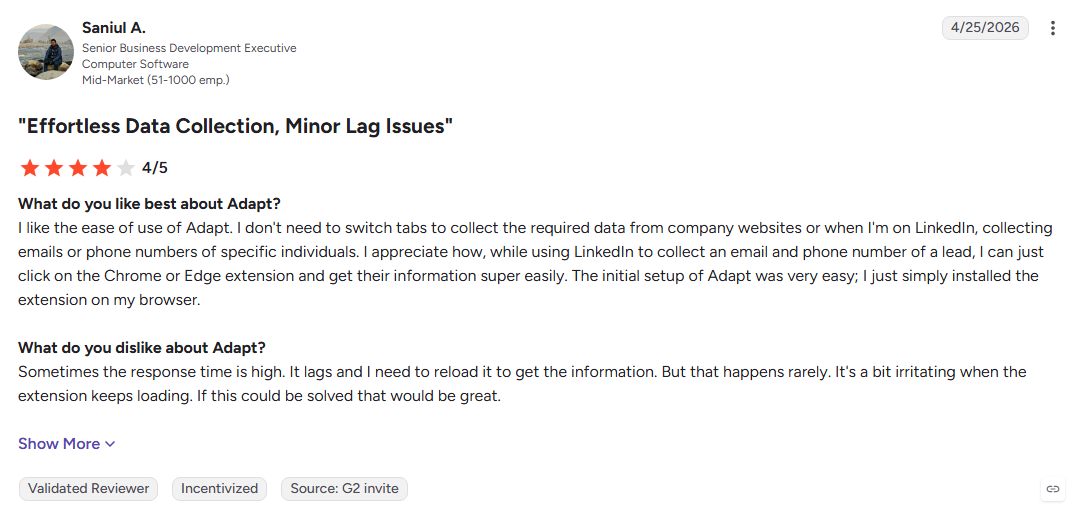
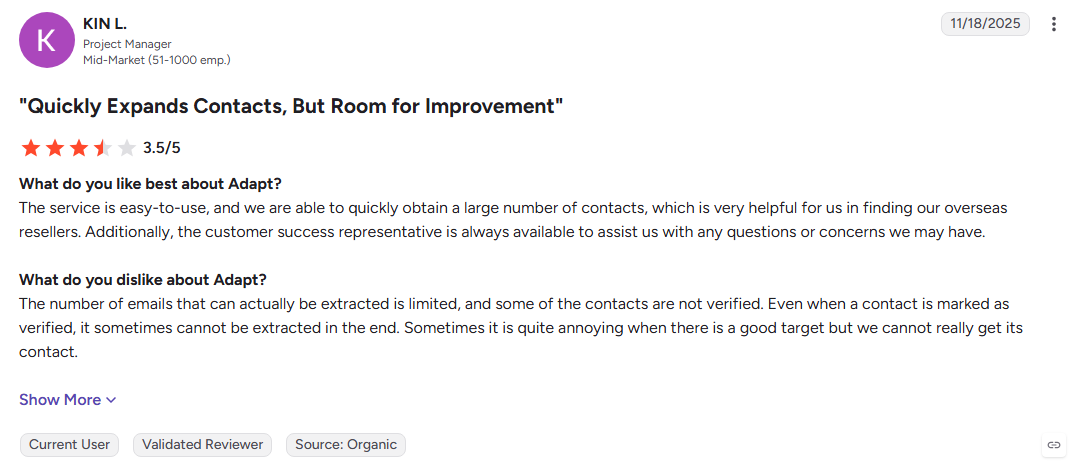
- Does not provide detailed buying intent signals
- Some users report limited contact data
- Prospecting starts with cold lists rather than existing website demand
Best For: SMB marketing and sales teams building straightforward prospect lists.
Also Read: 15 Best B2B Website Visitor Identification Tools
How to Test a B2B Data Provider Before You Sign a Contract
A polished demo shows the vendor's best data. A real test shows how the platform performs with your ICP, regions, and target accounts.
Use the same sample and testing process for every shortlisted vendor. This gives you a cleaner comparison before signing a long-term contract.
1. Build a 100-Record Sample From Your Real ICP
Choose 100 CRM records that match the accounts you actually sell to. Include niche industries, smaller companies, and harder regions to expose coverage gaps.
Use the same list with every vendor. This keeps the comparison consistent instead of relying on hand-picked demo records.
2. Measure Match Rate and Person-Level Yield
Check how many records each vendor can enrich, then count how many return a named person, work email, and direct dial.
A high company match rate does not always mean useful contact data. The person-level yield shows how much of the database your sales team can actually use.
3. Re-Verify Emails and Phone Numbers Independently
Run the returned emails through an independent email verifier and manually check a sample of phone numbers. Record the results for every vendor.
Compare your findings with the vendor's reported accuracy. The difference gives you a better view of real-world data quality.
4. Run a Small Warmed Send and Watch the Bounce Rate
Send a small campaign from a warmed secondary mailbox and track bounces and replies for at least a week. Keep the test audience limited while you collect results.
Do not use your primary sending domain for the test. A high bounce rate can affect deliverability and make future campaigns harder to send.
5. Check Whether Intent Signals Name a Person or Only an Account
Ask each vendor to show an intent signal for one of your target accounts. Check whether the signal identifies a specific researcher or only the company.
Company-level intent can help prioritize accounts, but person-level intent gives sales reps a clearer starting point for outreach.
6. Read the Contract for Auto-Renewals, Notice Periods, and Credit Expiry
Check the cancellation window, auto-renewal terms, unused credit rules, and any minimum contract period before signing.
These details can affect the actual cost of a data provider. A lower starting price may look different once unused credits or renewal terms come into play.
7. Test a Free Tier on Your Live Traffic Before Paying for a Database
If the vendor offers visitor identification, test it on your own website for a few weeks. Look at which target accounts and visitors appear and how useful those signals are for sales.
Real website activity can reveal prospects already researching your business. That gives you a useful benchmark against purchased contact databases.
See who is already on your site. Identify Your Visitors with Kwin's free forever Lead Watcher plan, no credit card required.
Also Read: Global Visitor Identification: Identify Exact Visitors Across 175+ Countries
Why Kwin Is the B2B Data Provider Built for Pipeline, Not Lists
Most B2B data providers help teams find contacts. Vison AI takes a different approach with Kwin, an AI Business Developer that identifies buyers already showing interest on your website.
- Identify buyers: Recognizes 60%–70% of visitors across 175+ countries.
- Score intent: Uses ICP Fit and Purchase Intent to prioritize qualified visitors.
- Track behavior: Uses page views, repeat visits, and engagement to understand interest.
- Automate outreach: Sends personalized follow-ups from your domain when visitors meet your threshold.
- Hand off leads: Sends positive replies to your inbox and syncs them with Slack or your CRM.
- Filter traffic: Excludes unwanted countries, pages, and traffic before outreach.
- Built for trust: Supports SOC 2 Type II, GDPR, CCPA, ISO 9001:2015, and ISO 27001:2022.
- Proven results: Infiniticube generated 2.5x more qualified leads in 45 days, with 35%+ of meetings coming from visitors who never filled out a form.
Hire Kwin For Free with 100 leads per month and no credit card required, or Book Your Free Demo to see how it works.
Conclusion
The B2B data market now covers everything from cold prospecting and contact enrichment to first-party visitor identification. Tools like ZoomInfo, Apollo, Cognism, and Clay solve different parts of the sales data process.
But when qualified buyers are already visiting your website, identifying them early can give your sales team a more direct path to the conversation.
We hope this guide helped you understand how B2B data providers source and deliver data, what to check before choosing one, and which approach fits your sales process.
Hire Kwin For Free to turn anonymous website traffic into qualified conversations, or connect with our experts to build the right data stack for your pipeline.

