
TL;DR
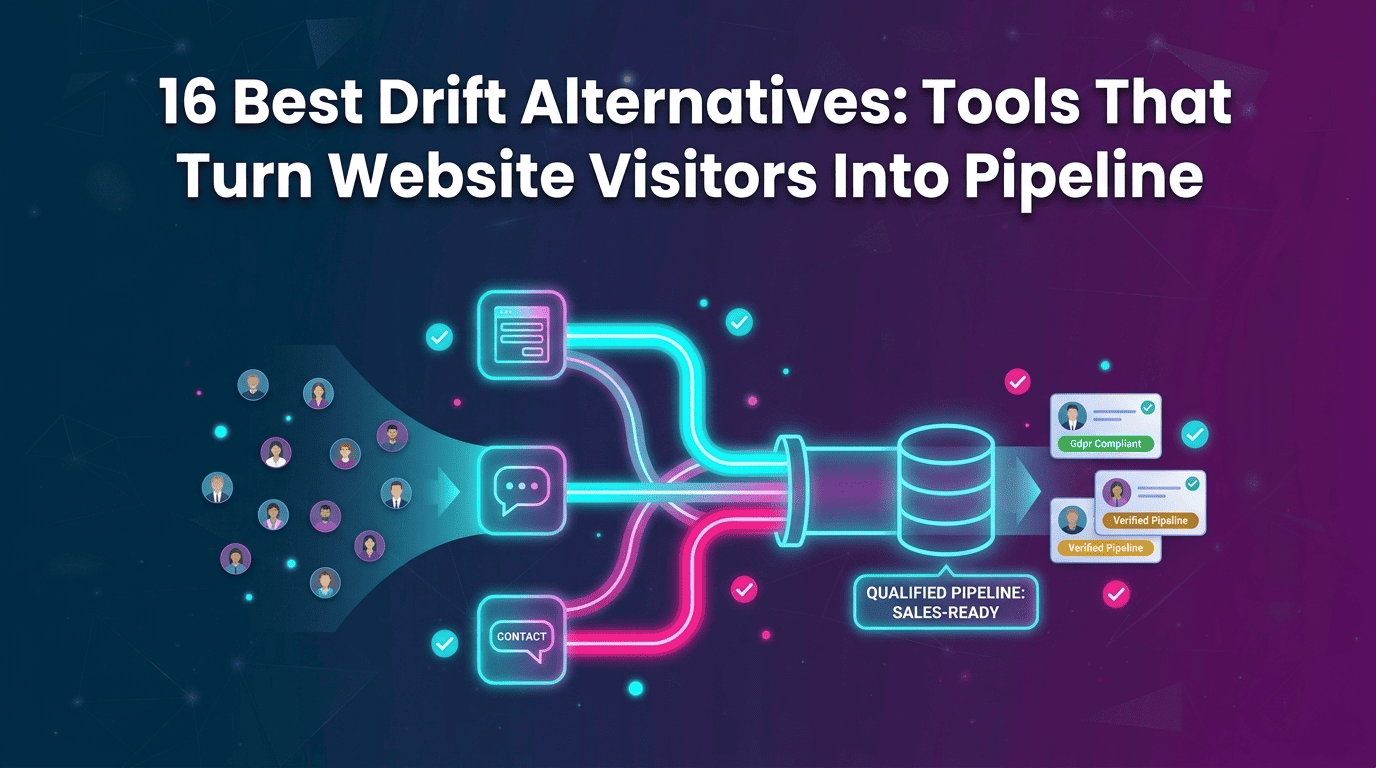
Drift is gradually sunsetting, giving revenue teams a reason to rethink how their website generates pipeline. This guide compares 16 Drift alternatives across AI SDRs, visitor identification, live chat, support, and lead qualification, including Qualified, 1mind, HubSpot, Intercom, Tidio, and others. Kwin takes a different approach by identifying 60%-70% of website visitors across 175+ countries, scoring their buying intent, and following up with qualified prospects, helping teams turn anonymous website traffic into sales conversations.
Anonymous website visitors can check your pricing, explore your product, and leave without ever starting a conversation.
The activity gets tracked, but the buyer often remains unknown. No name, no context, and no clear way for sales teams to follow up.
Drift helped turn website conversations into meetings through chatbots and conversational marketing.
With Clari + Salesloft gradually sunsetting it, teams now need a better way to capture and convert website demand.
That is why teams are exploring Drift Alternatives.
In this guide, we compare 16 leading tools to help you understand:
- What happened to Drift and why teams are switching
- What to look for in a Drift replacement
- How 16 tools compare on key features and pricing
- Which tools support visitor identification, AI chat, and sales automation
- How to migrate without losing pipeline
By the end, you'll know what each platform does best, where it falls short, and which option fits your sales workflow.
What Happened to Drift?
Drift didn't disappear overnight, and it hasn't switched off yet. But with the platform on a sunset path, understanding what Drift did and why it is being wound down helps teams plan the right Drift replacement.
1. What Drift Was Built to Do
Drift turned B2B websites into sales conversations. Its chatbots and playbooks greeted visitors, asked qualifying questions, routed target accounts to sales reps, and booked meetings directly from the chat window.
It worked especially well for enterprise teams with SDRs available to handle live conversations. For years, Drift helped define conversational marketing and website chat for B2B sales.
2. The Drift Sunset Timeline
Drift's transition happened in several stages:
- Private equity ownership: Vista Equity Partners acquired Drift.
- Salesloft acquisition: Drift became part of Salesloft's sales engagement platform and stopped operating as a standalone product.
- OAuth security incident: Attackers used stolen Drift OAuth tokens to access customer Salesforce data. Google Threat Intelligence reported on the campaign and its impact.
- Clari and Salesloft merger: The companies combined their revenue platforms, putting Drift alongside overlapping products.
- Sunset announcement: In March, Clari + Salesloft announced the gradual sunset of Drift and named 1mind its exclusive successor.
3. What the Sunset Means for Current Drift Customers
Drift is not being switched off immediately. No hard end date has been published, and the product still runs. However, teams planning for a sunset need to consider future updates, support, and product investment.
Contacts, leads, and synced activity already stored in HubSpot, Salesforce, or Marketo remain there. The main change is the website engagement layer that Drift provided.
Customers are being referred to 1mind, but that is not the only path. Teams can choose a replacement based on their sales process, CRM, visitor identification needs, and pipeline goals.
Also Read: Who Is Visiting My Website? How to Turn Anonymous Traffic Into Leads
Why Are Teams Replacing Drift? 7 Reasons
The sunset is the headline, but many teams were already comparing Drift competitors long before the announcement. These seven reasons come up again and again in reviews and switching stories.
1. The Product Roadmap Is Winding Down
When a vendor announces a gradual sunset, the roadmap effectively freezes. You keep paying for a tool that won't get new AI features or integrations, while every competitor keeps shipping.
2. High Total Cost of Ownership
Drift was priced for enterprise budgets, with custom quotes and gated features. G2 reviewers call it expensive next to other tools, and that's before you count the SDRs who staff live chat.
3. Complex Setup and Playbook Maintenance
Real value from Drift meant weeks of building playbooks, routing rules, and meeting flows. One G2 reviewer found initial configuration frustrating, and every site change meant more bot edits.
4. Chat Only Captures Visitors Who Raise Their Hand
This is the structural flaw most teams feel in their numbers. Chat only works when a visitor chooses to engage, yet most B2B buyers research quietly and leave without a name, a score, or a follow-up.
5. Company-Level Identification Leaves SDRs Guessing
Drift's account intelligence could show which company visited, rarely which person. Your SDRs still had to dig for the right contact, the same ceiling you'll find in our 6sense alternatives guide.
6. Conversations End When the Session Ends
Drift is session-based, so the conversation stops the moment a visitor closes the tab. Nothing follows up on what they read, which pushes reps back into cold email and manual research.
7. Security and Trust Concerns After the OAuth Incident
The token breach showed how much risk a chat tool carries once it connects to your CRM and inbox. Security teams now ask every vendor about token rotation, audit logs, and certifications before signing.
Don't let your silent visitors leave unnamed. Kwin identifies the buyers Drift's chat never reached, scores them, and follows up for you. Identify Your Visitors free forever, no credit card required.
What to Look for in a Drift Alternative
Most Drift alternatives look similar on a features page. These eight criteria separate the tools that create pipelines from the tools that simply manage conversations.
1. Person-Level Visitor Identification
Start with who Drift alternatives can actually see. De-anonymization (turning anonymous sessions into known companies and people) should reach the person, as our guide on how to identify who visits your website explains.
2. ICP Fit and Purchase Intent Scoring
Not every visitor deserves a rep's time. Look for an ICP fit score (how closely a visitor matches your ideal customer) and a Purchase Intent score (how ready they are to buy).
3. Engagement Beyond the Chat Window
Your buyers don't stay on your site, so your tool shouldn't either. The best Drift chat alternatives keep the conversation going through email, Slack, or messaging apps after the tab closes.
4. Automated Follow-Up and Sales Handoff
Speed-to-lead often decides who wins the deal. Your replacement should follow up the moment a visitor qualifies, then pass the warm lead to a human with full context.
5. CRM and Slack Integration
Drift's data lives in your CRM, so your next tool must write back cleanly. Check native HubSpot and Salesforce sync, Slack alerts, and whether routing rules live in one place or two.
6. Setup Time and Maintenance Load
A tool that takes a quarter to configure won't beat a sunset clock. Favour Drift alternatives that go live in minutes or days and don't need someone rebuilding bot flows every month.
7. Pricing Model and Contract Flexibility
Per-seat, per-resolution, per-lead, and annual contracts behave very differently at scale. Pick the model that grows with your pipeline, not with your headcount or chat volume.
8. Security, Compliance, and Data Sourcing
After the OAuth incident, compliance isn't a checkbox anymore. Look for publicly available business data and a full certification stack, as our GDPR-compliant visitor identification guide shows.
Drift Alternatives Compared at a Glance
Here’s a quick comparison of the 16 platforms by role, visitor identification, outreach, ideal use case, pricing, and key difference from Drift.
Let's look at each tool in detail.
1. Kwin by Vison AI: Best for Turning Anonymous Visitors Into Booked Meetings
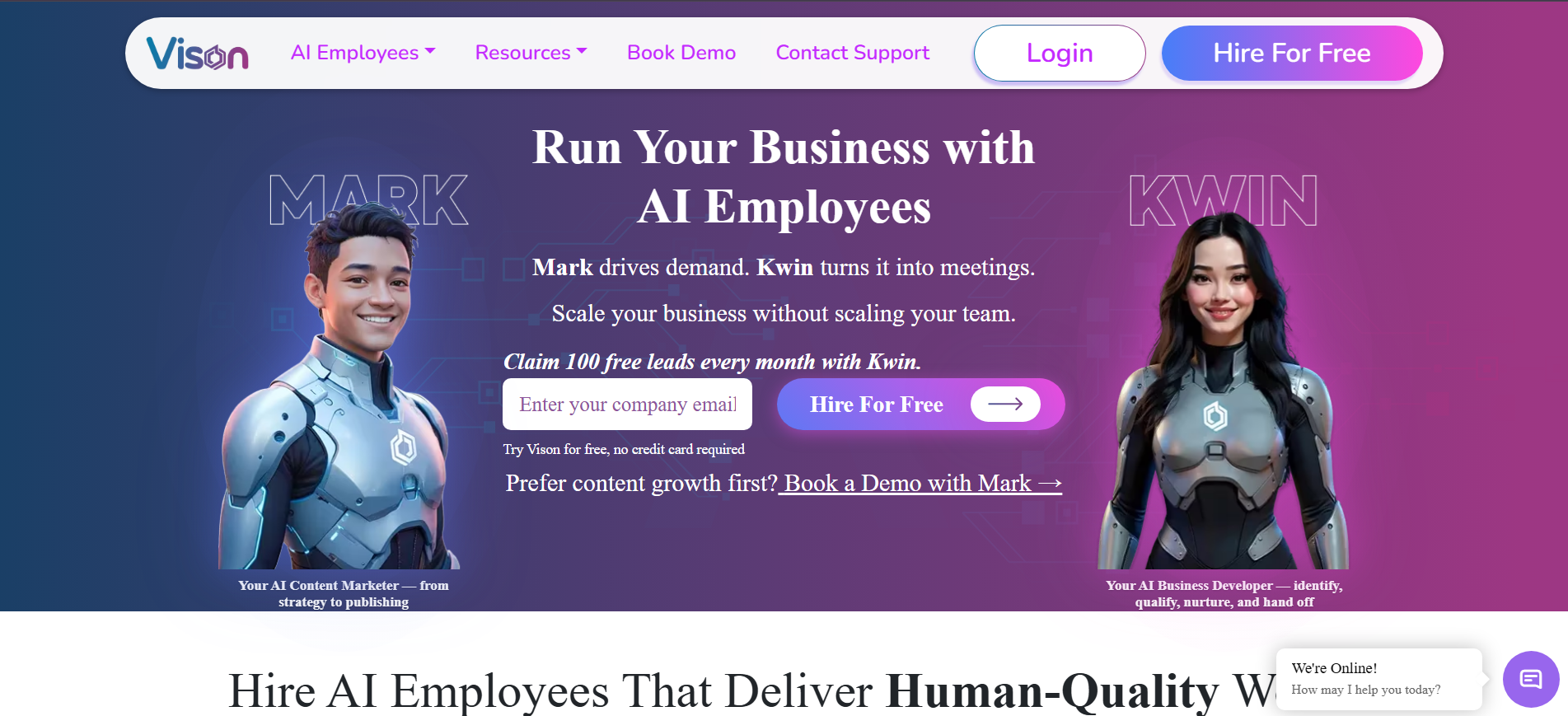
Kwin by Vison AI is an AI Business Developer that identifies, qualifies, nurtures, and hands off website visitors to sales teams.
It identifies 60-70% of visitors at the person and company level across 175+ countries, including names, work emails, phone numbers, LinkedIn profiles, and firmographic data.
Kwin uses website behavior to score ICP Fit and Purchase Intent, then starts personalized email outreach when a visitor meets the thresholds you set.
Setup takes about five minutes through a website pixel or Google Tag Manager. Positive replies go to your inbox, with handoffs to Slack or your CRM.
Infiniticube generated 2.5x more qualified leads in 45 days, with 35%+ of meetings coming from visitors who never filled out a form.
If you want your website to fill your calendar instead of your analytics dashboard, Kwin is the Drift alternative built for exactly that job.
Key Features:
- Person and company identification: Names, work emails, phone numbers, LinkedIn profiles, and company, revenue, industry, and location data for 60 to 70% of visitors.
- Global coverage: Identifies visitors across 175+ countries, as our breakdown of global visitor identification explains.
- Behaviour analysis: Reads page views, visit depth, return visits, and session patterns to judge genuine buying interest.
- Dual scoring: Pairs an ICP fit score (how well a visitor matches your ideal customer) with a Purchase Intent score (buying readiness).
- Threshold-based triggers: You set the minimum ICP and Purchase Intent scores, and Kwin acts only once a lead crosses them.
- Autonomous nurture: Sends personalised email sequences from your own domain, written from a knowledge base Kwin builds from your website.
- Positive-reply handoff: Forwards the full email thread plus a short summary to your inbox, with alerts in Slack and records in your CRM.
- Four independent filters: Country-level, page-level, data-level, and exclusion filters keep outreach focused, including screening out public sector and government traffic.
- Enterprise-grade compliance: Holds SOC 2 Type II, GDPR, CCPA, ISO 9001:2015, and ISO 27001:2022, and works from publicly available business data.
Pros
- Person and company-level visitor identification
- 175+ country coverage
- Identification, scoring, and outreach in one workflow
- Five-minute setup with Google Tag Manager
- Turns non-form visitors into sales conversations
Cons
- Works best with meaningful B2B website traffic
- Does not replace live chat or cold-list prospecting
- LinkedIn outreach is still in development
Best For: B2B revenue teams that want to convert existing website demand into qualified conversations.
2. Qualified
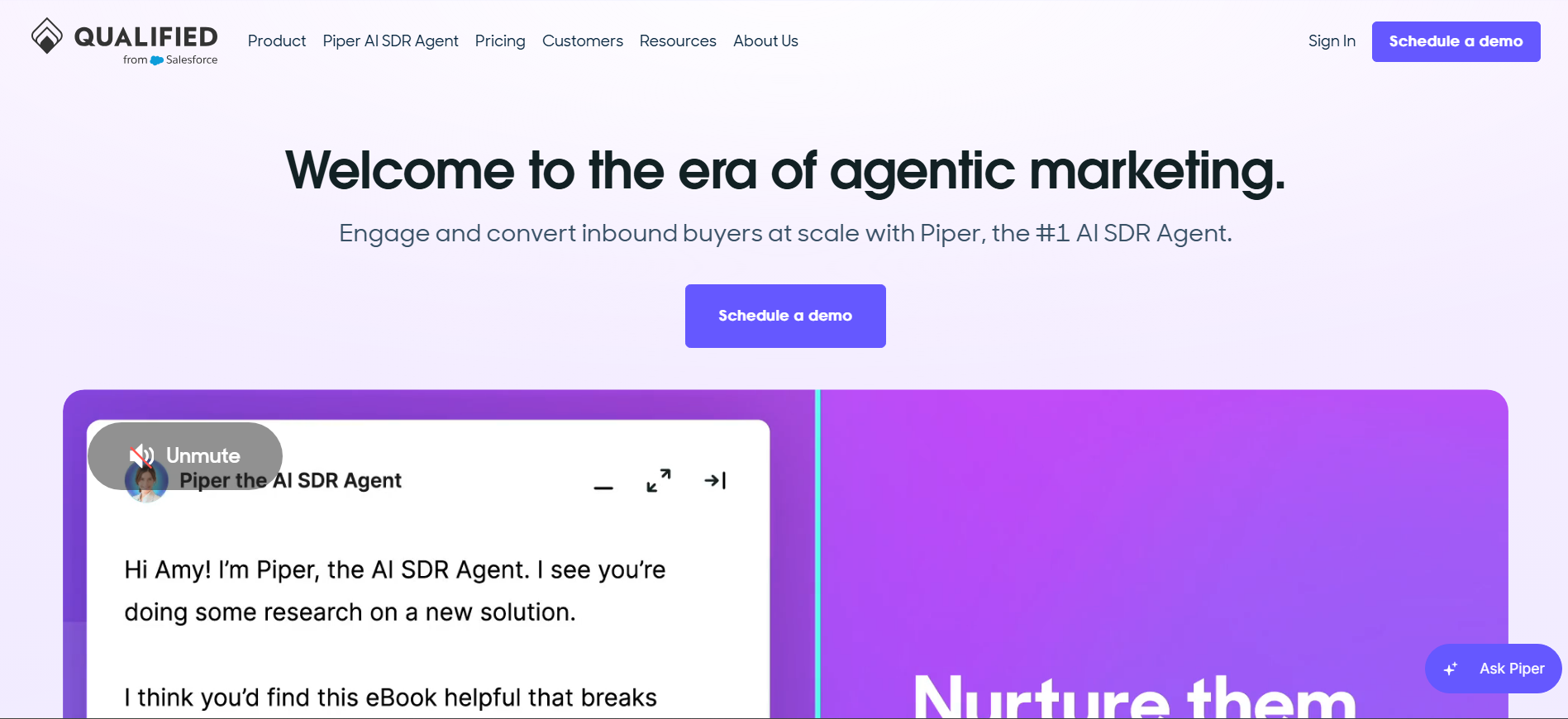
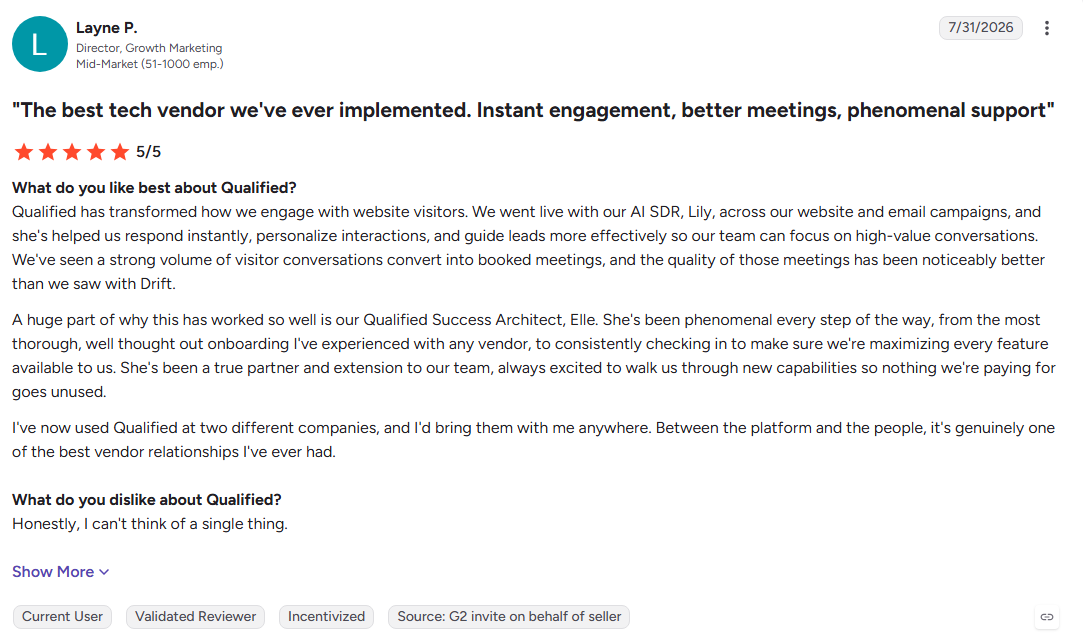
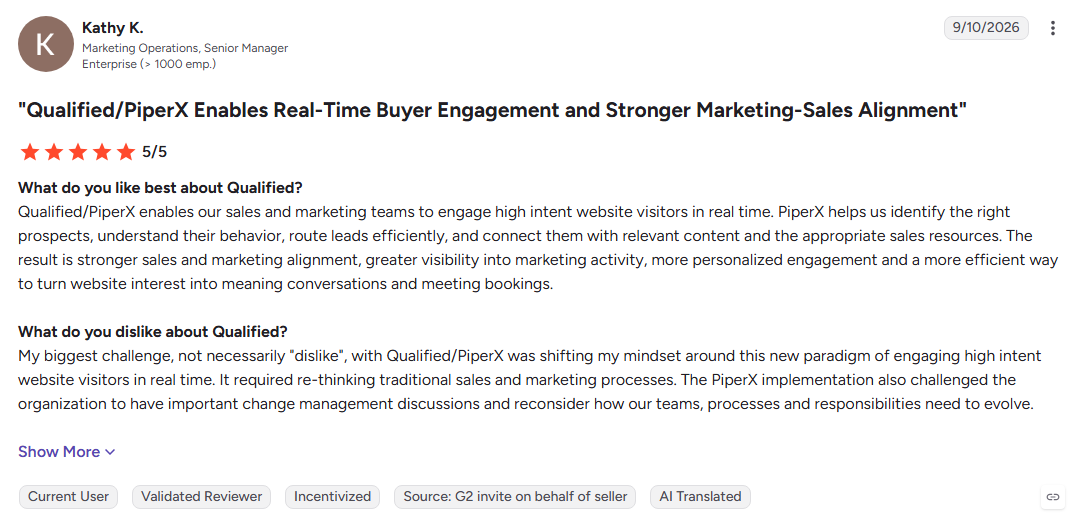
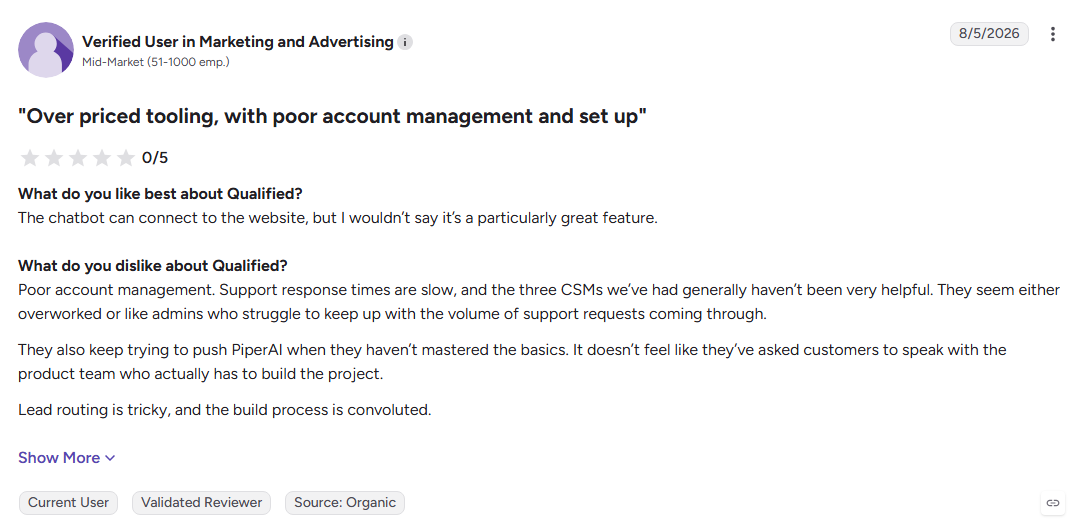
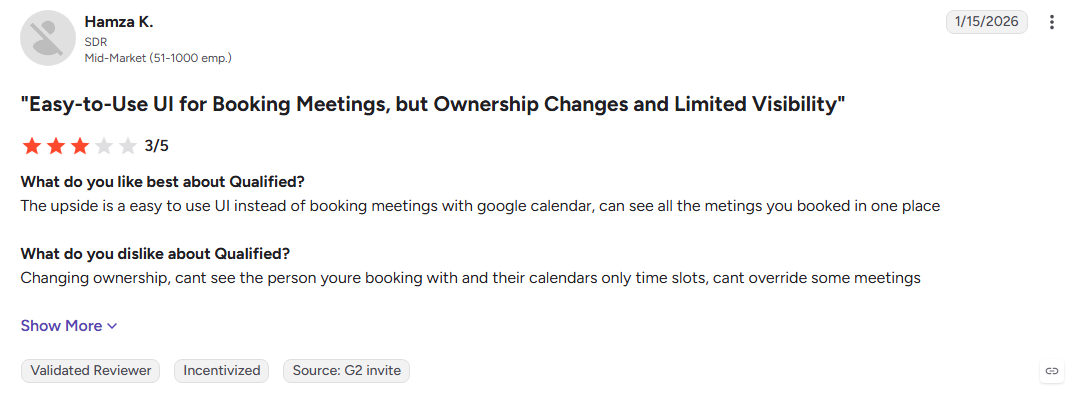
Qualified is a Salesforce-first revenue platform that uses Piper AI SDR to engage website visitors, qualify buyers, and book meetings using live Salesforce data. It supports chat, voice, and video, making it a strong fit for enterprise teams running ABM programs.
Key Features:
- Piper AI SDR: Engages visitors, qualifies leads, and books meetings around the clock.
- Salesforce-native data: Uses account and opportunity data to personalize conversations.
- ABM targeting: Prioritizes target accounts and alerts reps when they visit the website.
Pros
- Deep Salesforce integration for account and opportunity data
- AI SDR handles inbound qualification and meeting booking
- Supports account-based sales motions
Cons
- Some G2 reviewers mention a learning curve for flows and routing logic
- Teams may need to maintain routing rules across Qualified and Salesforce
- Custom pricing can make it harder to compare costs upfront
Best For: Salesforce-centered marketing teams running ABM who need an AI SDR for website pipeline.
See how Qualified compares with Kwin or explore more Drift Alternatives.
3. 1mind
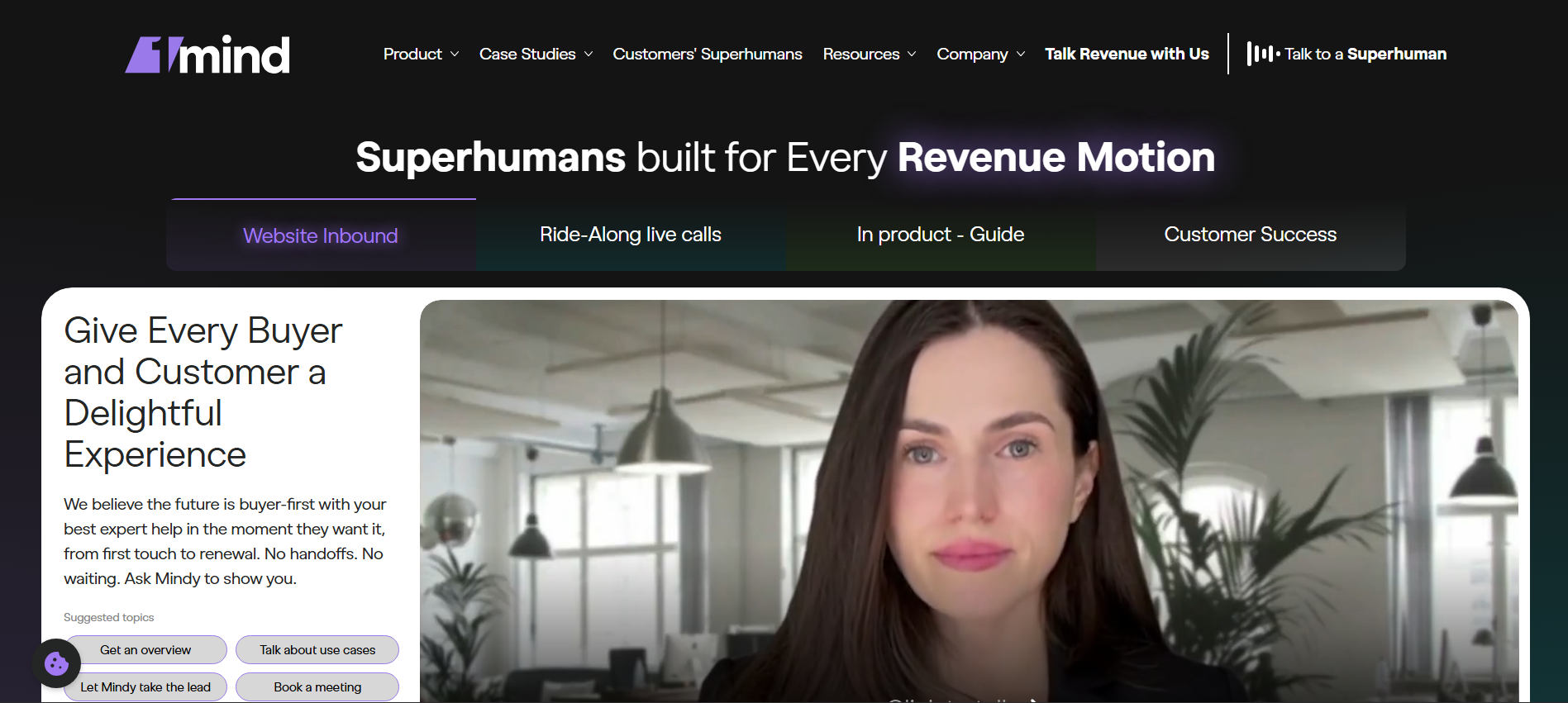
1mind is the AI sales platform that Clari + Salesloft named as Drift's successor. Its Superhumans answer questions, qualify buyers, and engage prospects across websites, products, and video calls, giving revenue teams an AI-led way to continue conversations.
Key Features:
- AI Superhumans: Handles buyer questions using your product knowledge and messaging.
- Multi-surface engagement: Works across websites, products, and video calls.
- Lead qualification: Qualifies prospects and routes sales-ready buyers to reps.
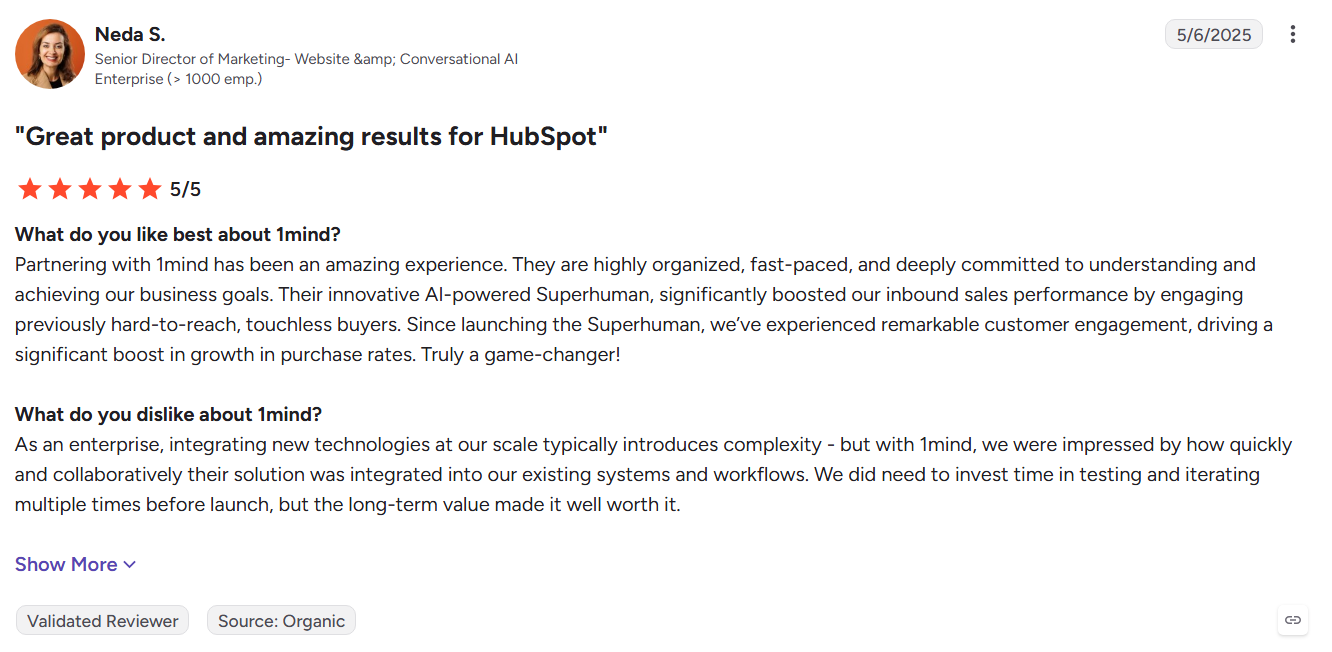
Pros
- Official successor path for existing Drift customers
- Handles open-ended buyer questions
- Adds video-based sales engagement
Cons
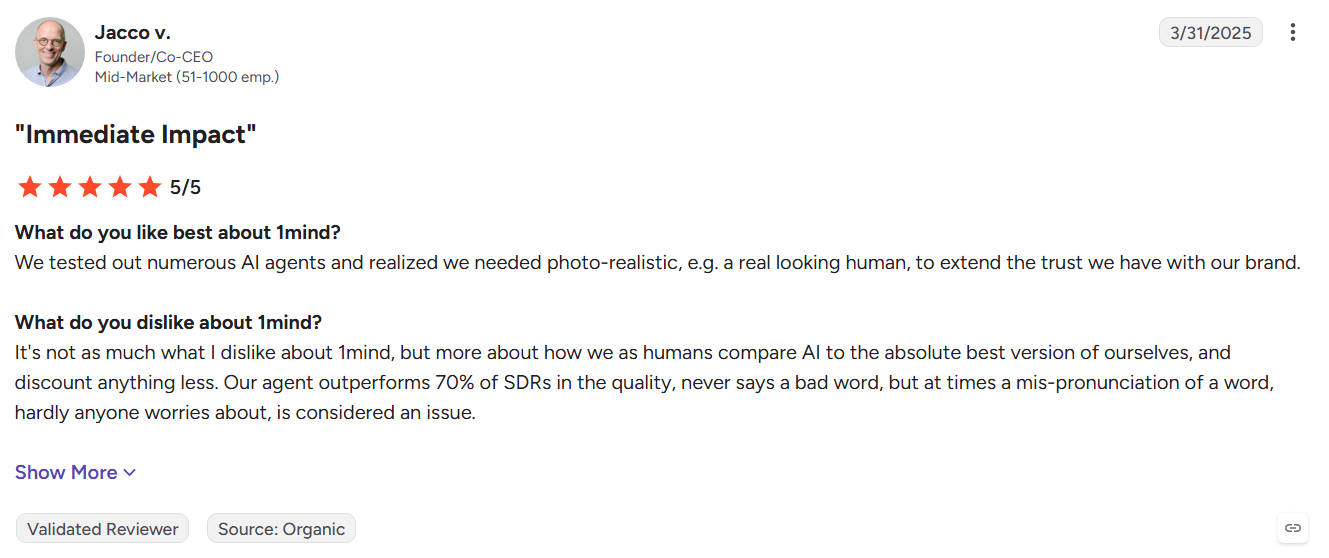
- Newer platform with a shorter track record
- Still depends on visitors starting conversations
- Pricing requires a sales conversation
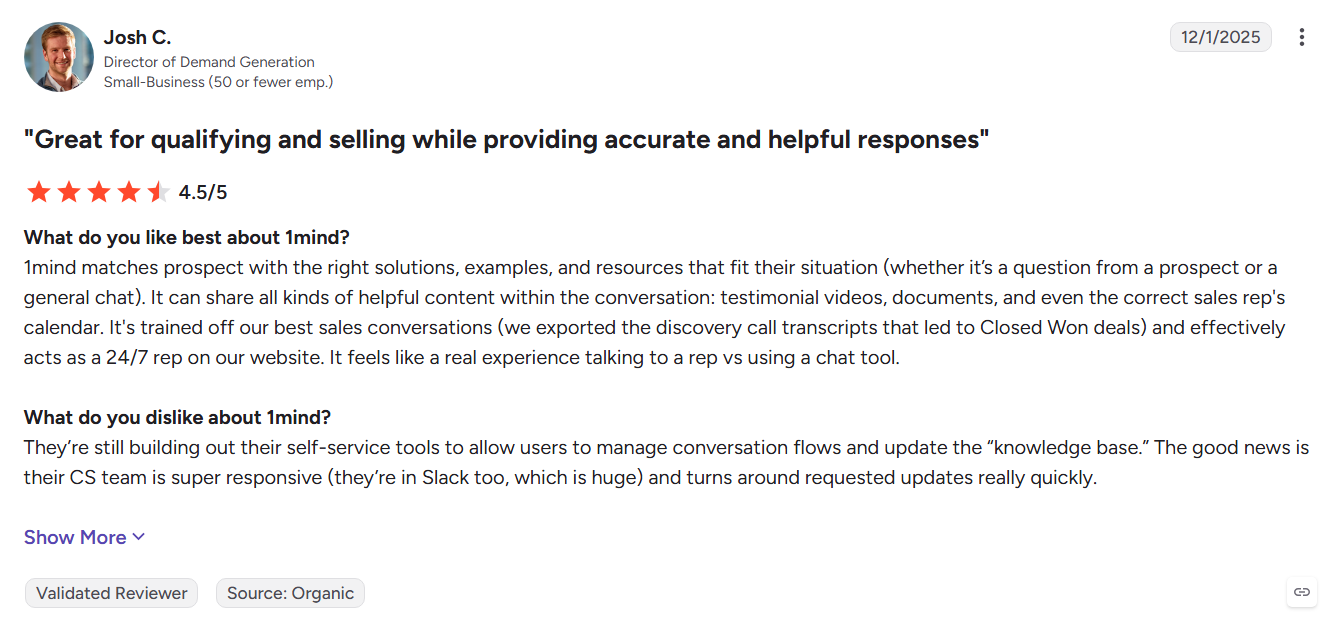
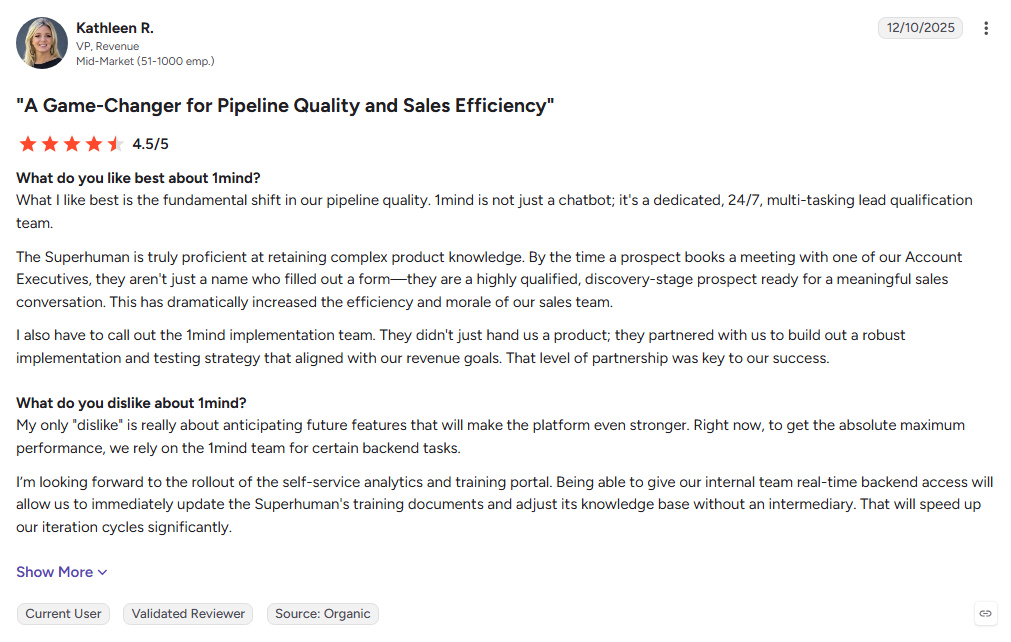
Best For: Clari + Salesloft teams looking for the official Drift replacement path.
See the full Kwin vs 1mind comparison or explore more Drift Alternatives.
4. Warmly
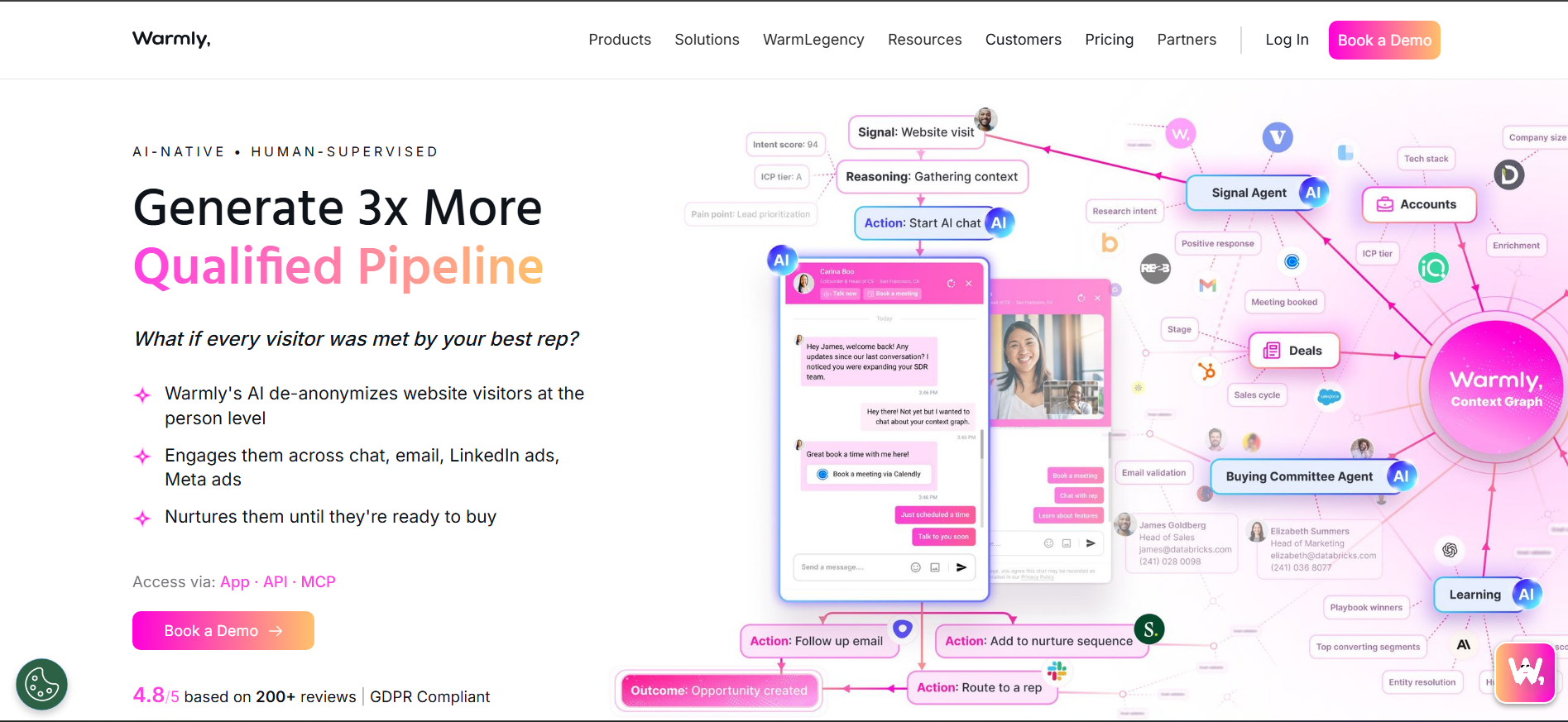
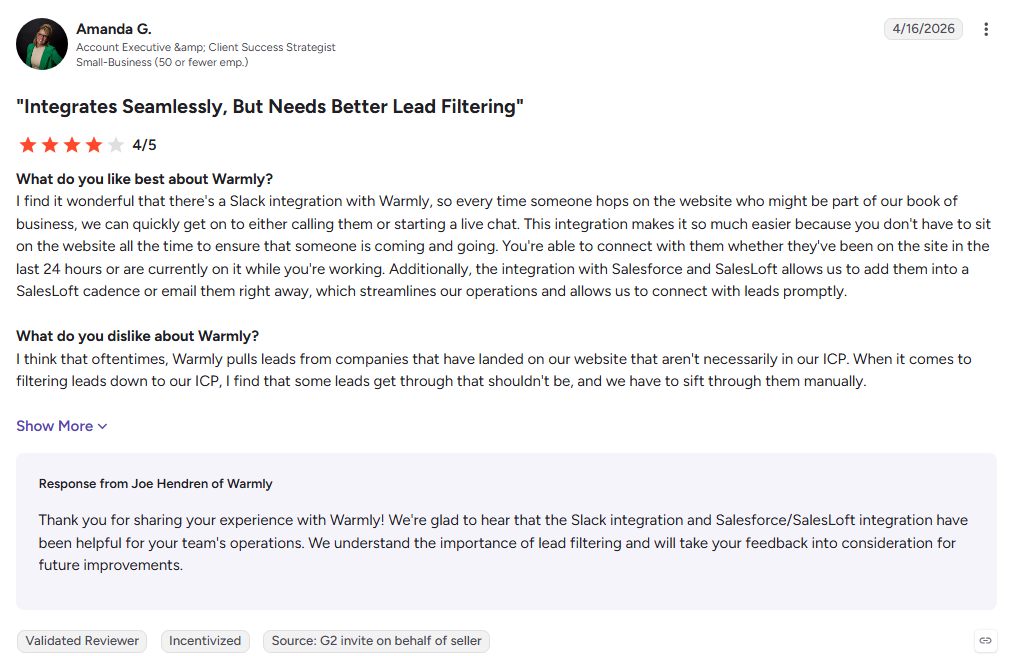
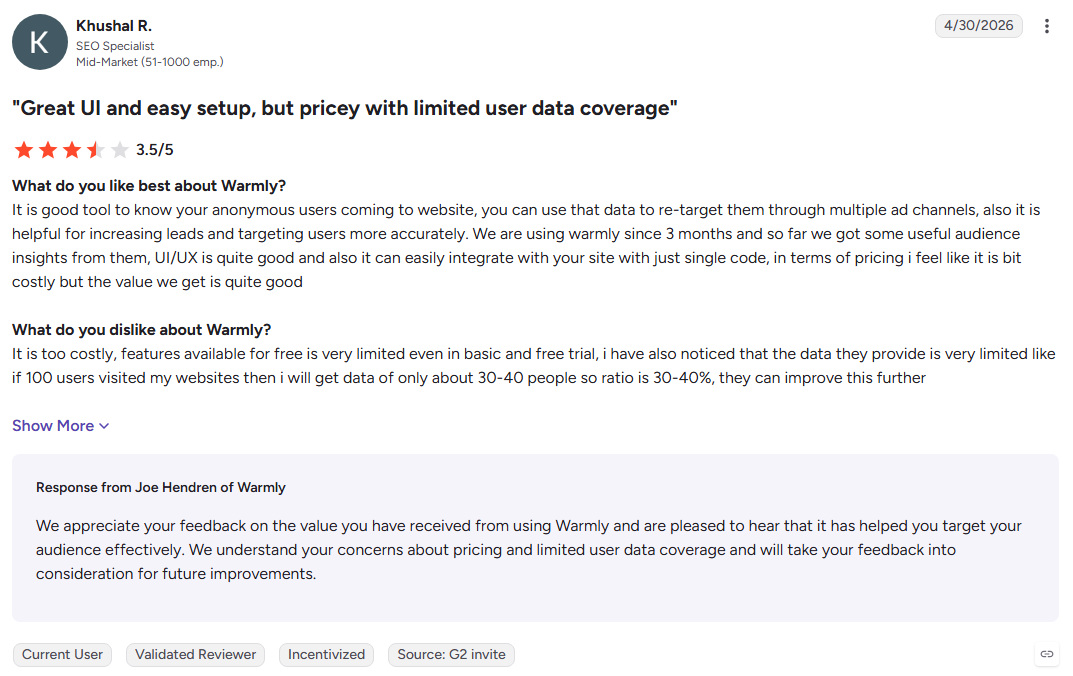
Warmly combines person-level visitor identification with AI chat and outbound sequences. It identifies visitors, engages them on-site, and moves prospects into email or LinkedIn outreach based on website
and buying signals, connecting inbound activity with outbound follow-up.
Key Features:
- Visitor identification: Matches website visitors with people and companies.
- AI inbound agent: Uses visitor and CRM context to engage prospects.
- Signal-based outreach: Triggers email and LinkedIn sequences from buying signals.
Pros
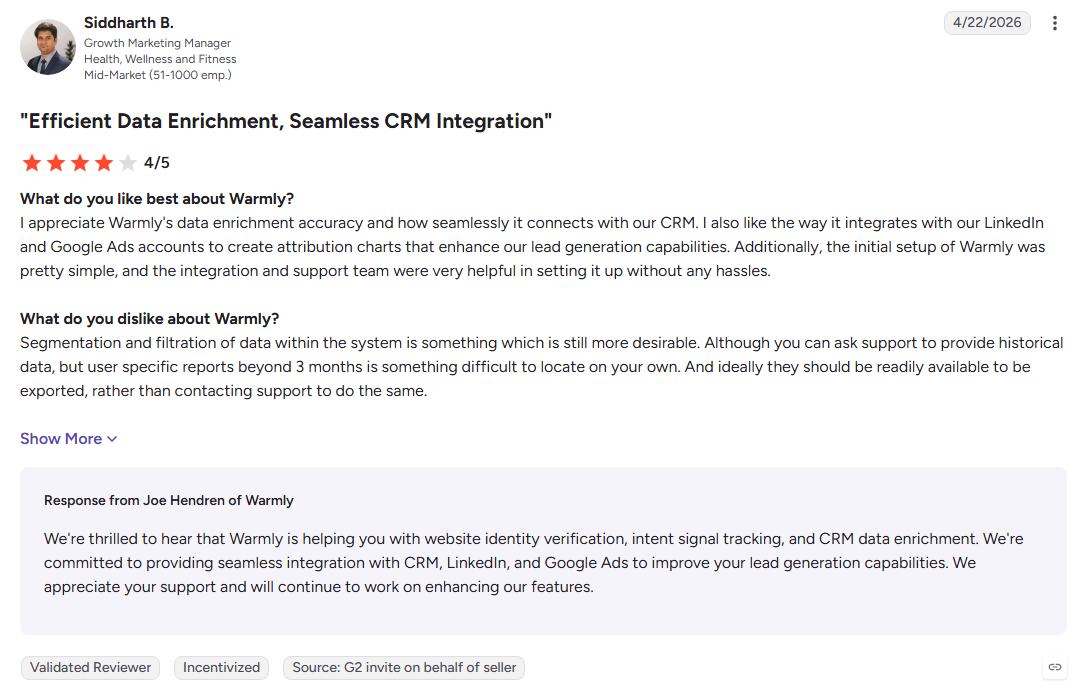
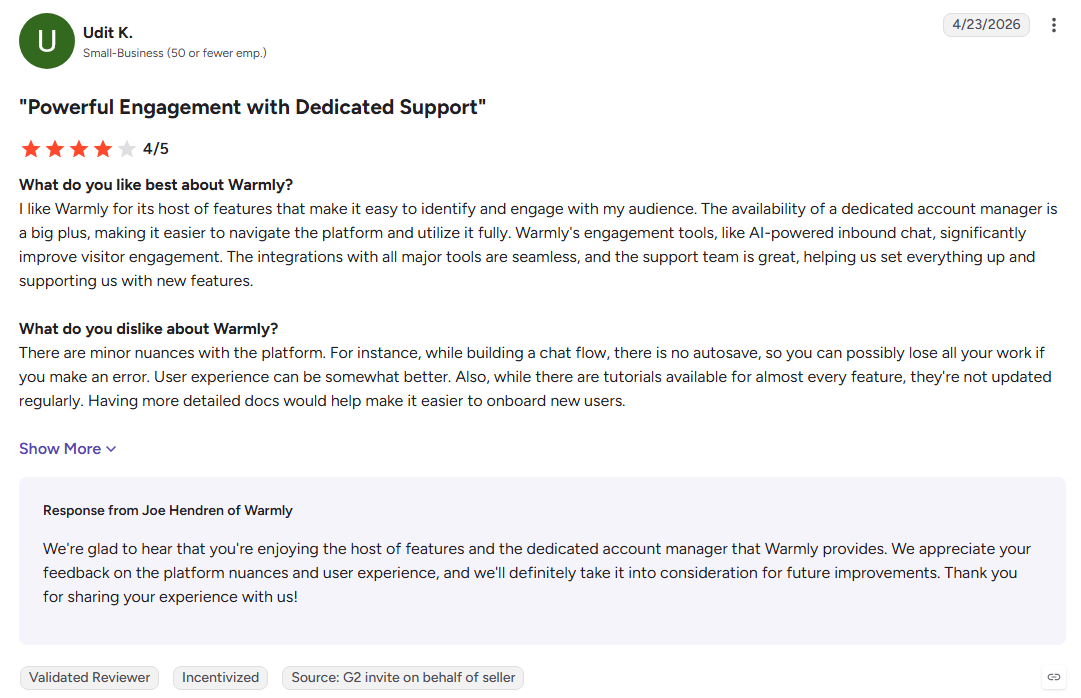
- Combines visitor identification, chat, and outbound
- Sends real-time visitor activity alerts
- Uses a quick pixel-based setup
Cons
- Identification accuracy can vary for smaller companies
- Pricing may be high for smaller teams
- Internal traffic can consume identification credits
Best For: Growth-stage B2B teams combining website engagement with outbound.
See the full Kwin vs Warmly comparison or explore more Drift Alternatives.
5. Knock AI
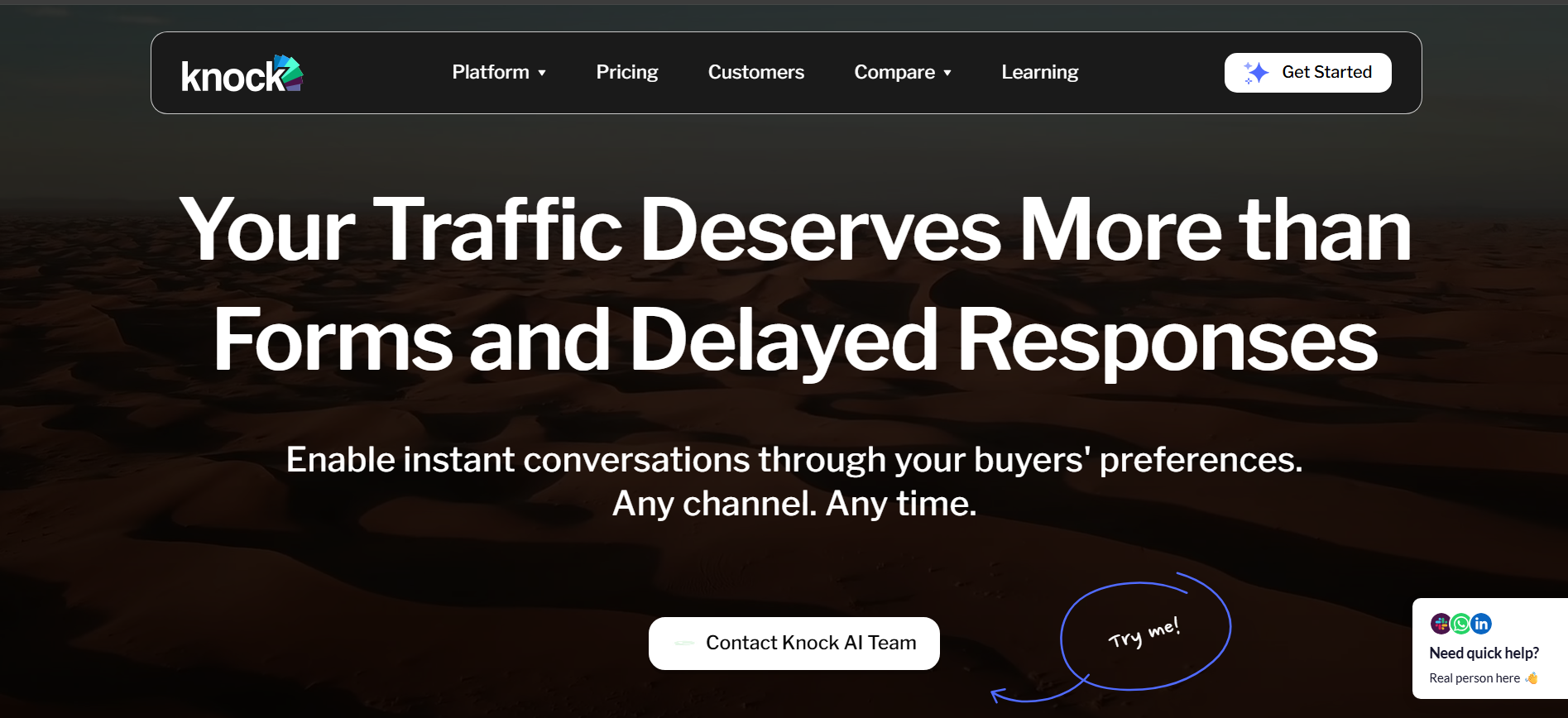
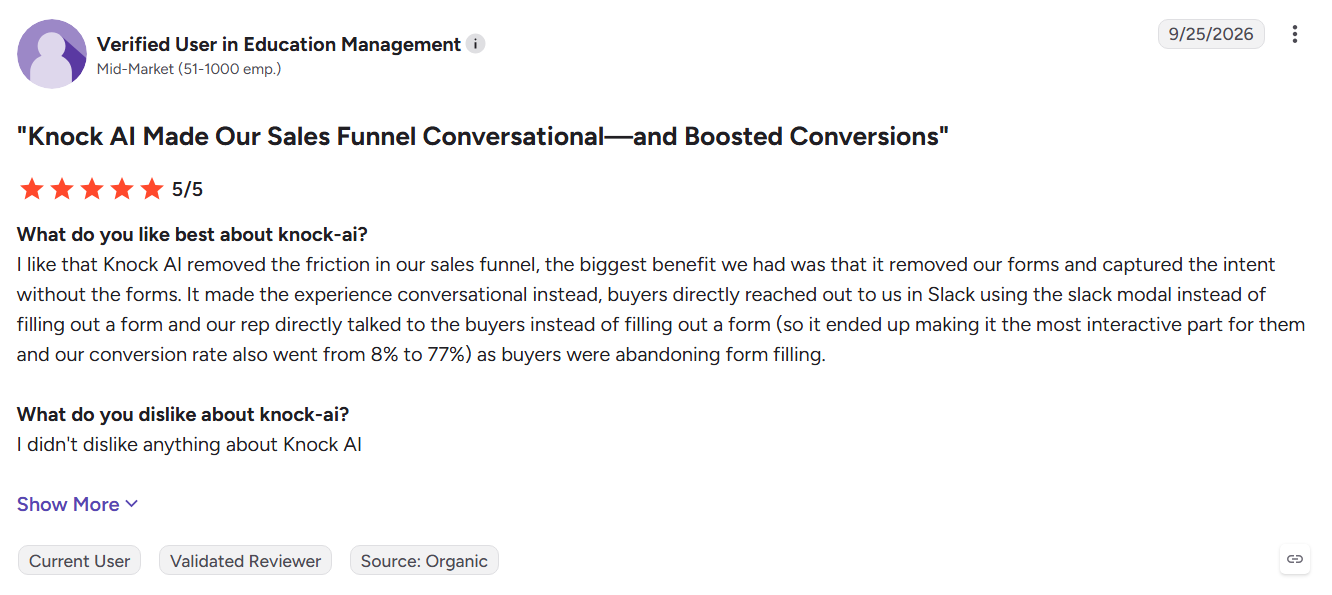
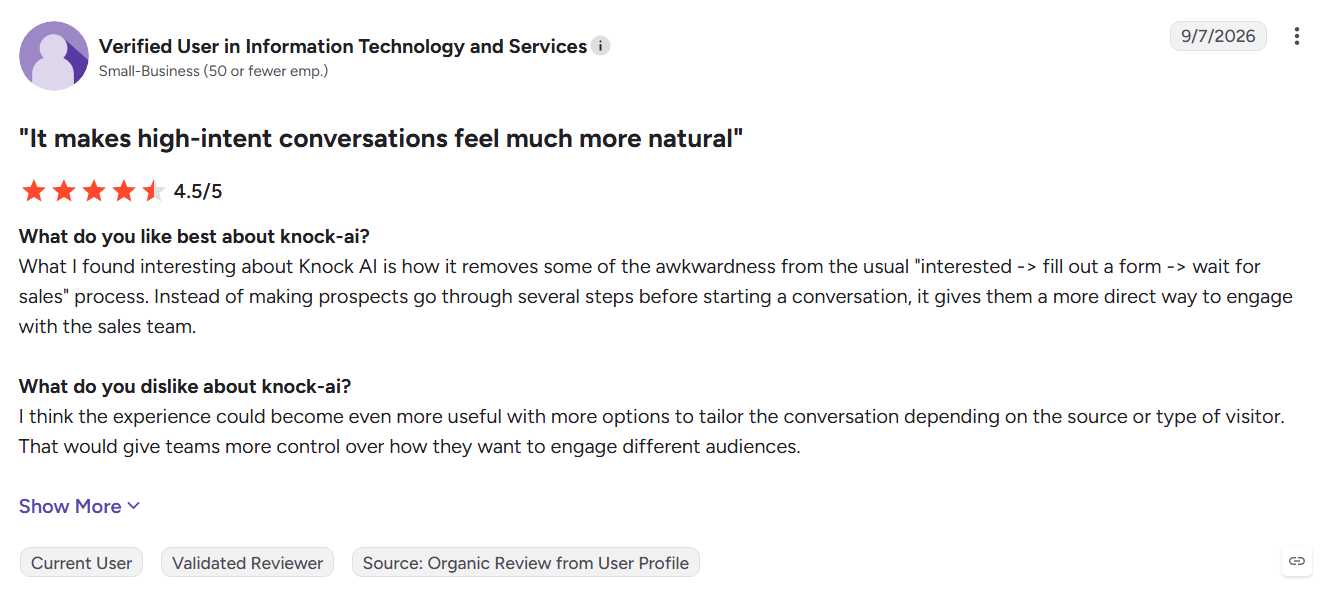
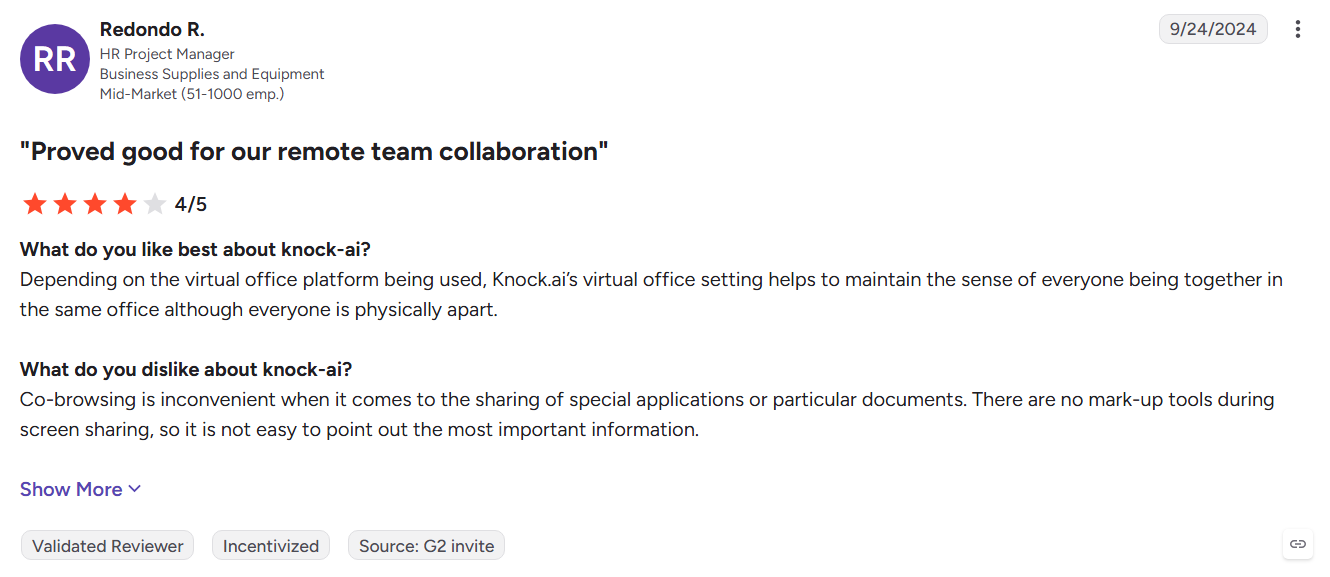
Knock AI moves sales conversations beyond the website session. Its AI SDR identifies and qualifies buyers, then continues conversations across Slack, LinkedIn, WhatsApp, and web chat, helping teams keep engaging prospects after they leave the site.
Key Features:
- Knock Reveal: Identifies companies and contacts visiting your website.
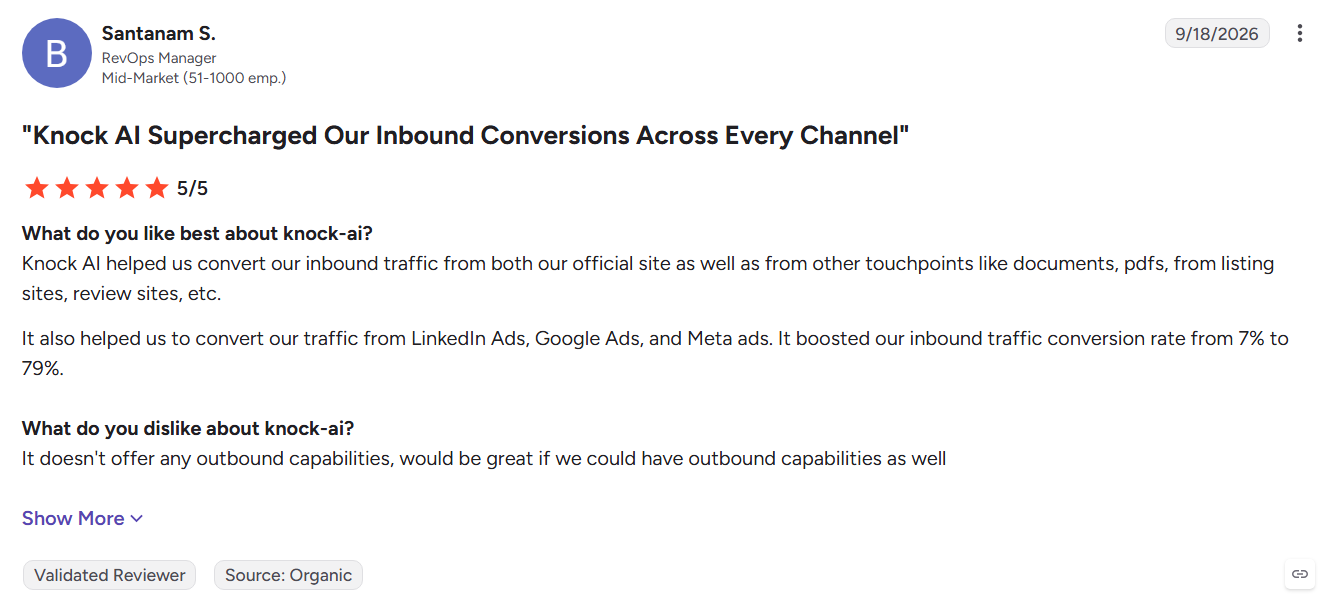
- AI SDR: Qualifies buyers, answers questions, and books meetings.
- Multi-channel engagement: Continues conversations across Slack, LinkedIn, WhatsApp, and web chat.
Pros
- Conversations continue after visitors leave
- Reduces manual first-touch work for SDRs
- Connects with HubSpot and Salesforce
Cons
- Works best when buyers use supported messaging channels
- Higher monthly pricing than basic chat tools
- Younger ecosystem than established CRM platforms
Best For: B2B SaaS teams whose buyers actively use Slack, LinkedIn, or WhatsApp.
6. Intercom
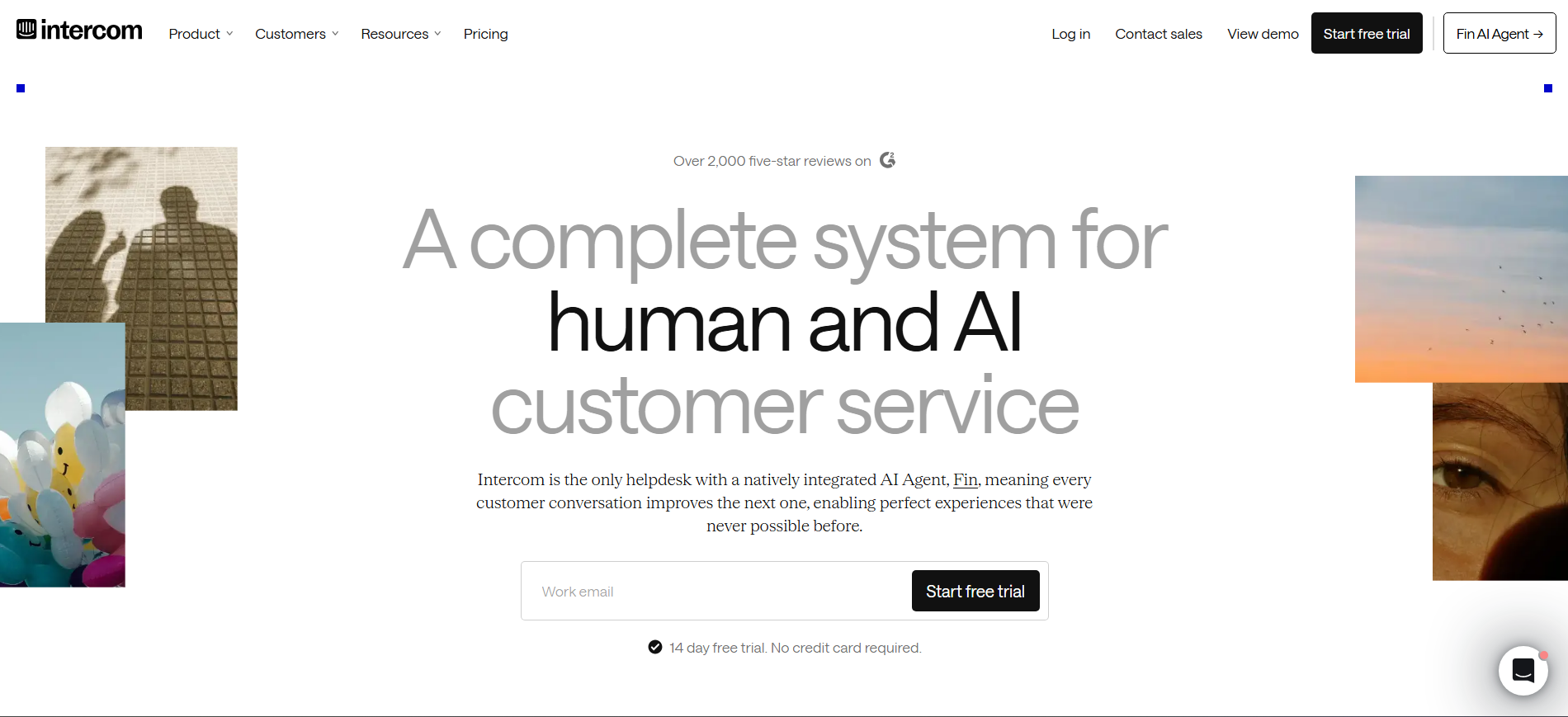
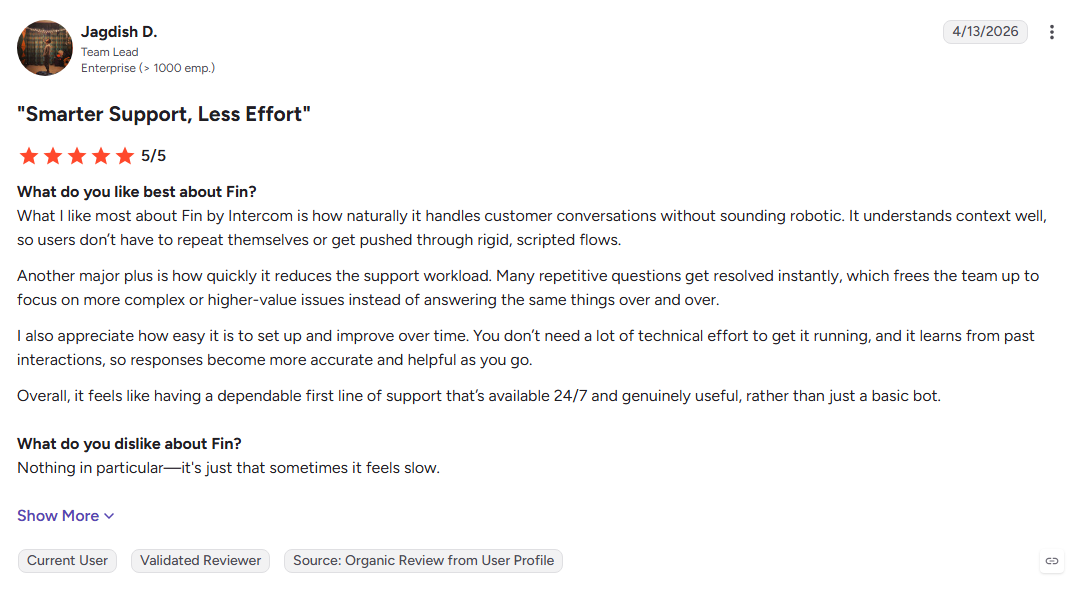
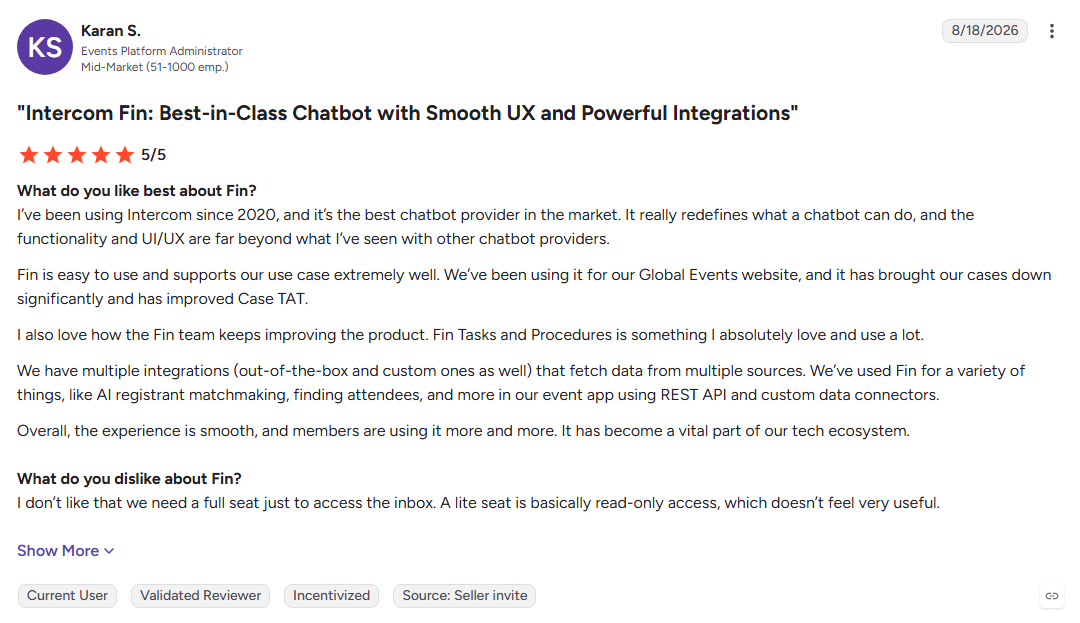
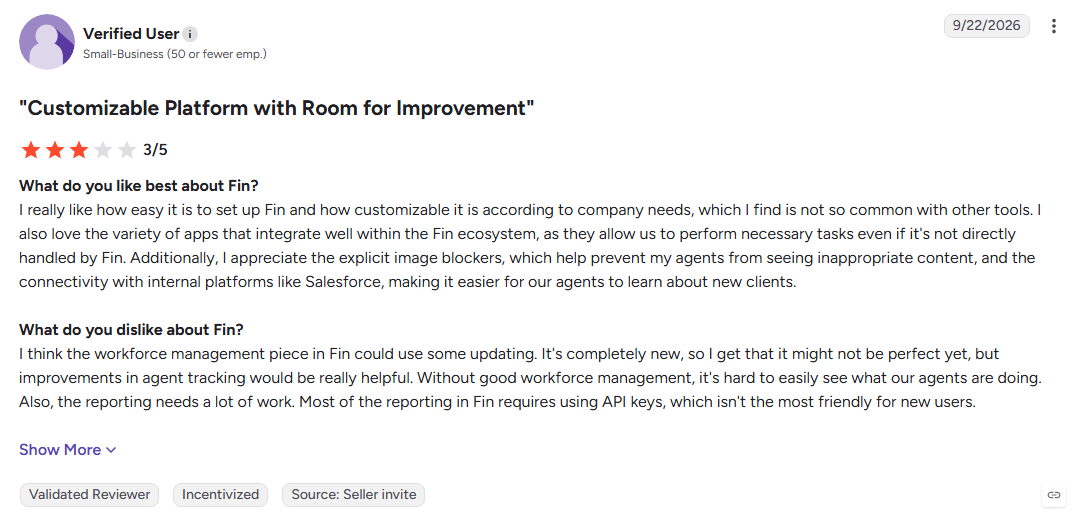
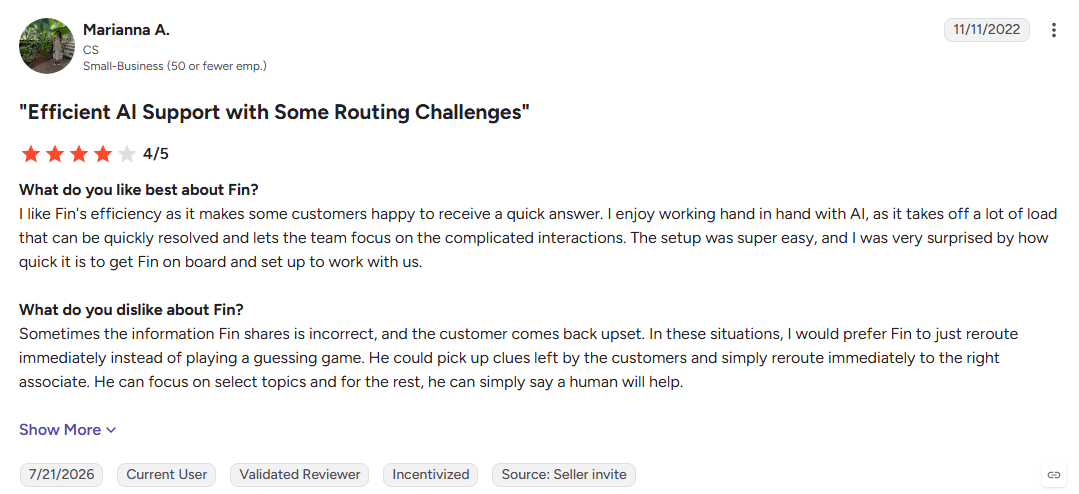
Intercom combines AI support, messaging, ticketing, and in-app engagement through Fin. It gives SaaS teams one platform for customer conversations, proactive engagement, and support while adding AI to handle common questions and requests.
Key Features:
- Fin AI Agent: Handles common customer questions and escalates complex issues.
- Unified inbox: Combines customer conversations across supported channels.
- Proactive messaging: Uses user behavior to trigger targeted messages and product engagement.
Pros
- Strong AI-powered support capabilities
- Useful for in-app SaaS engagement
- Large integration ecosystem
Cons
- Sales qualification is not its primary focus
- AI usage adds another cost layer
- Seat and outcome-based costs require careful budgeting
Best For: SaaS teams that need customer support, messaging, and engagement in one platform.
7. HubSpot Sales Hub
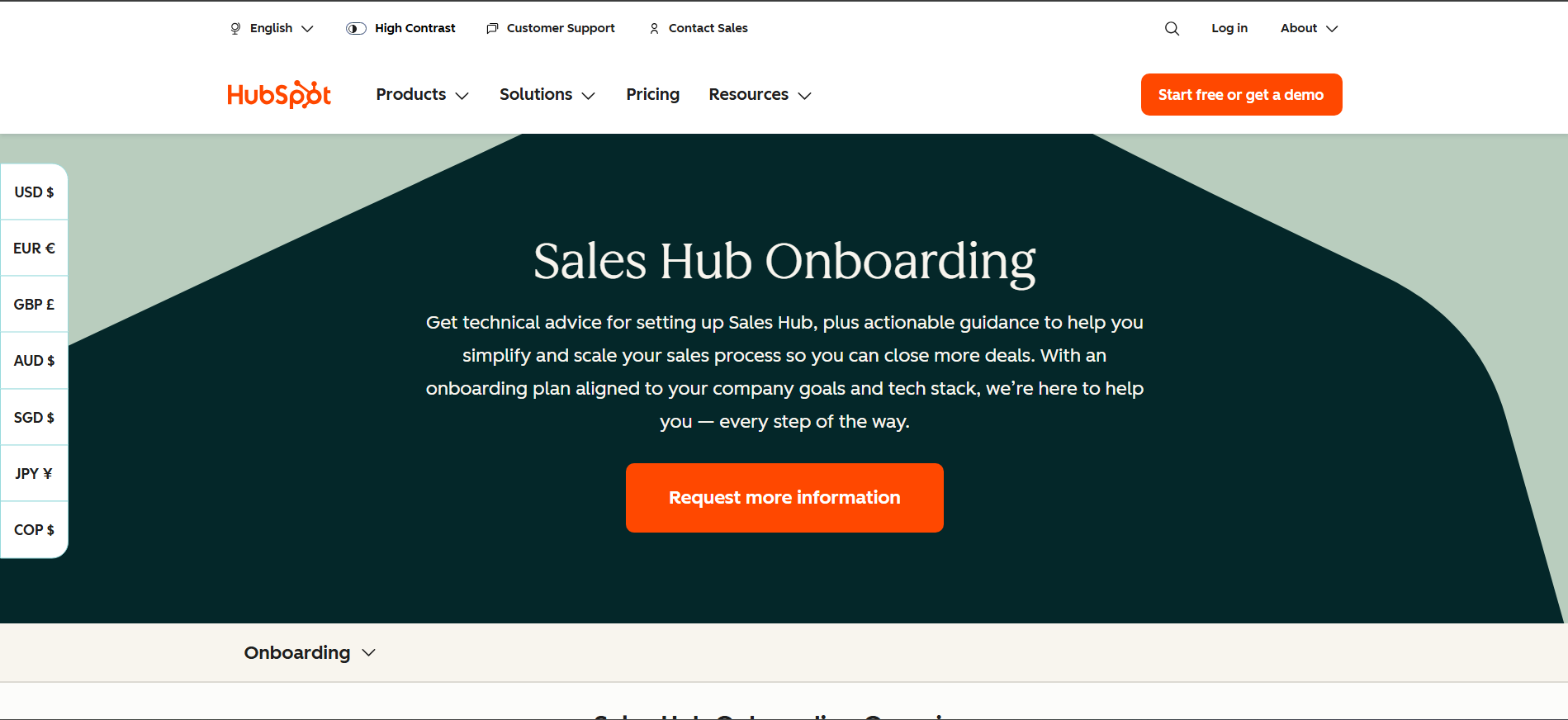
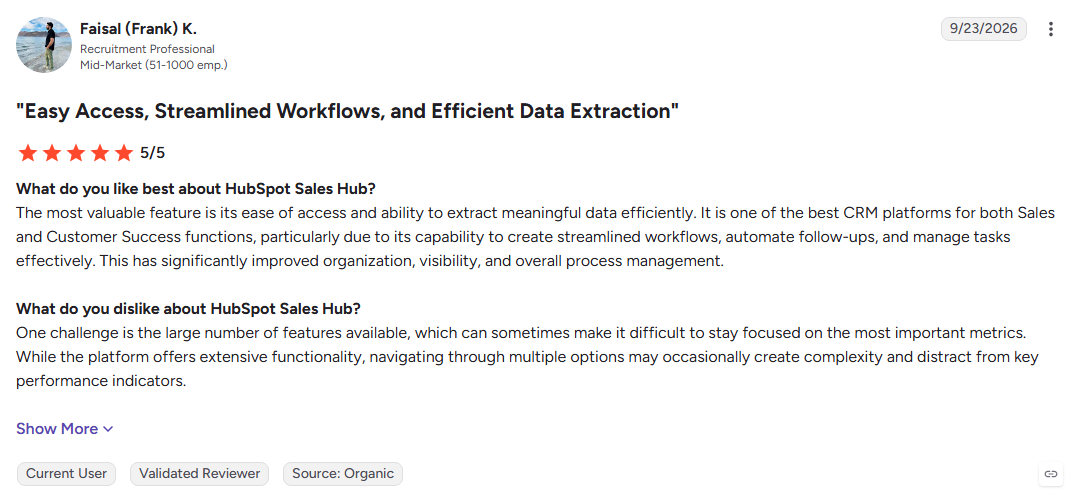
HubSpot Sales Hub combines live chat, chatbots, sequences, meetings, and pipeline management inside the same CRM. It automatically connects conversations with contact and deal records, making it a natural fit for teams already using HubSpot.
Key Features:
- CRM-native chat: Logs conversations directly against contact and deal records.
- Sales sequences: Automates multi-step email follow-ups on paid plans.
- Breeze AI: Adds AI assistance across prospecting and customer conversations.
Pros
- Free CRM entry point
- Chat and sales data stay in one system
- Easy adoption for existing HubSpot teams
Cons
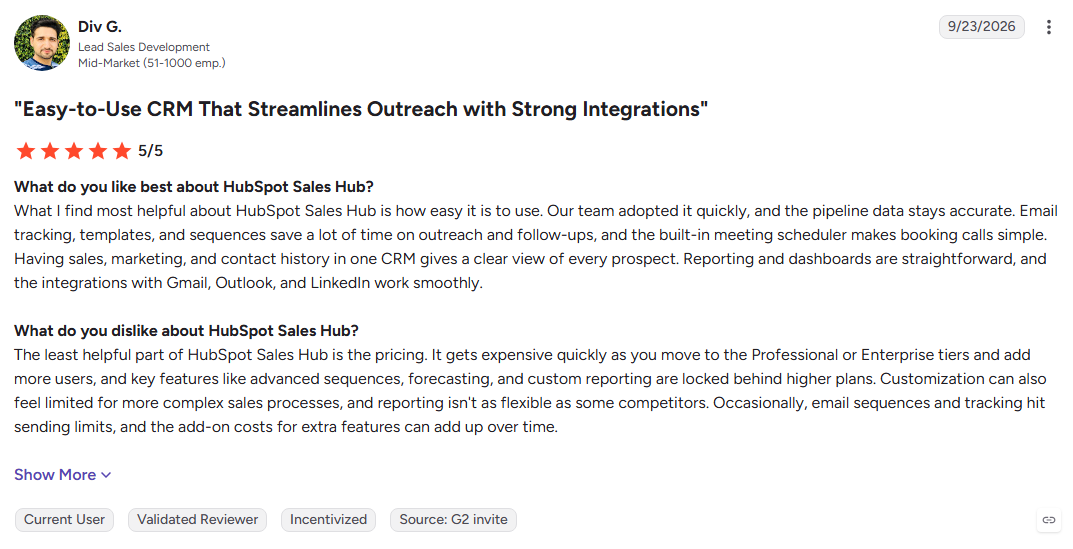
- Advanced automation requires paid plans
- Costs increase as seats and features are added
- Less useful outside the HubSpot ecosystem
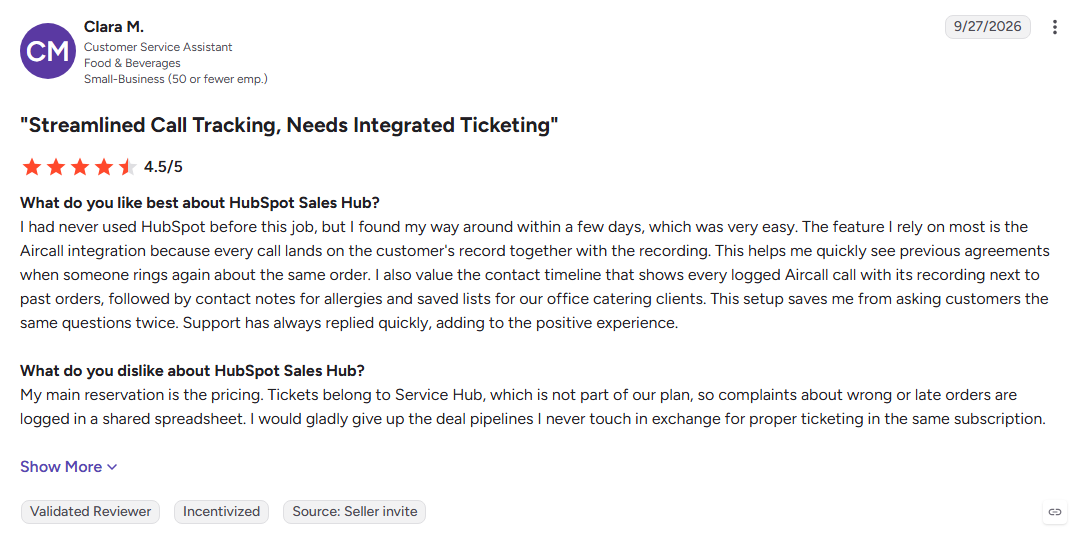
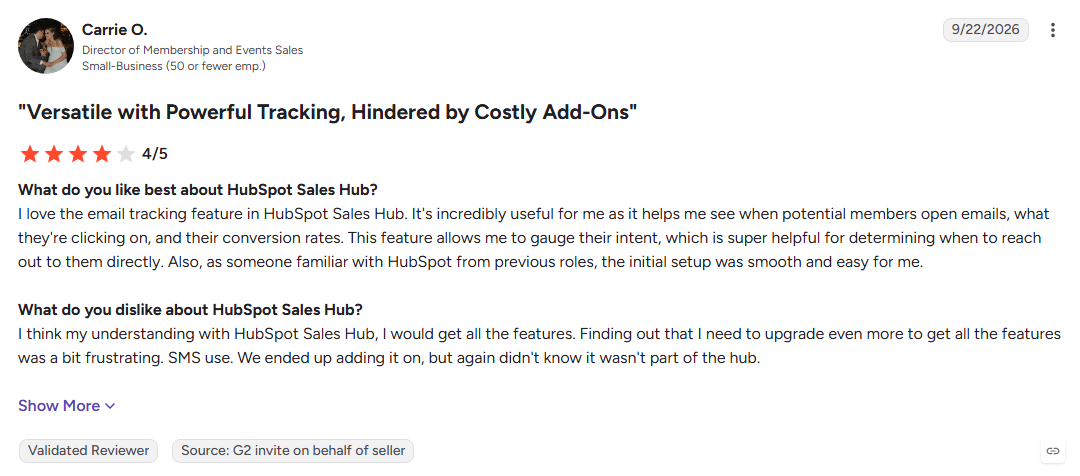
Best For: Teams using HubSpot CRM that want chat, sales automation, and pipeline management in one platform.
8. Breakout
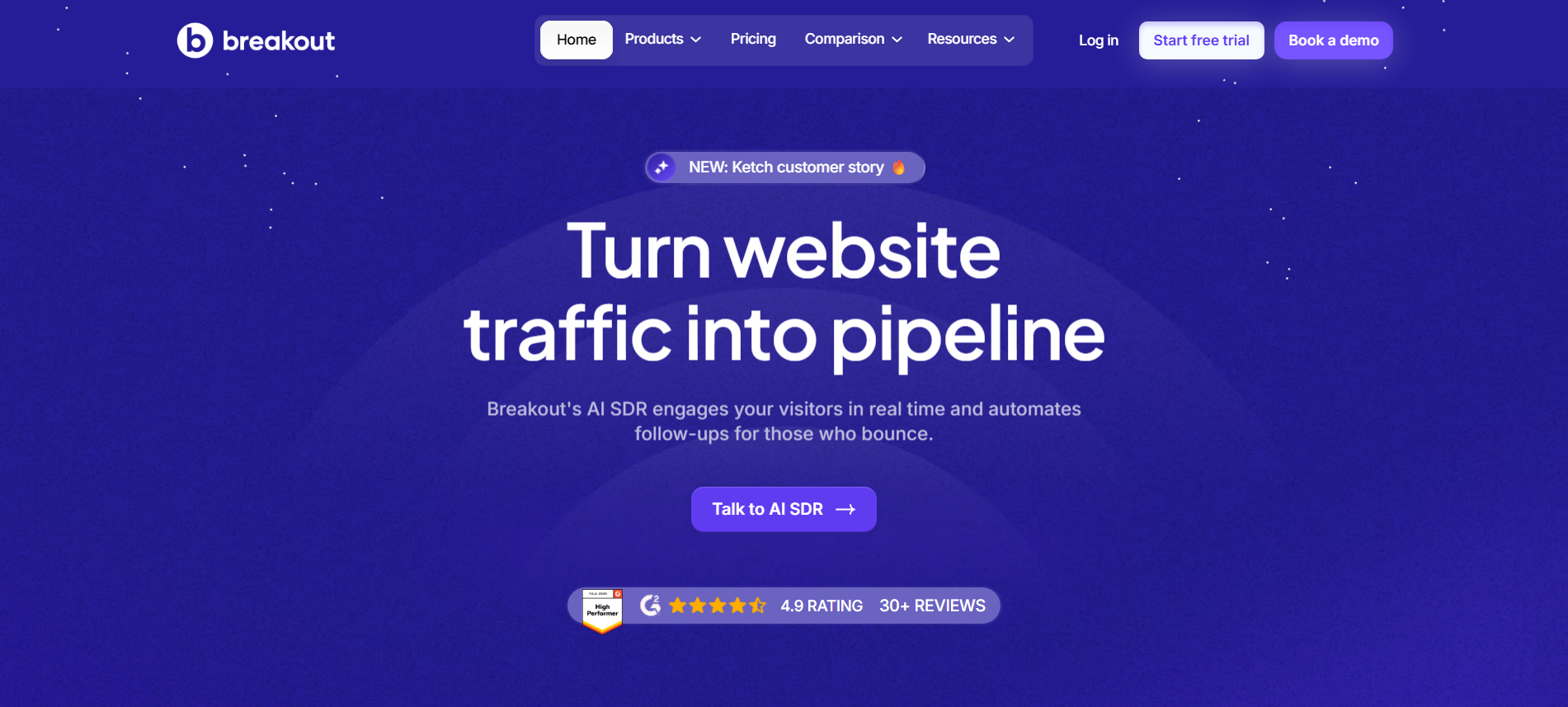
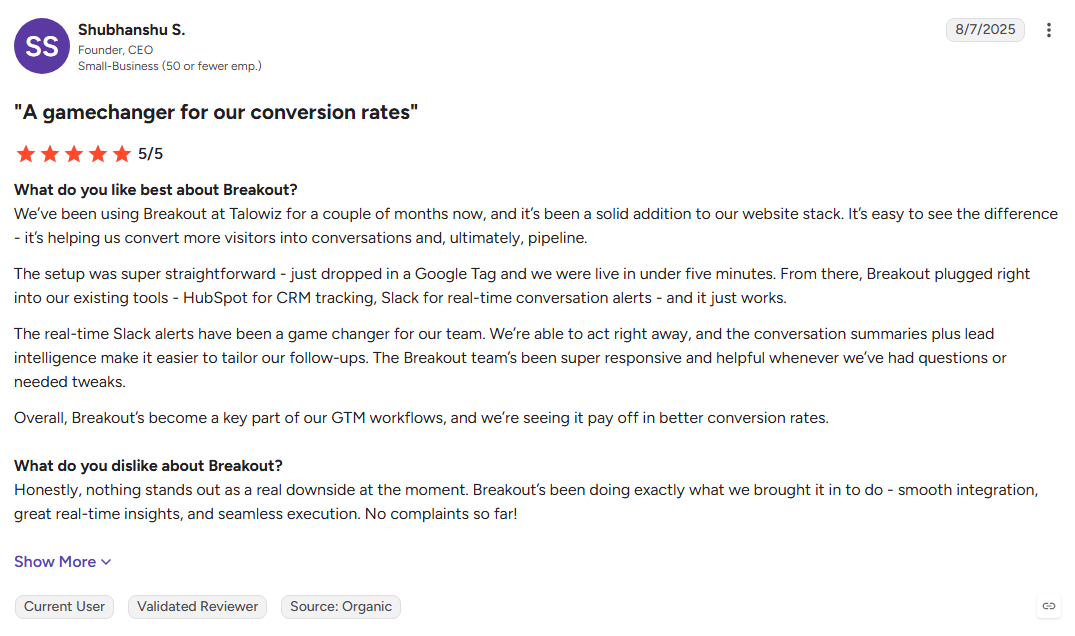
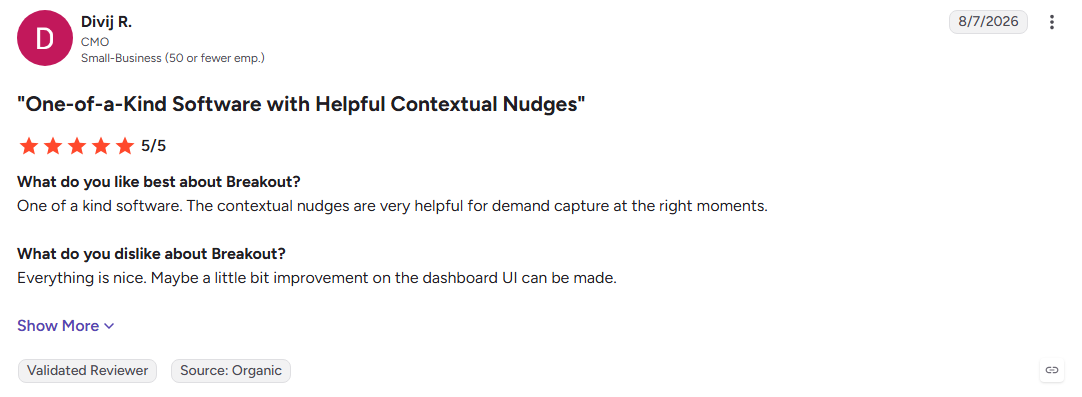
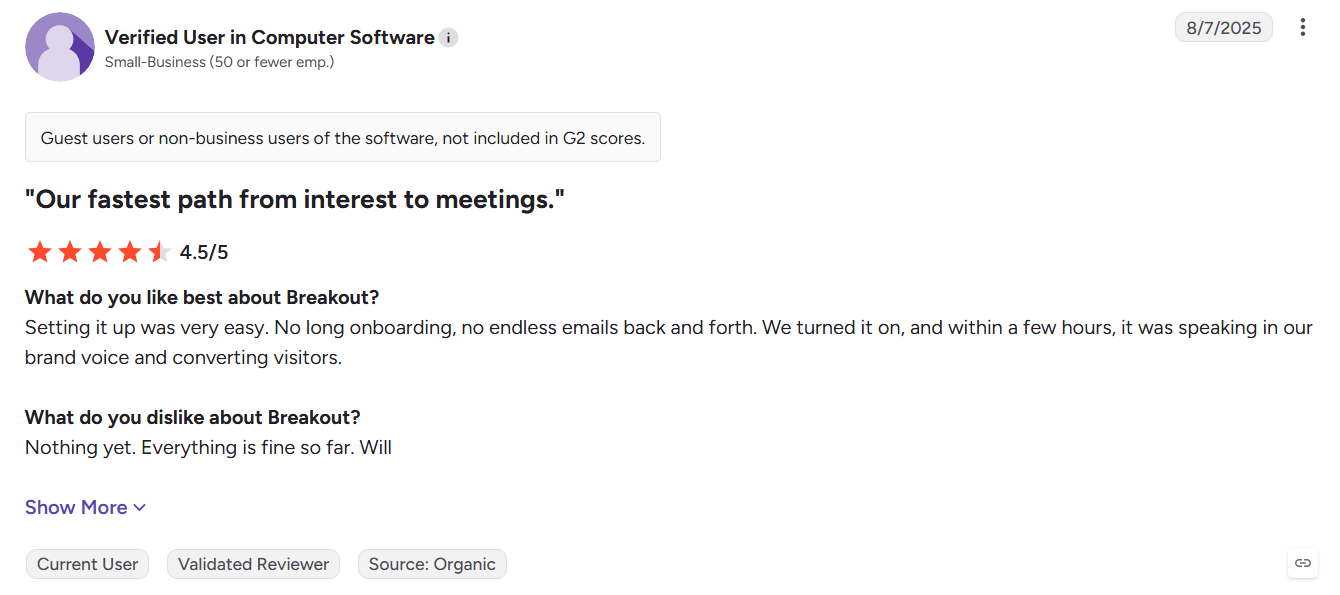
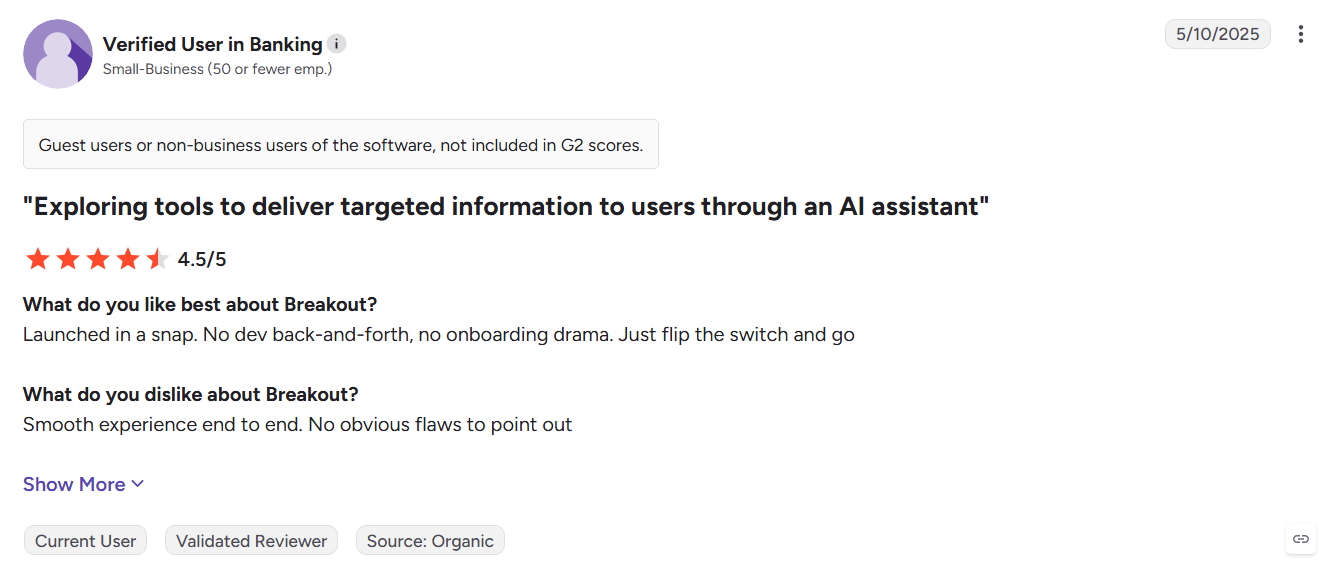
Breakout replaces traditional chat playbooks with AI agents that handle visitor signals, inbound conversations, and campaigns. Its agents connect website activity with CRM updates and outbound actions in one inbound revenue workflow.
Key Features:
- Signals Agent: Identifies visitors and enriches intent signals.
- Inbound Agent: Engages visitors with personalized AI conversations.
- MarkOps Agent: Updates CRM records and alerts reps with visitor context.
Pros
- Combines signals, chat, and outbound in one system
- AI agents handle different inbound tasks
- Fast deployment through a script tag
Cons
- Less established than legacy chat platforms
- Agent-based workflows require planning
- May not suit teams wanting simple website chat
Best For: Revenue teams moving from traditional chat playbooks to an AI-agent inbound workflow.
9. Conversica
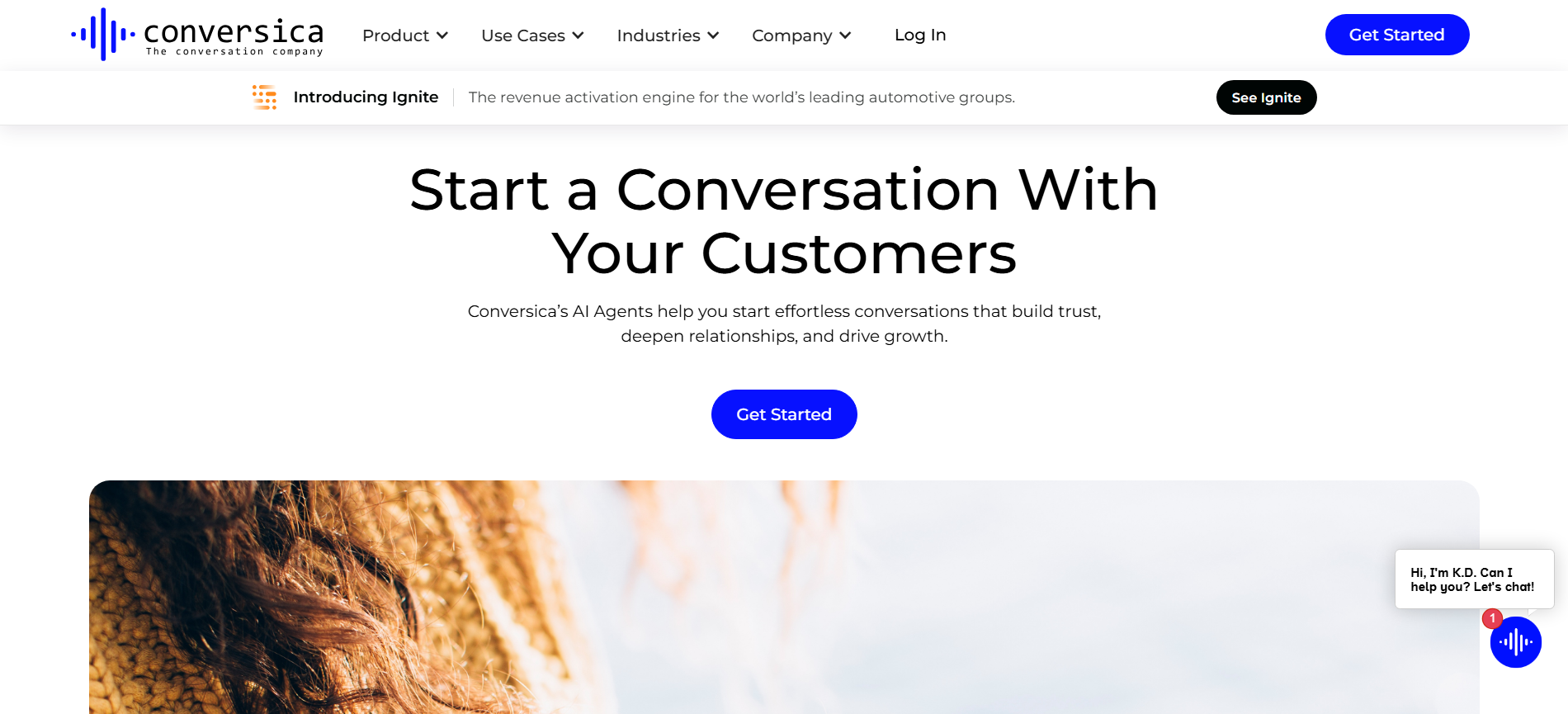
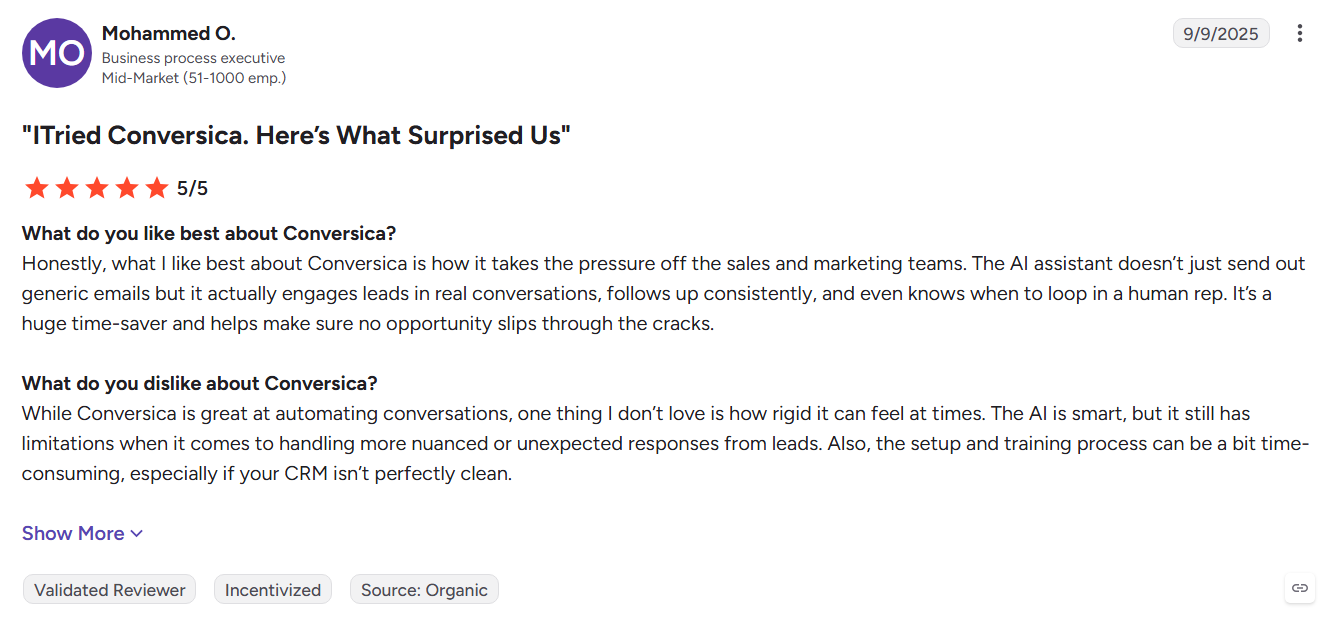
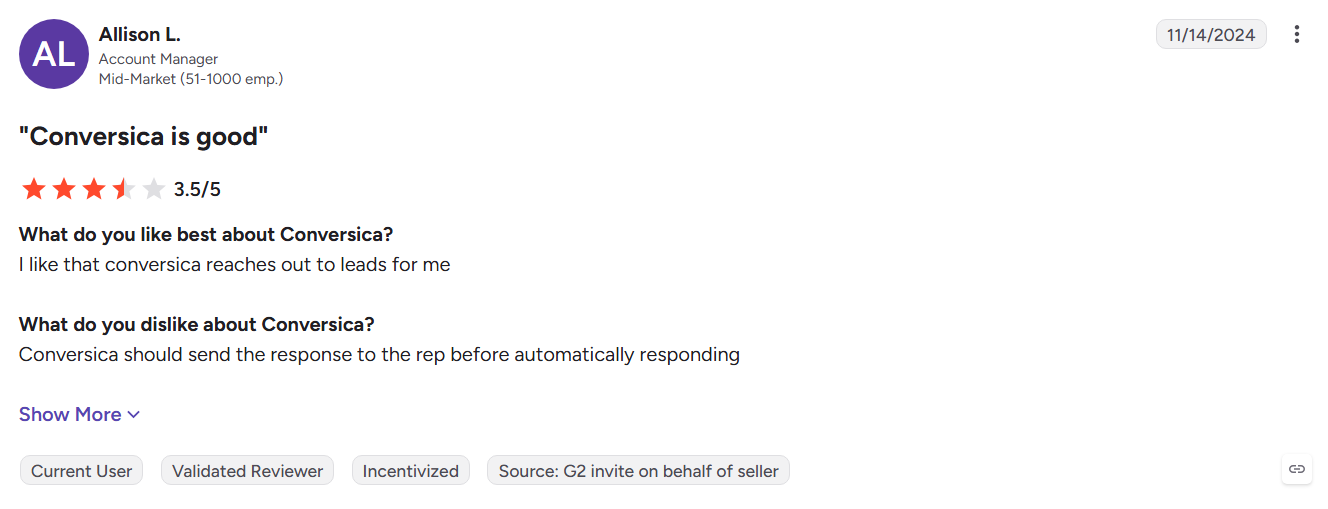
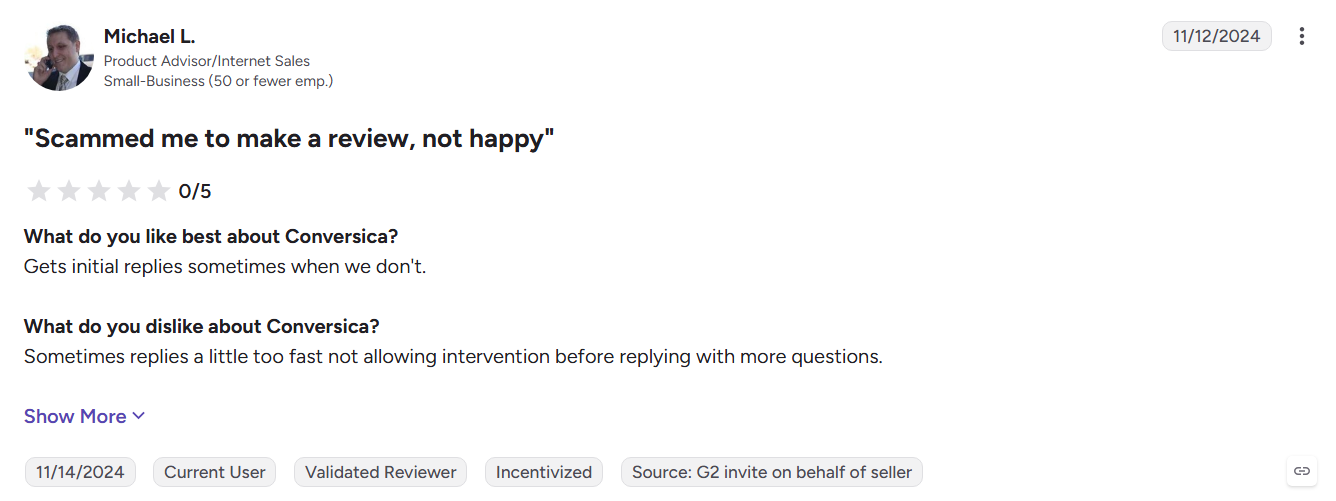
Conversica uses AI revenue assistants to follow up with leads through email and SMS. They handle two-way conversations, requalify dormant prospects, and pass interested buyers to sales teams without requiring constant manual follow-up.
Key Features:
- Two-way AI conversations: Responds to lead replies and continues the conversation.
- Lead requalification: Re-engages stale and dormant leads in your database.
- Email and SMS follow-up: Keeps lead nurturing active across multiple channels.
Pros
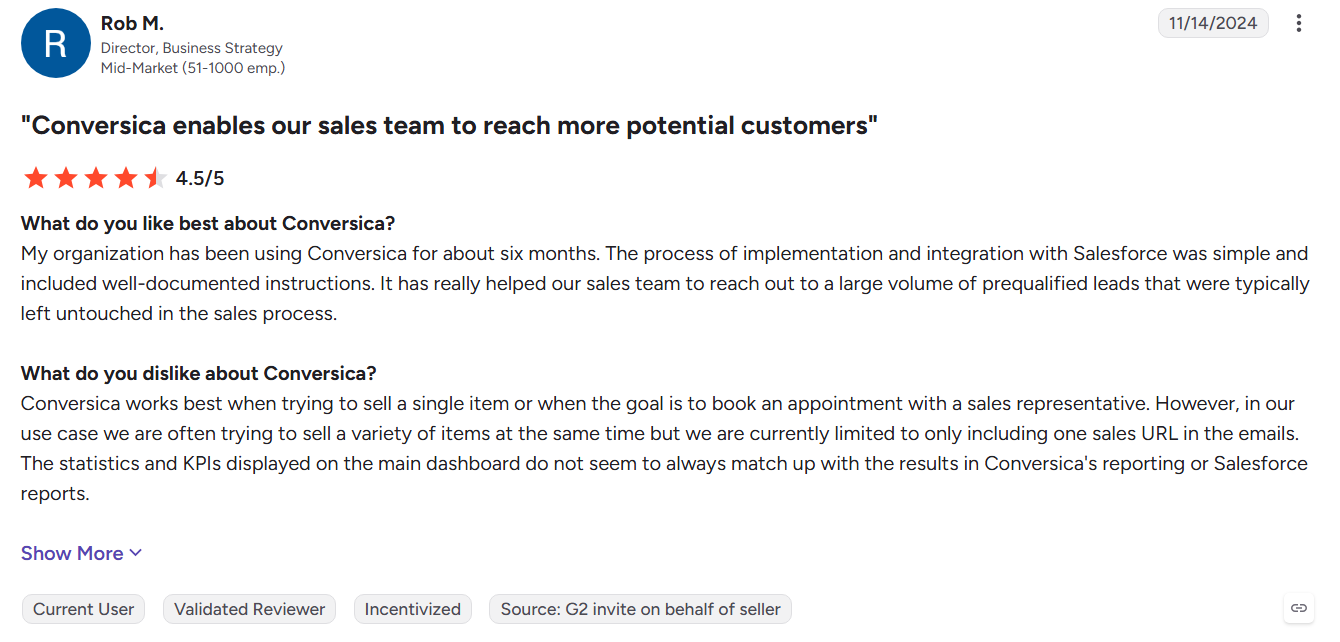
- Consistent lead follow-up at scale
- Supports customizable AI conversations
- Integrates with major CRM and marketing platforms
Cons
- Requires an existing lead database
- Does not identify anonymous website visitors
- Pricing is custom for mid-market and enterprise teams
Best For: Sales teams with large lead backlogs that need automated follow-up and requalification.
10. Zoho SalesIQ
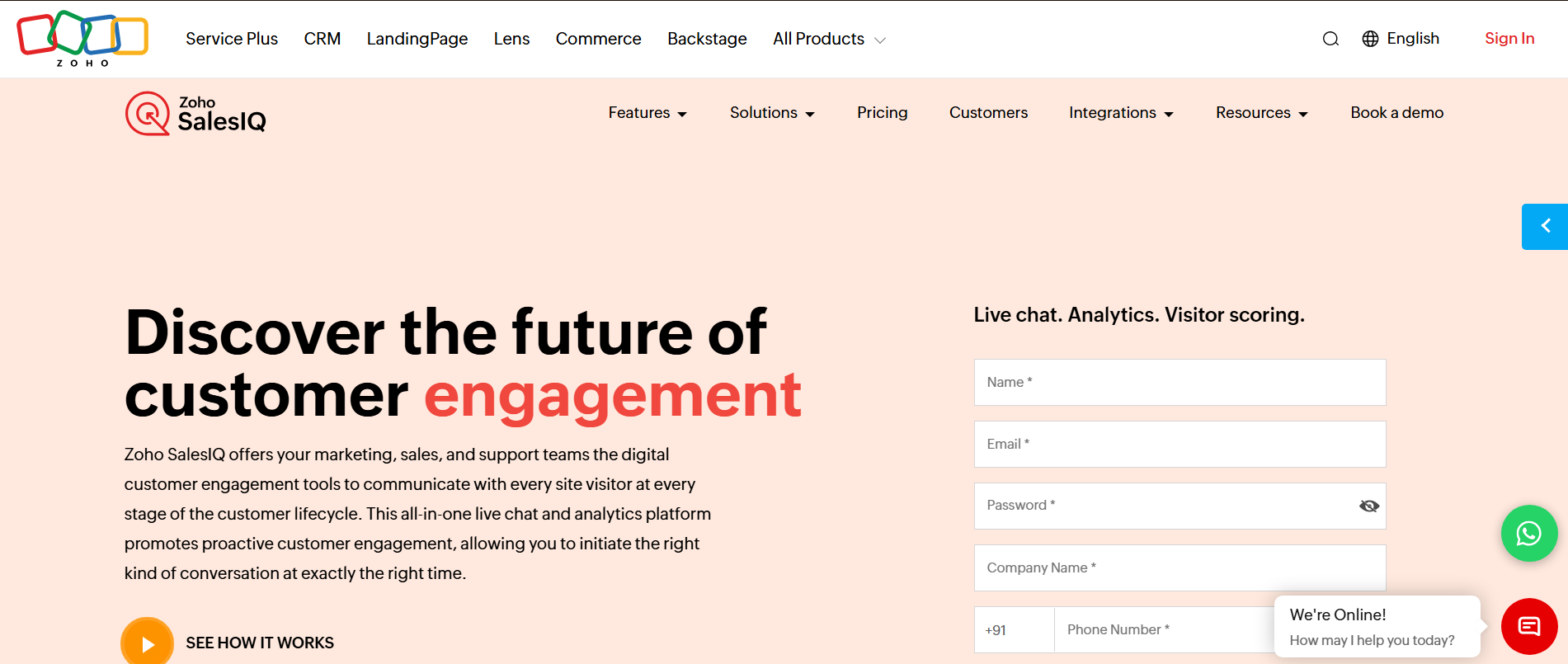
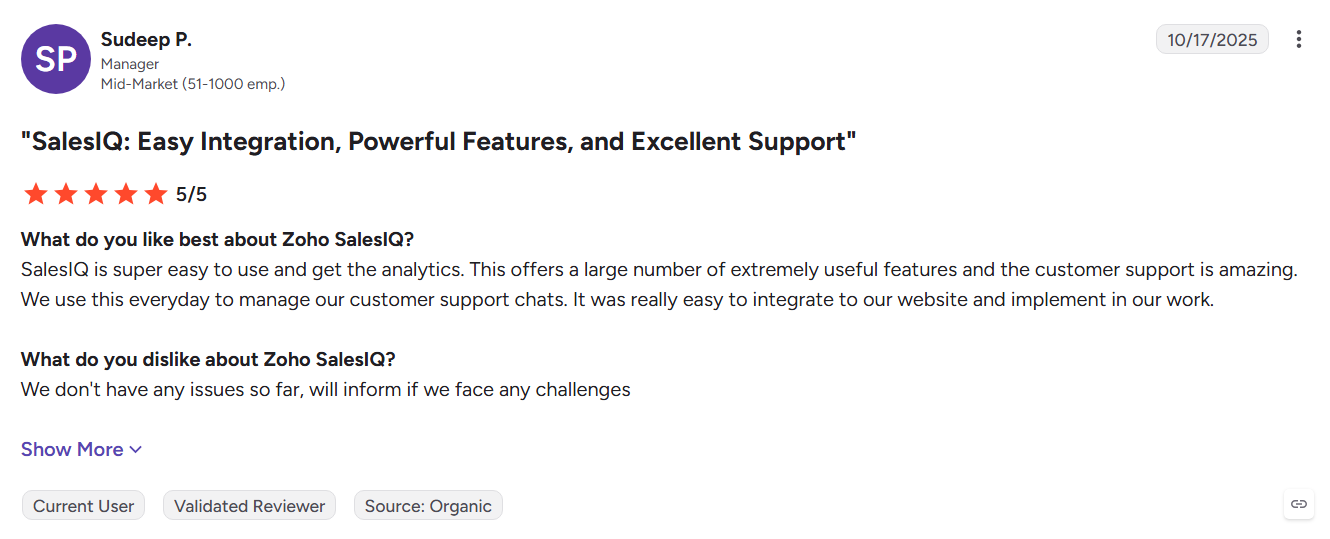
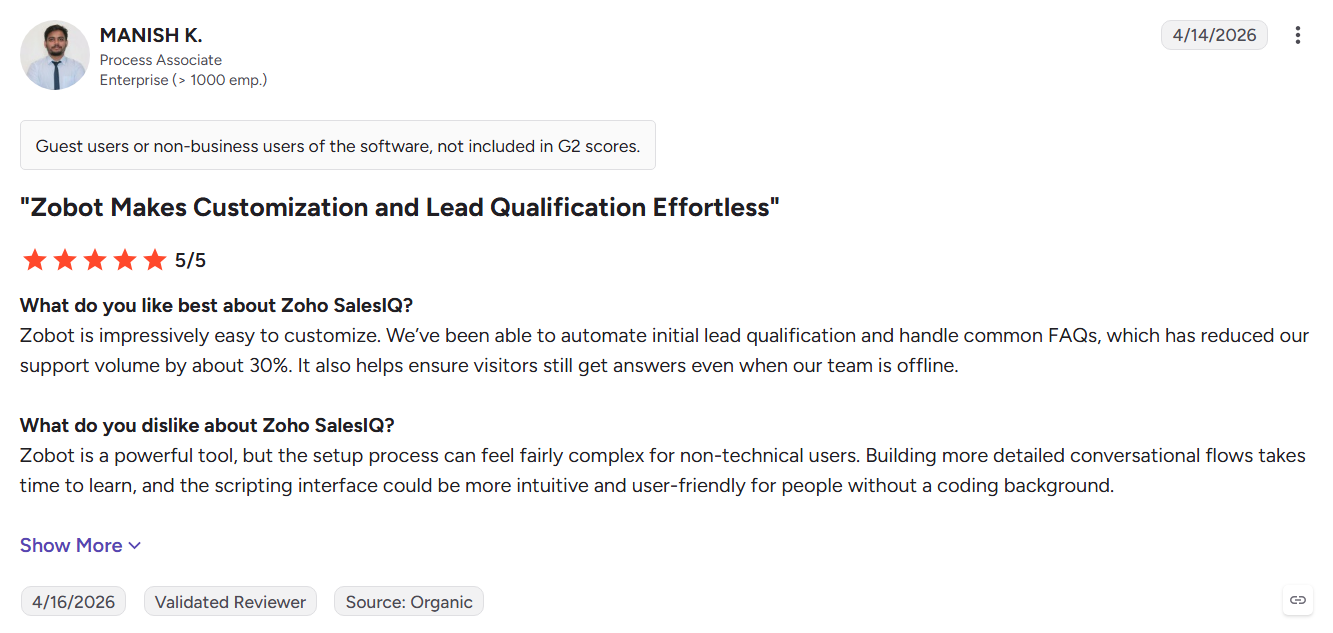
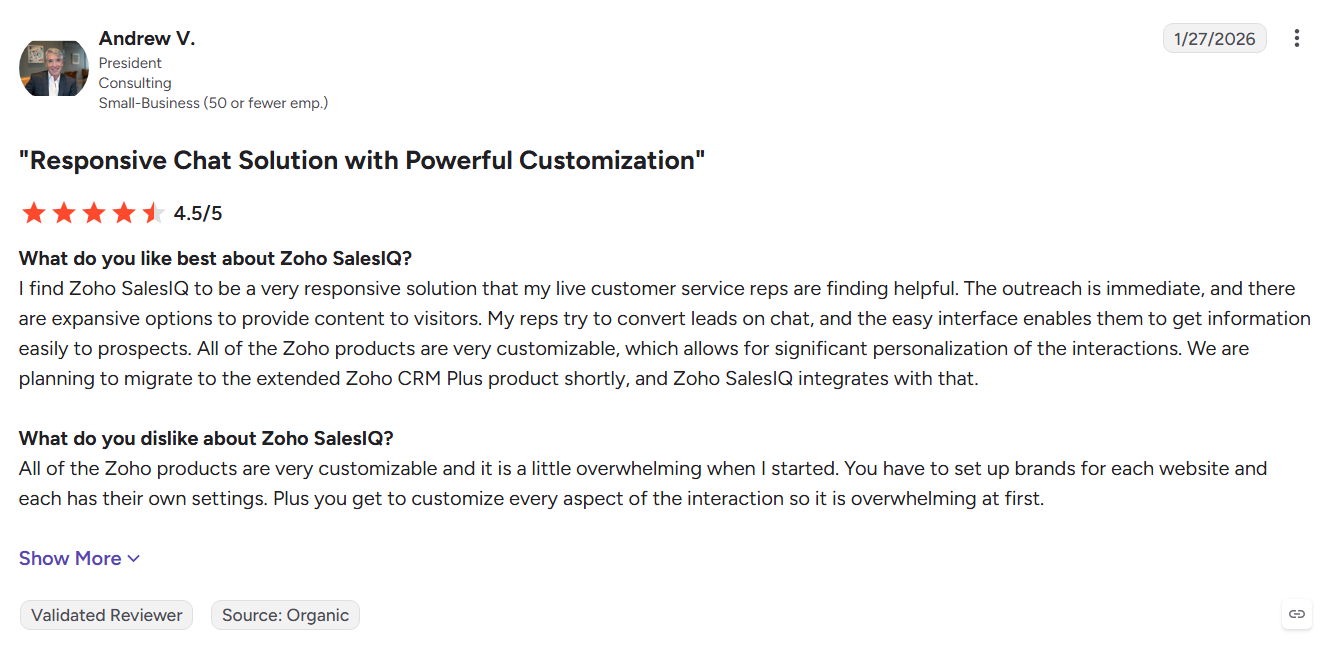
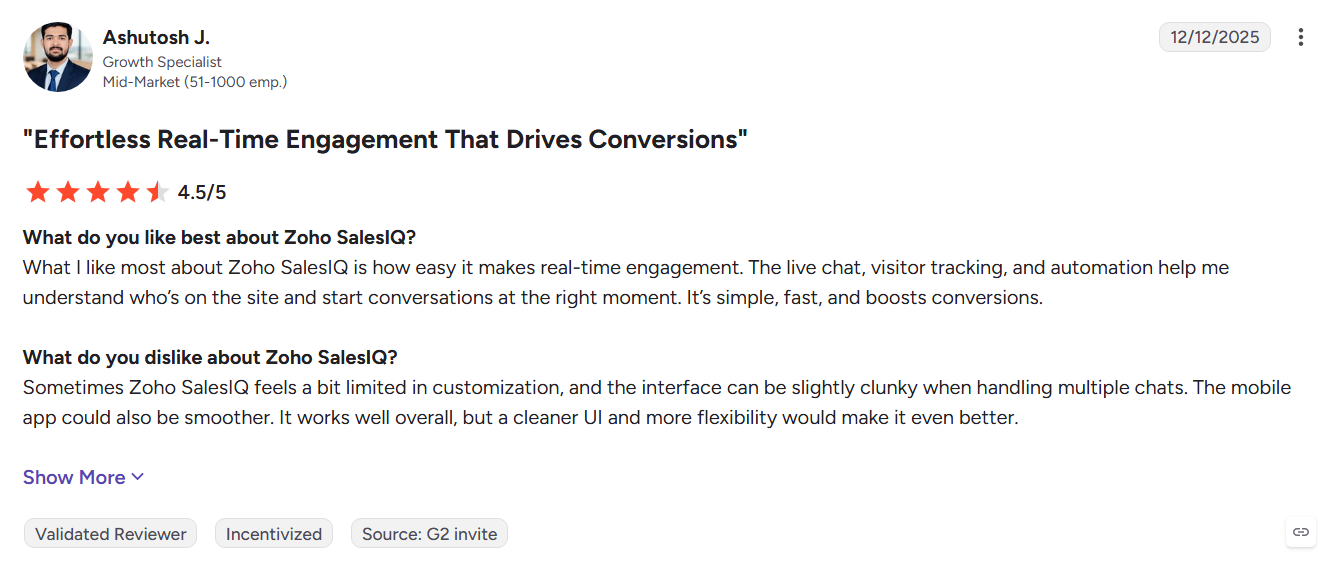
Zoho SalesIQ combines live chat, visitor tracking, and Zobot chatbots with the wider Zoho ecosystem. It tracks website activity, scores visitors, and sends engagement data into Zoho CRM for follow-up. SalesIQ is lighter and easier on the budget, but it mainly shines inside Zoho.
Key Features:
- Visitor tracking: Shows live visitors, viewed pages, and returning sessions.
- Zobot chatbots: Handles qualification, FAQs, and automated conversations.
- Lead scoring: Ranks visitors based on engagement rules.
Pros
- Strong Zoho CRM integration
- Free plan available
- Combines chat and visitor tracking
Cons
- Best suited to the Zoho ecosystem
- Smaller third-party integration range
- AI capabilities are less specialized than dedicated AI platforms
Best For: Sales teams already using Zoho CRM that need website chat and visitor tracking.
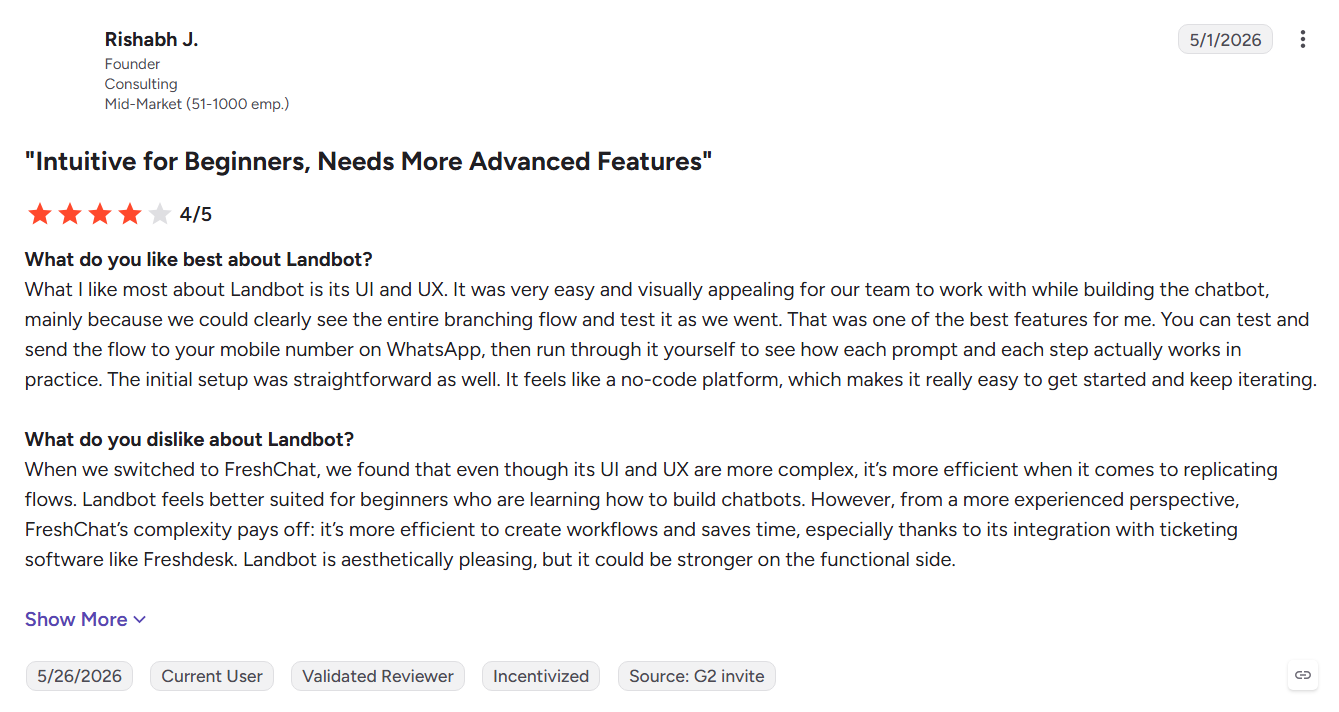
11. Landbot
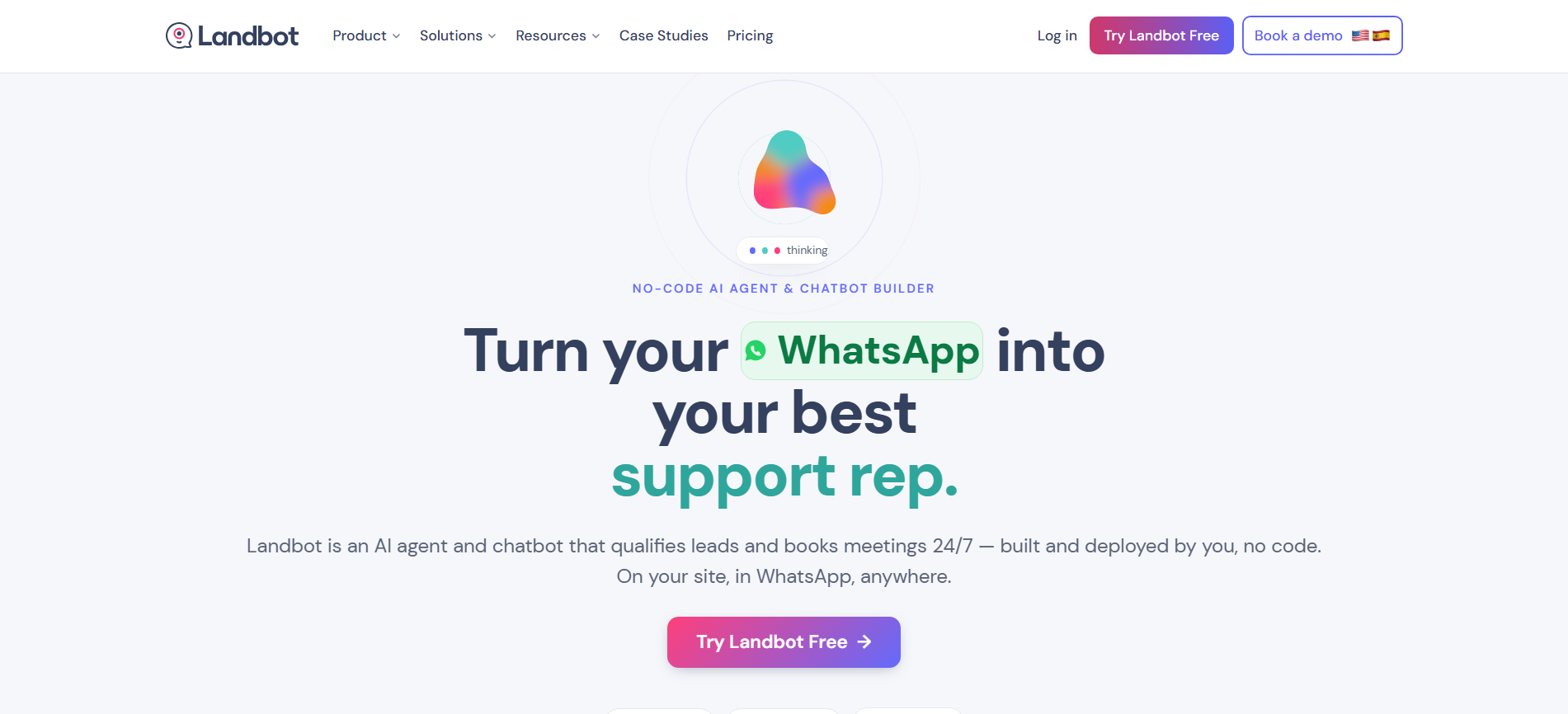
Landbot gives marketing teams a visual way to build conversational lead capture and qualification flows without code. Teams can collect answers, qualify visitors, and send suitable prospects to a calendar or CRM.
Key Features:
- Visual flow builder: Creates qualification journeys without coding.
- AI agent blocks: Handles open questions within defined workflows.
- Multi-channel bots: Deploys conversations across websites and WhatsApp.
Pros
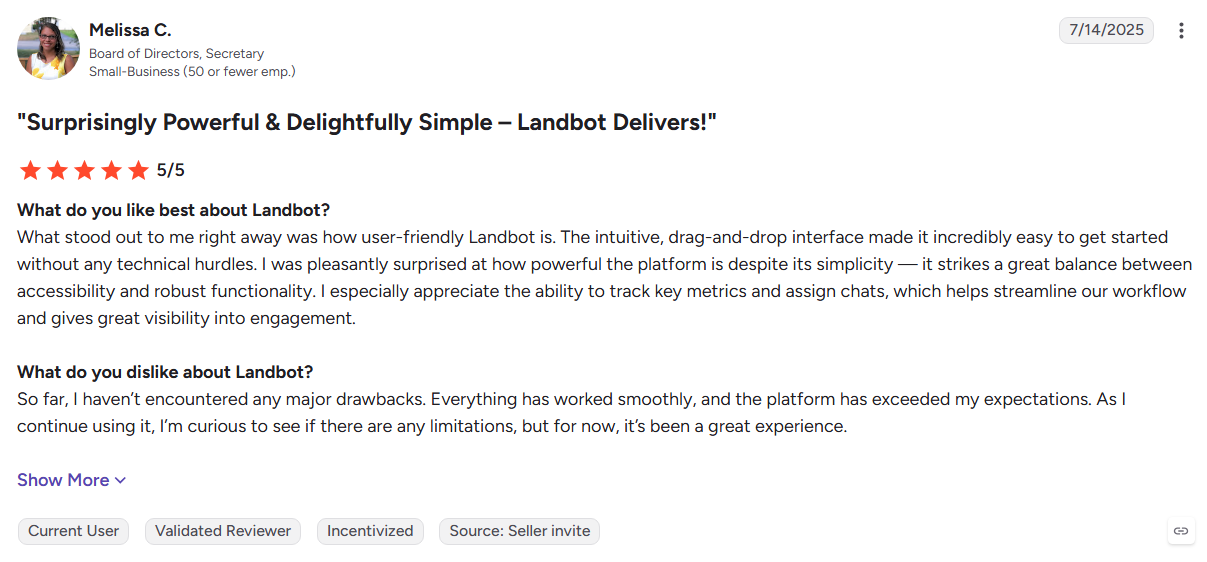
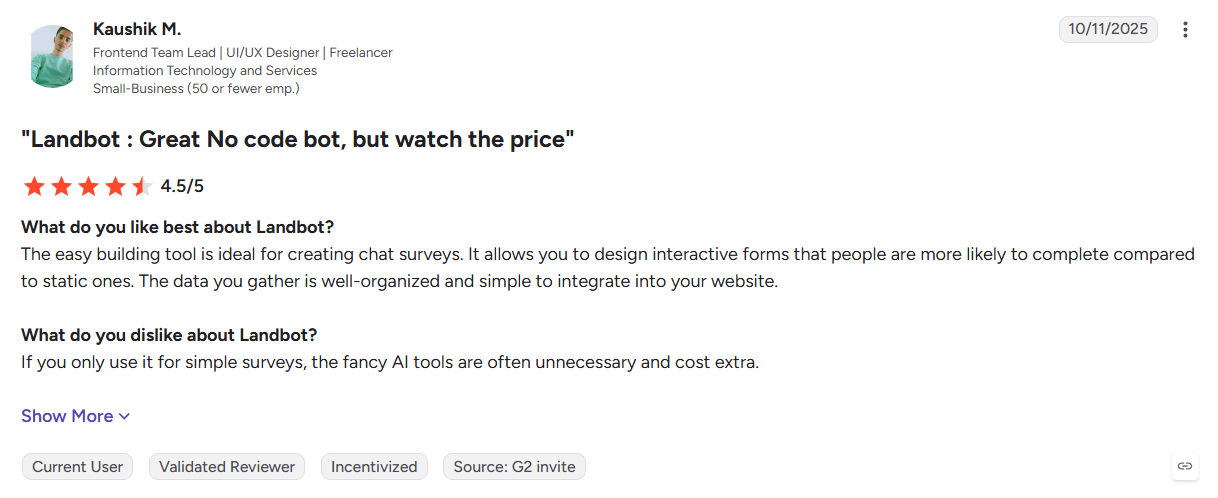
- Self-serve pricing and quick setup
- Easy for marketing teams to manage
- Strong WhatsApp support
Cons
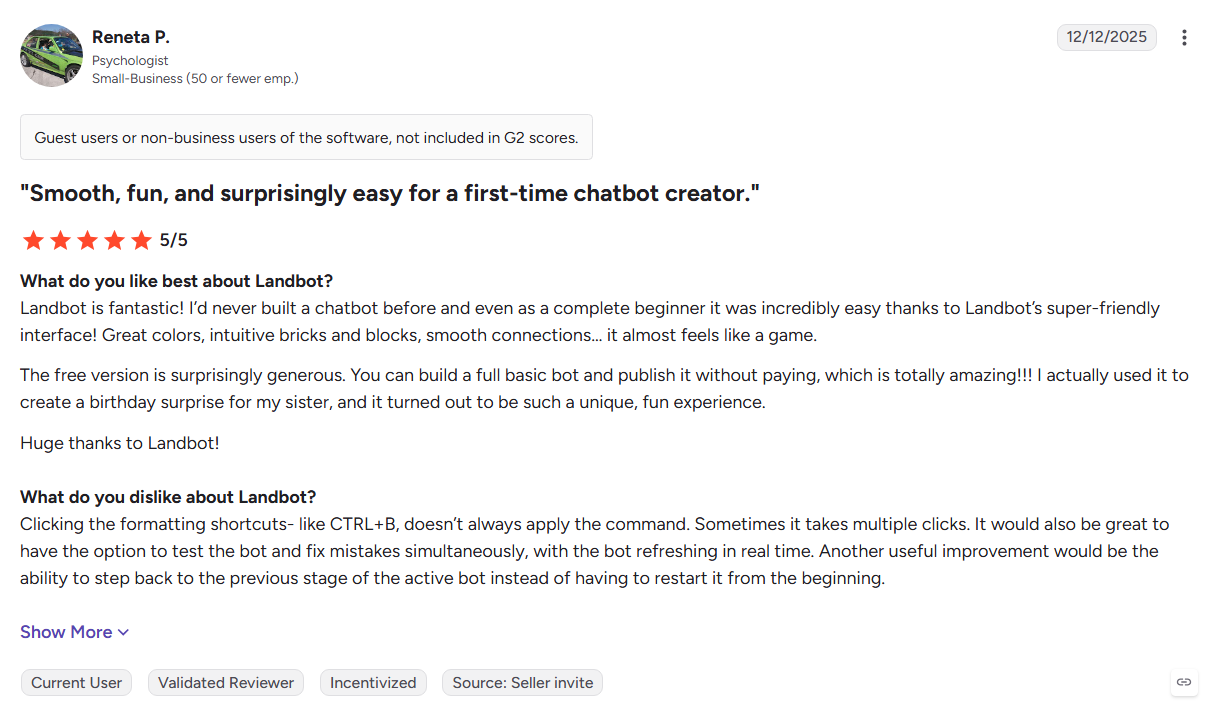
- Flows need regular maintenance
- Usage limits vary by plan
- Does not provide person-level visitor identification
Best For: Marketing teams that need no-code conversational lead capture and qualification.
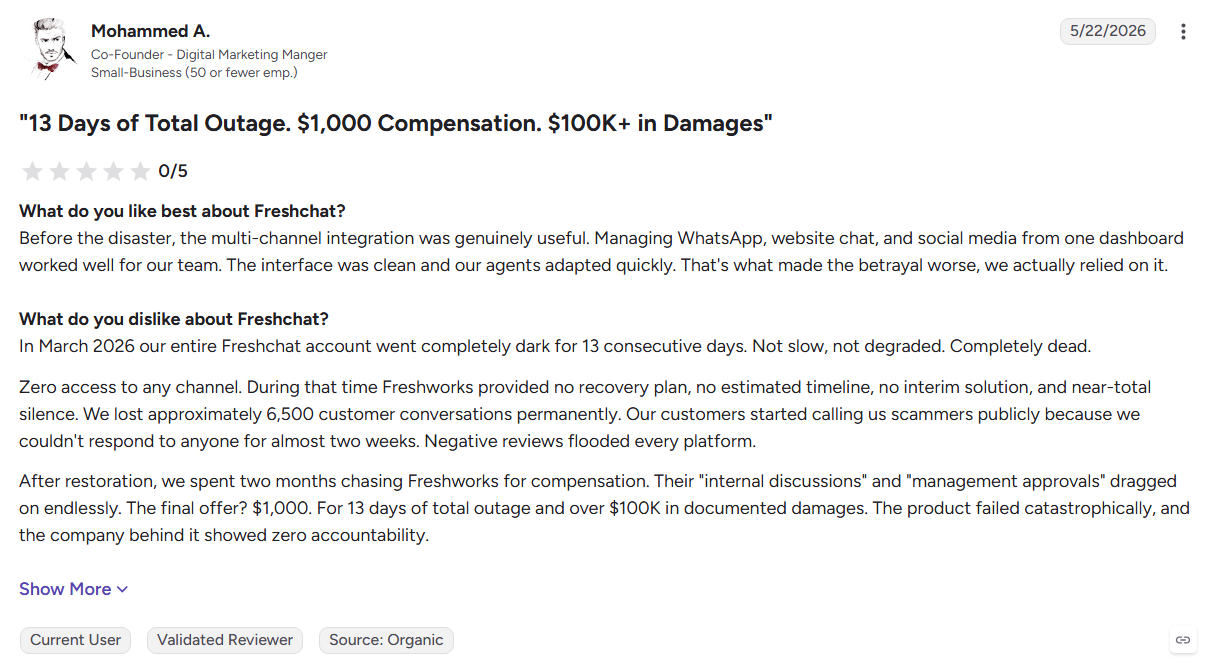
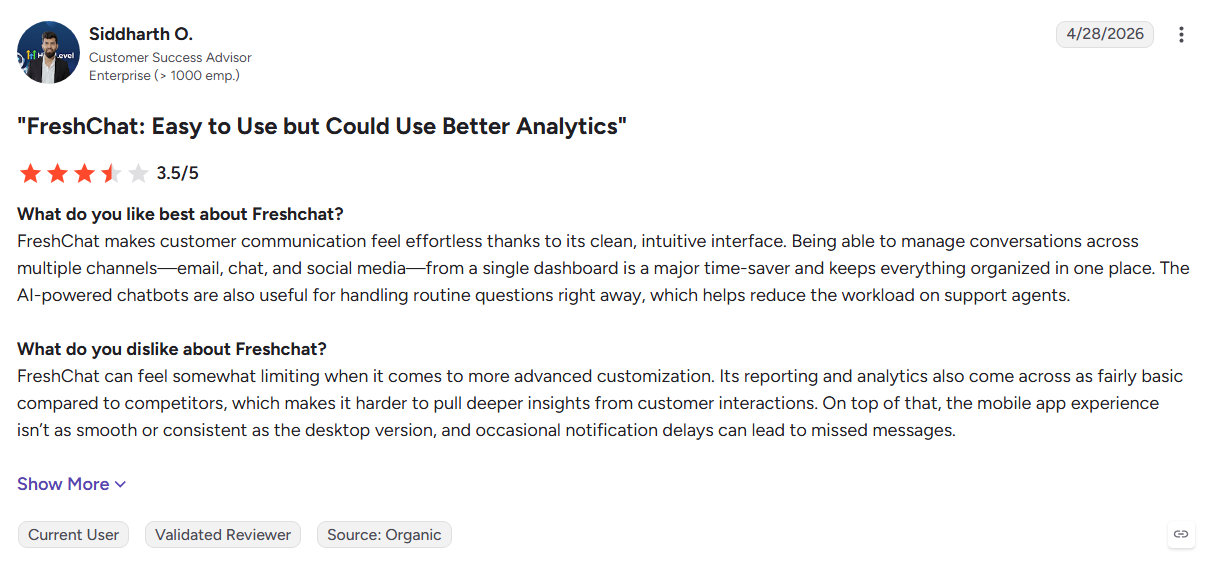
12. Freshchat
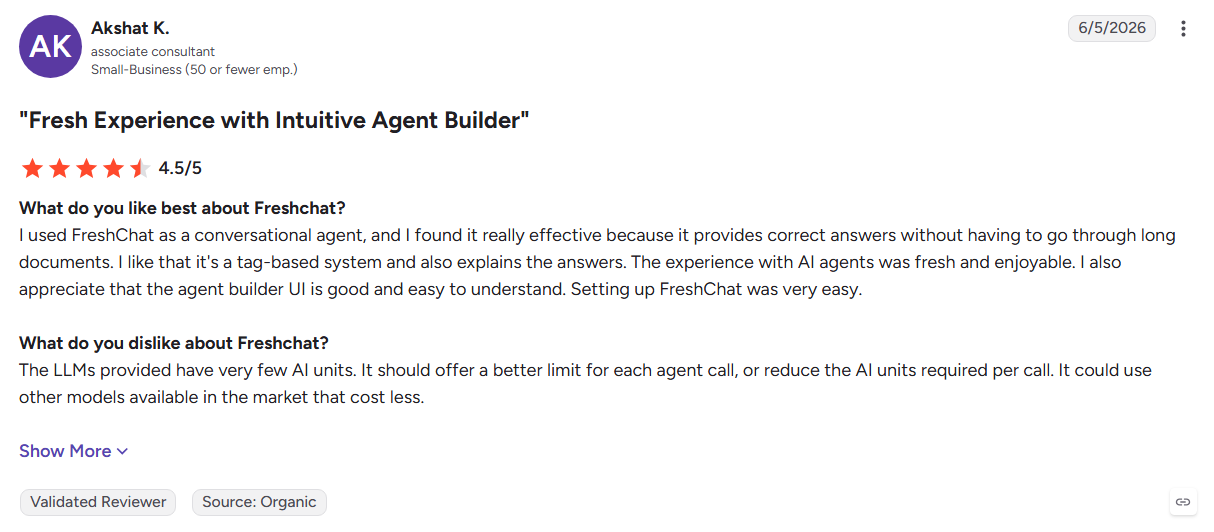
Freshchat brings web chat, email, WhatsApp, Instagram, and other messaging channels into the Freshworks ecosystem. Freddy AI handles routine conversations while customer data connects with Freshdesk and Freshsales.
Key Features:
- Freddy AI: Automates routine questions and basic qualification.
- Omnichannel inbox: Manages conversations across multiple messaging channels.
- Journey builder: Creates proactive messages based on visitor behavior.
Pros
- Free plan for small teams
- Broad messaging channel coverage
- Native Freshworks integrations
Cons
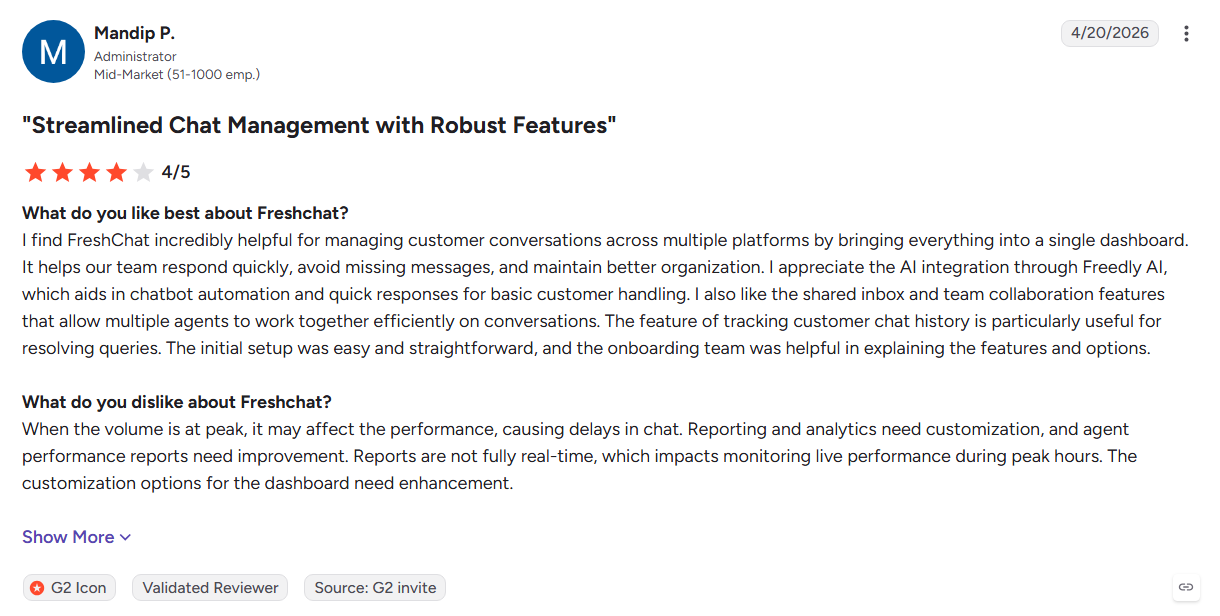
- AI and advanced channels can increase costs
- More focused on support than sales pipeline
- Limited intent-based lead prioritization
Best For: Teams already using Freshdesk or Freshsales that want unified customer messaging.
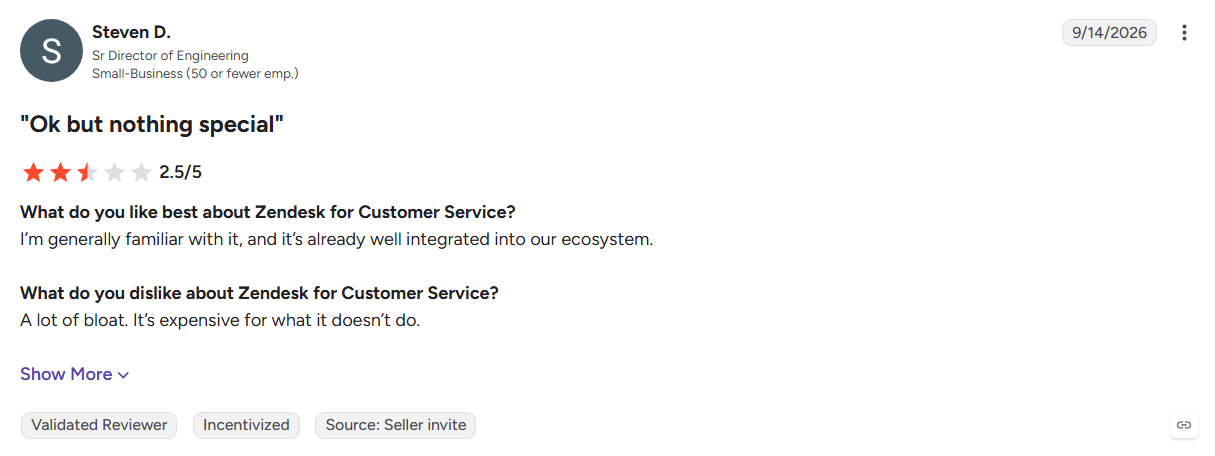
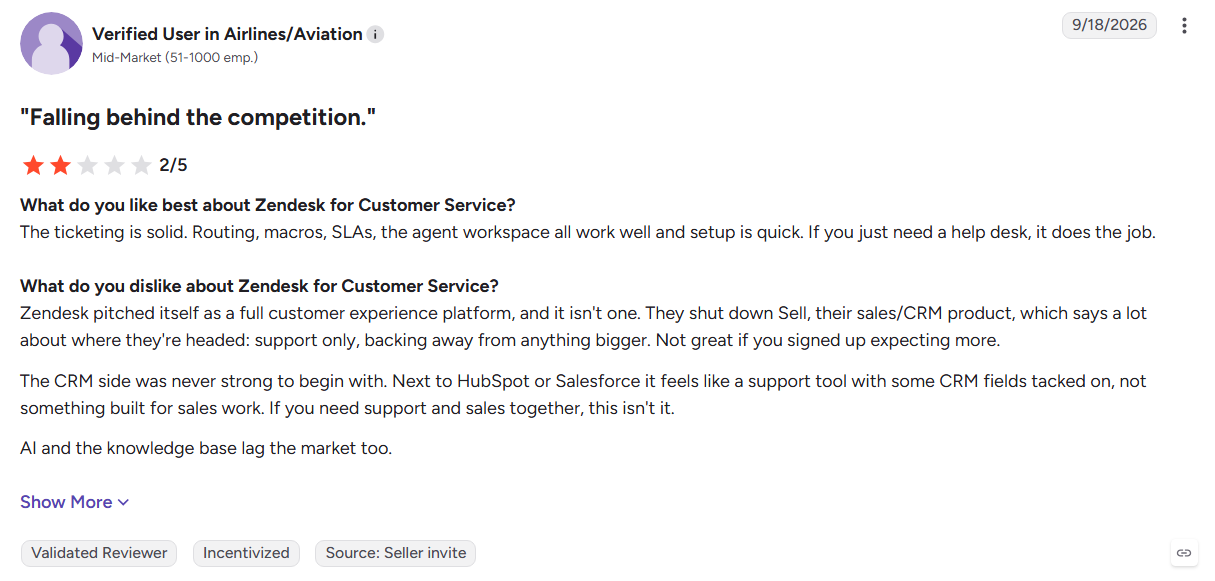
13. Zendesk
Zendesk combines ticketing, messaging, voice, knowledge management, and AI agents in one service platform. It is built for support teams that need structured workflows, SLA management, detailed reporting, and controlled customer communication.
Key Features:
- AI agents: Handles common customer requests across messaging channels.
- Omnichannel routing: Routes conversations across chat, email, voice, and social channels.
- Analytics and reporting: Tracks support performance, SLAs, and customer satisfaction.
Pros
- Enterprise-grade ticketing and support workflows
- Strong governance and reporting controls
- Large third-party integration marketplace
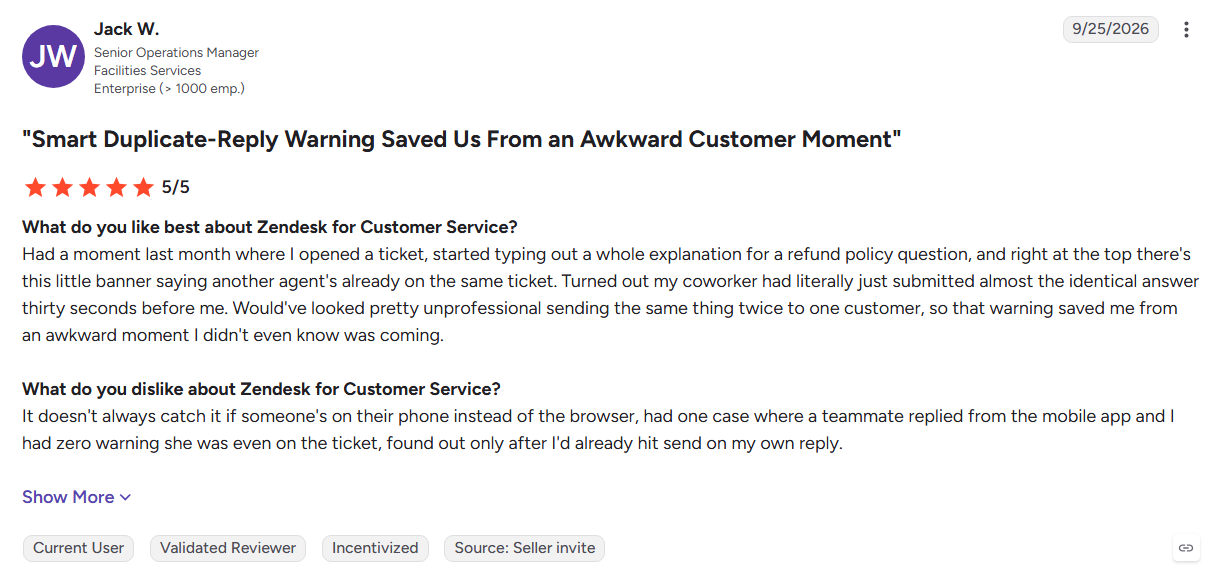
Cons
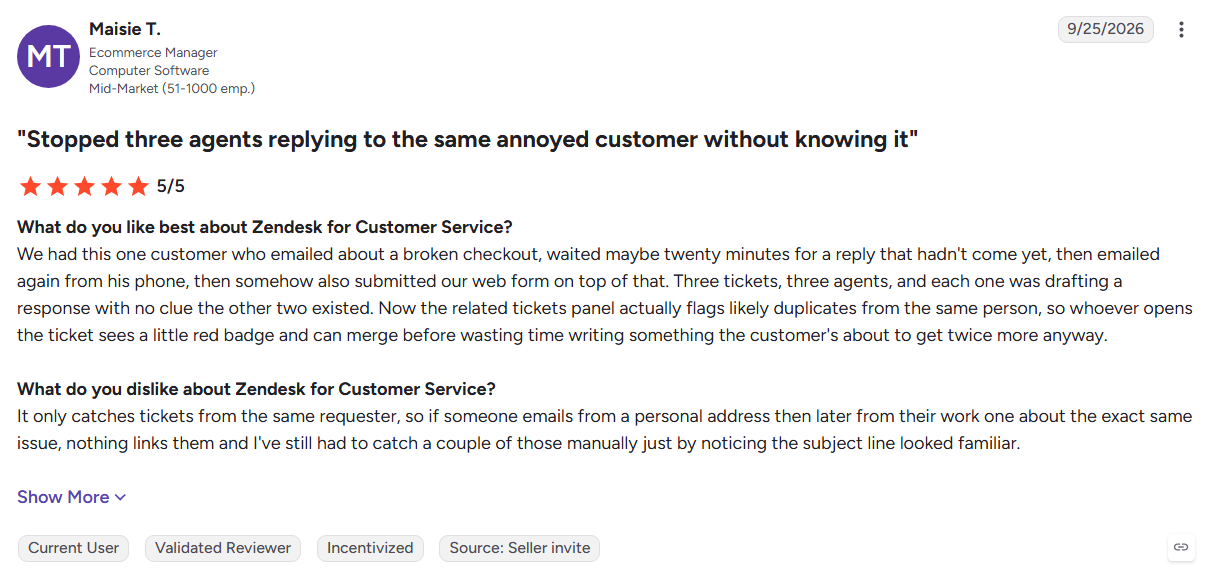
- More complex than needed for basic lead capture
- AI features add to the overall cost
- Costs increase with additional seats and modules
Best For: Established support teams that need structured customer service operations alongside website messaging.
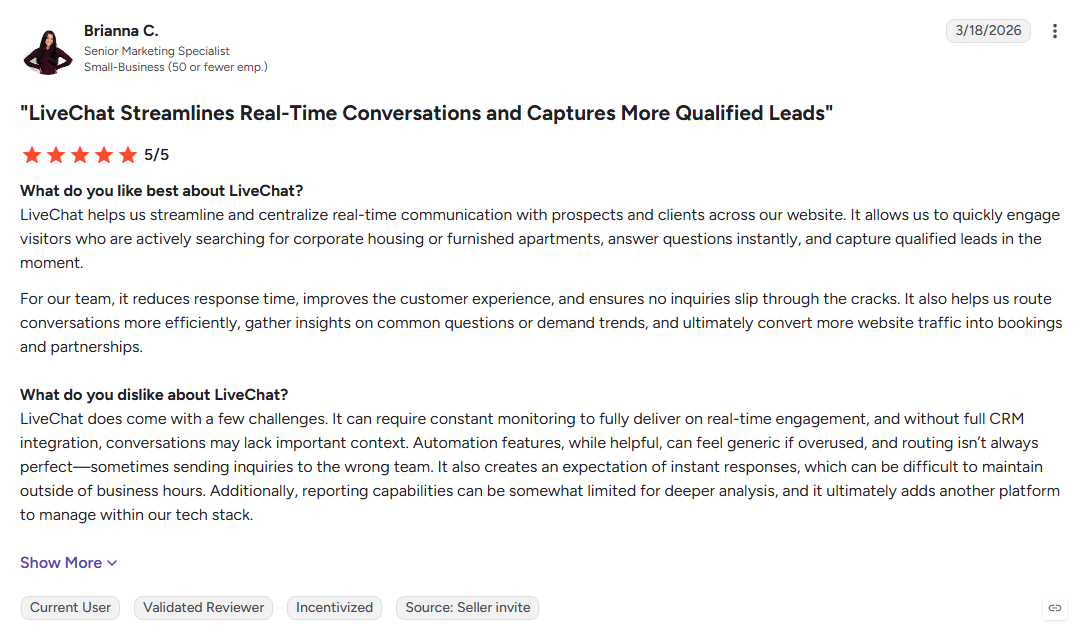
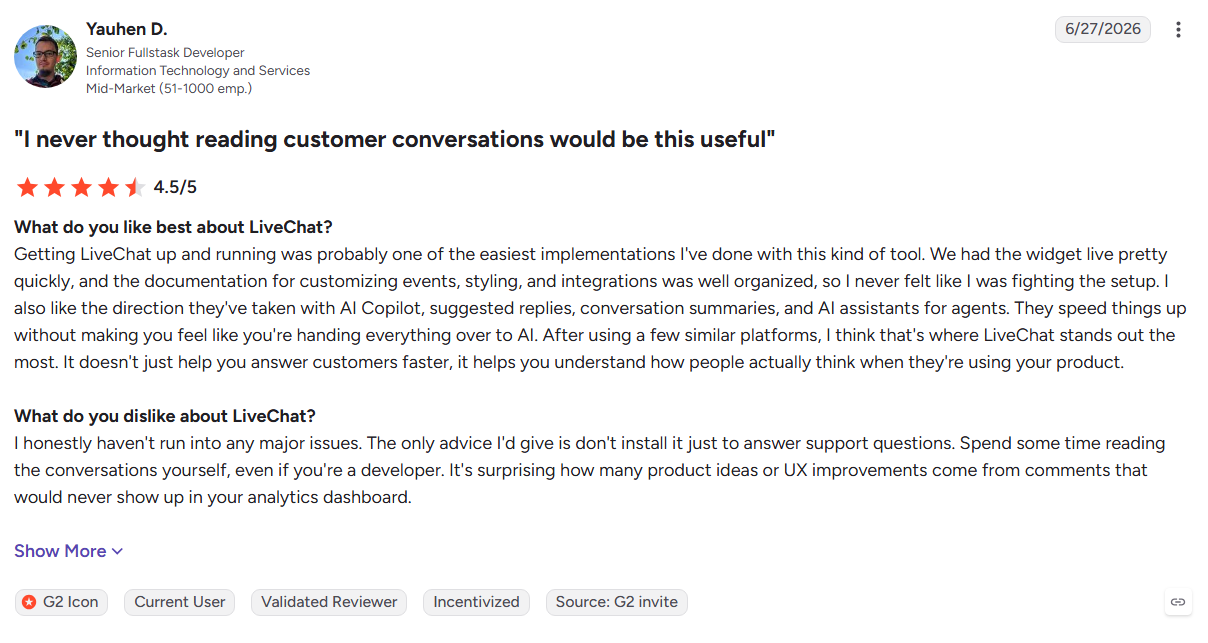
14. LiveChat
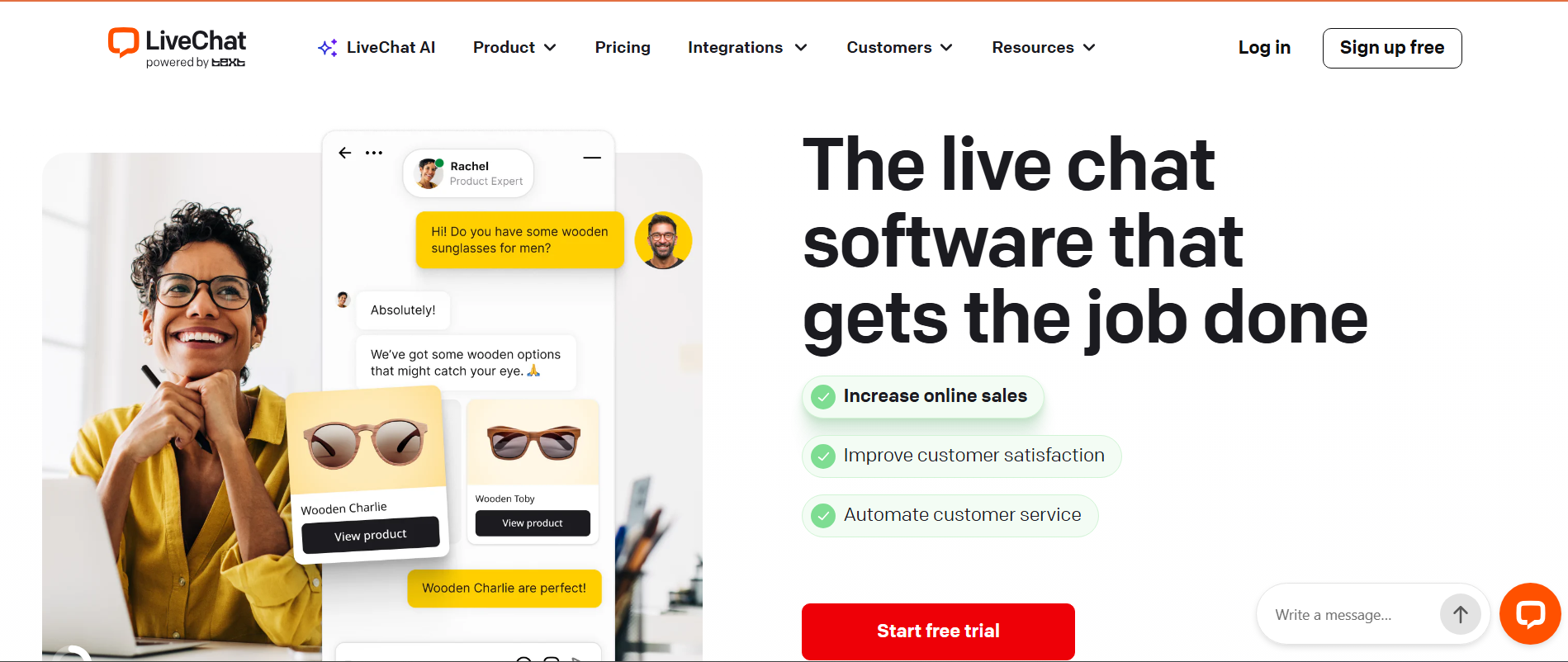
LiveChat is a human-first website chat platform built around real-time visitor activity and agent conversations. Teams can monitor visitors, route chats, use saved responses, and manage conversations without a complex sales workflow.
Key Features:
- Real-time visitor tracking: Shows visitor activity, pages viewed, and time on site.
- Chat routing: Assigns conversations based on agent skills and availability.
- Text Intelligence: Uses AI to suggest replies and summarize conversations.
Pros
- Reliable human-led website chat
- Quick onboarding for support teams
- Useful reporting and visitor insights
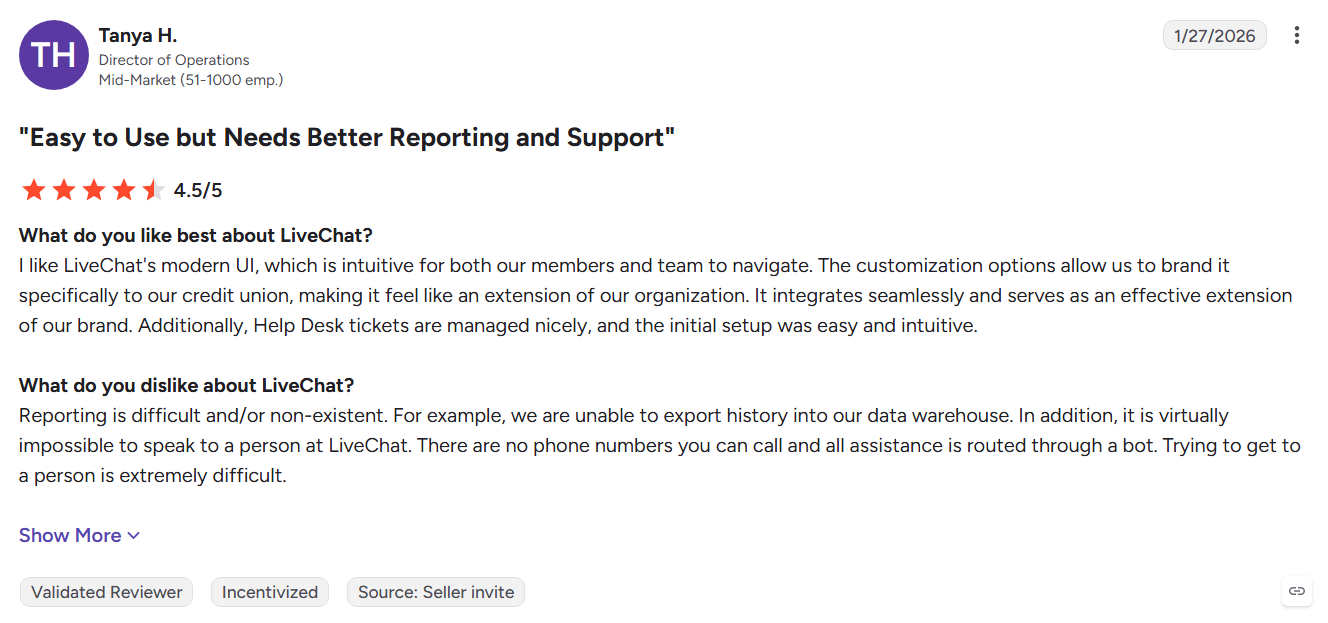
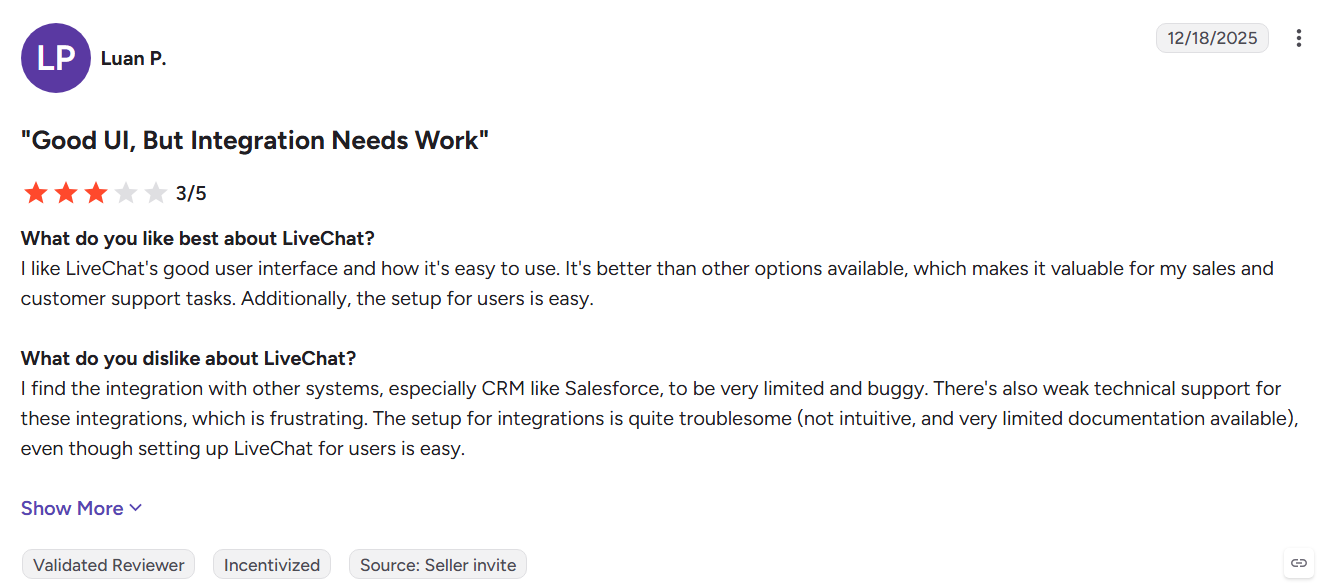
Cons
- Advanced automation requires the ChatBot add-on
- Limited intent-based qualification
- Conversations remain focused on website engagement
Best For: Teams that want straightforward human-led website chat with minimal setup.
15. Tidio
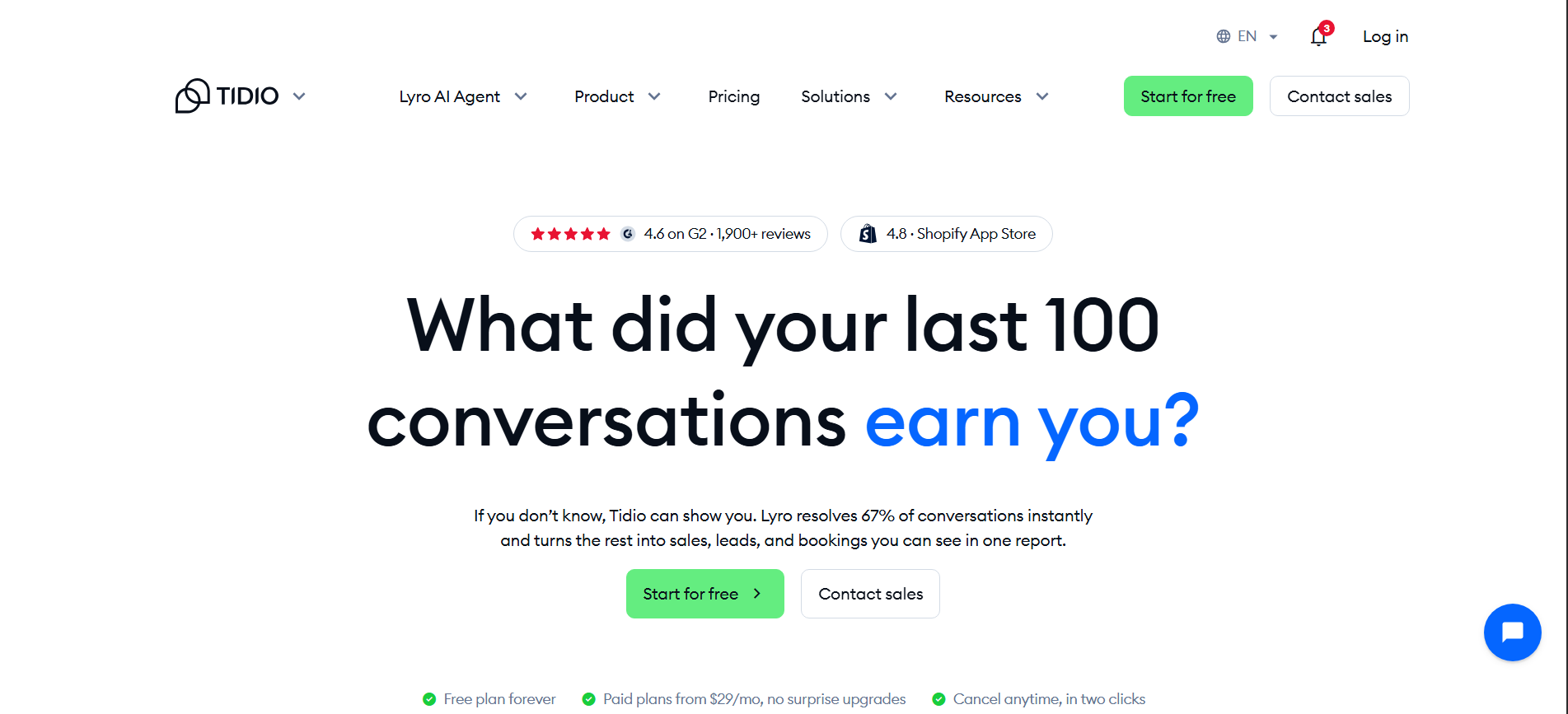
Tidio combines live chat, help desk tools, no-code Flows, and Lyro AI Agent in one lightweight platform. Its simple setup makes it practical for small teams that need website support and basic automation without a lengthy implementation.
Key Features:
- Lyro AI Agent: Answers repetitive questions using your website and knowledge base.
- Flows: Automates greetings, lead capture, and visitor routing.
- Multichannel inbox: Manages conversations across supported messaging channels.
Pros
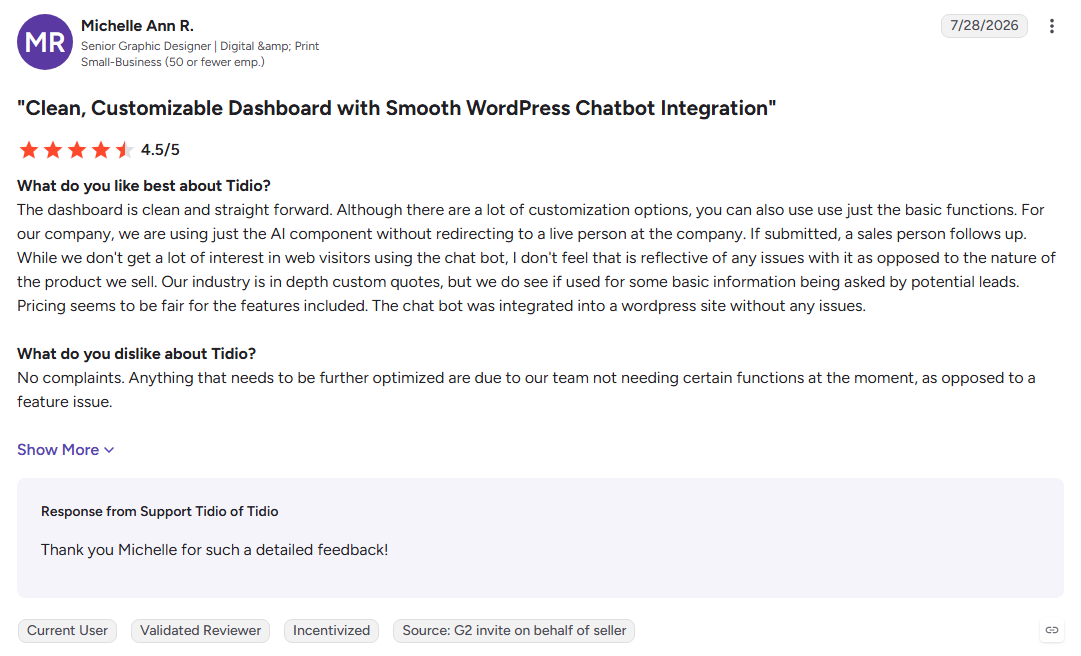
- Free plan with quick setup
- Simple AI training from existing content
- Clean interface for small teams
Cons
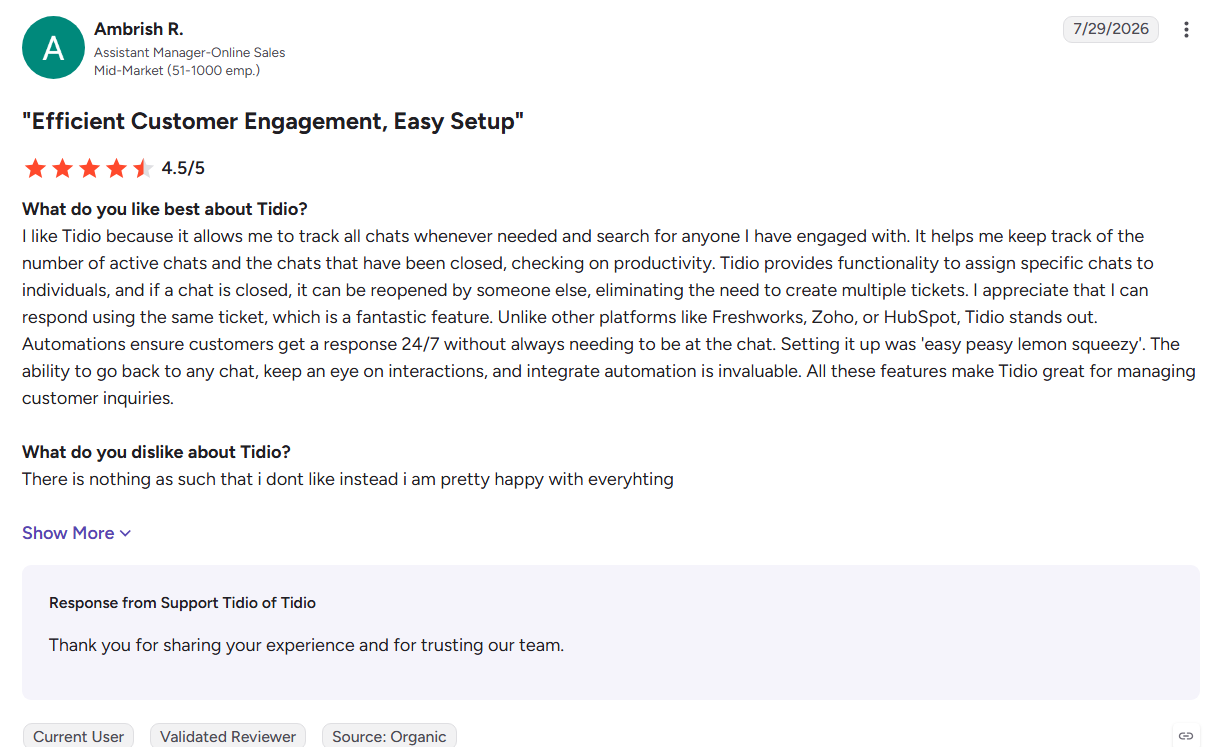
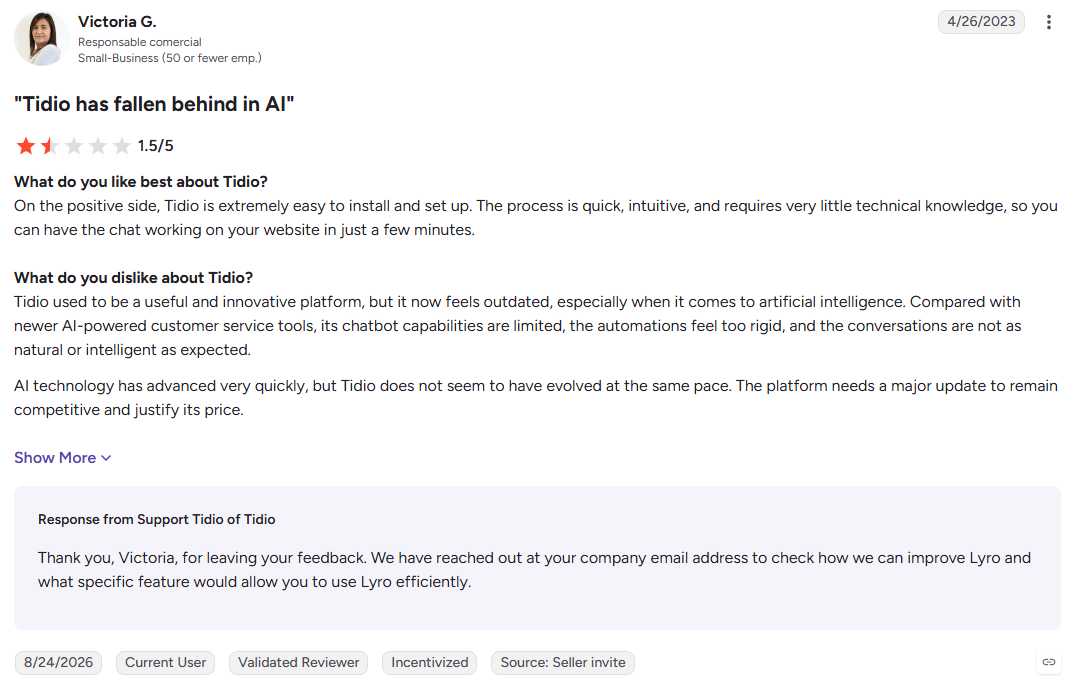
- Lower plans have conversation limits
- Basic qualification for B2B sales
- Costs increase as AI usage grows
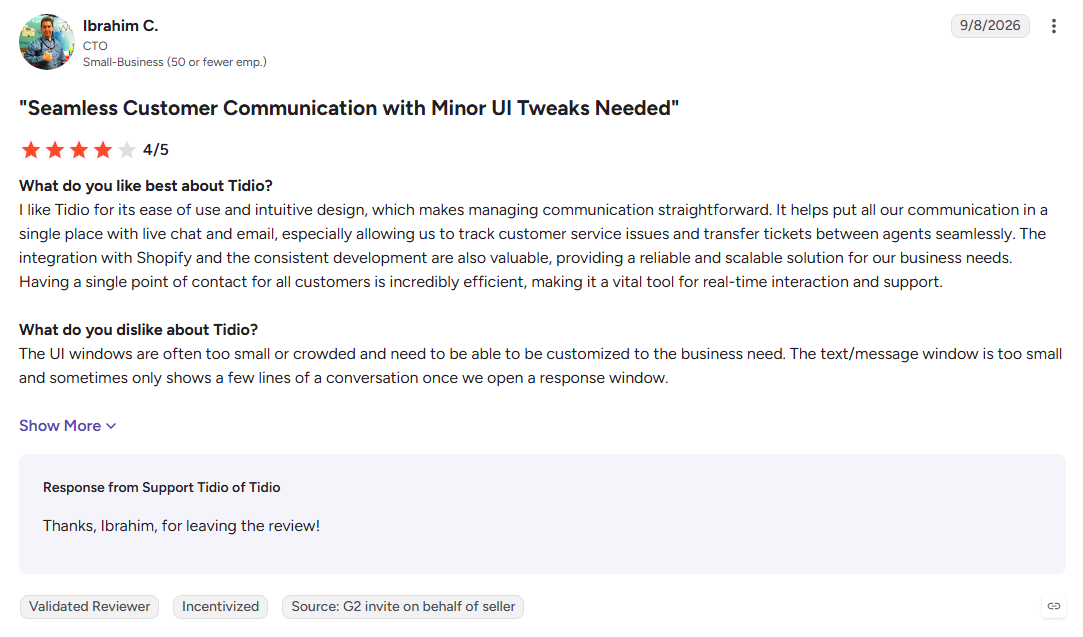
Best For: Small teams that need affordable website chat and AI support with a quick launch.
16. Crisp
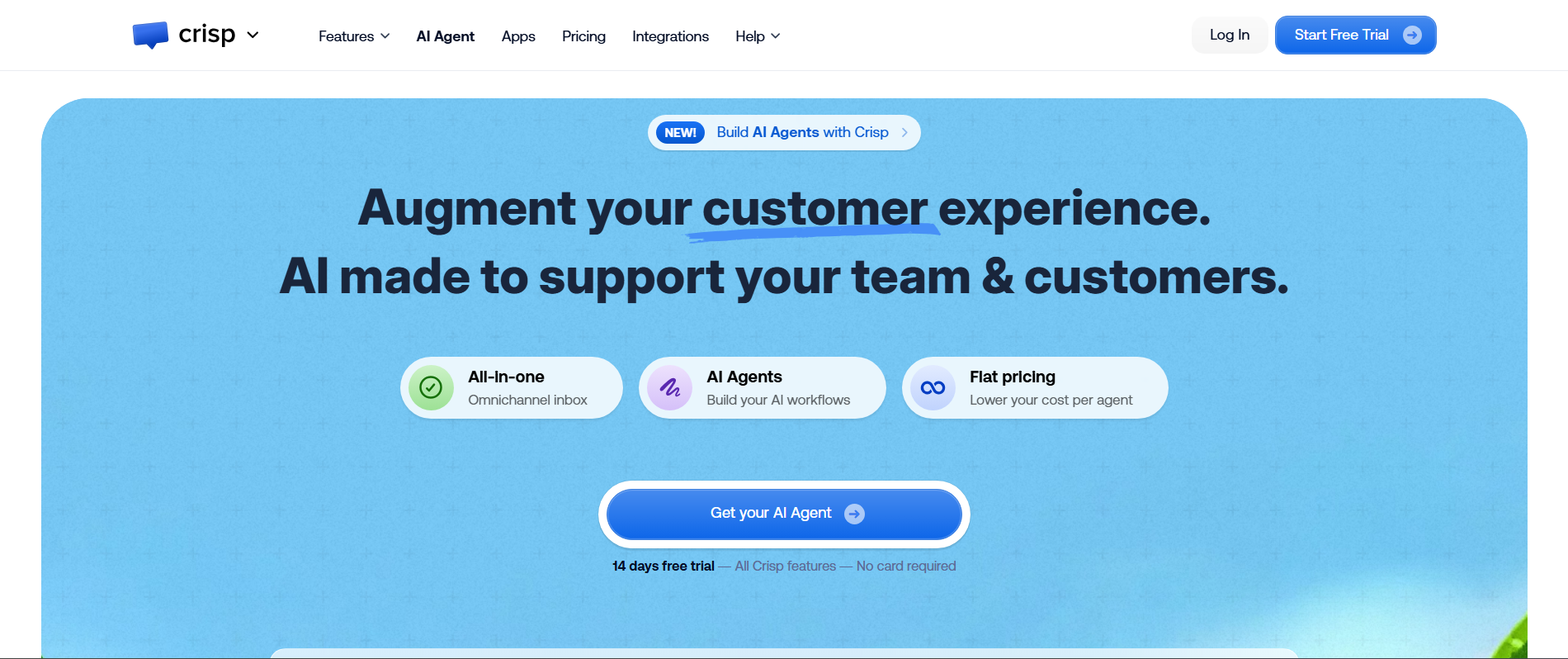
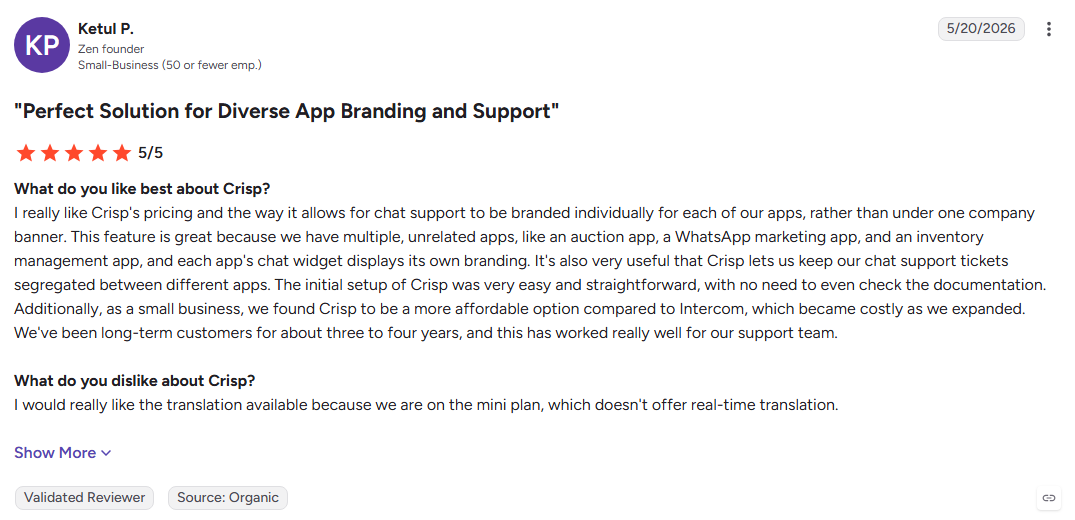
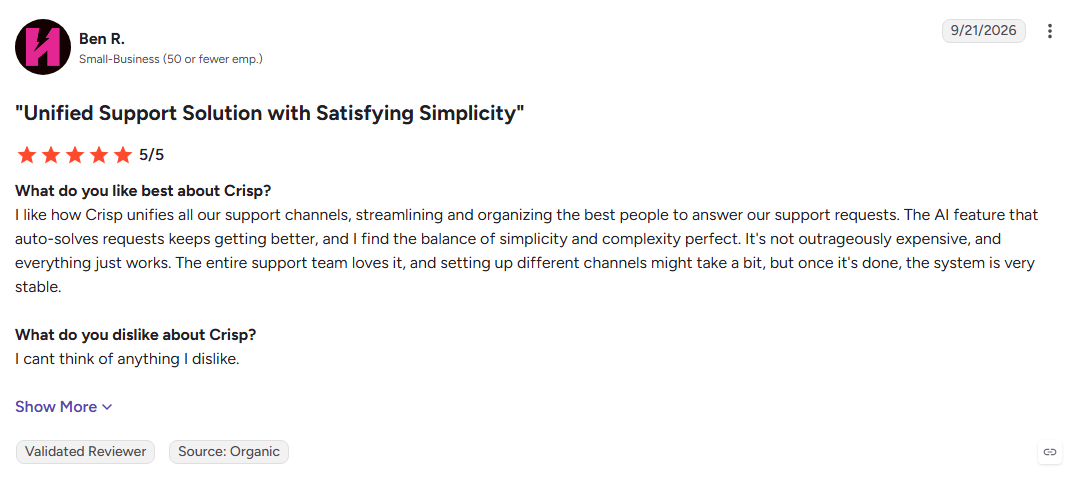
Crisp combines live chat, shared inboxes, chatbots, and knowledge management in one workspace. Its workspace-based pricing gives smaller teams a predictable way to manage customer conversations across multiple channels.
Key Features:
- Omnichannel inbox: Brings web chat, email, WhatsApp, Instagram, and Messenger together.
- Chatbot builder: Creates no-code workflows with human handoff.
- Knowledge base: Provides self-service content and supports AI-powered replies.
Pros
- Predictable workspace-based pricing
- Modern and easy-to-use interface
- Strong support for multiple messaging channels
Cons
- Mobile app has fewer features than the web version
- Some channels can require additional usage costs
- Limited B2B sales qualification
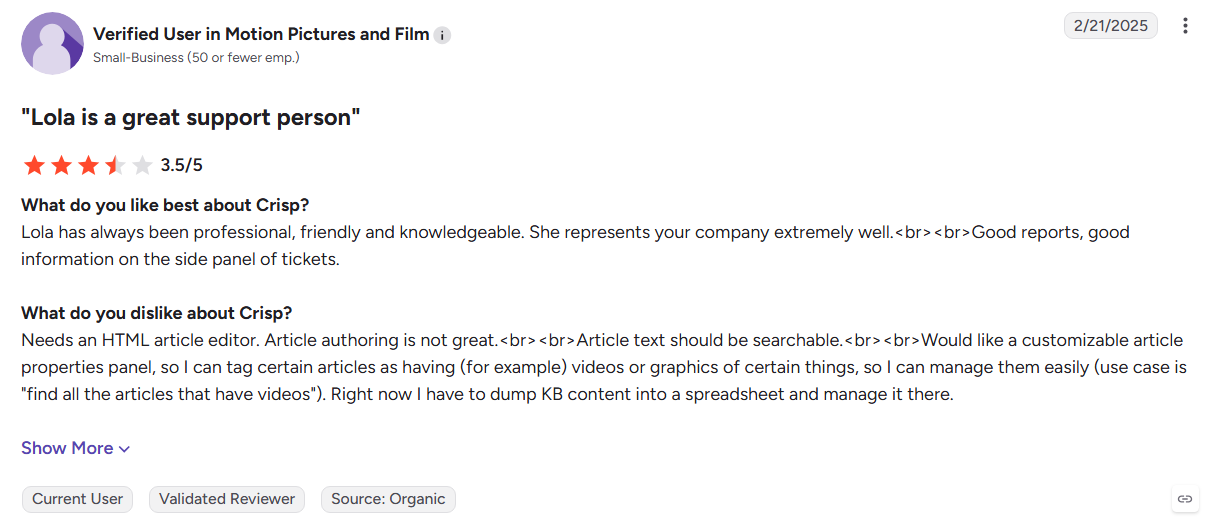
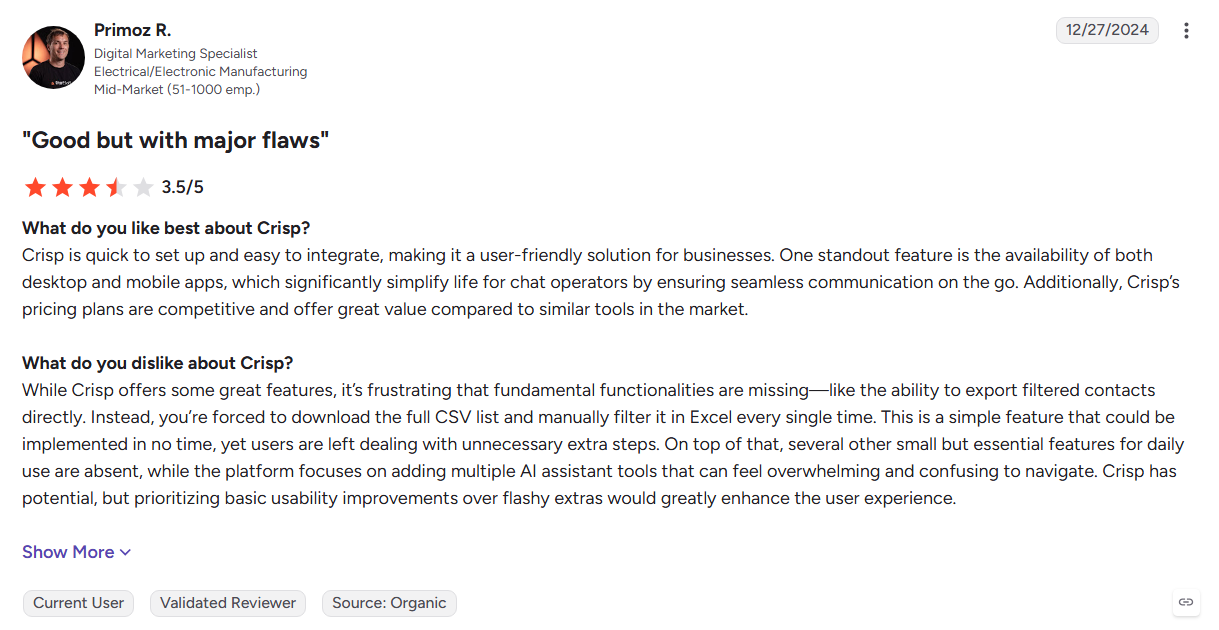
Best For: Startups that want predictable chat costs and a shared workspace for customer conversations.
Also Read: How To Identify Anonymous Website Visitors: Meet Kwin, Your AI Business Developer
How to Migrate From Drift Without Losing Pipeline
Switching to one of these Drift alternatives doesn't have to be a multi-quarter project. Follow these five steps in order, and your pipeline keeps flowing while Drift winds down.
1. Export Contacts, Segments, and Conversation Data
Start by pulling out what only Drift holds. In your Drift dashboard, open Visitors, then All Contacts, filter the contacts you need, save them as a static segment, and export the CSV.
Next, open the Chats section and export conversation statistics like chat length, message counts, and tags. Full transcripts usually need the Drift API, so loop in whoever manages your integrations early.
You don't need to move anything Drift already synced to HubSpot, Salesforce, or Marketo. Those records stay in your CRM and connect to your new tool automatically.
2. Audit Which Playbooks Actually Produced Pipeline
Before you rebuild anything, screenshot your key playbooks and routing rules, because these don't export. Then check your CRM reports to see which playbooks sourced real opportunities, not just chats.
You'll likely find that a handful did the real work. Rebuild those, retire the rest, and use the switch to clear out duplicate or outdated rules for good.
3. Run the New Tool in Parallel Before Cutover
Install your new tool while Drift is still live. With Kwin, that means adding one pixel through your site header or Google Tag Manager, which takes about five minutes.
Let both tools run side by side for a few weeks. Compare identified visitors, qualified leads, and meetings booked, so you decide with your own data instead of a vendor's promise.
4. Switch One Channel at a Time
Don't flip everything on the same day. Move website engagement or visitor follow-up first, confirm routing and CRM sync work, then retire the matching Drift playbooks.
After that, move the remaining channels one by one. This phased approach keeps inbound leads flowing and gives your reps time to learn the new handoff.
5. Revoke Drift OAuth Tokens and Old Integrations
Once the new stack proves itself, close the door behind you. Revoke every OAuth token and API key tied to Drift in Salesforce, Google Workspace, Slack, and any other connected app.
Finally, remove the Drift script from your site and confirm your contract end date. This last step closes the security gap that the OAuth incident exposed.
Also Read: Key Benefits of Identifying Website Visitors
Why Kwin Is the Drift Alternative Built for Pipeline
Most conversational tools wait for visitors to start a conversation. Vison AI takes a different approach with Kwin, an AI Business Developer that identifies buyers already showing interest on your website and moves qualified prospects toward a sales conversation.
- Identify buyers: Recognizes 60%-70% of visitors across 175+ countries at the person and company level.
- Score intent: Uses ICP Fit and Purchase Intent scores to prioritize visitors showing stronger buying signals.
- Track behavior: Uses page views, repeat visits, session depth, and other website activity to understand interest.
- Automate outreach: Sends personalized follow-ups from your domain when visitors meet the thresholds you set.
- Hand off leads: Sends positive replies to your inbox and routes conversations to Slack or your CRM.
- Filter traffic: Excludes unwanted countries, pages, data, and traffic before outreach begins.
- Built for trust: Supports SOC 2 Type II, GDPR, CCPA, ISO 9001:2015, and ISO 27001:2022.
- Proven results: Infiniticube generated 2.5x more qualified leads in 45 days, with 35%+ of meetings coming from visitors who never filled out a form.
Hire Kwin For Free with 100 leads per month and no credit card required, or Book Your Free Demo to see how it works.
Conclusion
Drift's sunset gives revenue teams a chance to rethink how their website creates pipeline. The tools in this guide cover different needs, from Salesforce-focused AI SDRs to support platforms and simple chat tools.
The bigger question is what happens to visitors who never start a conversation. Kwin identifies those visitors, scores their intent, and follows up with qualified buyers so sales teams can act on existing website demand.
We hope this guide helped you understand the key Drift alternatives, what each tool does differently, and which approach fits your sales workflow.
Hire Kwin For Free to turn anonymous website traffic into qualified conversations and see how Kwin can help build more pipelines.

